Best Interview Sidekick Alternative for AI Interview Assistant

A few days ago, with the help of AI interview assistant, I successfully passed my Databricks interview.
A couple of days before the interview, while looking up interview experiences, I came across Interview Sidekick, which claimed to provide real-time interview assistance. I had a read of some review articles about Final Round ai and alternatives to Parakeet ai, as well as more ranking articles on the best AI interview assistants, but to be honest I think I need to try it for myself to see what it's like.
I gave it a try, but I was very disappointed. Setting aside whether the AI could give satisfactory answers, it simply couldn’t remain undetectable. Its AI assistant is web-based, which means it can be detected by both screen sharing and active tab tracking.
Then I started looking for other AI interview assistants and finally found Linkjob AI. It truly goes undetected, remains invisible whether sharing the entire screen or when the active tab is being monitored. It also has a coding interview copilot that provides complete code solutions, something Interview Sidekick doesn’t offer. After comparing their features and capabilities, I chose Linkjob AI and it worked great.
Next, I will provide a detailed comparison of their features and explain why Linkjob AI interview assistant is a far superior alternative to Interview Sidekick.
Comparing Key Features of Linkjob AI and Interview Sidekick
Features | Linkjob AI | Interview Sidekick |
|---|---|---|
Undetectability | Supported | Not supported |
General Interview Copilot | Supported | Supported |
Screenshot Analysis | Supported | Supported |
Coding Interview Copilot | Supported | Not supported |
Personalized Service (Supports uploading personal resumes and job descriptions) | Supported | Supported |
Answer Consecutive Questions | Supported | Not supported |
Advanced Settings (adjust AI answer length, tone, etc.) | Supported | Not supported |
Interview Sidekick doesn’t support the one feature I need most: Undetectability.
This is the foundation of using AI during an interview without being caught; it’s absolutely core. Yet, it’s not even included as a feature in Interview Sidekick.
In addition, it lacks several other important features that make a real difference in actual interviews:
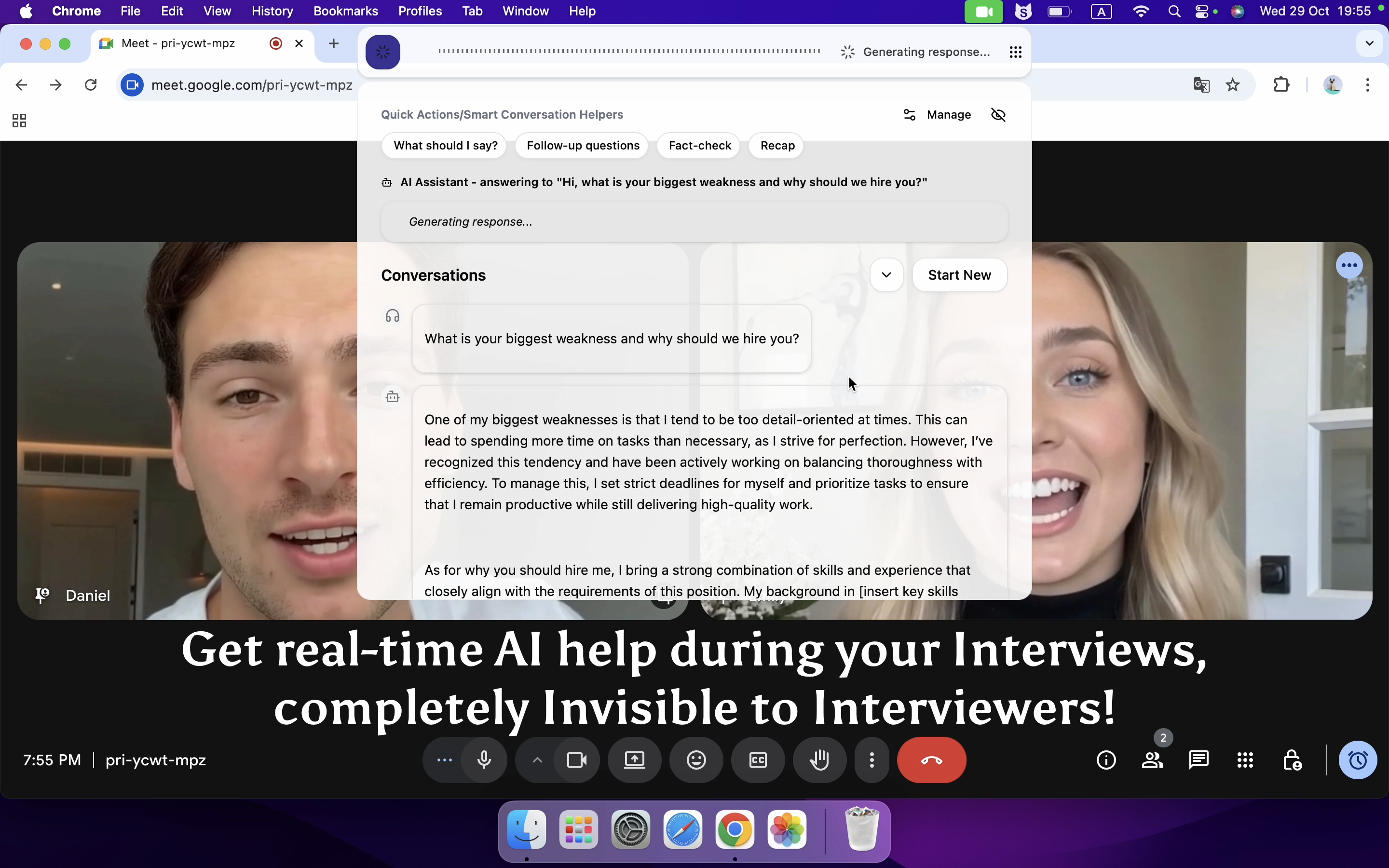
Streaming Output: The AI can automatically recognize interviewer's question, then respond immediately, so I don't have to do it manually. Anyone who has experienced a live interview knows how tricky it is to time those clicks correctly, especially if the interviewer suddenly interrupts or pauses mid-question.
Answer Consecutive Questions: Linkjob AI remembers previous questions within the same chat session until I manually start a new chat. This allows it to respond naturally if the interviewer refers back to a previous topic or follows up on an earlier answer.
Follow Up on AI-Generated Answers: If I find an AI-generated answer too brief or slightly inaccurate, I can ask follow-up questions to refine it. I personally haven’t needed this feature, but it could be very helpful in some situations.
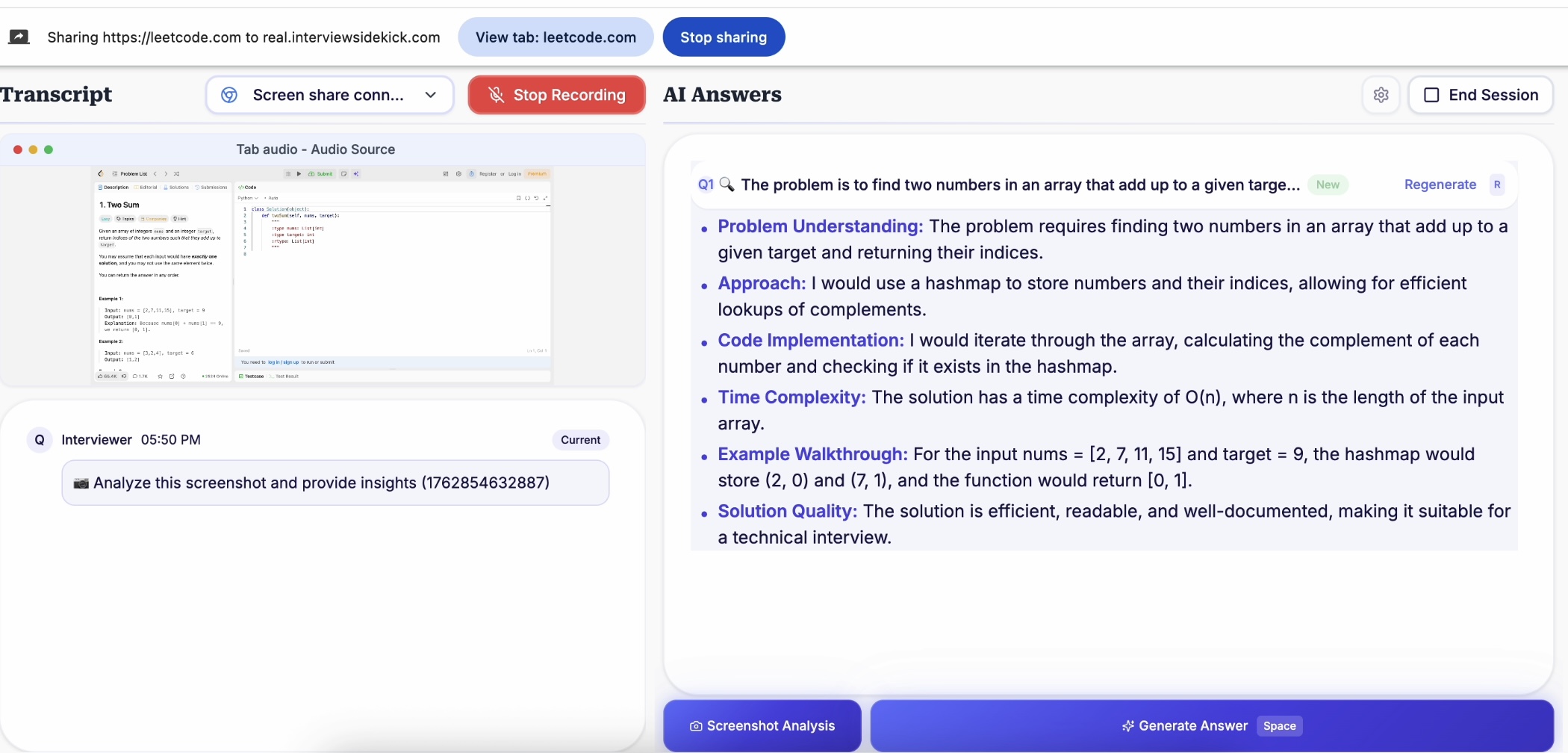
Both products support capturing live screenshots. I believe this feature is mainly useful for coding questions. However, Interview Sidekick’s Screen Analysis is quite limited. It can only capture the content of the currently shared browser tab, lacks flexibility, and can process only one screenshot at a time.
Even with this function, it still cannot generate detailed reasoning or complete code solutions. It only provides brief bullet points with a general idea. So when I actually need a full code answer, I still have to write it myself:
Meanwhile, Linkjob AI’s Capture Live Screenshot is genuinely useful. It can capture the current screen content, answer coding questions, provide a complete problem-solving approach, and give the full corresponding code solution. If a single screenshot isn’t enough to capture everything, it can handle up to six screenshots at once:
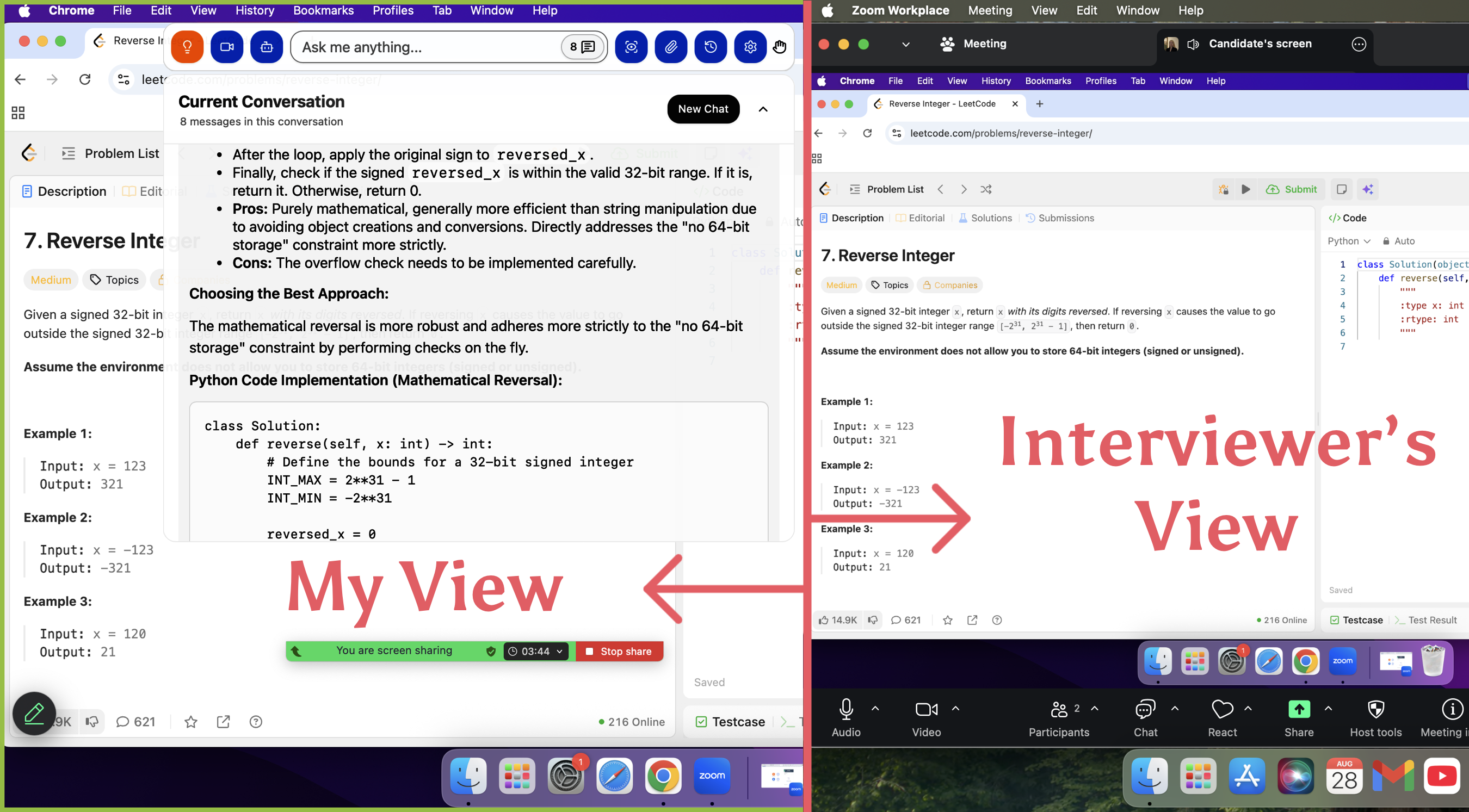
Comparing Undetectability of Linkjob AI and Interview Sidekick
Undetectability is a must-have for any AI Interview Assistant. Without it, no matter how good the answers are, if I get caught, I could be marked for cheating and lose my interview results and future chances.
When I used Interview Sidekick, it clearly required picking a specific tab in Chrome and didn’t allow sharing a window or the entire screen.
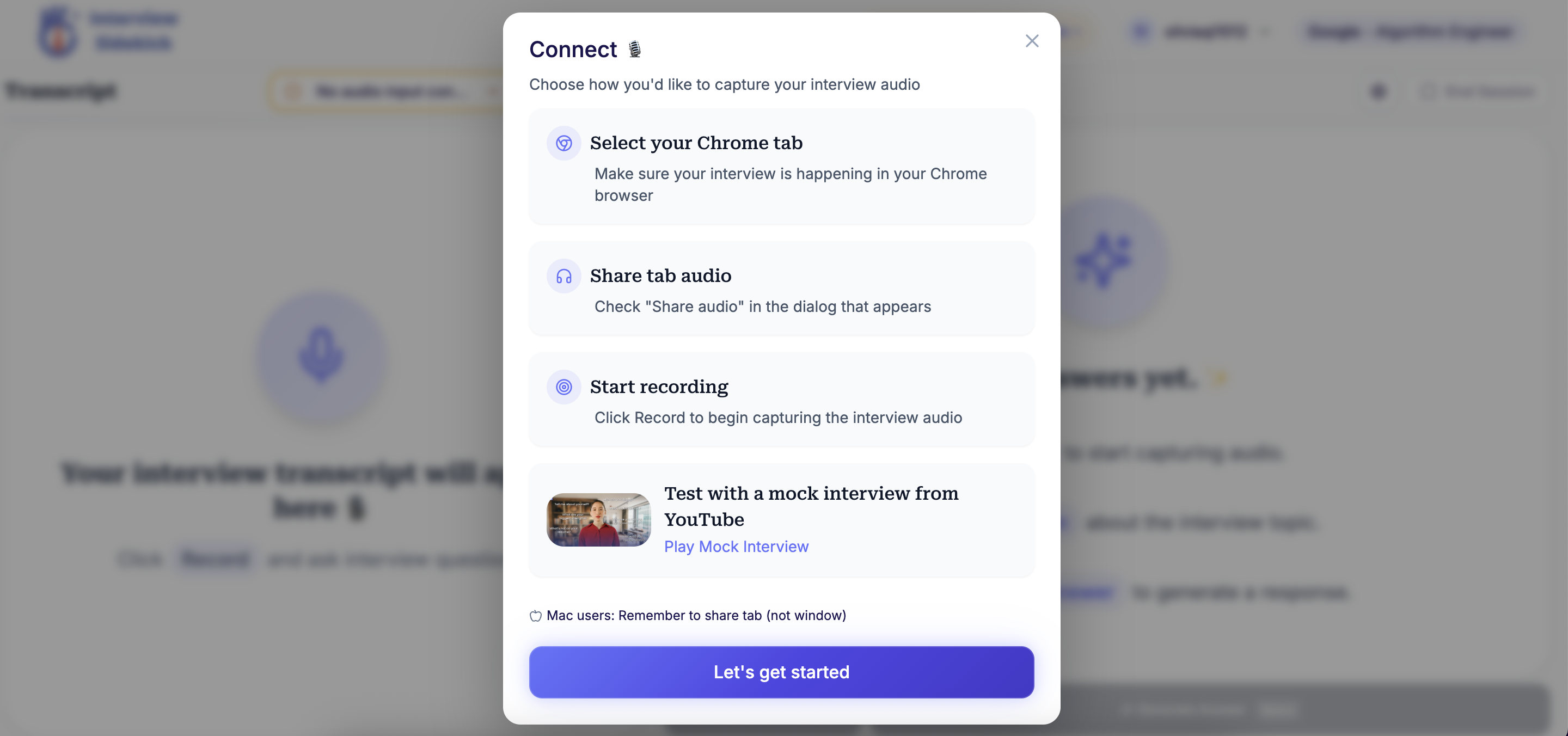
The reason is obvious: once the screen is shared, Interview Sidekick gets caught.
Meanwhile, Linkjob AI has measures in place to handle various types of detection:
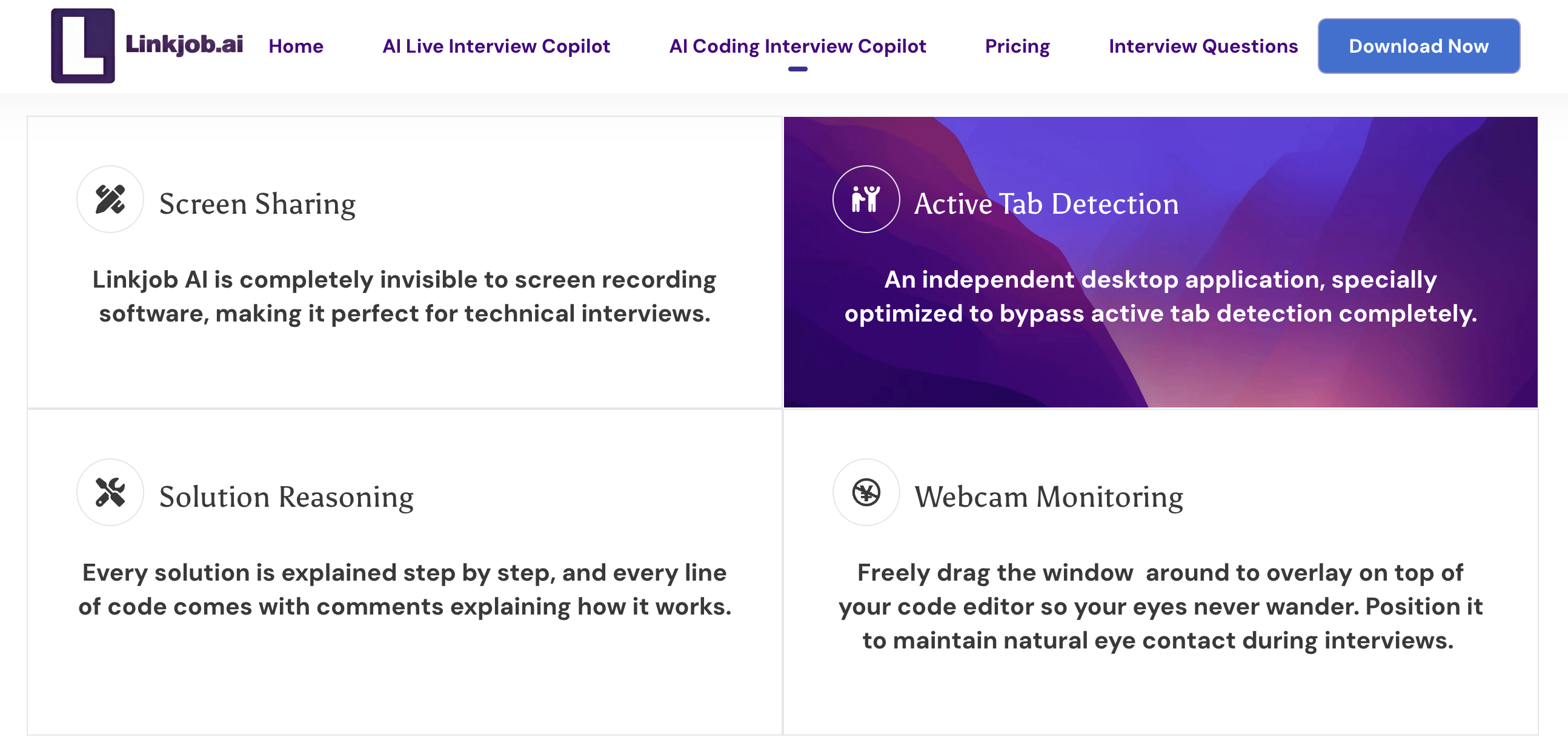
Screen Sharing
Linkjob AI is completely invisible to everyone else and the platform, only I can see it. This works because it’s a standalone desktop app. It uses system-level integration to keep the answer window as an always-on-top overlay. This way, it only shows up on my own screen while staying invisible to any detection.
I can safely share my entire screen during interviews, and no surprises happen no matter what the interviewer or platform asks. Just to be safe, I tested this with a friend during the trial, and it held up perfectly through several actual interview rounds. Plus, it’s fully stealthy, even the icon in the Docker tray can be turned off.
Active Tab Detection
Due to the browser's sandboxing mechanism, interview or meeting platforms can only track whether I've switched away from the interview tab; they can't detect any desktop applications running on my system. This is a built-in privacy protection feature of the browser. Therefore, when using Linkjob AI, its usage remains completely undetectable by active tab tracking.
Webcam Monitoring
The Linkjob AI answer window can be dragged around or minimized. This way, I don’t have to stare at the same spot on the screen for too long, so my eyes look more natural and it doesn’t seem like I’m just reading AI answers. Moving it also ensures it doesn’t block any interview questions or my code underneath, which is very convenient.
Comparison of Other Available Features and Services
Compatible Platforms
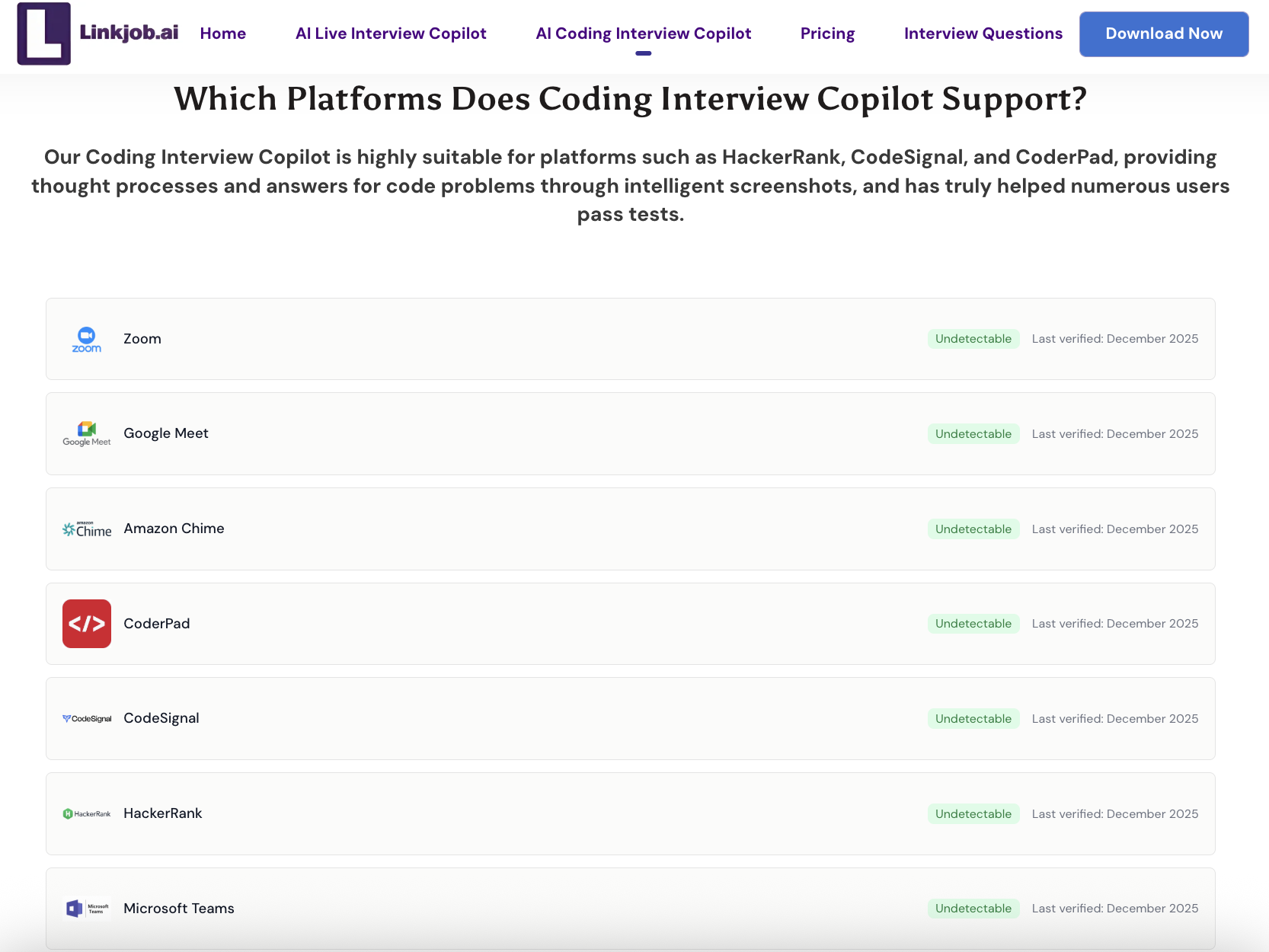
Linkjob AI supports multiple meeting platforms and online testing platforms, and it regularly checks to ensure undetectability:
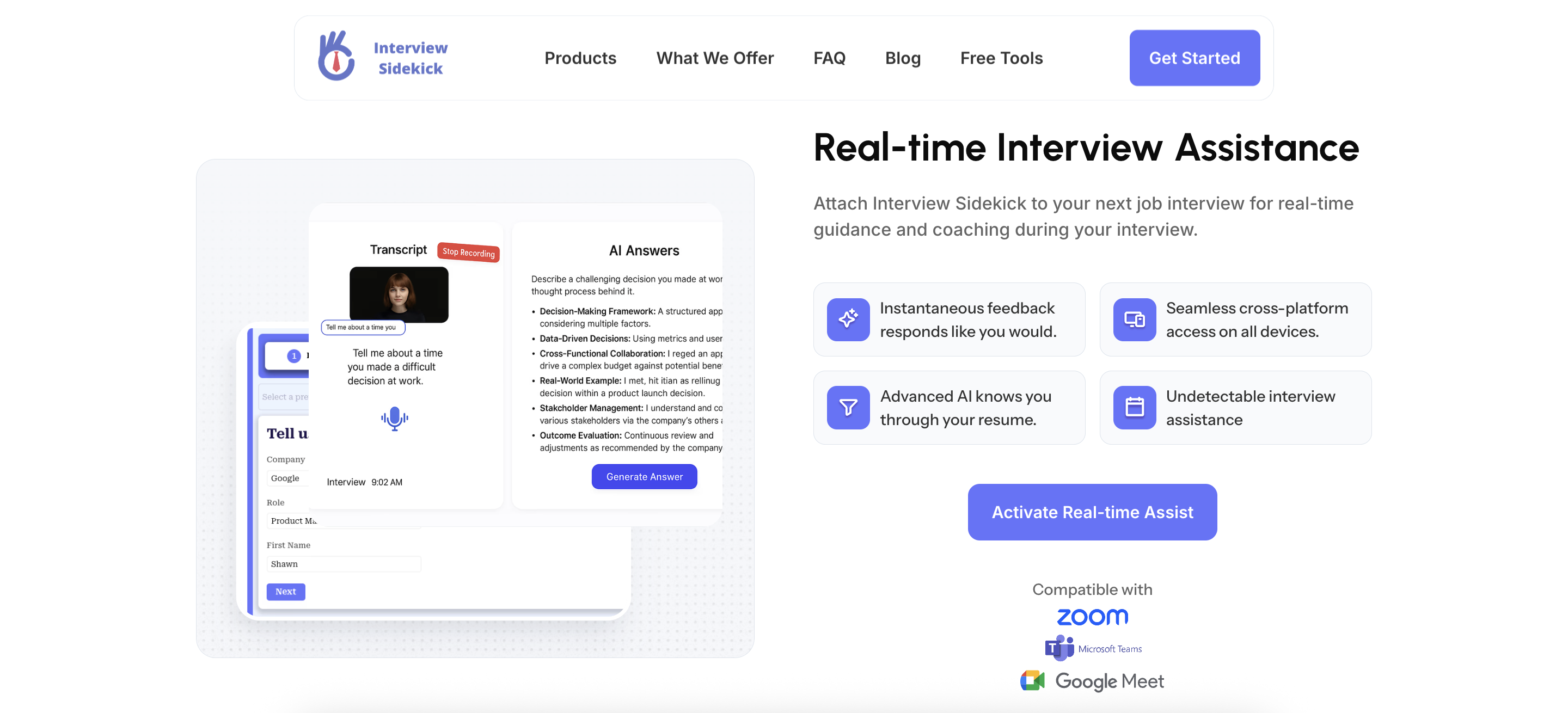
Interview Sidekick supports three meeting platforms: Zoom, Microsoft Teams, and Google Meet:
Multi Device
Interview Sidekick can be used on the web, and the mobile version is available specifically to make up for its lack of undetectability.
Linkjob AI only offers a desktop version, with no web or browser extension.
Attach File
Linkjob AI allows attaching files, which can be used for take-home assignments or case studies. In addition, images can be attached to handle coding problems. Like the capture live screenshot feature, this function can also handle up to six images too.
Interview Sidekick does not have this feature.
Supported Languages
Linkjob AI supports interviews in any language, with the AI automatically recognizing the language.
Interview Sidekick only supports English for interviews.
Supported AI Model
Linkjob AI supports over 120 AI models.
Interview Sidekick does not allow choosing AI models and does not specify which AI model is being used.
Customized AI Prompt
Linkjob AI allows customizing the AI prompt for each feature. If no adjustments are made, the system uses the optimal prompt.
Interview Sidekick does not support prompt customization.
Balance Between Latency and Response Quality
Interview Sidekick prioritizes answer speed, generating responses very quickly, but the answers are fairly general.
Linkjob AI balances speed and answer quality. While it may be slightly slower than Interview Sidekick, the responses are more tailored to my situation and provide more detailed content.
Plans and Pricing
Plans | Linkjob AI | Interview Sidekick |
|---|---|---|
Free Trial | 20-minute trial duration All features are available for testing, but only one AI model can be used. | 2-minute trial duration All features are available for testing. |
Yearly Plan | 24.99 / month All features and AI models can be used without limits. | - |
Quarterly Plan | 34.99$ / month All features and AI models can be used without limits. | - |
Monthly Plan | 49.99$ / month All features and AI models can be used without limits. | 40$ / month All features can be used without limits. |
FAQ
Besides the platforms mentioned, can I use Linkjob AI and Interview Sidekick on other platforms for interviews?
Interview Sidekick does not provide a statement about this. As for Linkjob AI, besides the platforms I already mentioned, I have also used it on others, such as Sova and Codility, etc. It should support most platforms.
Is my data safe with these AI interview assistants?
Linkjob AI stores all data locally, so my privacy is well protected. Any personal information collected is only used to provide better service. Interview Sidekick also uses data to provide its service, so it is safe as well.
If I subscribe to Linkjob AI, do I still need to pay for the AI model APIs?
No, the API fees are already included in the subscription. No additional payments are required.
See Also
Why I Ditched Cluely AI :My Honest Take on the Best Cluely AI Alternatives That Actually Work
The Best Verve AI Alternative for AI Interview Copilot
I have tested 20+ Lockedin AI Alternatives and Here are my top 5 picks
Best AI Apply Alternative for AI Interview Assistant
Best Interview Coder Alternative for Coding Interview Copilot

© Copyright 2025 linkjob.ai - All Rights Reserved.