














Our AI interview assistant is tested daily to remain undetectable on every interview app.

Your Undetectable AI Interview Assistant Real-time AI Help for Every Interview

Provide answers to interview questions, analyze your coding test screenshots, and give you stealthy AI assistance during live interviews.

Unlock Your
Stealth AI Interview Copilot

100% Invisible and Undetctable

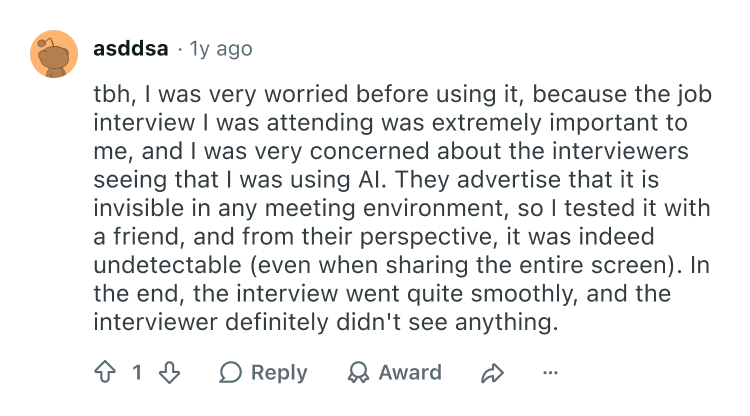
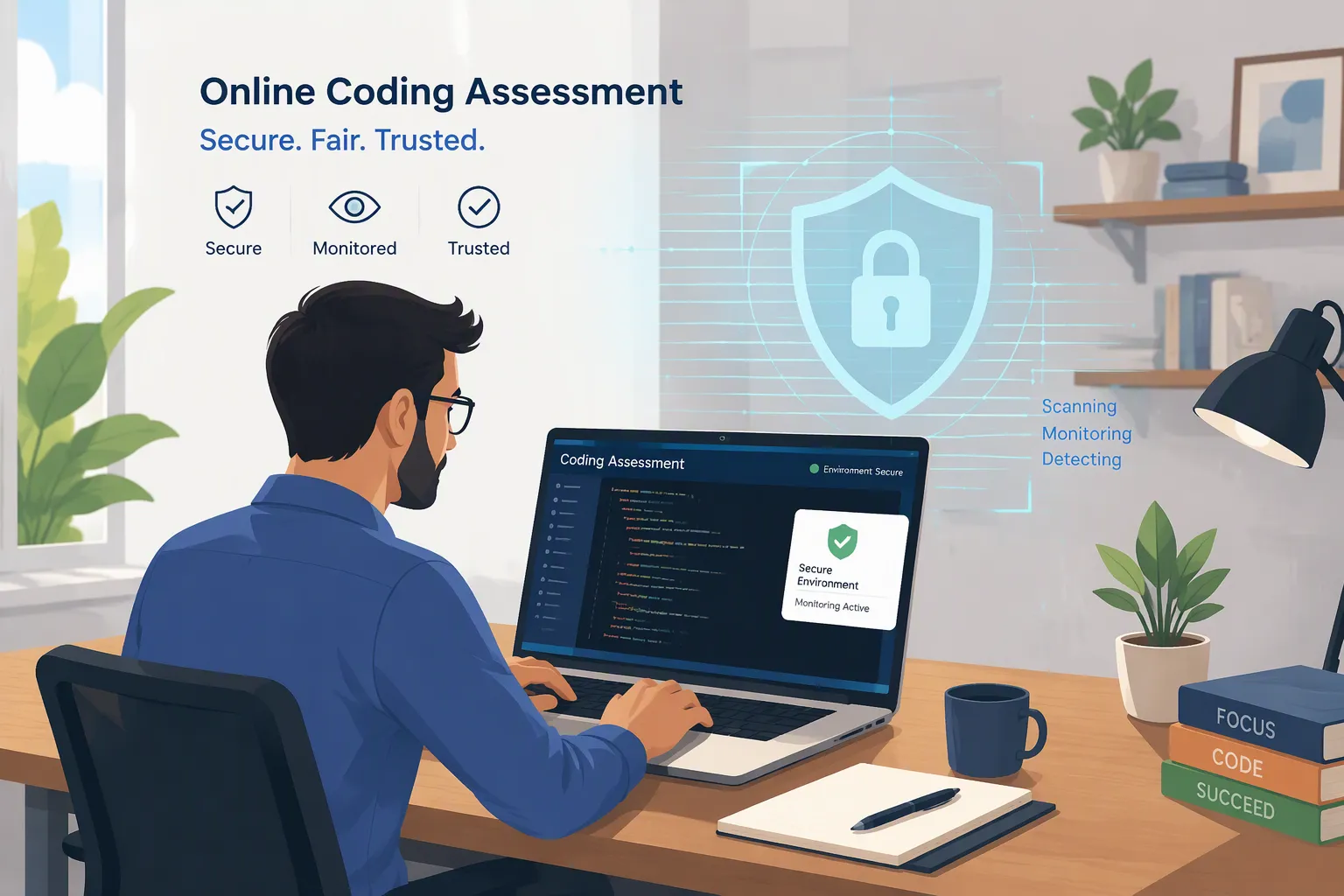
AI Interview Copilot operates in complete stealth across all platforms, running quietly in the background even during screen sharing. With no visible interface or pop-ups, you can leverage real-time AI support without worrying about eye-tracking or proctoring detection. Stay focused and confident while the interview remains completely natural.


Answer Clearly Under Pressure

When a question catches you off guard, AI Interview Assistant is there to help. It understands context in real-time, delivering structured answers with low latency. We ensure you have the most timely assistance when it matters most.
Claude
GPT
Gemini
AI Interviewer

Answers That Sound Like You

AI Interview Helper generates responses from your resume and job details, ensuring you sound specific, credible, and senior rather than generic.

Resume
Fine-tune Your AI
Never off-topic
Substantive
Relevant

Works on Any Platform

The AI Interview Tool integrates with 99% of platforms to provide real-time AI support, wherever your interview takes place.

Center Icon
Google
Coderpad
Teams
CodeSignal
HackerRank
Zoom
Lark
Webex

Prepare for Any Interview Type

Whether it's technical coding, behavioral, or system design interviews, our AI Interview Assistant got you covered with specialized prompts for each scenario.

General interview
Coding interview
Behavioral interview
Mock interview
Explore Real-time AI Interview Copilot

The Best AI Interview Tool for Technical Interviews

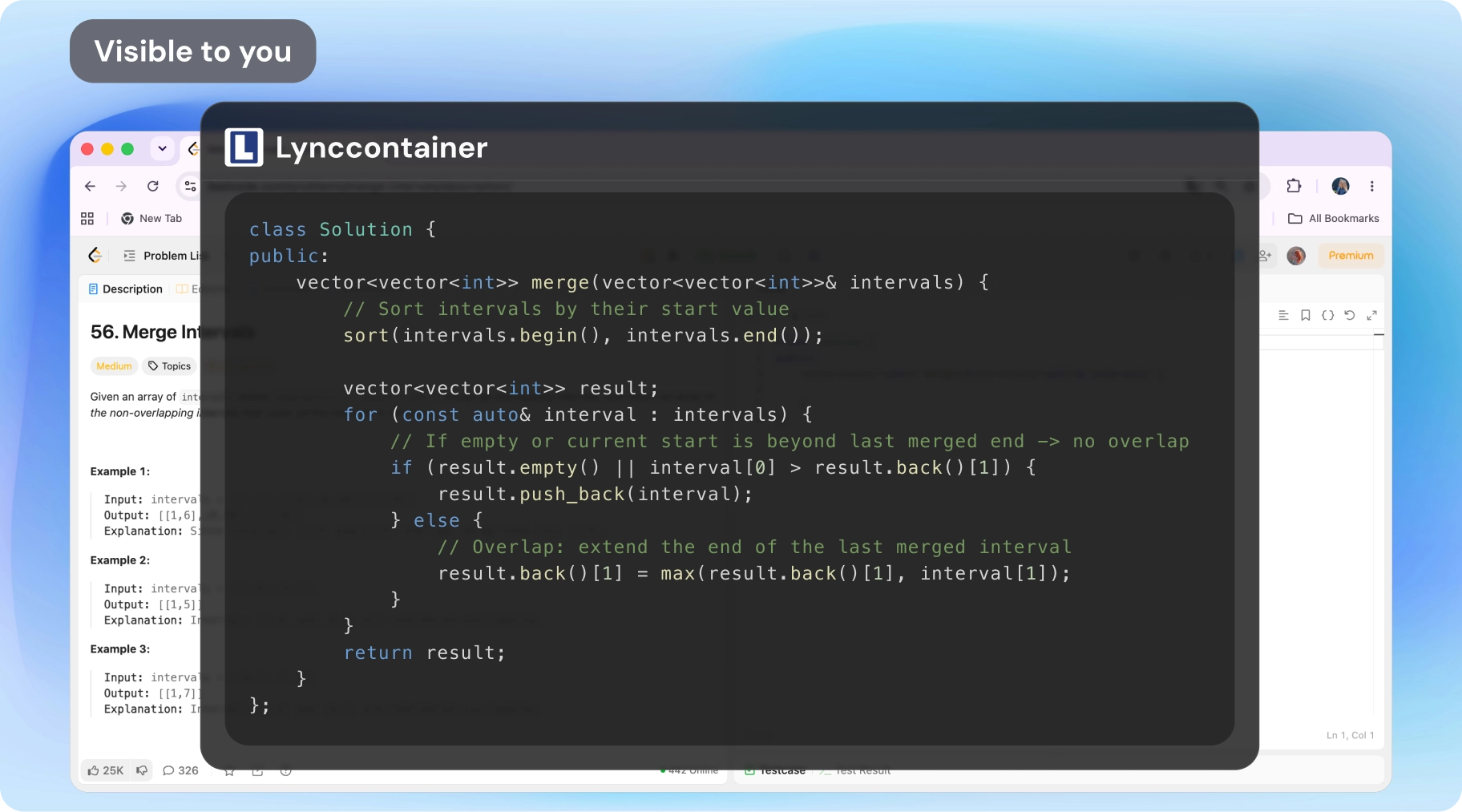
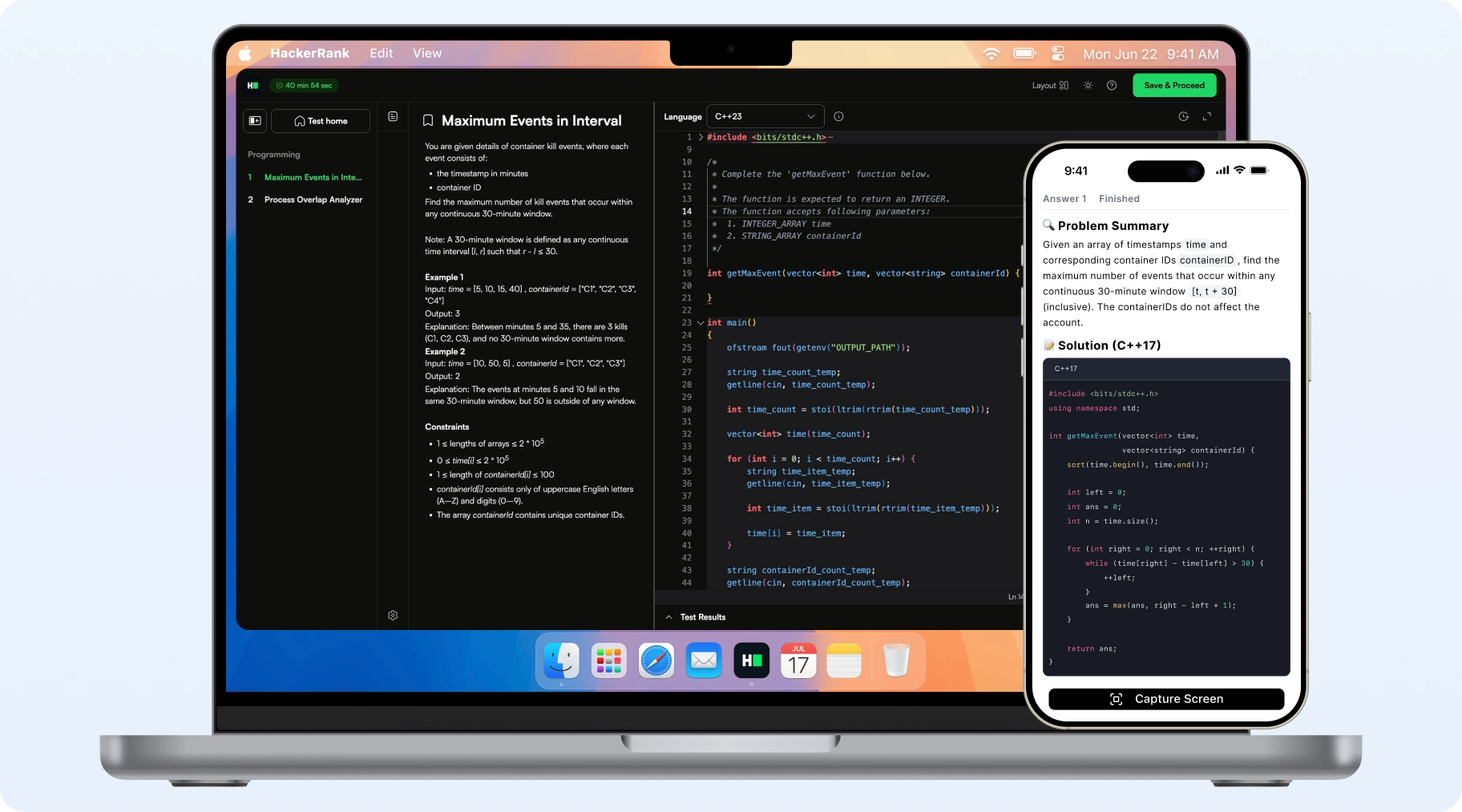
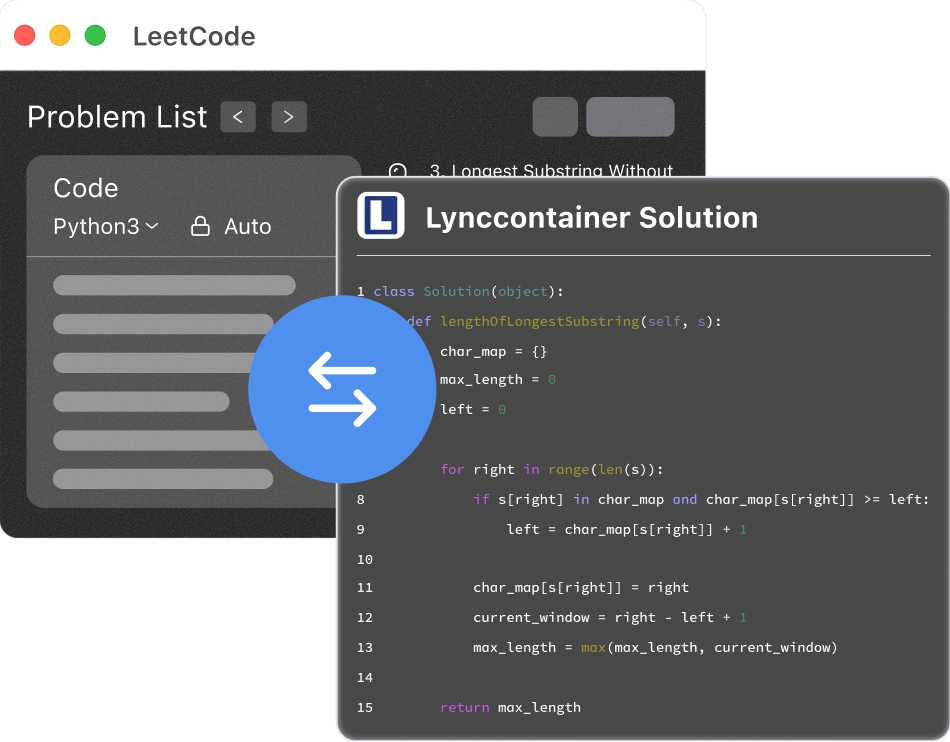
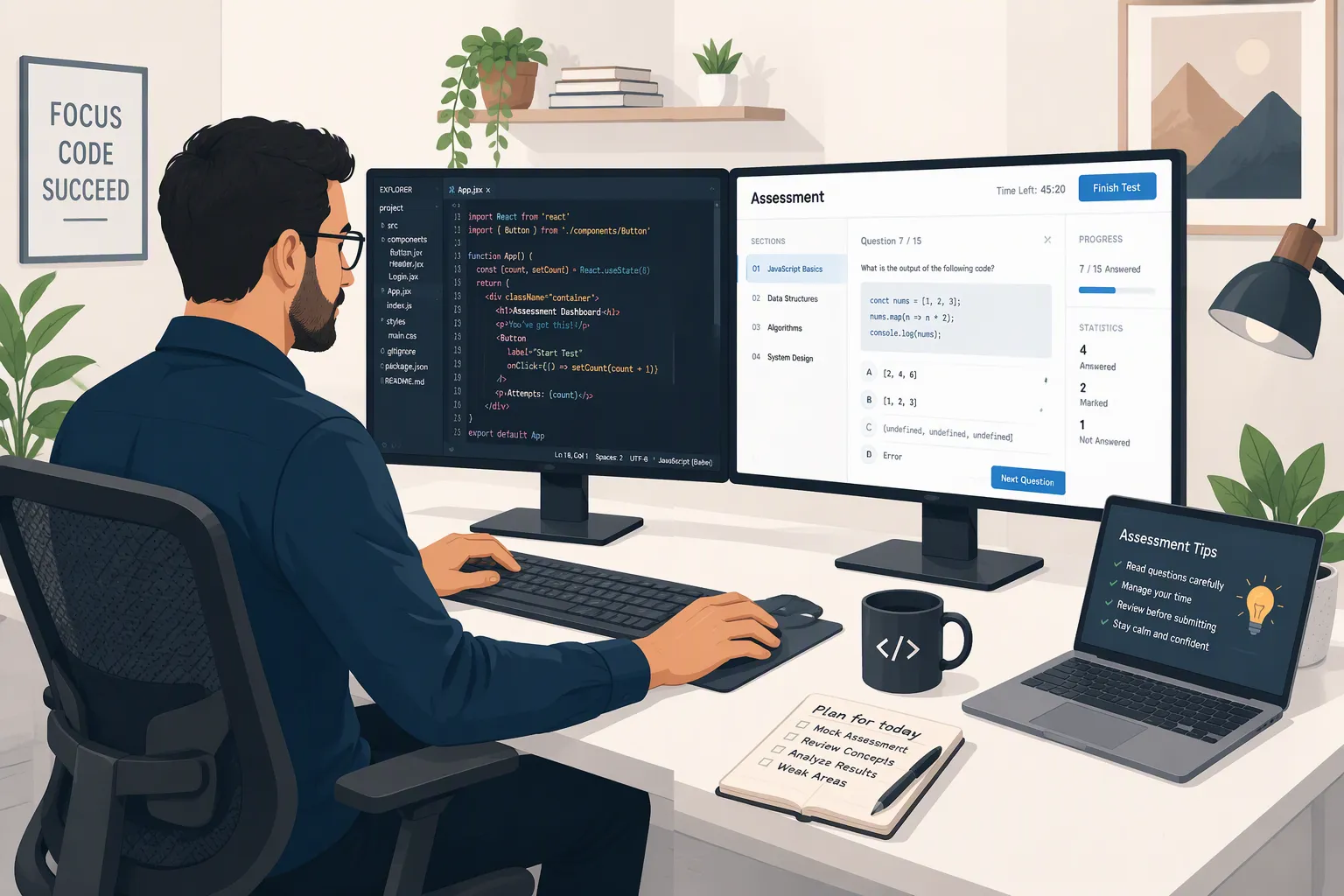
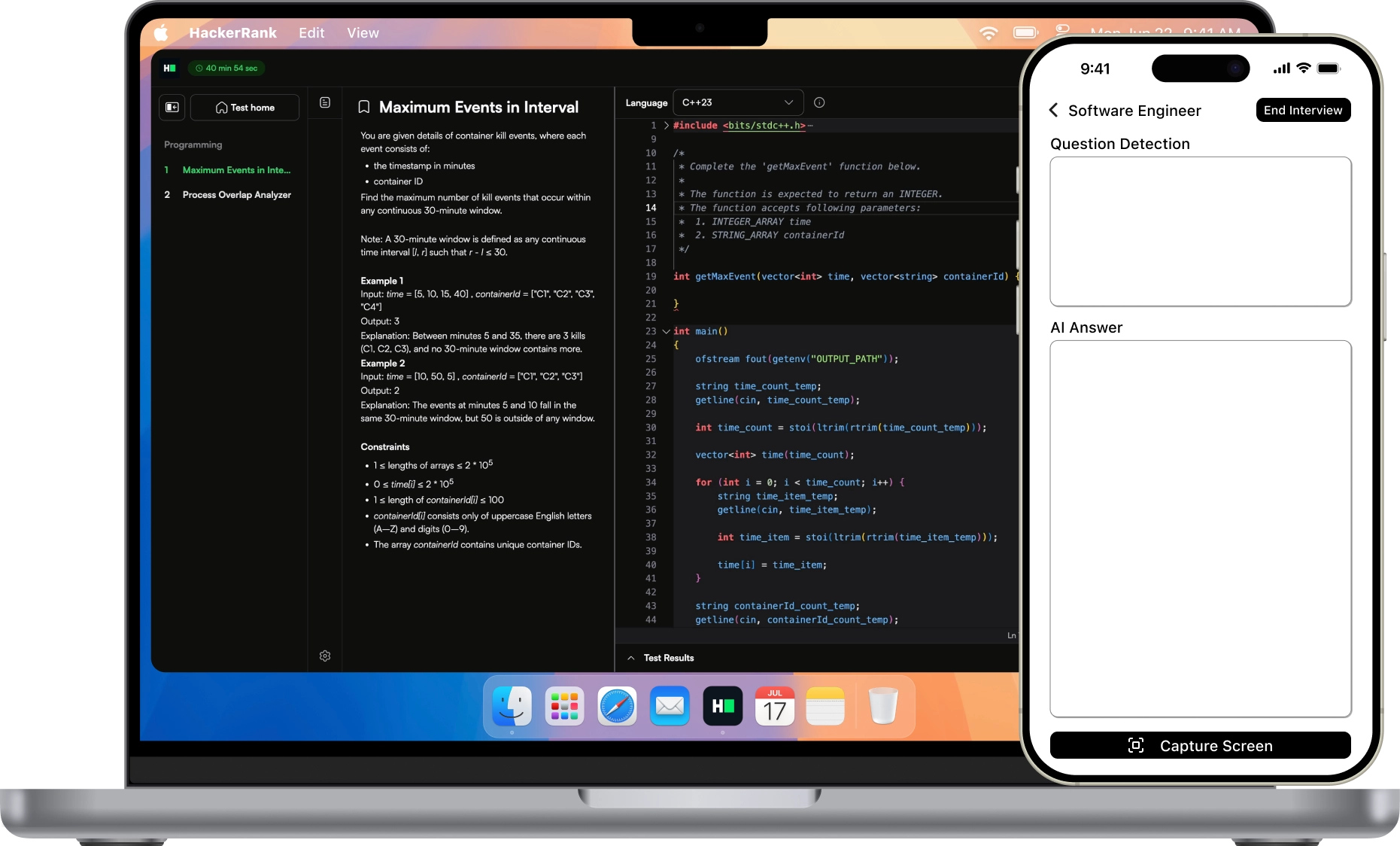
Get real-time AI help during coding interviews. Solve algorithms, optimize code, and explain your approach with invisible support.

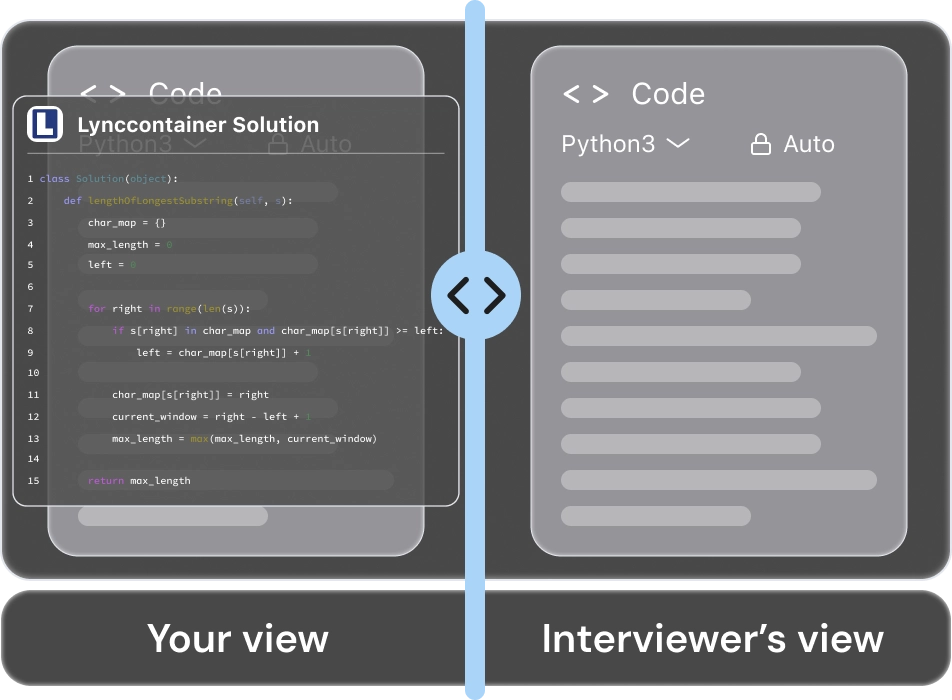
Coding interview screen without Linkjob AI overlay
Linkjob AI overlay visible only to you

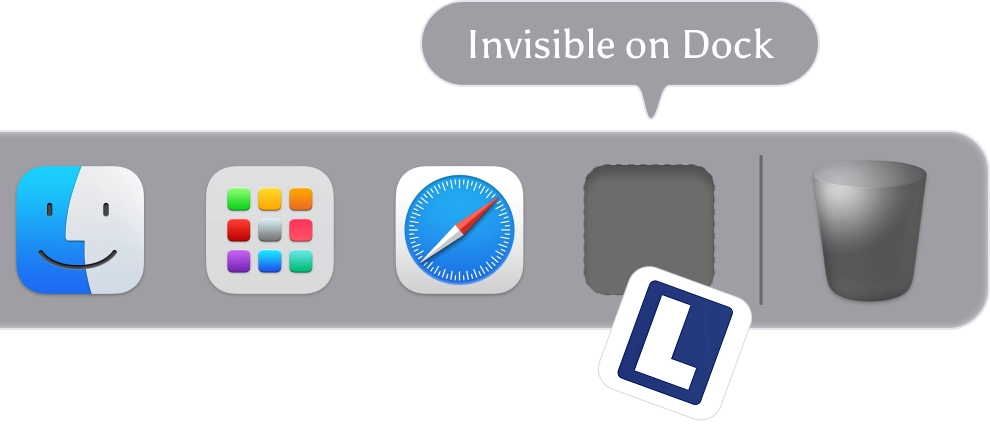
Nowhere on Your Dock

The AI Interview Assistant stays active but never shows an icon, so no one can tell it's running.

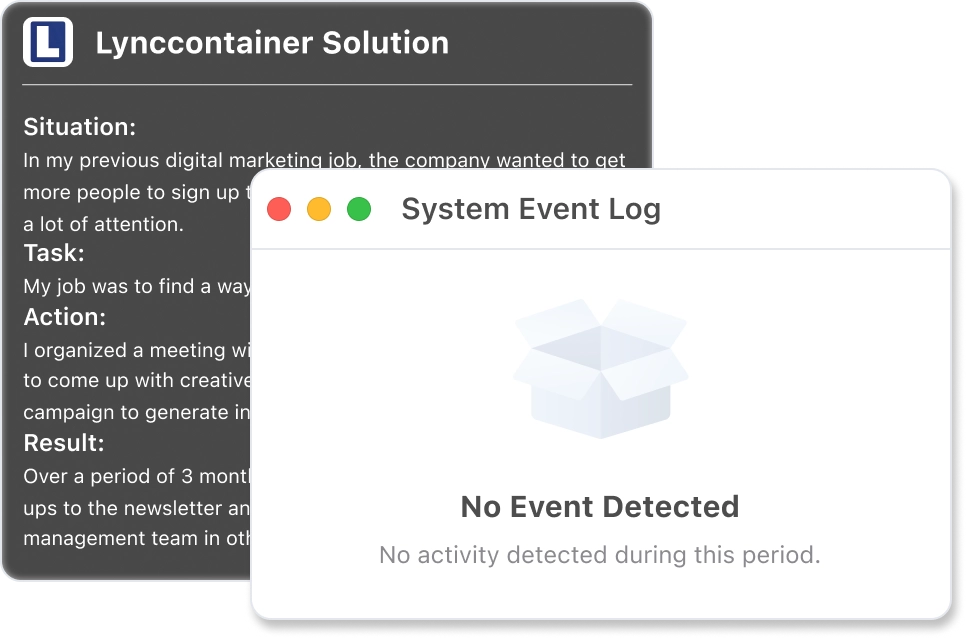
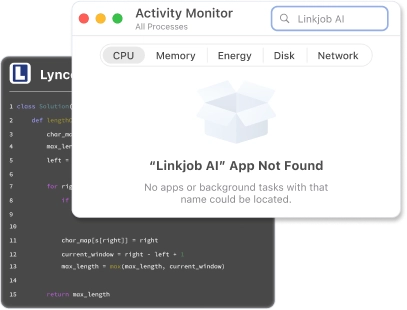
Invisible in Activity Monitor

AI Interview Copilot runs silently in the background without leaving any trace in your Activity Monitor.

Screen-Recording Proof

Even if the session is recorded, AI Interview Helper leaves no visible windows or overlays.

Completely Click-Through

Even when your cursor hovers or clicks on Linkjob AI, your system and apps won't detect it. No focus shifts. No flags. No traces.

Explore AI Coding Interview Assistant

Proven Results with
Linkjob AI Interview Assistant

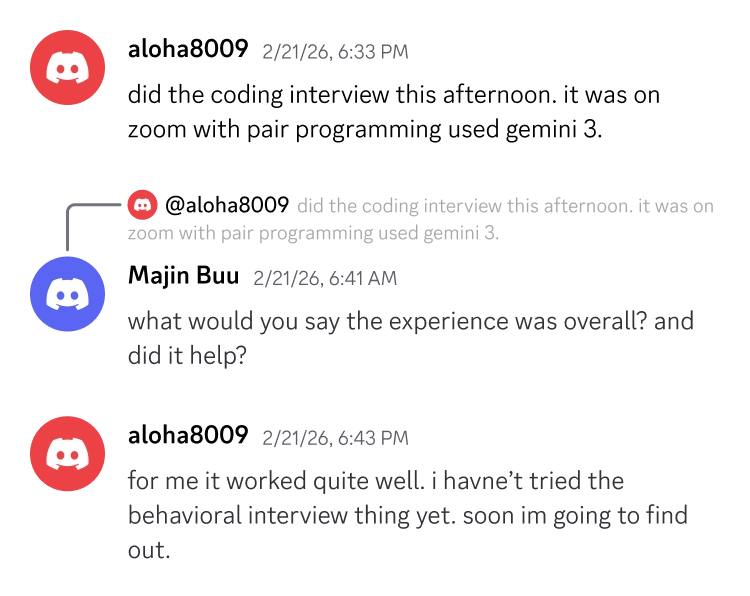
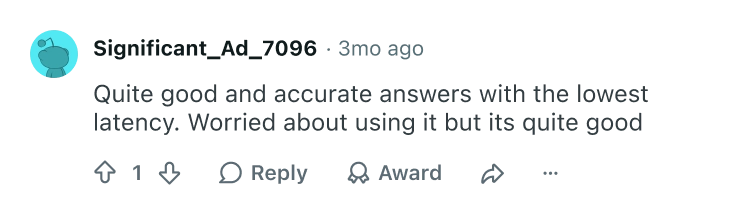
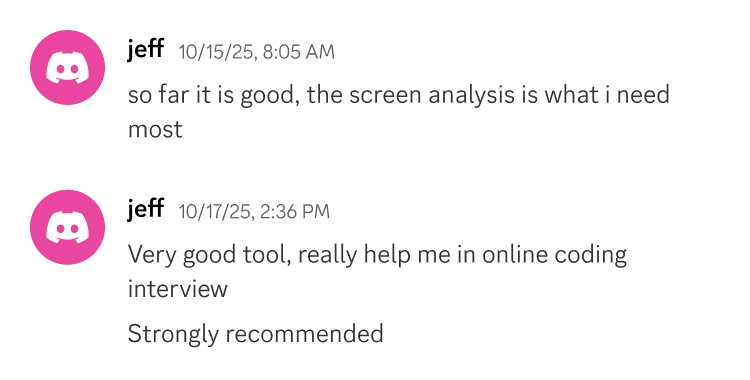
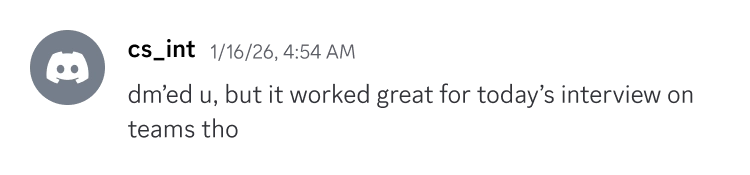
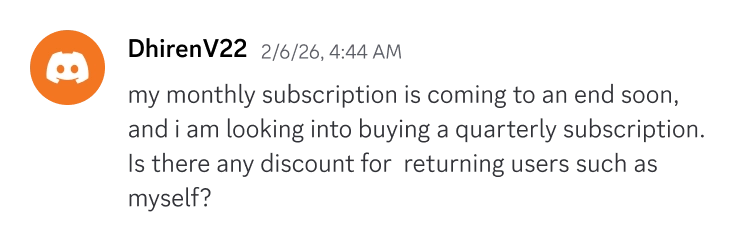
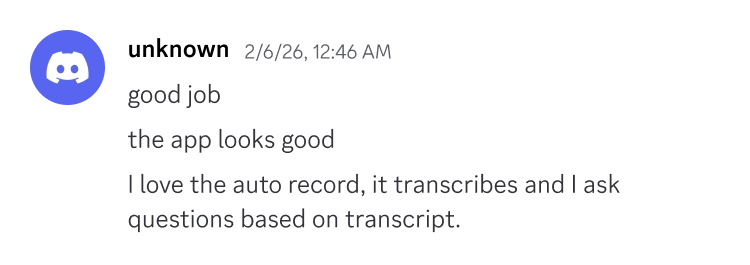
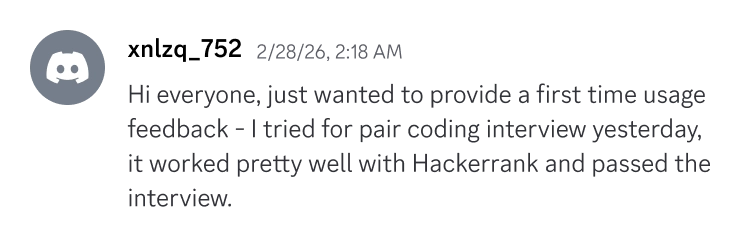
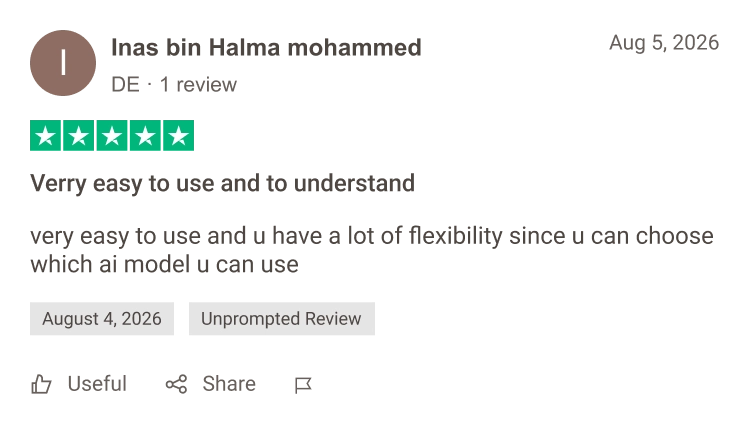
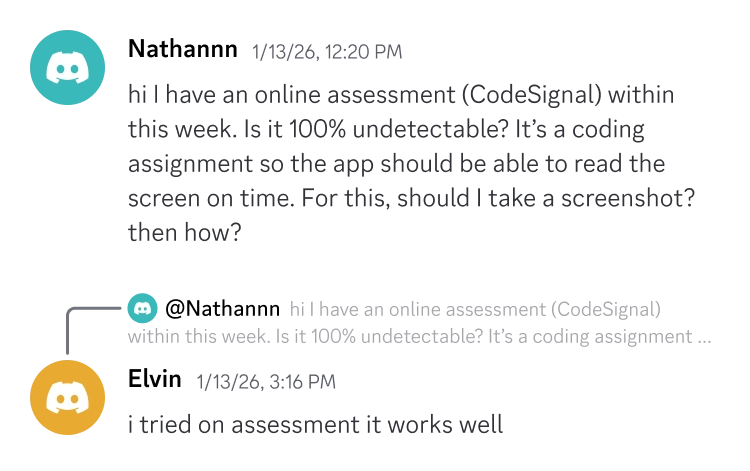
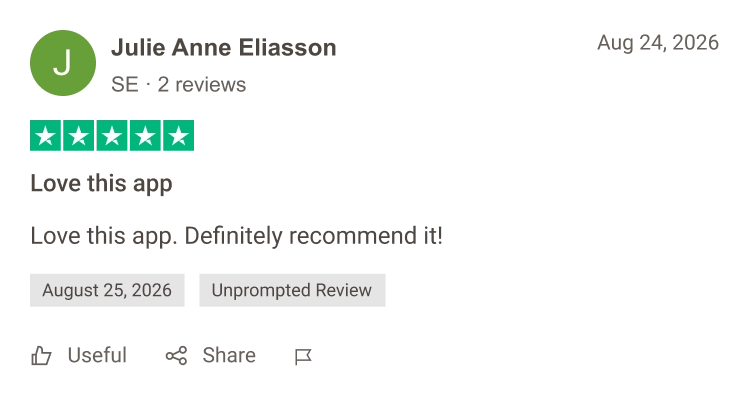
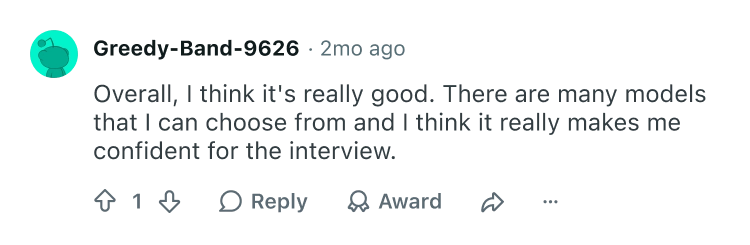
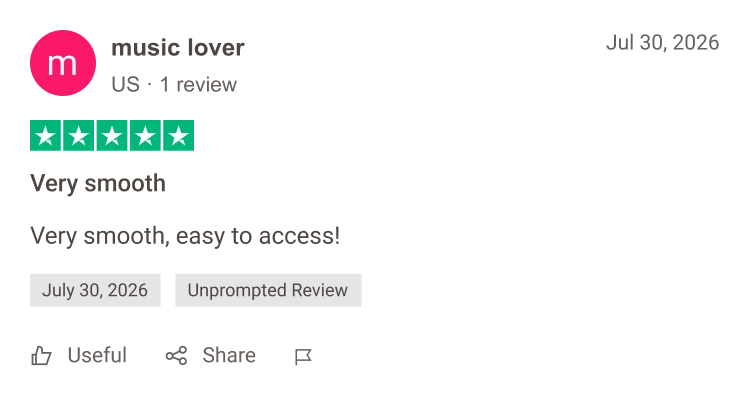
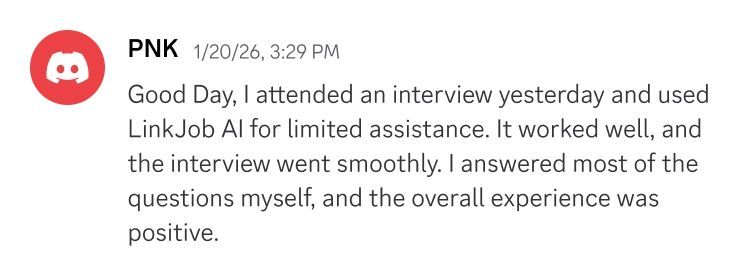
From first-time job seekers to career switchers and tech pros, real users are securing real offers with Linkjob AI interview assistant.

company logo
company logo
company logo
company logo
company logo
company logo
company logo
company logo
company logo
company logo
company logo
company logo
company logo
company logo
company logo
company logo
company logo
company logo
company logo
company logo
company logo
company logo
company logo
company logo
company logo
company logo
company logo
company logo
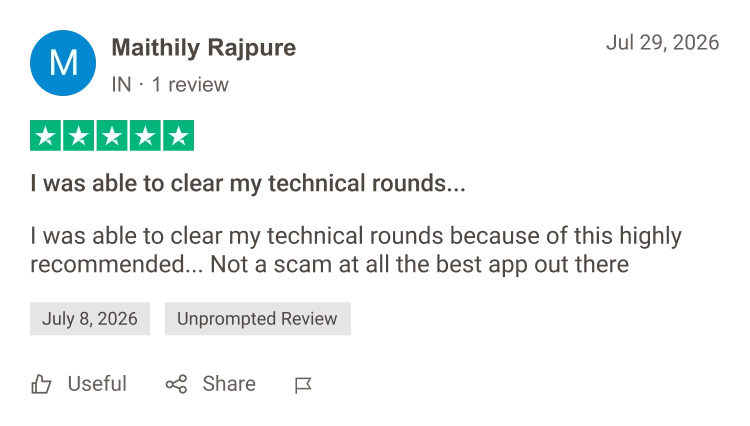
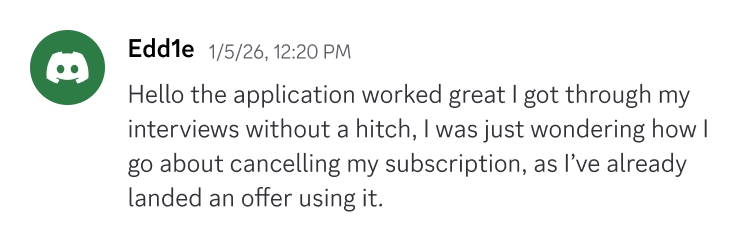
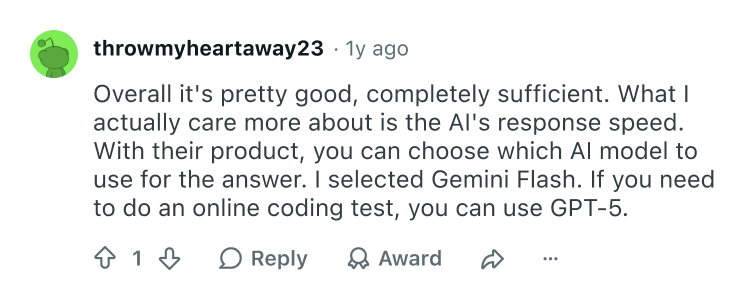
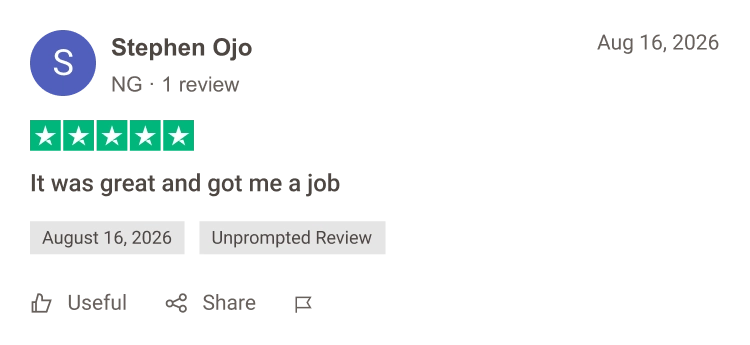
testimonial column 1testimonial column 2testimonial column 3

36,000+

Offers Received

172,800+

Interviews Aced

29+

Languages Supported

1700+

Companies Landed

Linkjob AI Interview Helper: Tested Daily on Every Platform

Daily testing and real-world checks keep Linkjob AI interview copilot fully undetectable. Because interview platforms use the same screen-share tech, it stays invisible everywhere.

Stealth and Evasion Technology

Linkjob AI Interview Helper is designed to operate discreetly during live interviews. The AI interview copilot runs through the desktop app and does not interfere with video conferencing platforms, screen sharing, audio, or camera functionality.

Contextual and Seamless

Linkjob AI Interview Copilot is a translucent floating window. Whether you are using an online meeting platform or a coding test environment, our AI interview tool conduct daily testing to ensure it can be used with confidence across all platforms.

Remains undetectable on all platforms

  • Zoom Zoom
    Oct 2026
  • Google Meet Google Meet
    Oct 2026
  • Lark Lark
    Oct 2026
  • Cisco Webex Cisco Webex
    Oct 2026
  • CoderPad CoderPad
    Oct 2026
  • CodeSignal CodeSignal
    Oct 2026
  • HackerRank HackerRank
    Oct 2026
  • Microsoft Teams Microsoft Teams
    Oct 2026

FAQ | If you still have questions, here are the answers.

If you have any further questions, join our Discord community or WhatsApp group to ask us.

An AI interview assistant helps you answer questions in real time during live interviews and online assessments. Linkjob AI supports both scenarios by analyzing spoken questions or screenshots and generating relevant answer suggestions.

During live online interviews, Linkjob AI listens to the interviewer’s questions and suggests personalized answers based on the conversation, your resume, and the job description.

During online assessments, Linkjob AI analyzes screenshots of coding problems and other on-screen test questions, then provides suggested answers, solutions, and explanations.
Yes. The free trial lets you experience all Linkjob AI features using a selection of basic AI models, including live interview assistance, coding support, online assessments, mock interviews, and personalized responses. Paid plans offer access to more advanced AI models, depending on the plan you choose. If you need more time to explore the features, contact our team through Discord or WhatsApp to ask about additional trial access.
Linkjob AI is completely invisible during screen sharing on all meeting platforms, including when you share your entire screen. Only you can see the assistant; your interviewer cannot. The Zoom desktop app requires one special setting. Other desktop meeting apps and browser-based meetings, including Zoom in a browser, do not require additional settings for screen-sharing invisibility.
You need to follow two requirements:

1. Your test must take place in a regular web browser, rather than through specialized desktop monitoring software.
2. Open Linkjob AI and complete all setup before the test begins. During the test, do not open Settings or use the Cmd/Ctrl + shortcut to show or hide the app.

Once both requirements are met, you can confidently use all the features of the Linkjob App without worrying about being detected.

To learn why Linkjob AI cannot be detected, please read this technical explanation. If you still have any questions, feel free to contact us through customer support, our Discord group, or WhatsApp. Our customer support team is available 24/7.
Linkjob AI supports both live interviews and practice. During a live interview, it provides suggestions as questions come up, including behavioral and technical questions. You can also use its mock interview features beforehand to rehearse responses and become familiar with the app before your actual interview.
Yes. Linkjob AI works alongside Zoom, Microsoft Teams, and Google Meet, with desktop versions available for Windows, macOS, and Linux.

To test your audio setup, enable listening in Linkjob AI, play any YouTube video, and check whether the AI provides a relevant response. If you’re wearing headphones, select your headphones as the system audio output device in the app’s audio settings.

Zoom desktop users also need to enable one special setting, demonstrated in this video. Once enabled, you can use Linkjob AI normally. Other meeting platforms and browser-based meetings do not require this additional setting and are ready to use after the audio setup above.
Our AI coding interview assistant supports all programming languages and a broad range of technical questions, including algorithms, debugging, code optimization, technical concepts, and complex system design problems. It can analyze question screenshots, suggest code or reference solutions, and explain the reasoning behind an approach. You can also use it to work through follow-up questions about complexity, edge cases, architecture, scalability, and design trade-offs.
Yes. Add your resume, the job description, and relevant preparation notes so Linkjob AI can tailor suggestions to your experience and target role. You can also provide custom instructions to guide the response style and level of detail, including concise talking points that are easier to use during a conversation.
Linkjob AI is designed for low-latency responses and uses conversation context to help with follow-up questions. For fast-paced spoken interviews, Gemini Flash is a good option for quick responses. For coding, system design, and questions that require deeper reasoning, Claude Opus is a strong option when included in your plan.
Linkjob AI stands out in two key areas: access to leading AI models and a dedicated focus on real-time interviews and online assessments.

Some AI interview tools rely on basic models or offer limited model choices. Linkjob AI continuously updates its lineup with leading AI models to keep improving response speed and answer quality. Depending on your plan, you can choose the model that best fits your needs, from quick responses to spoken questions to deeper reasoning for coding problems and system design.

Other tools combine interview assistance with sales support, meeting notes, and general productivity features. Linkjob AI is built specifically for live interviews and online assessments. Its features focus on listening to interview questions, analyzing screenshots of test problems, tailoring answers to your resume and the job description, and responding to follow-up questions. That specialization keeps the product focused on what you need throughout an interview or assessment.

Unlock Your Secret Weapon: 100% Invisible AI Interview Copilot, Ultra-Low Latency, and Expert Coding Help.