AI Coding Interview Copilot: Undetectable, Invisible, Real Time AI Assistant for Technical Interviews
Coding Interview Copilot Stays Undetectable and Bypasses Proctoring
Our AI Coding Interview Copilot runs as a native desktop app, operating outside the browser sandbox while seamlessly supporting online assessment platforms, collaborative coding environments, and video conferencing software. It delivers undetectable, real-time AI assistance during technical interviews, remaining invisible to screen sharing, session recording, and proctoring tools.
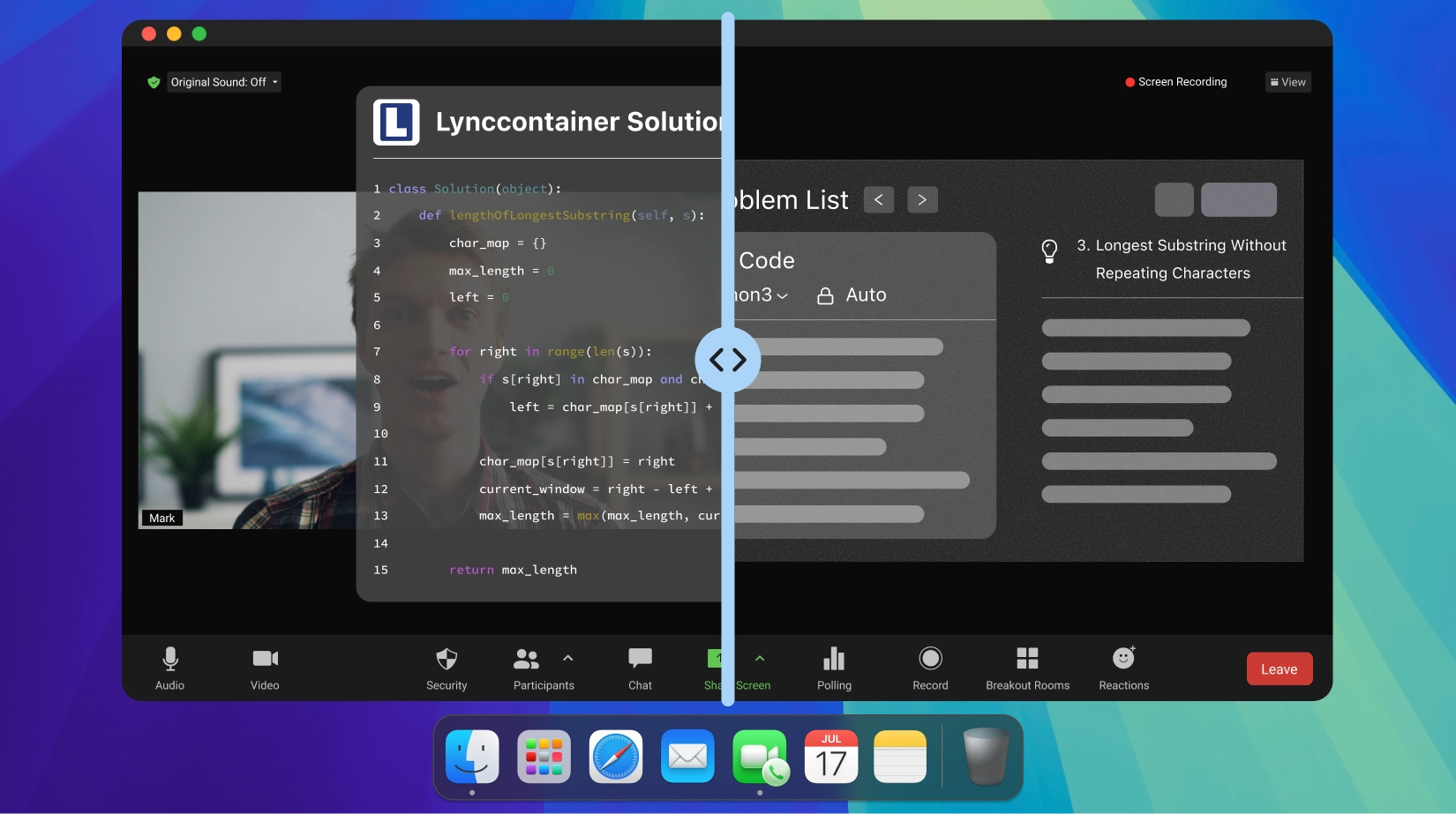
Screen Sharing
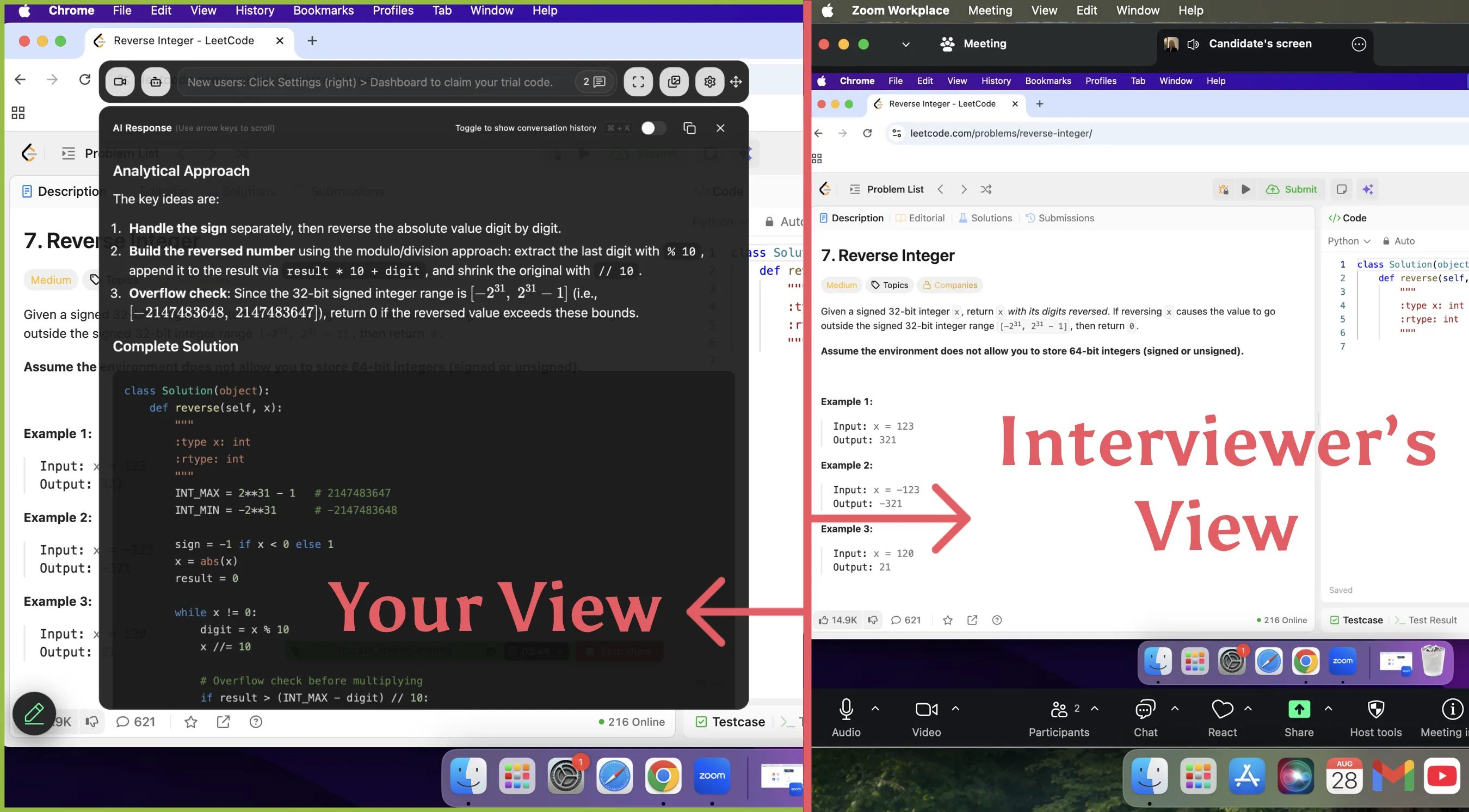
Linkjob AI remains completely undetectable during screen sharing, making it perfect for online assessments and technical interviews.
Active Tab Detection
A standalone desktop application, specially optimized to bypass active tab detection completely.
Cursor Tracking
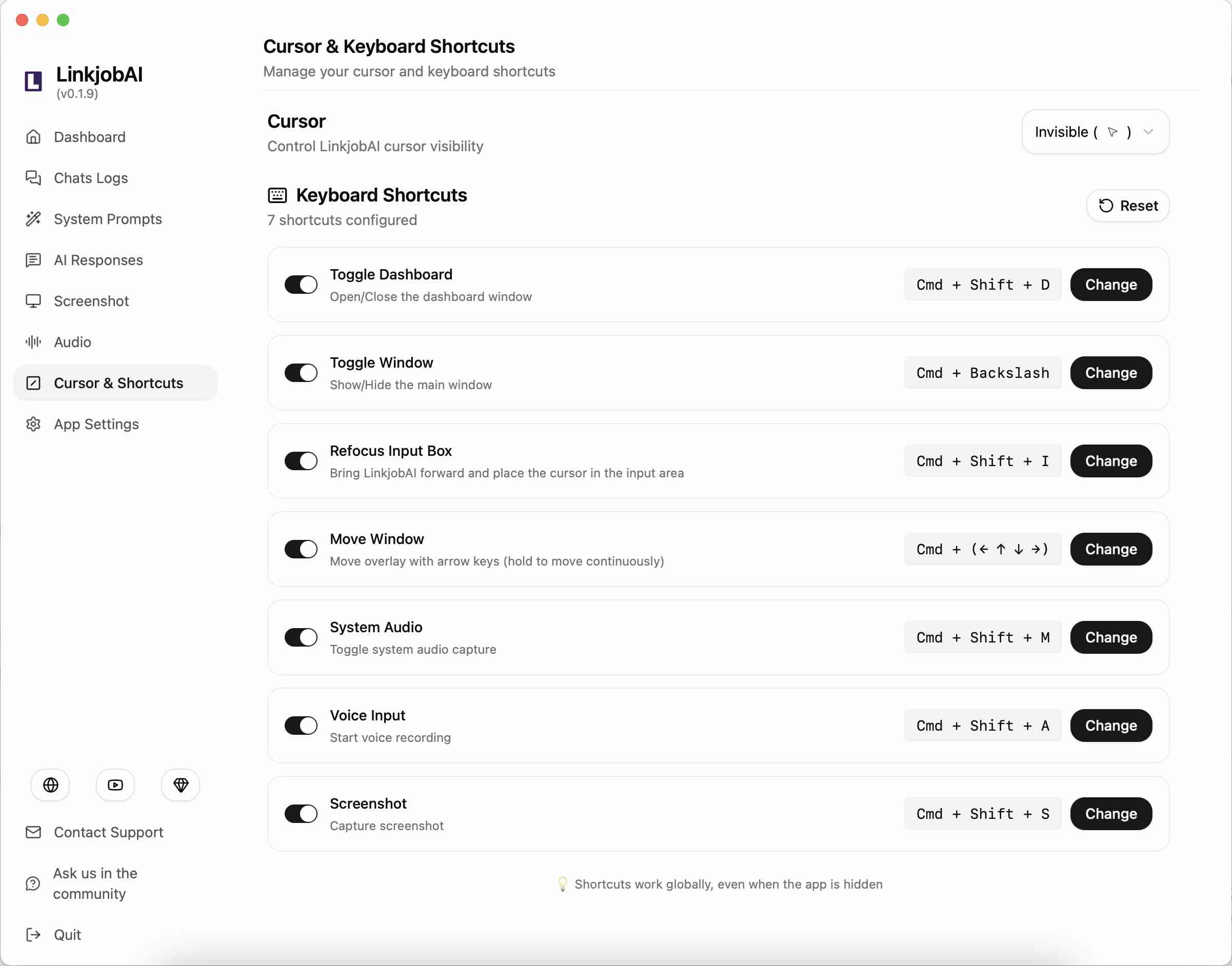
Linkjob AI bypasses cursor tracking via invisible cursor and undetectable global hotkeys.
Webcam Monitoring
Freely drag the transparent floating window on top of your code editor, so your eyes never wander.
Which platforms does Coding Interview Copilot support?
Our Coding Interview Assistant supports both coding platforms like HackerRank, CodeSignal, and CoderPad, and video tools like Zoom, Microsoft Teams, and Google Meet. By leveraging intelligent screenshots, it delivers real-time AI assistance and structured code solutions while remaining completely undetectable.
Remains undetectable on all platforms
-
 Zoom Aug 2026
 -
 Google Meet Aug 2026
 -
 Lark Aug 2026
 -
 Cisco Webex Aug 2026
 -
 CoderPad Aug 2026
 -
 CodeSignal Aug 2026
 -
 HackerRank Aug 2026
 -
 Microsoft Teams Aug 2026
The Best AI Coding Interview Copilot for Real-Time Tech Interviews
Get real-time AI help for coding interviews, no matter if you're solving LeetCode-style questions or participating in live technical interviews. Solve algorithms, optimize code, and explain your approach with invisible support.

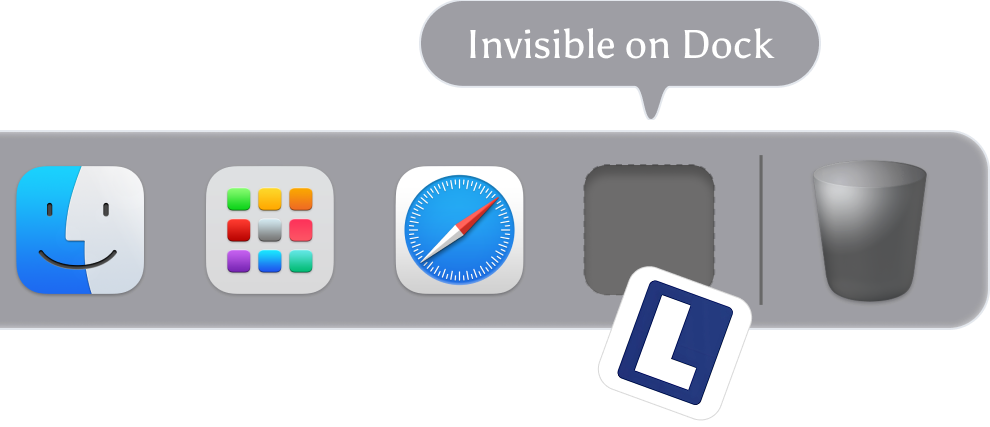
Nowhere on Your Dock
The AI coding interview copilot stays active but never shows an icon, so no one can tell it's running.

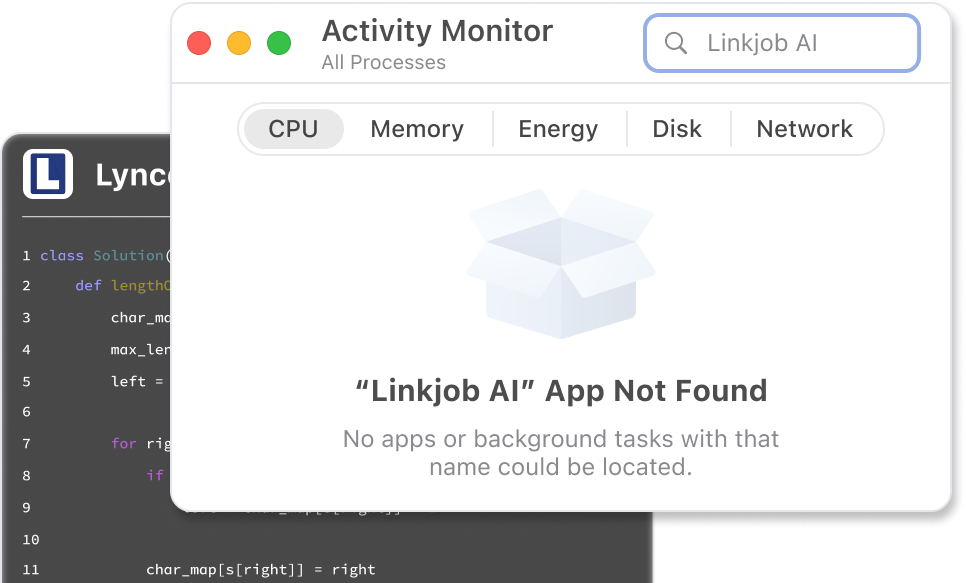
Invisible in Activity Monitor
AI coding interview copilot runs silently in the background without leaving any trace in your Activity Monitor.
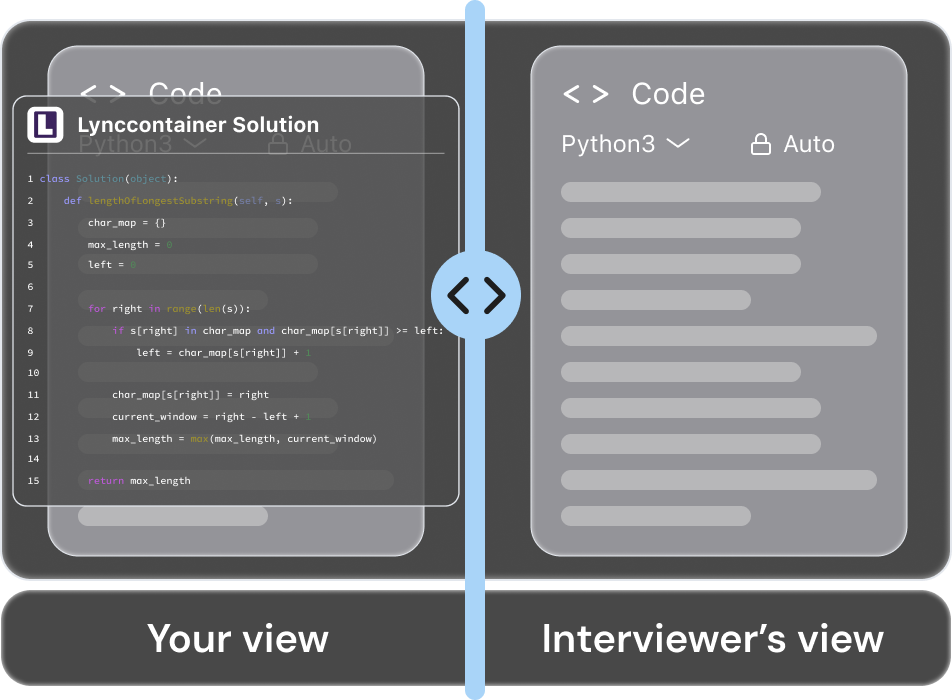
Screen-Recording Proof
Even if the session is recorded, AI coding interview helper leaves no visible windows or overlays.
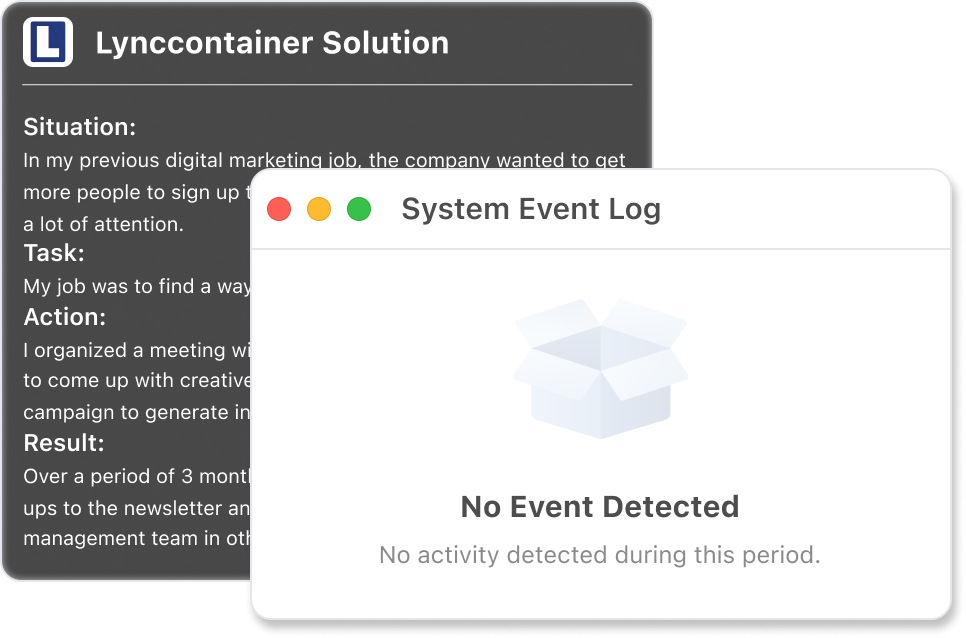
Completely Click-Through
Even when your cursor hovers or clicks on Linkjob AI, your system and apps won't detect it. No focus shifts. No flags. No traces.
How the AI Coding Interview Copilot Provides Real-Time Assistance
Stop struggling with syntax or edge cases under pressure. Using real-time audio transcription and screen capture, the coding interview copilot provides undetectable AI assistance and structured code solutions, helping you generate production-grade code and interview responses in real time.
Solve, Debug, and Optimize Code
Meet your professional coding interview assistant for technical assessments. This AI coding copilot provides instant problem analysis, code generation, precise debugging help, algorithmic reasoning, and code optimization to ensure you ace every live coding challenge.
- Structured Problem Solving
- Real-Time Debugging Support
- Code Logic & Performance Optimization
Undetectable Global Hotkeys
The stealth coding interview copilot utilizes system-level global shortcuts that bypass browser-based monitoring. Our keystrokes operate independently of the web environment, ensuring they remain completely invisible to browsers, screen-sharing tools, and advanced online detection systems.
- OS-Level Integration.
- Anti-Detection Security.
- Zero Keystroke Leakage.
Live Screen Capture
Intelligent live capture featuring full-screen and partial-screen modes, allowing for the integration of multiple screenshots directly into AI conversations. Provides real-time technical assistance for coding challenges, algorithms, system design, domain knowledge, and project deep dives throughout live technical assessments.
- Flexible Capture Modes
- Multi-Screenshot Sync
- Full-Interview Context Flow
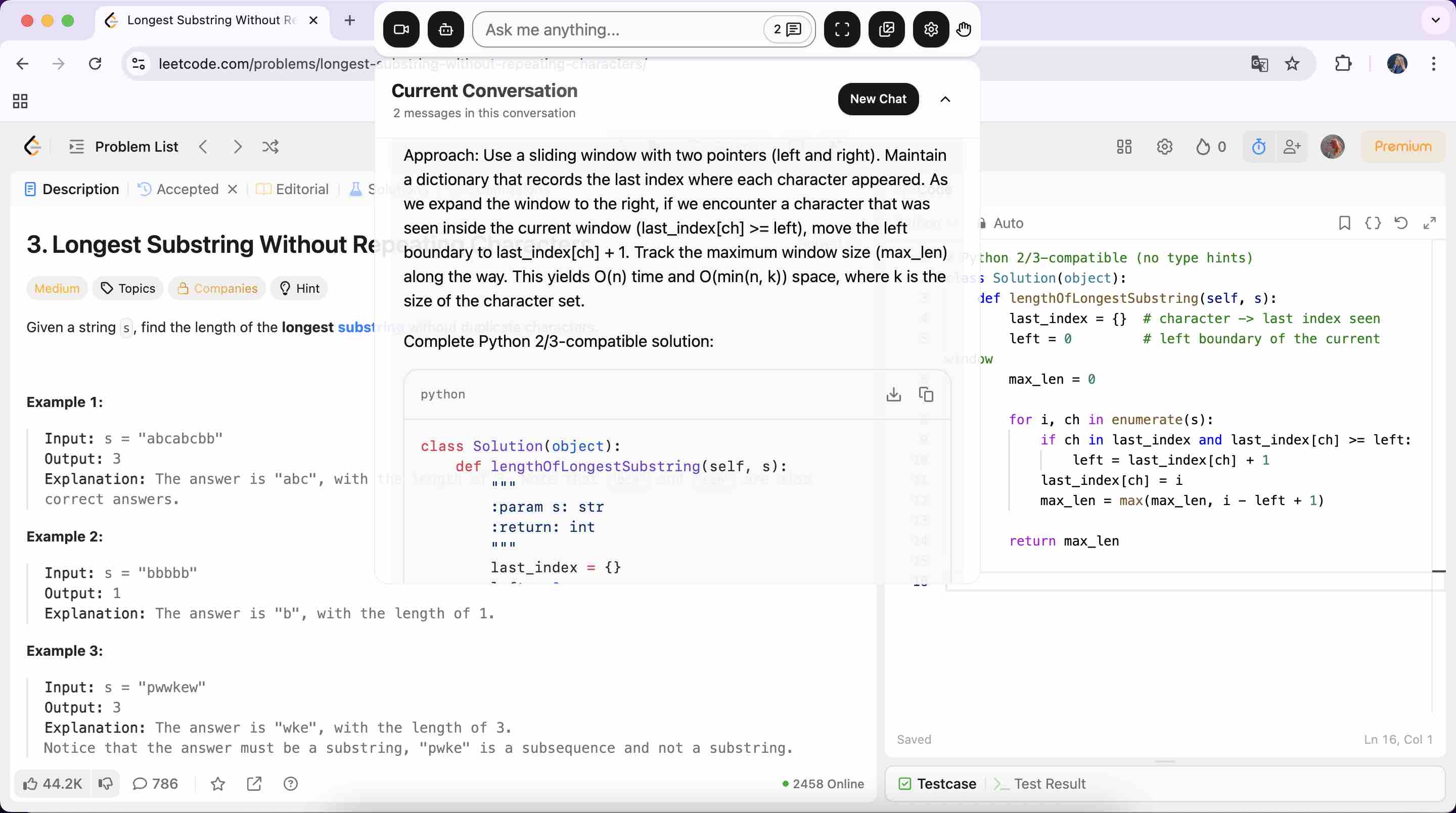
Follow-Up Questions
Addressing interviewer follow-ups and technical deep dives as the best interview helper . The live coding interview copilot supports delivering real-time, context-aware answers during interviews to enable continuous algorithmic optimization and system design iterations
- Edge-Case Analysis
- Optimization Strategies
- Trade-off Evaluations
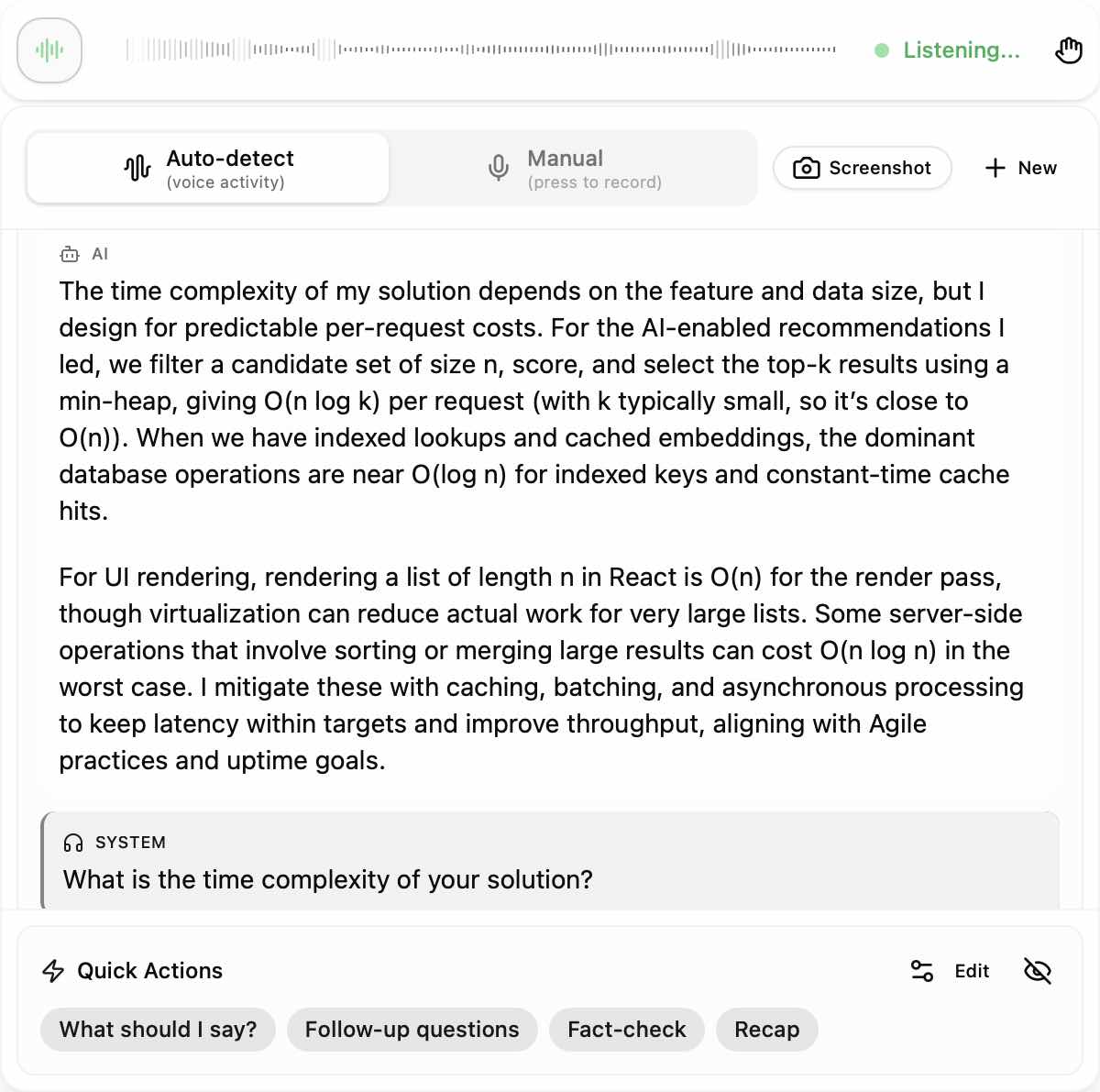
Join the Winners: Land Your Dream Job at Top Companies
 Telegram
  Chrome
  Discord
  Dribbble
  Figma
Figma  Gmail
Gmail  Netflix
  Opera
Opera  Safari
  Sketch
  Spotify
  Tiktok
  Twitter
  Zeplin
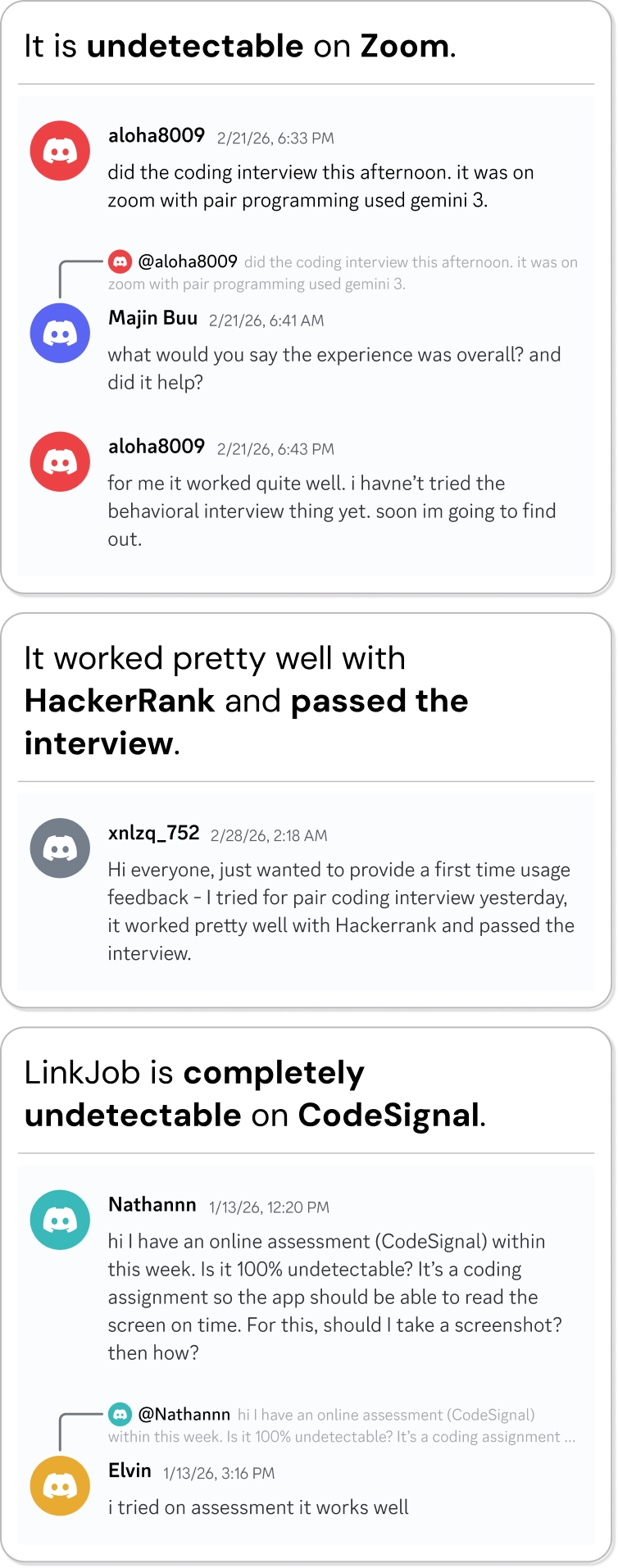
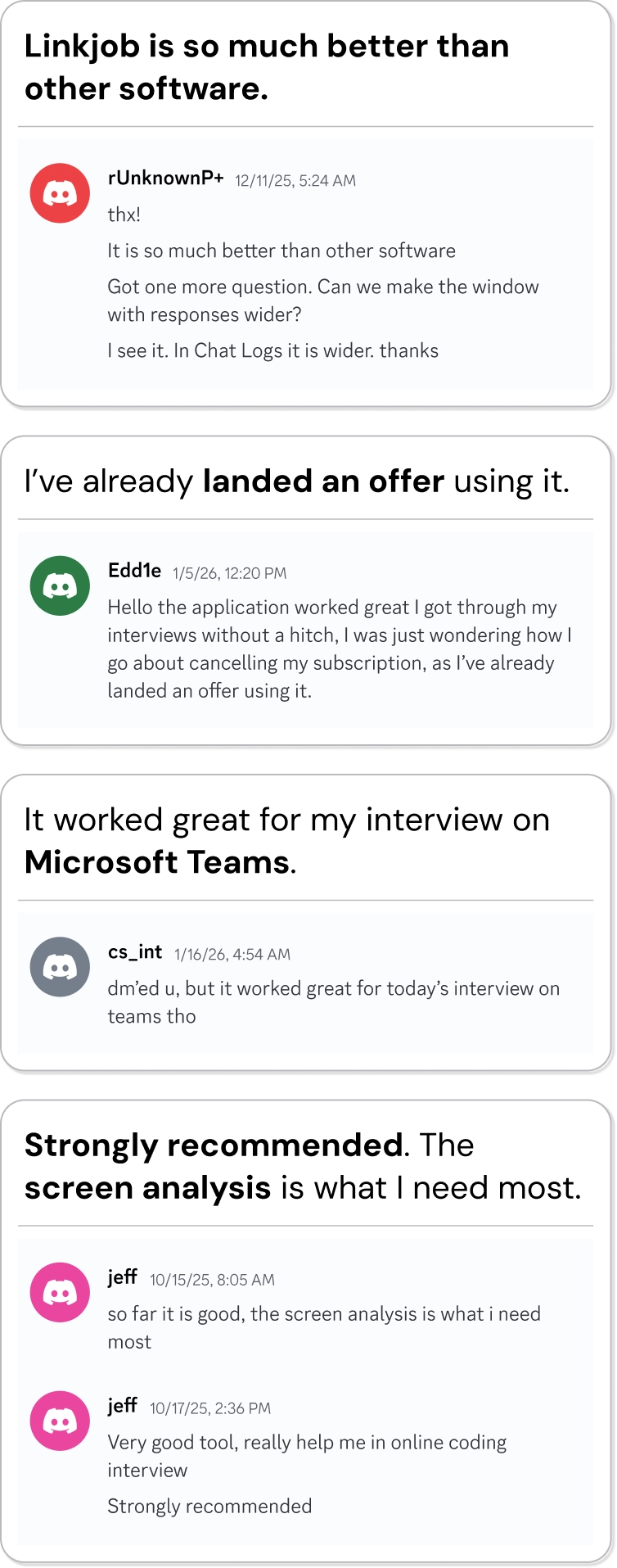
 Proven Results with Linkjob AI Coding Interview Copilot
From first-time job seekers to career switchers and tech pros, real users are securing real offers with Linkjob AI coding interview copilot.













36,000+
Offers Received
172,800+
Interviews Aced
29+
Languages Supported
1700+
Companies Landed
FAQ | AI Coding Interview Copilot
If you have any further questions, join our Discord community or WhatsApp group to ask us.
Because of this sandboxing, interview platforms cannot reliably detect the following activities:
- Which app you switched to: When the browser tab loses focus (the "blur" event), the website receives no information about what other application became active.
- What other programs are running: Websites have zero access to the list of running processes on your computer. This is a core OS-level security boundary that browsers cannot bypass.
- Reading memory of other applications: Accessing another program's memory is strictly prohibited by the operating system for security reasons — not even native applications can do this to each other without elevated privileges.
- System-wide keystrokes or mouse clicks: The platform can only see input that occurs inside its own tab. It has no visibility into anything you type or click elsewhere on your computer.
- Hidden native windows during screen sharing: Applications specifically designed to remain invisible (e.g., Linkjob AI, overlay-style helpers) simply do not appear in screen shares, screenshots, or recordings when properly implemented.
In short: the browser tab is a sealed bubble. It can see only what happens inside itself — nothing more. Any claim that these platforms can "detect ChatGPT" or similar tools by watching your screen/activity outside the tab is technically inaccurate. They cannot.