Ctrlpotato Review: Can it Help You Ace Interviews in 2026?


When I wrote the article on the best alternative to CTRLpotato, I only briefly mentioned its use as a real-time AI interview assistant. Since this product isn't completely stealthy, there's a chance you might get caught using AI during a real interview. Also, I find the answers it generates are mediocre. It's fine if you're doing a mock interview, but if you're counting on it for a real interview, you'll probably come off worse than you usually would.
So, after thinking about my experience, I've written this CTRLpotato review to share my firsthand insights and real-world impressions. This way, I can explain the details that weren't covered in my last article. I’ve also written reviews of other mainstream AI interview tools, such as LockedIn AI review and Cluely review, which you can click to read.
Ctrlpotato Review: Key Features and Experience
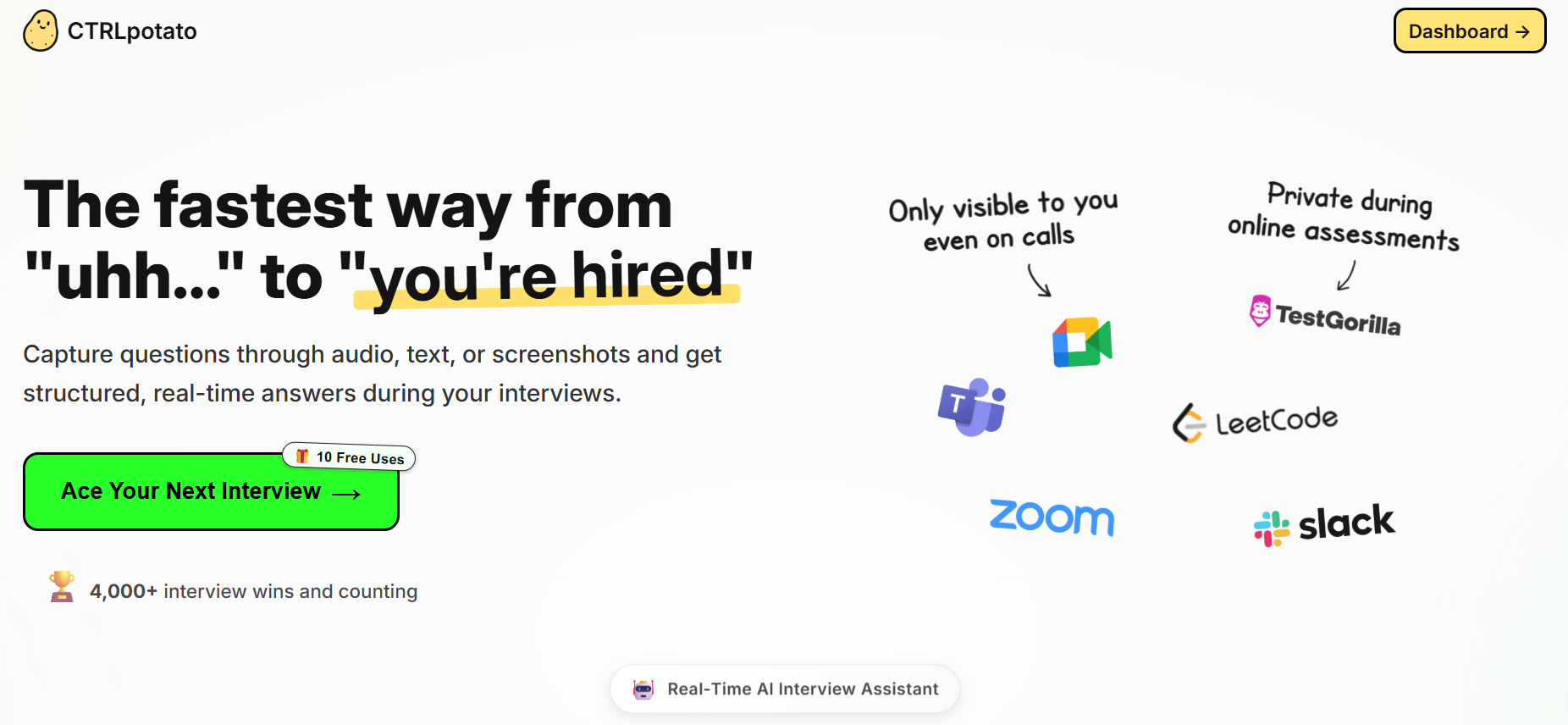
Real-Time AI Assistance
Before downloading the software, I thought CTRLpotato, like Linkjob AI, would provide a window that was completely invisible and would allow me to discreetly provide assistance with interviews. What's more, its comparisons and descriptions really hit the spot, and it seemed to come up trumps in terms of reliability and convenience compared to Cluely. You can see the official comparison results in the summary table below:
Here’s a quick look at how CTRLpotato compares to Cluely:
Feature | CTRLpotato | Cluely |
|---|---|---|
Mobile mirror & remote control | ✅ Yes - answers on your phone; trigger screenshot/AI/model switches/follow-up remotely. | ❌ Desktop focus only. |
Stealth/obfuscation depth | ✅ Obfuscation System targets Activity Monitor/Task Manager/app folders. | ⚠️ No obfuscation, app is visible in Activity Monitor/Task Manager and app folders. |
Context capture | ✅ Audio + invisible/full-screen/area screenshot + selected text into a rolling buffer. | ⚠️ Each request includes at most one screenshot; transcript is added if listening is on. |
Model choice | ✅ Switch between top-tier models; organize/save streaming/non-streaming toggles. | ⚠️ AI models not specified; model switching not available. |
Coding language regeneration | ✅ One-click to regenerate code into a different programming language | ❌ Not available. |
Stealth and Security Using the CTRLpotato's APP
Yes, it looks really good, but to use the hidden features and get real-time answers, you need a second device as well.
When I tested its desktop app, it transcribed text normally, but kept getting stuck at the "Waiting for a question" stage and couldn't generate an answer. Also, CTRLpotato's window coverage is so seamless that I couldn't see or click on anything else on the screen. I couldn't even use keyboard shortcuts to move the window – all of them stopped working on my device.
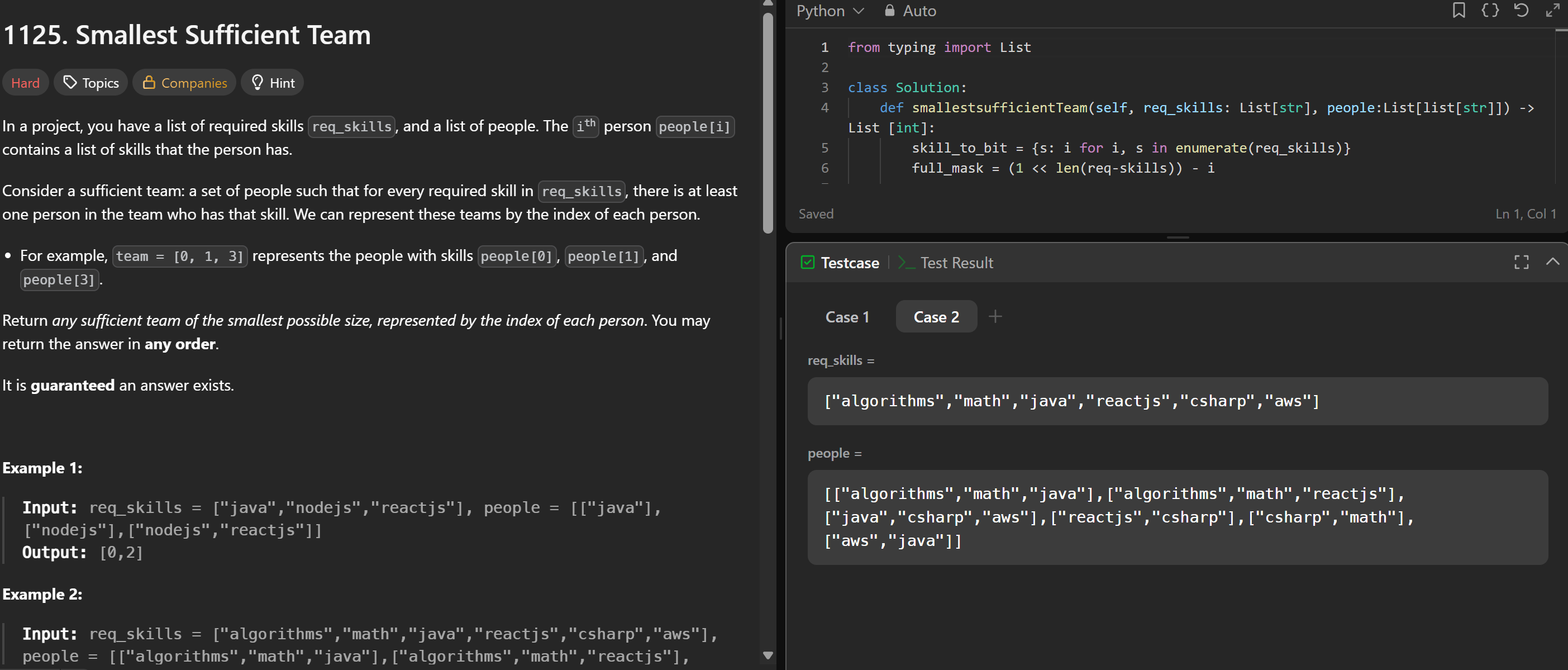
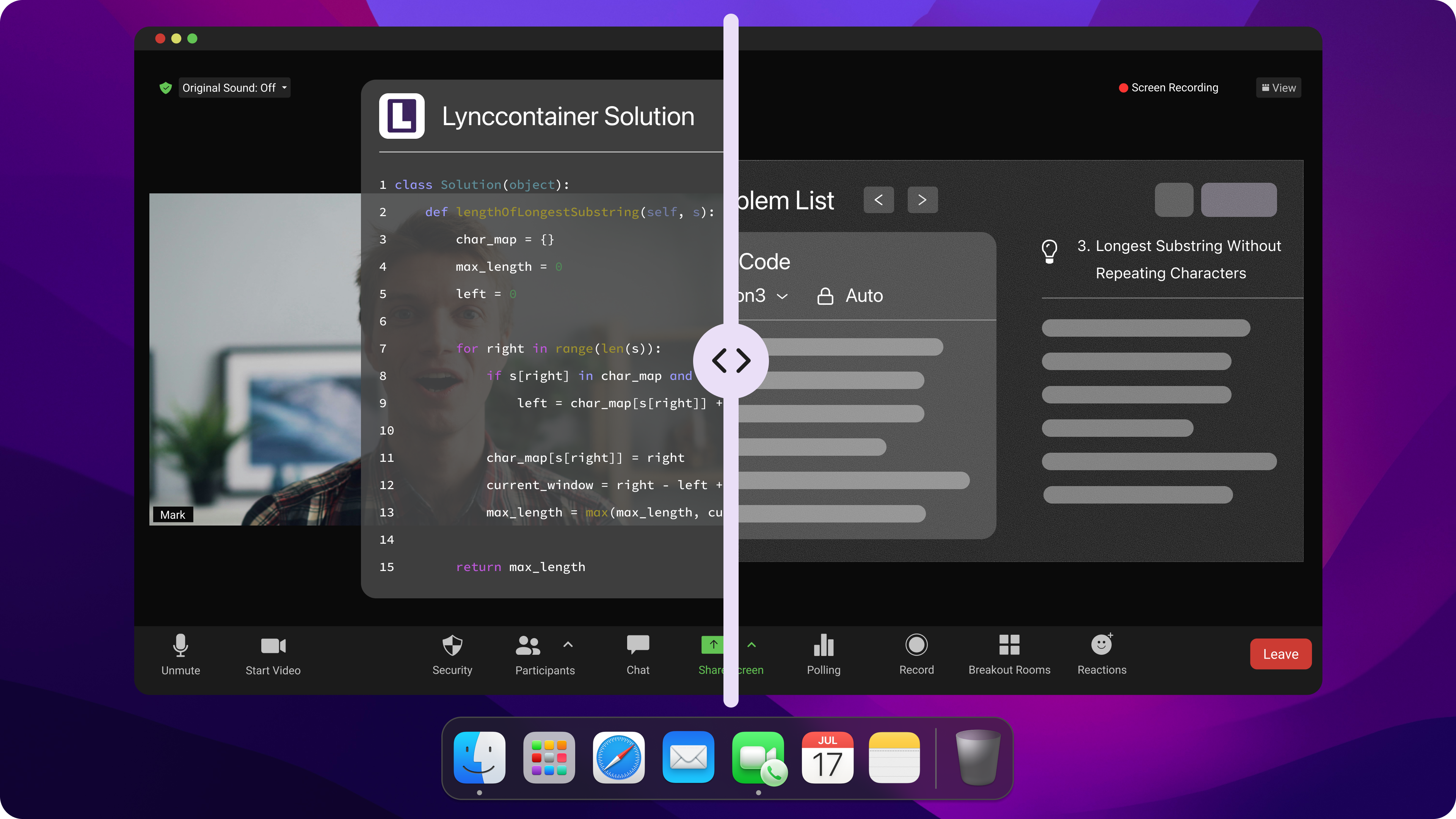
Yeah, when CTRLpotato is running on just one device, it won't show up in screenshots or videos, so you're covered. But I just couldn't use it for a normal interview.
So, I tried another feature, which lets you connect a second device and use it to retrieve answers.
Multi-Platform Support & Stealth Worries
As CTRLpotato didn't work properly on my computer (I looked for an official explanation, but I haven't figured out what went wrong since I first started using it), I had to set up another device to check the answers.
Things aren't always as simple as they seem. The first thing you need to think about is choosing the right device.
Phone screens are too small and don't display things clearly enough.
Computer or tablet screens are too large and have to be placed to the side.
When you're actually in the interview, both of these look a bit off to me.
And to top it off, some of these coding test platforms (like CoderByte) can now spot straight away if someone's using not one but two devices.
Other platforms make it clear that you need two devices – one for the assessment and one for multi-angle proctoring. If you're caught using two devices, you'll get an immediate warning for cheating.
So I like AI interview assistants like Linkjob, since they can run on a single device without anyone knowing.
Pros and Cons in 2026
Pros
When I look at interview tools for 2026, I want something that keeps up with the latest trends. Remote interviews are everywhere now. AI-driven questions and proctoring are the new normal. CTRLpotato fits right in. Here’s why I think it stands out:
Real-Time Help (only when using another device): I could view answers on my phone and control the app remotely, and stay undetected only when there was no dual-device check.
Multi-Device Support: I switch between my Mac and Windows laptop all the time. CTRLpotato works on both, so I never have to worry about compatibility.
Context Capture: The tool grabs audio, screenshots, and text, then puts them together. My answers sound more natural.
Here’s a quick table that shows the main advantages for AI-driven and remote interviews:
Feature | Description |
|---|---|
Mobile Mirroring | I view answers on my phone and control the app remotely. |
Context Capture | Audio, screenshots, and text combine for better, more coherent responses. |
System-level Obfuscation | The app avoids detection in OS process lists and app traces, which boosts my security. |
Live Updates | Answers update in real time on my phone, so I always stay on track. |
To make sure the review was fair, I also asked another friend to download the CTRLpotato app, and we did a video call to test it. While she was doing that, I asked her a few questions. She kept the CTRLpotato app open and manually activated its analysis feature.
Unfortunately, she spent quite a while typing and clicking with a frown on her face. In the end, she told me it took forever for the app to recognise her inputs, and that all keyboard shortcuts had stopped working. She said she couldn't click on anything else on the screen without closing the whole program. "I've never come across a tool this tricky to use," she said.
Cons
Time to wrap things up. I think CTRLpotato is pretty good for dual or multi-device setups and for simple mock interviews, but there are some serious problems with it, and I'm going to talk about them:
Manual Input: I had to paste my resume and job details by hand. Other tools fill this in automatically. It took extra time and felt a bit old-school.
Confusing Copilot Setup: I wanted to try the live Copilot feature, but the instructions were not clear. I had to guess what to do next, clicking every button I found one by one to make sure I understood what it was for. The shortcuts were also disabled for no reason.
Limited Stealth & Errors on the Only Device: After several tests, I decided CTRLpotato only works when connected to another device. When it was running as an app on the only device, everything went wrong, and the result was nothing.
Limited Customization: When I tried to tweak answers for serious interviews, I found the options shallow. Some answers sounded generic, and there was no room for me to adjust them by prompting, as I had experienced in Linkjob AI.
Mock Interview Feel: Sometimes, CTRLpotato felt more like a practice tool than a true in-interview assistant. I wanted more real-time support.
Context Issues: The app mixed up speakers once or twice. It also gave me the wrong context for a question, which threw me off.
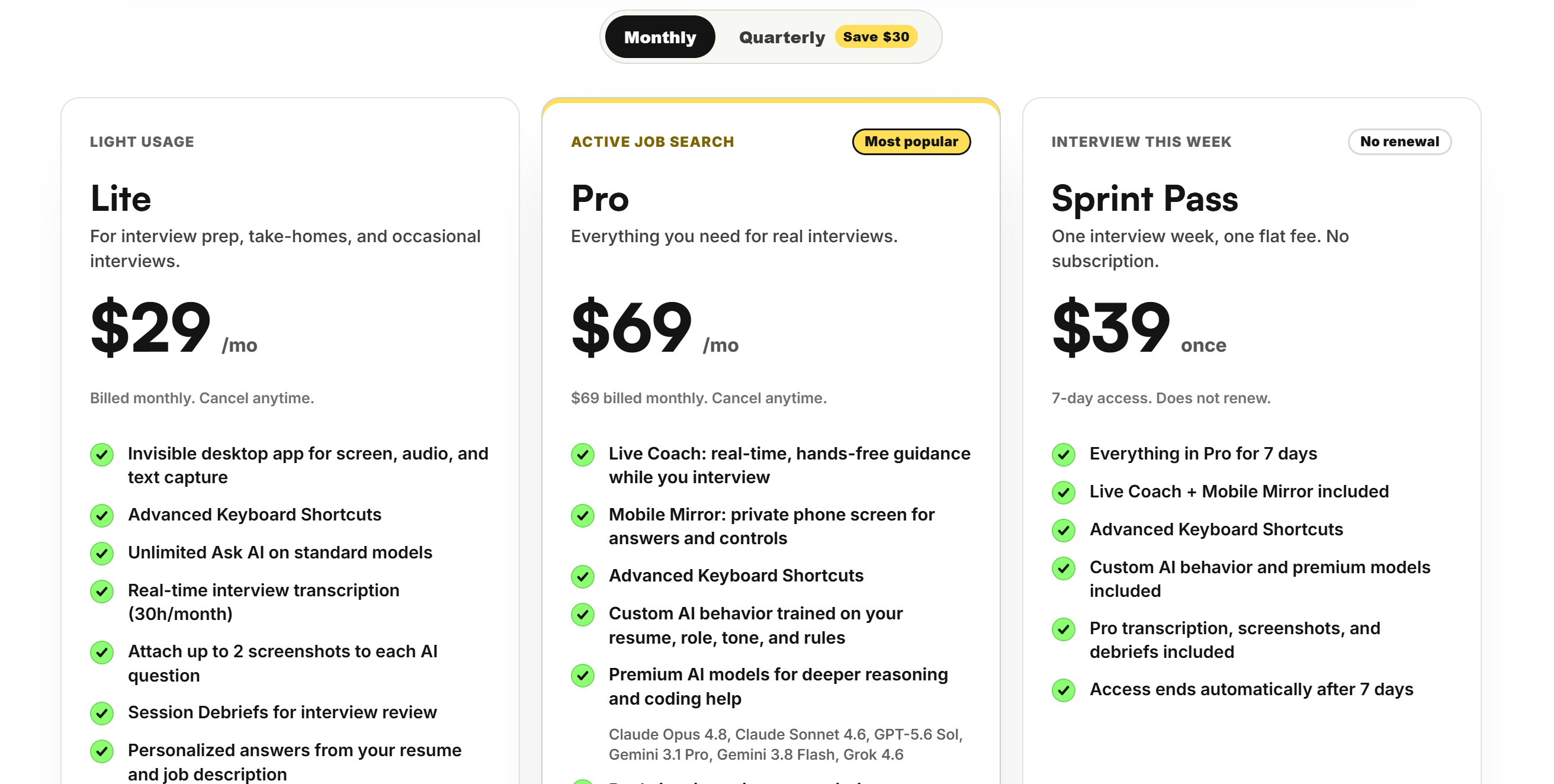
Also, with CTRLpotato's subscription plan, if I need to use two devices for a job interview, I have to upgrade to a higher-tier plan, which I find a bit weird. These issues mean that customers have to pay extra to access the great features that the company promises on its homepage and comparison pages.
Recommendations and Alternatives After CTRLpotato Review
Suitable Groups
I think CTRLpotato is the best choice for people who want to protect their privacy during mock interviews, while also having the option to select a model that ensures the reliability of real-time assistance. But it's not as useful for anything else, or for strictly proctored tests where you need an AI interview assistant.
Here are some groups that get the most out of CTRLpotato:
People who need to keep interview tools hidden
Users who want live feedback and multi-device support in mock interviews
Anyone who likes to control their prep from their phone
Tip: If you want to get the best results, set up your context buffer before the interview. Practice with the copilot feature so you know how it works. I always double-check my settings and test the phone view before a real session.
A Better Alternative: Linkjob AI
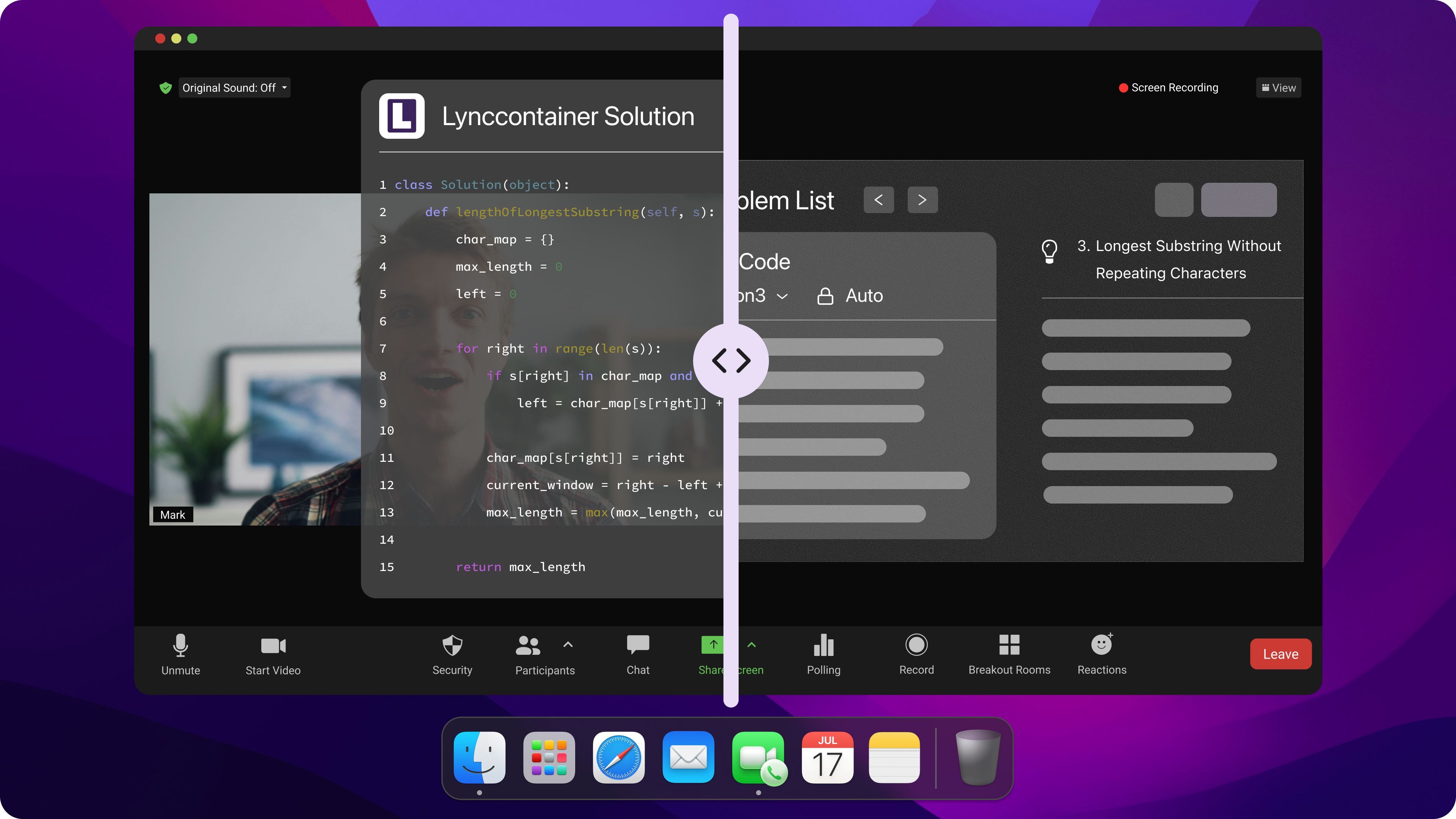
If you want something even faster or more hands-off, you might like Linkjob AI. I tried it for a few mock interviews. The tool gave me instant answers without much setup. The responses felt sharp and well-trained. I noticed that Linkjob AI works on its own, so I did not have to control every step.
Here’s a quick table that shows how Linkjob AI compares:
Features | Linkjob AI | CTRLpotato |
|---|---|---|
Platform Type | Software-based (Desktop app) | Software-based (Desktop app) |
Undetectability | Supported | Not always supported |
Automatic Question Recognition | Supported | Supported |
All Interview Format (behavioral, coding, etc.) | Supported | Supported |
Personalized Support | Supported | Too vague |
Live Interview Copilot | Supported | Supported |
Language | More than 52 | 10+ |
I recommend Linkjob AI if you want speed and less manual work. The price is clear, and the answers feel more tailored. If you want to focus on the interview and let the tool do the heavy lifting, Linkjob AI is a strong choice.
Note: Try both tools if you can. See which one fits your style and interview needs. I found that some people like more control, while others want everything done for them.
FAQ
Is there a free trial for both tools?
You can get a refund for CTRLpotato within the first ten uses. Linkjob AI offers a free version and a trial. I always recommend testing before paying.
Can I use CTRLpotato during proctored or recorded interviews?
Yes, but it's quite risky. The best way to use it is to open stealth mode to keep CTRLpotato hidden, and make sure your interview only checks for one device, or at least doesn't need a scan of your room.
What should I do if CTRLpotato mixes up speakers or context?
I double-check the context buffer before starting. If the app confuses speakers, I pause and reset the buffer. Practicing with group interviews helps me spot issues early.
Does CTRLpotato work on both Mac and Windows?
Yes, I use CTRLpotato on my Mac at home and my Windows laptop at work. The app runs smoothly on both platforms, but also, cannot work well on only one device.
What makes Linkjob AI stand out for tech and finance interviews?
Linkjob AI focuses on tech and finance roles. I get tailored guidance and instant feedback. Ctrlpotato covers general interviews, but Linkjob AI adapts to my industry needs and helps me answer tough questions.
See Also
2026 Interview Coder Analysis: Advantages, Disadvantages, And Gaps
2026 Guide To Ace DevOps Interviews With AI Assistance
Top Five Real-Time AI Interview Helpers For 2025
Top Alternatives To Interview Coder For Coding Interviews
Leading Alternatives To Interview Sidekick For AI Assistance
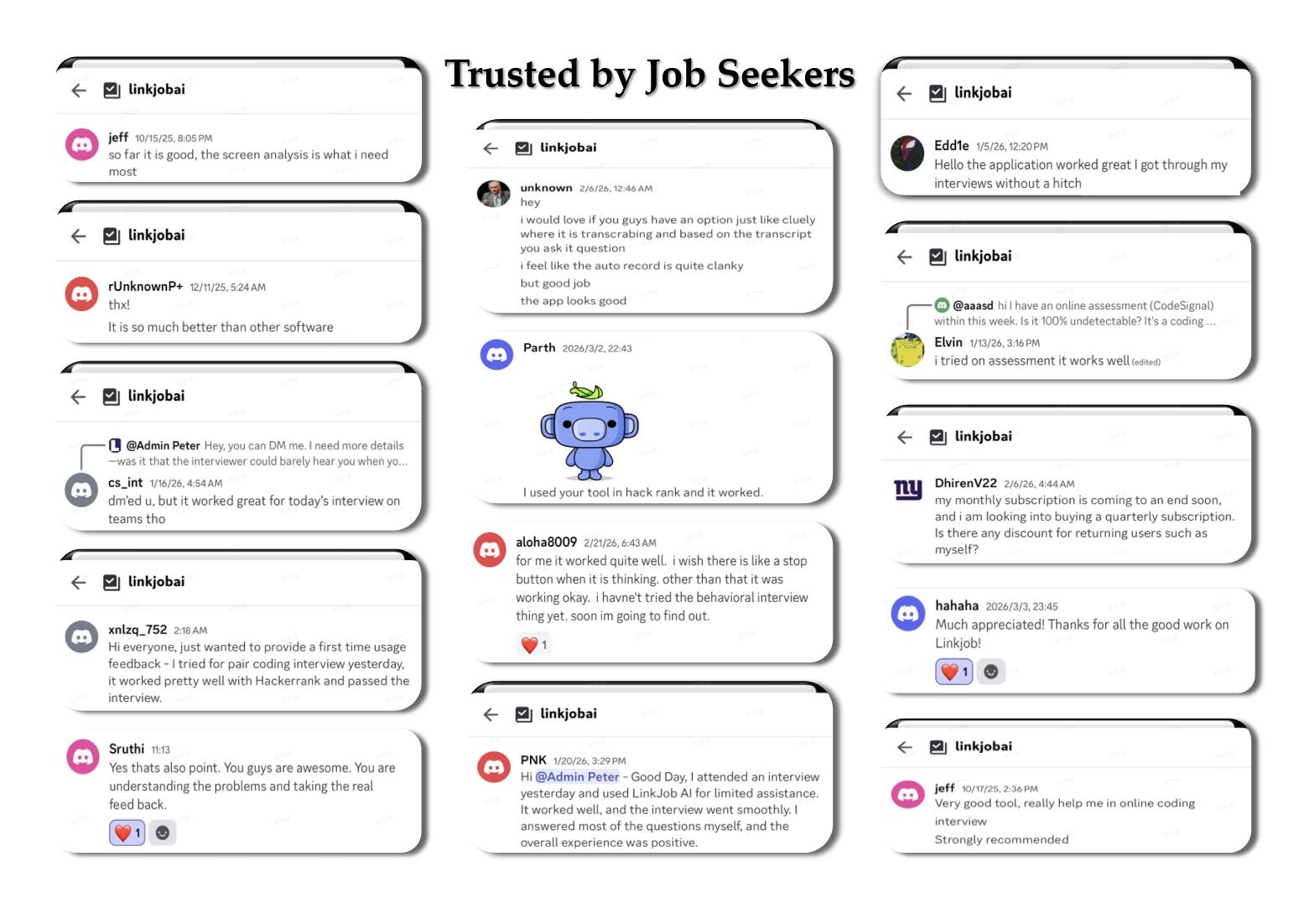
Why People Choose Linkjob AI
Smoother interviews, coding challenges cleared, and job offers landed. See how users describe their experience with Linkjob AI—in their own words.


© Copyright 2026 Linkjob AI - All Rights Reserved.