Interviewstream Real Guide: Techniques to Pass Undetected


Here's a quick summary of the method: Put together invisible, real-time AI assistance with thorough rehearsal, and you'll be answering naturally and fluidly. Here's the secret to "cheating" on InterviewStream—it's possible for anyone with basic prompt engineering skills.
In this article, I'll use the resources I researched before my InterviewStream interview and my personal experience with this type of interview to walk you through the three core steps I completed using Linkjob AI—preparation, real-time assistance, and detection avoidance. I'll do my best to explain all these details as clearly and comprehensively as I can in one go, just like the articles I've written in the past, such as the CoderPad cheating guide and How to Cheat on Honorlock.
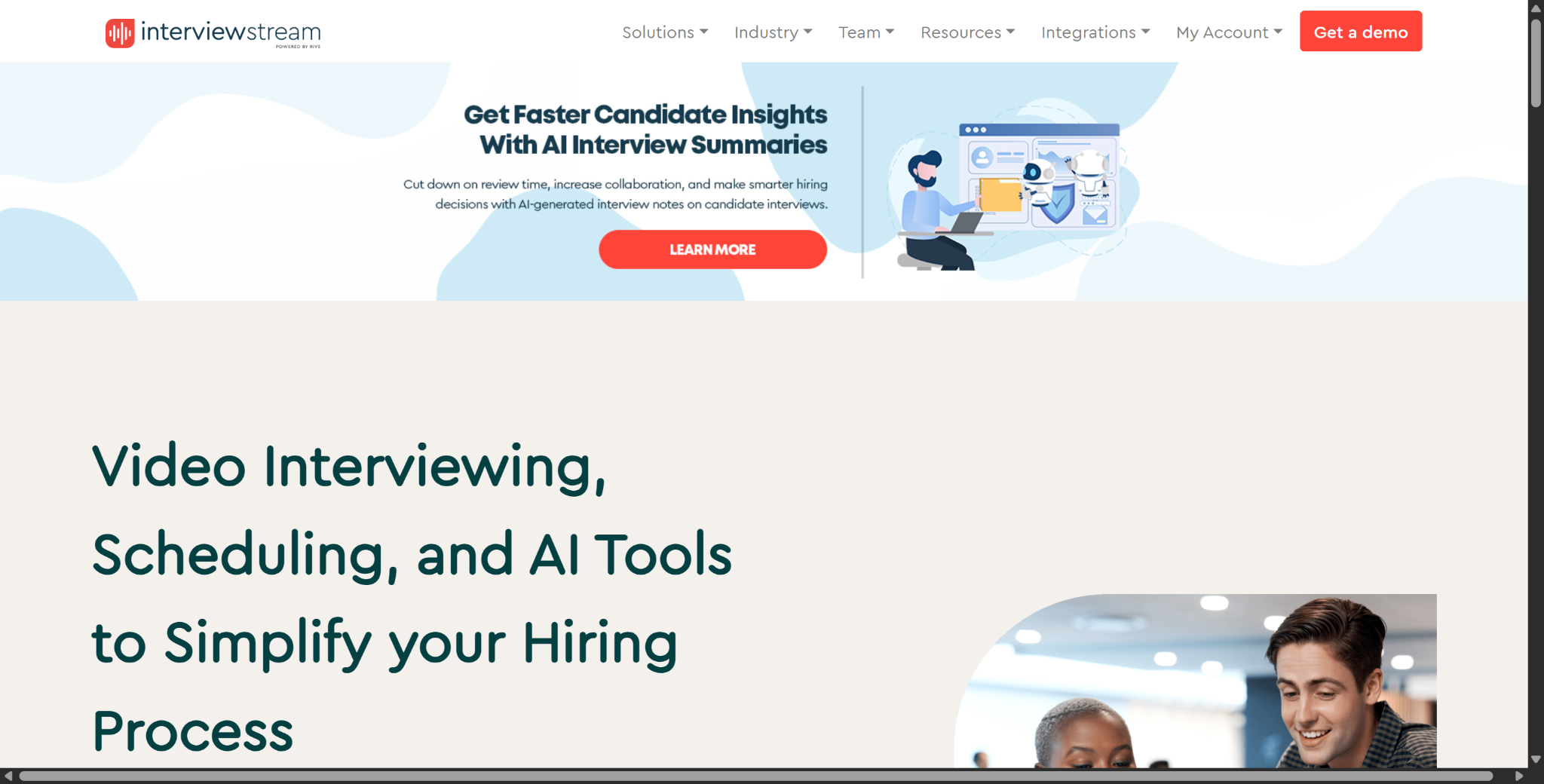
Understand Interviewstream Anti-Cheating Before Learning How to Cheat on Interviewstream
If you want to learn how to cheat on Interviewstream video assessment, you've got to start by understanding the Interviewstream recruitment workflow. Interviewstream doesn't mess with your whole operating system or keep an eye on your computer's background processes. It mostly handles how video responses are recorded, reviewed, and stored. This is different from most interview platforms I've looked at before. In fact, it might be a platform just for interviews. So, its anti-cheating measures aren't all-inclusive, but that doesn't mean you can use any tool to cheat on InterviewStream.
InterviewStream Anti-Cheating and Interview Controls at a Glance
Area | What InterviewStream Actually Does | Anti-Cheating Relevance |
|---|---|---|
One-way video recording | Candidate records answers to preset questions | Recruiter can review the actual spoken response |
Attempts per question | Employer decides whether you get one or multiple attempts | Limits repeated polishing |
Latest attempt replaces previous | If you re-record, the old answer is erased; you cannot choose the better one afterward | Reduces “record many, submit the best” behavior |
Strict Mode | Leaving a question early means you return at the next question | Prevents reopening the same question to gain extra preparation time |
Permissive Mode | Can return to the same unfinished question if no time limit is set | More candidate-friendly |
Redo Specific Questions | Recruiter must explicitly authorize a new attempt after completion | Additional attempts are controlled and logged |
Candidate activity log | Records authorized redo questions and the reason for the extra attempt | Creates an audit trail |
Camera / microphone | Required for video interviews | Records the answer itself, not documented as gaze proctoring |
Device/IP/browser data | Privacy policy says IP, location, browser/device/OS, and usage data may be collected | General security/abuse detection, not documented as candidate cheating telemetry |
AI Interview Summary | AI summarizes what candidates said | Not an anti-cheating detector |
AI Confidence Score | Measures how well AI summary matches original response | Not a candidate integrity score |
One-Way On-Demand Video Workflows vs Live Interview Connect
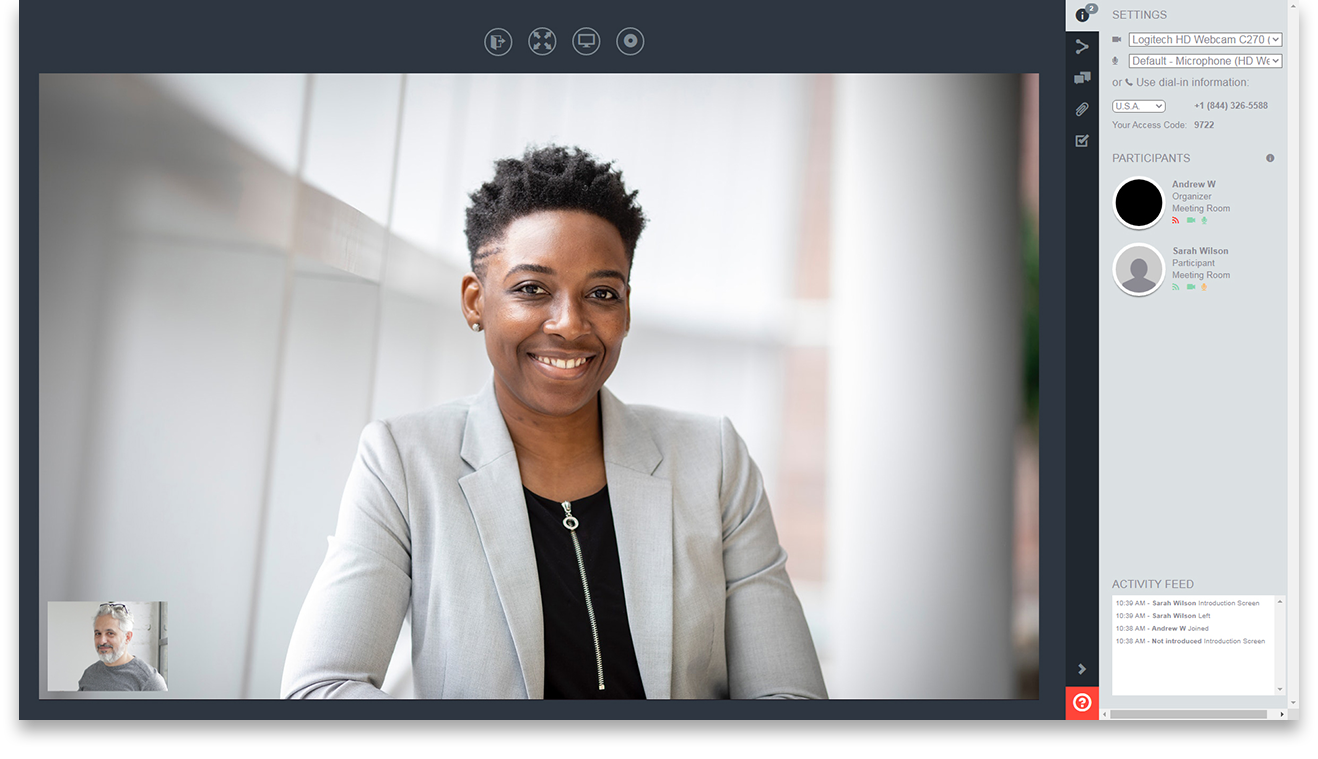
InterviewStream has three main modules for managing candidate scheduling and interviews:
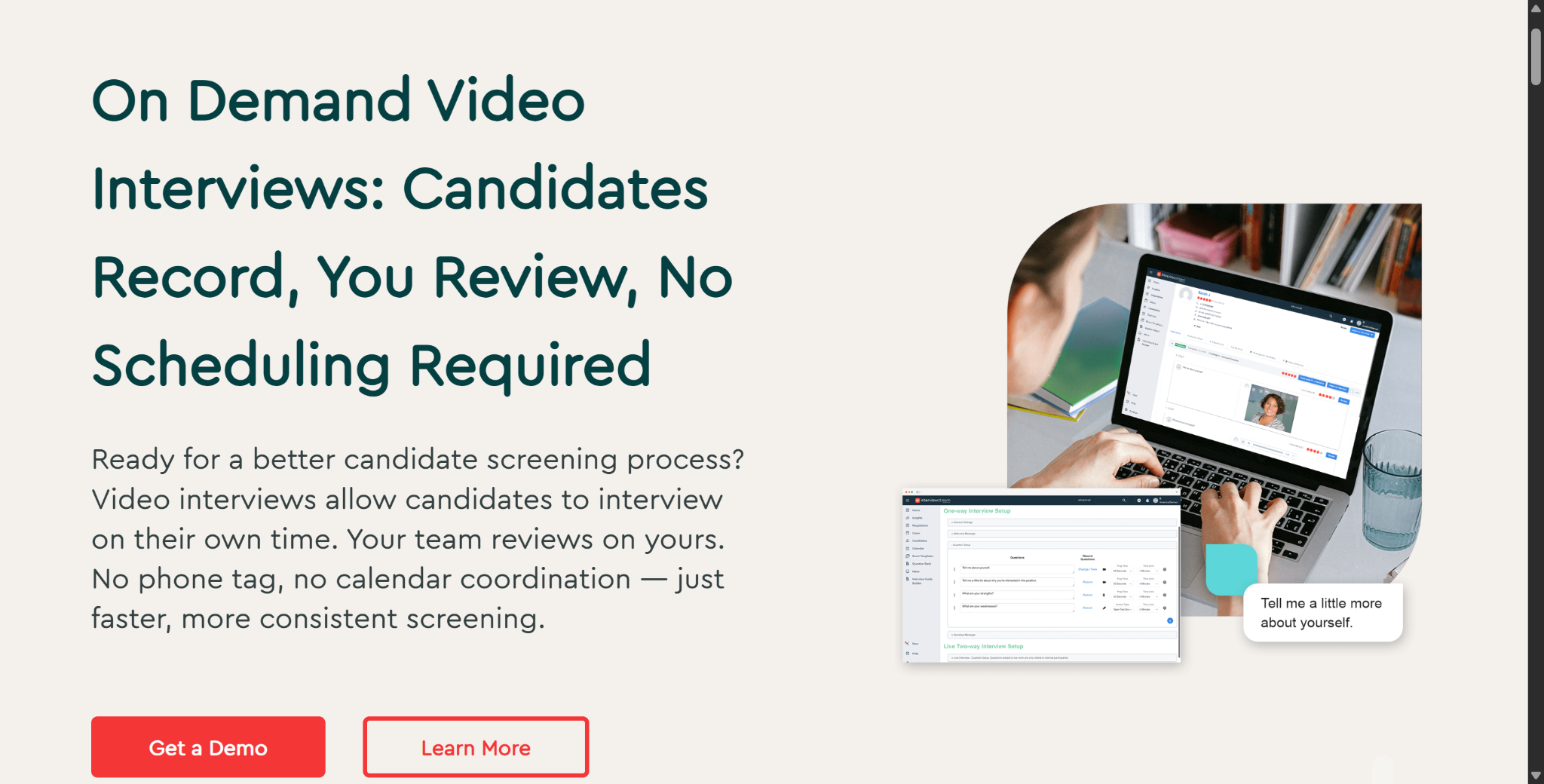
Interview On Demand (Asynchronous): This is the most common workflow for initial screening. Employers set up a series of questions in advance. After getting an email invitation, candidates can record their own video responses using a web browser without the interviewer being there (this step has virtually no anti-cheating measures).
Interview Connect (Live Video): It's a live video conferencing module that connects candidates directly with hiring managers or interview panels. It works like standard video conferencing software.
Advanced Scheduler: It's an automated coordination tool that's used to manage interview bookings, calendar synchronization, and candidate reminders.
If you're a candidate looking to learn how to cheat on Interviewstream, you'll find that the focus is almost entirely on the asynchronous "On-Demand" module. In this mode, success depends on being able to meet the time limits, understand the sequence of prompts, and respond verbally under pressure.

Attempt Constraints: Single Re-records and Overwriting Rules
Unlike typical video recording tools, which let users save multiple versions of a recording and pick the one they like best, Interviewstream has strict recording controls to prevent cheating and limit the number of responses.
Configurable recording limits: Hey, just so you know, employers can set up interview settings to allow for either one recording per question or multiple recordings.
Destructive overwrite mechanism: If employers allow re-recording, submitting a new version will automatically overwrite the previous recording. Candidates can't review multiple saved versions at the end of the session to select the one they're most satisfied with.
Instant submission lock: When single-recording mode is enabled, once the response timer expires or the recording is manually stopped, the recording is immediately finalized. The candidate then moves on to the next stage without being able to review or re-record their answer.
Knowing the rules of structured recording is key to understanding why it's important to be prepared and keep a steady pace when you're trying to figure out how to cheat on InterviewStream interview.
Navigate Interview Modes and Question Rules About How to Cheat on InterviewStream
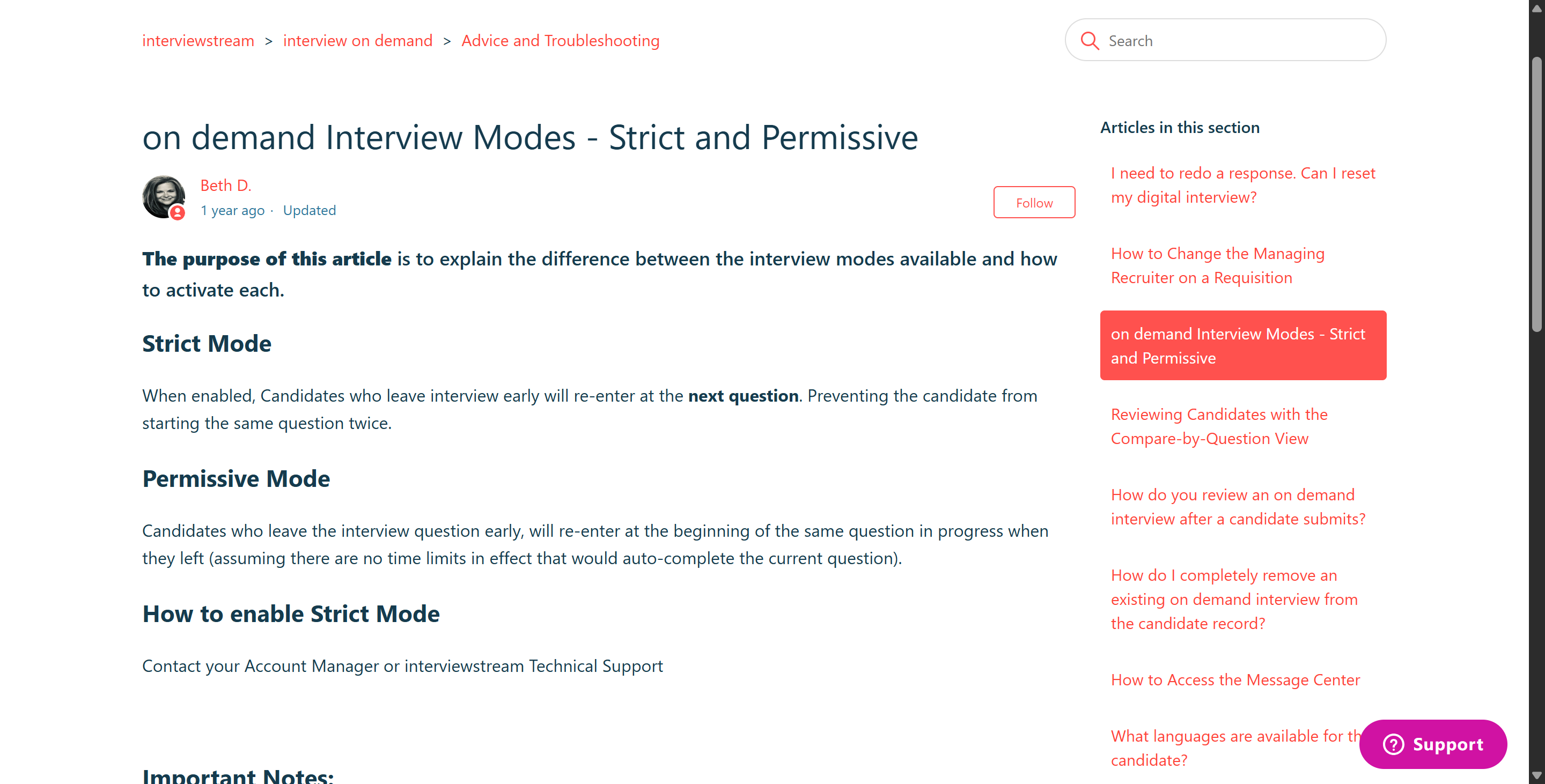
Interviewstream incorporates unique workflow controls that directly impact how candidates navigate questions during an active session. Mastering these operational modes is a core component of learning how to cheat on Interviewstream assessments without forfeiting question opportunities.
Interviewstream Operational Controls vs Candidate Impact
Operational Control | Technical Mechanism | Candidate Impact | Recommended Best Practice |
Attempt Limits | Employer-configured single or multi-take settings | Re-recording overwrites previous versions permanently | Deliver your best response on the initial take; avoid unnecessary retakes |
Strict Mode Navigation | Prevents reopening abandoned questions | Leaving a question early skips it permanently | Remain inside the active recording window until the prompt is fully answered |
Permissive Mode Navigation | Allows returning to unfinished questions | Unfinished questions can be re-accessed if timer allows | Use caution; do not rely on returning if timers are short |
Redo Authorization | Recruiter-unlocked additional attempts | Allows re-answering specific questions post-submission | Contact recruiting support immediately if technical dropouts occur |
AI Interview Summary | Automated text transcription and key point extraction | Generates question-level summaries for recruiter review | Speak clearly and articulate core keywords to ensure accurate AI transcription |
Strict Mode vs Permissive Mode: Restarting Unfinished Questions
Interviewstream provides employers with two distinct navigation settings for On Demand interviews:
Strict Mode: If a candidate accidentally navigates away from an active question, closes the browser tab, or exits the interface prematurely, Strict Mode prevents them from reopening that specific question. Upon re-entering the assessment, the system advances directly to the next prompt in the sequence, resulting in a missed question score.
Permissive Mode: A more forgiving configuration that allows candidates to return to the beginning of an unfinished question if the designated response timer has not already expired and automatically finalized the submission.
Before beginning an assessment, candidates should review platform instructions carefully to identify whether Strict or Permissive Mode is active, ensuring they do not inadvertently abandon a question by refreshing the browser window.
Recruiter Redo Authorizations and Candidate Activity Logs
If there's a technical glitch or something unexpected comes up, Interviewstream has you covered with tools to handle it.
Take another look at a specific question: Recruiters can authorize more recording attempts even after an interview has been fully submitted. Recruiters can unlock a specific question and set a new expiration date for the candidate.
Candidate Activity Log Tracking: Interviewstream keeps track of all the exceptions, like which questions were reopened and why.
Audit Trail Transparency: Since the system keeps a record of each attempt, candidates can't just authorize retakes on their own. Each time there's a new recording session, the employer has to step in.
If you understand these control mechanisms, you can make sure that candidates maintain the integrity and continuity of their sessions when considering how to cheat on an Interviewstream assessment.
Interviewstream vs Traditional Surveillance Proctoring Platforms
Feature / Control | Interviewstream On Demand | Traditional Proctoring (ProctorU, Equip) |
Primary Security Strategy | Workflow rules & recording attempt limits | Hardware surveillance & environment locking |
Webcam / Audio Streaming | ✅ Active video/audio recording for interview answers | ✅ Continuous surveillance for cheating detection |
Desktop Lockdown Software | ❌ Standard browser execution | ✅ Custom lockdown browser / process scanner required |
Tab-Switch Monitoring | ❌ Not a standard public proctoring feature | ✅ Active focus tracking & desktop screen recording |
AI Evaluation Role | Generates interview summaries & confidence scores | Flags integrity violations & computes Trust Scores |
Best Practices and Behavioral Tips for How to Cheat on Interviewstream Without Detection
Technical setups must be paired with rigorous physical preparation and structured communication habits to ensure your video responses appear polished, professional, and natural during recruiter reviews. Mastering how to cheat on Interviewstream interviews requires total control over your recording environment and delivery style.
Technical Setup, Hardware Testing, and Environment Configuration
Optimized Browser Selection: Use an updated version of Google Chrome or Microsoft Edge, as Interviewstream’s official troubleshooting guidelines recommend these browsers for the most stable media capture performance.
Device and Peripheral Calibration: Test your webcam, microphone, and internet connection using Interviewstream's pre-test diagnostic tools prior to launching the official recording session.
Isolated Private Recording Perimeter: Complete the video interview in a quiet, closed room. Background noise, ambient chatter, or sudden domestic disruptions will degrade audio quality on your recorded video file.
Balanced Frontal Lighting Setup: Position a stable light source directly in front of your face to eliminate harsh backlighting or deep facial shadows, ensuring the hiring team receives a clear, high-definition video feed.
Clean Desktop and Notification Management: Close all background messaging applications, disable system notification sounds, and ensure no pop-up windows can interrupt your recording session.
So How Do People Use Linkjob AI to Accomplish All This?
It's not that complicated. First of all, Linkjob AI has already helped me and my friends get through a lot of different interviews, and I asked my friends for advice on how they did it. Almost everyone told me it was pretty easy. While Linkjob AI does require some exploration, including crafting prompts, it's essentially a one-time setup. And almost no interviewer is going to figure it out.
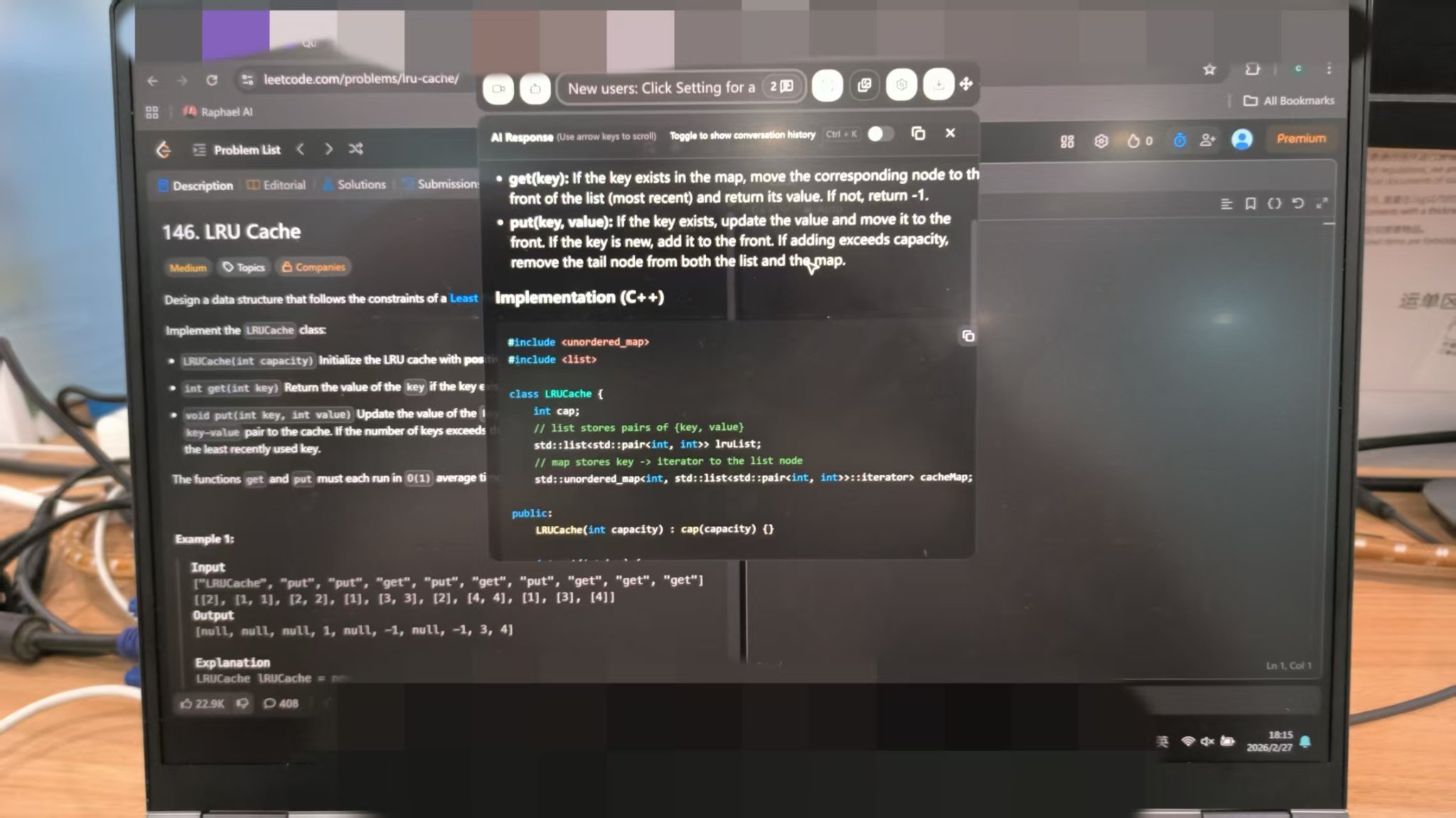
So I'll use my own process as an example:
Use Linkjob AI's mock interview feature to get a feel for the format, since it's actually quite similar to a video-recorded interview.
Before the interview, follow the setup instructions above to clean up and prepare your computer.
If you're worried about potential risks or if the interview might involve other proctoring software, you can try running Linkjob AI in a virtual machine (as long as there's no IP detection, etc.).
Work with your preferred LLM in advance to develop a suitable prompt—including instructions such as "provide the answer first and bold it"—and upload your resume.
Try out the Linkjob AI feature by doing an online screen-sharing session beforehand. If you run into any problems, hit up Peter or ask for help in the Discord group or somewhere else.
During the interview, try using the mouse to click on the screen analysis features to quickly get answers, and avoid using keyboard keystrokes.
If it's a live interview, just sit back and let Linkjob AI automatically transcribe and analyze the interviewer's responses. You just need to read those responses aloud like you normally would.
Story Bank Structuring, Pacing, and Camera Engagement
Maintain Direct Lens Contact: Look directly into your physical webcam lens—rather than at your own on-screen video preview—to establish natural eye contact with the hiring manager reviewing the recording.
Prepare a Versatile Story Bank: Build concise behavioral examples around core professional competencies, including leadership, conflict resolution, project management, and overcoming failure, allowing you to adapt stories dynamically to unexpected prompts.
Structure Responses Logically: Utilize structured frameworks (such as the STAR method: Situation, Task, Action, Result) to deliver focused, articulate answers within strict time limits.
Avoid Memorized Scripting: Speak in a conversational, professional tone rather than reciting rigid, memorized scripts that sound robotic on video playback.
Utilize Pre-Test Practice Modules: Take full advantage of Interviewstream’s candidate learning path and practice session features to familiarize yourself with the countdown timers and recording interface before starting the official interview.
Adhering to these environment guidelines and behavioral best practices ensures that your video submissions remain engaging and professional when evaluating how to cheat on Interviewstream assessments.
FAQ About How to Cheat on Interviewstream
Does Interviewstream use browser tab-switch tracking or proctoring?
No. Standard Interviewstream On Demand interviews operate as recorded video assessments without tracking browser tab switches or enforcing lockdown proctoring.
Can I re-record an answer and choose my preferred version?
No. If multiple attempts are enabled, submitting a new recording automatically overwrites and erases your previous version.
Does Strict Mode allow me to restart a question if I exit early?
No. In Strict Mode, leaving an active question prematurely advances the interview to the next prompt, permanently skipping the abandoned question.
Does Interviewstream use an AI cheating score?
No. Interviewstream features an AI Interview Summary tool that transcribes and summarizes candidate responses for recruiters, but it does not compute an integrity or cheating score.
Are desktop screen recording and process scanning enabled by default?
No. Interviewstream records candidate video responses to preset questions, but it does not scan background computer processes or record full desktop screens.
Can recruiters authorize additional retakes after the interview is submitted?
Yes. Recruiters can use the "Redo Specific Questions" feature to manually unlock specific questions and grant additional recording attempts post-submission.
See Also
My Method to Use Undetectable AI Help for Talenscio Interview Safely
Getting Undetectable AI Assistance for Ropes Interview in 2026 Without Detection
My 2026 Updated List of Five Best Undetectable AI Interview Tools
My 2026 Strategy to Evade Sherlock AI Interview Detection Successfully
Why People Choose Linkjob AI
Smoother interviews, coding challenges cleared, and job offers landed. See how users describe their experience with Linkjob AI—in their own words.


© Copyright 2026 Linkjob AI - All Rights Reserved.