Interview Solver Review: I Tried It So You Don't Need to

To be honest, I'm not as satisfied with Interview Solver as I'd hoped. It's not easy to detect, even in Task Manager, BUT it's not very stable - its workflow is quite confusing, sometimes even freezing or crashing.
Also, when it comes to real-time interviews, Interview Solver can't yet give smooth answers, it just records the questions and the answers. It does the job on the LeetCode problems, but it's not the best choice as an interview assistant in real time.
As well as this Interview Solver review, I've also tried out AI live interview assistants and wrote some others, such as Sensei AI review, Cluey AI review, and LockedIn AI review. But my conclusion is still the same: Linkjob AI is way more powerful live interview assistant than any of them.
Interview Solver Key Features & Internet Reviews
Key Functions
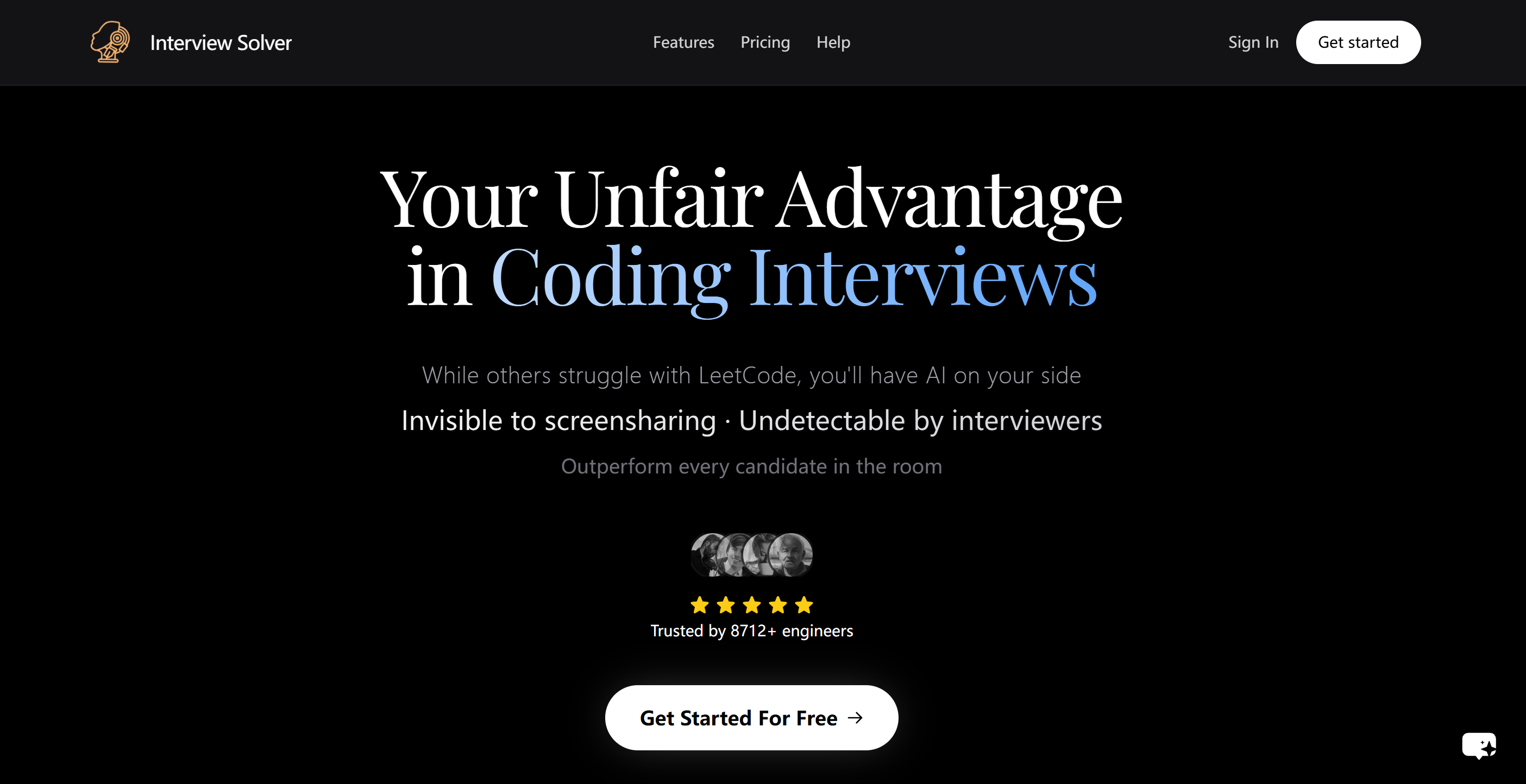
The Interview Solver website says that they specialise in real-time coding interviews, help with LeetCode problems, and have a few other optional features, such as companion mode (evolve another device as a second screen) and document uploading (analyse and utilise more information in interviews).
Here’s a quick look at the main features:
Feature | Description |
|---|---|
Undetectability Features | Invisible overlay, global hotkeys, moveable window positioning, and more for live interviews. |
Audio Processing | Real-time audio processing to listen to interview questions and provide relevant answers. |
Compatibility | Works with Zoom, Teams, Google Meet, and other platforms, ensuring seamless integration. |
Voice Transcription | Transcribes both your voice and the interviewer's voice for assistance during interviews. |
Companion Mode | Use any device as a second screen for code display and assistance from others. |
Document Upload | Upload and reference your own documents during interviews for AI-powered answers. |
But during my tests, it could only operate by hitting multiple hotkeys; more detailed problems I will mention in the following paragraphs.
Internet Review & Comments
Like before, I checked out the reviews and ratings of the interview solver before I tested it, and I also had a look at the interview solver reviews on Reddit. To be honest, I didn't find many detailed comments explaining its pros and cons, except for a couple of articles.
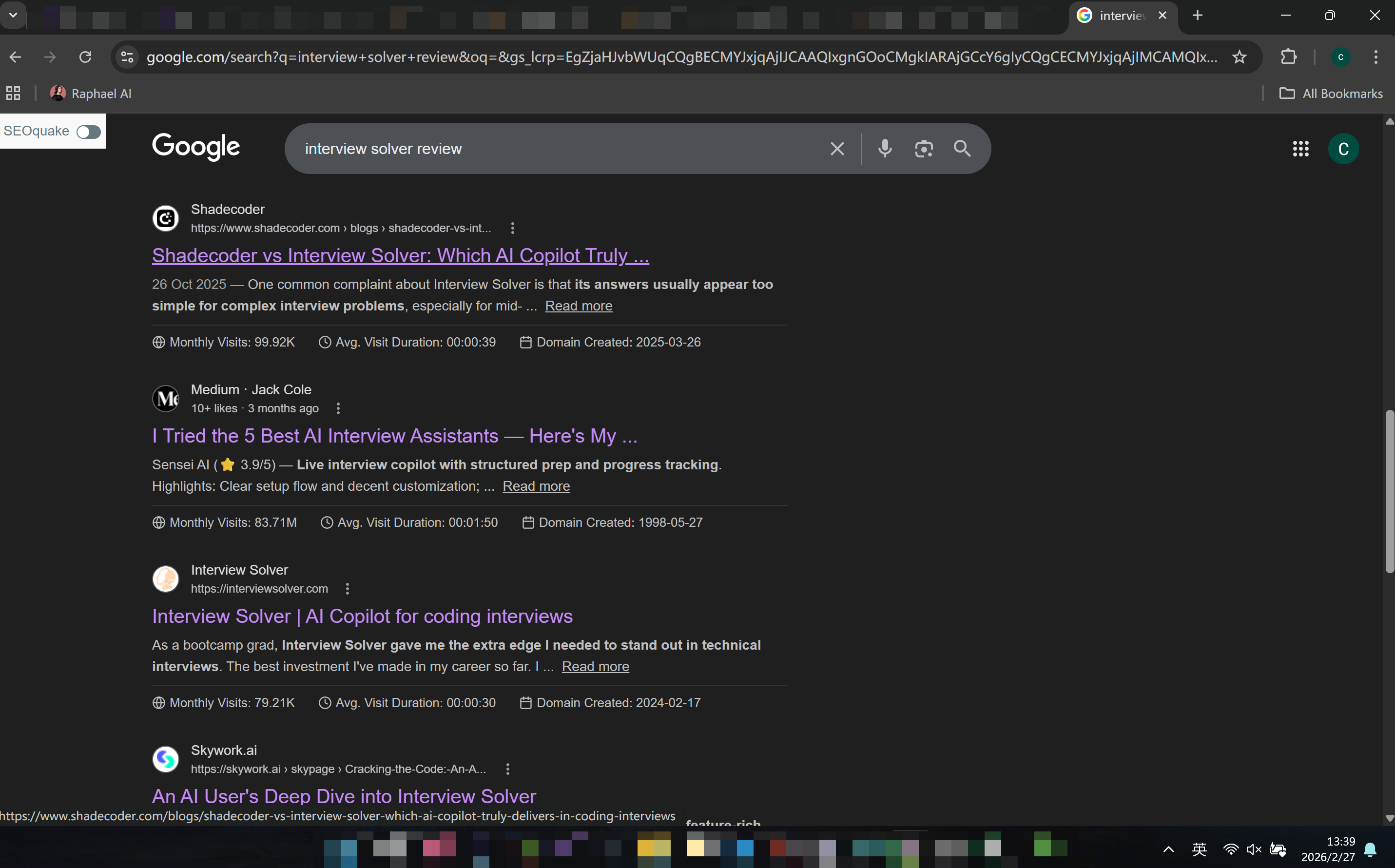
In one of his more popular blog posts, shadowcoder mentions some issues with interview solver. It seemed to have delays responding to complex problems and there were compatibility issues on macOS systems. It's got some cool features, like invisible windows and code resolution, which was also emphasised.
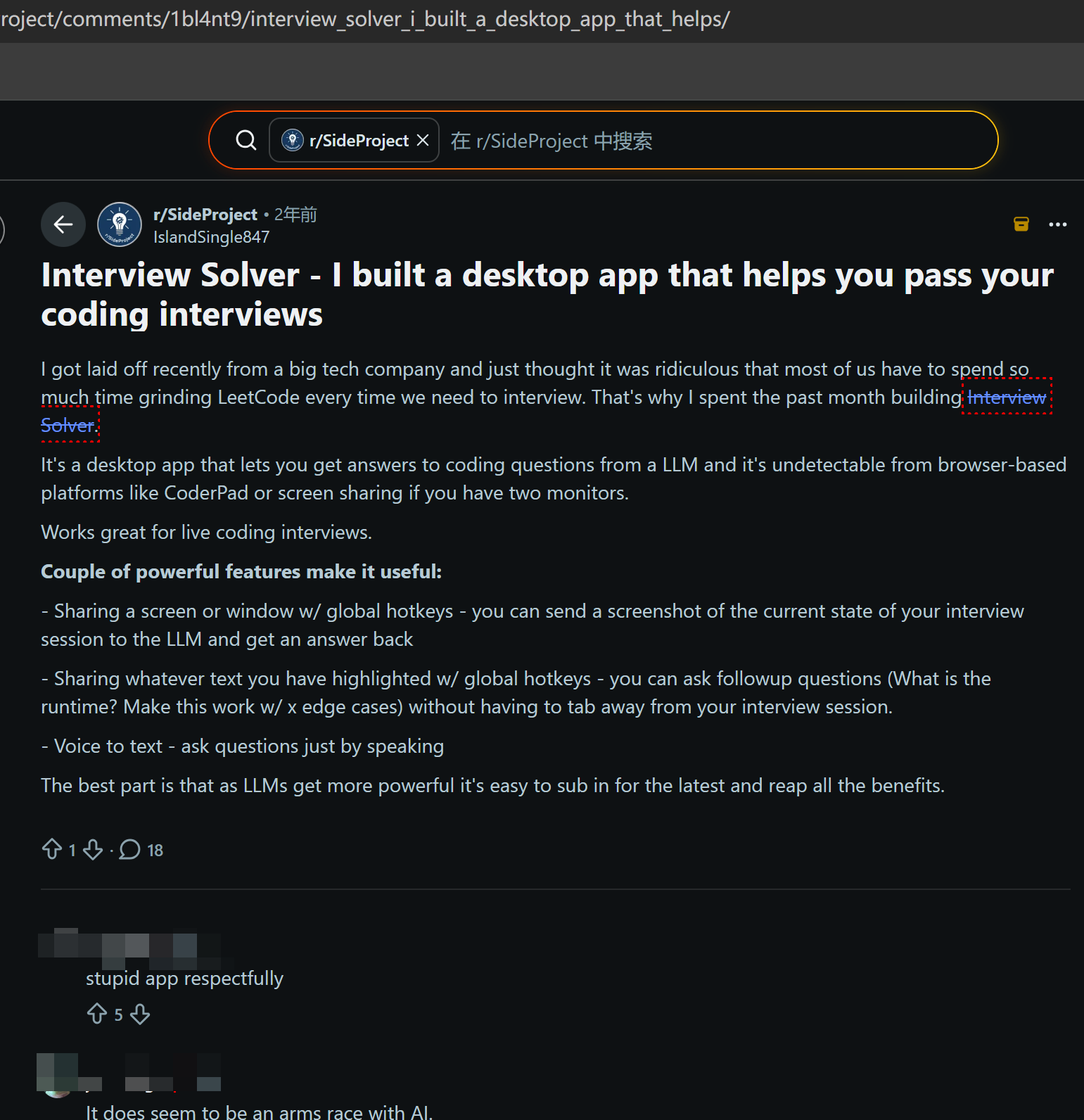
I reckon the Reddit post was probably uploaded by the developer, and the comments section didn't have any real feedback. In the end, I decided to put more time into hands-on testing.
Interview Solver Review: First-hand Tests on Performance
Pros & Cons Overview
To sum up, it's pretty clear that Interview Solver has a lot going for it:
It's quick to get answers back, and they seem really professional.
Global hotkeys were integrated really well, and they responded almost straight away.
Its interface was indeed invisible in screenshots and online meetings.
But there are some clear disadvantages too:
The guidance is really poor, often leaving users unsure of the next steps.
Answers do not appear automatically. Users must manually input questions or use hotkeys with pre-set prompts.
The interface transparency cannot be adjusted, making it difficult to see other content on the screen.
The interface sometimes freezes and cannot be closed or restarted via background settings.
If I accidentally minimise it or it gets put behind other windows, I have to minimise and close all the overlapping tabs to find it.
My friend's got a Mac, and she said that Interview Solver wouldn't run on her computer.
Failed in the First Try
My first experience with Interview Solver wasn't great. Tbh, it was pretty bad. Unfortunately, problems cropped up straight after the first installation. The Interview Solver interface completely froze during login.
All I could see was a black screen, and I couldn't close or move it. I tried finding the running process to restart it, but there wasn't even a shortcut. I had to restart my computer, delete the installer and download it again.
Setup Process
After the second installation, I finally got in and got to the interview solver dashboard page. To be honest, all it showed was a prompt that said "Share your screen", and didn't give us much more info.
I got my full screen to work by clicking the right-hand navigation bar button. But then I had a bit of an issue: I shared my screen but nothing happened — neither in the answer interface nor in any of my other tabs.
So I turned to the settings:
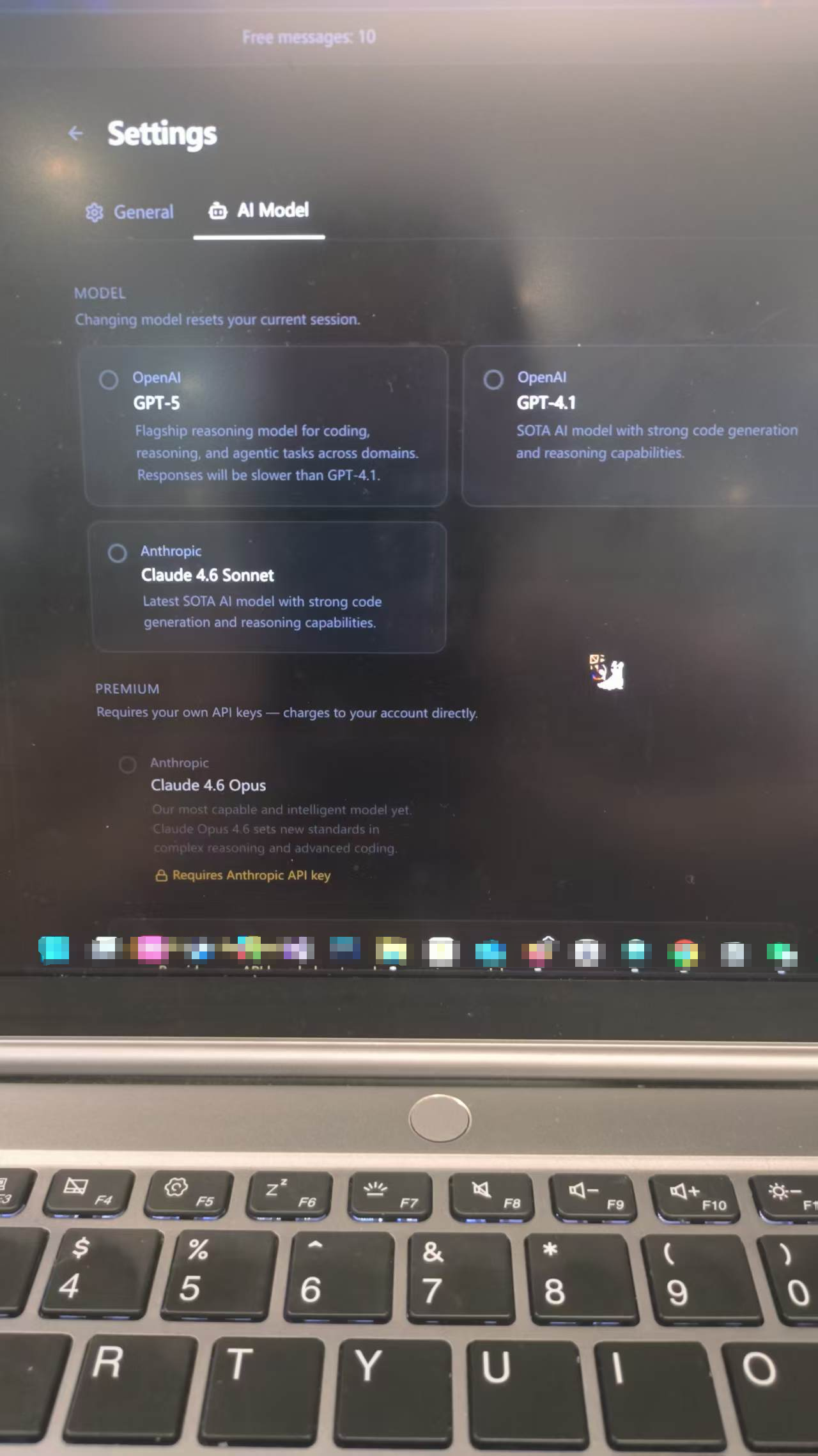
I found the shortcut keys and AI model configurations in the settings. I clicked on Claude and tried opening the computer audio capture using the hotkey. It did the job, but it didn't seem particularly useful.
Usability
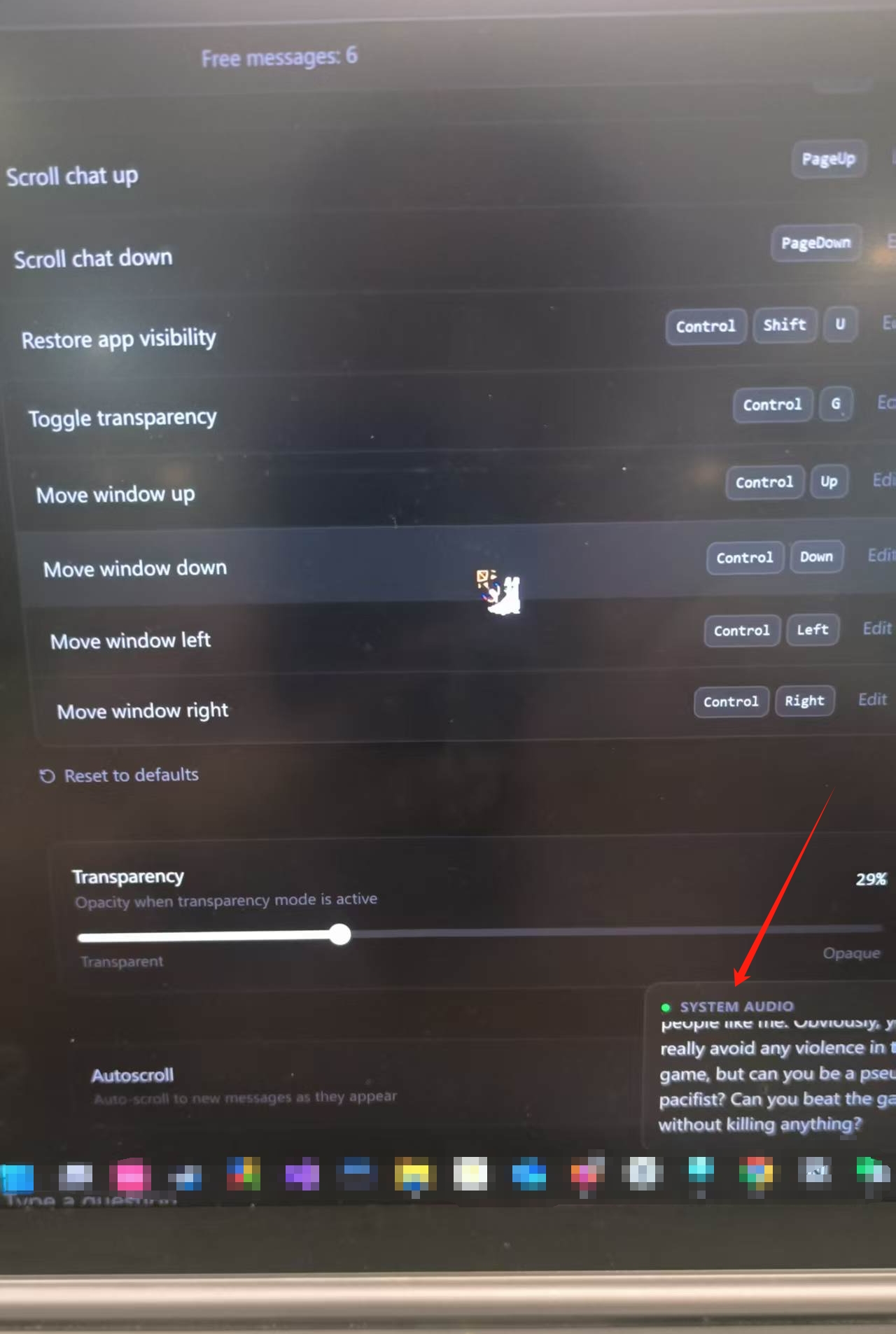
The transcription shown in the above image looks right, but the problem was that the AI assistant box was not responding at all. I've tried and tried, but nothing's changed. While Interview Solver can transcribe text, it doesn't automatically provide any responses. (I had to choose a target language for transcription in the settings; otherwise, transcription won't work at all.)
I explored the interface further, and here’s what stood out:
Navigation felt tricky. I had to keep going back and forth between the settings page and the AI response page to check the hotkeys.
The transparency settings were pointless. Whatever settings I had them on, I still couldn't see my screen at all.
Once the page is closed or accidentally minimized, I had to click the desktop shortcut again to reactivate it.
Despite these issues, I liked how the app stayed hidden. I took most of the images for this review on my phone because screenshots just don't do the Interview Solver interface. However, there's another qualified real-time AI interview assistant out there, Linkjob AI, and it can do the same thing.

Coding Practice
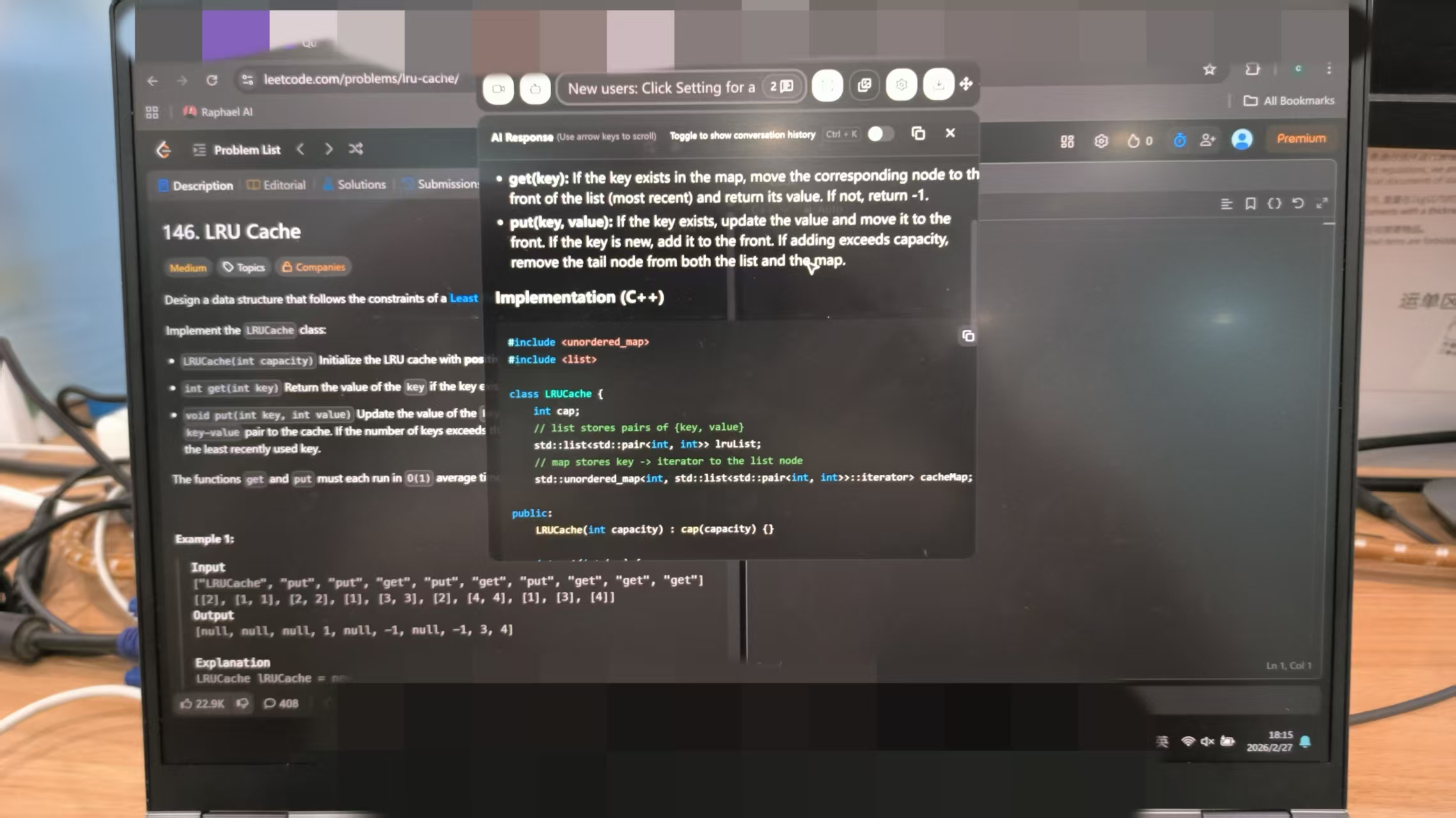
It took me ages, but I have managed to get used to using Interview Solver at least a bit. I read one review that mentioned it has trouble with system design problems like the ones in LeetCode. That's why I found some questions to test it.
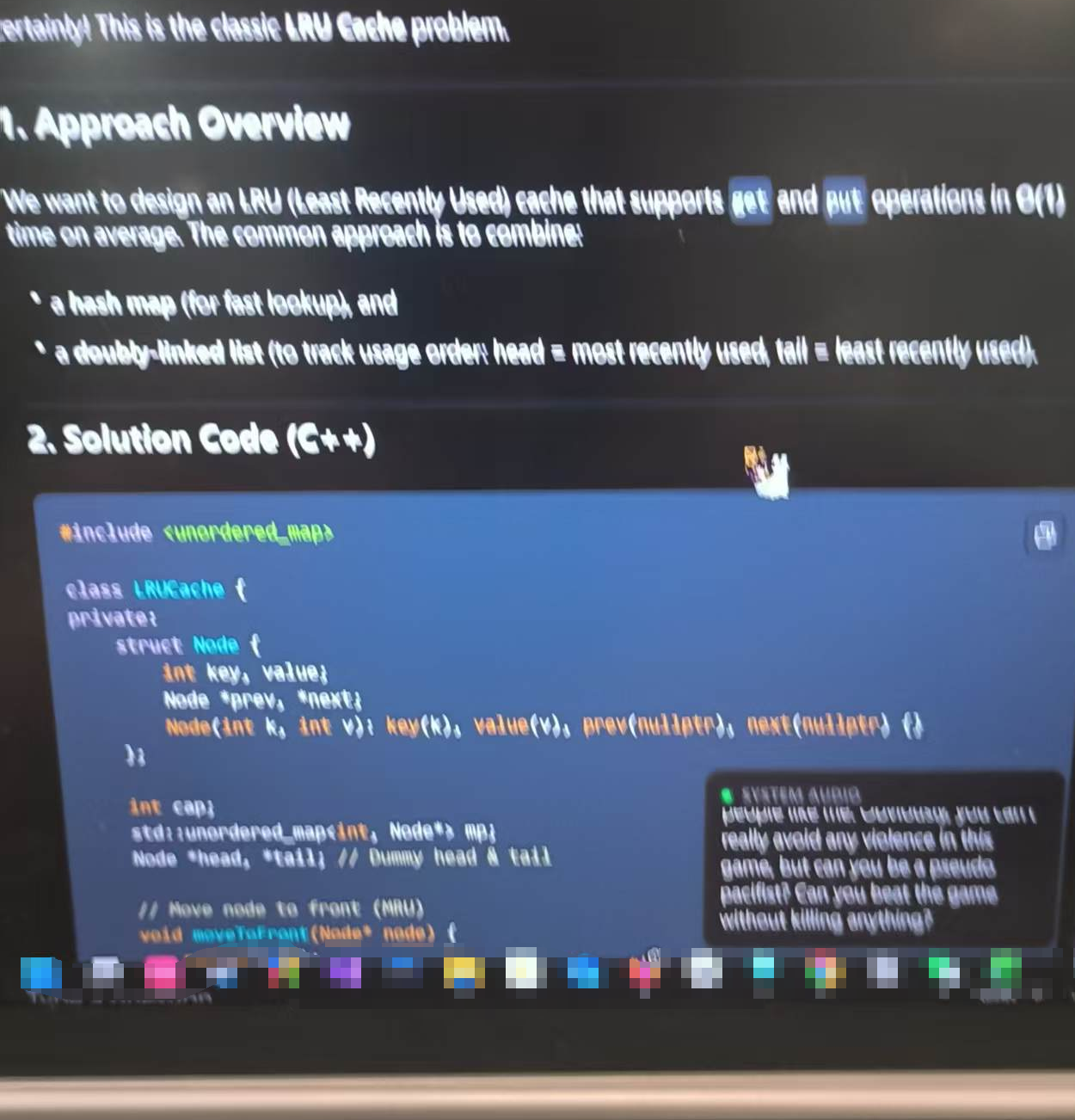
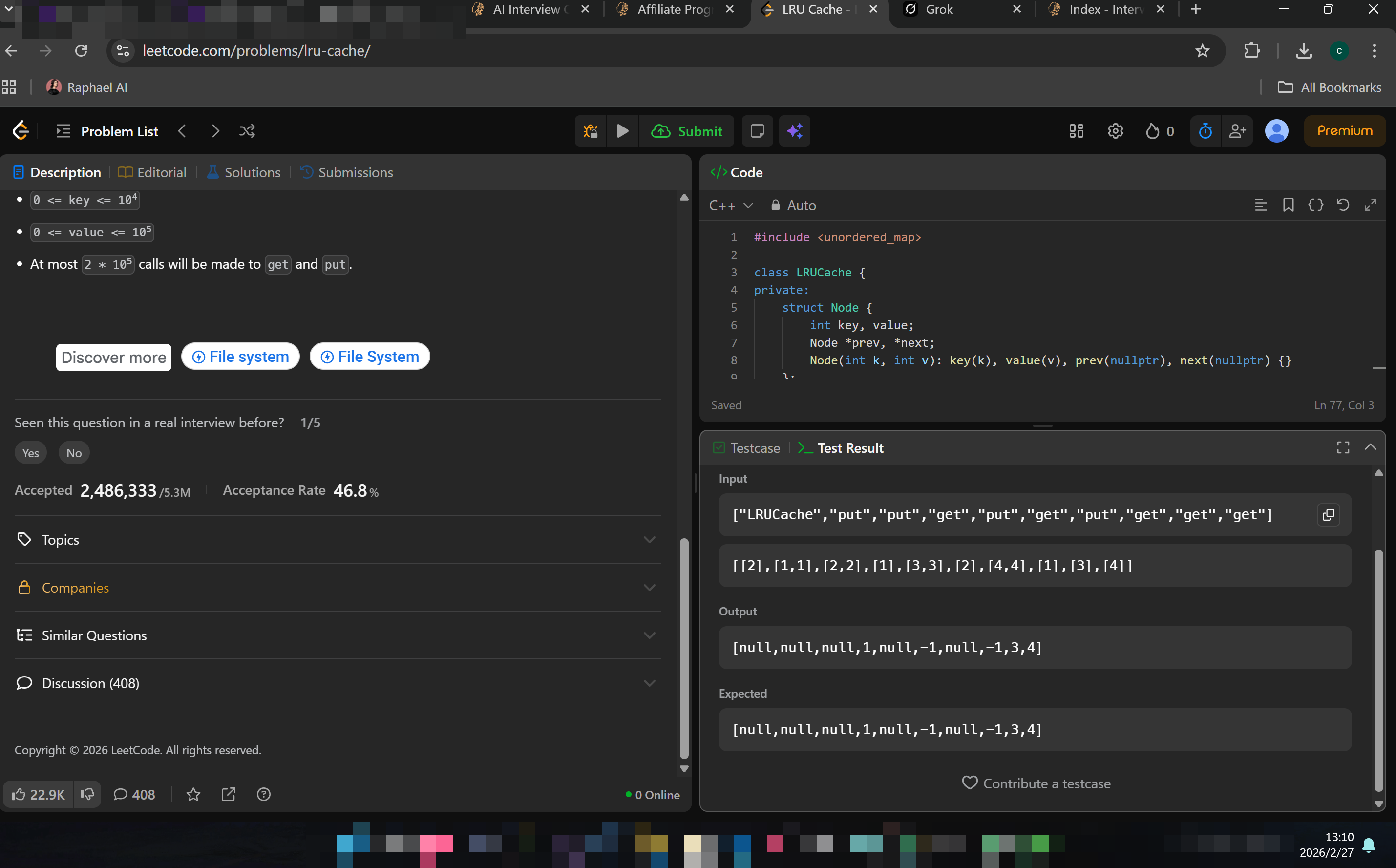
As you can see in the figures above, I tested a few hard-level LeetCode problems, and Interview Solver gave the right answers really quickly. It even had diagrams and step-by-step explanations to help me understand the approach.
And one more thing: After I used the hotkey, the Interview Solver interface didn't appear or overlay on top of the LeetCode tab. Also, the Interview Solver interface took up too much space, meaning I couldn't see it while I was typing the code.
So, I have to keep minimizing the browser window to find the interface, check the code, and then copy and paste it into the interface. I mean, who would want to do something like that in a real interview? It will be detected as cheating in most of the OA platforms.
Possible Interview Solver Alternative in Live Interview Support
After trying and failing a few times, I had to look for other AI interview assistants that actually offered real-time help. That's when I first noticed Linkjob AI. I also checked other choices including Sensei AI, Lockedin AI and Cluely, but it was Linkjob AI that really helped get me a job.
My Option: Linkjob AI
Let me share what I liked most about Linkjob AI:
The AI gave me instant feedback that was generated automatically, which was helpful in real interviews
The dashboard was easy to use, even for someone new to AI tools. I could get started without much adjustment.
Also supported Screengrabs and specialized in coding problems during real-time technical round interviews.
129 latest and most powerful AI modes to choose from, and supported personalised prompts
Always invisible to interviewers, never got caught with it.
If you want a flexible, invisible, and user-friendly interview solver alternative, Linkjob AI is worth a look. I found it reliable for practice and feedback, also 100% invisible and strong in coding interviews.
FAQ
Can Interview Solver help with non-coding interviews?
I found it works best for technical and coding interviews. For behavioral or HR questions, the tool offers some support, but I relied more on my own prep for those.
Is Interview Solver safe to use during live interviews?
Yes, in my experience, the app stayed invisible. It never showed up on screen shares or in activity monitors. But its overlay needs loans of hotkeys and shortcuts to get it moving,
Can I use Interview Solver on multiple devices?
They have a companion mode to connect a second device. But the response may lag across devices.
See Also
Top Alternatives to Verve AI for Interview Assistance
Leading Alternatives to Interview Coder for Coding Help
2026 Review of Interview Coder: Advantages and Disadvantages

© Copyright 2025 linkjob.ai - All Rights Reserved.