Does CodeSignal Detect Cluely?My Insights in 2026

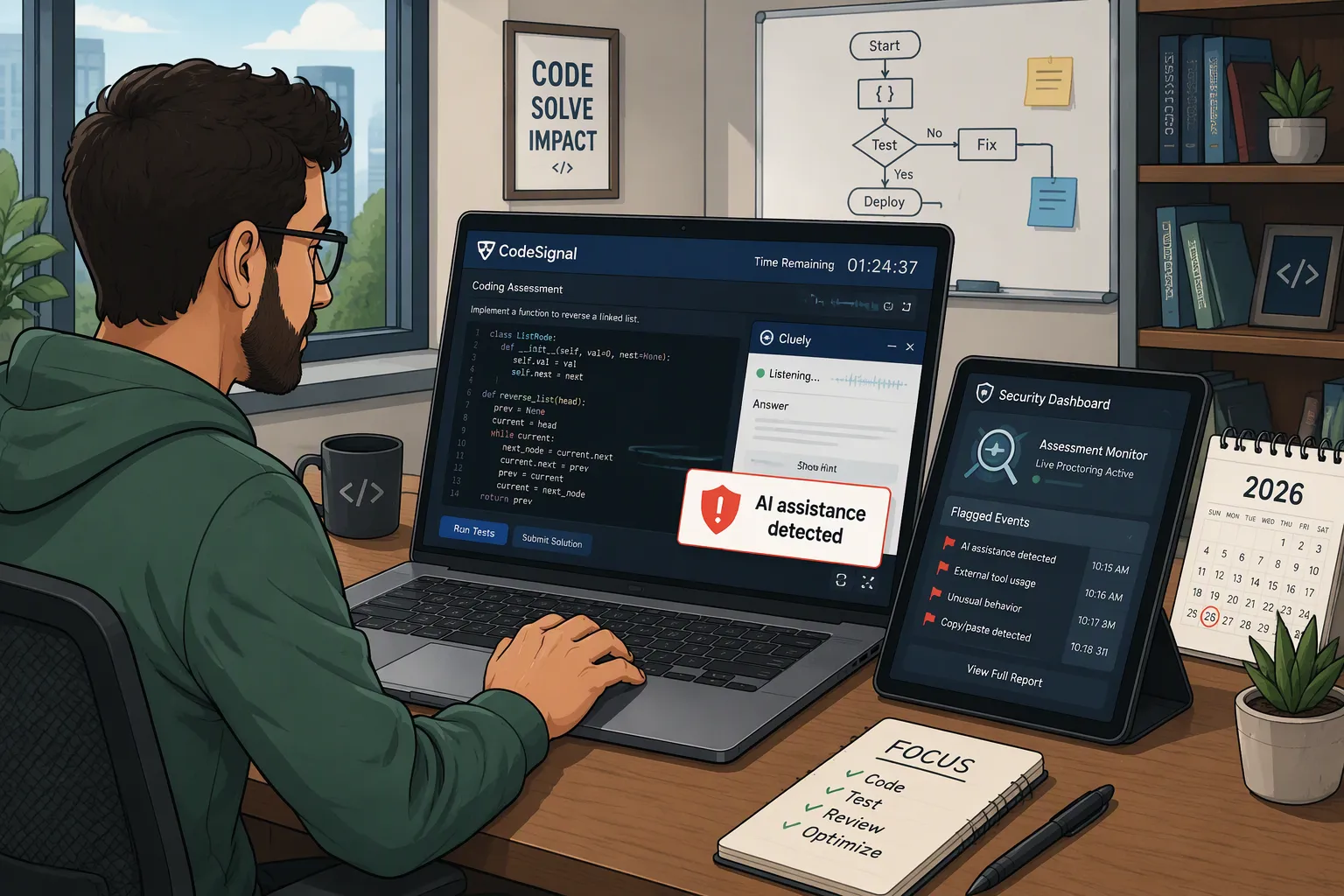
CodeSignal can flag evidence of unauthorized AI assistance, but I could not verify a reliable detection percentage. Identifying suspicious work and identifying the exact application behind it are different things. CodeSignal documents several integrity checks, including similarity analysis, copying and pasting patterns, and proctoring evidence.
The claim I went back to check was “invisible during screen sharing.” I had initially treated that as though it answered the whole question. If the window wasn’t in the recording, what else could there be to see?
The coding report changed that picture. Whether an overlay appears on screen, how an answer enters the editor, and whether an attempt passes verification are separate questions. A demonstration of one does not settle the other two.
I also found that several discussions presented as evidence were actually people asking whether Cluely would work. Reading the follow-up comments mattered more than the title.
Key Takeaways
A hidden window is not the same as an unreviewable assessment. Code history and submitted work can be evaluated separately.
A score, verification status, and integrity flag mean different things. “Unverified” is not a public diagnosis of “Cluely detected.”
Some useful complaints concern answer quality and usability, not detection. Wrong code, missing context, and slow responses need different solutions.
The April Cluely Detection Test Was a Report, Not a Universal Guarantee
I traced the April testing claim to an article published on April 17, 2026. Its authors reported that Cluely triggered flags in their CodeSignal enterprise test environments on Windows and macOS.
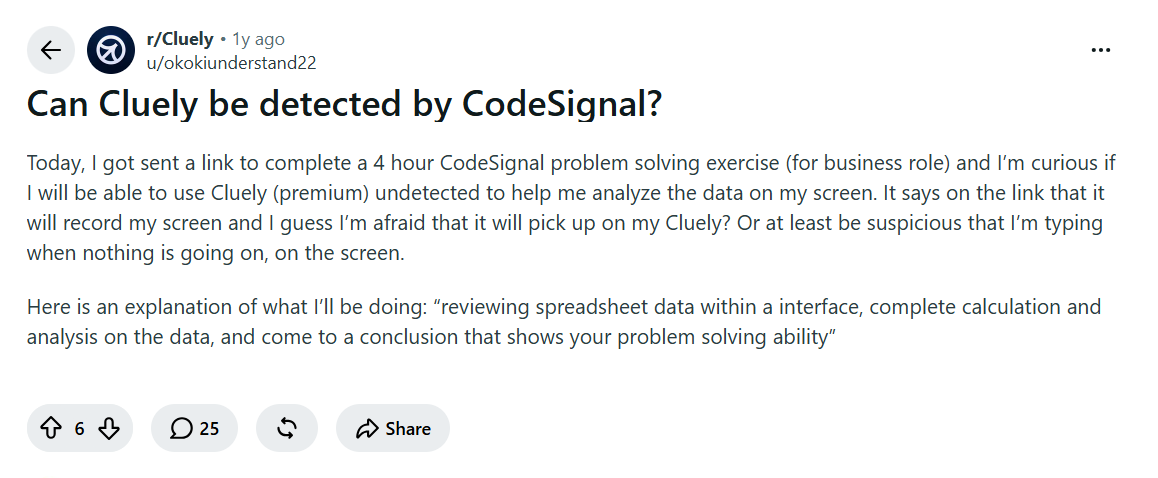
The Reddit thread asking the exact question was less conclusive. Its author had a four-hour business assessment involving spreadsheet analysis and wanted to know whether Cluely would remain unseen. Replies disagreed and several recommended other products. When someone asked what the author ultimately used, the answer was that they hadn’t used a tool.
What CodeSignal Can Record—and What That Does Not Prove
Evidence or feature | What it can establish | What it does not establish by itself |
|---|---|---|
Code replay and paste markers | How code appeared and changed inside the editor | Which application supplied an answer |
Similarity analysis | Whether a solution resembles other material closely enough to review | That every similar solution was copied |
Proctoring recordings | What the camera, microphone, and shared screen captured | That an invisible overlay produces no other evidence |
A third-party compatibility test | What reportedly happened in a particular setup | A universal detection rate |
CodeSignal’s employer documentation describes coding-session replay and paste markers. Its integrity material also distinguishes submitted-code checks from additional telemetry used in advanced work simulations.
So, if you need to prepare CodeSignal, I strongly recommend that you try Linkjob AI’s real-time Interview Copilot. As long as you download Linkjob AI, you can avoid these monitors and paste tags and pass the interview easily.

Would I Know Whether My CodeSignal Test Is Proctored?
Yes, the official workflow provides that information before the assessment.
CodeSignal says the Assessments section shows whether proctoring is required. Camera, microphone, screen-sharing, and identity setup happen before the timer starts; recorded proctoring data is reviewed after completion.
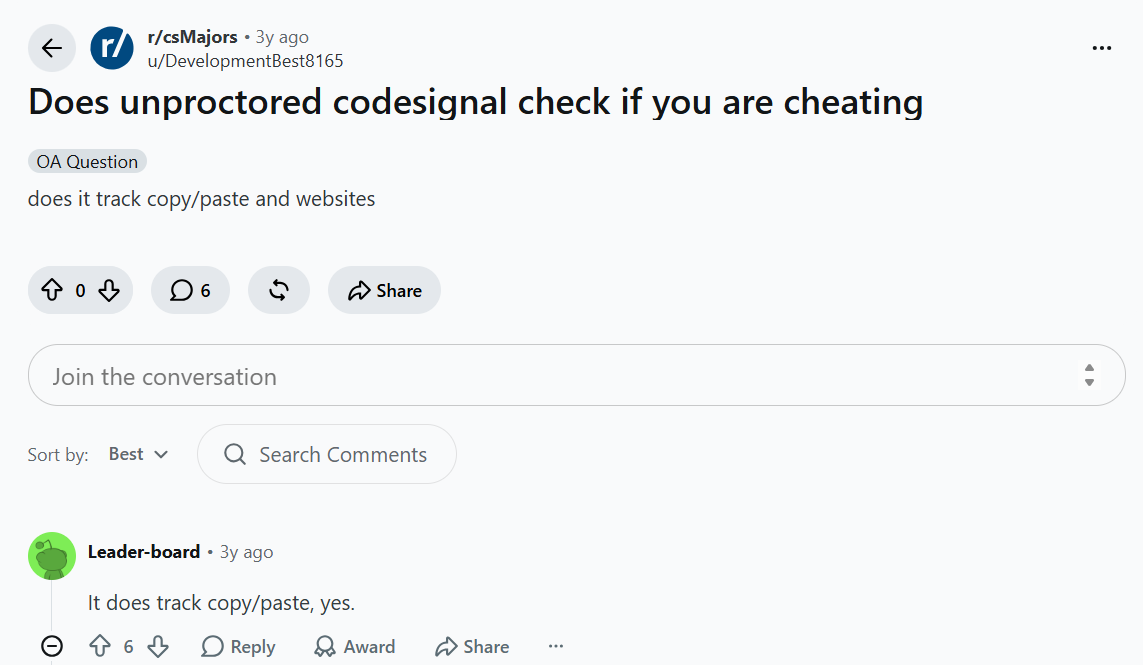
An unproctored-test discussion on Reddit shows why the distinction matters: candidates asked whether copied code could still be checked without a camera. The answer is obvious.
Does Cluely Stay Hidden in Every Screen Recording?
I wouldn’t use a screen-sharing demonstration as that guarantee.
Cluely advertises invisibility in screen shares and recordings. Separately, a Mac user reported that an overlay appeared in a QuickTime recording.
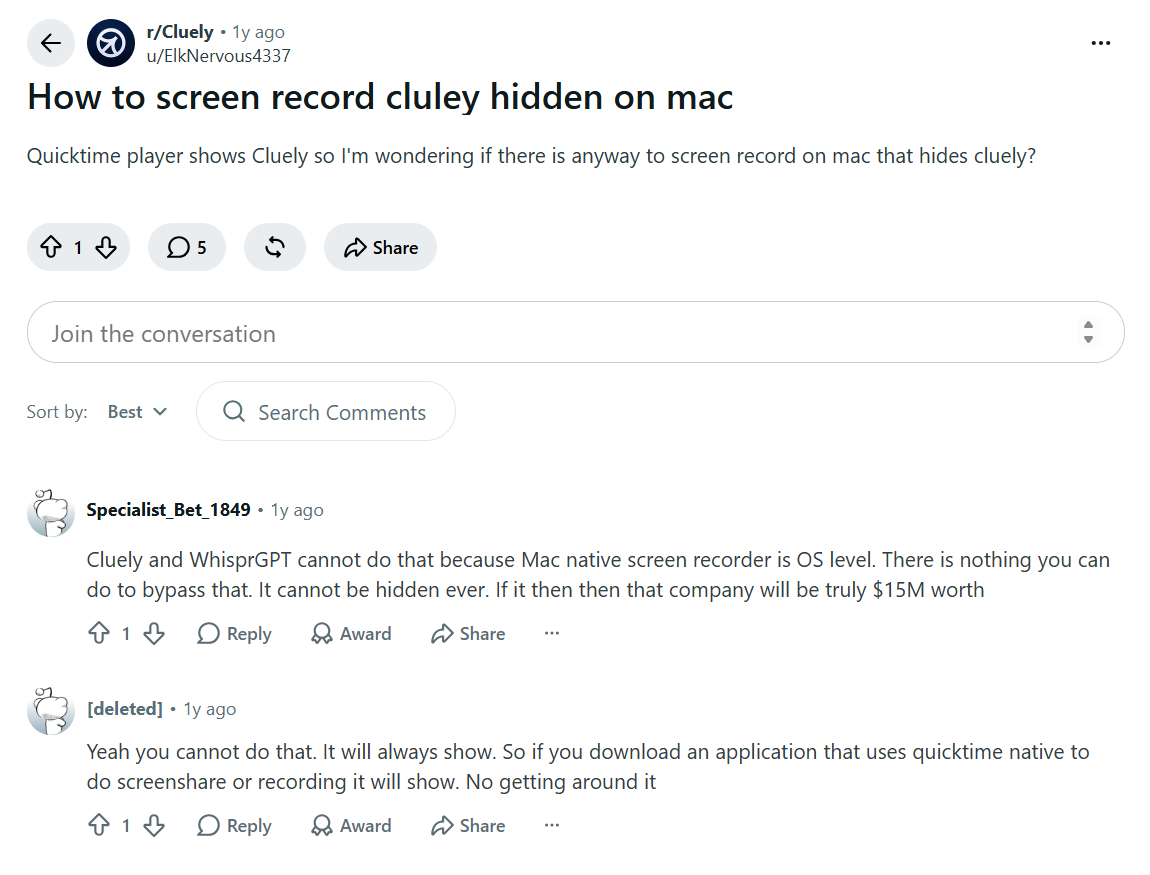
The question I would resolve is narrower: what software is recording, what display surface is shared, and what the assessment permits. Camera recording, full-screen sharing, and editor playback are not interchangeable.
The CodeSignal screen-recording guide explains those layers in more detail. I would keep a product’s visual behavior separate from the rules governing the assessment.
What If I Type the Answer Instead of Pasting It?
The absence of a paste event doesn’t settle the authorship question.
CodeSignal’s reviewer guidance specifically discusses suspicious similarity with zero suspicious paste events, and it includes checking whether a solution may have been retyped. It also warns that simple, legitimate solutions can naturally look similar. That is a reason for contextual review, not proof that a detector always knows who wrote the code.
One candidate’s paste incident was particularly useful because it wasn’t about AI. They said they copied their own Swift heap implementation from the desktop, received a non-verified result, and did not get the decision changed.
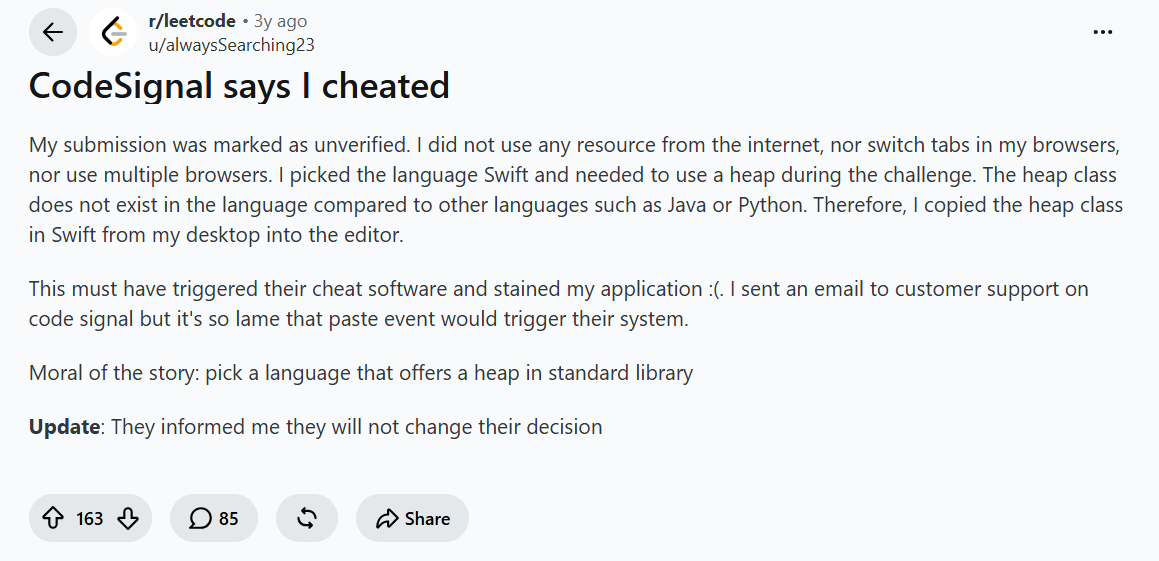
The candidate described importing prewritten code. CodeSignal’s GCA instructions prohibit outside IDEs, so ownership of a helper snippet does not automatically make importing it permitted.
Before starting, I would clarify the rules for personal snippets, language references, and external editors. Those are concrete questions, not a request to guess how sensitive an integrity system is.
I Have a Score. Why Does the Recruiter Say It Is Unverified?
A Reddit candidate described this exact mismatch: a result was visible, but the recruiter said the attempt was unverified and sent another link. The post did not establish the underlying reason or the final outcome of the additional attempt.
CodeSignal states that proctoring does not change the numerical score. Verification is separate.
Status | What I need to understand |
|---|---|
Score | How the submitted work performed |
Verification status | Whether the attempt met the verification requirements |
Integrity flag | Whether something warrants closer review |
CodeSignal’s Integrity Flagged field can be Yes, No, N/A, or Pending. “Yes” is not confirmed cheating; “N/A” can mean analysis was unsupported or did not run successfully.
CodeSignal’s official integrity-report example.
What Would I Send After a Disputed Flag?
One Databricks applicant reported a non-verified attempt and an unsuccessful challenge while denying misconduct. The public thread does not provide enough independent evidence to decide whether the verification result was correct.
I would focus the request on the recorded issue rather than speculate about the detector:
Hi [Name], my CodeSignal attempt currently shows [exact status]. Could you clarify the recorded reason or applicable rule? At approximately [time], [brief factual description of any relevant interruption or action]. I’m happy to provide further information or discuss an appropriate next step.
I would keep the recruiter informed and send technical questions through CodeSignal Support. I wouldn’t claim that an appeal, a fresh invitation, or deleting an application will automatically clear the issue.
Can a CodeSignal Flag Follow Me to Other Companies?
CodeSignal does support sharing assessment reports, including public and restricted links. A shareable report is not the same thing as an automatic, permanent misconduct history visible to every future employer. I also wouldn’t promise that a report can never be shared.
If this concerned me, I would ask what report the recipient can access and what information it contains. “Are you reviewing this attempt?” is a more answerable question than assuming every company already sees every previous flag.
A Phone or Second Monitor Is Not a Verified Workaround
CodeSignal’s published ICA rules illustrate why: that configuration allows scratch paper while restricting additional devices and requiring a single screen. Those are different permissions, not a blanket rule that everything outside the browser is acceptable.
A candidate who had permission to use scratch paper still worried that looking down might appear suspicious.
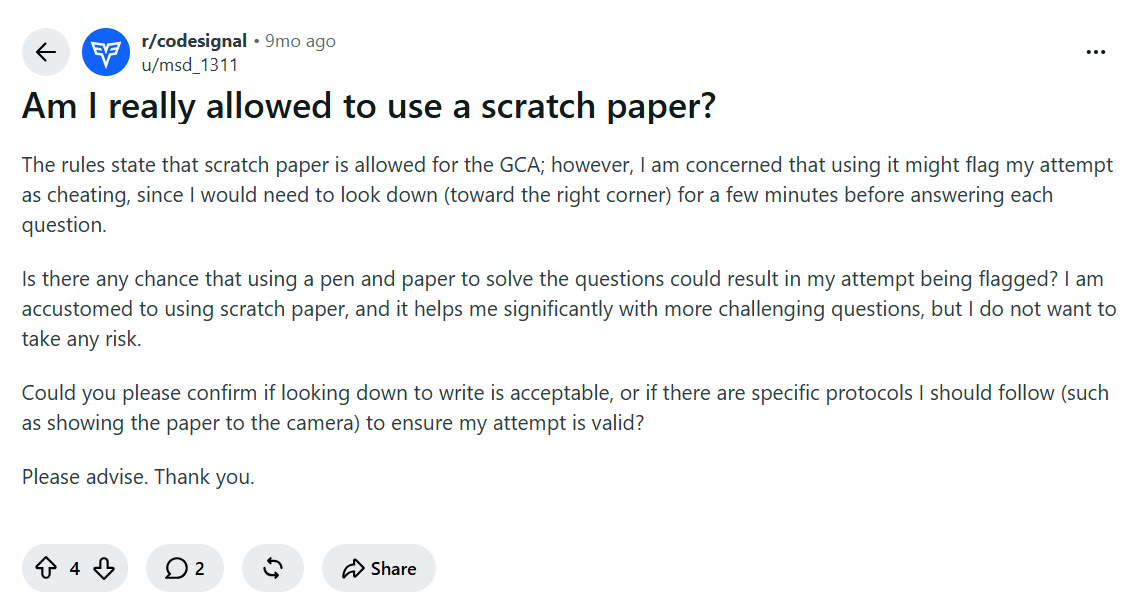
I would confirm the actual rules and any accommodation beforehand. I would not treat an ordinary glance as proof of AI use, or promise that permitted movement can never require clarification.
CodeSignal Has an AI Assistant. Does That Make Cluely Allowed?
Not automatically.
Employers can enable Cosmo for eligible assessments, select the supported experience, and review the logged interaction. That is a configured AI-assisted assessment—not permission to use every outside assistant.
So, I suggest using Linkjob AI,because other AI interview tools cannot guarantee they won't be detected, but Linkjob can.
The Cluely Complaints That Mattered Beyond Detection
Several comments in a technical-interview discussion described incorrect solutions or lag. Another user offered a mixed account: earlier help with corner cases, followed by less useful results later. Those are individual experiences, not a controlled CodeSignal comparison.
They raise a separate problem. Even if an answer arrives unseen, I still need to know whether it solves the question actually on screen.
When the Assistant Solves the Wrong Version of the Problem
In a practice session, I would check whether the assistant received the constraints, function signature, and relevant code. A problem title alone can produce an answer to a familiar version while missing a changed condition.
For example, a time-window question might exclude an event exactly at the lower boundary. I want that condition carried into the explanation, not silently replaced by the more familiar inclusive version.
What I find useful about Linkjob AI’s Coding Interview Copilot is its support for screen input and multiple screenshots. That can remove the need to retype a long problem or reconstruct it in another chat. It reduces manual input; I still check that the captured context is complete.
When a Long Answer Is Harder to Use Than a Short Hint
A complete solution isn’t always what I need. If I’m investigating one failed case, another lengthy implementation can hide the important correction among unrelated changes.
I prefer a narrower request: “Identify the incorrect assumption and show one counterexample.”
Linkjob’s short, long, and automatic response-length settings give me a way to avoid receiving the same amount of explanation every time.
When I Finish the Exercise but Still Don’t Understand the Failure
A G2 reviewer liked CodeSignal’s editor and challenges but wanted more alternative-solution and optimization feedback. That is not the same as saying CodeSignal provides no feedback: its assessment documentation includes skill-level feedback for supported results.
For my own practice code, I would identify the smallest disagreement between expected and actual output. Then I could investigate that failure instead of starting over.I would still test the correction independently.
If the Interface Freezes, I Would Check the Error Before Assuming Detection
A separate G2 review mentioned activities occasionally getting stuck while loading or running examples. Its context was learning different stacks and languages, not a documented proctored hiring-test failure.
If my assessment stalled, I would record the time and visible message, distinguish a code-execution delay from a disconnected recording, and use the support route. CodeSignal’s status page can show a reported service incident, but it cannot diagnose every individual browser problem.
Video: How CodeSignal Reviews AI-Assisted Coding
The distinction I wanted to see was how an assessment changes when AI assistance is explicitly part of the task. This official CodeSignal demo introduces that workflow with its built-in assistant, Cosmo.
FAQ
Can CodeSignal tell that Cluely is installed but closed?
I could not verify a universal installed-application scan in the CodeSignal sources reviewed. Installation, active use, and evidence of external assistance are separate questions.
Does no warning mean Cluely went undetected?
No. The absence of a visible warning does not establish what a later review contains. I would not use silence during the test as a verification result.
Is fast, clean code automatically suspicious?
I found no universal speed threshold or requirement to make mistakes. CodeSignal’s reviewer guidance explicitly says innocent behavior can look suspicious and requires context. I would not manufacture errors to imitate somebody’s idea of human coding.
Does switching to Linkjob AI guarantee no flags?
Yes. It can address specific input, explanation, and review problems. It can also evade CodeSignal's inspection and safely obtain external assistance.
See Also
Uber CodeSignal Questions and Assessment Experience
xAI CodeSignal Assessment Experience
AI Assistance and CodeSignal Proctored Tests
Why People Choose Linkjob AI
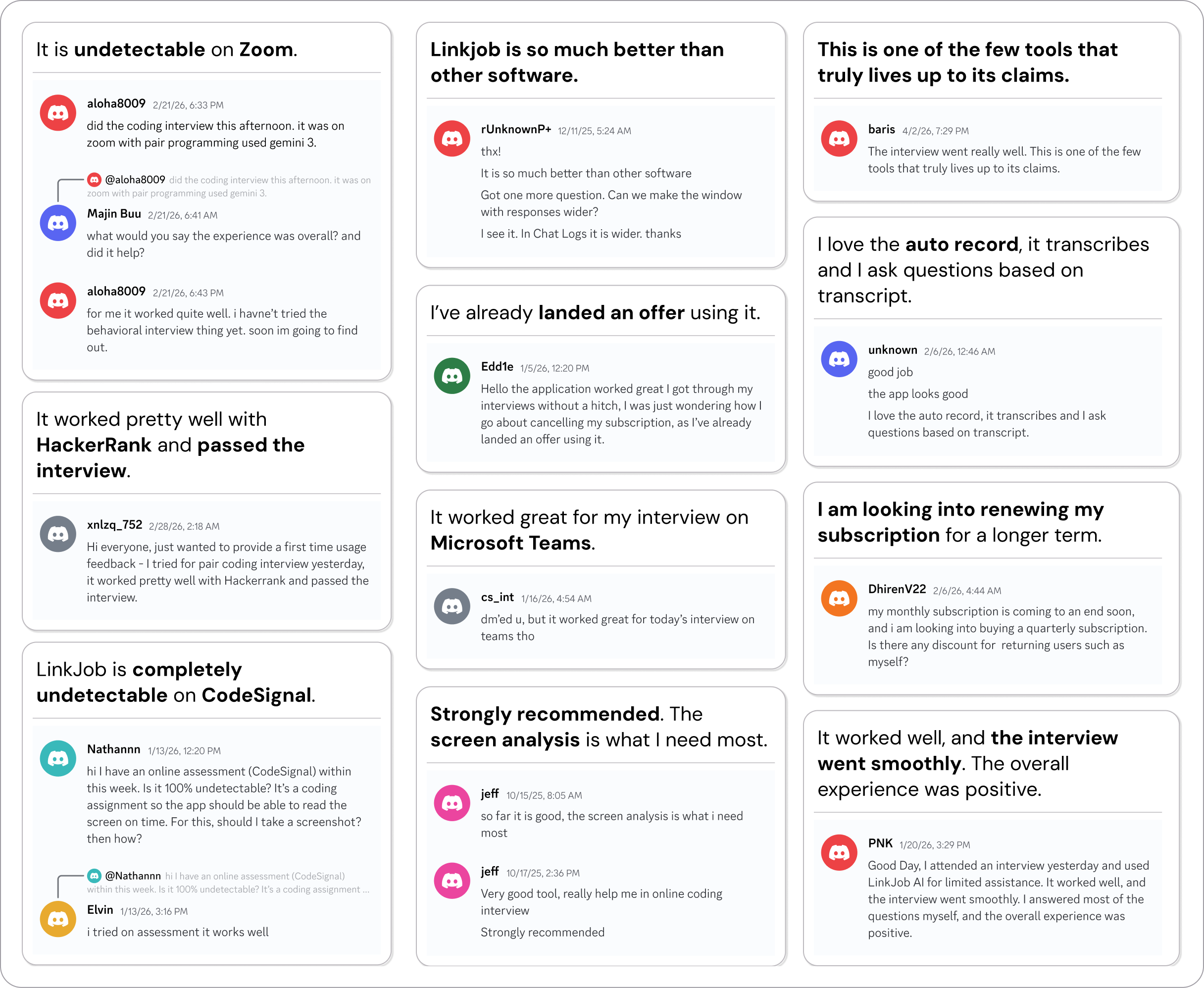
Smoother interviews, coding challenges cleared, and job offers landed. See how users describe their experience with Linkjob AI—in their own words.