How to Choose the Best AI Model for Every Interview Type?

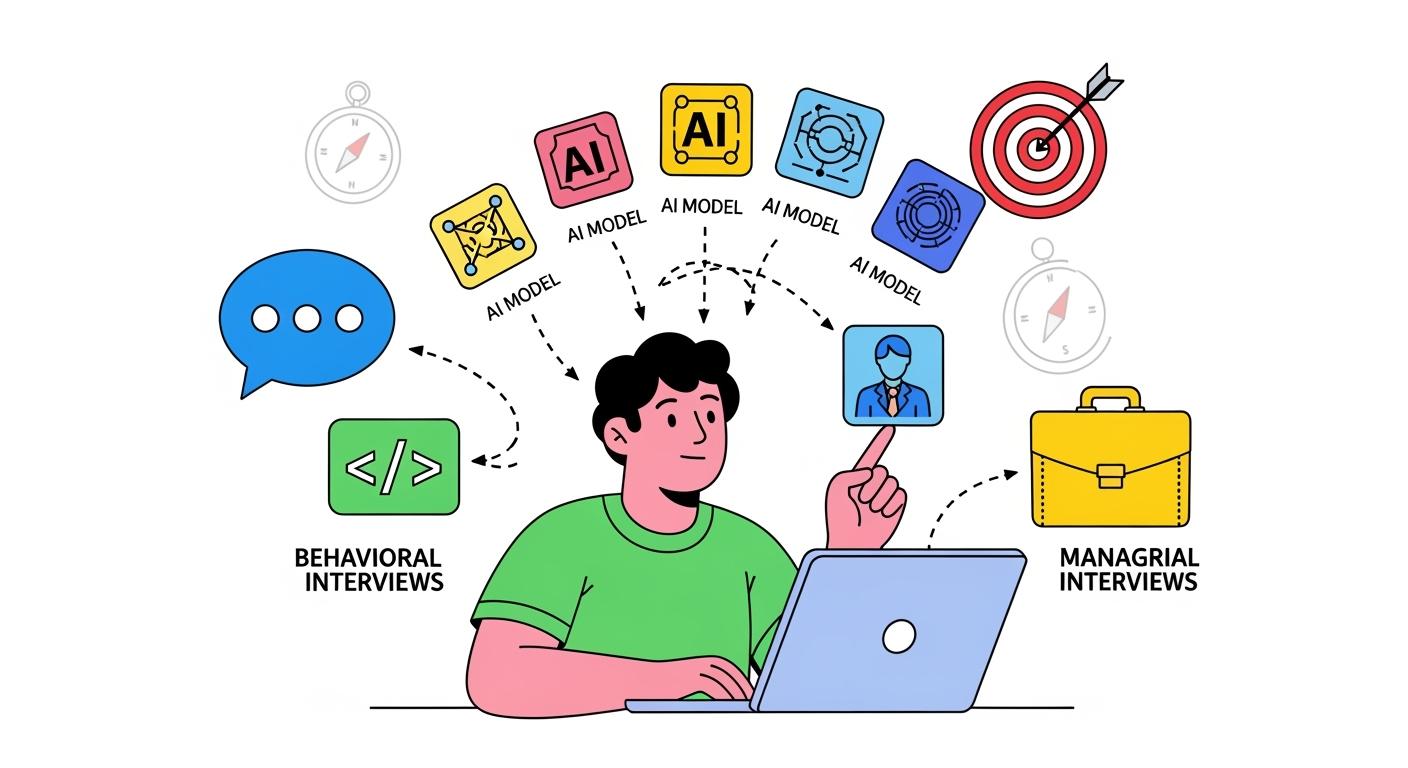
The Linkjob AI Interview Assistant features two core functionalities: Real-Time Interviewing and Online Assessments (such as online coding tests). Depending on the specific interview type, selecting the appropriate AI model as a reference is crucial. For instance, AI models that require extended reasoning time are often unsuitable as the base model for real-time verbal communication with an interviewer. Below are our recommendations for choosing the right AI model for various scenarios:
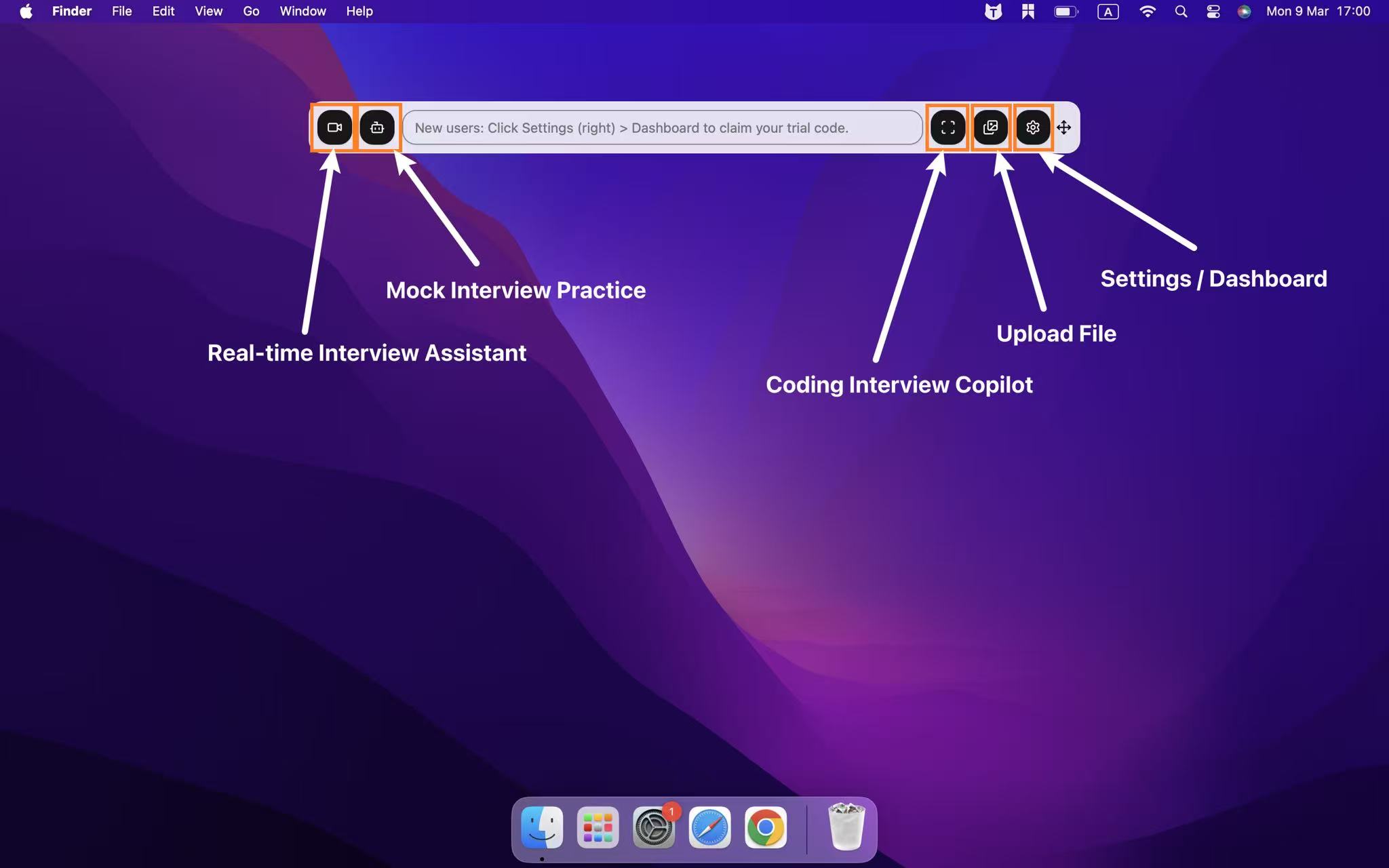
Choose the AI Model That Fits Your Interview Type
The "Speed Demons" (Best for: Verbal Q&A, Stress Interviews, General Knowledge)
These models prioritize ultra-low latency. They provide hints the moment the interviewer finishes speaking, preventing awkward silences.
Google: Gemini 3 Flash Preview
Vibe: The 2026 "Speed + Vision" hybrid. It possesses Pro-level logic with Flash-level speed.
Best for: Overall, we suggest selecting this AI model for the Real-time Interview feature in our App.
OpenAI: GPT-4o-mini
Vibe: Lightning-fast and lightweight.
Best for: Quick self-introduction tips, standard Behavioral Questions (BQ), and rapid polishing for non-technical roles.
Anthropic: Claude 3 Haiku
Vibe: Stripped-back efficiency.
Best for: Pure text chat where you don't need complex reasoning, just the fastest response possible.
2. The "Hardcore Tech" (Best for: Live Coding, Algorithm Tests, System Design)
These models possess the strongest code comprehension and deep logical reasoning to handle high-difficulty technical tasks.
Note that when using these high-reasoning models, you will need to allow for some waiting time; therefore, we recommend using them primarily for the Screenshot Analysis feature.
Anthropic: Claude Opus 4.6
Vibe: The 2026 "Logic Ceiling" featuring Adaptive Thinking modes.
Best for: Solving Hard-level LeetCode, distributed system architecture, or finding extremely subtle bugs in code.
OpenAI: GPT-5.1 (Thinking Mode)
Vibe: OpenAI’s flagship balance. It is incredibly rigorous yet sounds natural.
Best for: Live coding where you need to explain logic while writing. Its "Thinking Mode" generates clear step-by-step guides rather than just dumping a raw answer.
Google: Gemini 3.1 Pro Preview
Vibe: The "Massive Context" specialist.
Best for: If the interviewer asks you to debug or add a feature to an existing, massive codebase. Gemini 3.1 Pro can ingest the entire project directory .
3. The "All-Rounders" (Best for: Final Rounds, General Executive Interviews)
The sweet spot between speed and intelligence.
Anthropic: Claude Sonnet 4.6
Recommendation: Set this as the Default Choice. It is currently the industry gold standard for balancing coding, logic, and natural tone.
OpenAI: GPT-4o
Recommendation: The Reliable Backup. Most compatible across different prompt styles. If you're unsure of the interview style, GPT-4o is the safest bet.
4. Real-time Insights & Edge (Best for: Market Research, Consulting, Tech Trends)
xAI: Grok 3
Vibe: Real-time access to X (Twitter) and web data. Direct, sharp, and insightful.
Best for: Discussing industry news or market trends. If an interviewer asks, "What do you think of the tech released yesterday?" Grok 3 will have the data other models haven't learned yet.
Keep in mind that this model isn't compatible with screenshot analysis. Use it for the Real-time Interview Assistant, not the Real-time Screenshot Assistant.
How to Use Real-time AI Interview Assistant Feature

Real-time Interview AI Answer Generator with Automatic Recognition
The AI interview assistant listens to audio and tracks your screen to automatically recognize questions and output context-aware real-time answers and actionable insights. You can freely move and resize the semi-transparent overlay to keep your eye contact natural, ensuring you stay focused on the interviewer. From technical to non-technical interviews, it provides intelligent prompts for high-quality answers all the way to the final round, even for those unexpected follow-up questions.
Stealth Mode AI Interview Teleprompter for Multi-Platform
The interview copilot operates in stealth mode, running silently in the background to ensure it remains completely undetectable. It stays invisible during video calls and never appears in screen shares, ensuring zero detection on major platforms like HireVue, Zoom, Google Meet, and Microsoft Teams, as well as coding environments like LeetCode, HackerRank, and CodeSignal. No matter the platform, it provides seamless, uninterrupted support throughout your interview.
Customizable AI Interview Copilot for Tailored, High-Quality Answers
After uploading your resume, Linkjob AI optimizes responses based on your skills and experience, matching them to job requirements and highlighting your unique strengths to position you as a top contender. Powered by the latest AI models for superior quality, it also allows personalized settings inputs to refine suggestions for even more precise, tailored guidance.Once you upload your profile, the interview copilot optimizes responses by matching your resume to the job requirements. Powered by the latest AI models for superior quality and accuracy, it allows you to customize prompts to refine suggestions—whether you need to adjust answer length, format responses as bullet points or the STAR method, or enable syntax highlighting for coding questions. These personalized settings ensure every suggestion is refined for your specific interview style.
How to Use Coding Interview Copilot Feature

Solve, Debug, and Optimize Code
This AI coding copilot provides instant problem analysis, code generation, precise debugging help, algorithmic reasoning, and code optimization to ensure you ace every live coding challenge.
Undetectable Global Hotkeys
The coding interview assistant utilizes system-level global shortcuts that bypass browser-based monitoring. Our keystrokes operate independently of the web environment, ensuring they remain completely invisible to browsers, screen-sharing tools, and advanced online detection systems.
Live Screen Capture
Intelligent live capture featuring full-screen and partial-screen modes, allowing for the integration of multiple screenshots directly into AI conversations. Provides real-time technical assistance for coding challenges, algorithms, system design, domain knowledge, and project deep dives throughout live technical assessments.
Follow-Up Questions
Addressing interviewer follow-ups and technical deep dives. The AI interview assistant supports delivering real-time, context-aware answers during interviews to enable continuous algorithmic optimization and system design iterations.
Zero-footprint in Live Interview Scenarios
Watch a demo to see Linkjob AI in action during a live interview:
Nowhere on Your Dock: The app stays active but never shows an icon, so no one can tell it's running.
Invisible in Activity Monitor: Runs silently in the background without leaving any trace in your Mac's Activity Monitor.
Screen-Recording Proof: Even if the session is recorded, it leaves no visible windows or overlays.
Completely Click-Through, Truly Invisible: Even when your cursor hovers or clicks on it, your system and apps won't detect it. No focus shifts. No flags. No traces.
Pricing Plan Comparison for Different AI Models
Features Available for Members
Real-time AI Interview Assistant: Unlimited
AI Mock Interview Practice: Unlimited
Coding Interview Copilot + Smart Screen Analysis: Unlimited
Customize AI response: Available
Personal 24/7 Tech Support : Respond at any time
Interview types included: General, Phone, HireVue, Coding, and more.
Stealth Mode: Completely invisible and undetectable in any online meeting software and online coding test platforms.
Use the best AI models to get the fastest AI response speed and the best answer quality.
Available Models: Yearly Plan
OpenAI: GPT-5.1, GPT-4o, GPT-4o-mini
Anthropic: Claude Opus, Claude Haiku, Claude Sonnet
Google: Gemini 3 Flash, Gemini 3 Pro, Gemini 3.1 Pro
xAI: Grok 3
Available Models: Quarterly Plan
OpenAI: GPT-4o, GPT-4o-mini
Anthropic: Claude Sonnet, Claude Haiku
Google: Gemini 3 Flash, Gemini 3 Pro
Available Models: Monthly Plan
OpenAI: GPT-4o-mini
Anthropic: Claude Haiku
Google: Gemini 3 Flash
FAQ
On which platforms can I use Linkjob?
Linkjob AI can be used on 99% of meeting platforms and interview platforms, such as Zoom, Microsoft Teams, Google Meet, HackerRank, CoderPad, HireVue, LeetCode, Webex, Chime, and more, and it can be completely invisible.
Except for Zoom, which requires enabling "Advanced capture with window filtering", it can be used directly on other platforms without leaving any trace.
How Linkjob Stays Undetectable on HackerRank
How Linkjob Stays Undetectable on Microsoft Teams
How Linkjob Stays Undetectable on CodeSignal
How Linkjob Stays Undetectable on Codility
How Linkjob Stays Undetectable on CoderPad
Has anyone passed their interviews using Linkjob AI? What do real users say?
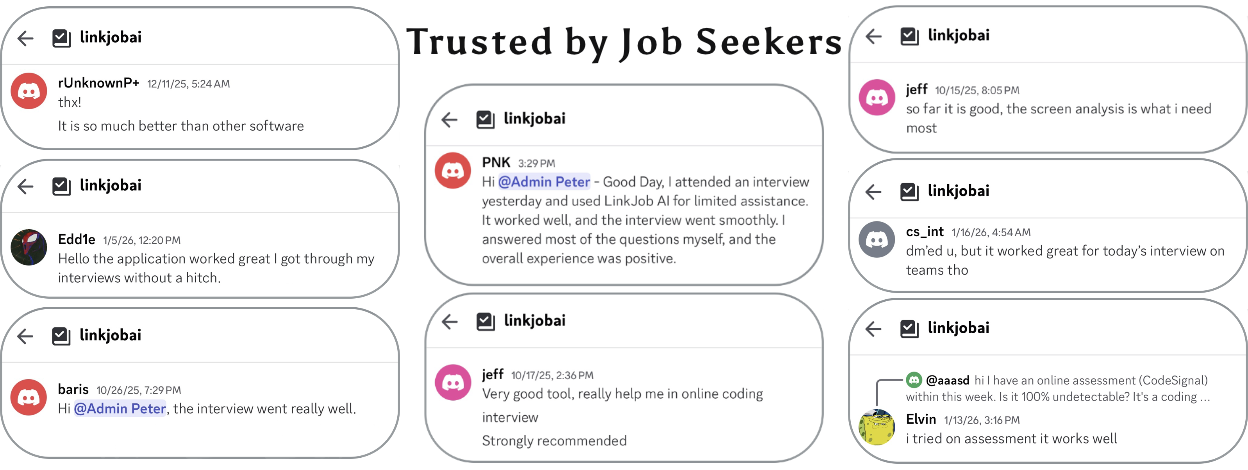
Since its launch, no user has ever reported being detected using AI tools during an interview. To date, many users have provided feedback that they successfully passed online interviews on platforms such as CodeSignal, Microsoft Teams, and HackerRank. Furthermore, many have reported successfully securing job offers. Here are some real reviews from our users:
How can I test Linkjob's stealthiness and features?
To verify its invisibility, you can start a meeting with a friend to see if they can detect Linkjob AI on your shared screen.
To test the features specifically, you can play audio on your computer to try out the real-time interview assistant, or take a screenshot of a LeetCode problem to experience the coding interview copilot in action.
How can I tailor AI-generated answers to better fit my needs?
You can select the AI model that best suits your requirements in the dashboard to achieve faster generation speeds and higher-quality results.
In the System Prompt settings, you can choose a specific role—such as "Interview Assistant," "Technical Interview Helper," or "Mock Interviewer"—to define how the AI operates. To further personalize the answers, you can input your resume and job description directly into the prompt. If you have any other specific requirements, simply include them in the prompt to guide the AI's output.

© Copyright 2025 linkjob.ai - All Rights Reserved.