5 Best AI Overlay Tools for Interview Success in 2026


As interview platforms continue to update their detection methods, the number of AI overlay tools has been growing. Some use browser extensions, while others employ invisible pop-up windows, claiming to provide completely invisible assistance during live interviews. However, not all AI overlay tools function smoothly during interviews.
By reading reviews, researching interview platform detection mechanisms, and testing AI overlay tools for free, I’ve narrowed down the list to the 5 best AI overlay tools:
Linkjob AI: best undetectable AI overlay for interview success
FinalRound AI: best AI overlay for versatile interview formats
Parakeet AI: beat AI overlay for junior technical interviews
Beyz AI: best AI overlay for the entire interview process
Leetcode Wizard: best AI overlay designed specifically for technical interviews
By the way, here are some of the articles I referenced during my evaluation. If you’re interested, feel free to check them out: 8 best free ai mock interview assistant tools, hackerrank how to cheat, top ai tools for cheating.
Criteria for Evaluating Best AI Overlay
Top priority: Remain invisible and undetectable to the monitoring system.
Quickly analyze and generate solutions, delivering complete, error-free, and ready-to-run code.
Works with platforms such as HackerRank, CodeSignal, CoderPad, Google Meet, Microsoft Teams, and Zoom.
Supports multiple languages, including Python, Java, JavaScript, and C++.
Provide answers that are logical and tailored to my personal circumstances.
It’s easy to use and won’t raise any suspicion from the interviewer or the interview platform.
In addition to the AI overlay tools mentioned in this article, I’ve also reviewed a few others. If you’re interested, you can check out: Cluely alternatives and Final Round AI alternatives.
Linkjob AI: Best Undetectable AI Overlay for Interview Success Overall
Overview
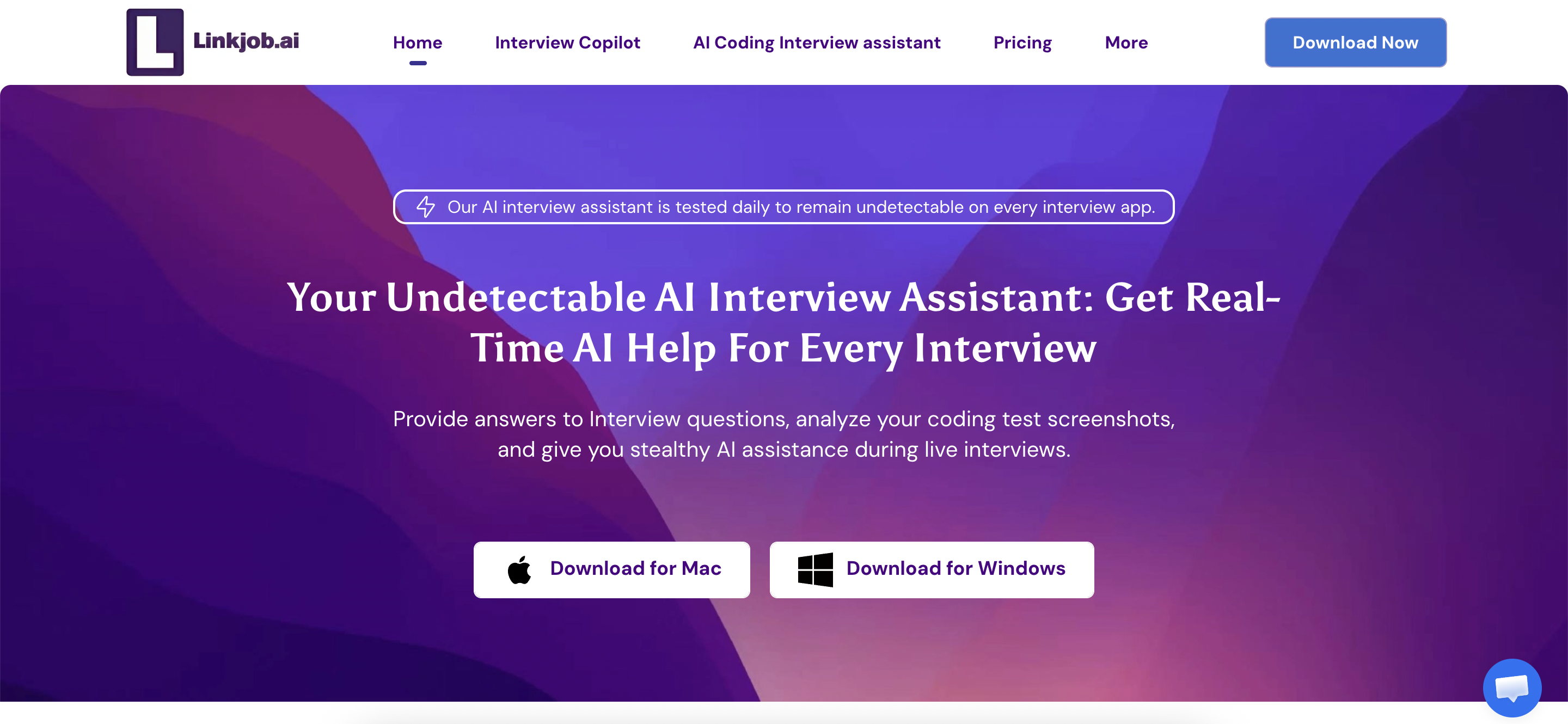
Linkjob is a highly comprehensive AI interview assistant that excels across all the evaluation criteria I listed above. As a desktop application that does not rely on a web browser, its technical advantages allow it to remain hidden even when the entire screen is shared. It cannot be detected by active tab monitoring or multi-monitor detection.
Furthermore, it performs exceptionally well in the technology and finance sectors.

Pros
Complete Invisibility:
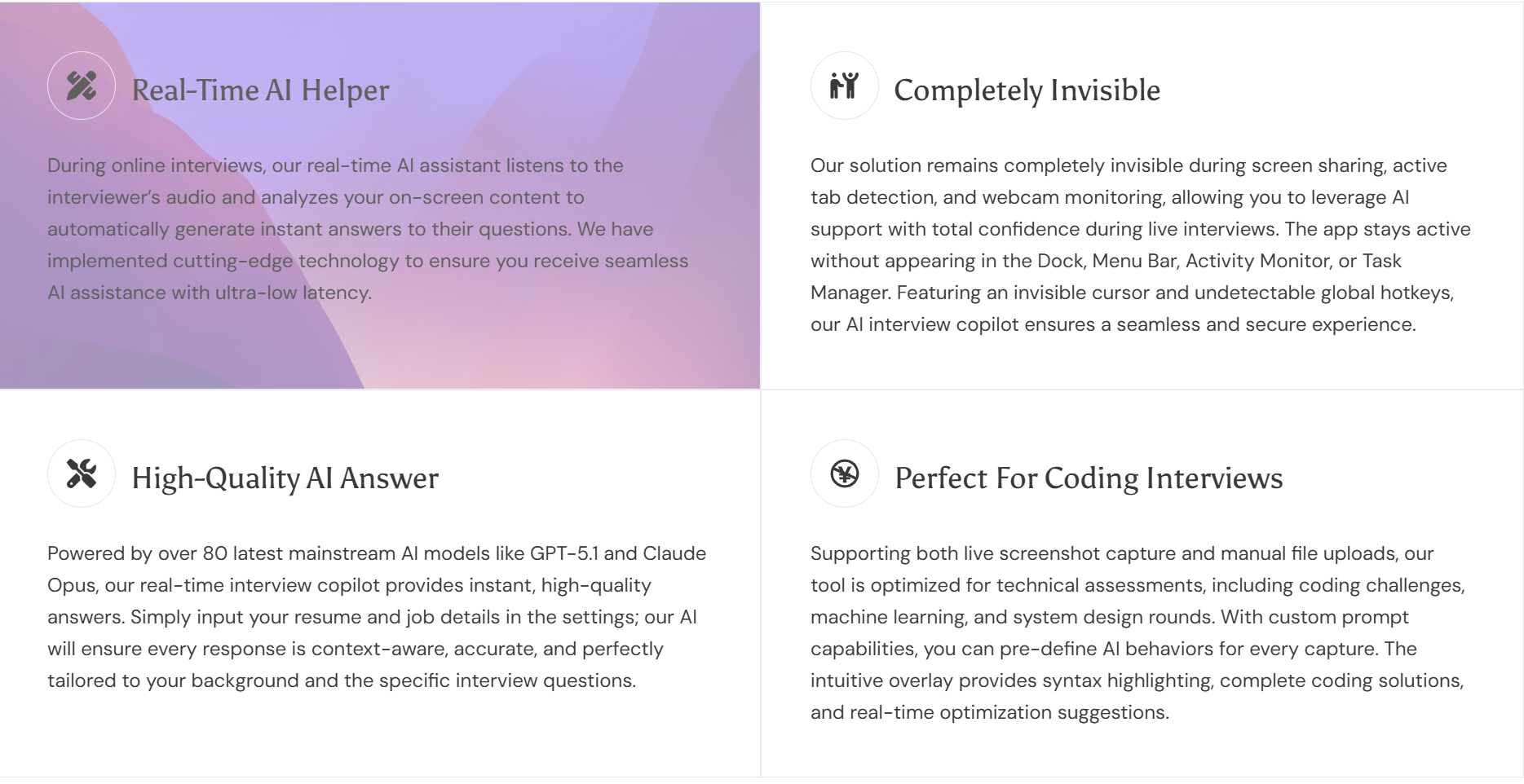
Remain completely undetected during live interviews and coding tests. The icon in the Dock can be hidden. The answer box is located on a top-level floating layer, so it won’t be detected by the online testing and meeting platforms running underneath. It also allows you to hide your cursor.
Ultra-low latency:
The marketing claims it can provide AI-generated answers in less than a second, enabling real-time assistance. However, when it comes to actual programming problems, the response time is a bit slower and definitely exceeds one second. I estimate it takes 3–5 seconds, since programming problems are much more difficult than general questions. That said, it still answers general questions very quickly, taking only about 1–2 seconds.
Screenshot Feature:
After taking a screenshot, I can either use a preset prompt or manually enter commands for the AI. Whether capturing the entire screen or a specific area, this can be done with a single click or a discreet global hotkey. For longer coding problems, you can capture multiple screenshots at once; the AI can process up to six images simultaneously. I find the ability to upload multiple screenshots extremely useful; so far, Linkjob is the only AI assistant I’ve tried that supports this feature.
Cons
It takes some time to get used to the interface:
Linkjob has designed many advanced features to make it easier to use during interviews, so I felt a bit overwhelmed the first time I used it, but once I got the hang of it, it was no problem.
Unable to resize the floating window:
The size of Linkjob's floating window is fixed, which took some getting used to at first. However, since I can adjust its transparency and collapse it when I'm not using it, I can live with it. It would be even better if I could resize it.
FinalRound AI: Best AI Overlay for Versatile Interview Formats
Overview
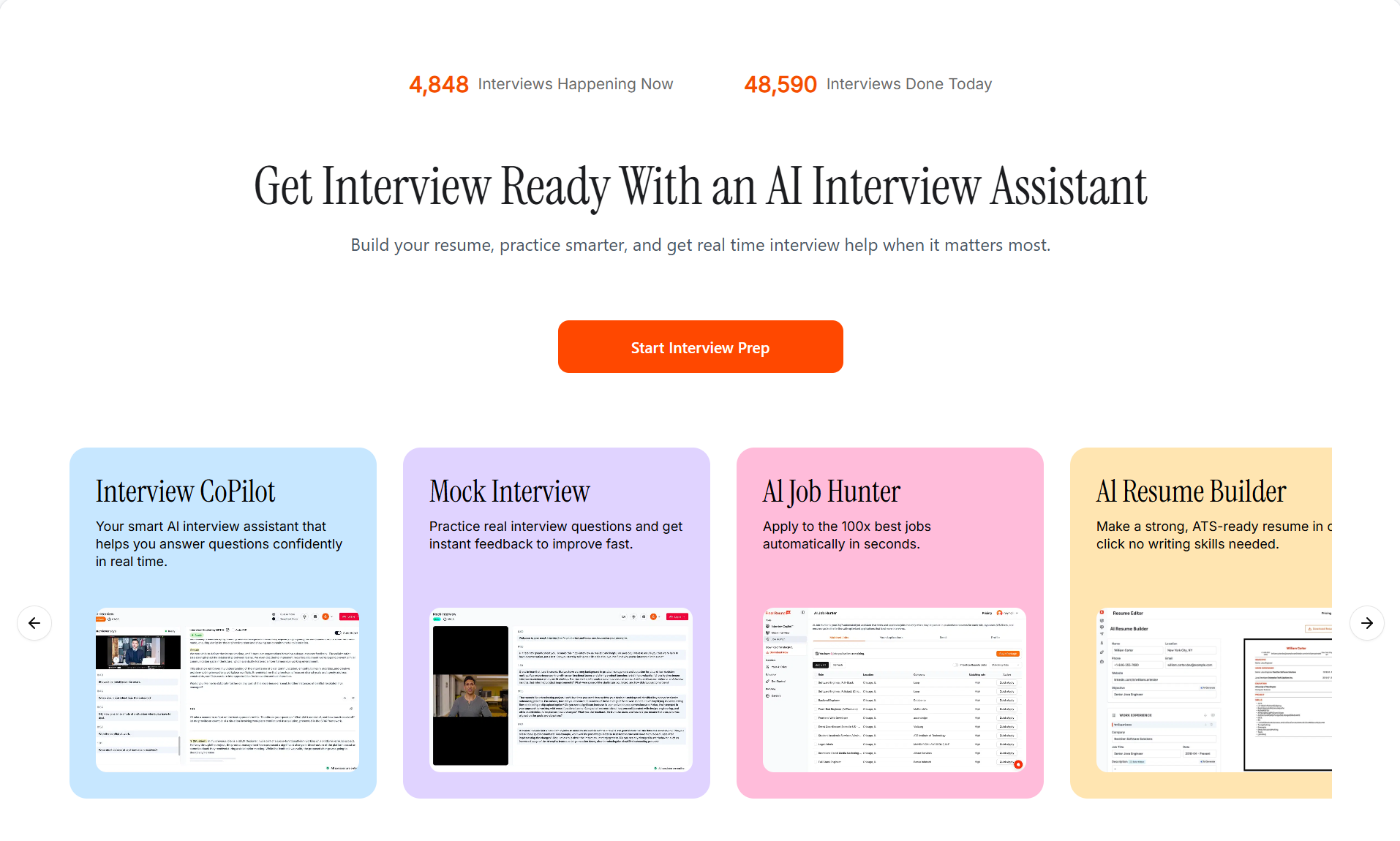
Finalround AI’s key feature is its ability to answer interview questions based on a candidate’s resume and work history. However, because this AI overlay is browser-based, it cannot support screen sharing. As more people switch to desktop applications, products that still rely on web browsers or Chrome extensions are no longer able to withstand increasingly stringent detection mechanisms.
Pros
Feature-Rich
Among the five AI overlay tools, Final Round offers the most comprehensive set of features:
It provides a wide range of customization options, such as the ability to choose which AI model to use.
The resume generator offers helpful keyword suggestions and formatting tips, making my resume look more professional.
The mock interviews cover multiple industries and job roles, and I can adjust the difficulty level to suit my needs.
Cross-platform compatibility:
Supports multiple meeting and interview platforms, such as Zoom, HackerRank, CodeSignal, CoderPad, Amazon Chime, and Microsoft Teams. As long as these platforms are used within the Chrome browser, Finalround AI can run in a separate tab and provide AI-generated answers.
Cons
Lack of discretion
An increasing number of interview platforms are now capable of detecting web-based AI overlay tools, using methods such as tracking active tabs and screen sharing. Furthermore, most interviewers now require candidates to enable screen sharing.
Final Round is also unreliable. Technical glitches can sometimes prevent it from functioning properly, which is clearly a fatal flaw for live interviews.
The AI-generated answers are too general
I was hoping for more specific advice tailored to my personal background and the position I’m targeting.
Parakeet AI: Beat AI Overlay for Junior Technical Interviews
Overview
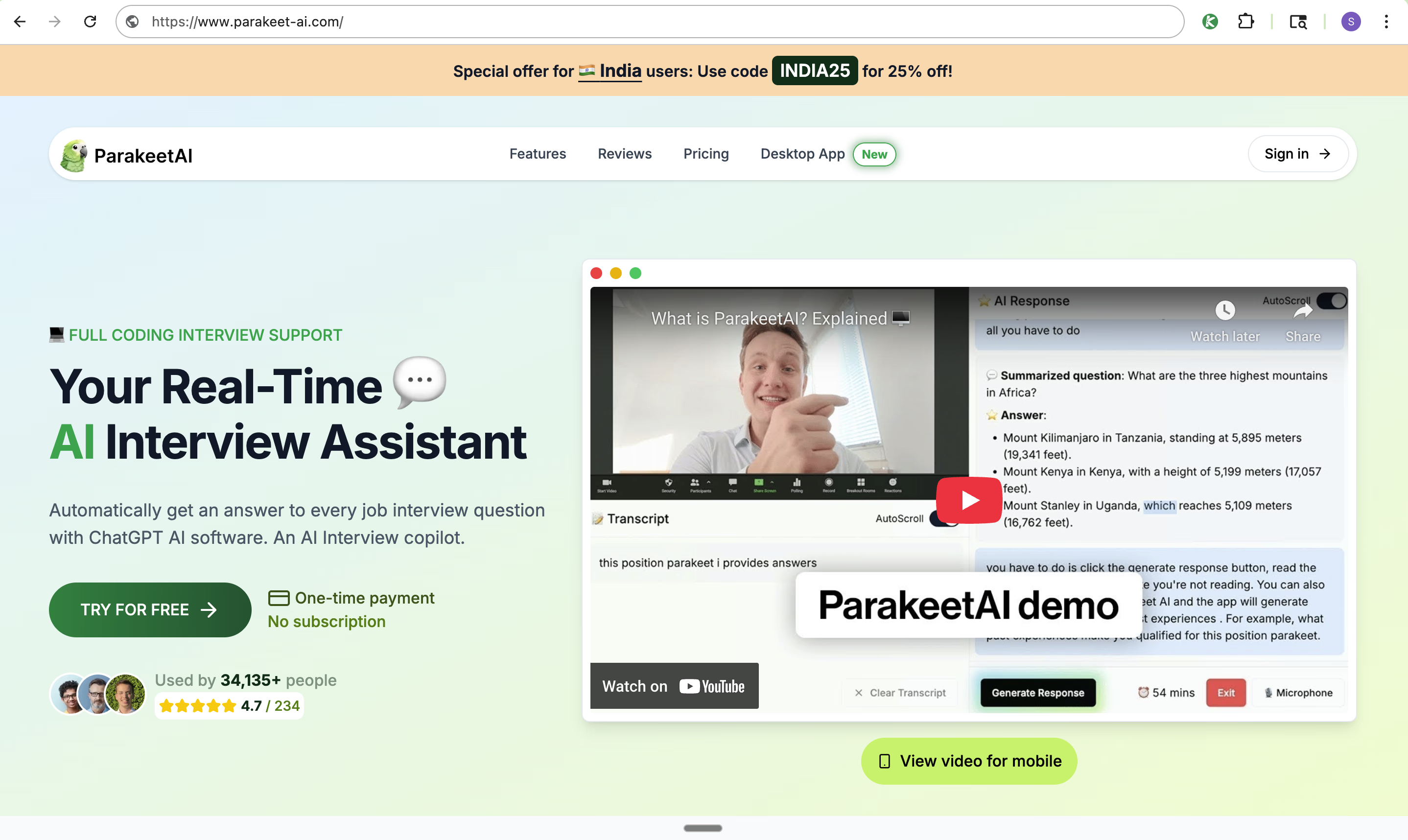
Parakeet AI has recently gone viral on TikTok. What sets it apart is its syntax highlighting feature, which significantly improves code readability. Like other top-tier AI interview assistants, Parakeet AI is a nearly undetectable programming interview assistant. It allows you to hide the Dock icon and won’t be flagged by active tab detection features. The only thing to note is that it doesn’t have global hotkeys and can only be operated with a mouse; therefore, your mouse movements may be tracked.
Pros
Structured answer output
It first provides a step-by-step solution to the coding problem, followed by a complete, reproducible code solution, and concludes with optimization suggestions.
However, using copy-and-paste during a live interview can easily be detected by the interview platform as cheating, so I don’t recommend using this feature during the interview.
High-quality answers
ParakeetAI currently relies primarily on AI models such as GPT-5, GPT-4.1, and Claude 4.0. These AI models perform exceptionally well in video interviews and technical interviews. In my testing, they consistently provided accurate and detailed answers regardless of the difficulty of the questions.
Cons
Complicated to Use
Because Parakeet is designed to provide structured answers: it doesn’t directly give me the answer I need, and I have to manually click the “Start Answering” button for the AI to generate a response.
To make matters worse, even after clicking the button, I still have to wait a long time to see the answer. This means I have to awkwardly fill the silence with “ums” and “ahs” to cover up the delay. For me, this is the worst part of the user experience.
Limited Usage Time
Of these five AI overlay tools, Parakeet AI offers the most comprehensive paid plan. However, Parakeet AI’s credit-based version charges per use, and each use is subject to a time limit. This makes it impractical when I can’t accurately predict the total duration of an interview or coding challenge.
Beyz AI: Best AI Overlay for Entire Interview Process
Overview
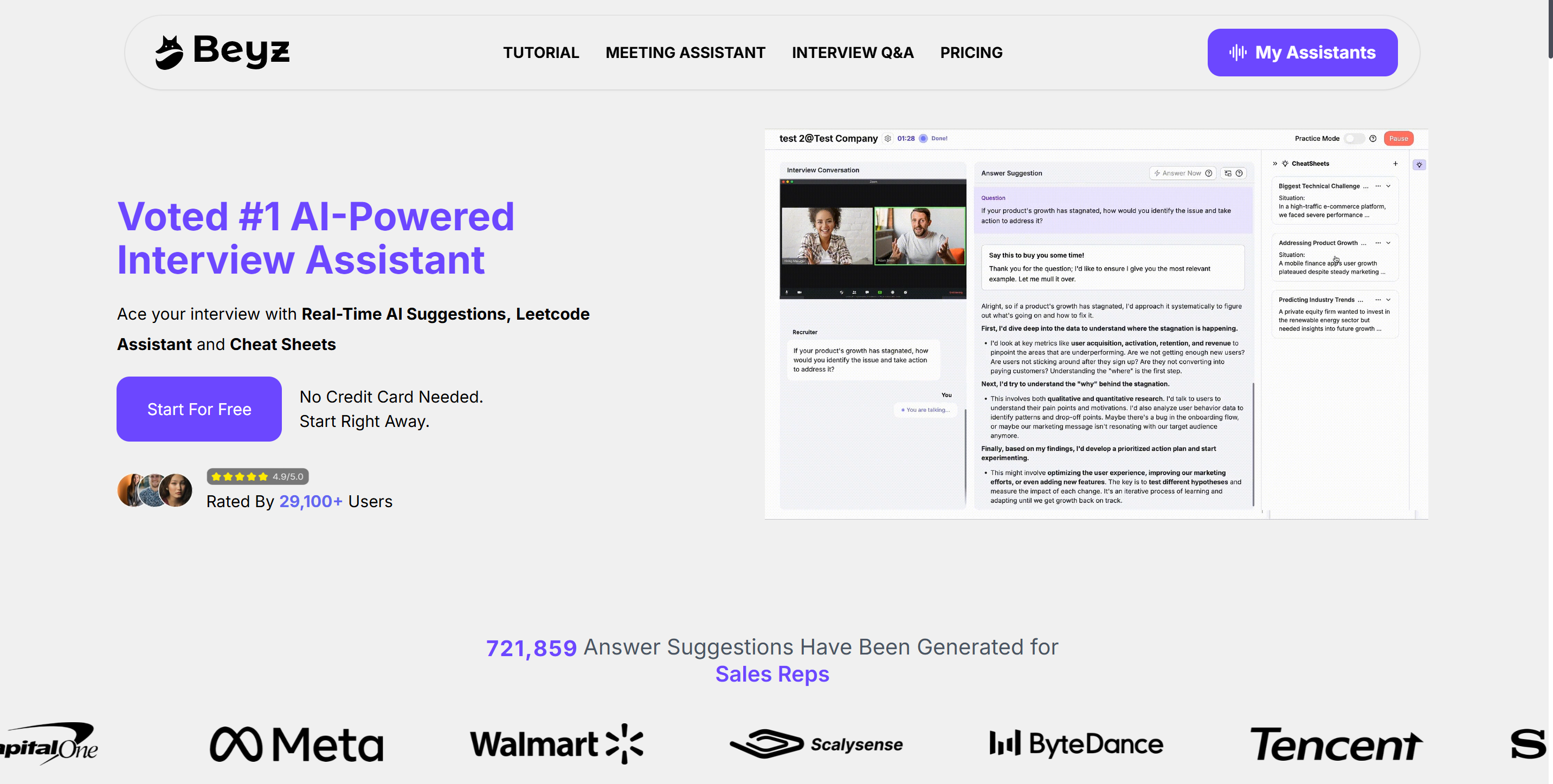
As an AI-powered coding tool, Beyz helps you solve any problem by writing code, breaking down logic, analyzing time and space complexity, and designing optimal solutions.
It also handles the entire screening process and other stages, consolidating all interview rounds into a single tool for centralized management and tracking.
Pros
Accurate Speech Recognition
Beyz Audio Transcription is fast and highly accurate. This reduces the delay between the interviewer asking a question and my response, making my performance seem more natural.
High-Quality Language Models
Some of Beyz’s responses appear to have been generated by a trained language model; not only are they highly logical and tailored to my specific situation, but their tone is also very natural—so much so that they could almost be read aloud as is.
Cons
Response latency
I’ve noticed that there is sometimes a delay between my questions and the AI’s responses, and this happens quite randomly—there’s no set pattern to it. This makes me feel very nervous during formal interviews.
Unable to handle advanced technical interviews
Its self-introduction and other responses feel too simplistic; while they are correct, they don’t sound like answers given by someone with professional experience, making them less suitable for senior-level positions.
Leetcode Wizard: Best AI Overlay Designed for Common LeetCode-style Questions
Overview
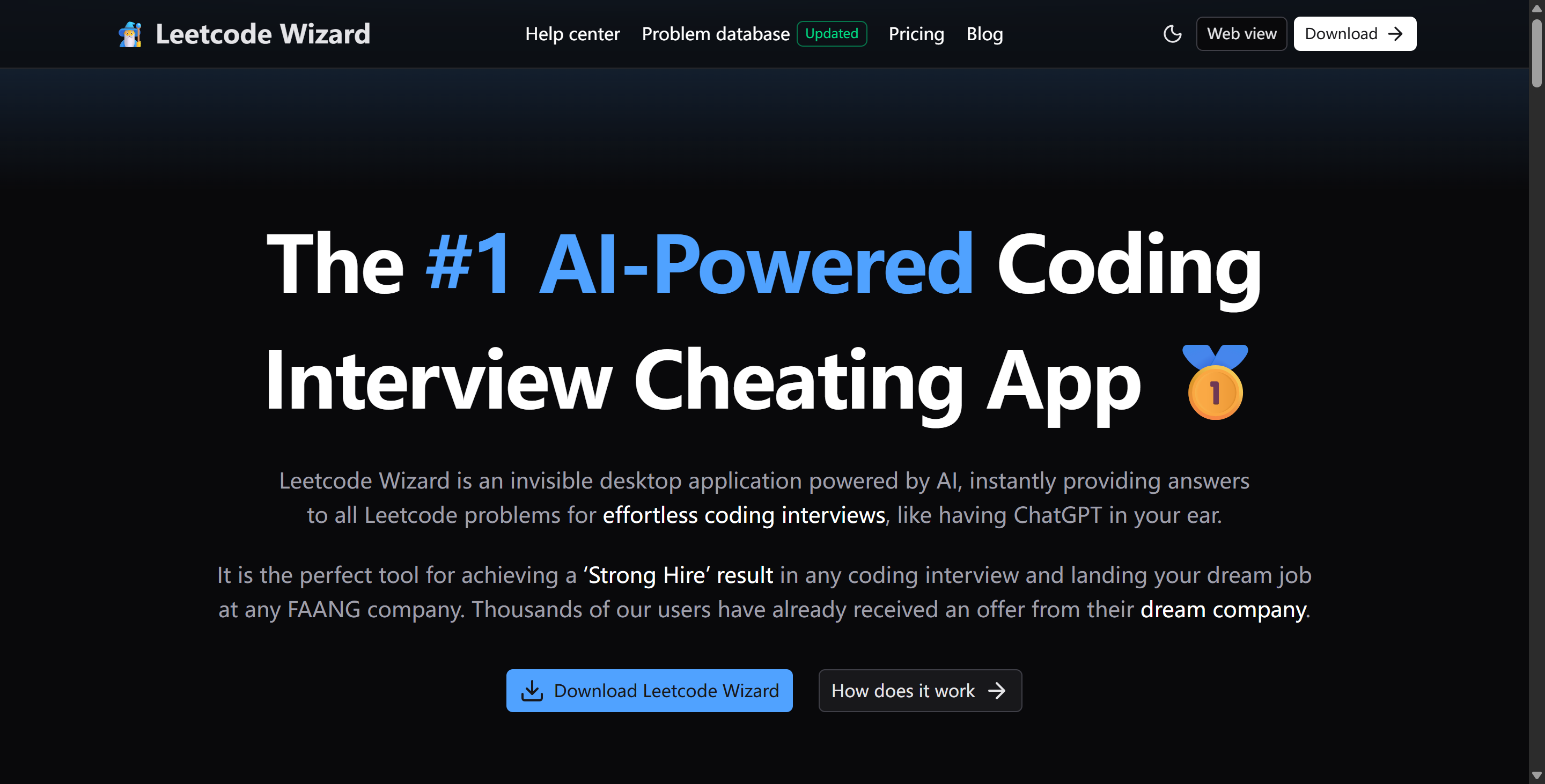
LeetCode Wizard uses custom AI models that are reportedly trained daily on real LeetCode interview questions. This unique design gives it an edge over general-purpose language models (LLMs) like ChatGPT on certain tasks.
Pros
An AI Model Designed Specifically for Technical Interviews
One of LeetCode Wizard’s major advantages lies in its unique programming style. Unlike the “perfect” code generated by other AI models, the solutions provided by LeetCode Wizard are much closer to code written by humans. This feature significantly reduces the risk of being flagged by coding platforms. Although it may not align perfectly with my personal coding style, it is still a huge improvement.
Furthermore, LeetCode Wizard’s explanations are extremely thorough. After completing each problem, it walks through the solution step by step. These explanations are clear and easy to understand, allowing me not only to see the answer but also to grasp the reasoning behind it. This helps me learn how to solve similar problems I might encounter in the future.
Cons
Using two devices is inconvenient
LeetCode Wizard cannot completely bypass the detection mechanisms of all coding platforms. On some interview platforms, the official workaround is to use a separate device (smartphone, tablet, or computer) to open its standalone web interface and view all output results.
This still presents some issues during live interviews:
If the secondary device is a smartphone, its small screen makes it extremely difficult to view answers and may appear unnatural during the interview.
If the secondary device is a tablet or computer, it must be placed nearby; unusual eye movements may be interpreted as cheating by the interviewer or the interview platform.
Furthermore, certain technical interview platforms (such as CoderByte) immediately detect when a candidate is using two devices, rendering LeetCode Wizard unusable.
AI Overlay Tools Comparison
Here’s a table that shows the main features for each AI overlay tools:
AI overlay tool | Complete Invisibility | Platform Versatility | Undetectable Global Hotkeys | Hands-free AI Answers for Follow-ups | Resume Analysis |
|---|---|---|---|---|---|
Linkjob AI | ✅ | ✅ | ✅ | ✅ | ✅ |
Finalround AI | In rare cases. | ✅ | ❌ | ❌ | ✅ |
Beyz AI | In most cases | ✅ | ✅ | ✅ | ❌ |
Parakeet AI | Mouse tracks can be traced. | ✅ | ❌ | ✅ | ✅ |
Leetcode Wizard | Does not guarantee full invisibility. | Performs poorly on platforms other than Leetcode | ✅ | ✅ | ❌ |
If you're looking for a AI overlay tool that can be customized to your needs and is completely invisible, I'd recommend Linkjob AI. It provides in-depth behavioral feedback and is the perfect choice for any technical interview.
FAQ
Can interviewers detect these AI overlay tools?
Only a few AI overlay tools, such as Linkjob, can remain completely invisible across all interview platforms and formats. I always test the tool first to make sure it stays invisible.
Do these tools work on Mac and Windows?
Yes, I use them on both Mac and Windows. I check the tool’s website for the latest compatibility updates.
Is it ethical to use AI overlays in interviews?
I believe it depends on the company’s policy. I always read the rules before I use any AI tool during interviews.
Can I use my own AI models with these AI overlay tools?
Most AI overlay tools do not support the use of their own AI models. You can choose AI overlay tools that come with a wide variety of AI models, including cutting-edge ones, such as Linkjob.
See Also
How I Passed 2026 JP Morgan HackerRank Assessment: Q&A
How I Used AI to Pass the Interview on Microsoft Teams
How I Cheat on Codility and Avoid Getting Caught in 2026
The Best AI Tools for Job Interviews Preparation I've Tried-My Top 8 Picks
