5 Best Invisible AI for Interview: My 2026 Update


Interview platforms are continuously updating their methods to detect AI interview assistants, rendering tools that provide assistance by switching tabs ineffective. I've come across numerous articles ranking top AI tools, including the best free interview AI assistants, alternatives to Final Round AI, and top ai tools for cheating.
When it comes to live interviews, the most important thing for an AI interview assistant is to avoid detection by the interviewer or the interview platform. Although all AI interview copilots claim they aren’t completely invisible, after testing them, I’ve narrowed it down to five that are truly invisible.
Here are my picks for the 5 best invisible AI for interview tools in 2026:
Final Round AI: Feature-Rich Invisible AI Interview Tool
ParakeetAI: Flexible Payment Options invisible AI Tool for Interview
LockedIn AI: Invisible AI Interview Tool for Foundational Structured Answers
Leetcode Wizard: Invisible AI Assistant for Junior Technical Interviews
Below, I will compare the pros and cons of these completely invisible AI interview tools and explain my final choice.
Key Takeaways
Invisible AI tools enhance interview performance by providing real-time support without detection, helping users feel more prepared and confident.
Key features to look for include stealth operation, compatibility with major platforms, and the ability to provide instant feedback and prompts.
Consider pricing models carefully; options like pay-per-use can save money for short-term needs, while subscriptions may offer more comprehensive support.
Always test the tool before a real interview to ensure it remains undetectable and meets your specific needs for privacy and functionality.
Linkjob AI: Best Invisible AI tool for Interview Overall
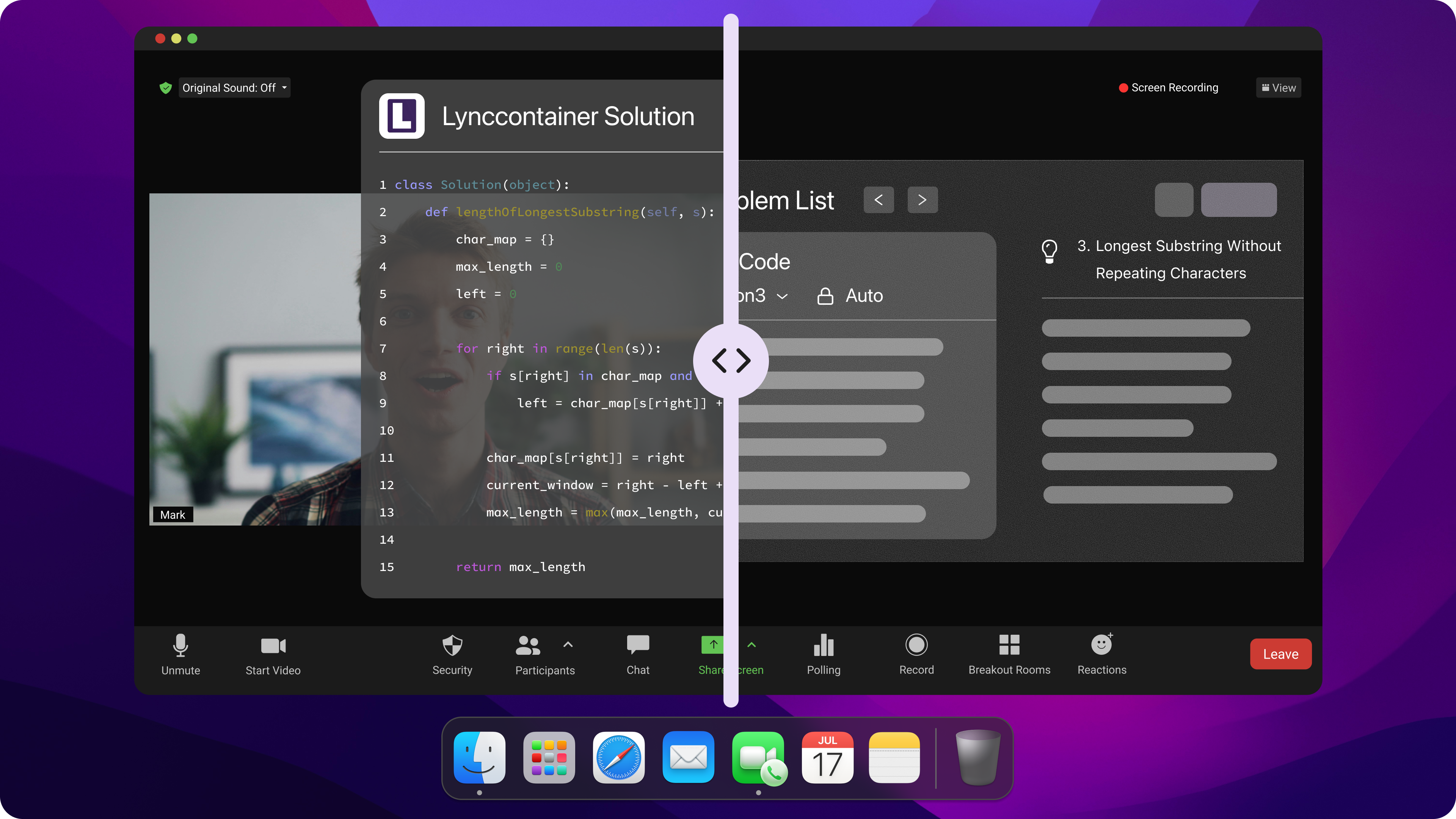
Pros: Fully Automated During Interviews
Linkjob is incredibly convenient—it automatically handles every step of the process, from uploading questions to providing answers.
This means I don’t have to do anything extra during the interview. All I need to do is set the desired level of transparency and the optimal position for viewing the answers before the interview begins.
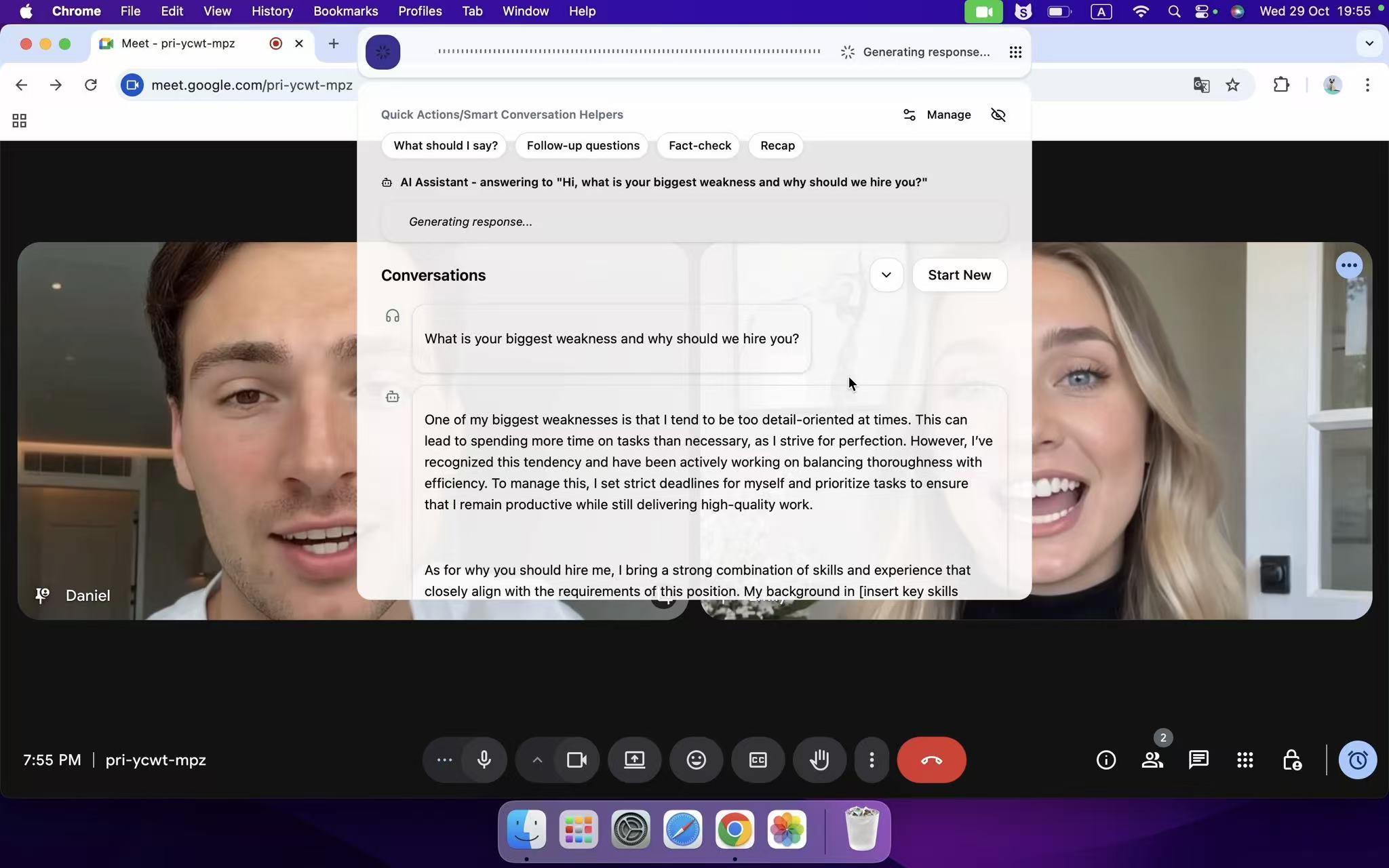
This significantly reduces the risk of being caught cheating. After all, some interview platforms or interviewers now use unusual mouse cursor movements and keyboard activity to detect cheating.
Pros: Using Cutting-Edge AI Models
Linkjob utilizes cutting-edge AI models, including Gemini 3.1 Pro, Claude Opus, GPT-5.1, and Grok3, among others. These models possess strong memory capabilities, which, when combined with Linkjob’s own features, allow users to upload up to six screenshots at once. Additionally, they can generate more personalized and tailored responses based on the resume I upload and the records of mock interviews.
This enables Linkjob to perform exceptionally well in interviews for the tech and finance sectors.

Cons: Not Support Using My Own AI Model
Linkjob does not support the use of my own AI model. However, they cover hundreds of AI models and adopt the most advanced industry-leading AI models available today. These models are included in our paid packages, and there is no need to pay extra for API usage. So this point is acceptable.
Final Round AI: Feature-Rich Invisible AI Interview Tool
Final Round offers both web-based and desktop download options. Its desktop stealth mode is exceptionally well-designed—testing on two computers confirmed it remains completely invisible.
Pros: Rich Functionality
Of the five invisible AI for interview, Final Round offers the most comprehensive set of features. It provides a wide range of customization options, such as the ability to choose which AI model to use. I noticed that its resume builder offers helpful keyword suggestions and formatting tips, making my resume look more professional. The mock interviews cover multiple industries and job roles, and I can adjust the difficulty level to suit my needs.
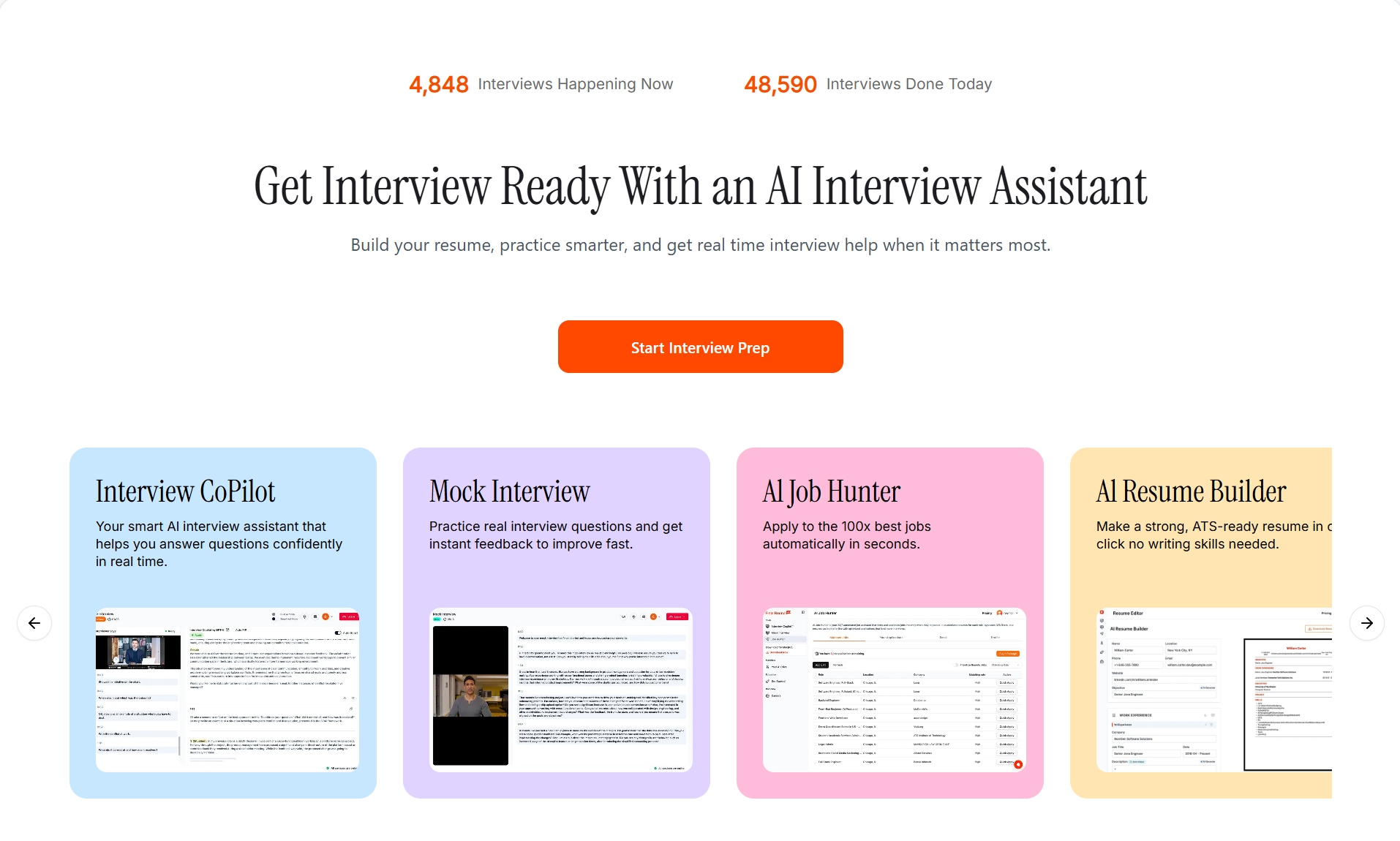
Cons: Disappointing performance during live interviews
The biggest issue with Final Round is its instability during use. Technical glitches sometimes prevent it from functioning properly, which is obviously a deal-breaker for live interviews.
Additionally, the AI-generated answers sometimes feel repetitive or overly generic. I was hoping for more specific advice tailored to my personal background and the position I’m targeting. The system occasionally freezes or misinterprets my responses, disrupting my practice sessions.
Note: Although this platform offers many features, I’ve found that the depth and personalization of its feedback don’t always meet my expectations.
ParakeetAI: Flexible Payment Optionsinvisible AI Tool for Interview
ParakeetAI is completely invisible on interview platforms. I tested it on Zoom and LeetCode, and it couldn't be detected.
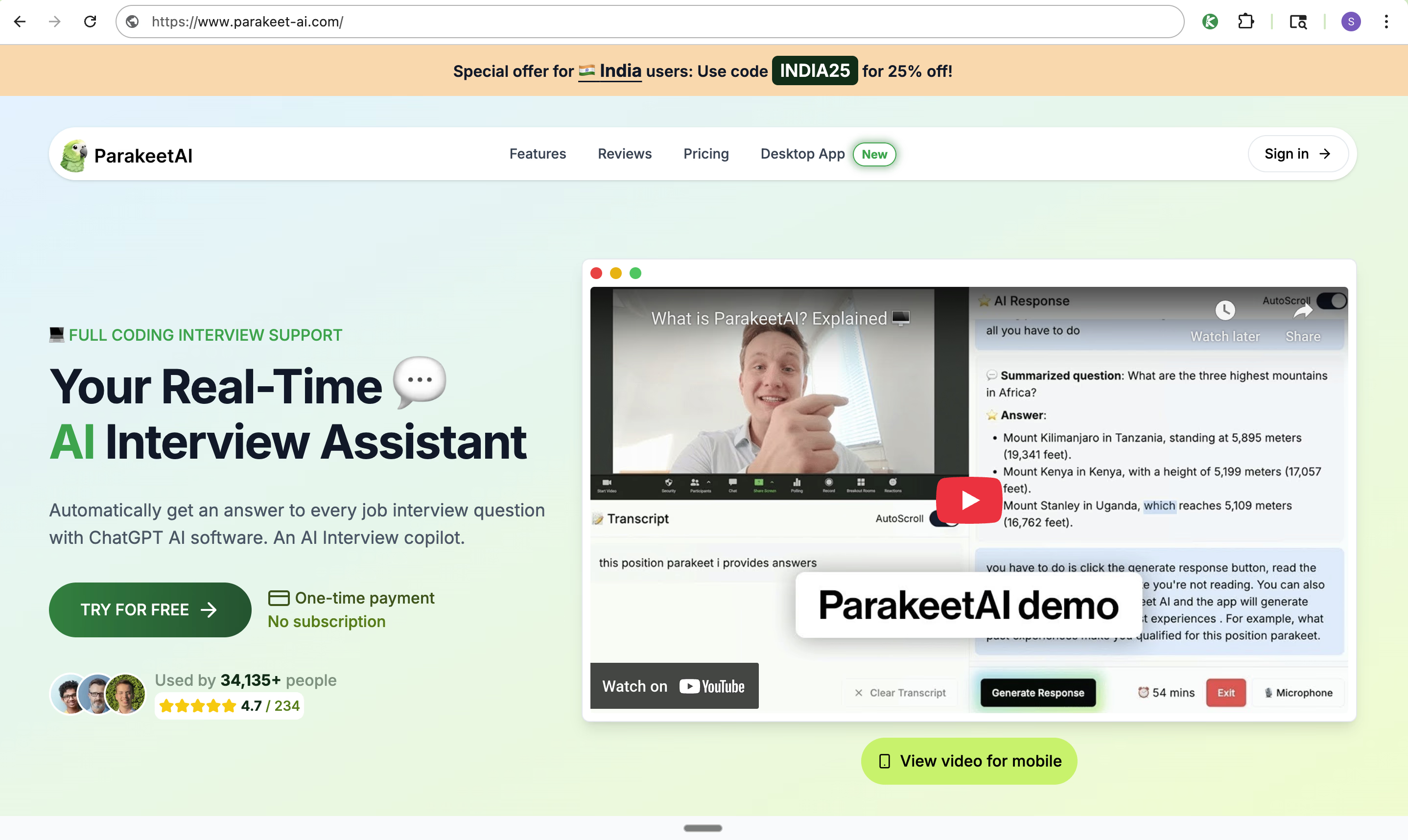
Pros: Generated answers contain high-quality content
ParakeetAI currently relies primarily on AI models such as GPT-5, GPT-4.1, and Claude 4.0. These AI models perform exceptionally well in video interviews or technical interviews. In my tests, regardless of the question’s difficulty, it consistently provided accurate and detailed answers.
Cons: Requires extra steps during use
ParakeetAI has one major drawback: I have to manually click the “Start Answering” button for the AI to generate a response. In a real interview setting, I’m already very nervous, and having to perform this manual action feels extremely inconvenient.
Worse still, even after clicking the button, I still have to wait quite a long time to see the answer. This means I have to awkwardly make “um” and “uh” sounds to cover up the delay. For me, this is the worst part of the user experience.
Cons: Time-Limited Usage
Among these five desktop assistant tools, ParakeetAI offers the most comprehensive paid plan. However, in Credits version, ParakeetAI charges per use, and each session is time-limited. This approach proves highly impractical when I can’t accurately predict the total duration of an interview or coding challenge.
LockedIn AI: Invisible AI Interview Tool for Foundational Structured Answers
LockedIn AI operates completely invisibly during use; I conducted a mock interview and couldn't detect it.
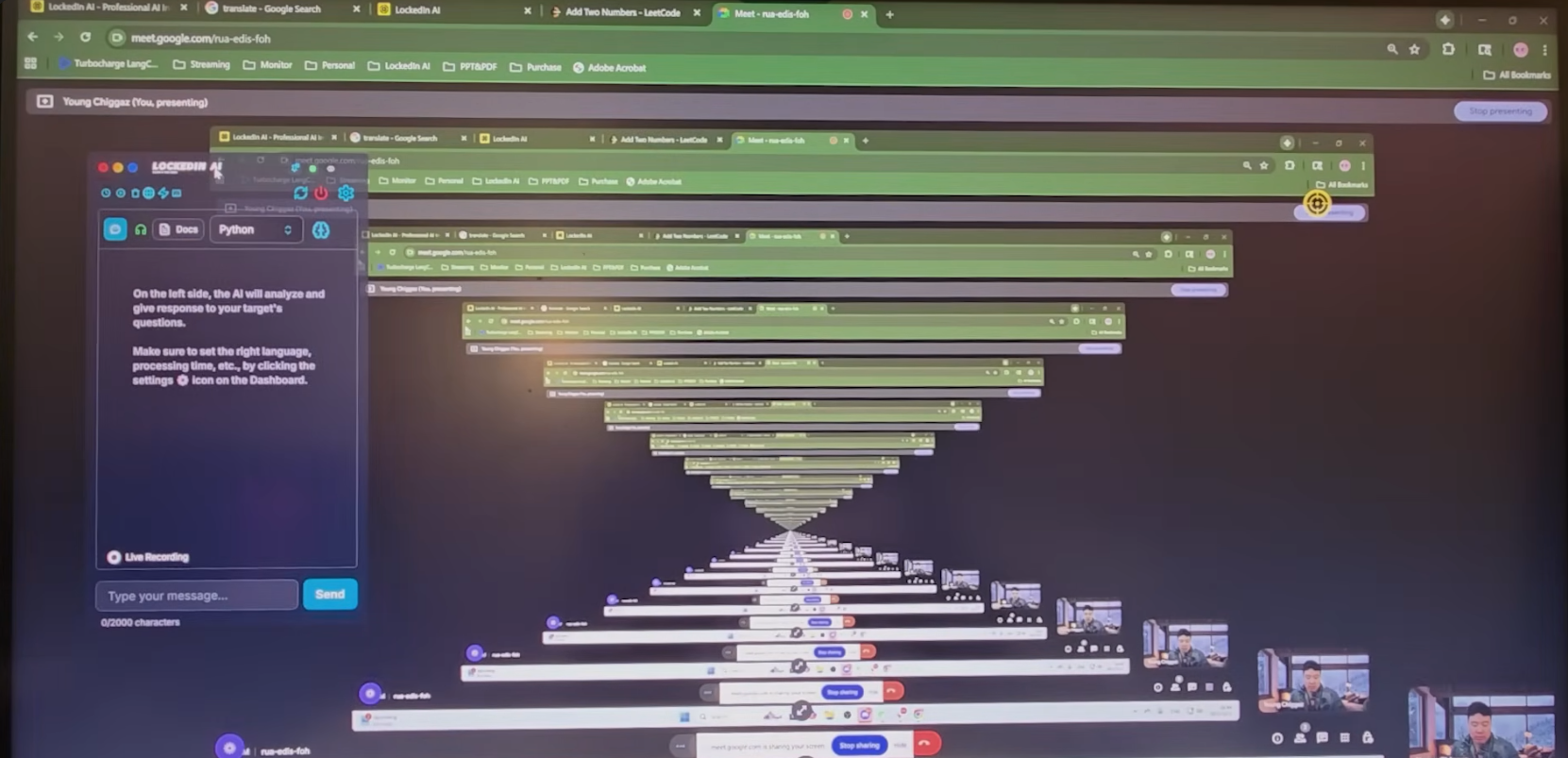
Pros: Detailed Guidance
LockedIn provides fairly reliable answers. I tried it out during practice, and afterward it gave me some comments, such as:
You sped up quite a bit here.
This part doesn’t really answer the question.
You went off-topic.
To be honest, there were some things I hadn’t even noticed until it pointed them out.
Disadvantages: Complex operation
LockedIn’s overly complex keyboard shortcut system ignores real-world interview scenarios. Its shortcut configuration is too complicated, involving over a dozen combinations, which can easily lead to confusion. Pressing the wrong shortcut during an actual interview could have disastrous consequences.
Another issue with LockedIn AI is that it automatically provides hints rather than answers. If you want the answer, you have to manually intervene, and these hints are sometimes too vague to be useful.
Leetcode Wizard: Invisible AI Assistant for Junior Technical Interviews
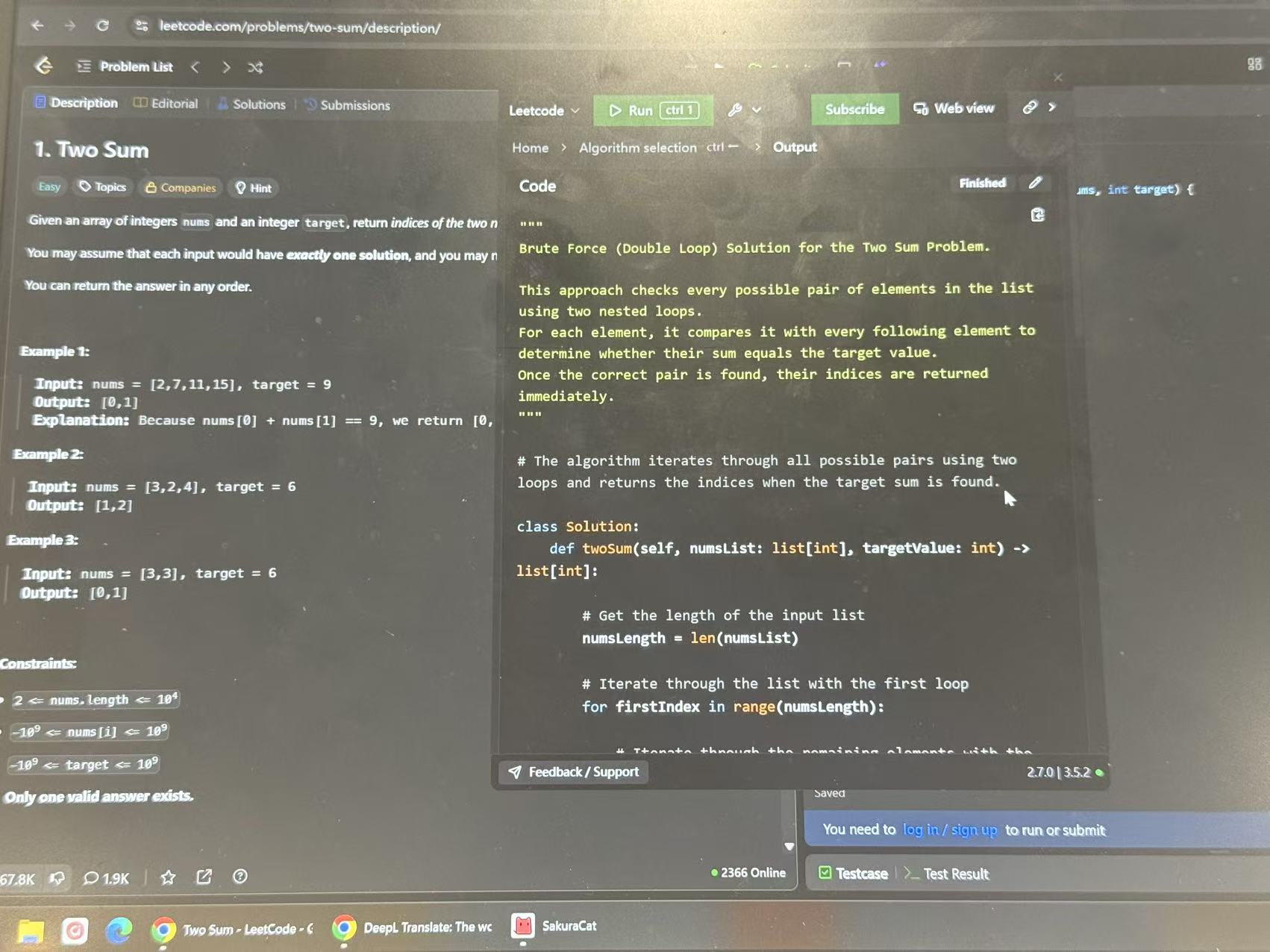
Leetcode Wizard is completely invisible in all screenshots and screen recordings on Windows systems. As shown in the image below, if I take a screenshot, the Leetcode Wizard page will not appear at all, including during the registration and setup phase.
Pros: An AI model designed specifically for technical interviews
One of LeetCode Wizard’s major advantages lies in its unique programming style. Unlike the perfect code generated by other AI models, the solutions provided by LeetCode Wizard are closer to code written by humans. This feature significantly reduces the risk of being flagged by coding platforms. While it may not fully align with my personal coding style, it is still a huge improvement.
Additionally, LeetCode Wizard’s explanations are extremely detailed. After completing each problem, it walks through the solution step by step. These explanations are clear and easy to understand, allowing me not only to see the answer but also to grasp the reasoning behind it. This helps me learn how to solve similar problems I might encounter in the future.
Cons: Inconvenience of Using Two Devices
LeetCode Wizard cannot completely bypass the detection mechanisms of all coding platforms. On some interview platforms, the official workaround involves using a separate device (phone, tablet, or computer) to open its standalone web interface and view all output results.
Compared to other methods that require additional devices, LeetCode Wizard allows you to submit solutions directly through the app on the interview device.
However, there are still some issues when writing answers:
If the secondary device is a smartphone, its small screen makes it extremely difficult to view the answer, and it may appear unnatural during the interview.
If the secondary device is a tablet or computer, it must be placed nearby; this can be detected when checking the answer.
Furthermore, certain technical interview platforms, such as CoderByte, immediately detect when a candidate is using two devices, rendering LeetCode Wizard unusable.
The Invisible AI for Interview I Ultimately Chose
Comparison Of Invisible AI for Interview
Although Final Round and Leetcode Wizard rank among the top AI interview assistants that claim to be completely undetectable, they are somewhat cumbersome to use and carry a risk of being detected.
For this reason, I did not include them in the final list.
Tool | Key Features | Price |
|---|---|---|
Linkjob.ai | Completely invisible, Automatically generates answers, High-quality responses,Advanced features involve complex operations. | $100 per month for monthly subscriptions $70 per month for quarterly subscriptions, and $30 per month for annual subscriptions |
ParakeetAI | Completely invisible, Click to generate answers, High-quality responses,Limited time usage. |
|
LockedIn AI | Complete stealth, Vague hints, Complex shortcut keys. | General:$55 per month for monthly subscriptions $40 per month for quarterly subscriptions Professional:$120 per month for monthly subscriptions $80 per month for quarterly subscriptions |
My Final Choice : Linkjob AI
The secret to going unnoticed during an interview isn’t just a completely invisible AI interview assistant—it also includes my natural demeanor during the interview and answers that read like they were written by a human.
Linkjob compared to LockedIn and Parakeet AI:
It’s easier to use, helping me interact naturally with the interviewer.
The answers are more human-like and provide reasonable responses tailored to my specific situation.
That’s why I ultimately chose Linkjob.
FAQ
Can I listen and watch at the same time on Linkjob?
Linkjob can process audio and screen content simultaneously. When using the Real-time AI Interview Assistant feature, you will find a screenshot button. Once clicked, the screenshot will be sent to the AI along with the next segment of audio.
Can Linkjob extend the silence duration?
You can find "Speech Sensitivity Custom" within the Real-time AI Interview Assistant feature, where you can adjust the silence duration.
In the interview mode how can I ensure Linkjob is only listening to other user?
Check if the function you are using is correct. The first button on the left in the command bar is the Real-time AI Interview Assistant feature. It will not listen to your voice; it will only listen to the system audio, that is, the questions from the interviewer on the computer. If you are using the function of the second button on the left, that is a mock interview, and it will only listen to your voice.
What does the interviewer look like when I use Linkjob?
The interviewer will not see Linkjob. When you share your screen, Linkjob’s overlay is specifically excluded from the shared content. You can check out our demo to see how the app remains invisible even when sharing the entire screen.
How do I pick the best invisible AI for my needs?
I make a list of what matters most—stealth, price, or platform support. I try free trials when possible. I read user reviews and compare features before I decide.
See Also
How to Cheat HackerRank Tests With AI: My 2026 Update
Why I Ditched Cluely AI :My Honest Take on the Best Cluely AI Alternatives That Actually Work
How I Used AI to Pass the Interview on Microsoft Teams

© Copyright 2025 linkjob.ai - All Rights Reserved.