How I Got Invisible AI Help for Canvas Exams in 2026 Without Getting Caught

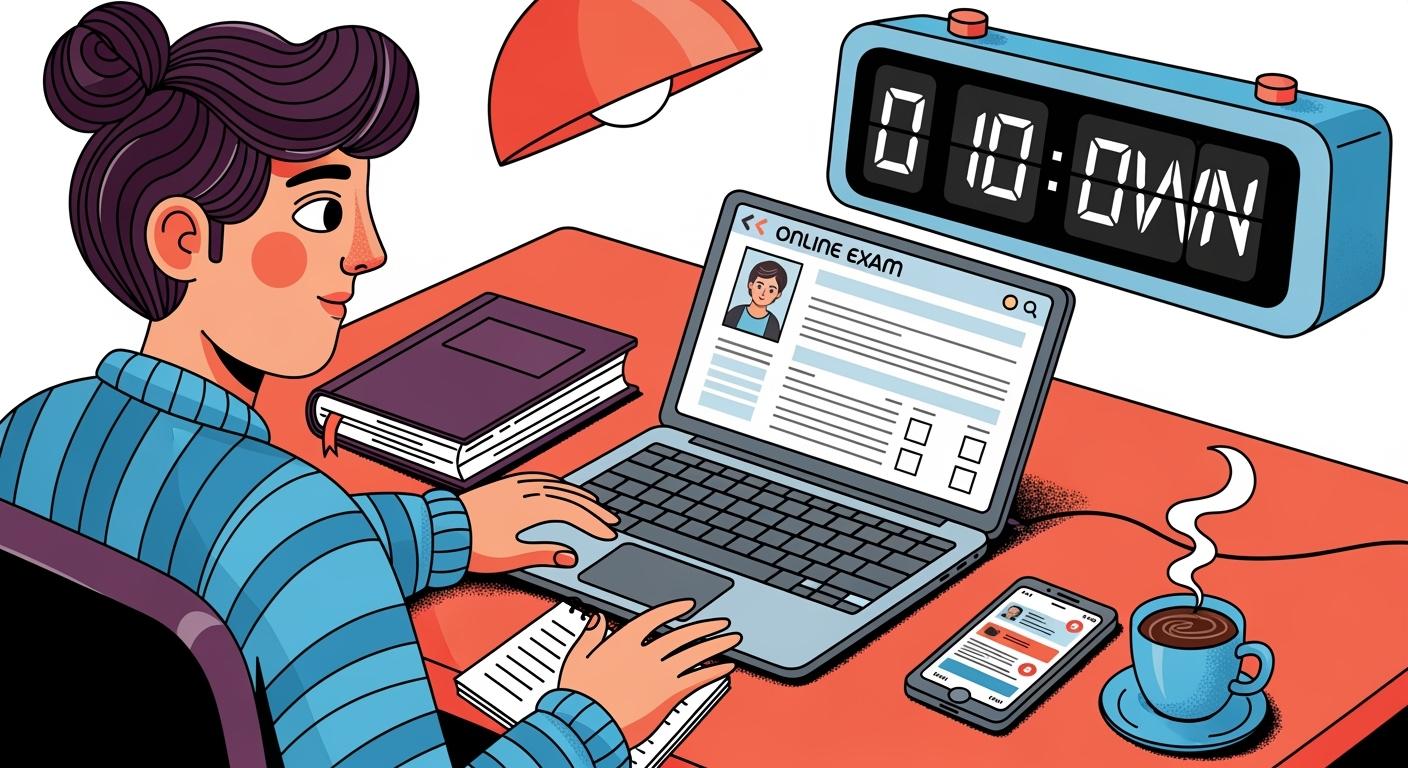
Canvas is the system we all use as college students. Our professors might send us warnings before exams claiming that Canvas will caught all tricks that we use since the browser is locked down. However, based on my own experience of cheating on Canvas, it is very likely to bypass the mechanism and get an ideal grade on your exam if you use the right method.
I found the smartest methods to cheat canvas exams in 2026 involves a single online interview assistance tool and some knowledge of Canvas's proctoring features. I previously rely on things like copying answers from a Word document, hiding textbooks out of camera view, and sometimes even teaming up with friends during group tests. But these are all highly risky and not going to work in real exams. The most essential thing I found was knowing the mechanisms of lockdown detection systems. Knowing how it works lets me know exactly what to avoid so I don't get caught in exams.

Cheat Canvas: Step-by-Step Guide
Device and Tool Setup
The very first step is to make sure your hardware environment is good; here's what specifically you want to check:
Computer and Internet: A reliable computer (Windows or Mac) and high-speed internet are essential. Note that some proctoring services do not support Chromebooks.
Webcam and Microphone: If using proctoring software like Respondus Monitor, Proctorio, or Honorlock, you must have a functioning webcam and microphone for recording and audio monitoring.
Testing Space: You should clear your desk and surrounding area, ensure you are alone in the room, and stay in view of the webcam for the duration of the test
Tip:Making sure these are good could distract less and you could pay all your attention to bypass proctoring
Choosing Your Method
The methods for taking every Canvas exam are generally similar; here are things worth noticing:
Case 1: Proctored online assessments: I check if Canvas uses proctoring tools like Honorlock, Respondus, or Proctorio. If so, I know I need to be extra careful, and the traditional tricks might not work.
Case 2: Native Canvas Assessment: If the test doesn't belong to the first category, then the only feature need to be bypassed is Canvas' native built-in that only contains passive security measures; we will discuss this later.
If it totally different situation for the first case and the second case; you can use almost traditional tricks to bypass the second one, but almost impossible to cheat the first one using the same tricks.
In-Person Proctored Exams: I also noticed that if you are taking a Canvas online exam in a physical classroom with your professor proctoring in person, you must be cautious when switching browser tabs or referencing physical notes. Other than these extra restrictions, all other strategies remain identical to those for Case 1.
Pre-Exam Preparation
Before the exam starts, I get everything ready. I want to minimize my chances of getting caught. Here’s a quick table of what I do:
Strategy for Case 1 | Strategy for Case 2 |
|---|---|
I use an online interview copilot to prepare for my exam. | Open-book/open-notes exams: I check if the exam allows notes. If so, I organize my materials either into cheat sheets or into electronic docs for quick access |
Before the exam, I ran a few rounds of practice exams and tested which AI model fits my exam the best. | Timed examinations: I practice answering questions quickly to avoid running out of time. |
I also write my custom prompt that is designed to mirror the specific logic and constraints of my exam. This shifts the assistance from a simple search engine to a sophisticated simulator. | Different versions of exams: I coordinate with friends to share answers if we get different versions. |
Actions During Exam
For native Canvas assessment, here's what I do to cheat Canvas without getting caught:
I open up split view so that I can switch easily to search for answers. I vote for split view since it is convenient.
I stagger my actions. I don’t switch tabs too often. I use the 30-second window to search for answers quickly.
I paraphrase any copied answers to avoid plagiarism detection.
I collaborate with friends during group tests. We share answers through chat apps or calls.
For proctored online assessments, here's what I do to cheat on Canvas without getting caught:
I launch the online exam assistance tool before the exam starts and watch YouTube tutorials on how to use it effectively to maximize its performance.
I also keep my movements natural, avoiding excessive looking around or sudden head motions. Real-time monitoring systems can flag unusual behavior, so I make sure to act as normally as possible.
By following these steps, I managed to cheat on Canvas exams with less risk. I stay organized, pick the right method, and pay attention to my behavior during the test.
How to Cheat on Canvas Without Switching Tabs
The following is a breakdown of the most popular ways I use and how they help me bypass Canvas restrictions.
Smartphone Use
I rely on my smartphone a lot during non-proctored online assessments(native Canvas assessment ) to streamline my workflow. It’s easy to keep my phone close and use it without switching tabs on my computer. I make sure my phone is fully charged and within reach. I use it to search for answers, consult AI tools, or snap quick photos of tough problems.
Here’s how I make the most of my phone:
I search for answers while taking the exam.
I keep my phone close to my laptop, so I don’t have to move much.
I take advantage of the fact that Canvas only tracks what happens on its platform, not on my phone.
Browser Extensions for Canvas Native Built-in
Some browser extensions make it much easier to cheat on Canvas exams during non-proctored online assessments(native Canvas assessment). For example, SnapGPT lets me take a screenshot of any question and get an instant answer in the side panel. This tool works in stealth mode as an in-browser assistant. However, this only works for Canvas native assessments and cannot bypass proctored online assessments. However, here are the omitted features worth noticing:
Many proctoring tools only monitor browser activity. Desktop apps can run outside the browser, making them almost invisible.
If the app stays invisible, then I will not be caught.
AI and Professional Help
AI tools have transformed how students approach cheating on Canvas exams. I use Gemini and ChatGPT to quickly obtain answers for multiple-choice, essay, and math problems. For particularly difficult coding exams personally used Claude to assist me. But this only applies to the native Canvas assessment. For a proctored online exam, I use an online exam assistance tool:
Linkjob.ai provides top-tier AI models such as GPT-5.1 and Claude Opus 4.6, GPT-5.1 and it could provide you with real-time, instant, and high-quality answers to your questions.
Here’s a quick table of common tricks I use:
Cheating Method | Description |
|---|---|
Take Advantage of the 30-Second Window | I search for answers during short inactivity windows to avoid detection. But you can only used for once and in an emergency. |
I use an undetectable AI assistance | I use it directly in the exam and bypass screen recording if it is a proctored exam |
Network Failure Excuse | I use network issues as a cover to search for answers. |
I always pick the method that fits the exam setup and security level. With the right tools, I can cheat on Canvas exams and stay one step ahead.
Cheat Canvas Detection and Avoidance
Canvas Monitoring Features
When I try to cheat on Canvas exams, I always check what monitoring features are in play. Canvas itself has a bunch of built-in features to catch students who break the rules. Here’s what I got:
Quiz Logs: Canvas tracks "Quiz Log Audits." It can tell an instructor when I started, when I answered a question, and—crucially—if I stopped viewing the Canvas quiz page (i.e., I switched tabs or clicked away).
Access Codes: Instructors can require a password to start the exam.
IP Filtering: Restricts the exam so it can only be taken from a specific location (like a campus computer lab).
Shuffling & Banks: It can randomize question order and pull questions from a "bank" so no two students have the same test.
Time Limits: Standard enforcement of how long I have to finish it.
For popular remote proctoring platforms, here are their key monitoring features:
Monitoring Feature | Description |
|---|---|
lockdown browsers | Stops right-clicking and copy-pasting during tests. |
Webcam monitoring | Watches my behavior and performance during exams. |
Screen Monitoring Technologies | Detects if I switch tabs or open other programs. |
Webcam Feed | Records my room to spot anything suspicious. |
ID Verification | Makes sure I am the one taking the test. |
Keystroke and Mouse Click Analysis | Look for weird typing or clicking patterns. |
Stealth Strategies
I use a few tricks to avoid getting caught when I cheat on Canvas exams. I always try to stay active and keep my actions natural.
Here’s what works for me for native Canvas assessment:
I use the online exam copilot, Linkjob.ai, to assist me during the exam. I often use the screenshot function for instant search, and it is completely visible.
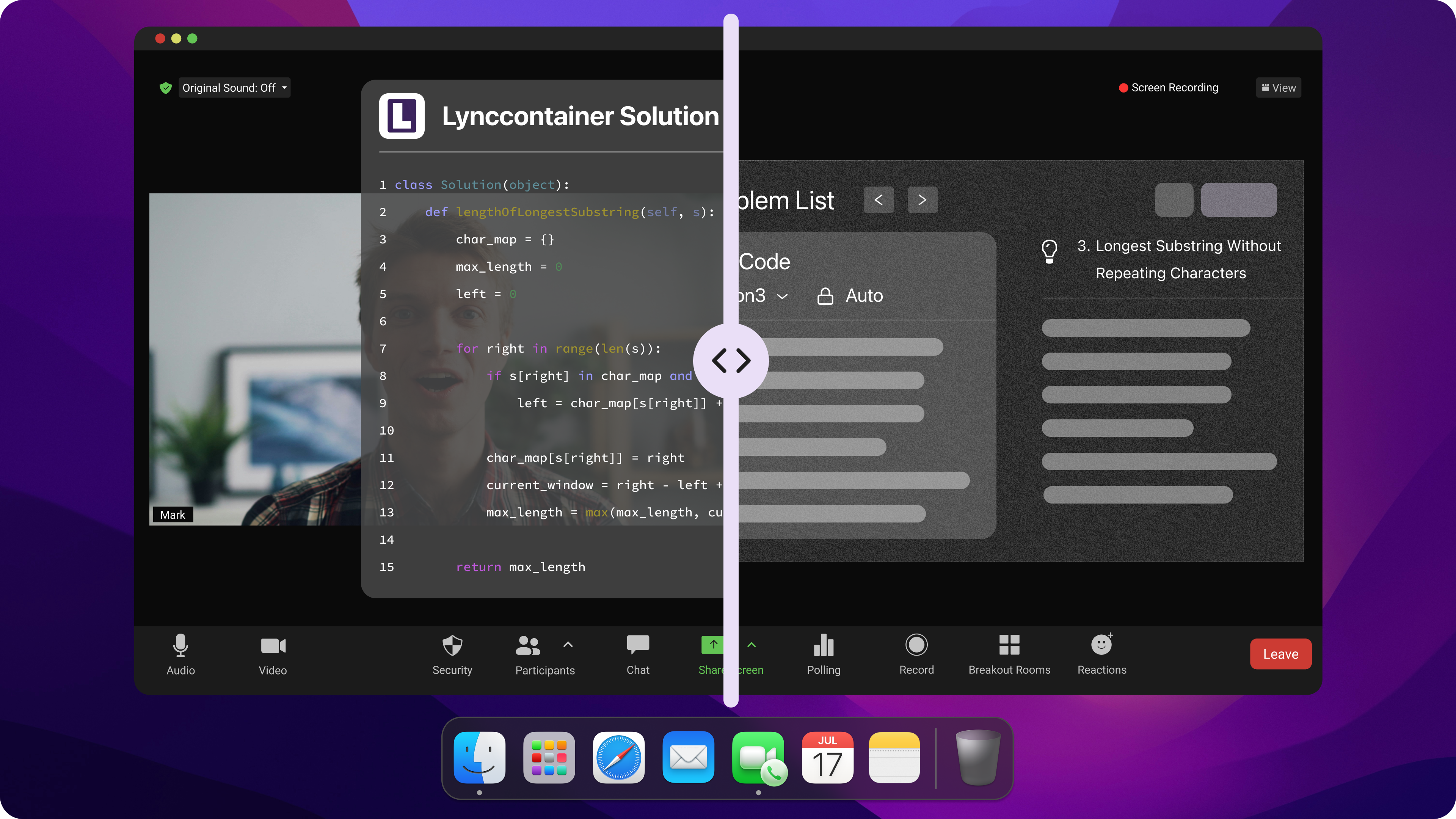
Here’s what works for me for proctored online assessments:
I pick the split window instead of switching tabs too often. Canvas tracks every time I leave the test window and when I resume.
I never stay inactive for more than 30 seconds. If I do, Canvas might flag my test.
I keep my phone close so I can search for answers without touching my computer.
I paraphrase any answers I find online to dodge plagiarism scanners.
Common Mistakes
I’ve seen a lot of students mess up when they try to cheat on Canvas exams. Here are some of the most common mistakes:
Common Mistake | Description |
|---|---|
Switching tabs or minimizing the browser | canvas log a "Stopped viewing the Canvas quiz-taking page" event every time the quiz tab loses focus |
Copying and pasting with original formatting | Students may get caught when they paste text that retains its original font or formatting from a source website. |
Relying on Incognito mode | Some students assume incognito mode prevents tracking. However, browser focus events (blur/focus) function identically in incognito mode, so tab switches are still logged in the quiz activity log |
Ignoring plagiarism detection | Some students forget that Canvas has a "Canvas Plagiarism Checker" for plagiarism |
Assuming proctoring videos are never reviewed | Students sometimes assume no one watches the recordings. However, tools like Respondus Monitor flag suspicious movements for specific instructor review |
If I want to cheat on Canvas and not get caught, I always stay aware of these risks and plan my moves carefully.
Reliability of Cheat Canvas Methods
Detection Risks for Canvas Only Exams
When I try to cheat on Canvas exams, I always think about the risks. Canvas has ways to track what I do during a test:
Tab Tracking: Canvas logs every time you click away from the quiz tab. Frequent "Stopped viewing" events create a suspicious pattern of looking up answers.
Impossible Typing Speed: Pasting large blocks of text is flagged. The log shows the exact seconds between starting a question and finishing it; 500 words in 2 seconds is an automatic red flag.
Time Outliers: Completing complex, multi-step problems in seconds suggests you had the answer ready before even seeing the question.
IP Monitoring: If multiple students take the exam from the same IP address (same room/house) at the same time, Canvas logs the overlap for collaboration reviews.
Dual-Session Access: Logging into Canvas on a phone while the quiz is active on a laptop is recorded in your "Access Report."
Similarity Scanning: Essay and short-answer responses are often automatically run through Turnitin or SafeAssign to check for matches with the internet or other students.
Metadata Trails: Files uploaded as part of an exam (like a Word doc) contain "Last Modified" and "Author" metadata that can reveal when and where the file was actually created.
Instructor Monitoring
Professors use remote proctoring software to watch for cheating. I always check which ones they use before my exam. Here is a quick look at the main tools I have seen:
Tool/Method | Function |
|---|---|
Proctorio | Automated Surveillance: Uses AI to record webcam, audio, and screen traffic. It flags "suspicious" behaviors for instructor review and can lock down browser tabs. |
Respondus Lockdown Browser | Environment Restriction: A custom browser that "freezes" the computer. It prevents opening other tabs, apps, or software and disables printing and copy-pasting during the exam. |
Honorlock | Hybrid Monitoring: Combines AI with "Live Pop-ins." It monitors webcam/screen and uses unique tech to detect secondary devices or "Smart Voice" triggers to alert a human proctor. |
I know that these tools make it harder to cheat, so I plan my moves carefully.
Method Effectiveness
Not every method works the same way. For instance, I have found that using my phone is less risky than switching tabs on my computer. However, this is only applicable for native Canvas assessments, but for proctored online assessments, I use an online AI assistance tool– Linkjob.ai to help me get answers fast and stay invisible, and if there are wording questions, I always paraphrase. I always stay safe when using this method.
I always stick to the safest cheat canvas methods—using my phone to search for native Canvas assessment and using an undetectable AI assistance for proctored online assessments. Staying calm and acting natural helps me avoid detection.
Remember: Cheating carries risks. Think about your options and stay smart if you decide to try these methods.
FAQ
How do I know if Canvas is tracking my activity?
I always check the exam instructions for proctoring details. I look for signs like webcam requests or lockdown browser prompts. If I see these, I know Canvas is watching my actions closely.
Can I use my phone without getting caught?
Yes, I keep my phone out of camera view and use it for quick searches when taking a native Canvas assessment. I never hold it up or make obvious movements. Staying calm helps me avoid suspicion.
What should I do if Canvas flags me as inactive?
I move my mouse or type something every few seconds. If Canvas marks me inactive, I explain that I was thinking or had a technical issue. I stay cool and act normal.
Is using AI tools like ChatGPT safe during Canvas exams?
I use AI tools on my phone or another device, not on my exam computer when taking exams that only have native Canvas assessments. But for proctored online assessments, I use an invisible online assistant –Linkjob AI.
See Also
Strategies for Successfully Cheating on Mettl Exam 2026
How to Use Tools for Screen Capture Not Detectable by Coderbyte 2026
Avoiding Detection While Cheating a Ropes Interview 2026
Methods I Used to Bypass CoderPad Cheating Prevention 2026
Secrets to Cheating on Talenscio Interview Without Detection
Why People Choose Linkjob AI
Smoother interviews, coding challenges cleared, and job offers landed. See how users describe their experience with Linkjob AI—in their own words.


© Copyright 2026 Linkjob AI - All Rights Reserved.