How to Get Invisible AI Help for Cappfinity CAPP Assessment Without Getting Caught


I recently completed the online test, video interview, and subsequent online assessment posted by the company I applied to on Cappfinity.
The Cappfinity Aptitude Test is designed to assess a range of skills, including numerical reasoning, verbal reasoning, and critical thinking. In addition, the assessment typically includes a situational judgment test, which measures my ability to make sound decisions in work situations and uphold the organization’s core values.
With the help of Linkjob—an AI interview assistant designed for all interview formats—I achieved a good score, including on the verbal reasoning and critical reasoning tests, which I’m not particularly strong at, and I didn’t trigger Cappfinity’s detection system.
I’ve compiled a summary of my entire assessment process and how to use Linkjob on these types of assessment platforms, and I’ve also found some actual test questions in my chat history with the AI. I hope this helps you.
Key Takeaways
Understand the Cappfinity assessment format. Research the types of questions to reduce surprises during the test.
Set up your environment for success. Use totally invisible AI copilot like Linkjob.
Practice with sample tests. Familiarity with the format boosts confidence and helps identify weak areas before the real assessment.
My Whole Cappfinity CAPP Assessment Process
Cappfinity Assessment Outline
I should mention upfront that after submitting the Cappfinity test, I received an email asking me to complete a technical online assessment on HackerRank within 48 hours. While chatting with a friend, I learned that many companies now follow this process, so you should review your emails carefully and plan your time accordingly.
By the way, I also used Linkjob during the online assessment on HackerRank. You can read my experience sharing on this test: How to cheat on HackerRank. Linkjob isn’t just undetectable on HackerRank—it also works on video interview platforms like Microsoft Teams: how to cheat on Microsoft Teams.

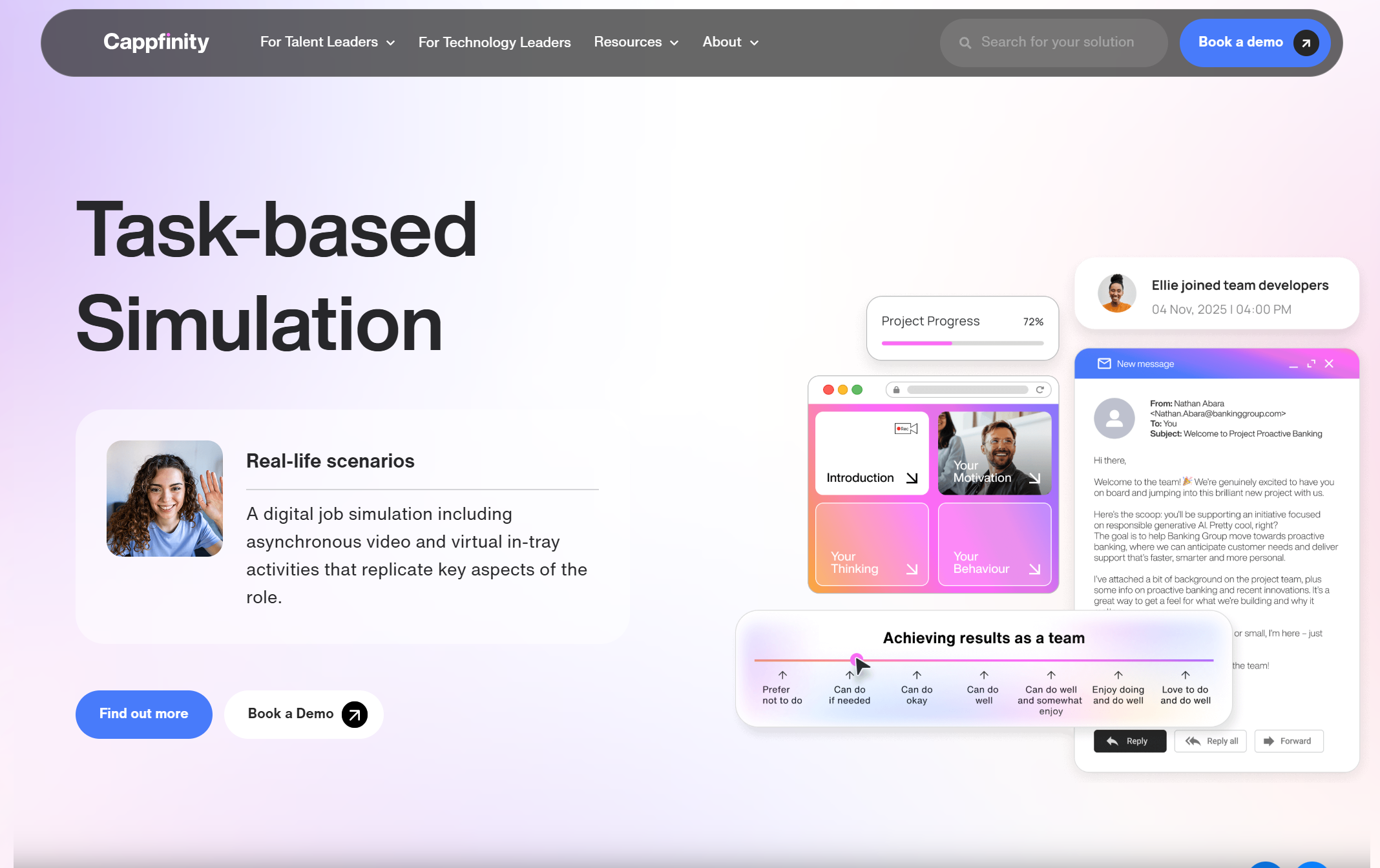
The Cappfinity online test is divided into several modules:
Video Setup:
This section guides you through a quick test of your camera and microphone. It is not scored.
Online Assessment:
This section consists of the following four parts:
Situational Judgment: This assesses your decision-making ability in real-world workplace scenarios; select the most appropriate response. There are no absolute right answers in this section—simply choose based on your usual approach. If you’re particularly concerned, you may select answers that align closely with the company’s culture.
Verbal Reasoning: Quickly read and understand passages, then determine whether statements are true, false, or cannot be determined. I must emphasize that the question styles in this section vary significantly across different assessment platforms. If you have recently completed assessments on other platforms, such as Korn Ferry or Wonderlic, it is best to review Cappfinity’s sample questions before the official test.
Inductive Reasoning: Identify patterns in graphical sequences to test your abstract thinking skills.
Numerical Reasoning: Perform quick calculations and analysis based on chart data to assess your numerical aptitude.
Video Interview:
30 seconds to prepare, 2 minutes to answer. This is a motivation-based question.
I have to say that this part was harder than I expected; the preparation time was so short that I couldn’t organize my answers properly. Fortunately, Linkjob was there to help.
Note: All video interviews have a time limit, while some online tests have a time limit and others do not. However, for online tests without a time limit, the final score is based on completion time; therefore, even if there is no time limit, you should still complete the test as quickly and accurately as possible.
Cappfinity Assessment Real Questions
Cappfinity has its own question bank, so you can review it beforehand to prepare for interviews. However, the question bank is updated very frequently these days, and it’s hard to keep up with the updates. Plus, I’ve had so many interviews lately that I haven’t had time to prepare; it’s much more convenient to just use Linkjob during the tests.
Numerical Reasoning Real Question

Verbal Reasoning Real Question 1
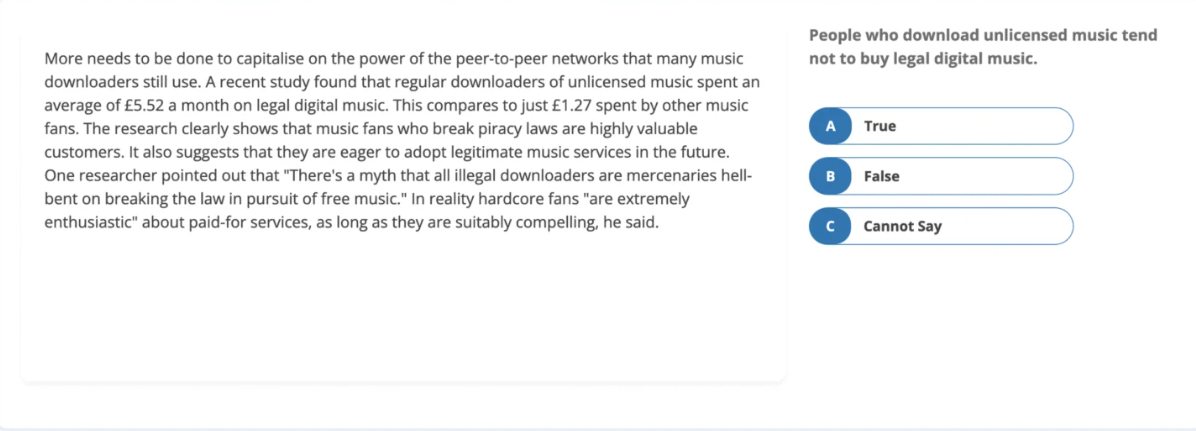
Verbal Reasoning Real Question 2
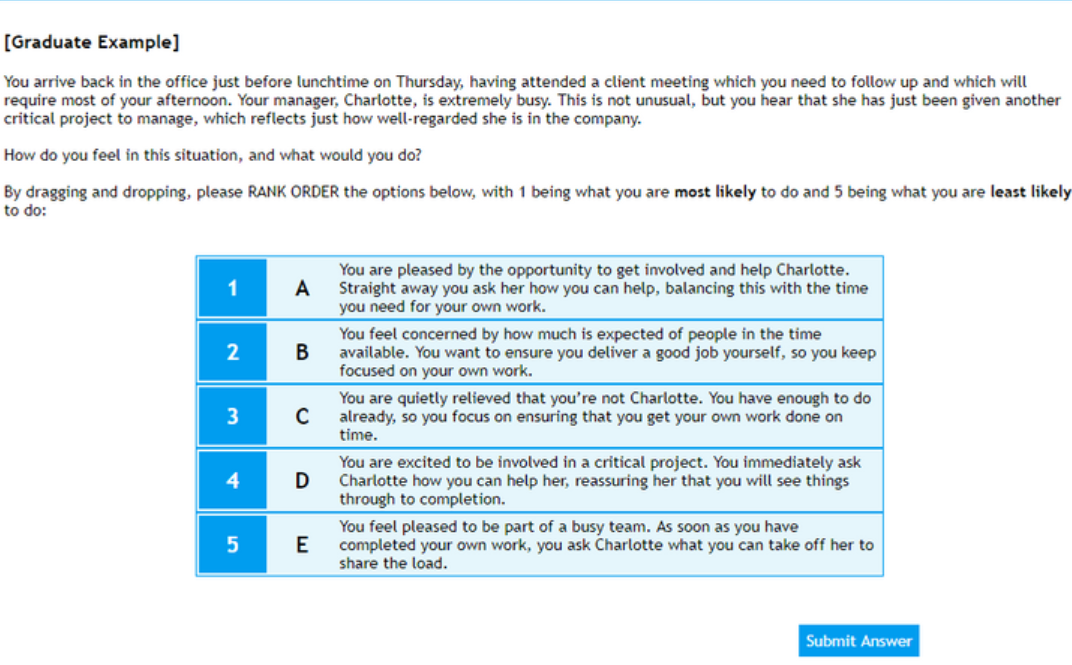
Verbal Reasoning Real Question 3
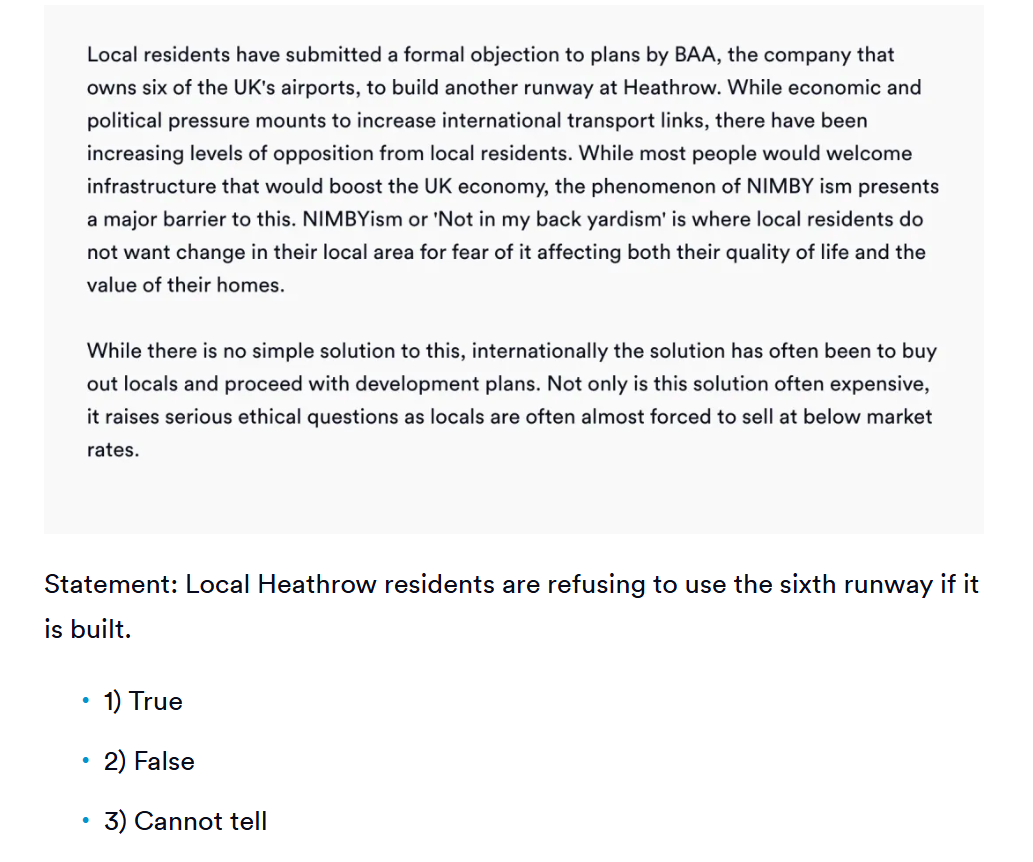
Tutorial of Cheating On Cappfinity Assessment
How Cappfinity Detect Cheating
Online Test: Tab Switch Detection
The Cappfinity assessment is conducted in a browser, and it detects whether I am using external links or browser extensions. It also logs any unusual behavior, such as leaving the Cappfinity webpage for three minutes.
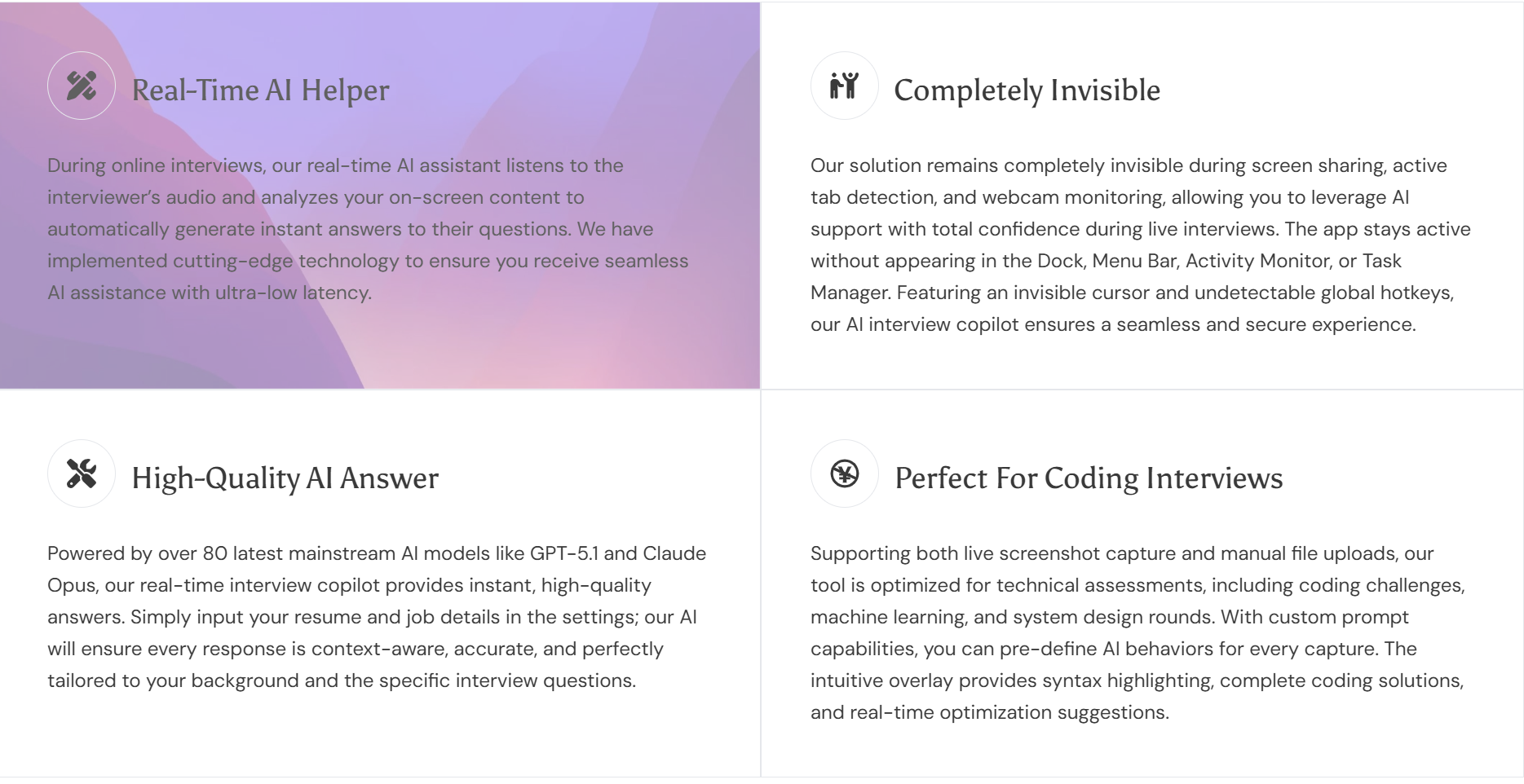
This detection can be bypassed by using software-based AI interview assistants like Linkjob.
Since Linkjob operates outside the browser’s sandbox mechanism, Cappfinity has no authority to detect its activity. Furthermore, Linkjob appears as a floating window on my computer, so I don’t need to leave the Cappfinity interface to ask questions.
Video Interview: Webcam Capture And Record
Video interviews fully capture candidates’ behavior, allowing interviewers to spot any suspicious activity.
Specifically, this effectively prevents candidates from using other devices or their phones to look up answers, and it allows hiring managers to review interview recordings to identify any suspicious behavior, thereby making the process more convenient for them.
Most people unconsciously stare at the AI answer box when using an AI interview assistant, a behavior that can easily lead to cheating being detected.
After multiple experiments, I found that placing the Linkjob AI floating window directly below the camera—that is, within my natural line of sight—is sufficient to avoid being caught cheating from any angle.
Use AI Copilot to Bypass Cappfinity Assessment
Upload the question using a screenshot
The CAPP assessment has a very tight time limit. If you have to manually enter text and then wait for the AI model to generate an answer, you won’t be able to complete the assessment in time—not to mention that the Inductive Reasoning section requires uploading images.
Linkjob comes equipped with a powerful screenshot feature. I set up shortcut keys and prompts before starting, and once the assessment began, all it took was a few simple steps for Linkjob’s cutting-edge AI model to quickly generate the answers—it was incredibly convenient.
Choose a Reliable AI Interview Assistant
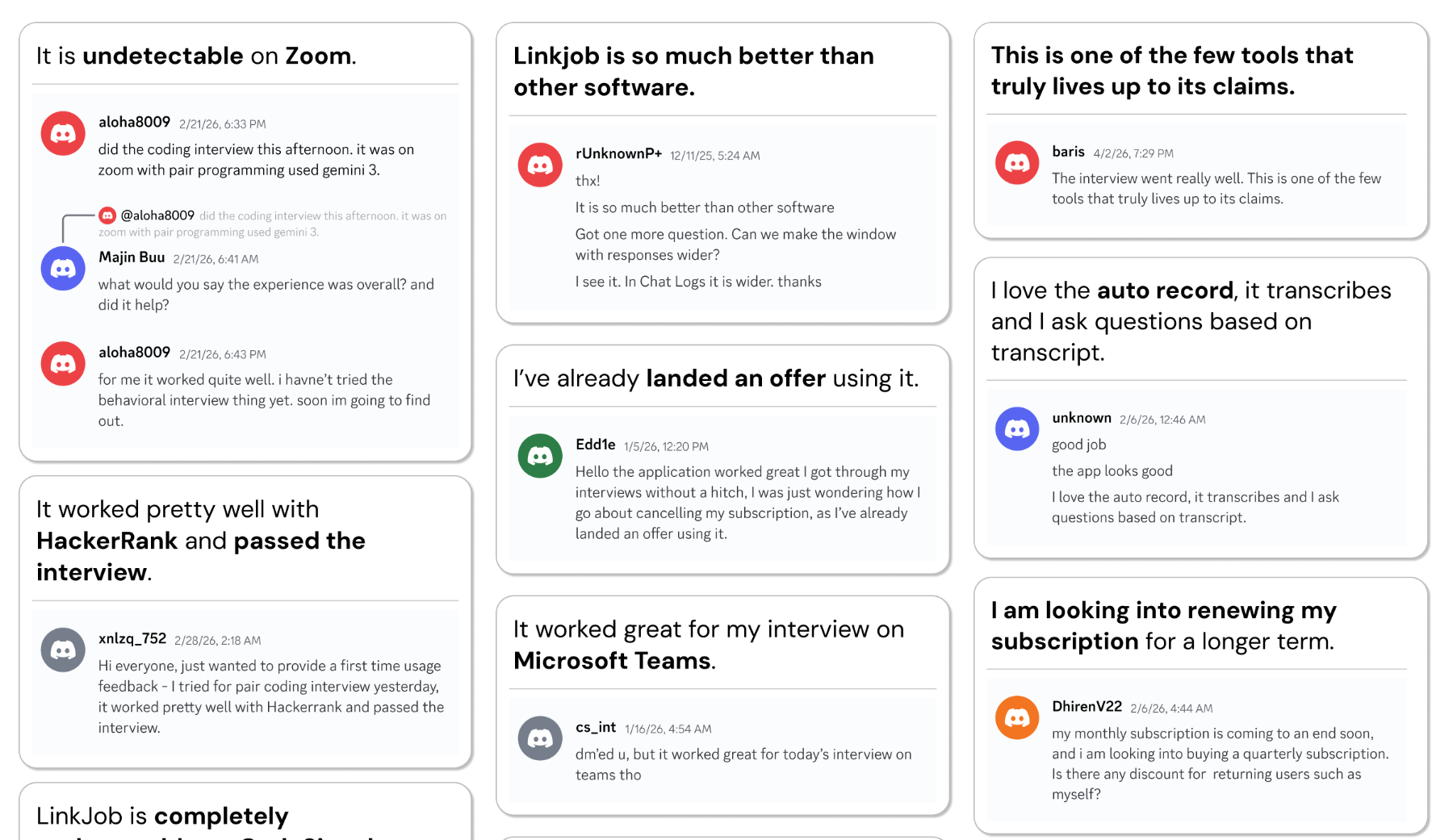
There is no shortage of AI assistants on the market, but not all of them can be used in CAPP assessments or subsequent real-time interviews.
Here are some tips for selecting an AI copilot:
Choose a software-based AI interview assistant, such as Linkjob. Since nearly all interview or testing platforms feature tab detection or require screen sharing, web-based AI interview assistants are likely to be detected.
Ensure it runs smoothly and stably, without suddenly disconnecting during the interview.
Opt for one that is user-friendly and equipped with shortcut keys to avoid suspicious behavior during use.
Select one powered by cutting-edge AI models capable of providing high-quality, logically sound answers.
In addition to Linkjob, I’ve tried out a few other AI interview assistants. I’ve compiled my reviews, so if you’re interested, you can read: 8 Best Free AI Mock Interview Assistant Tools, top AI tools for cheating.
Avoid Detection and Risks
Bypassing Monitoring
I found a few ways to lower my risk during capp tests. I never rely on just one trick. Here’s what works for me:
Blend In With Normal Behavior
I try to answer questions at a natural pace. I avoid answering too fast or too slow. I mix up my timing, especially on harder capp questions.
I read instructions carefully and take notes. This helps me avoid silly mistakes and keeps my answers clear.
Manage My Digital Footprint
I use only one device for the capp assessment. I close all unnecessary apps and tabs. I keep my phone nearby but out of sight from my webcam.
I avoid using screen-sharing tools or remote desktops. These can trigger alerts in the capp system.
Prepare Like a Pro
I practice with sample capp tests before the real thing. This helps me get used to the format and question types.
I focus on strength-based questions to show my natural abilities. I don’t just memorize answers—I learn how to approach each type of question.
I use time management techniques. I set a timer during practice to build confidence and speed.
Stay Focused
I minimize interruptions. I let people know I’m busy and turn off notifications.
I keep a notepad handy to jot down important points. This keeps me organized and helps me avoid confusion.
Tip: The more I prepare, the less I need to cheat. Good preparation makes me look like a real candidate, not someone trying to game the system.
Common Mistakes
I’ve seen people get caught on cappfinity for simple mistakes. Here are the most common ones and how I avoid them:
Not understanding the capp test format. I always research and practice before the real assessment.
Relying too much on tools like ChatGPT. If my answers sound too perfect or robotic, I stand out.
Ignoring time tracking. I make sure my response times look natural.
Not reading instructions. I take a moment to read each question carefully.
Falling for misleading information in questions. I double-check tricky wording.
Getting distracted or interrupted. I set up a quiet space and stay focused.
Forgetting to take notes. I keep track of key points to avoid confusion.
Here’s a quick checklist I use before every capp assessment:
Mistake to Avoid | What I Do Instead |
|---|---|
Not practicing | Work on sample capp tests |
Ignoring instructions | Read every question carefully |
Answering too fast or slow | Mix up my timing |
Using too many tools | Keep answers natural |
Getting distracted | Minimize interruptions |
Alert: If I get caught cheating, the consequences are serious. I could get disqualified from the job or course I want. Sometimes, cappfinity keeps a record of cheating. This can hurt my chances for future roles or tests. I always weigh the risks before I decide how far to go.
I know that getting caught cheating on cappfinity can end my application right away. It can also block me from other opportunities at the same company or school. Some test publishers even keep records of cheating, which can hurt my chances in the future. That’s why I try to prepare well, manage my time, and use every advantage wisely. Cheating might seem easy, but the risks are real.
I always focus on preparation before any Cappfinity test. Cheating brings stress, test anxiety, and can make me feel fake. I find that good preparation helps me stay calm. If I want safer options, I check out these platforms:
Platform | Description |
|---|---|
Codeaid | Realistic coding challenges, tough for AI to cheat. |
Test Partnership | Fun, game-based cognitive tests that resist cheating. |
DevSkiller TalentScore | Technical screening with strong plagiarism detection. |
NitoPlus | Remote assessments with advanced anti-cheat technology. |
I know cheating can lead to manipulation and anxiety. Honest preparation always feels better in the end.
FAQ
How do I prepare my setup for cappfinity assessments?
Before I begin, I open Linkjob and adjust the transparency to the desired level. I close extra tabs and silence my phone.
Can I use ChatGPT for capp tests without getting caught?
CAPP is equipped with an activity tab monitoring feature that detects unusual behavior, such as leaving the CAPP assessment interface to use ChatGPT. I will use a dedicated AI interview assistant, such as Linkjob.
What risks should I watch for when cheating?
I would choose a completely invisible and reliable AI interview assistant, such as Linkjob, to avoid any unexpected issues during the test that might disrupt my performance. I avoid sudden changes in my behavior. I always use a VPN and clear cookies.
What if the question spans multiple pages on my screen?
Just take a few more screenshots. The AI has context memory.
See Also
Top 7 Alternatives to Final Round AI I Tried and Recommend
How I Cheat on Codility and Avoid Getting Caught in 2026
Why I Ditched Cluely AI :My Honest Take on the Best Cluely AI Alternatives That Actually Work
How I Passed 2026 JP Morgan HackerRank Assessment: Q&A
The Best AI Tools for Job Interviews Preparation I've Tried-My Top 8 Picks
