Parakeet AI Installation and Usage Guide: Fix Download & Setup Issues

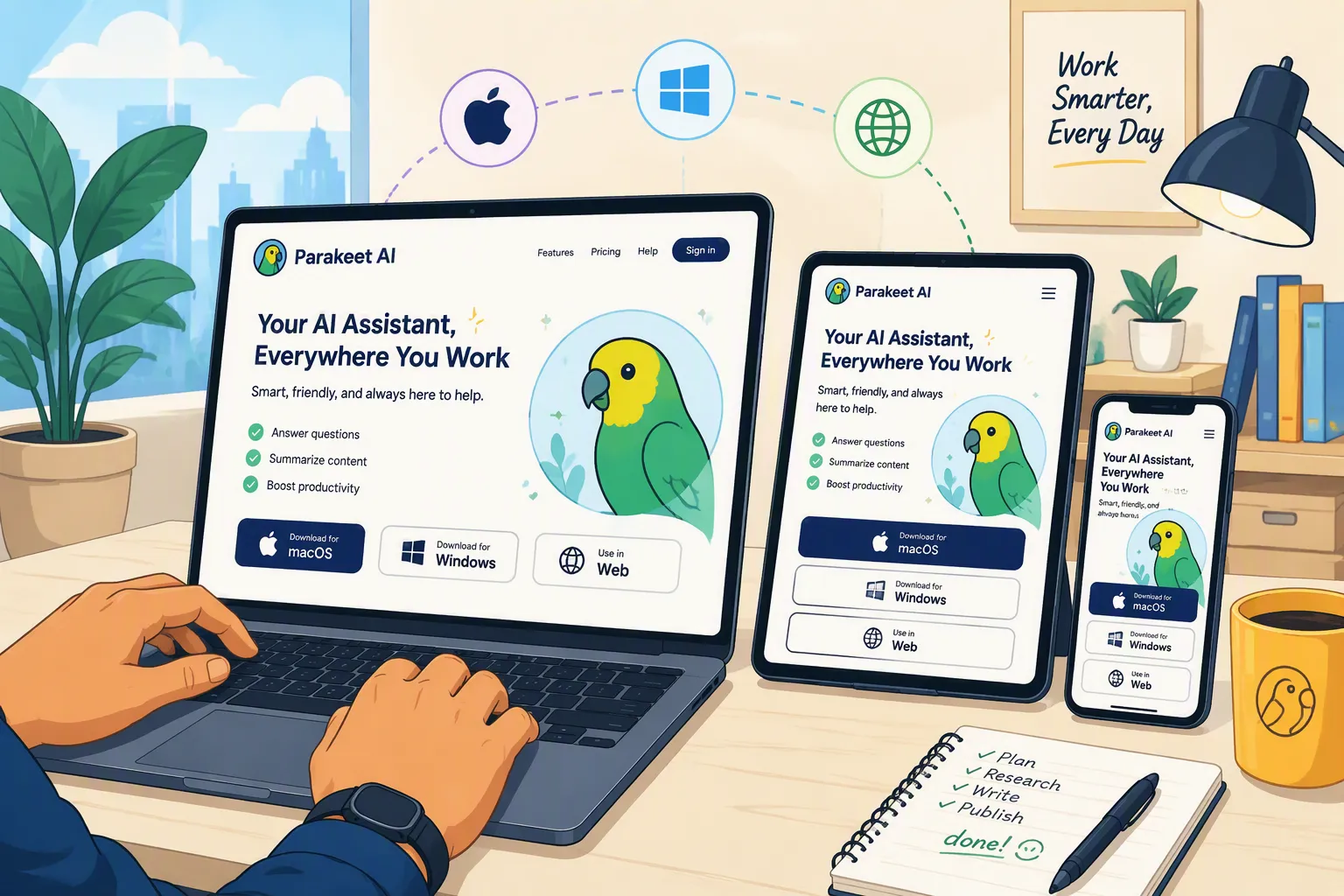
While going through Parakeet AI’s public feedback and customer reviews in Reddit and Trustpilot, I found reports about freezing, slow responses, repeated disconnections, automatic answers that needed a manual click and so on.
Here is how I would work through them.
1. Why Can’t I Find the Right Parakeet AI Download for My Computer?
If you cannot find a Parakeet AI download that matches your computer, I would check the supported platforms before searching for another installer. You may need a different way to access the service—not another download attempt.
Here is the distinction in Parakeet’s current setup instructions:
Your operating system | Which route should you use? |
|---|---|
Windows | Download the Windows desktop app, or use the web version in desktop Chrome. |
macOS | Download the Mac desktop app, or use the web version in desktop Chrome. |
Linux | Use the web version in desktop Chrome; Parakeet’s current instructions do not offer a native Linux installer. |
These are the platform options listed in Parakeet’s official FAQ.
On Linux, I would skip the installer search and go straight to the Chrome-based version. On Windows or Mac, start from the official desktop download entry. If it takes you to a sign-in screen, that is part of the current download route—not evidence that the download is broken.
One more distinction matters: the Chrome requirement applies to live web sessions, not the desktop app. Parakeet says other browsers are not supported for live web sessions, while its desktop app works regardless of your default browser.
My advice is to settle the platform question first, then follow the setup instructions for that version. That keeps you from troubleshooting a browser session as though it were a desktop installation.

One thing I like about Linkjob AI’s desktop downloads is the clear choice of Windows, Intel Mac, Apple Silicon, and Linux packages. Linux users can get a desktop app instead of hunting for a missing installer.
2. The Parakeet AI download fails, or the installer will not open
I would check whether the file actually finished downloading before treating this as an application problem.
A paused download, a security-blocked download, and an installer that reports incompatibility need different responses.
For an interrupted download, retry it from the official website on a stable connection. For a disk-space or save-permission error, choose a local folder you can write to and make sure the drive has enough space. Chrome’s download troubleshooting distinguishes these conditions rather than treating them as one generic failure.
I would also return to the current download page instead of repeatedly opening an installer saved weeks ago.
If the installer says it cannot run on your computer, record that exact message. Ask Parakeet support to confirm compatibility with your operating-system version and processor rather than guessing which package should work.
What I would not do is download a repackaged installer from a random software directory. That makes it harder to establish whether you are troubleshooting Parakeet, an outdated file, or something else entirely.
I’d start with the official Linkjob AI download for an alternative: its platform-specific packages and installation guidance are collected on one page, making the right starting point easier to find.
3. Windows or macOS blocks Parakeet AI from opening
A security warning deserves a closer look—not an automatic “ignore it.”
On Windows
Microsoft Defender SmartScreen evaluates the reputation of downloaded apps and files. An unrecognized-app warning is not the same thing as a confirmed malware detection, but it is also not proof that a file is safe.
I would first verify that the installer came from Parakeet’s official download route, inspect the warning, and check the current installation guidance.
If the message identifies a specific threat, stop and contact the vendor. I would not disable Defender or turn off reputation-based protection across the computer just to make one installer run.
On a managed work computer, ask the administrator rather than trying to override its installation policy.
On macOS
For a trusted app that macOS cannot verify, Apple documents an exception through:
System Settings → Privacy & Security → Open Anyway
This is something to consider only after verifying the app’s source and understanding the warning. An alert saying the app is damaged, has been modified, or will harm the computer should not be treated as the same situation.
I would avoid copying terminal commands from an unrelated forum post to disable macOS protections. The exact warning is more useful than a generic “Mac installation fix.”

I appreciate that the Linkjob AI download and setup page includes a Windows security-prompt walkthrough. That gives you something concrete to check rather than leaving you to guess what to do next.
4. Parakeet AI opens, but freezes or closes during use
This is where public feedback becomes useful.
One Trustpilot reviewer mentioned Parakeet AI's freezing and slow responses. I would keep both parts of that feedback in view: a reported problem does not mean every session fails.
My starting point would be the current desktop release. Parakeet’s own feedback board asks users to update to the latest version before reporting issues.
Then I would save any preparation notes, fully quit the app, reopen it, and try a short practice session.
The useful question is what happens immediately before the freeze. Does it happen when the session starts, when an answer appears, when you resize the window, or when screen sharing begins?
Those details give support something reproducible to investigate.
A fresh installation may be worth trying if the installation itself appears damaged, but I would not spend an afternoon reinstalling an app that reliably freezes after the same action. At that point, the trigger and error message are more valuable than another download.
At this point, I’d give Linkjob AI’s free trial a run before spending more time reinstalling. It lets you compare another desktop interview assistant on the same computer before paying.
5. Parakeet AI is not picking up your microphone
If the app opens but no speech appears, I would check microphone access before changing AI settings.
Windows microphone permissions
On Windows 11, open:
Settings → Privacy & security → Microphone
Check Microphone access, Let apps access your microphone, and especially Let desktop apps access your microphone. The desktop-app setting is easy to overlook when the general microphone toggle is already on.
Also confirm that the microphone itself is not muted.
Chrome microphone permissions
For Parakeet’s web version, open:
Chrome Settings → Privacy and security → Site settings → Microphone
Check the selected microphone and make sure Parakeet’s site is allowed to use it. Chrome may also need microphone permission at the operating-system level. Restart it if a permission change requires that.
My test would be simple: say one clear sentence and see whether it appears.
However, that only checks your microphone. It does not prove that Parakeet can hear the person speaking through your meeting app.
For fewer browser-permission checks, I’d consider Linkjob AI’s desktop interview assistant. You select audio sources in the app rather than through Chrome’s site permissions; the usual operating-system permissions still apply.
6. Parakeet AI hears you, but not the interviewer
This is the audio distinction I would check next: microphone input and the other person’s meeting audio are different sources.
For a browser capture flow, inspect the source you selected. If the conversation is in a Chrome tab, select that actual tab and enable the audio-sharing option where offered. Selecting an unrelated tab will not capture the conversation you intended.
Google’s sharing documentation distinguishes tab audio from system audio and describes separate audio toggles. I would check the options actually available in the capture dialog rather than assume that selecting any window automatically includes sound.
Importantly, I am talking about the capture permission requested by the assistant—not telling you to present your interview tab to the other meeting participants.
If the call is in the native Zoom or Teams app, capturing a Chrome tab is not a substitute for capturing that desktop call.
The additional Mac permission
On macOS, check:
System Settings → Privacy & Security → Screen & System Audio Recording
Allow the application doing the capturing: the desktop assistant for a desktop session, or Chrome for a browser session. Follow any restart prompt. Permission names can vary with the macOS version.
For the final test, have another person say a sentence in a practice call. Confirm that their words appear, not just yours.
This is where Linkjob AI for online interviews makes sense to me: it captures computer audio directly, so hearing the interviewer doesn’t depend on your microphone picking up your speakers or selecting a Chrome tab.
7. Audio stops working after you connect headphones
I would check the meeting app’s selected devices before touching the installer.
In Zoom, open Settings → Audio and use Test speaker and Test microphone. Select your headphones as the speaker when that is where you want to hear the call, and select the microphone you actually intend to use. Those do not have to be the same physical device.
Then recheck the assistant’s capture source.
My preferred setup order is to connect the headset first, confirm the meeting app’s devices, and only then start the assistant’s practice session.
If you change from laptop speakers to Bluetooth headphones after the session has started, repeat the audio test instead of assuming the previous configuration still applies.
For echo or repeated speech, I would also check whether the same conversation is being captured through more than one route. Change one setting at a time so you can tell which change made a difference.
I like the straightforward device selection in Linkjob AI’s interview helper. Connect your headphones, choose the appropriate audio device in the app’s settings, and test the sound before starting—no need to guess which source it is using.
8. Parakeet AI transcribes the question, but Auto Answer does not work
A public Parakeet support ticket describes automatic answers failing even though the user could still obtain an answer by clicking manually. The ticket title mentions both Windows and macOS.
That is different from an app that cannot hear the question.
I would first check whether the full question appears in the transcript. Then confirm that Auto Answer is enabled and try the manual Answer control, both of which appear in Parakeet’s current interface.
If a manual click produces an answer, that suggests the immediate problem may involve automatic triggering rather than a complete loss of transcription or answer generation. It is a useful diagnostic clue, not a confirmed root cause.
If neither method works, I would investigate the session state and connection next.
For a practice session, manual answering can be a temporary fallback. I would not describe it as a permanent fix for an unresolved automatic-answer problem.
For less clicking, I’d try Linkjob AI’s automatic interview assistant. It supports automatic replies and a separate manual mode, so triggering every answer yourself is an option rather than the only intended workflow.
9. 回答速度太慢
9. Parakeet AI answers too slowly
Slow responses were one of the more visible issues in the feedback I reviewed. Parakeet’s public board has a dedicated slow-response ticket, and a separate four-star Trustpilot review also mentions response time.
There are positive reviews describing fast responses too. I would therefore test the behavior on the setup I plan to use rather than assume either experience applies to everyone.
My first question would be: where does the delay start?
If the spoken question itself arrives late in the transcript, I would revisit audio capture and connectivity. If the transcript appears promptly but the answer takes longer, I would investigate answer generation and the selected model.
Parakeet’s own guidance notes the trade-off between lighter, faster models and larger models that provide more detailed responses. Where the session offers a choice, testing a faster option is more useful than automatically selecting the biggest one.
I would compare a few short practice questions, keeping the wording and setup consistent. Note when the question ends, when the transcript finishes, and when the first useful answer appears.
That produces a much clearer report than “the app feels slow.”
Having model choice is why I’d consider Linkjob AI’s real-time interview copilot here. Choose a speed-oriented model available on your plan rather than defaulting to a heavyweight reasoning model for every question.
10. Parakeet AI shows a ResizeObserver error
One public report includes this exact message:
“ResizeObserver loop completed with undelivered notifications.”
The user describes repeated errors followed by the app stopping.
This is not the same as a missing microphone permission. MDN documents the message in connection with browser layout observations and rendering cycles; the wording alone does not establish the particular cause inside Parakeet.
I would save the error text and note what happened immediately beforehand.
As a limited diagnostic test, I would restart the session and avoid resizing the window or changing display arrangements. For a browser session, I might also compare behavior at the default page zoom.
Those are tests to help isolate a trigger, not a verified fix for this Parakeet report.
If the error returns, send support the app version, operating-system version, exact message, and steps that reproduce it. An application-level problem may require a developer fix rather than something you can solve in permissions settings.
When the same app error keeps returning, I’d try Linkjob AI as a Parakeet alternative. A separate desktop app gives you another setup to test instead of continuing to troubleshoot the same Parakeet session.
11. Parakeet AI works on a hotspot, but not on Wi-Fi
Another public report describes Parakeet working through mobile data but not through Wi-Fi.
I would treat that as a reason to compare connections—not as proof that a particular router or firewall is responsible.
Keep the computer, app version, and test question the same. Try the session on your usual connection, then on another connection you are authorized to use.
If one consistently works and the other does not, record that result for support. On a workplace or campus network, ask the administrator whether the service requires access that the network restricts.
A hotspot can help isolate the problem, but it is not automatically a reliable long-term solution. I would test its stability before depending on it.
I also would not turn off the computer’s firewall or bypass an organization’s network controls just because switching networks changed the result.
For recurring interruptions, the Linkjob AI app is worth a trial run. I also like having access to its advertised 24/7 support rather than relying only on trial-and-error troubleshooting.
12. Parakeet AI disconnects repeatedly during a session
Repeated disconnections have their own public user report, separate from the Wi-Fi-specific ticket.
Here, I would look for a pattern before changing several settings at once.
Does the session disconnect after a similar amount of time? After the computer sleeps? When the network changes? Immediately after another action?
First, note any visible connection, account, or session message. Then try a short session with the same setup and no device changes.
A second comparison on another authorized network may help narrow the investigation, but it will not by itself distinguish every possible application or service issue.
When contacting support, include the approximate time and timezone, operating system, app version, and what the interface displayed. Avoid putting resumes, interview recordings, or other private information into a public bug ticket.
If the failure is still reproducible, I would stop treating the setup as ready for an important call.
13. The session stops because of a time or account limit
Not every stopped session is a crash.
If the interface shows a trial, credit, subscription, or session-time notice, check that notice before reinstalling anything. Parakeet distinguishes trial access and different paid session arrangements.
I would confirm the account I am signed into, the session entitlement shown there, and whether any purchase has appeared correctly.
Reinstalling the desktop app will not resolve an account allowance that has run out.
This is also why I would check available session time before beginning a longer practice call, rather than discovering a limit partway through it.
For longer sessions, Linkjob AI’s unlimited interview assistant is worth considering: its paid plans list unlimited real-time interview use during the active plan period, rather than blocks of minutes to keep topping up. The free trial is separate.
When I would try Linkjob AI instead of reinstalling Parakeet again
After working through these issues, the distinction I would make is between changing the setup process and expecting another app to be immune to technical problems.
For someone who wants a desktop setup, Linkjob’s download page provides Windows installers, separate Mac Intel and Apple Silicon options, and Linux RPM, AppImage, and DEB packages. That gives Linux users a native-download option rather than another browser-only setup to investigate.
Here is how I would relate that to the problems above:
The setup problem | What changes with Linkjob AI |
|---|---|
Finding an appropriate desktop download | The download page explicitly separates the supported platforms and Mac processor options. |
Troubleshooting Parakeet’s Chrome-based session | Linkjob uses a desktop application, so you are no longer troubleshooting that particular web-session workflow. |
Looking for a native Linux package | Linkjob publishes Linux package options directly. |
Microphone access, headphones, or operating-system security prompts | These still need to be checked. Changing applications does not remove operating-system permissions or device configuration. |
Freezing, slow answers, disconnections, or automatic-answer failures | I would run the same practice test in Linkjob rather than assume another application can never have similar symptoms. |
The desktop application is the practical alternative here—not a promise that setup disappears. Linkjob’s own installation page acknowledges Windows security prompts, and its product site describes the desktop-based workflow.
Parakeet also has desktop apps for Windows and Mac, so “desktop versus browser” is not a unique distinction on those systems. The useful comparison is the workflow you are actually using.
My final test would stay the same: the other person’s speech reaches the transcript, an answer appears, the intended headset works, and the session remains stable while I perform the actions I expect to need.
That is the point at which I would consider the setup ready—not simply when the installer finishes.
Download Linkjob AI for your operating system
See Also
Top ParakeetAI Substitute For Your AI Interview Assistant Needs
Honest Parakeet AI Review: Real Interview Results, Advantages And Disadvantages
My LockedIn AI Experience: A Detailed Review After Testing It
Top Verve AI Replacement For Your AI Interview Copilot Experience
Why People Choose Linkjob AI
Smoother interviews, coding challenges cleared, and job offers landed. See how users describe their experience with Linkjob AI—in their own words.


© Copyright 2026 Linkjob AI - All Rights Reserved.