How to Use AI Tools Safely in TestDome 2026 Interview

Before my TestDome 2026 assessment, I spent some time reading about how the platform works and why so many people search for how to cheat on TestDome. Most of those searches usually come from candidates trying to reduce stress in high-pressure coding tests, not necessarily trying to break rules.
What I found is that TestDome is less about “tricks” and more about structured evaluation—so understanding the rules actually helps way more than looking for shortcuts.
As for me, the AI tool I chose is called Linkjob.ai, an AI interview copilot that is entirely invisible. I also succeeded in using Linkjob.ai on OA platforms like HackerRank and Codility. You may click to read if interested: how to cheat on HackerRank; how to cheat on Codility.

Before you try to cheat on TestDome, you need to understand how their anti-cheating tech works. I will walk you through the safest ways to use AI tools without falling into common traps.
TestDome Rules and Assessment Setup (What I Noticed)
From the official documentation and practice environment, here’s what the setup usually includes:
Copy/paste restrictions for certain question types
Full-screen or focus mode during the test
Screen recording or session tracking depending on employer settings
Basic browser activity monitoring during assessment
Identity verification or session consistency checks in some cases
A lot of people searching how to cheat on TestDome are basically trying to figure out what triggers flags—but in reality, most of these systems are just designed to ensure consistent testing conditions.
Allowed and Forbidden Actions
I always check the rules before I try anything risky. TestDome’s 2026 policies make it clear what you can and cannot do. Here’s a quick look at the main actions:
Action Type | Allowed/Forbidden | Description |
|---|---|---|
Copy/Paste | Forbidden | You can’t copy or paste question text. |
Use of Online Resources | Allowed | You can use online resources, but not AI tools like ChatGPT. |
Opening DevTools | Forbidden | You can’t open your browser’s DevTools. |
Same IP Address | Forbidden | Sharing an IP address with another test-taker triggers a warning. |
If you want to cheat on TestDome, you need to know these rules. TestDome allows you to use the internet for research, but not for AI-generated answers.
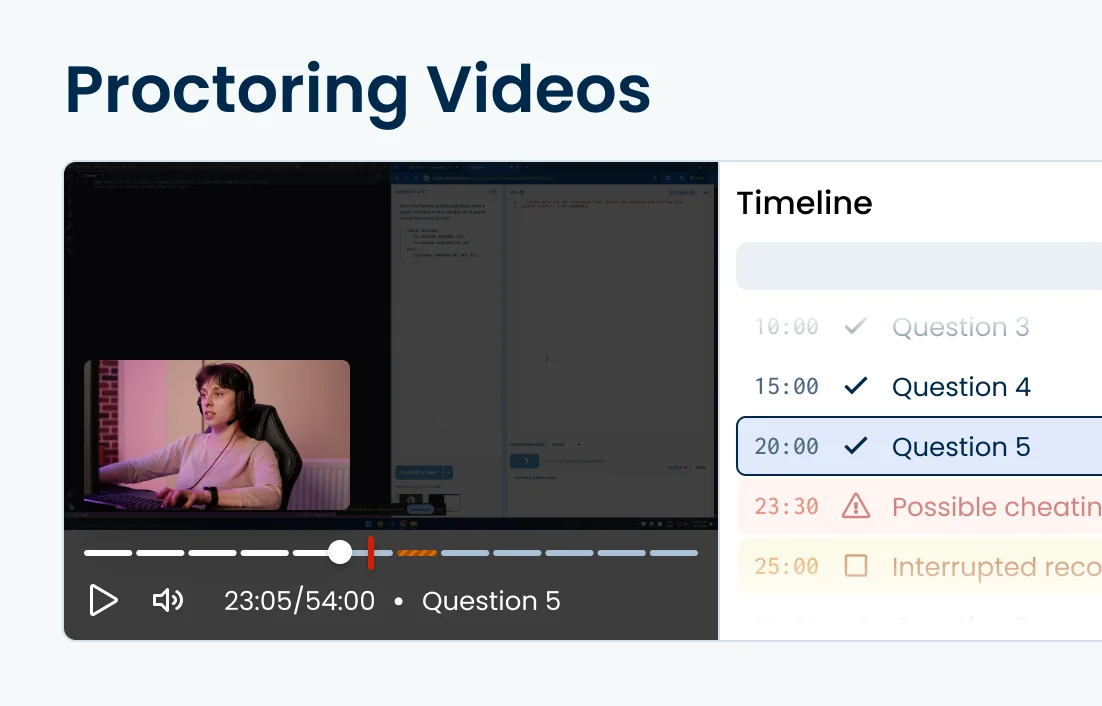
How Proctoring Detects Cheating
TestDome uses several tools to catch cheaters. I noticed they rely on browser lockdown, webcam snapshots, and screen captures. Their AI flags moments that look suspicious, like using unauthorized tools or switching screens too often. Reviewers can jump straight to these flagged moments to decide if someone cheated. This system helps them focus on real skills and not just catching everyone.
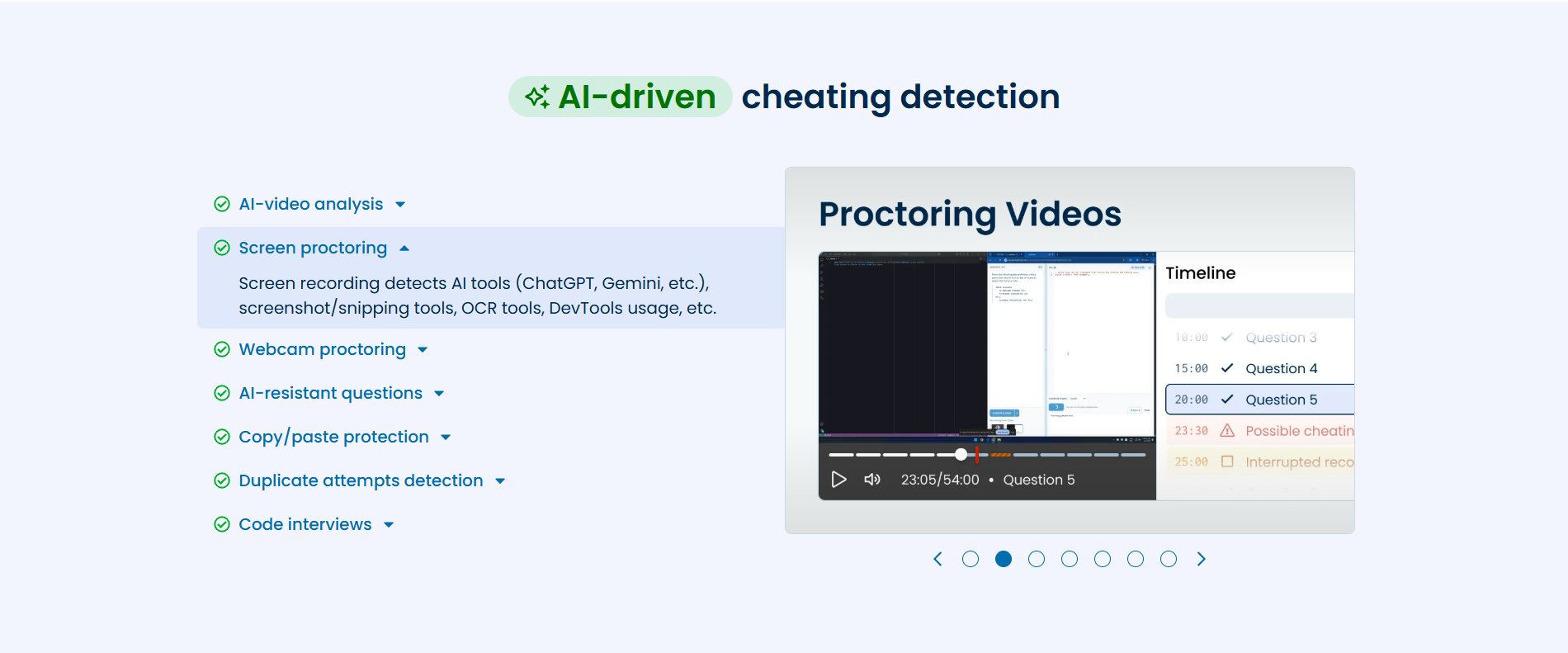
Copy/Paste and Online Resource Rules
Copy/paste is a big no-go. The system blocks you from copying questions or pasting answers. This stops people from searching for answers or using AI tools directly. You can browse the web for information, but you must avoid most of the AI platforms that can be detected.
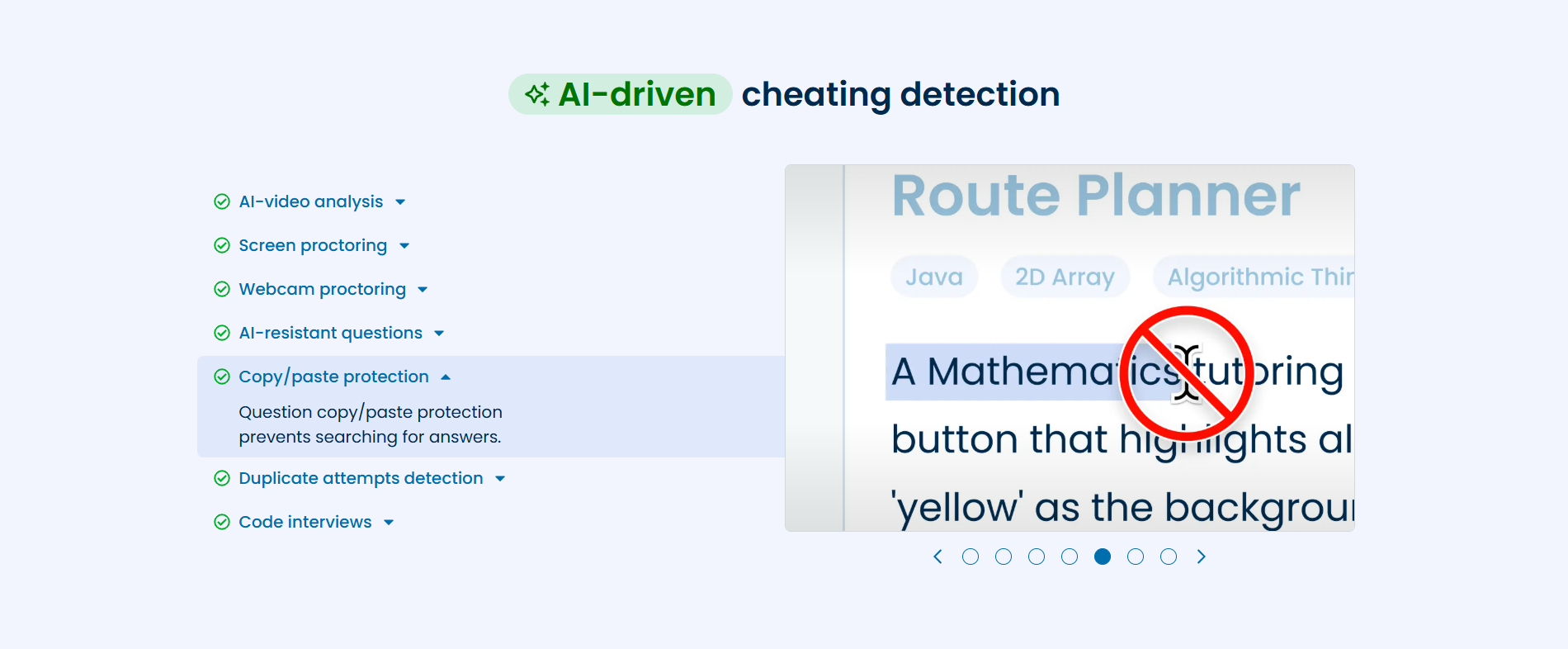
That‘s why I chose to use Linkjob.ai, which is definitely invisible as well as undetectable. Linkjob.ai has a comprehensive anti-detection system that can effectively bypass detection by TestDome.
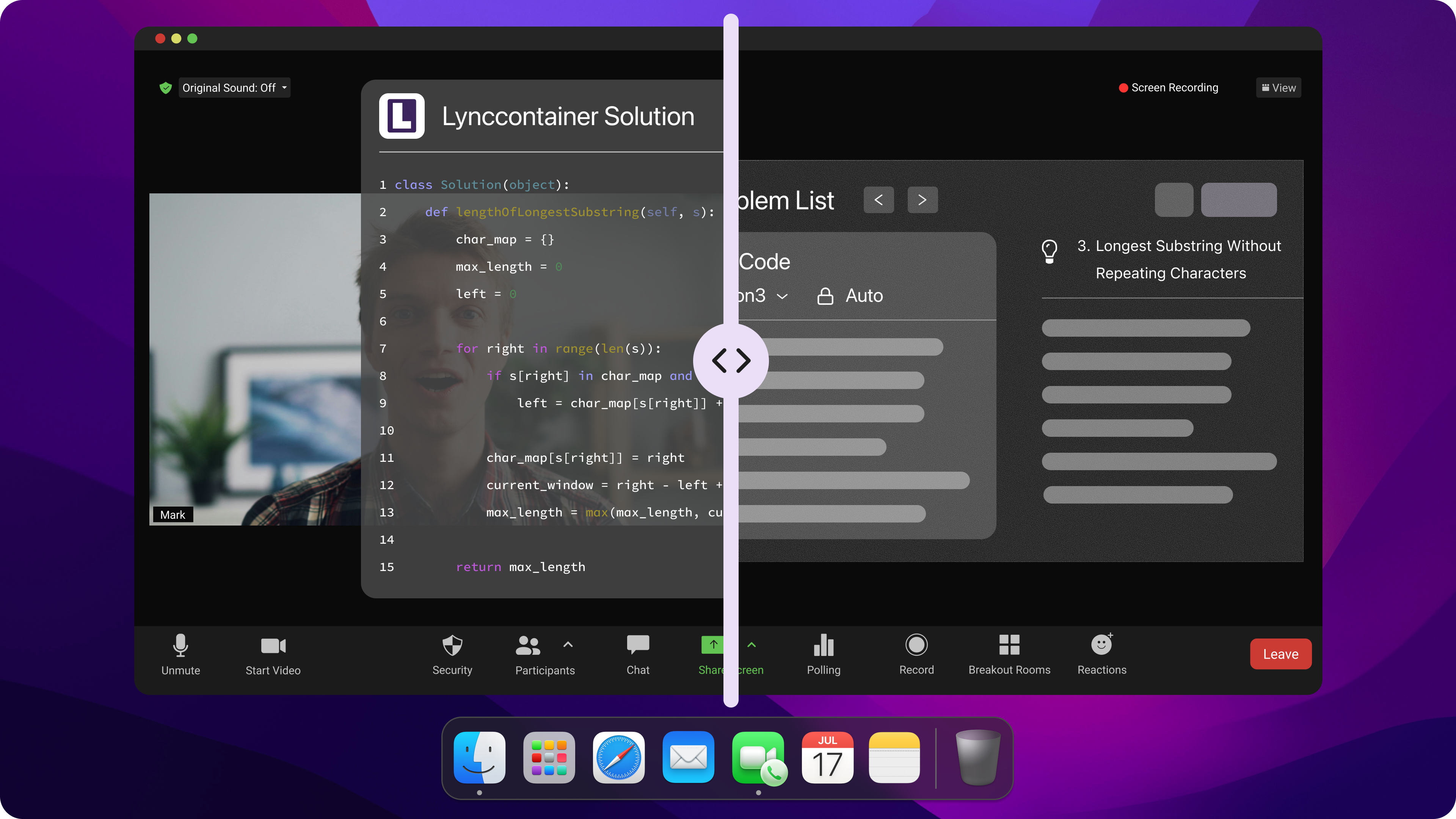
Undetectable AI Interview Assistant
Choosing AI Tools for TestDome
Safe AI Tool Options
When I look for AI tools to help me prepare, I usually stick to ones that feel lightweight and don’t interrupt my workflow. During my prep, I also tried a bunch of different AI tools for interview practice, including what people often mention when they search how to cheat on TestDome.
Honestly, most of those searches come from candidates just trying to survive timed coding tests more smoothly, not necessarily trying to do anything extreme.
Among the tools I tested, I often recommend Linkjob.ai as a coding and interview practice assistant. It’s something I used during my preparation phase, and it works as a screen-based AI copilot that supports you while you practice solving problems.
What I like is that it gives me flexibility with different AI models (for example, Google Gemini-style outputs), which helps me compare different solution styles and understand how to improve my own answers instead of relying on a single approach.
Even when using AI tools during preparation for TestDome-style tests, I avoid over-relying on copy-paste behavior. I prefer typing things out or rephrasing solutions myself, because it helps me actually understand the logic behind the code.
Tip: Keep your setup clean and consistent. If you’re preparing for TestDome and wondering about how to cheat on TestDome, in reality the better strategy is just using one structured tool for practice rather than switching between too many distractions.
Stealth Configuration Tips (Workspace Setup)
Before any coding test, I always set up my workspace in a simple and distraction-free way.
I close unnecessary tabs and apps, keep only my main tools open, and turn off notifications so nothing interrupts my focus. I also make sure my environment looks stable and consistent, especially for long coding sessions.
Timing also matters a lot. I usually take a short pause before answering each question instead of rushing, because it helps me think more clearly and structure my solution better.
Here’s a quick checklist I personally follow:
Keep only essential tools open (like Linkjob.ai for practice)
Avoid switching between too many apps during problem-solving
Stay focused on one screen to maintain a clean workflow
Tools to Avoid (From a Practical Perspective)
When people search how to cheat on TestDome, they often come across all kinds of tools and shortcuts online. But from a practical perspective, the real issue is that many tools just make your workflow messy instead of helping you prepare.
For example, overly complex desktop automation tools or heavy browser extensions usually distract more than they help during practice sessions.
I personally avoid anything that feels unstable or adds unnecessary layers to my setup. If a tool constantly interrupts your workflow or asks for deep system permissions, it’s usually not worth using in a test preparation context.
Instead, I prefer keeping things simple: one AI assistant, one coding environment, and a clean workflow that helps me focus on learning and improving.
How to Cheat TestDome 2026 Safely
Discreet Usage Strategies
When I prepare for TestDome-style coding tests, I usually try to keep a calm and natural workflow so I can focus on actually solving problems. A lot of people searching how to cheat on TestDome are really just trying to figure out how to perform better under time pressure, especially when coding questions feel overwhelming.
Instead of rushing into code, I take a slower and more structured approach. I read the question carefully, think through the logic step by step, and then start writing my solution in a way that feels clear and manageable.
In practice, this feels less like “hacking the test” and more like learning how to organize my thinking under constraints.
Tip: If you use an AI tool during preparation, try to rewrite or re-explain the solution in your own words. It helps you understand the logic better instead of just memorizing output.
Avoiding Suspicious Patterns (From a Test Performance Perspective)
During TestDome-style assessments, I pay attention to how I approach problems, not just the final answer. People searching how to cheat on TestDome often assume there are shortcuts, but in reality most of the evaluation comes from consistency in problem-solving.
So instead of focusing on shortcuts, I focus on staying consistent in my workflow:
Break problems into logical steps before coding
Avoid rushing into final answers without reasoning
Keep code style consistent across the whole test
Make sure my solutions reflect my actual understanding
From my experience, what matters more in these tests is whether your thinking process is clear and stable under time pressure.
If I ever feel stuck, I pause, rethink the problem, and adjust my approach instead of jumping straight to conclusions.
Final Mindset for TestDome Tests
At the end of the day, TestDome is designed to evaluate how you think through problems, not just whether you can produce a correct answer instantly.
So even when people search how to cheat on TestDome, the real advantage usually comes from improving your problem breakdown skills, coding clarity, and consistency during the test.
I’ve found that the more I practice this structured approach, the more confident I feel in actual assessments—because I’m not relying on tricks, just solid reasoning and repetition.
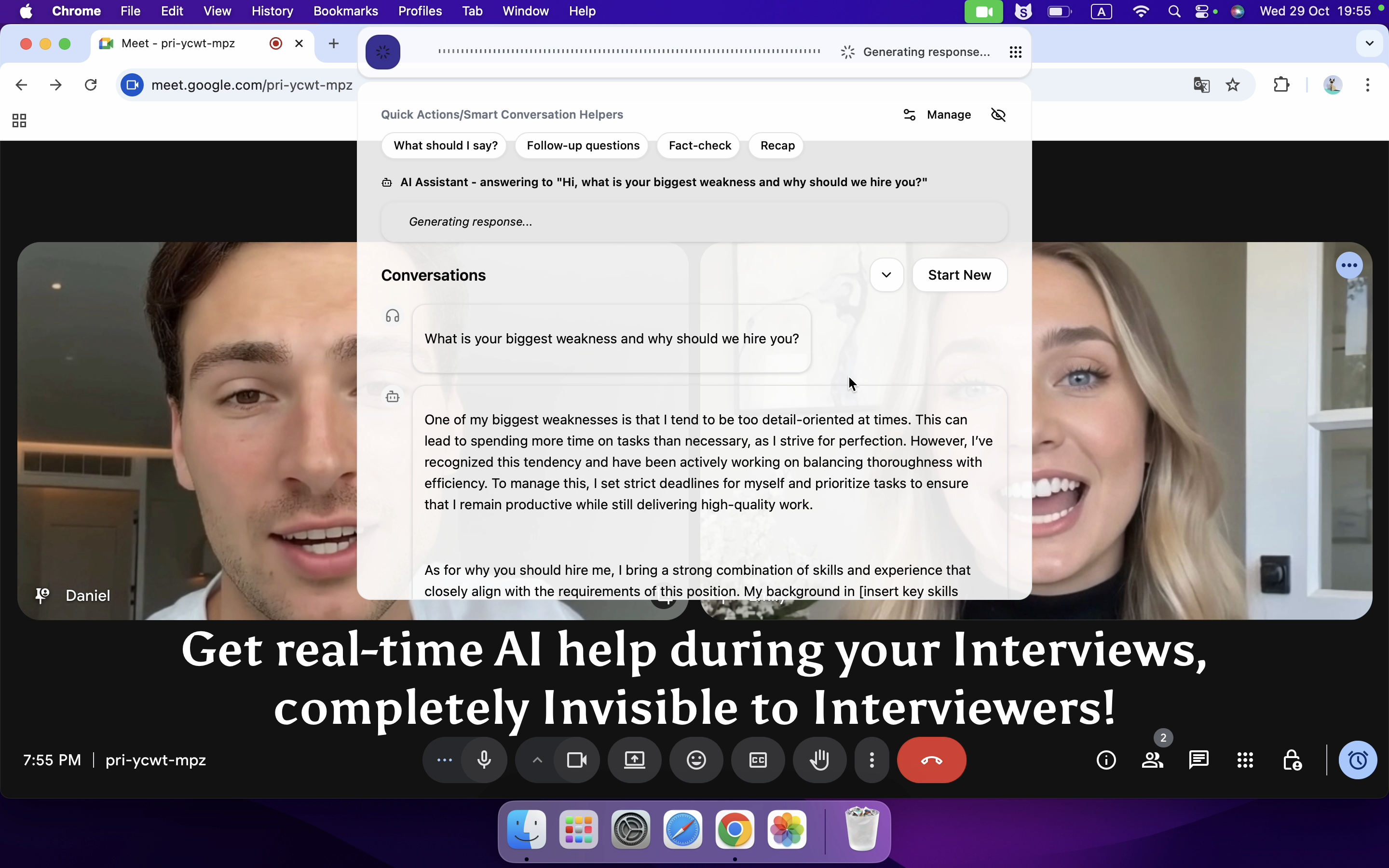
Completely Invisible AI Interview Copilot
How Linkjob.ai Evades TesDome Detection
Linkjob.ai runs in a way that keeps it out of sight under common interview monitoring methods like screen sharing, active tab tracking, and webcam checks. It doesn’t appear in typical system locations such as the Dock, Menu Bar, Activity Monitor, or Task Manager. With features like a hidden cursor and undetectable global hotkeys, it blends into the background during live interviews.
Because it integrates at a deeper system level, Linkjob.ai works as an overlay that most screen-tracking tools fail to detect. In real scenarios, this means it can continue operating even during full-screen sharing without being flagged by standard monitoring systems.
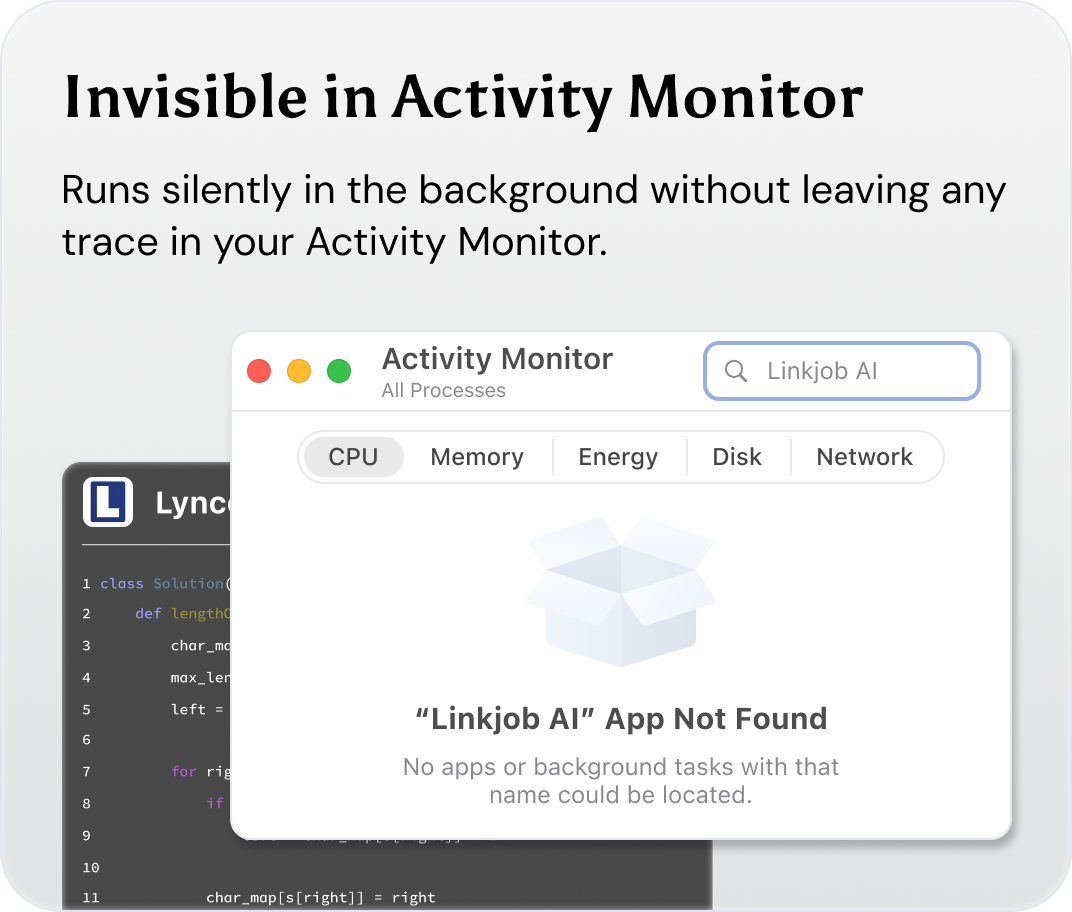
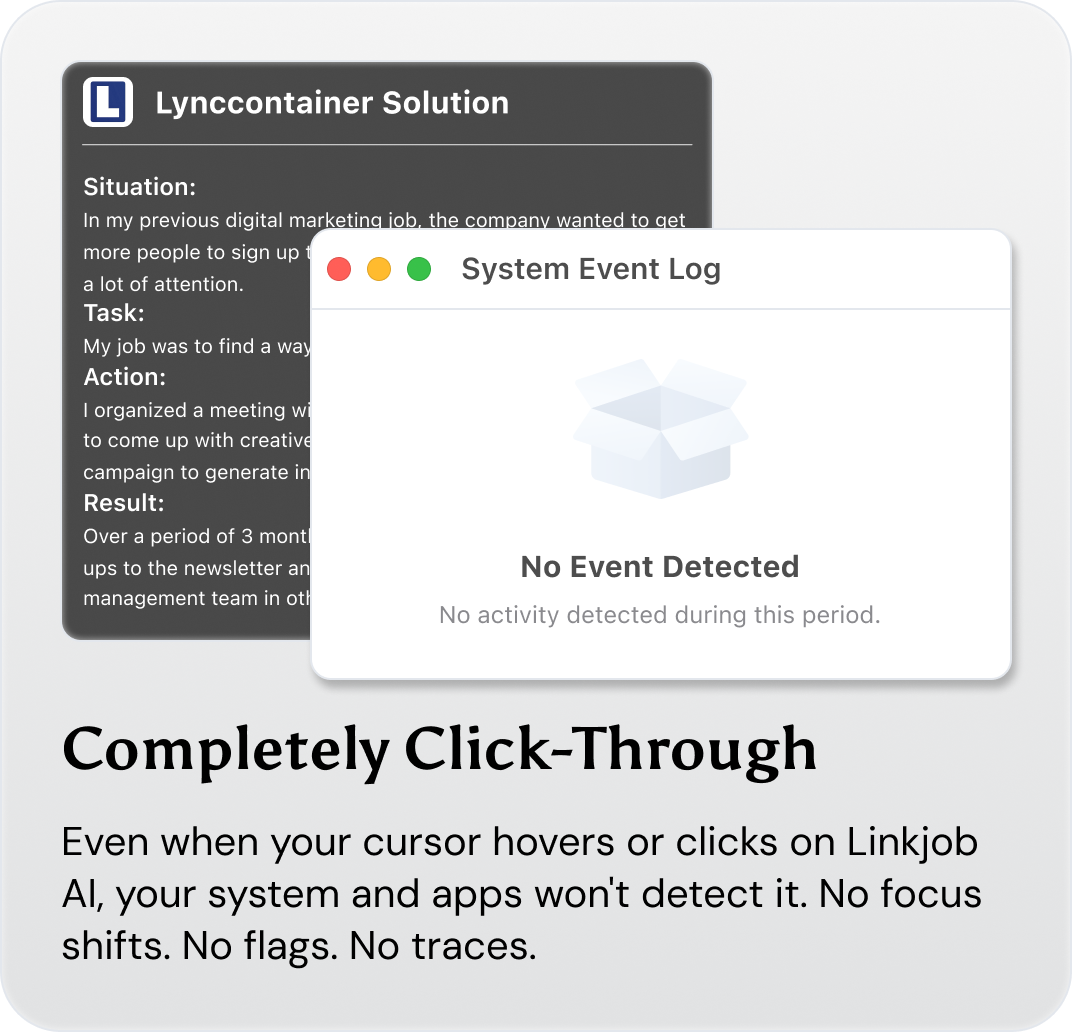
Before using it in an actual interview, the setup was tested in a mock session over a video call. Even with full-screen sharing enabled, the tool stayed hidden the entire time, which demonstrated its stealth behavior in that setup.
However, performance can vary depending on the device and configuration. Even if it works well in one environment, it’s still advisable to test it in advance to prevent any unexpected issues during a real interview.
Common Pitfalls and Red Flags in TestDome Assessments
When people talk about how to cheat on TestDome, they’re usually trying to understand what actually triggers flags in the system. From my experience, most issues don’t come from one single action—it’s more about patterns that look inconsistent during the test.
Mistakes That Often Lead to Flags
Here are some common behaviors that tend to cause issues during TestDome-style assessments:
Mistake Pattern | Why It Can Be a Problem |
|---|---|
Copying and pasting large blocks of code or text | Looks inconsistent with normal problem-solving flow |
Submitting answers too quickly after long pauses | Breaks natural thinking rhythm |
Using very different coding style mid-test | Appears inconsistent across solutions |
Rapid answer edits without reasoning steps | Suggests unstable problem approach |
Excessive tab switching or window changes | Can interrupt test flow tracking |
A lot of people searching how to cheat on TestDome assume it’s about one “wrong move,” but in reality it’s more about overall behavioral consistency throughout the test.
Signs That May Indicate a Flagged Session
During the test, certain system behaviors can indicate that something unusual has been detected. These are usually not explained in detail during the exam itself:
Signal | What It Looks Like |
|---|---|
Sudden test freeze | The interface becomes temporarily unresponsive |
Identity or webcam prompt | System requests an additional verification step |
Warning notification | A message about unusual activity appears |
Question lock behavior | You may not be able to revisit or edit a question |
These signals are part of how modern assessment platforms maintain test integrity, especially in remote environments.
What To Do If Something Happens
If anything unusual happens during a TestDome assessment, the best approach is to stay calm and continue the test as normally as possible.
General steps include:
Finish the assessment to the best of your ability
Wait for official feedback from the platform or recruiter
Provide a clear explanation if requested
Focus on improving future performance rather than overreacting in the moment
Ethics and Smarter Alternatives
While many users initially search how to cheat on TestDome, the more effective long-term strategy is improving preparation and problem-solving ability.
Here’s a simple comparison of mindset shifts:
Short-Term Thinking | Long-Term Approach |
|---|---|
Looking for shortcuts | Building problem-solving skills |
Trying to avoid detection | Understanding test structure |
Focusing on outcomes only | Focusing on reasoning quality |
There are also real risks to over-focusing on shortcuts:
It weakens long-term skill development
It creates inconsistent performance under pressure
It reduces trust in evaluation results
Using AI Tools for Preparation (Like Linkjob AI)
Apart from general practice, I also use Linkjob AI as part of my preparation workflow for TestDome-style interviews.
My usage is pretty simple and structured:
Reviewing AI interview formats and common question types
Practicing coding questions in a simulated environment
Improving clarity in explanations and solution structure
Instead of relying on it for instant answers, I use it more like a practice companion to improve how I think through problems.
Building Real Skills Over Time
One thing I’ve realized is that success in TestDome-style assessments doesn’t come from quick tricks—it comes from repetition and structured thinking.
When I focus on understanding problems, practicing consistently, and improving my logic step by step, I feel much more confident in real assessments.
That’s ultimately the most reliable way to perform well, especially in modern AI-assisted coding tests.
FAQ
Can I use ChatGPT during my TestDome interview?
No, I can’t use ChatGPT or similar AI tools during the actual TestDome interview. Tools like ChatGPT are actually visible to the interviewer, which is definitely forbidden in TestDome’s rules. If I try, I risk getting flagged or disqualified.
Will TestDome know if I use a second device?
I don't recommend you do that. Although TestDome can’t see your second device, acting suspiciously can still get you flagged. I always act naturally and avoid risky behavior. If TestDome catches me, I could lose my test results or get banned from future tests.
Is Linkjob.ai detectable during the TestDome interview?
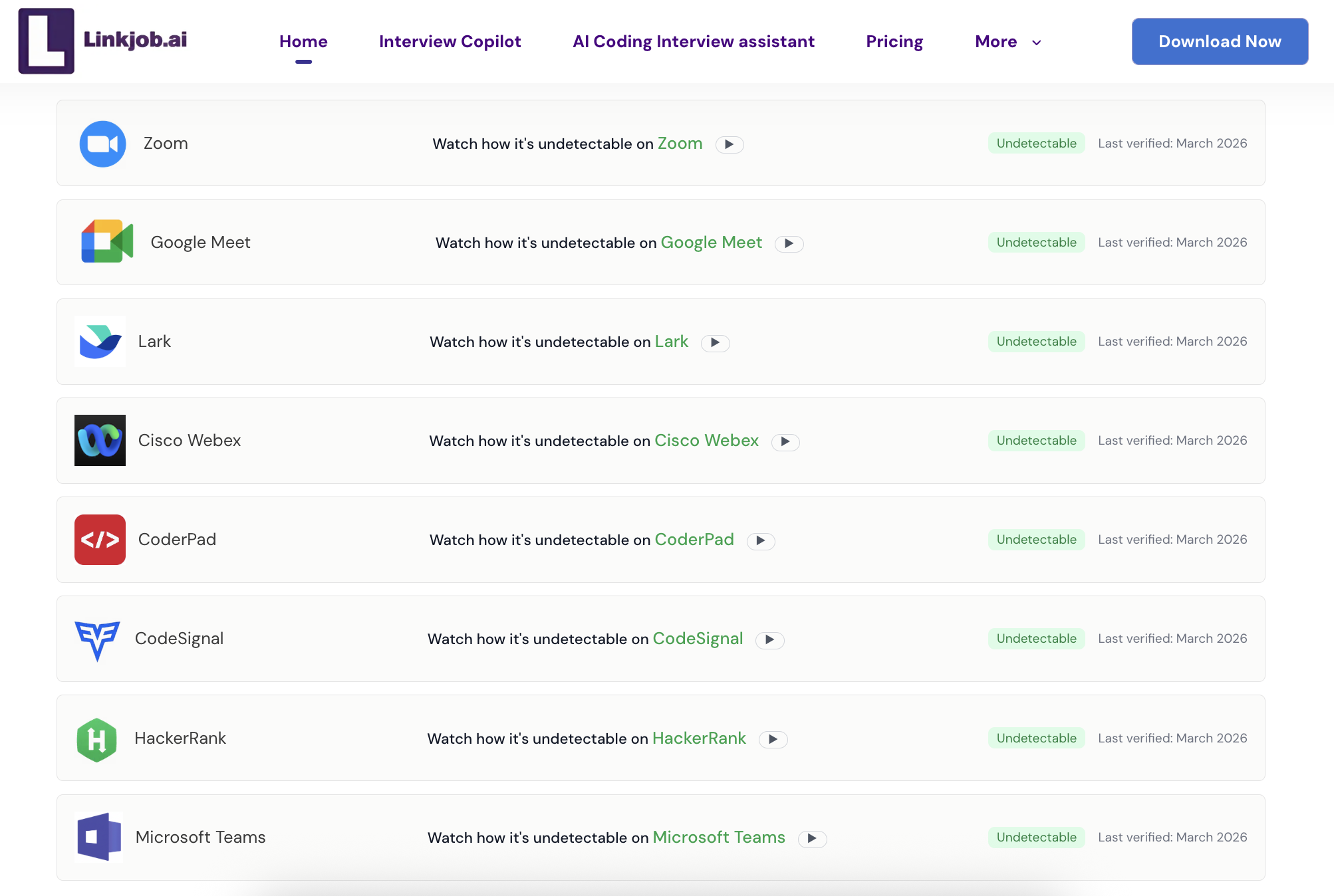
Definitely not. Linkjob.ai is the safest AI interview helper up to now. It has been proven that it can be used on a number of online assessments, including TestDome, HackerRank, and CoderPad, without being detected.
How can I prepare for the TestDome interview?
I focused on understanding concepts and solving problems step by step. I practiced with sample questions, reviewed coding basics, and used AI tools for study. Surprisingly, Linkjob.ai can also provide mock interviews, which helped me build real skills and feel more confident when the real test starts.
See Also
Top 7 Alternatives to Final Round AI I Tried and Recommend
How I Used AI to Pass the Interview on Microsoft Teams
How I Passed the 2026 TikTok CodeSignal Online Assessment: Tips, Strategies, and Preparation Guide
How I Aced the BCG X CodeSignal Assessment in 2026
How to Cheat on CodeSignal Proctored Tests in 2026: My Tricks
Why People Choose Linkjob AI
Smoother interviews, coding challenges cleared, and job offers landed. See how users describe their experience with Linkjob AI—in their own words.


© Copyright 2026 Linkjob AI - All Rights Reserved.