How CodeSignal Detects Copy Paste and Other Cheating Signals

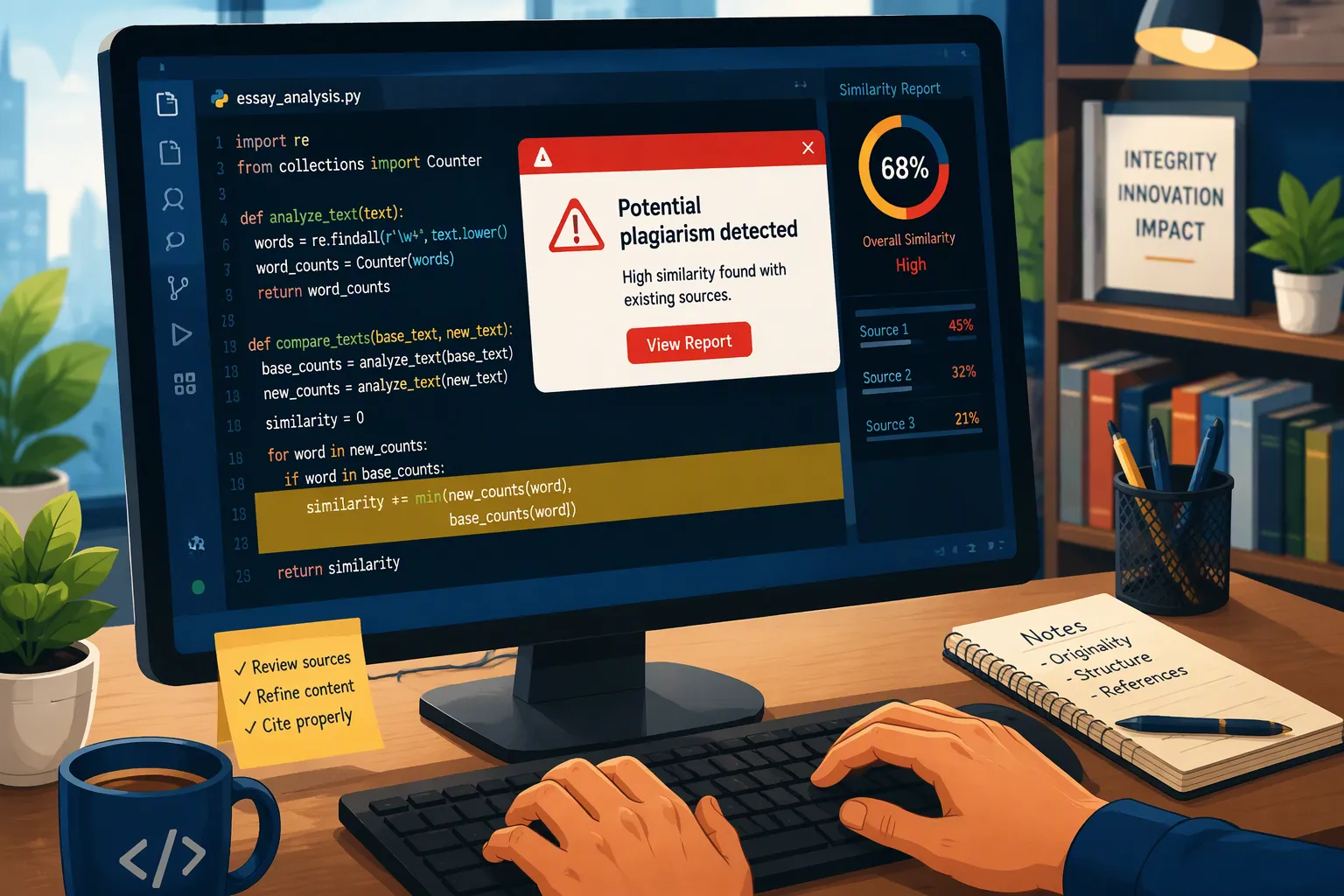
Does CodeSignal detect copy and paste in 2026? Yes. Before taking a coding assessment, I wanted to know what would happen if I pasted something into the CodeSignal editor. Would the employer see it? Would one paste make my work look suspicious? CodeSignal can show suspicious paste events in a coding replay, but a paste alone does not prove that a candidate cheated.
I started to research this because I hoped to use copy and paste in CodeSignal to reduce the difficulty of the test and pass the interview. However, during the evaluation process, a small action might be more meaningful than in the workplace. Using copy and paste will easily lead to suspicion of cheating.
This article will introduce what CodeSignal records, how reviewers interpret paste events, whether harmless pasting will put the results at risk, the invisible AI assistants I recommend that can help pass CodeSignal tests, and other cheating signals used by CodeSignal.
Key Takeaways
CodeSignal can show suspicious paste events in a candidate’s coding replay.
Reviewers may look at the size, number, and timing of pastes, along with the work before and after them.
One paste does not automatically fail an assessment. A flag calls for review; it is not proof of cheating.
Code similarity and proctoring, when required, provide other information about a submission.
I would rather work out problems by myself during the test than depend on a finished answer I cannot explain.
Does CodeSignal Detect Copy Paste
Yes. CodeSignal can identify suspicious paste events in its assessment environment. In a candidate’s coding replay, a reviewer can return to the point where a paste happened and look at the surrounding activity.
As a candidate, that is the part I care about most. “CodeSignal detects copy paste” sounds as though every paste receives the same judgment. In practice, the questions are more specific.
Paste Events and the Suspicion Score
CodeSignal’s Suspicion Score helps a hiring team identify submissions that may need closer review. Its guidance tells reviewers to consider the size and frequency of suspicious pastes, their place in the coding timeline, and what happened in later submissions. A large block appearing after a long period without editor activity may draw more attention than a small insertion during steady work.
Suspicion Score Component | Role in Detecting Copy-Paste Activities |
|---|---|
Paste events | Records when you copy and paste text from another window and what you copied |
Similarity score | Compares your answer against platform submissions and web results |
Pattern detection | Flags patterns across millions of interviews that suggest GenAI use |
Telemetry | Spots unusual typing or speaking patterns linked to AI help |
Overall score | Synthesizes every factor into one trust level for the company |
One Reddit post stayed with me while I was researching this. A candidate said they had copied a list of consonants from the CodeSignal problem statement. They had barely thought about it during the assessment, then worried afterward that the action might be flagged. The post did not establish that they actually received a flag. I could still relate to the feeling: once a test is submitted, it is easy to replay one harmless moment in your head and wonder how it looked from the other side.
What Copy Paste Detection Tracks
CodeSignal describes suspicious paste events, description-copy events, and coding replay. It advises reviewers to examine when a paste occurred and how it fits with the rest of the candidate’s work. Repeated large pastes, a paste after inactivity, or pastes followed by unsuccessful submissions may all invite a closer look.
I would not turn that into a made-up rule such as “one paste is safe, but three pastes fail.” CodeSignal has not published a universal paste limit. It says it can track text pasted from another window into its assessment environment; that does not mean I should assume it sees every clipboard action across my computer. For a related question about monitoring, I also looked at whether CodeSignal records the screen.
What Happens When Cheating Is Flagged?
An integrity flag can lead a reviewer to inspect the Suspicion Score for individual questions and look more closely at the replay or similarity details. CodeSignal says a flag does not mean the candidate definitely cheated. The hiring organization then considers the result in the context of its assessment rules.
Researching CodeSignal’s paste detection also made me think about how I prepare for coding interviews. It is tempting to find a solution, copy it into an editor, watch the tests pass, and count that problem as finished.
Although I can't use copy and paste in CodeSignal, I discovered a real-time, undetectable and secure AI interview tool, Linkjob ai, which help me bypass CodeSignal. If you get stuck on a interview problem, It can help you bypass detection and generate personalized coding answers on the fly, which really eases your interview anxiety.

How Copy Paste Detection Works
Detection works on many layers at the same time. Each layer looks at a different part of your session. Together, they make a picture that one signal alone cannot give.
Coding Replay and Timing
If I spend several minutes thinking through a problem and then paste a function into the editor, the replay can show that sequence. A reviewer might look at whether I had already developed part of the solution, whether I edited the pasted code, and what happened when I tested it.
I sometimes stop typing because I am thinking through an edge case. A pause is normal for me; it is not evidence that I went elsewhere for an answer. That is why the surrounding work matters. The replay gives a reviewer more context than the final code alone, although it cannot explain every thought I had while the cursor was still.
Similarity Score and Pattern Detection
CodeSignal can also compare a submitted solution with other answers. This is separate from detecting a paste. A candidate could write code without pasting anything and still produce an answer that resembles another solution. On a simple problem, two independent solutions may naturally look alike.
I would be concerned if someone treated either signal as a complete explanation. A paste event says something about how code entered the editor. A similarity result says something about the finished answer. CodeSignal advises reviewers to inspect that context when deciding whether a result warrants further investigation. Its broader approach to detecting cheating therefore goes beyond a clipboard event.
Telemetry and Behavioral Signals
CodeSignal says its records other coding activity alongside paste events and solution similarity. Its public guidance on whether CodeSignal records your screen discusses patterns such as description copying, inactivity before a paste, repeated pastes, and language switches.
Behavioral telemetry data | Purpose in copy-paste detection |
|---|---|
Coding patterns | Baseline behavior analysis to identify deviations |
Typing cadence | Detect unusual typing rhythm that may indicate pasted content |
Mouse movements | Identify suspicious interaction patterns |
Focus changes | Flag sudden context switches, such as switching windows |
Combined video signals | Support proctoring review with additional behavioral context |
Repeated copy-paste patterns | Directly flag copy-pasting behavior as an anomaly |
Sudden context switches | Indicate possible external source usage |
Unusual gaze behavior | Support suspicion of off-screen reference use |
Paste telemetry works best with other signals. Imagine you copy and paste a large block of code, then switch windows shortly after. That sequence gives a clearer picture than either event alone. Paste telemetry also helps the similarity score, so a flagged paste can start a deeper code check. Copy-paste detectors use this overlap. One weak signal becomes strong when three others point the same way.
Why an Innocent Paste Still Worries Candidates
In a Reddit discussion, one candidate said they had pasted a code snippet supplied in the problem description into the CodeSignal IDE. They worried the paste might have contributed to a flag, although the post did not confirm what caused it. Reading that as a job applicant, I understood the concern: even when I know exactly where my code came from, I may not know how the action appears in the assessment report.
That is why it helps to separate a paste event from a cheating decision. CodeSignal says it tracks when text is pasted from another window and what was pasted, then makes potentially suspicious events available for review. A paste may have a permitted explanation, such as an approved resource. The reviewer has to consider that context before deciding what the event means.
What Proctors See During a Session
Proctors watch your activity as it happens. They see paste events inside the code editor logged in real time. They also see when you leave the assessment window through tab and window focus monitoring.
Candidate activity | Real-time data observed by proctors |
|---|---|
Copy-paste | Paste events inside the code editor are logged as they occur. |
Window switching | Leaving the assessment window is flagged through tab and window focus monitoring. |
One paste event alone rarely means anything. Proctors look for patterns across the whole session. Repeated copy-pasting, sudden window switches, and long pauses followed by perfect code all draw attention. Screen-sharing detection helps proctors confirm what shows on your display during proctored tests.
How Recordings Are Reviewed
Recordings give reviewers a second look after the test ends. A proctored test session captures your screen, webcam, and microphone. Reviewers then compare the recording against the automated flags.
Suspicion Score: blends solution similarity, typing and speaking telemetry, copy-paste activity, and AI-assisted pattern detection.
Disabled copy and paste: the platform blocks that shortcut inside the assessment environment.
Your shared display: a proctored session records screen activity alongside the camera.
This review step matters. Automated tools flag unusual behavior, such as suddenly pasting a large block of code or long inactivity followed by a burst of perfect code. A human reviewer then checks the recording to confirm or dismiss that flag. Screen-sharing detection during proctored tests gives that reviewer clear visual evidence. The mix of automated paste tracking and human review keeps the process fair for everyone.
Other CodeSignal Cheating Signals
Copy paste was what first made me look into CodeSignal, but reviewers can consider more than a paste event or the final answer. Coding replay, solution similarity, and proctoring where required can help them examine unusual activity in context. None of those signals alone proves cheating.
Proctoring and Recordings
Some CodeSignal assessments require candidates to share their camera, microphone, and screen and verify their identity. As a candidate, I would check whether my particular test is proctored before it starts. A proctored recording and a coding replay provide different views of the same assessment: one shows session activity, while the other shows how code developed in the editor.
Question Rotation
CodeSignal uses variations of questions to make shared answers less useful. That is worth remembering when I read about another candidate’s company-specific experience, whether it involves Plaid’s CodeSignal assessment or a different employer. Their preparation might help me understand the format, but I cannot assume I will receive their exact question.
LeakSweep and Content Protection
CodeSignal describes LeakSweep as a way to find assessment questions leaked on public sites so exposed content can be replaced. It protects the question bank; it is not another name for copy paste detection. The distinction matters when reading experiences such as Instacart’s CodeSignal assessment: an old shared question may not be the one I see.
FAQ
Can CodeSignal see what you copy from another window?
CodeSignal says it can track text copied and pasted from another window into its assessment environment and what was pasted. That statement does not establish that it sees every unrelated clipboard action on my computer. If my assessment is proctored, screen recording is a separate consideration.
Does one paste event fail your assessment?
CodeSignal has not published an automatic one-paste failure rule. A suspicious event can be reviewed along with the rest of the candidate’s work and the assessment instructions.
Can you use ChatGPT during a CodeSignal assessment?
I would check the instructions for the test I received. Whether an outside AI tool is permitted depends on those rules. Being able to access a tool does not tell me whether the employer allows its use.
What should you do if you get flagged unfairly?
I would contact the recruiter or employer who sent the assessment, explain the specific action I am concerned about, and ask whether they can review the context. I would describe what happened rather than guess which signal caused the flag.
How do you avoid unnecessary suspicion during a test?
I would read the instructions first, prepare enough to explain my own code, and follow the stated rules for resources.
See Also
My Secret Methods For Getting Undetectable AI Assistance During CodeSignal Proctored Exams In 2026
My Successful Strategy For Passing The Ramp CodeSignal Test And Lessons You Can Apply
My Recommended Approach For Tackling Typical Uber CodeSignal Questions During 2026
My Authentic Experience Taking The xAI CodeSignal Assessment In 2026
My Guide To Passing The 2026 TikTok CodeSignal Online Assessment With Tips And Strategies
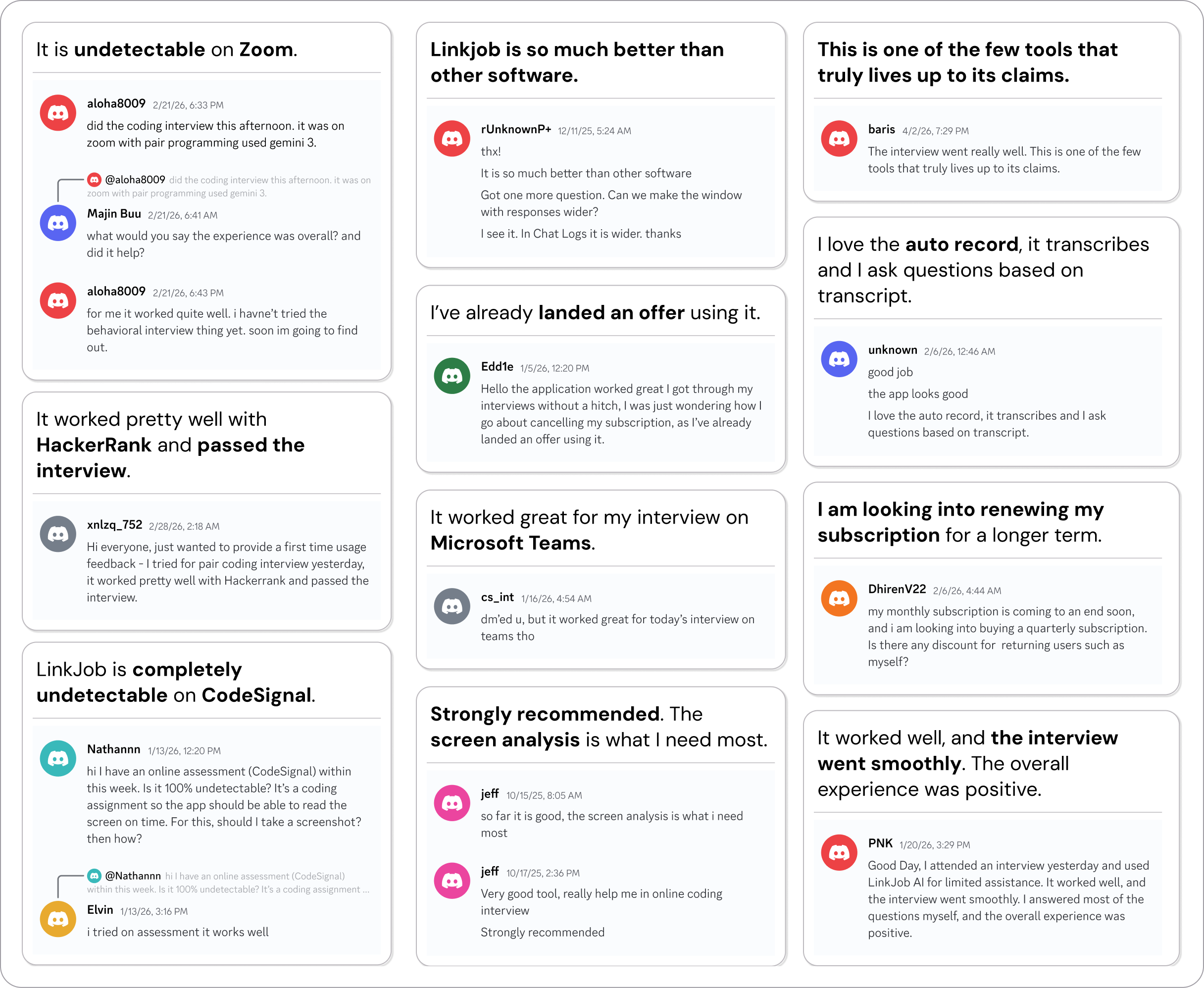
Why People Choose Linkjob AI
Smoother interviews, coding challenges cleared, and job offers landed. See how users describe their experience with Linkjob AI—in their own words.