Does Codility Record Your Screen? What Employers See

Does Codility record your screen, and can employers watch the recording? I checked Codility’s documentation to explain what gets captured, what employers can see, and how to tell which monitoring features your test uses.
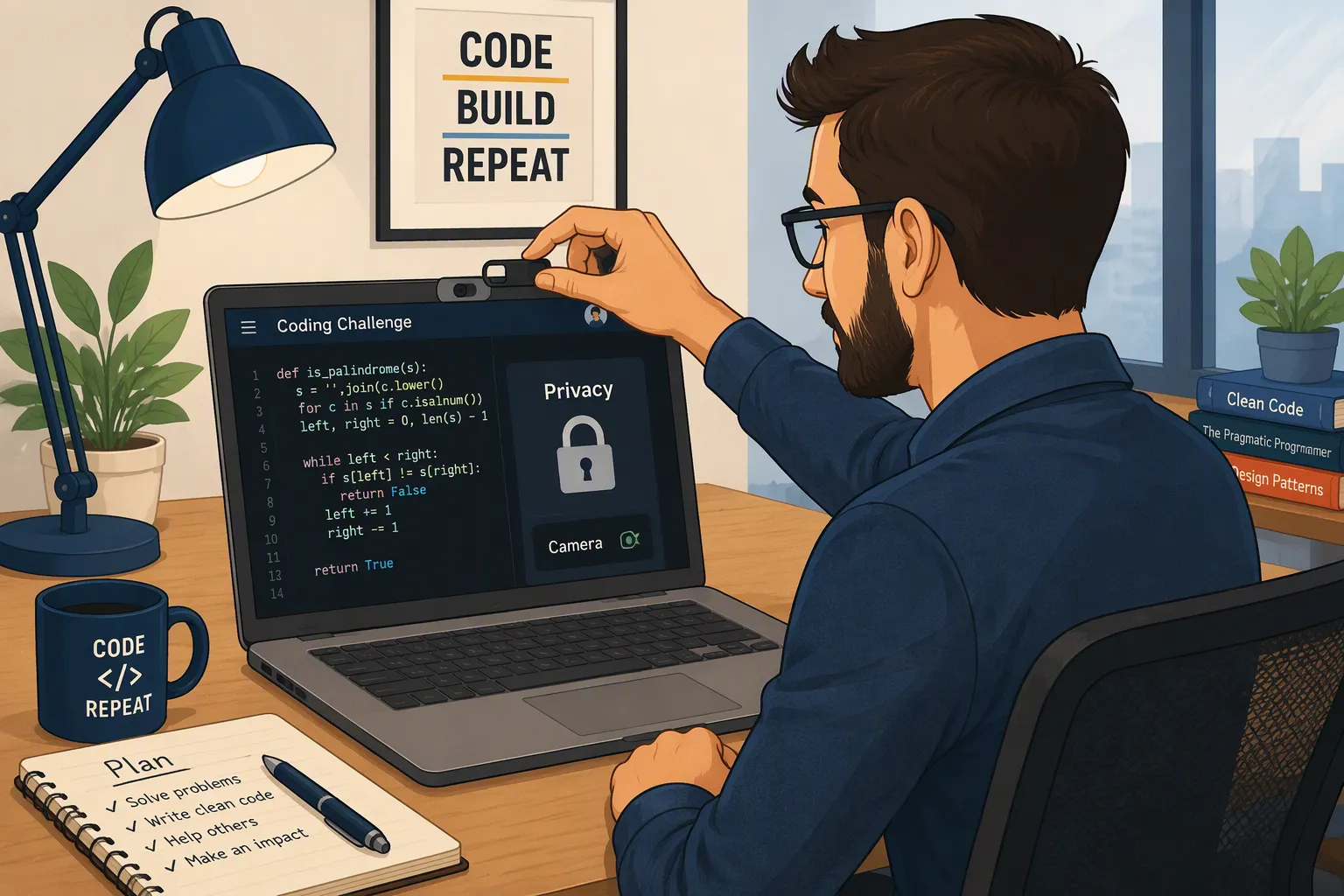
When I searched “does Codility record your screen,” I found conflicting answers. Some pages said no, while others described assessments that required screen, camera, and microphone recording. I checked Codility’s documentation to understand why the answers were so different.
Yes—Codility can record your screen, but it does not happen on every assessment. When the employer enables Screen Proctoring, your test can capture periodic screenshots or a continuous recording. The first thing to check is the setup for your invitation.
When I checked Codility’s documentation, one distinction stood out: a screen recording, a code replay, and a tab-switching log give the hiring team different information. A record that you left the editor is not the same as a video showing what you opened.For Codility specifically, screen recording, code replay, and device checks still need to be understood separately.
If your Codility assessment requires screen sharing, you may also wonder whether an AI assistant would appear in the footage. Linkjob AI offers screenshot-based coding suggestions and debugging help through a desktop window designed to stay out of supported screen-sharing and recording sessions. The benefit is having guidance visible on your own screen without displaying the assistant in the shared view. Our guide to how invisible AI interview assistants work explains the screen-sharing feature.
Below, I explain when recording is enabled, what the hiring team can review, and how those differences affect the setup you’re using.
Does Codility Record Your Screen by Default?
Codility documents Video Proctoring as disabled by default. Employers can configure it for individual tests and apply settings across an account or team. A company can therefore make recording a requirement even though the platform’s default is off.
That is why I would not use a friend’s previous Codility experience to predict my own setup. Someone who took a test without recording and someone who had to share their screen may both be describing their assessments accurately.
The useful information is in the invitation, the assessment introduction, and the permissions requested for that session.
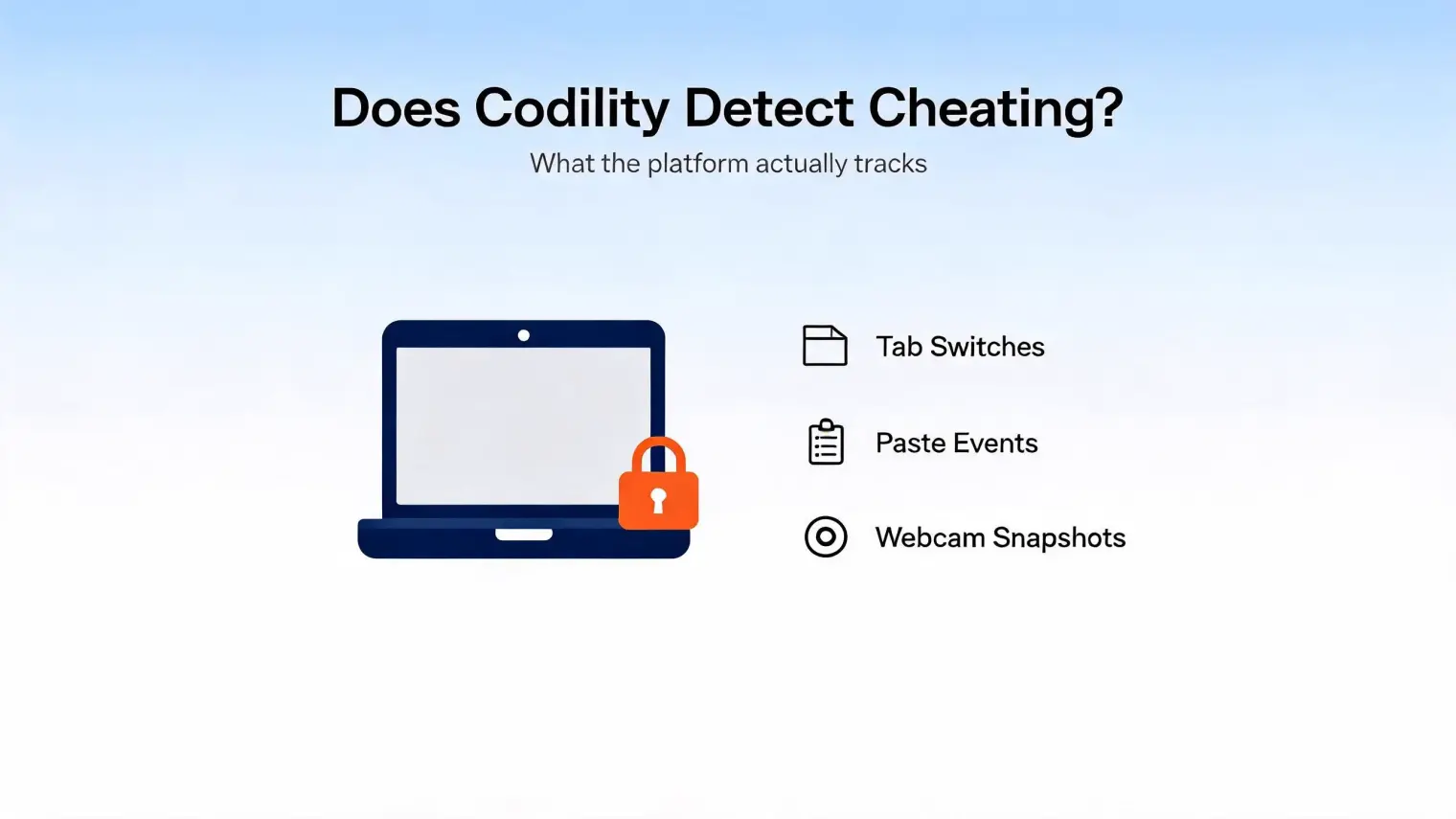
What Can Employers See After a Codility Test?
If Video Proctoring was enabled, the hiring team can access the session recording through Codility’s candidate report after the assessment. They can review the footage afterward, although this does not mean someone was watching live while you coded.
The report can also include a timeline showing editor activity, focus changes, pasted text, and verification attempts. These records reveal different things: a timeline can show when you left the editor or pasted code, while a screen recording can show what appeared within the shared area.
One difference I found when comparing CodeSignal screen recording was who gets access to the footage. In CodeSignal’s documented assessment-proctoring process, its own team reviews the proctoring data, and that data is not shared with the company requesting the coding report. Codility’s Video Proctoring recording, by contrast, is available to the hiring team through the candidate report.
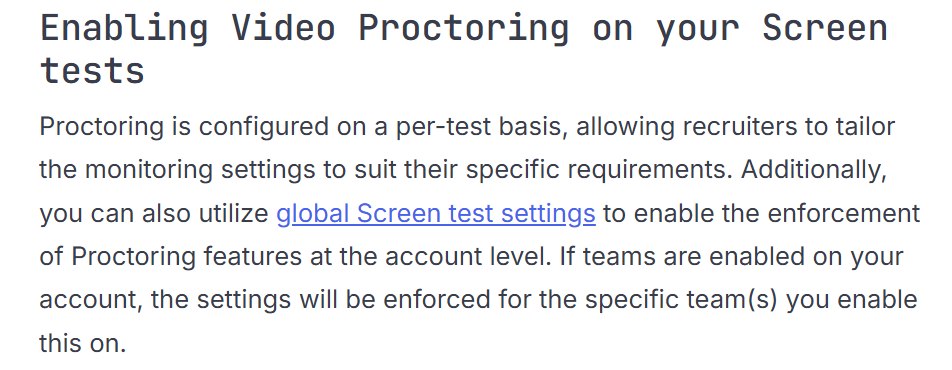
How Can I Tell Whether Codility Will Record My Screen?
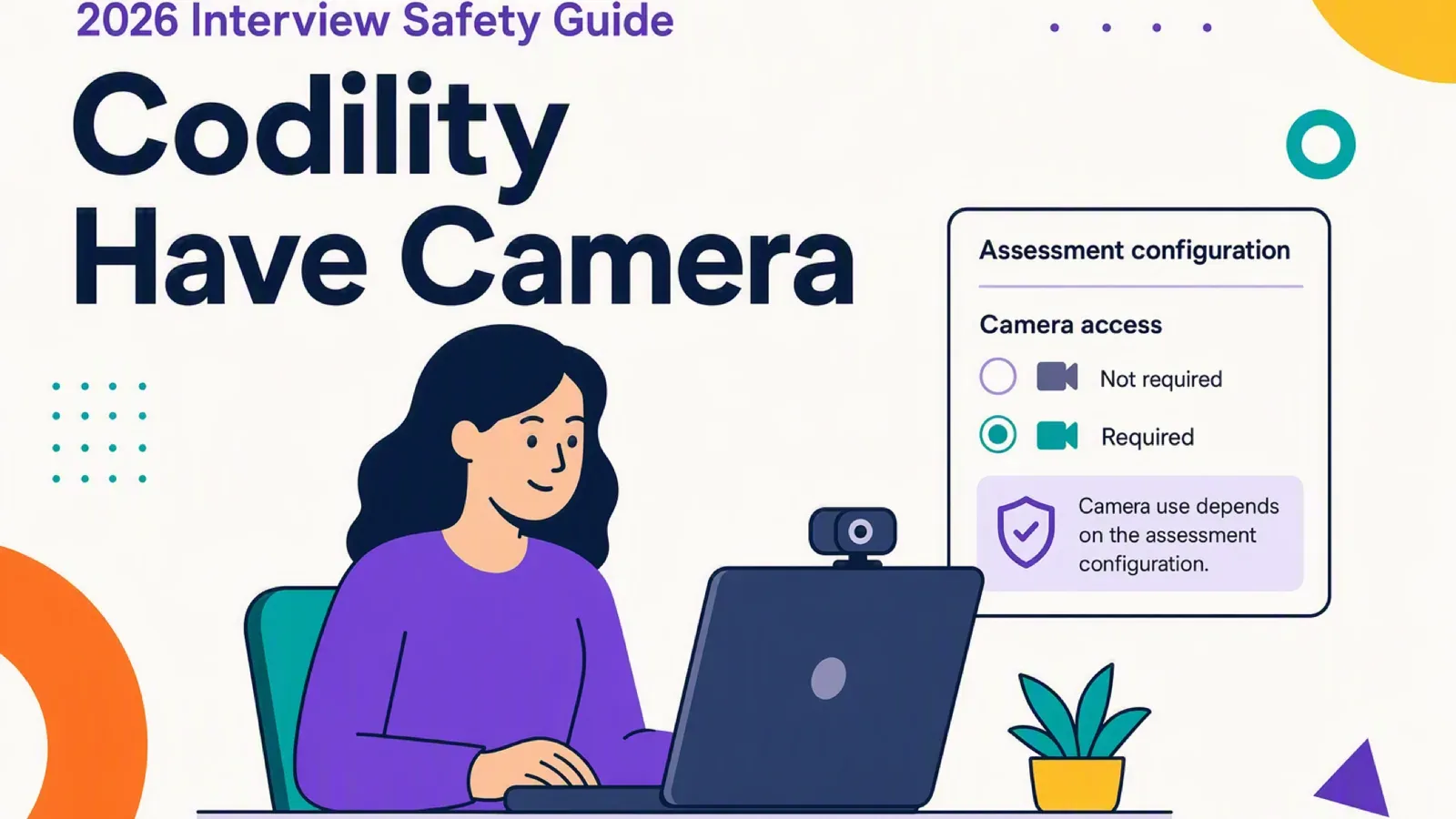
The first place I check is the assessment introduction, before the timer starts. Codility says the testing team’s policies determine whether screen or camera access is required, and candidates need to allow that access. I check which permissions the assessment requests rather than assuming that every invitation uses the same settings.
For Video Proctoring, Codility also shows a recording indicator beside the remaining time. I check the accompanying status text and preview instead of assuming that a colored dot tells me everything is working.
Does Codility Take Screenshots or Record a Full Video?
I separated the features below because “Codility records you” can refer to several different types of evidence.
Feature | What it captures | What that means |
|---|---|---|
Screen snapshots | Still images of the shared screen at intervals | Screenshots rather than continuous video |
Continuous screen recording | Video of the shared surface | A visual record of that surface over time |
Test Session Recording | Screen, webcam, and microphone | Combined media from the assessment |
VSCode Session Replay | Activity inside a supported VSCode task | An editor-session replay rather than a recording of your whole desktop |
Device Integrity | Detection of known cheating tools | A device check rather than a screen recording |
Codility documents screen snapshots and continuous recording as separate options. VSCode replay and Device Integrity also have their own documentation, with different recording and detection boundaries.
What Does Codility Track Without Screen Recording?
I found an important distinction here: not sharing your desktop does not necessarily mean there is no replay of your work inside the assessment.
Codility offers a separate session-replay feature for supported VSCode tasks. It records activity within the assessment environment rather than capturing the rest of your computer. That is why I would not treat the absence of a desktop-sharing prompt as proof that nothing can be replayed afterward.
Can Codility Replay Your Code Without Recording Your Desktop?
For supported VSCode Native tasks, Codility can automatically record the coding session, including edits, file navigation, and terminal activity. Candidates are informed that their session activity may be recorded.
Codility limits this feature to the assessment IDE and says it does not access data outside that environment. Its documentation currently lists VSCode replay in Interview as available across all accounts, while availability in Screen is limited to selected accounts. I would not assume that every Codility task includes it.
A Codility Timeline Is Not a Video of Your Desktop
Screen recording is only one part of the picture. Our broader guide to Codility proctoring and AI assistance also covers tab activity and copy-paste checks, which are easy to confuse with recording.
In Codility’s candidate report, the timeline uses separate markers for IDE activity, loss of focus, pasted text, and verification attempts. A recruiter can review that sequence, but an “out of focus” marker is not a screenshot showing which website or application you opened.
Codility also notes that pasted code alone does not establish cheating; the hiring team needs to interpret the event in context.
Does Codility Record Your Entire Screen or One Window?
Codility’s documentation describes sharing a browser tab, a window, or the entire screen. I check which surface is selected and what the assessment actually requires. An option appearing in the browser’s sharing prompt does not necessarily mean it satisfies the employer’s instructions.
Before sharing a desktop, I close personal messages and documents that could appear in the captured area. I also check the instructions for additional displays: Codility’s Screen Proctoring announcement specifies keeping only one screen open when using that feature.
That single-screen requirement should not be stretched into a claim about everything Codility can detect on a second monitor. The requirement and the platform’s detection capabilities are separate questions.
Which Browser Should I Use for Codility Screen Recording?
The browser requirements need a closer look. Codility supports several browsers for taking assessments, but its support page says recording and screenshot functionality currently support Chrome only. The same page separately lists Chrome, Chromium Edge, and Opera for screen sharing.
For an assessment that requires recording, I would use an up-to-date Chrome browser and follow the test’s compatibility checks. Being able to open an assessment in a browser does not establish that every recording feature will work in it.
Codility Screen Recording and Linkjob AI
When screen recording is enabled for a Codility assessment, the hiring team can review the shared content afterward. What I pay attention to is the capture area: a browser tab, an application window, or the entire display. That determines which parts of your workspace can appear in the footage.
But Linkjob does not have the risk of auxiliary windows captured by screen recording .For candidates looking for coding support alongside that shared workspace, Linkjob AI combines screenshot-based question analysis with solution suggestions and debugging help. Its desktop window is designed to stay out of supported screen-sharing and recording sessions, keeping the guidance visible to you without adding the assistant to the shared view. Our guide to how invisible AI interview assistants work explains this screen-sharing feature in more detail.

Codility Screen Recording on Reddit: A Candidate’s Recording Failure
The most concrete example I found was a post in r/csMajors about a 2.5-hour Codility assessment for a hedge-fund software-engineering role.
The author said camera, microphone, and screen recording were mandatory. About 45 minutes into the test, they noticed that the recording preview had gone black. They reported refreshing the page, continuing the assessment, and emailing the recruiter afterward.
Their later update said they were rejected or ghosted, but they could not establish whether the recording problem caused that outcome. I would not turn that account into a claim that a recording failure automatically means rejection.
In a separate discussion, commenters raised privacy concerns about recorded tests. One commenter described a different Codility assessment where the employer allowed them to use an external IDE and paste their solution.
The original post is deleted, so I am relying only on the visible comments. These accounts illustrate different candidate experiences; they do not establish the settings for another company’s test.
Does Codility Record Your Screen? Frequently Asked Questions
How Long Does Codility Keep Recordings?
The Proctoring Snapshots documentation specifies 30 days for snapshots. I did not find a universal retention period for continuous assessment-screen video in the documentation reviewed, so I would ask the hiring team about that recording type separately.
Does Codility Screen Recording Also Include My Camera and Microphone?
The Test Session Recording mode includes all three. A screen-capture requirement alone does not establish that this combined mode is enabled. Check the media named in your assessment’s disclosure and permission requests.
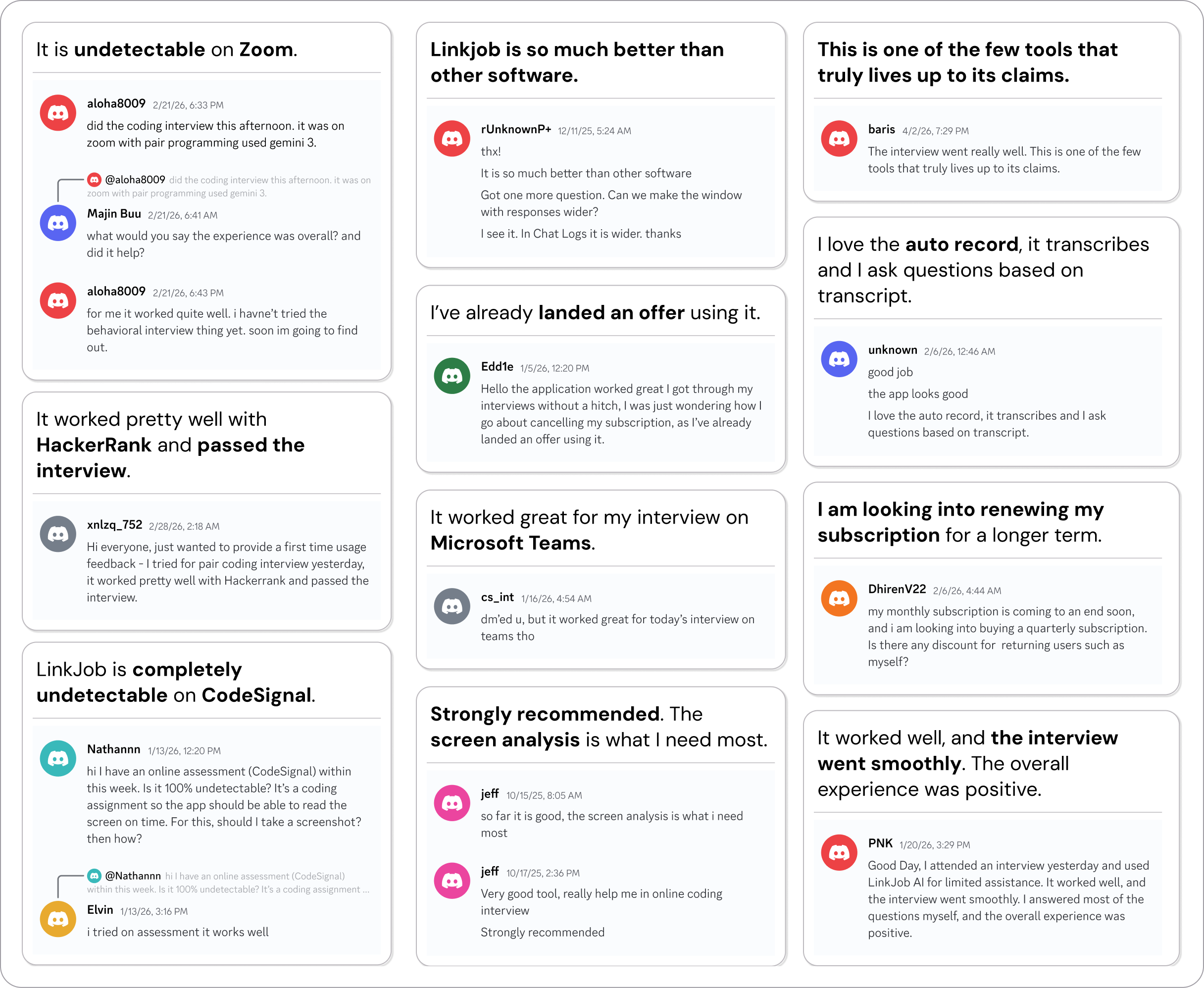
Why People Choose Linkjob AI
Smoother interviews, coding challenges cleared, and job offers landed. See how users describe their experience with Linkjob AI—in their own words.

© Copyright 2026 Linkjob AI - All Rights Reserved.