How HackerRank Detects and Prevents Cheating During Online Tests

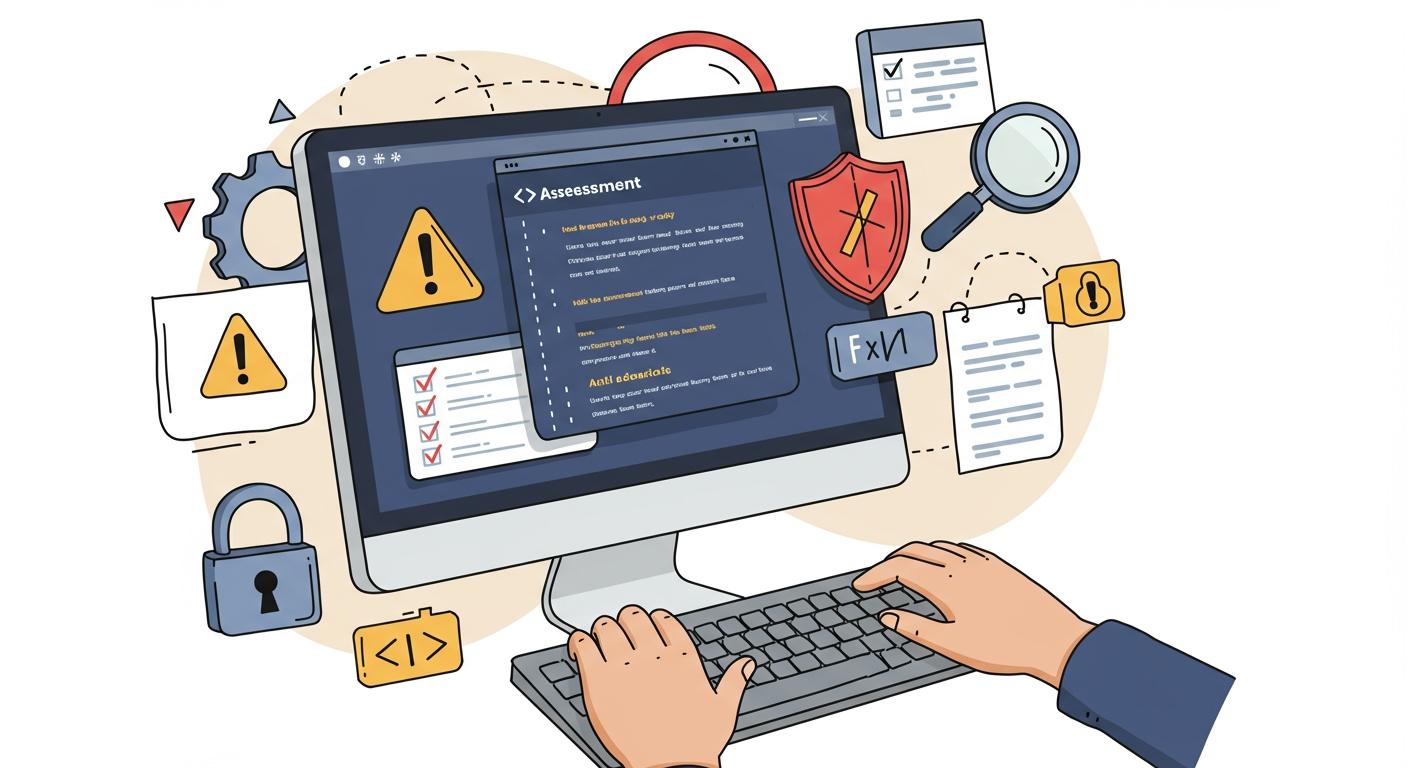
HackerRank detect and prevent cheating with several smart tools:
Plagiarism detection compares code for similarities.
Time tracking and behavioral monitoring watch for odd patterns.
Proctoring uses webcams and screen recording.
IP address and geolocation tracking spot suspicious logins.
Code output comparison checks for matching results.
However, all of these problems can be solved. I’m really grateful to Linkjob.ai for helping me pass my Stripe HackerRank test, and that's also why I'm sharing my entire experience using AI during HackerRank test here. Having an invisible AI interview assistant during the assessment is indeed very convenient.
This article will provide a detailed overview of HackerRank's cheating detection and behavior monitoring mechanisms. If you're curious about how to bypass these checks, feel free to read: how to cheat on HackerRank.
Hackerrank Cheating Detection
Plagiarism Checks and Code Similarity
Plagiarism detection goes beyond just comparing code. HackerRank uses advanced engines, including MOSS-based technology, to check for copied work. MOSS tokenizes submissions and measures structural overlap. This helps the system find functionally similar solutions, even if someone rewrites parts of the code.
Here’s how plagiarism checks work:
The system compares submissions against a huge database of past solutions.
It uses abstract syntax tree comparison to look at code structure.
It checks for matches with public repositories and online forums.
I find this approach very effective. It means that even if someone tries to hide cheating by making small changes, hackerrank cheating detection can still catch it.
External Sources
HackerRank also works hard to detect cheating from external sources. They use both technology and monitoring to spot when someone tries to get unauthorized help.
Detection Method | Description |
|---|---|
Multiple monitor detection | Identifies if an external monitor is connected to ensure focus on the assessment. |
Image proctoring | Captures images of the candidate and their environment to flag suspicious activity. |
AI-Powered plagiarism detection | Analyzes code submissions to detect unauthorized AI usage or copying. |
Copy-Paste tracking | Monitors for code pasted from external sources to assess reliance on pre-written solutions. |
Tab switch proctoring | Tracks when candidates switch tabs to identify potential external help or unauthorized resources. |
I have seen how hackerrank cheating detection tracks tab switches and monitors for copy-paste actions. If I try to paste code from another site, the system flags it. The platform also checks if I connect another monitor or switch tabs during the test. This makes it very hard to use external sources without getting caught.
However, AI interview assistants are also constantly updating their technology to bypass detection by interview platforms. That said, the quality of AI interview assistants currently available varies widely. We recommend trying out multiple options or reviewing others' evaluation articles (such as “8 Best Free AI Interview Assistants,” “Top AI Tools for Cheating,” and “Best AI Tools for Job Interviews: 8 Picks”) before making your final decision.
The Linkjob I use is a completely invisible option. It runs through its own desktop client, so there’s no tab-switching activity at all. For code similarity checks, it generates answers based on my personal experience and coding style, making each solution unique and natural. Best of all, it’s completely invisible. Even with the camera on and screen sharing enabled, the generated answers are visible only to me.
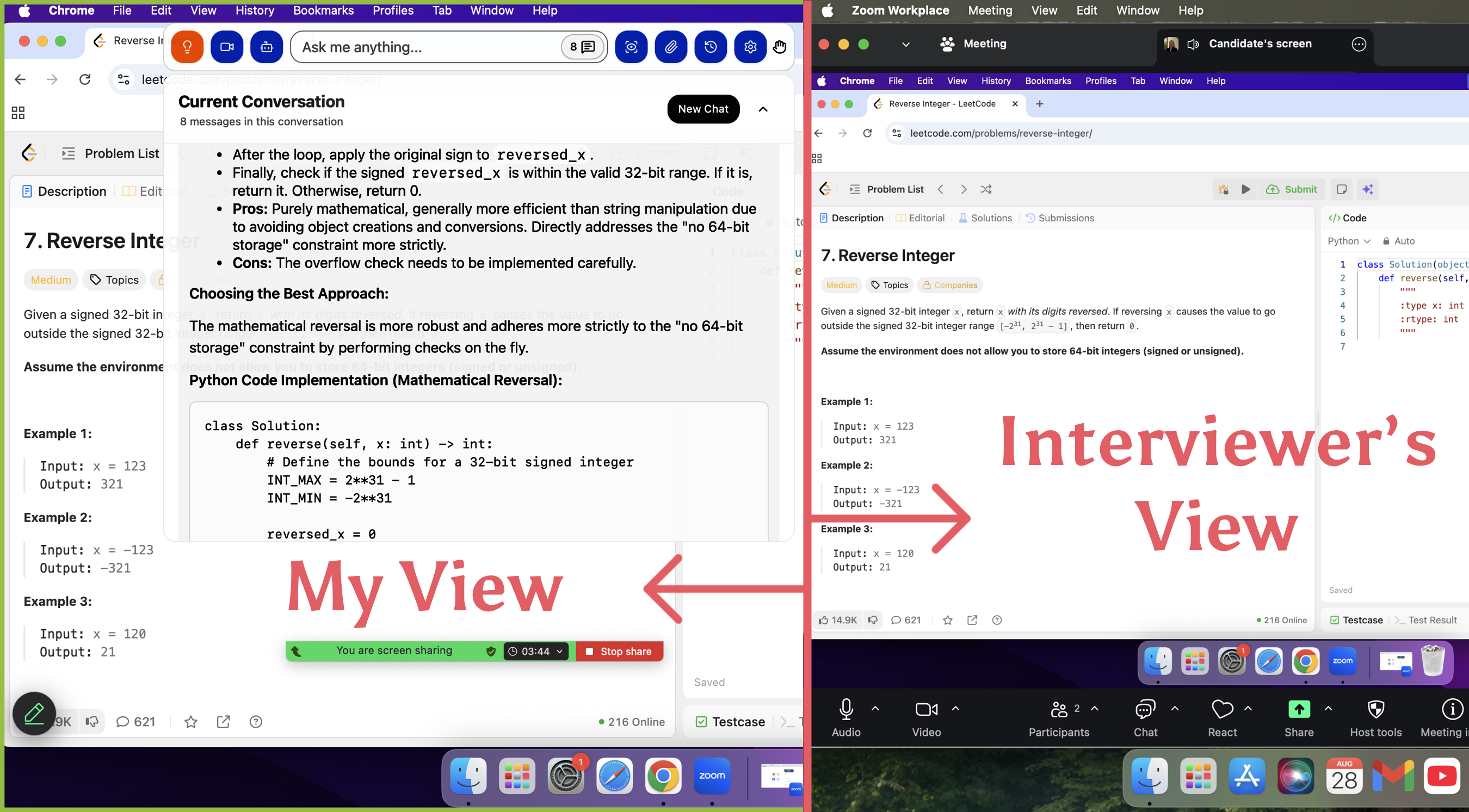
Similarly, Linkjob can also bypass detection on other interview platforms. If you're curious about these platforms' detection mechanisms, I've also written an article about CodeSignal: does CodeSignal record screen.
HackerRank Behavioral Monitoring
Tab Monitoring
Tab monitoring is another layer that keeps me focused. If I try to switch tabs or exit full-screen mode, the system logs it. I see warnings if I try to open another browser window. Here’s a quick look at how these proctoring features work:
Method | Description |
|---|---|
Tab monitoring | Flags and logs attempts to switch tabs or exit full-screen mode. |
Multiple monitor check | Stops the test if I connect another monitor. |
Session screenshots | Takes screenshots to catch unauthorized software or resources. |
Copy-paste restrictions | Blocks me from pasting code from outside sources. |
These steps make cheating much harder. Real-time monitoring even flags suspicious actions as they happen.
Keystroke Tracking
Keystroke tracking always makes me feel like someone is looking over my shoulder. Hackerrank logs every key I press, every character I delete, and every change I make. They record timestamps for each action. This lets them replay my coding session step by step. I find it interesting that they can analyze my development pattern and see if my problem-solving approach looks natural or suspicious.
Feature | Description |
|---|---|
Keystroke logging | Records every character typed, deleted, and modified with timestamps. |
Timeline reconstruction | Enables a complete review of the coding session as a step-by-step progression. |
Development pattern analysis | Analyzes how candidates approach and solve problems, identifying unusual patterns. |
Behavioral evaluation | Assesses typing patterns and problem-solving methodologies for anomalies. |
Time & Navigation
Hackerrank tracks my timing and navigation patterns. If I solve a complex problem much faster than normal, the system flags it. They also watch for odd mouse movements or typing patterns that might show I used external code. Sometimes, if my solution appears instantly without a logical build-up, that can trigger a red flag.
Detection Trigger | Description |
|---|---|
Timing Analysis | Complex solution appeared faster than natural typing speed allows |
Behavioral Monitoring | Mouse and typing patterns indicated external code generation |
Timing Inconsistencies | Complex decisions made too quickly for natural cognitive processing |
Unnatural Development Flow | Solutions appearing without logical problem-solving progression |
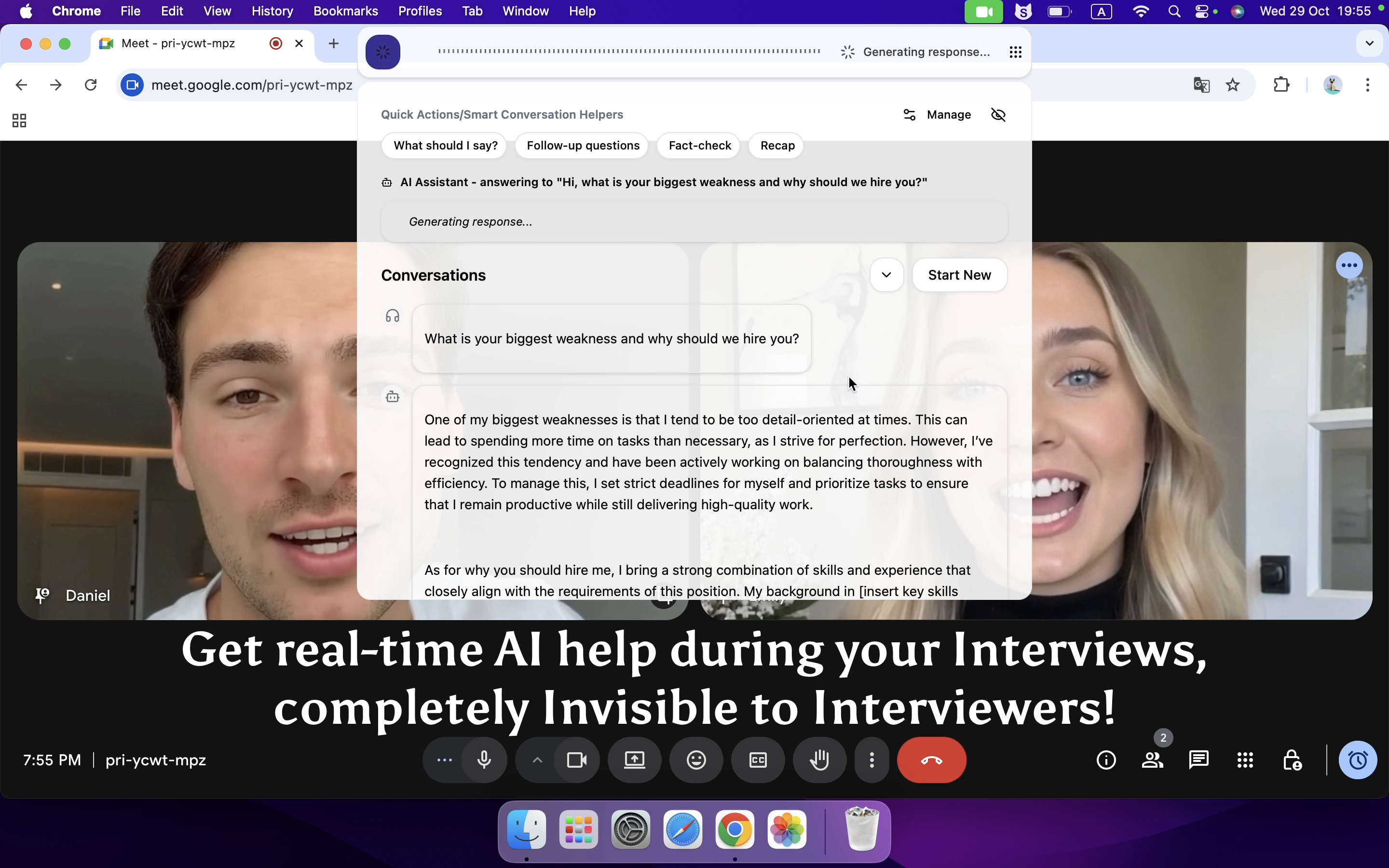
The solution to these points are quite simple: I granted Linkjob.ai permission to access my computer, so once it’s launched, it automatically reads the interview questions displayed on my screen.
I also preset its position and transparency on the screen, allowing it to generate answers automatically without me needing to click around and risk exposing anything. After that, all I had to do was control my typing speed and avoid submitting the answers too early.
FAQ
Can I use Linkjob.ai in interview rounds other than the HackerRank OA?
Link Job AI is a highly versatile interview assistant. It can be used in all interview stages because it can not only see my computer screen but also hear the audio coming from my system. That is to say, it can hear the questions the interviewer asks me, including the interviewer's responses and more. Additionally, it supports nearly all mainstream computer operating systems.
If I need to share my screen during an interview, will the interviewer find out that I’m using Linkjob.ai?
Absolutely not, because I have tested this tool with several friends before the official interview. When I share my entire screen, the answers generated by Linkjob and the chat window between me and it are only visible to myself.
See Also
How I Cheat on Codility and Avoid Getting Caught in 2025
How I Used AI to Pass the Interview on Microsoft Teams
How to Use Tools for Screen Capture Not Detectable by Coderbyte
How to Cheat on CodeSignal Proctored Tests in 2026: My Tricks
My Experience Using a LeetCode Interview AI Assistant for Coding
© Copyright 2025 Linkjob.ai - All Rights Reserved.