Can HireVue See If You Switch Tabs? What Gets Tracked


Yes. HireVue confirms that it can track when candidates switch tabs or windows during an interview. That gives the hiring team a signal to review. It does not, by itself, explain what you opened, why you left, or whether you broke the assessment’s rules.
The question I wanted answered was more specific than “does HireVue have monitoring?” If I open my own notes, click a microphone setting, or accidentally follow a notification, what does that actually look like to the employer? Is there a way to switch tabs to get the answer without being discovered?
I also wanted to separate browser monitoring from the camera. Reading the question on my screen is not the same action as opening another tab. A preparation screen saying “Not Recording” doesn’t necessarily mean nothing else is being tracked.
The candidate discussions were useful because they exposed those practical questions. People weren’t only asking about outside answers. They were asking whether notes were permitted, whether preparation time was recorded, and what happened when the camera froze while the answer timer kept running.
Key Takeaways
HireVue documents tab and window tracking. I would not assume that a recorded video interview lacks browser monitoring.
Detection, permission, and rejection are different questions. A recorded event does not explain the employer’s final decision.
Practice settings do not establish the real interview’s settings. Notes, preparation time, and attempts need to be checked separately.
What Can HireVue Actually See When I Switch Tabs?
I found it helpful to separate an action from the information that action provides.
Browser visibility and focus events can indicate that a page became hidden or stopped being active. They do not automatically contain the contents of another website. A side-by-side window can also remain visible while no longer having focus. That is general browser behavior, not a claim that I have inspected HireVue’s underlying code.
What happens | What the browser-level signal can indicate |
|---|---|
I switch to another browser tab | The interview page may become hidden or lose focus |
I click a different application | The interview window may lose focus |
I keep two windows side by side | Being visible does not necessarily mean being focused |
I simply look away from the camera | Eye movement is not itself a browser tab event |
A notification appears | Its appearance and my clicking it are different actions |
This is why I would not describe every interruption as “HireVue caught me opening another website.” Sometimes the available fact is simply that the interview page was no longer active.
Can HireVue Read the Other Website?
A normal focus event does not give one website unrestricted access to another website’s contents. Browser same-origin restrictions are relevant here.
Screen sharing is a separate question. HireVue documents screen sharing for certain OnDemand tasks and Live interviews. If my session asks me to share a display surface, I need to consider what that share exposes—not rely on the limitations of a focus event alone.
I would check the permission requests and the actual interview instructions. Camera access, screen sharing, and browser-focus tracking should not be treated as three names for the same feature.
Does the Recruiter Get a Tab Count or an Immediate Warning?
This is where I became more cautious about the confident answers online.
HireVue confirms browser-focus tracking, but I did not find a public universal specification establishing the exact tab-count dashboard, alert timing, or permitted number of switches for every employer.
One document needs particularly careful reading. HireVue’s 2025 cheating whitepaper discusses additional reviewer information, including active-browser-tab records, under concepts being explored for its mitigation roadmap. That is not enough to establish that every recruiter currently receives every proposed field.
I would therefore avoid both “the recruiter is notified instantly every time” and “there was no popup, so nothing happened.” Neither conclusion follows from the public information alone.
Can I Open My Notes During a HireVue Interview?
This was one of the more useful contradictions in the candidate discussions.
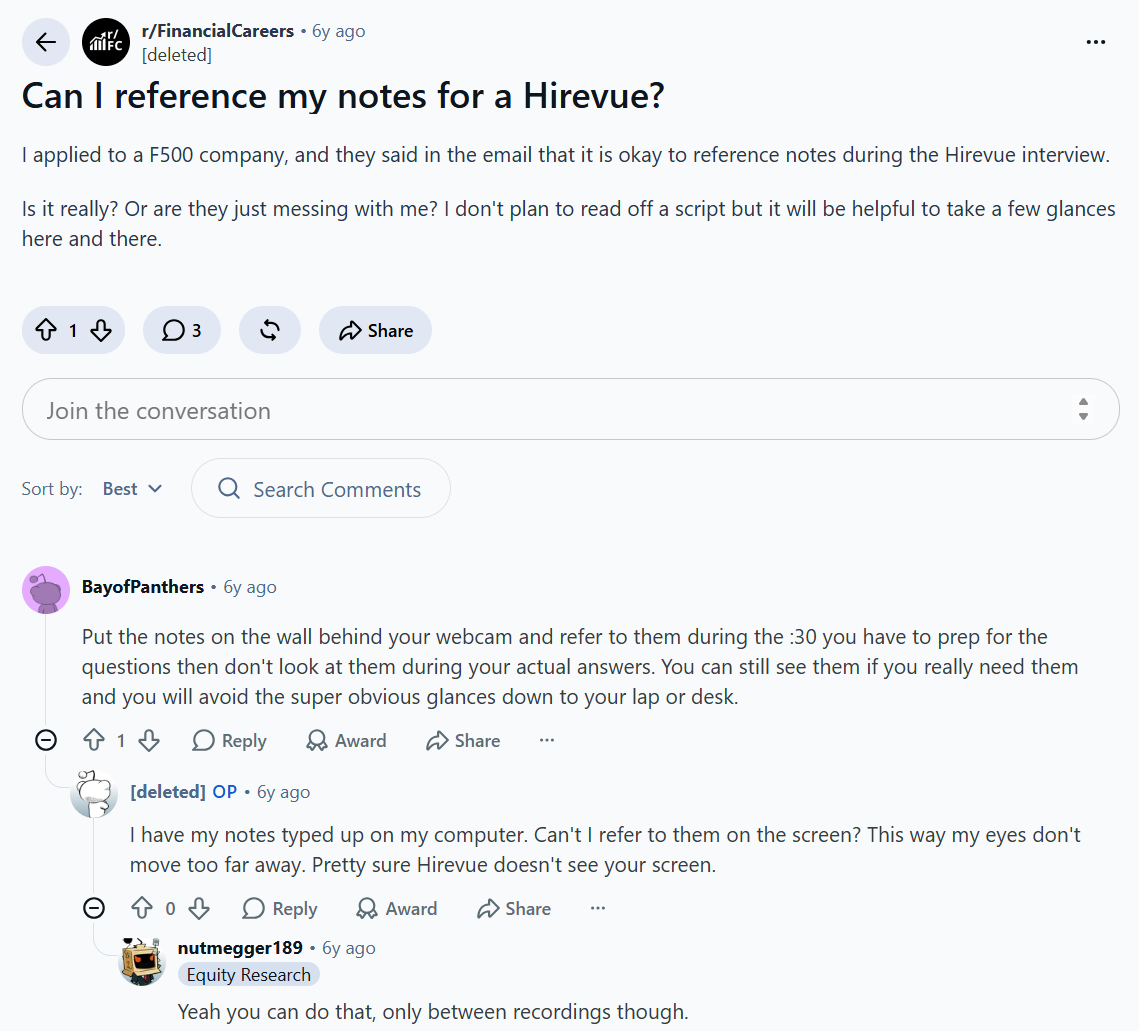
A finance applicant said their employer’s email explicitly allowed notes, but they still worried that using them might be frowned upon. The discussion then moved into whether notes on a computer were different from notes on paper. The employer’s permission was real within that account; the commenters’ guesses about monitoring were not an official answer.
HireVue’s own candidate tips say notes can be kept nearby. That does not automatically authorize every form of outside assistance or override a specific employer’s instructions.
I would ask one concrete question: “Are brief personal notes allowed, and does that include a document on my computer?”
For permitted notes, I prefer an outline I can recognize quickly. For example, “deadline slipped → customer update → revised plan → result” is useful. A complete paragraph creates a different problem: I start searching for my place in the script instead of answering the question.
Can HireVue See Tab Switching During Preparation Time?
I wouldn’t assume preparation time is an unmonitored interval.
HireVue’s OnDemand guide distinguishes preparation from recording the answer. The preparation screen can show “Not Recording,” followed by the response recording stage. That describes the video-response state; it does not document a general suspension of browser-focus tracking.
A Reddit thread asked exactly this question about a 30-second thinking period. The replies included uncertainty and personal assumptions, but no verified account of the employer’s browser-activity report.
My practical rule is to treat the preparation timer as time to organize the answer using permitted resources—not as a separate environment with different unstated rules.
HireVue’s published practice-interface example. “Not Recording” describes the answer’s video status. The pictured timing and attempt settings are examples, not guarantees about another interview or its monitoring.
What If I Look at the Question Instead of the Camera?
I would not turn this into a test of how long I can stare at a lens.
HireVue’s candidate tips explicitly tell applicants not to worry about maintaining eye contact with the camera and to behave naturally. Looking at the displayed question is different from clicking another application.
I would still avoid treating that advice as a guarantee about every kind of video analysis. The narrower point is enough: gaze and browser focus are different signals.
If I need to reread a long prompt, I’ll reread it. If I need an accessibility adjustment or more preparation time, I’ll ask the hiring team before starting rather than try to compensate through an unapproved workaround.
Will One Accidental Tab Switch Automatically Fail Me?
I found no verified universal one-switch failure rule.
HireVue’s current integrity page says a single behavior should not automatically be treated as proof of fraud and describes signals being used for human interpretation. That is not a guarantee that a particular employer will overlook a rule violation.
If I accidentally clicked another window, I would return and continue following the instructions. If the incident disrupted the response or the employer required reporting it, I would note the approximate time and explain the actual action.
I would not claim that I used outside help merely because a window changed. “I clicked the audio-settings window while troubleshooting my microphone” is more accurate than “I accidentally cheated.”
A concise message could be:
Hi [Name], during question [number] at approximately [time], I briefly left the HireVue window because [specific reason]. I returned and [completed the response / encountered an error]. Could you confirm whether any follow-up is needed?
That gives the recruiter facts without pretending I know what the internal report contains.
Does Using a Desktop AI Assistant Avoid Tab Tracking?
Not automatically. Clicking a desktop application can still move focus away from the browser. “Not another browser tab” does not mean “no focus change.”
The specific convenience I see in Linkjob AI is different: It can be hidden on the candidate's desktop without being detected, and users do not need to jump to the page.
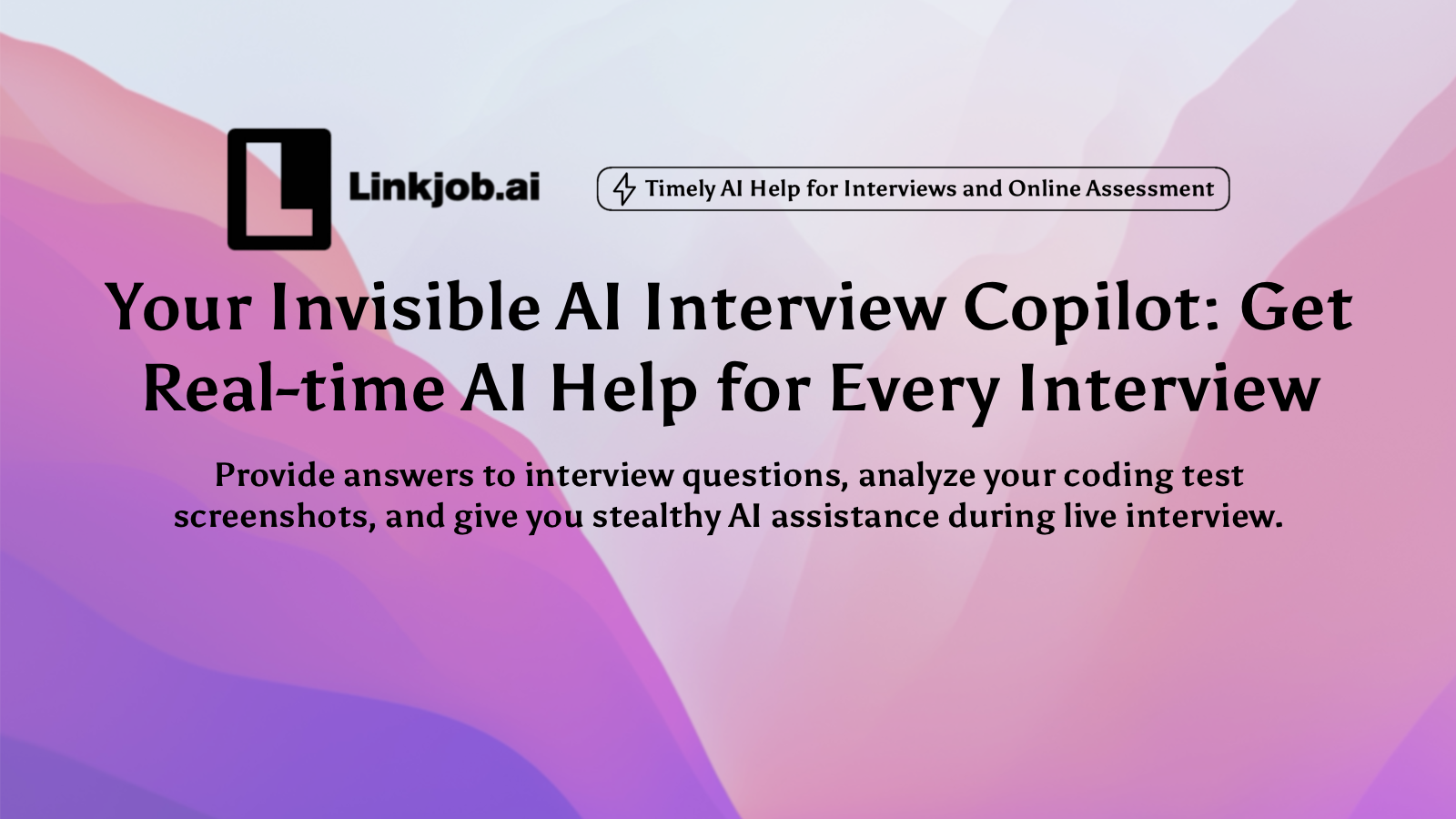
Therefore, if you need to prepare for an interview urgently, I recommend that you try Linkjob AI’s real-time Interview Copilot. As long as you download Linkjob AI, you can bypass the browser monitoring of HireVue and pass the interview easily.
The Countdown Made One Candidate’s Answers Fall Apart
One candidate described receiving a minute per response and becoming so focused on the countdown that their answers felt robotic and unfinished. That was the timing in that person’s session, not a universal HireVue limit.
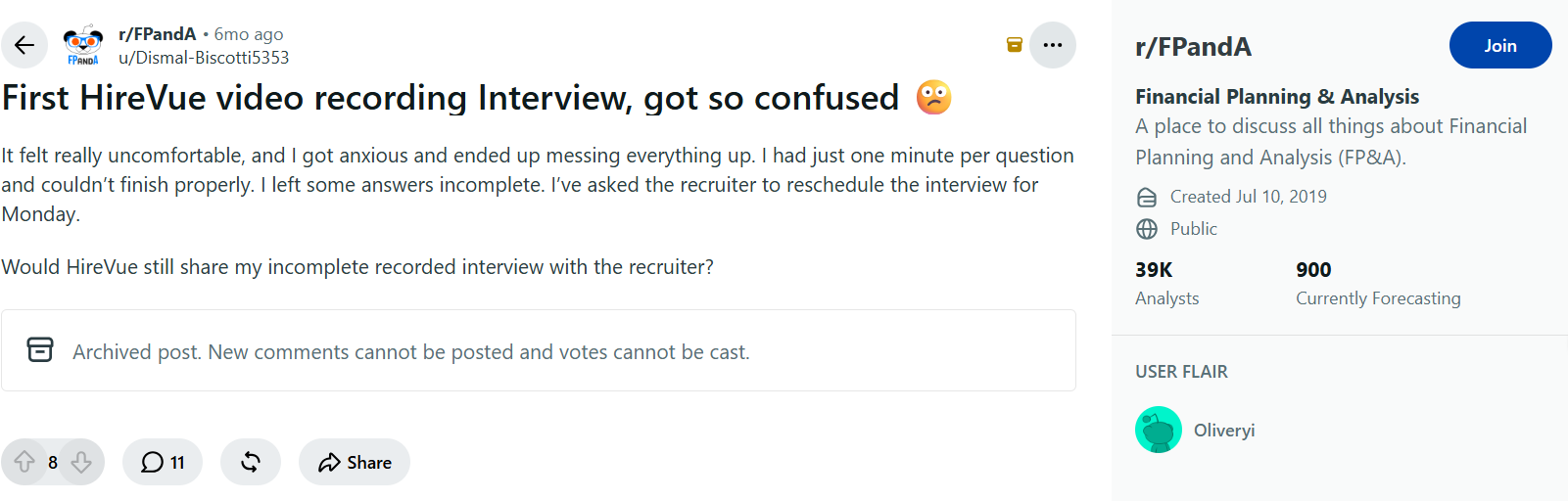
The practical change I would make is to rehearse against the actual response length. I’d answer the question in the opening sentence, add one concrete example, and leave room for the result. If I spend most of the minute setting up the story, no interface change will recover that time.
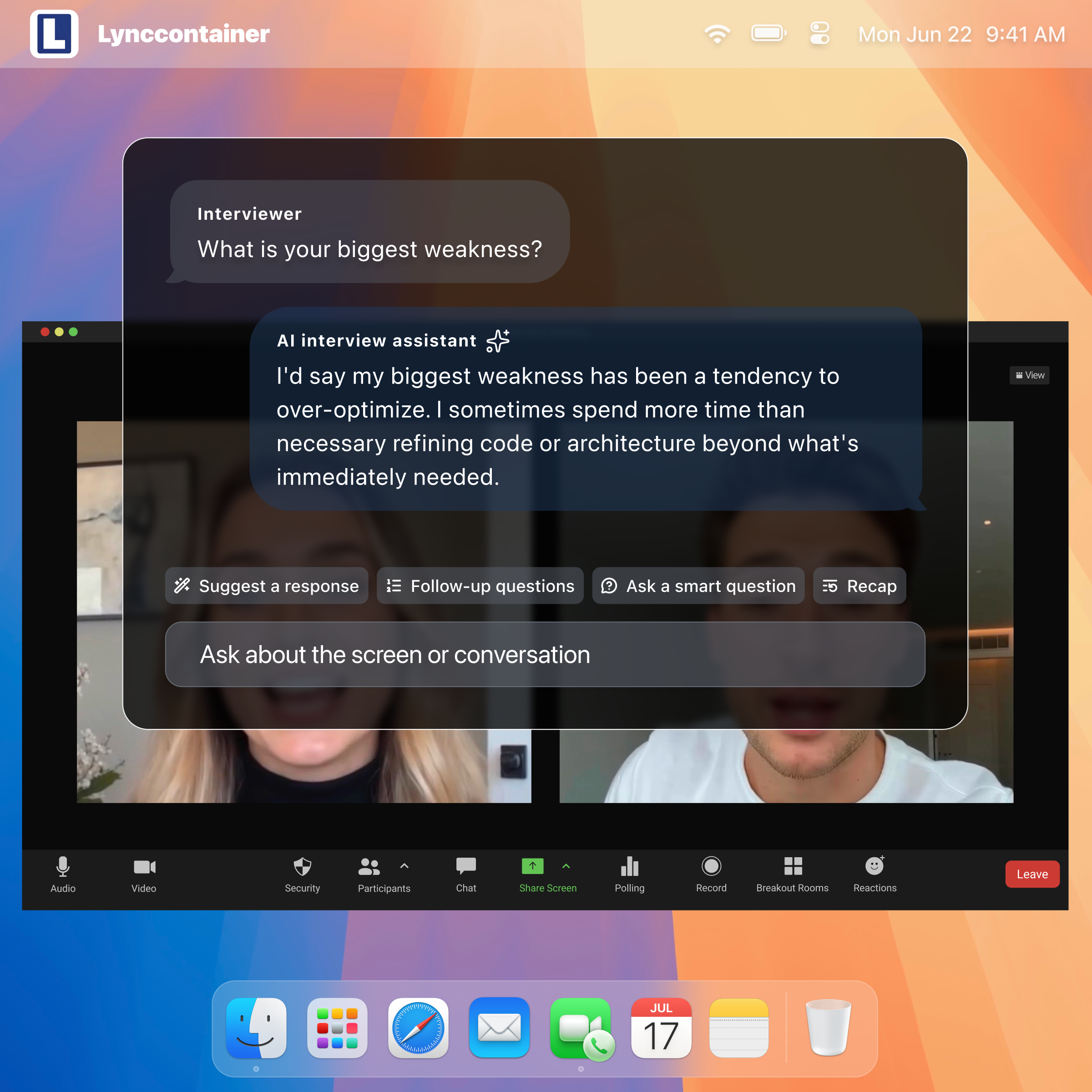
This is where Linkjob AI’s answer-customization options are useful to me: I can request short talking points rather than another full-length answer to read. That addresses the wall-of-text problem during practice; it does not extend HireVue’s countdown or guarantee an instant response.
Can I Retake an Answer If I Close the Tab?
I would not use closing the tab as a reset button.
One candidate discussion included someone who thought they could redo an answer, ended it badly, and then discovered the option they expected was not available. The problem was an assumption about attempts, not a lack of interview knowledge.
HireVue’s restart guidance says a submitted response cannot simply be revisited. A restart of an ongoing or completed interview requires the hiring company’s approval; HireVue Support cannot authorize it on the company’s behalf.
I would check the attempt setting before recording a real answer. A practice session allowing another try does not establish that the real question has the same setting.
What If the Camera Freezes but the Microphone Keeps Recording?
A candidate reported exactly that: the camera image froze on a later attempt while the microphone appeared to continue recording. They finished and worried about what the employer would receive. The thread did not confirm the recruiter’s decision.
A G2 reviewer separately described a Chrome problem, and a Trustpilot reviewer complained about cycling through generic troubleshooting instructions. Those are reports of individual experiences, not proof that one browser always fails or that support never works.
I would distinguish three symptoms: the video preview is frozen, the entire page is unresponsive, or the answer has failed to upload. I’d note the question and time, then use the official recovery instructions rather than repeatedly opening unrelated tabs while the problem continues.
HireVue’s frozen-browser guidance includes refreshing or changing supported browsers, but also warns that content not yet uploaded can be lost and may need to be recorded again. I would not promise that troubleshooting preserves every answer or resets the timer.
This is also a problem I would not claim Linkjob AI fixes. Another application cannot restore HireVue’s upload, repair its browser session, or authorize another scored attempt.
Why Did the Practice Interview Keep Giving Me Generic Questions?
An applicant discussing an Officeworks HireVue complained that the practice questions didn’t resemble the real interview. A separate software reviewer wanted to practice without first receiving an invitation.
Those complaints make more sense once the purpose of HireVue’s practice workflow is clear. Its official guide describes three generic practice questions that rotate. They help candidates rehearse the interface; they are not a preview of the employer’s actual question bank.
For setup, I would still use that practice mode. For role-specific rehearsal, I’d use a separate session built around my job description.
Video: See the HireVue Workflow Before the Real Attempt
HireVue’s support site links this student walkthrough. It is an older setup video, so I’d use it to understand the flow—not as proof of today’s focus-tracking or employer-specific timing settings.
The useful thing to check in my own setup is the transition between practice, preparation, recording, and submission. Confusing those stages creates avoidable mistakes even when I know what I want to say.
Is a HireVue Coding Assessment Different?
It can provide different evidence from a video-answer session.
HireVue’s published guidance on coding integrity discusses patterns such as inactivity, leaving the browser, returning with a large pasted solution, and immediately passing tests. That is a combination of coding-related observations, not proof that every video interview supplies an identical coding report.
I would confirm whether language documentation, a local editor, and AI tools are allowed before a coding session. If I am permitted to work elsewhere, I would also ask how the interviewer wants that work presented. Permission and a clear explanation matter more than guessing whether an activity marker exists.
FAQ
Can HireVue track tabs without screen sharing?
Browser-focus tracking and screen sharing are separate capabilities. The absence of a screen-sharing prompt does not establish that the page cannot detect losing focus.
Does no warning mean the switch was invisible?
No such conclusion follows from silence alone. I did not find a universal requirement that every recorded focus change must produce a candidate-visible warning.
Is there a safe number of switches or a five-second allowance?
I could not verify a universal count or grace period. I would not borrow another platform’s threshold and apply it to HireVue.
Can the recruiter reset my interview after a technical problem?
The hiring company decides whether to approve a restart. HireVue Support can help with technical troubleshooting, but cannot independently grant a new attempt for the employer.
See Also
Secure HireVue Interview Aid From A Stealth AI Helper
Evade Detection During Hunchvue Interviews With Hidden AI
Use Invisible AI For Spark Hire Interviews And Avoid Suspicion In 2026
Conquer OnVUE Interviews Using A Covert Real-Time AI Tool
Defeat VidCruiter Screening During 2026 Remote Interviews With Smart AI
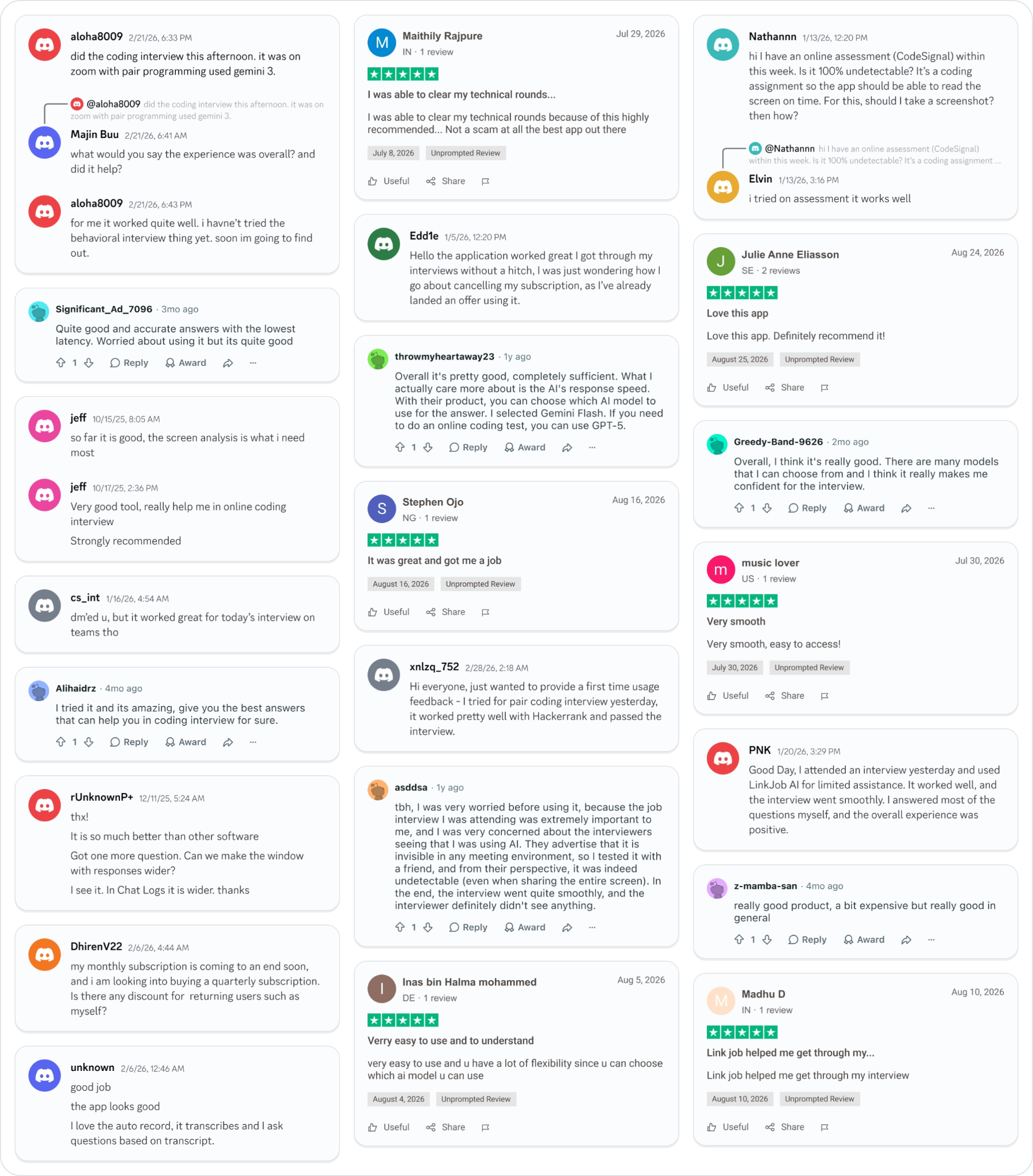
Why People Choose Linkjob AI
Smoother interviews, coding challenges cleared, and job offers landed. See how users describe their experience with Linkjob AI—in their own words.
© Copyright 2026 Linkjob AI - All Rights Reserved.