How to Avoid Getting Flagged When Taking Hunchvue Interviews


Yeah, even by 2026, you'll still be able to cheat on tech interview platforms like HunchVue. Over time, anti-cheating tech in HR SaaS systems has gotten really sophisticated, especially those designed for tech interviews. They track code, detect plagiarism, and even use AI to monitor unusual behaviour. But people still want to get ahead. I'm no exception. I've tried out a bunch of AI tools that help you cheat on CoderSignal, and I've done loads of research into how to cheat in CoderPad assessments.
So after reading a bunch of articles about how to cheat the best, I decided to try out this online coding interview assistant. I used my real-time interview co-pilot, Linkjob AI, to cheat without getting caught by HunchVue's proctoring system. If you're into thinking outside the box then you'll definitely enjoy reading about my experience.

Understanding HunchVue's Anti-Cheating Methods
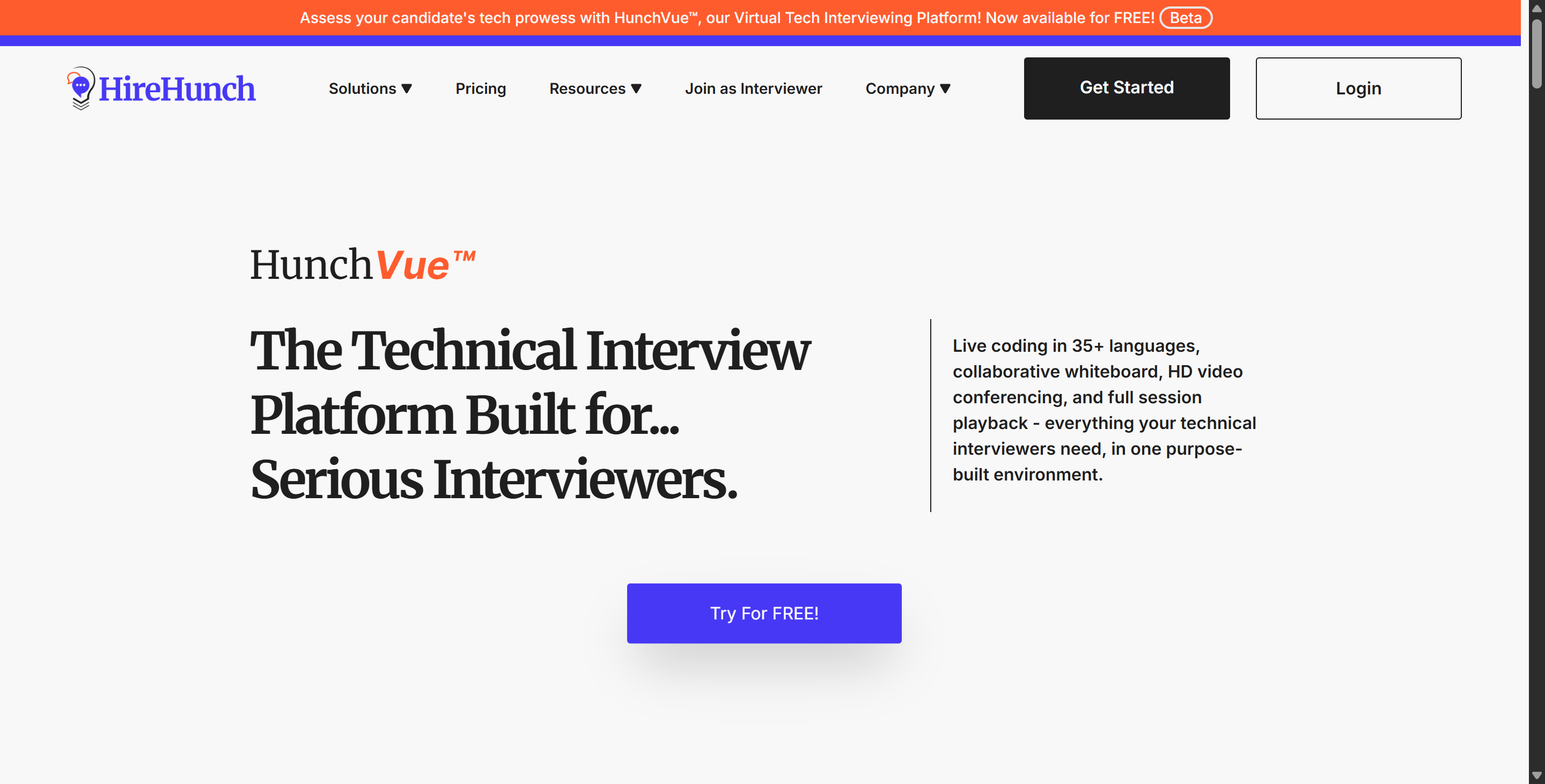
HunchVue is different from other platforms that only offer passive recording. It focuses on real-time visual monitoring and expert-led verification.
1. Core Anti-Cheating Mechanisms
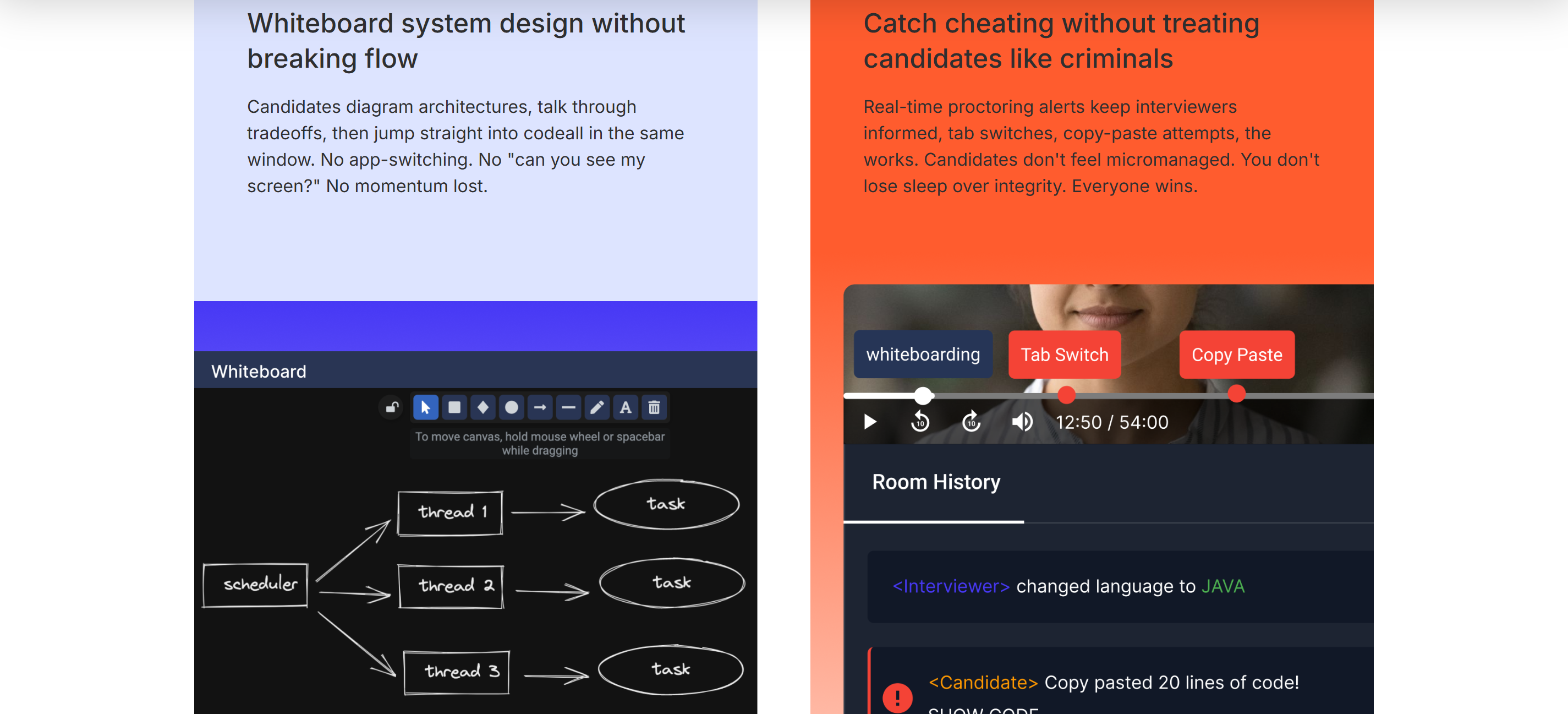
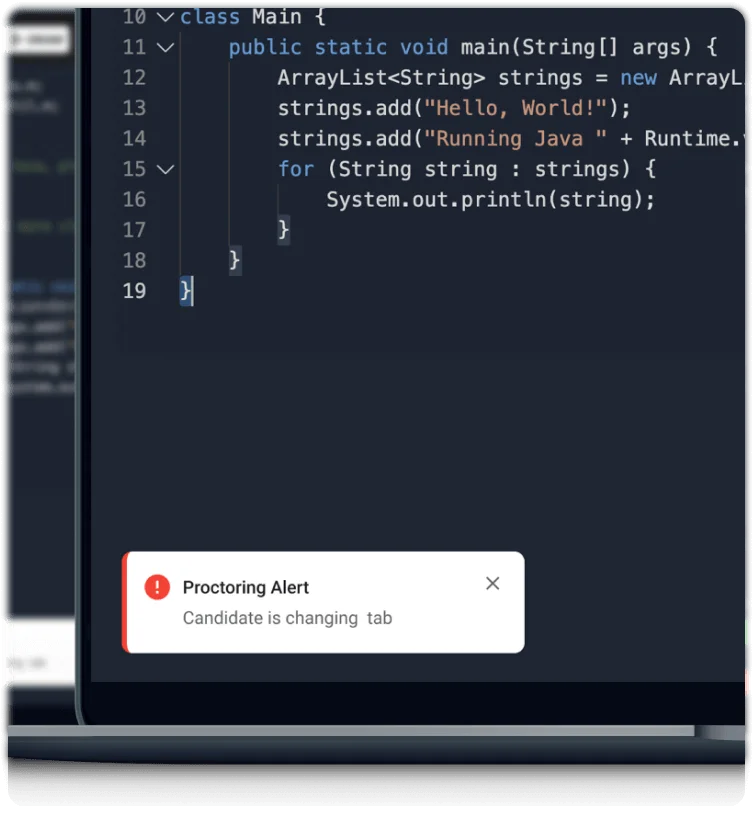
Real-time Proctoring Alerts: During HunchVue's live sessions, the system uses artificial intelligence to monitor the candidate's environment. If they move out of the frame, switch browser tabs or show any suspicious behaviour, the system will trigger a proctoring alert for the interviewer.
Decoupled Code Replay: HunchVue keeps a separate record of its code editor activity history from the video feed. This means interviewers can replay the candidate's exact keystroke history, which helps reviewers spot instances of copying and pasting whole code segments from AI tools like ChatGPT.
Browser and Environment Lockdown: The system keeps an eye on the browser and detects in real time if a candidate leaves the testing window. It also stops you using copy-and-paste so you can't use an outside AI assistant.
AI-Driven Plagiarism Analysis: For programming tasks, the platform compares the candidate's solution against a library of known solutions and documentation to see if the logic has been copied from other candidates.
2. Special HunchVue Features to Stop Cheating
HunchVue is different from other proctoring tools (like Glider or Bryq) because of the following features:
A. Human-Machine Collaborative Expert Panel (HunchServe)
They say HunchServe, the expert panel that's part of HunchVue, is what makes its anti-cheating capabilities a secret. I've done some research, and it turns out that HireHunch hooks interviewers up with trusted experts (often from the MAANG community) for interviews.
Unique Feature: If a candidate uses an AI assistant to get hints, the expert immediately starts asking in-depth why or how questions – and AI-generated scripts usually can't answer them very well.
B. Smart Event Tagging
HunchVue's got this smart tagging system that automatically flags specific events on the interview timeline (e.g., "candidate switches languages," "tab switching detected," "network interruption").
Unique Feature: Recruiters can jump straight to "smart tags" when they're playing back to check out specific markers.
C. Visual and Candidate Behavior Alerts
While lots of tools can detect tab switching, HunchVue really focuses on its notification system for candidate behaviour.
Unique Feature: If a candidate keeps looking away from the screen, the system will let the interviewer know right away, without making them wait for a pop-up to appear. This means the interviewer can deal with it as it's happening.
How to Cheat on HunchVue Safely: Steath Tools to Choose From
VPNs and Proxies
When I want to keep my location private on HunchVue, I sometimes use a VPN or a proxy. These tools help me hide my real IP address. I pick a VPN that offers fast speeds and stable connections. If the test platform tracks my location, a VPN can make it look like I am somewhere else. I always check that my VPN does not drop the connection. If it does, HunchVue might notice the sudden change and flag my session.
Tip: I test my VPN before the real test. I open a few websites and make sure my IP address stays the same. This helps me avoid any surprises during the exam.
Third-Party AI Programming Tools
There are some third-party AI programming tools that bypass HunchVue detection. Some apps run in the background without showing on the screen, so screen recording software won't capture them. Others use clever tricks to bypass active tab detection.
I've also found some handy tools that let you position the window next to your webcam, making it easy to maintain eye contact during interviews.
Here are some tools I tried before settling on my favourites:
Chrome Extensions: Some AI interview assistants (e.g. Verve AI and Beyz AI) run as tabs and extensions. But I found the tabs really noticeable and it looked obvious when you were using them in full-screen sharing mode, so I only tested them a couple of times before giving up.
Browser Plugins: Some plugins inject code straight into the editor. I thought this might be risky, so I started one or two projects, but in the end I gave up on them.
Second-screen Assistance: I tried using a tablet to display AI-generated prompts (with CodeRankGPT). It did the job, but it wasn't exactly smooth sailing. It kept cutting out.
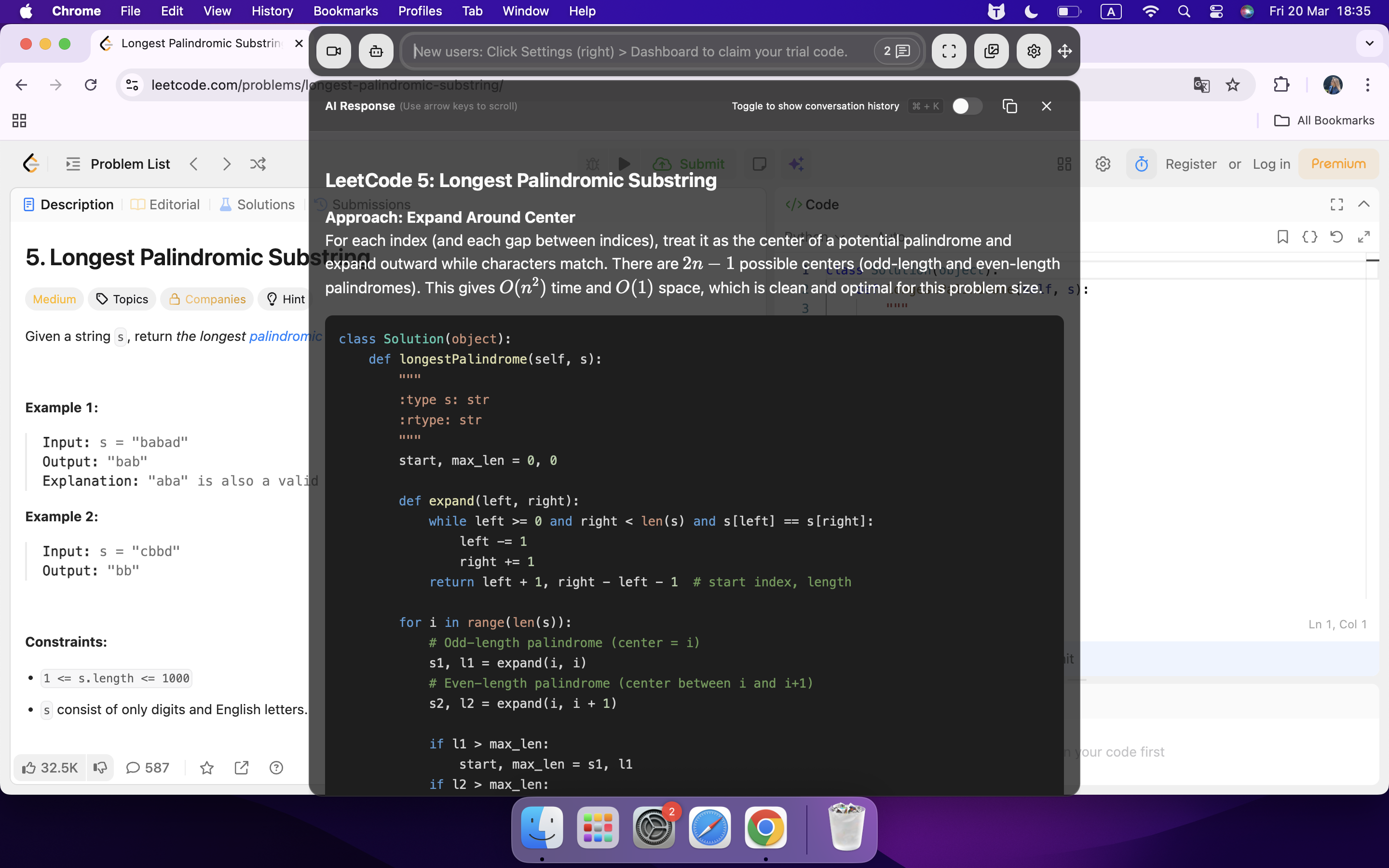
After trying a few things, I decided to go with another option: an invisible AI interview assistant. It's designed to take advantage of the browser's sandbox feature, so it can totally get around HunchVue's monitoring system. I use Linkjob AI, for example, which has an invisible window that lets me read prompts and solutions while keeping my attention on the camera. This means I can avoid detection naturally and discreetly.
How to Utilize Linkjob AI to Cheat on HunchVue
Avoid Copy & Paste Detection by Typing Manually
As I said before, HunchVue keeps an eye on copy-and-paste operations. If a candidate pastes in some external code, which they normally do in bulk, the system picks it up and the interviewer gets a notification in the interview. This lets them stop the session right away.
If you don't want people to know you're copy-pasting, you need to get into the habit of typing code manually. I'm not sure this is possible given how programming cultures work today - after all, banning copying during job interviews seems like something that would go against everything they stand for.
After trying out a few different approaches, I decided to go with adding some prep prompts to Linjob AI. It helps me break the solution down into smaller bits so I can take it slowly and think about each step. This makes my typing rhythm look natural. Here's what it looks like:
The "Natural Flow" Technical Copilot Prompt
Copy and paste this into your AI assistant:
Role: You are a Senior Lead Engineer. Your goal is to help me solve a coding challenge in real-time while ensuring my typing rhythm and problem-solving flow look 100% natural and human.
1. The "Micro-Dosing" Output Rule: Never give me a complete function at once. Instead, break the solution into 3–5 incremental steps. For each step, provide:
The Logic (1 sentence): A quick "human" explanation of what we are doing next (e.g., "First, let's handle the edge cases for an empty input.")
The Code Snippet: No more than 5–8 lines of code at a time.
The "Wait" Signal: End every block with "---PAUSE---". Do not provide the next block until I ask for it or say "next".
2. The "Human Stutter" Strategy: Occasionally suggest a deliberate mistake or a refactoring step.
Example: "Let's start with a nested loop, then I'll show you how to optimize it to O(n) logic later." This makes it look like I am thinking and improving in real-time.
3. Resume & Tech Alignment: Use coding best practices consistent with my [RESUME TECH STACK]. Bold specific technical terms (e.g., time complexity, memory allocation, dictionary comprehension) so I can use them in my verbal commentary.
4. Formatting for Scannability:
Use clear code blocks.
Put the "What to say out loud" script in italics before the code block.
[INSERT RESUME TECH STACK HERE, e.g., Python, React, AWS]
Confirm by saying: "Environment ready. Provide the problem statement and we will begin step one."
So, to sum up, I basically mixed my own ideas with the answers given by Linjob AI. I wrote the logic first, then filled in the details, doing my own thing and keeping to my own pace. Then, I tried to write clean, efficient code while remaining as honest as possible.
Handling Follow-up Questions in HunchVue
I've found some pretty unique proctoring methods in HunchVue, so I used Linkjob AI to handle any expert questions that might come up. I'm talking things like "Why?" and "How?"
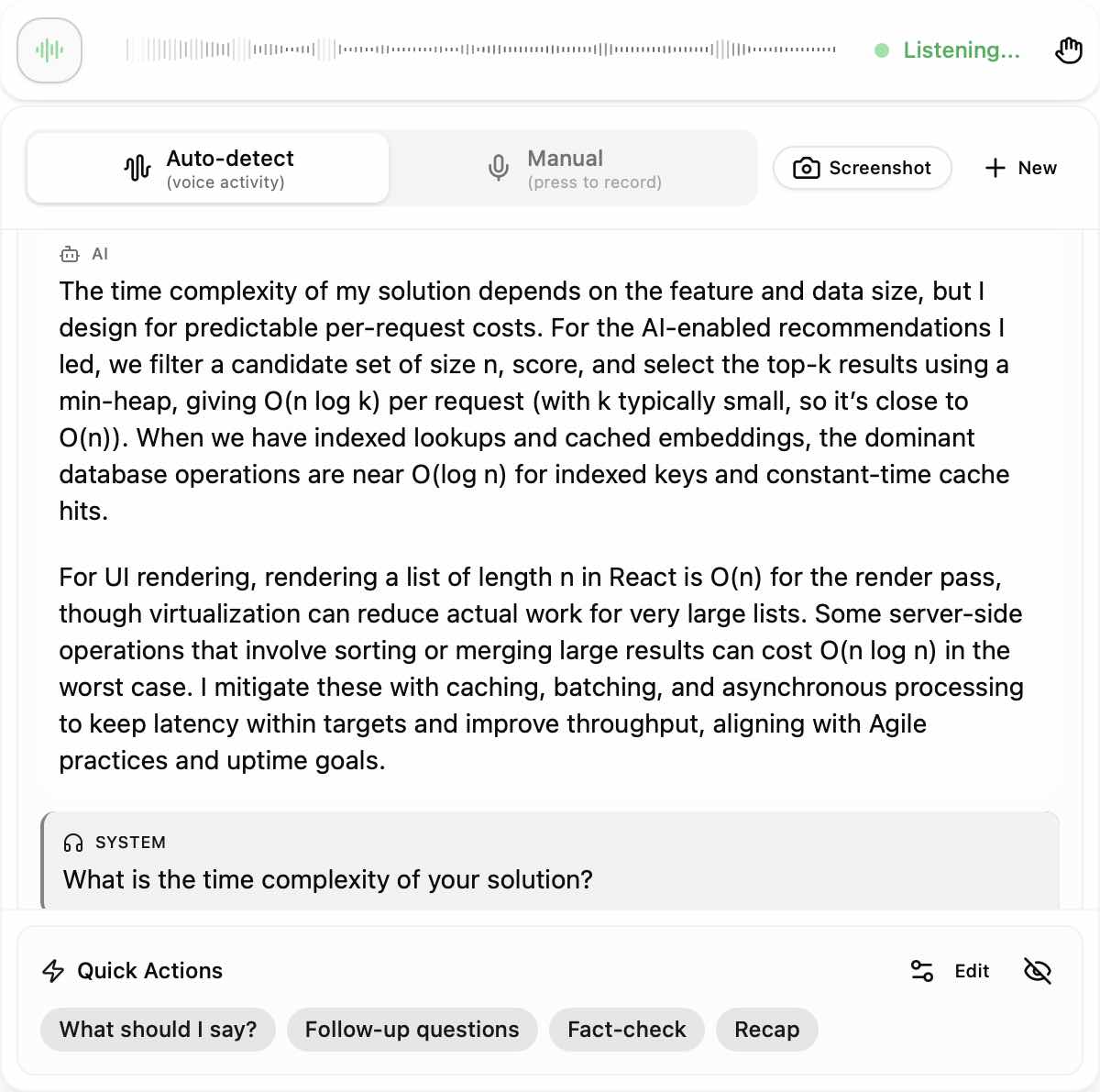
Most AI interview tools have a hard time with this, often making people have to find real-time answers again and again to deal with different questions from interviewers. But with Linkjob AI, that's not an issue. It's got a built-in shortcut for getting follow-up questions.
With just one click or global hotkey press, you can instantly access answers to any other questions. When I was being interviewed, Linkjob AI managed to predict the interviewer's next questions two times. So, all I had to do was read the answers it provided. Easy peasy, right?
Get round AI Detection and outsmart HunchVue.
Let me walk you through, step by step, how I handled HunchVue's various AI cheating detection features.
First off, I got Linkjob AI – my real-time interview assistant – going, then tweaked the transparency and position of the AI overlay window, positioning it right under my webcam. This way, my eye movements stayed natural, and I could still read the questions normally.
Next, I ran some tests using prompts and screenshots (I held an online meeting with a friend and asked her to check if anything looked dodgy) to make sure Linkjob AI was working properly and could transcribe and generate text answers.
Once the interview started, Linkjob AI was running in the background without making any noise. I could still use it to take screenshots and get the right answers while I was working on the coding task.
At the right moment, I just had to type in the code Linkjob AI generated and submit it. That way, the interviewer wouldn't notice what was happening.
Behavioral Tactics to Avoid Detection While Cheating on HunchVue
Mimic Real User Behavior
When I first started learning how to cheat on HunchVue, I realized that acting like a real user is the most important thing. I never rush through questions or answer too quickly. I take a few seconds to think, just like I would if I did not have any help. I move my mouse around the screen and sometimes scroll up and down. This makes my actions look natural.
I also avoid staring at one spot for too long. I blink, look at different parts of the screen, and sometimes pause to reread a question. If I need to check my notes, I do it in a way that looks like I am thinking, not reading. I always remember that the system watches for robotic or suspicious behavior.
Tip: I practice answering questions out loud before the real test. This helps me sound and look more natural when I am on camera.
Use Notes Discreetly
I know that using notes can help, but I never make it obvious. When I want to know how to cheat on hunchvue without getting caught, I keep my notes simple and easy to glance at. I write down key points or formulas on sticky notes and place them near my screen. I avoid flipping through pages or looking away for too long.
Sometimes, I use a whiteboard or a small notepad just out of camera view. I make sure my eyes do not dart back and forth between the screen and my notes. Instead, I memorize the layout of my notes so I can glance quickly and return my focus to the test.
Note: If I use digital notes, I never switch tabs. I keep everything on paper to avoid triggering the system’s tab monitoring.
Manage Timing and Frequency
Timing is everything when figuring out how to cheat on hunchvue. I never answer questions too fast or too slow. I watch the clock and try to keep a steady pace. If I finish a question quickly, I wait a few seconds before moving on. This makes my timing look more realistic.
I also avoid using outside help too often. If I rely on AI tools or another person for every answer, my behavior will look suspicious. I mix in my own knowledge and only use help when I really need it. This keeps my performance believable.
Here is a quick checklist I use to manage my timing and frequency:
Pause for a few seconds before answering each question
Avoid answering all questions at the same speed
Mix in my own answers with any help I use
Take short breaks if the test allows, but not too many
Warning: Overusing AI tools or external help can get me flagged. I always balance my use of these tools with my own skills.
If you want to know how to cheat on hunchvue and stay under the radar, you have to blend in. I always act like I am just another test-taker. I use notes carefully, manage my timing, and never rely too much on outside help. These steps help me avoid getting flagged and keep my account safe.
FAQ
Is it possible to use AI tools without cheating in HunchVue coding interviews?
Yes, I use AI to boost my coding skills in real interviews. As long as you can explain your coding intention and also the logic behind it, there is no need to worry about being caught.
How do I know if HunchVue flagged my account?
I usually get a notification or warning message on my screen. Sometimes, HunchVue sends an email. I always check my dashboard after a session to see if there are any alerts or status changes.
Can I use my phone for notes during a HunchVue test?
I avoid using my phone. The camera might catch me looking down or away. If I need notes, I keep them on paper near my screen. This way, I stay focused and avoid suspicious movements.
See Also
Strategies for Successfully Cheating on Spark Hire in 2026
Tips for Cheating on Slack Huddle: A 2026 Guide
Ways to Successfully Cheat on Karat in 2026
