I Tried Everything to Fix Cluely High Latency: Here's What Finally Worked

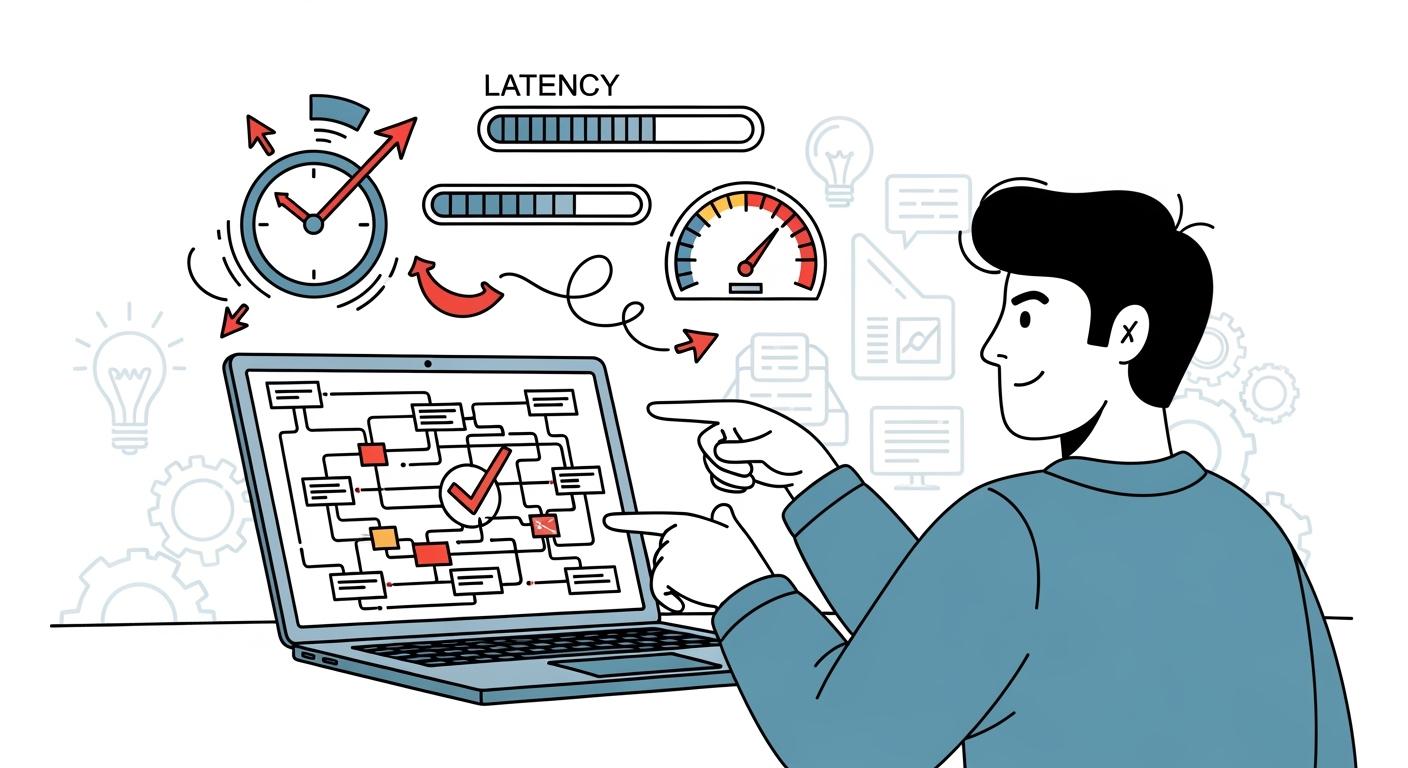
Cluely has been one of the most talked-about platforms for technical interview prep, so I decided to test it myself during coding interview practice. But after actually using it, I quickly noticed one major issue: latency. Every time I waited for code execution or AI responses, the delays kept interrupting my flow and made practice sessions feel far less smooth than I expected.
At first, I thought the issue might be caused by my own setup. I spent hours trying different browsers, adjusting settings, switching networks, and testing every optimization trick I could find online. Some tweaks helped a little, but the lag never fully disappeared. For a tool designed to assist during technical interviews, the response speed simply didn’t feel reliable enough.
After a lot of trial and error — including several failed attempts — I finally found solutions that worked much better for me. In this article, I'll share everything I tried to fix Cluely's high latency problems, what actually made a difference, and why I eventually switched to Linkjob AI as my preferred AI interview copilot.

Key Takeaways
Switching to a suitable browser may help reduce some lag. You can try different browsers during setup to find the one best suits your needs.
Identify symptoms of lag by measuring response times. Persistent pauses indicate an issue that needs to be addressed.
Tools such as stopwatch apps and browser developer tools can effectively diagnose lag issues.
Implement quick fixes, such as refreshing the page, closing unnecessary tabs, and disabling extensions, to improve performance.
Consider using a Cluely AI alternative that actually work, such as Linkjob AI, to enjoy faster response times and a smoother interview experience.
Cluely High Latency Issues
What Causes Cluely Latency
One of the first things I noticed while using Cluely was the delay in responses. I'd ask a question and sometimes wait 7–12 seconds for the AI to reply. That might not sound terrible, but during coding interview practice, it completely breaks the flow and makes the tool feel much slower than a real-time copilot should.
How It Affects Interviews
In live interviews, even a short delay can become distracting, needless to say some users even found that Cluely is freezing somtimes. When suggestions arrive too late, it's harder to stay focused and respond naturally. I often felt like I was waiting for the AI instead of actually concentrating on the interview.
Real User Experience and Impact
From my experience and from what I've seen other users' review of Cluely online, Cluely's latency can make interviews feel awkward under pressure. A few small tweaks, like switching browsers or checking network settings, helped a bit, but the lag never fully went away for me.
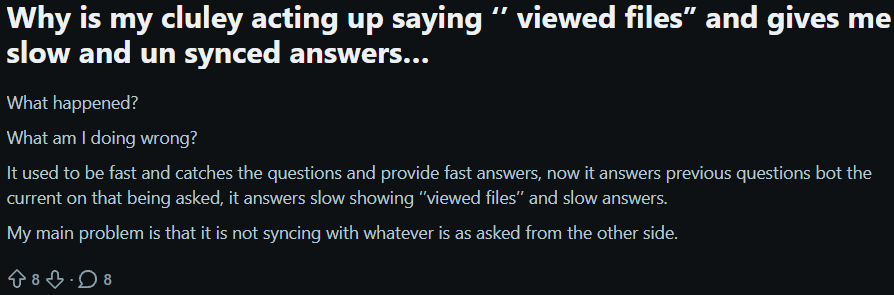


Complaints from Real Cluely Users Online
Diagnosing Cluely High Latency Problems
Recognizing Symptoms
When I started testing Cluely more seriously, the biggest warning sign was how consistent the delay felt. No matter whether I asked a simple question or a coding-related one, the response usually took several seconds to appear. After a while, it became obvious that this wasn't just a random internet issue.
Some of the most common signs I noticed were:
A repeated 5–7 second delay before every response
AI replies arriving too late to feel natural in conversation
The interview flow constantly getting interrupted
Tools for Diagnosis
To confirm the issue, I tested a few simple tools myself. I used a stopwatch app to measure response times, checked the browser Network tab in developer tools, and ran internet speed tests to make sure my connection wasn’t the problem. Together, these made it much easier to figure out where the slowdown was coming from.
Common Triggers
A few things consistently made Cluely feel even slower for me:
Using it during peak hours
Keeping too many tabs or apps open
Running heavy browser extensions in the background
Closing unnecessary tabs and simplifying my setup helped a little, but the latency still never fully disappeared. That’s actually one of the reasons I started looking into alternatives like Linkjob AI. Its Coding Interview Copilot felt noticeably faster during real-time practice, especially when solving LeetCode-style questions or asking follow-up coding questions mid-interview.
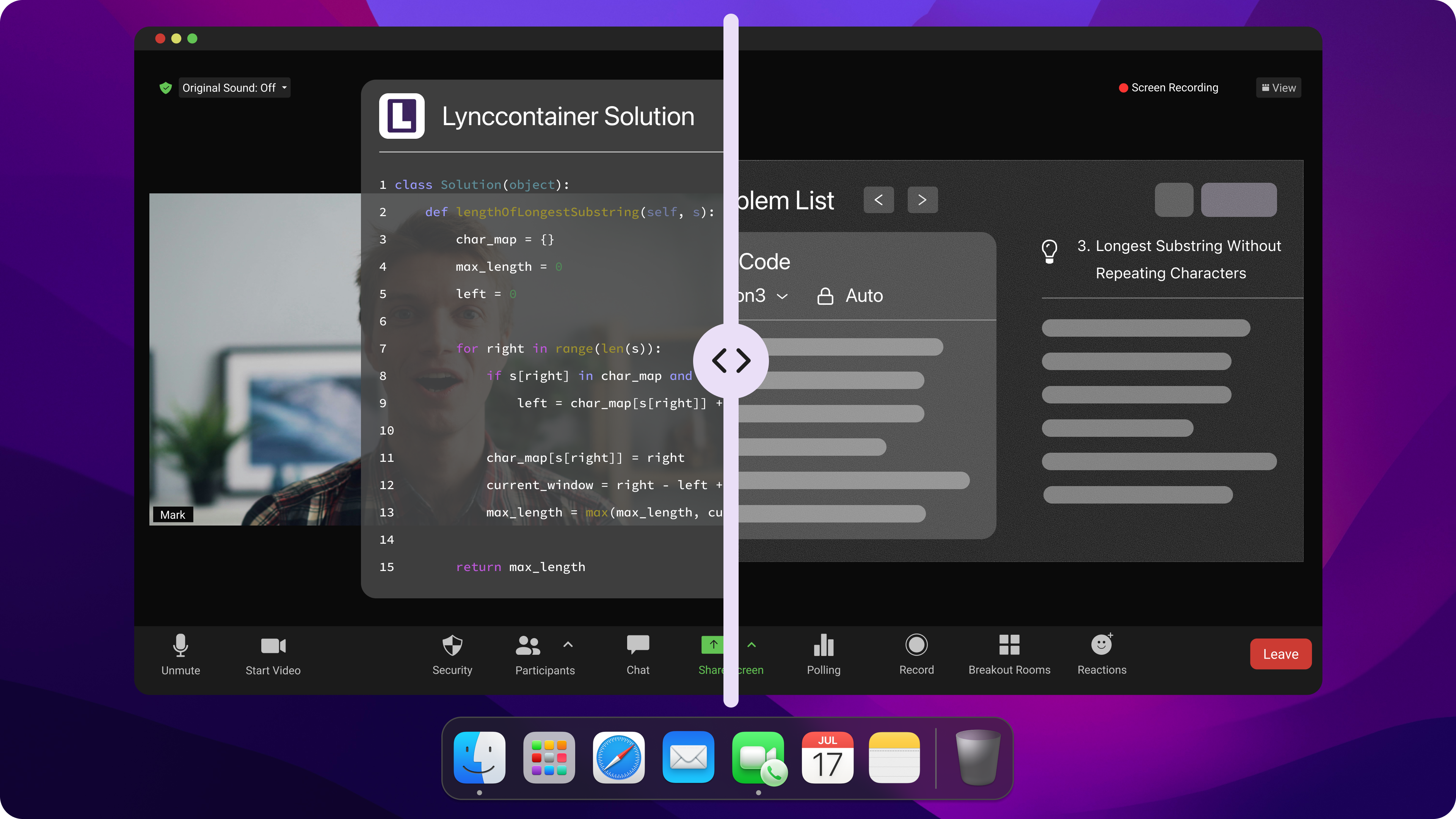
Undetectable AI Coding Interview Copilot
Cluely High Latency Troubleshooting Steps
Quick Fixes
When I first started dealing with Cluely lag, I tried a few simple fixes before changing anything major. Refreshing the page sometimes helped temporarily, and closing extra tabs made my browser feel noticeably faster. I also disabled a few extensions, especially ad blockers and privacy tools, since they occasionally slowed things down in the background.
The biggest surprise for me was switching browsers. On my setup, Chrome actually handled Cluely better than Firefox and reduced some of the delay during coding interview practice.
Network and System Checks
After that, I checked whether the issue was coming from my own setup. I ran internet speed tests, restarted my router, and closed heavy background apps like video calls or streaming software. Even moving closer to the router helped stabilize the connection a little.
Check | What I Found |
|---|---|
Internet speed test | Connection was stable, but Cluely still lagged |
Router restart | Helped reduce random spikes temporarily |
Closing background apps | Improved response times slightly |
Stronger Wi-Fi signal | Fewer freezes, but delays remained |
These checks helped me rule out most local issues, which made me realize that a big part of the latency was probably coming from Cluely itself.
Testing Solutions
To avoid guessing, I tested each change one at a time and timed the responses manually. Some tweaks helped a little, but none completely fixed the problem.
Change Made | Before | After | My Experience |
|---|---|---|---|
Disabled extensions | 8–10s | 6–7s | Slight improvement |
Closed background apps | 7–9s | 5–6s | Still felt slow |
Switched browsers | 7–9s | 4–5s | Most noticeable improvement |
Refreshed session | 6–8s | 5–6s | Only temporary |
After repeating these tests several times, I realized the lag wasn't fully fixable on my end. Even with a clean setup and stable internet, Cluely still struggled to feel truly real-time during technical interview practice.
Lessons Learned from Cluely High Latency
What Didn’t Work
After testing different browsers, network settings, and system tweaks, I realized there wasn't a single fix that completely solved Cluely's latency issues. Some changes improved performance slightly, but the delays never disappeared entirely. At a certain point, I found myself spending more time troubleshooting than actually preparing for interviews.
Unexpected Challenges
The biggest challenge wasn't the lag itself—it was the effect it had on my focus. During coding interviews, timing matters more than I expected. Even a few seconds of delay could interrupt my thought process, especially when answering follow-up questions or explaining my solution. Instead of concentrating on the interview, I was often thinking about whether the AI would respond in time.
Key Insights
Looking back, a few lessons stand out:
Small optimizations can help, but they won't fix every latency problem.
Some delays appear to come from the platform itself rather than the user's setup.
Response speed matters much more in live interviews than in normal AI chats.
If a tool consistently struggles to keep up, it may be worth exploring alternatives.
By this point, I had already tried most of the common fixes. Rather than continuing to chase incremental improvements, I decided to see how other AI interview assistants performed in real interview scenarios.
Looking for a Faster Cluely Alternative
Why I Switched
By this point, I had already spent weeks trying to reduce Cluely's latency. Some fixes helped a little, but none completely solved the problem. The delays were still noticeable enough to break my concentration during coding interviews and mock interview sessions.
Rather than continuing to tweak settings, I decided to see how other AI interview assistants performed under the same conditions. My goal wasn't to find the platform with the most features. I simply wanted something that could keep up with the pace of a real technical interview.
I tested several popular options, including Linkjob AI, Final Round AI, LockedIn AI, Parakeet AI, and Verve AI. I used them during coding practice, mock interviews, and technical Q&A sessions to see how they handled real-time conversations.
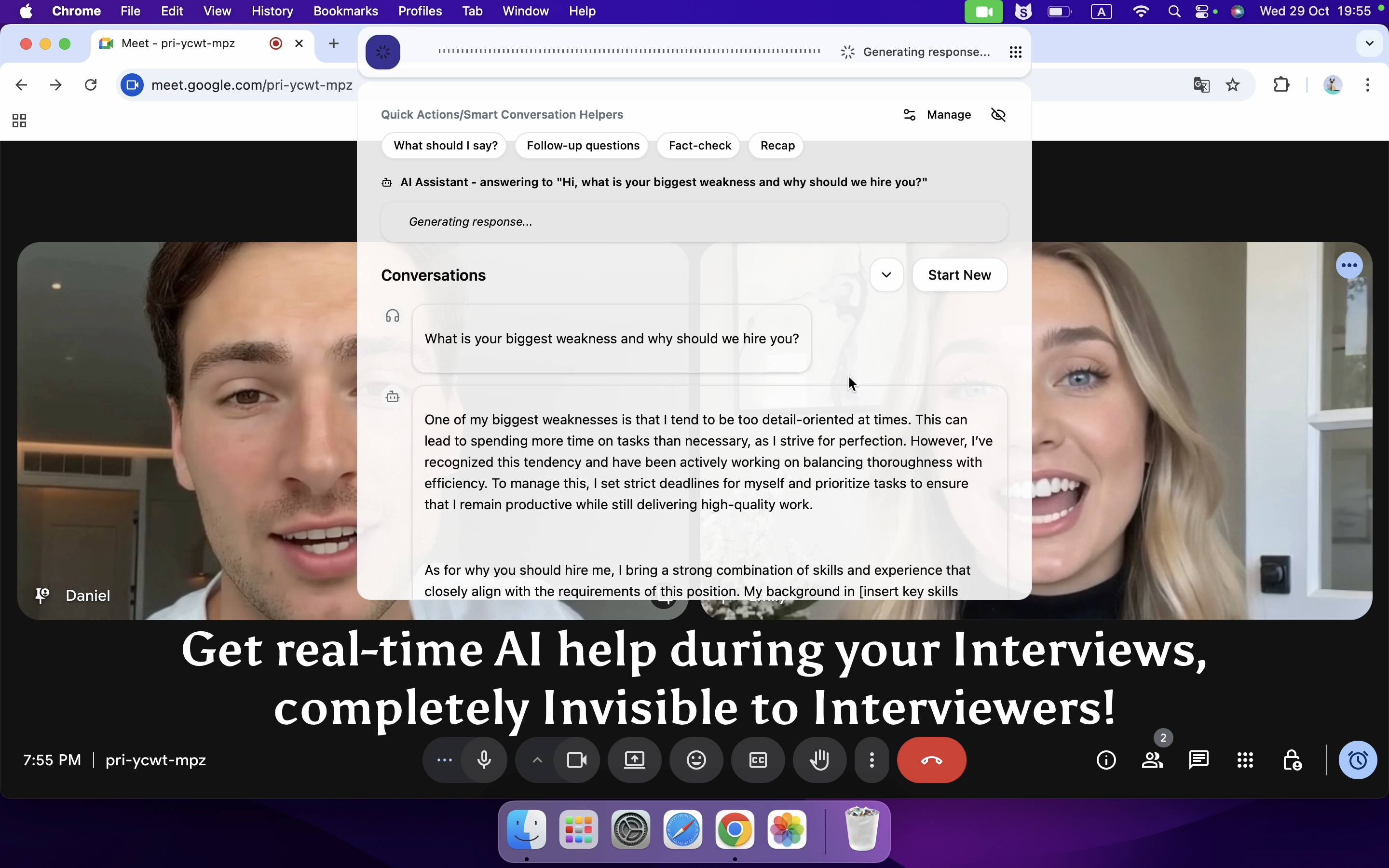
Real-time AI Interview Assistant
One thing I noticed almost immediately was how much response speed affected the overall experience. When suggestions appeared quickly, I could stay focused on the conversation and use them naturally. When responses were delayed, even good answers became less useful because the moment had already passed.
That observation became the starting point for the comparison below.
Comparing Performance
Since latency was the main reason I started this search, I spent time comparing several popular AI interview assistants side by side.
Tool | Typical Response Speed | User Interaction | Best For |
|---|---|---|---|
Linkjob AI | Usually under 1 second | Mostly automatic | Real-time coding interviews |
Cluely | Often 7–12 seconds during busy periods | Manual triggering required | General interview assistance |
Final Round AI | Moderate delay | Semi-automatic | Behavioral interviews |
LockedIn AI | Moderate delay | Semi-automatic | Mixed interview types |
Parakeet AI | Manual workflow | Requires frequent interaction | Coding support |
Verve AI | Moderate delay | Semi-automatic | General interview preparation |
Of course, actual performance varies depending on hardware, network conditions, interview platforms, and AI models. These observations are based on my own testing and day-to-day usage rather than controlled benchmarks.
For coding interviews specifically, response speed ended up mattering more than I originally expected. When an interviewer asks a follow-up question, you rarely have 10 seconds to wait for an answer.
What Stood Out About Linkjob.ai
After trying several alternatives, a few things consistently stood out to me.
Fast responses
This was the biggest difference. During LeetCode-style interviews, the suggestions generally appeared quickly enough to keep pace with the conversation.
Less manual work
Some tools required extra clicks or manual actions before generating responses. Linkjob.ai felt more streamlined, which helped reduce distractions during practice.
Strong Coding Interview Support
This was probably the feature I ended up using the most.
The Coding Interview Assistant can listen to technical questions, analyze coding problems, and generate solution ideas in real time. During mock interviews, I found it especially useful for:
LeetCode-style algorithm questions
Data structures and system design discussions
Follow-up optimization questions
Explaining time and space complexity
Clarifying interviewer intent when questions were ambiguous
Instead of constantly switching between tabs or prompting the AI manually, I could stay focused on solving the problem and discussing my thought process.
That doesn't mean it's perfect. Like every AI interview tool I've tested, it can occasionally misunderstand context or generate an answer that needs adjustment. I still recommend reviewing suggestions critically instead of following them blindly.
Honest Review
After using multiple interview copilots, I've come to think that reliability matters more than having the most advanced AI model on paper.
Cluely introduced me to the concept of AI interview assistance, but the latency became frustrating enough that I started exploring alternatives. Final Round AI, LockedIn AI, Parakeet AI, and Verve AI all had strengths of their own, but for technical interviews, I personally found Linkjob AI to be the most practical balance between speed, usability, and interview support.
The biggest benefit wasn't getting better answers. It was spending less mental energy worrying about the tool itself.
When the AI responds quickly and stays out of the way, it's much easier to focus on what actually matters: communicating your ideas, solving problems, and performing well in the interview.
FAQ
How do I know if Cluely latency is my fault or the platform's?
I check my internet speed first. If my connection looks good, but Cluely still lags, I know the issue comes from their servers.
Tip: Use browser developer tools to see if requests get stuck.
What should I do if none of the fixes work?
I always keep a backup plan. If nothing helps, I switch to another tool like Linkjob.ai.
What browser worked best for Linkjob AI?
Chrome gave me the smoothest experience.
Edge sometimes lagged more.
Firefox worked okay, but Chrome felt fastest for me.
Can I use Linkjob AI and Cluely at the same time?
No, I wouldn't recommend doing that, because running both invisible AI interview assistants at the same time will inevitably cause some bugs. Linkjob AI is more than enough on its own.
See Also
What I did when Cluely stopped working for me in 2026
How I Identified Cluely Risk and Switched to Safer AI Tools in 2026
Linkjob AI vs Cluely The Ultimate Showdown of Stealthy Interview Assistants
Top AI Tools for Getting Invisible Help in job interviews: My Honest Picks for 2026
Why People Choose Linkjob AI
Smoother interviews, coding challenges cleared, and job offers landed. See how users describe their experience with Linkjob AI—in their own words.


© Copyright 2026 Linkjob AI - All Rights Reserved.