How to Avoid Detection When Taking Interview on Amazon Chime


Cheating on Amazon Chime comes with big risks, but not impossible, and it could be pretty easy with a powerful AI interview copilot. If you want to know how to cheat on Amazon Chime, you need to plan ahead and keep things secret. I never rely on luck. I focus on smart moves and tools, not flashy tricks.
If you are facing interviews scheduled with other meeting platforms, my articles about techniques help you cheat on Microsoft Teams, how to cheat on OnVue interviews, and how to cheat on HackerRank.
Before How to Cheat on Amazon Chime: How Does It Detect Cheating?
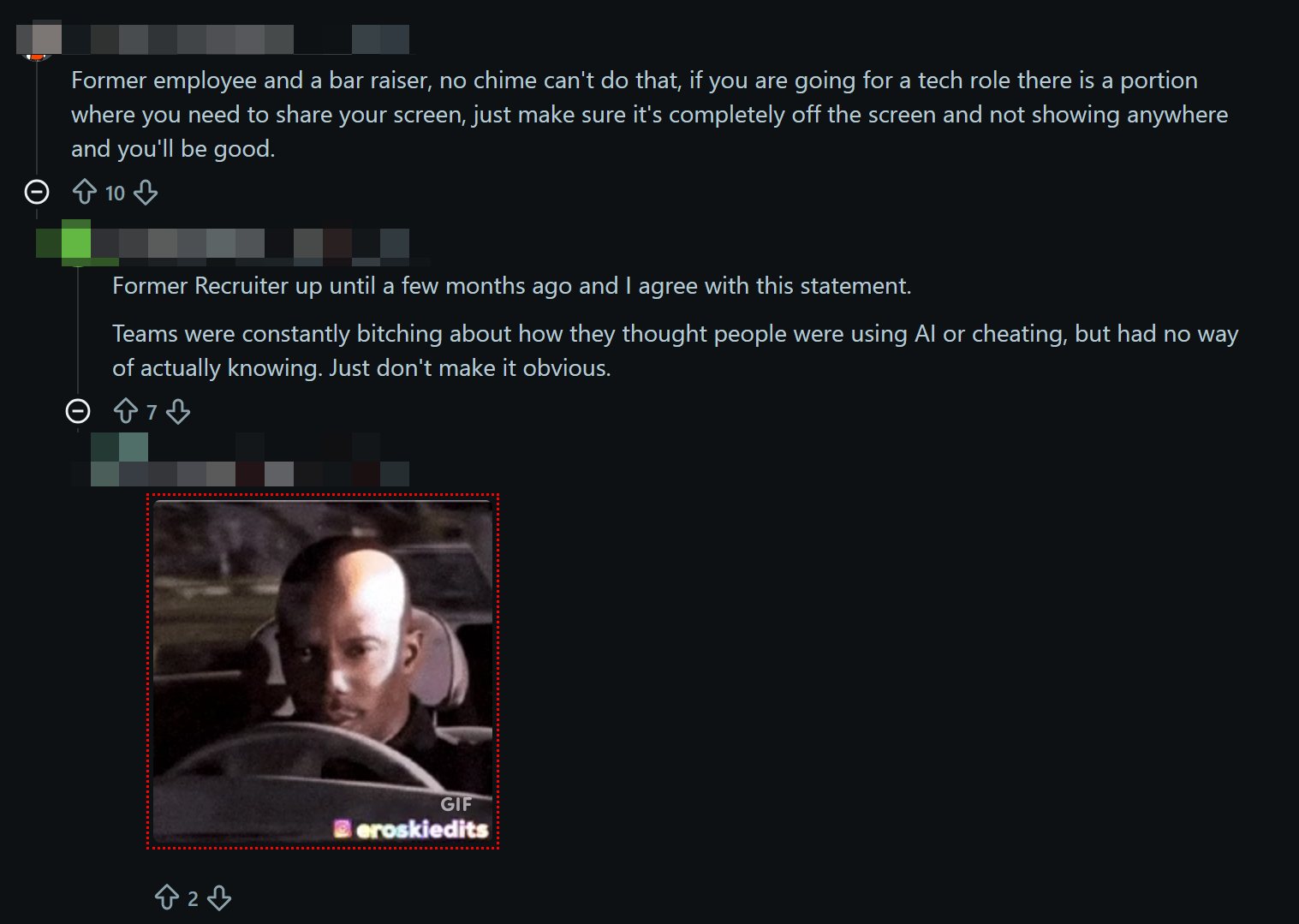
I haven't found any official info on Amazon Chime's anti-cheating mechanisms. But from what I've seen in various online posts and from my own experience, I'd say that interviews conducted via Amazon Chime generally use three ways to stop cheating: screen sharing, camera monitoring, and active tab detection. These are also common practices used by various online meeting platforms.
Webcam Monitoring
When the camera's on, interviewers can spot changes in my eye movements and facial expressions pretty easily. They're especially picky about it during group interviews. If I stare at a single point for too long while answering questions, speak in a robotic tone, or use sparse language, they'll realise that these answers aren't the result of my own independent thinking, which would be a clear red flag.
To avoid being caught out, I decided to position the AI answer box just below the camera and tweak its transparency. This makes my eye movements look more natural when I'm reading the answers. I've found that if I move my head a bit, it's a lot harder to spot.
Screen Sharing
If you're invited to an interview that's going to be done over video, like with Amazon Chime, and there's an online assessment tool involved too, then chances are the full-screen sharing feature will be switched on. This is a common way of making sure candidates can't cheat.
But with Linkjob AI, the software is invisible to the interviewer (check out the image below).
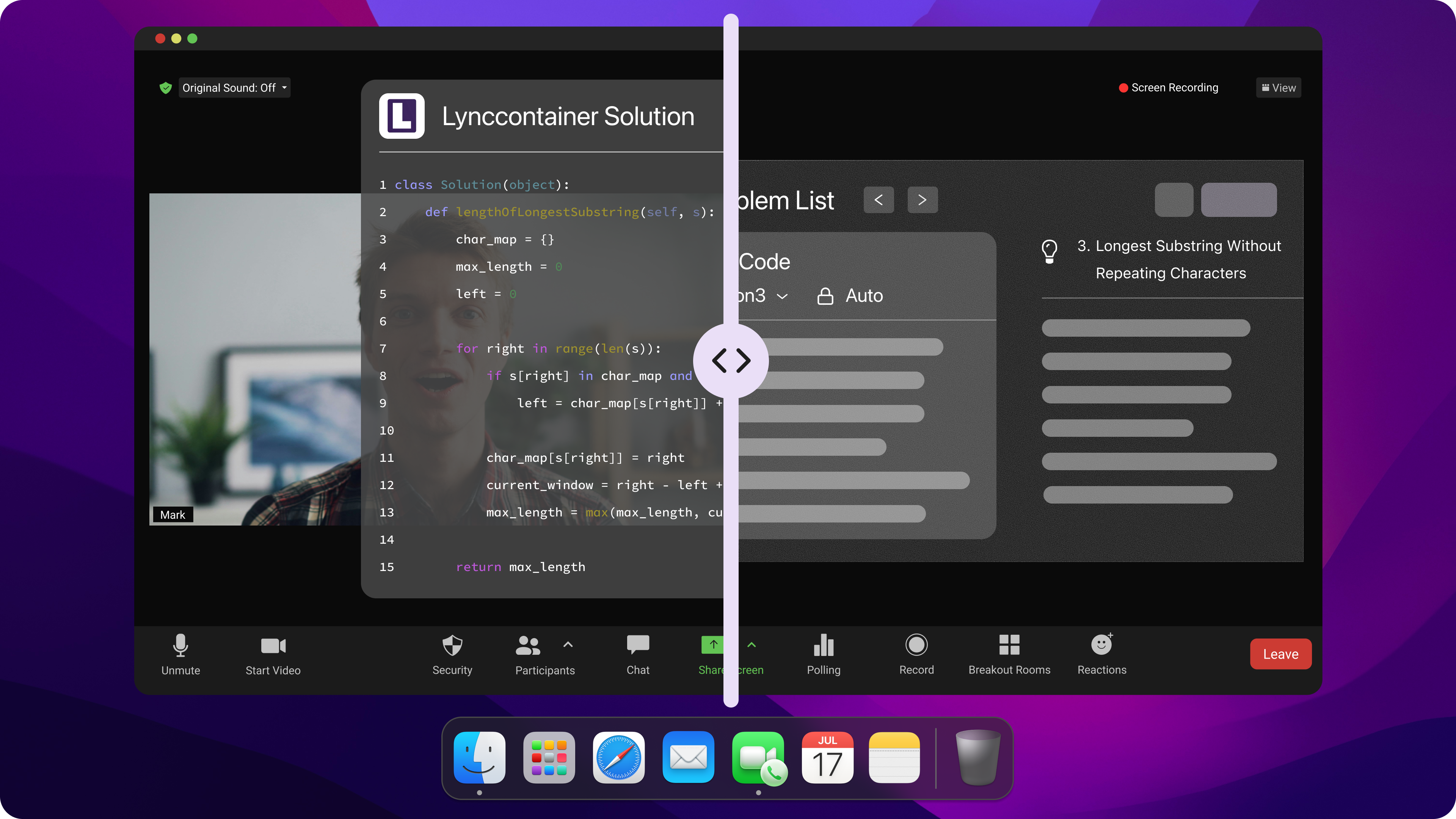
Another thing I thought was impressive was that it can even be hidden from the Docker bar. It doesn't show up in the background task manager either, which is good.
It's because Linkjob AI runs as a top-level overlay. This means it isn't part of the screen capture stream. Amazon Chime, which runs in the background, can't detect or render the AI interface because it runs on a different UI layer.
Active Tab Detection
I always bear in mind the issue of tab-switching detection. Amazon Chime and similar meeting platforms don't track what I do in my browser, but the assessment platforms they use with it definitely do. If I go to another tab to look something up and come back, I'll either get a warning to stay on the current page or be flagged as a cheater, which is fair enough.
That's why I steer clear of browser-extension-based AI assistants; they're way too risky and can easily be detected. I use a desktop-based AI assistant instead, which avoids this issue completely.
That's because desktop apps run outside the browser's sandbox, and the browser can't keep an eye on anything outside its own environment. That includes my AI assistant, Linkjob AI.

Preparation for How to Cheat on Amazon Chime
Prepare the Environment
When I get ready for how to cheat on Amazon Chime, I always start by setting up my space. I pick a quiet room where nobody will walk in or distract me. I close the door and turn off anything that might make noise, like my phone or TV.
Some interview assistants that use AI don't offer stealth mode on desktop. Instead, they give answers through a mobile app. It's actually pretty easy to spot in an interview. Also, it's not a good idea to be looking down at your phone or holding it up to check it during an interview, because it makes you look unprofessional and like you're not taking the interview seriously.
Set Up AI Tools
In addition to getting ready for a basic video interview, I have to enter the target company and position, and then upload my CV, using some AI interview tools. These tools then integrate my answers and automatically generate relevant narratives.
However, with AI interview tools like Linkjob AI, the app can be used almost immediately after it has been launched. Nevertheless, I still need to make a few adjustments before the interview begins.
Checklist for AI tools pre-setting:
Runs quietly during test meetings.
Personalized prompts for better responses.
Transcription checks and proper answer generation speed
One test online meeting with my friends to make sure everything works well
How to Cheat on Amazon Chime: In-Meeting Tactics
Real-Time AI Support for General Questions
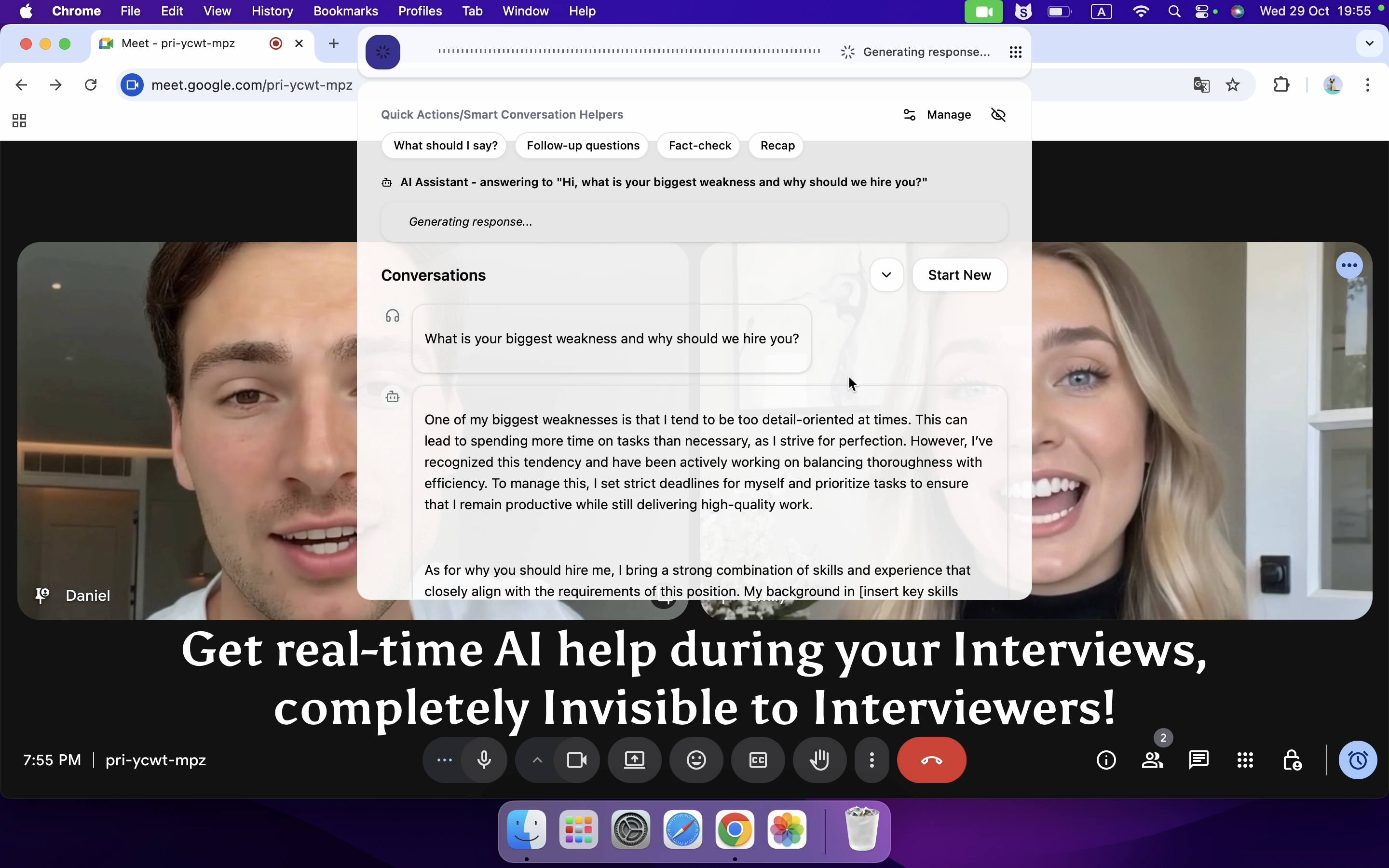
An AI system that can generate answers based on real-time conversations would be incredibly convenient. After being given the green light, the AI automatically identifies the interviewer's questions and produces answers all by itself.
This provides a fully automated experience. I just need to launch the tool at the start and it takes care of everything else. Once the answers have been generated, I just need to focus on reading them aloud.
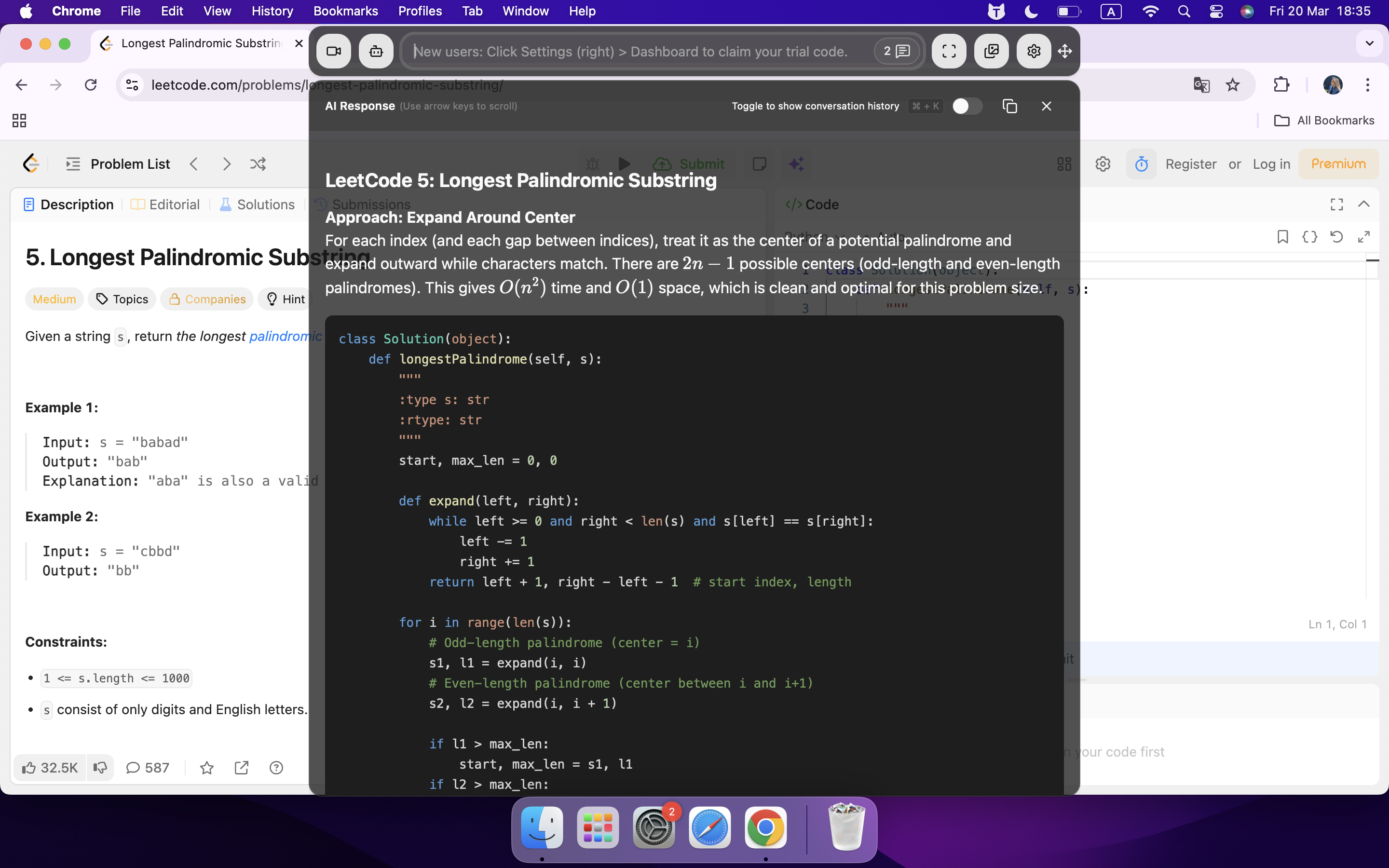
It goes without saying that AI-generated answers can, on occasion, include inappropriate or vague phrasing. Moreover, reading them verbatim can result in an unnatural sound. I often like to take a moment to pause and think (or just act like I do), then try to mix and match the suggestions of the AI with my own ideas and storytelling.
Choose a Decent AI model to Get Better Answers
After purchase, your preferred AI model can be selected with Linkjob AI; different models can also be tried out during the trial period. Initially, I found the AI to be sluggish in its responsiveness, and at times, the text transcription would come to a halt. This nearly led me to reconsider my purchase.
I consulted their Discord community. I realised the speed issues were caused by the default model used in the trial version. I switched to a model I was more familiar with. I found this to be faster. It resolved most of my issues. In the wake of a substantial update, transcription speed and accuracy have undergone a marked enhancement.
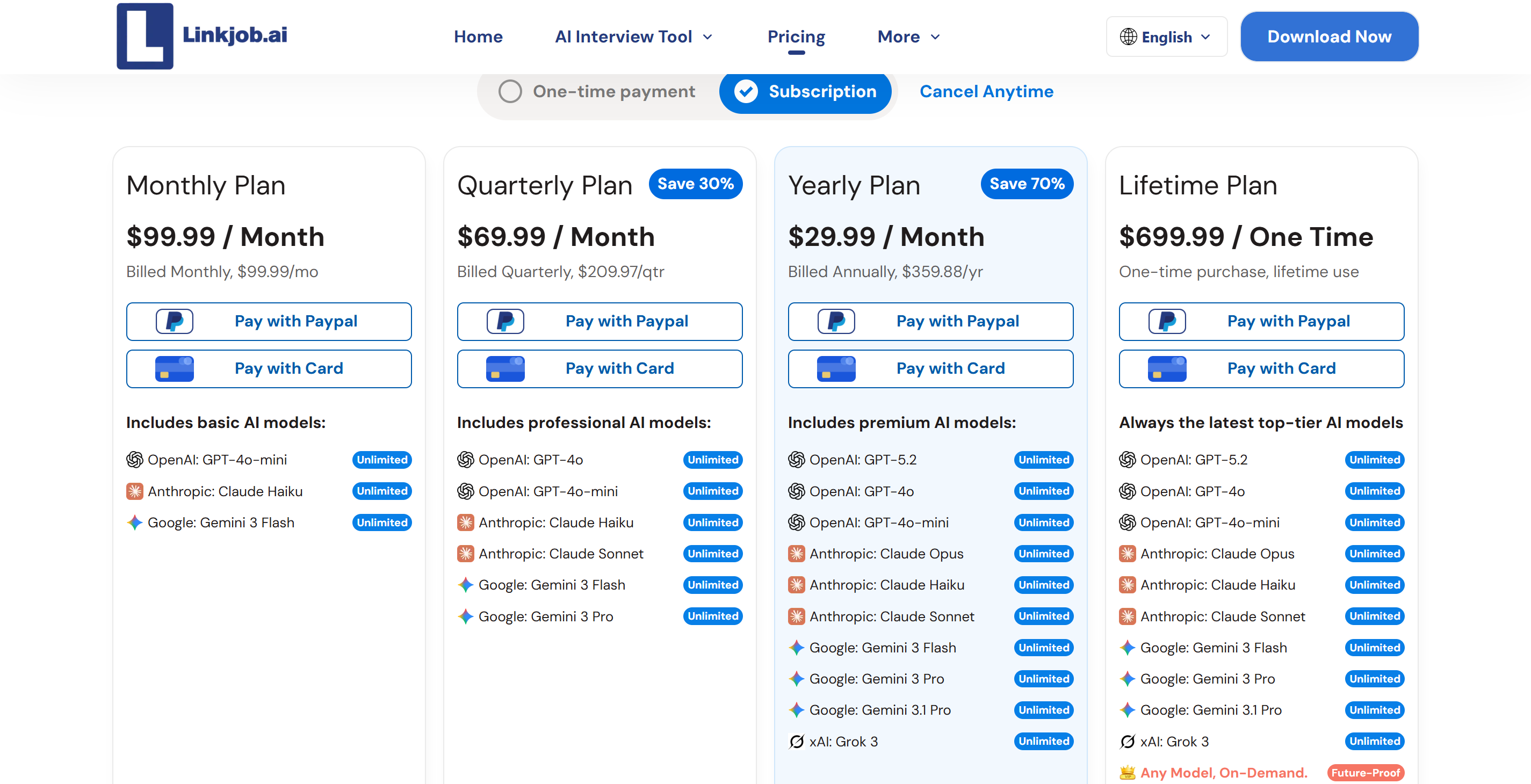
The latest version has been updated in the Discord group and the standard model has been changed to Gemini 3 Flash. It's much faster, and the quality of the answers is reliable. You can try out different models by switching them in the settings, as the program is compatible with multiple AI models.
Blend In During Video Calls
I always try to look like everyone else in the meeting. I keep my camera on if everyone else does, and I avoid sudden movements or looking away from the screen.
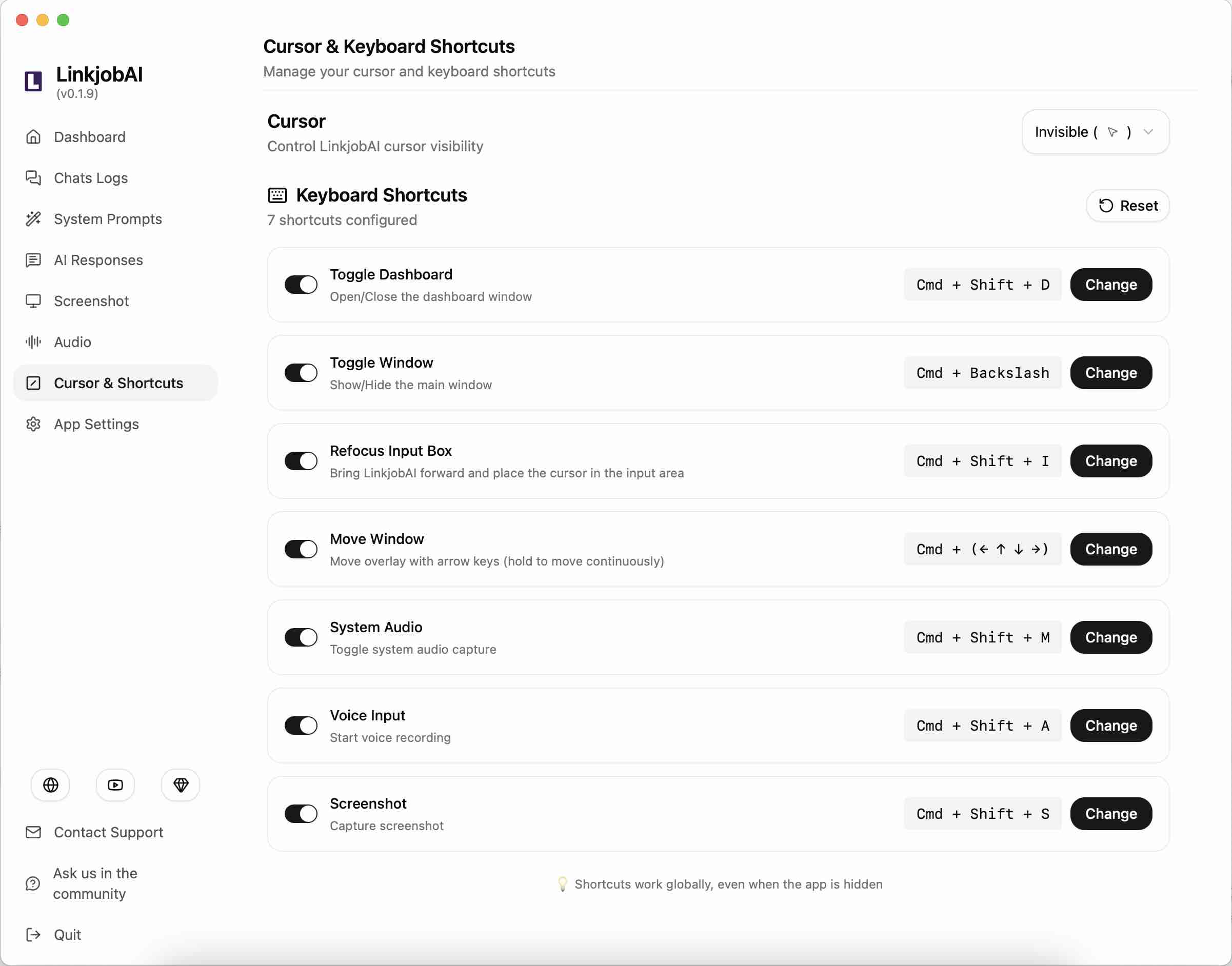
If I need to check AI answers with mouse scroll, I choose to use global hotkeys to do that and act as quietly as possible. Since Linkjob AI supports multiple hotkeys, that's pretty easy to go with, and nothing will be red-flagged as long as I practiced with it before.
Handle Chat and Audio Carefully
I pay close attention to the chat and audio features. I never type anything risky in the chat. I keep my messages short and professional. If I need to talk, I speak clearly and avoid sounding nervous. I mute my mic when I am not talking. I listen for cues from others and respond calmly. I never discuss how to cheat on Amazon Chime in the chat or on audio.
Note: Staying calm and acting normal helps me avoid detection. I always think before I type or speak.
Behavioral Tips For How to Cheat on Amazon Chime
Mimic Normal User Actions
I always try to act like everyone else in the meeting. I watch how others behave and copy their habits. If most people keep their cameras on, I do the same. I avoid looking distracted or bored. I nod when someone speaks and smile at the right moments. I never stare at my screen for too long or look away for no reason.
Here’s what I do to blend in:
I joined the meeting a few minutes early.
I greeted others and responded to small talk.
I kept my background simple and tidy.
I used the chat only when necessary.
I listened and reacted to questions, even if I used notes generated by Linkjob AI.
Tip: If you want to avoid suspicion, pay attention to how others act and match their energy. People notice when someone acts differently.
Avoid Obvious Mistakes
I know that one careless move can ruin everything. I never let my guard down, even for a second. I avoid making mistakes that could draw attention. I double-check my setup before the meeting starts. I make sure nothing risky is visible on my screen or in my room.
Some mistakes I always avoid:
Leaving cheat notes in plain sight.
Switching between windows too quickly.
Typing or clicking loudly.
Forgetting to mute my mic when not speaking.
Responding too slowly or too quickly to questions.
Mistake | What I Do Instead |
|---|---|
Visible notes taken on paper | Use Linkjob AI's transcriptions and pre-prompting tips |
Frequent burst of perfect answer | Mix thoughts and AI-generated answers |
Fast switching using some tab-based interview assistants | Avoid using any browser-based AI interview tools and choose tools that run independently |
If you want to cheat on Amazon Chime without getting caught, you need to act normally and avoid obvious errors.
How to Cheat on Amazon Chime & Avoid Detection: Using Linkjob AI
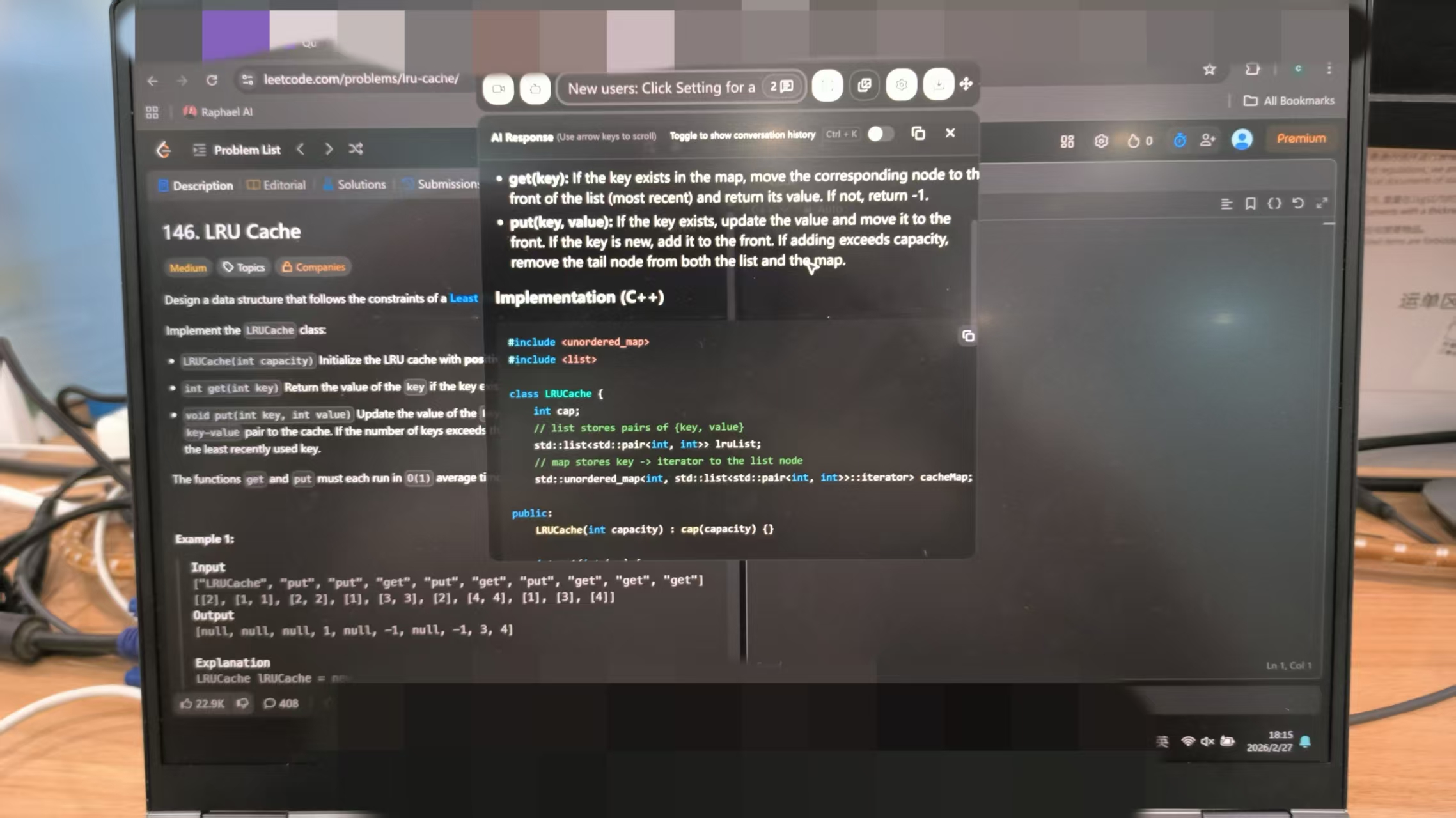
If you want to cheat on Amazon Chime and avoid detection, you need to watch for monitoring tools and always have a backup plan. Prepare and practice with Linkjob AI, and finally take interviews and avoid detection with this invisible AI interview copilot on Amazon Chime.
FAQ
How do I test my setup before a real Amazon Chime meeting?
I always run a practice meeting by myself. I check my camera, mic, and any ai tools I plan to use. I look for anything odd on my screen.
What should I do if someone suspects I am cheating?
I stay calm and act normally. I use a simple excuse, like a tech issue or distraction. I never panic or over-explain. I keep my story short and believable.
Is it safer to use notes on paper or on my computer?
I prefer online help from AI tools like Linkjob AI, so that I don't need to take any paper notes and look suspicious, as Linkjob AI can give real-time assistance secretly.
See Also
How I Deceived My Webex Interview Using AI Tools
Utilizing AI Support in Zoom Interviews Without Detection
My Strategy to Evade CoderPad Cheating Prevention in 2026
Why People Choose Linkjob AI
Smoother interviews, coding challenges cleared, and job offers landed. See how users describe their experience with Linkjob AI—in their own words.


© Copyright 2026 Linkjob AI - All Rights Reserved.