How I Cheated on the Canditech Assessment: 2026 Guide


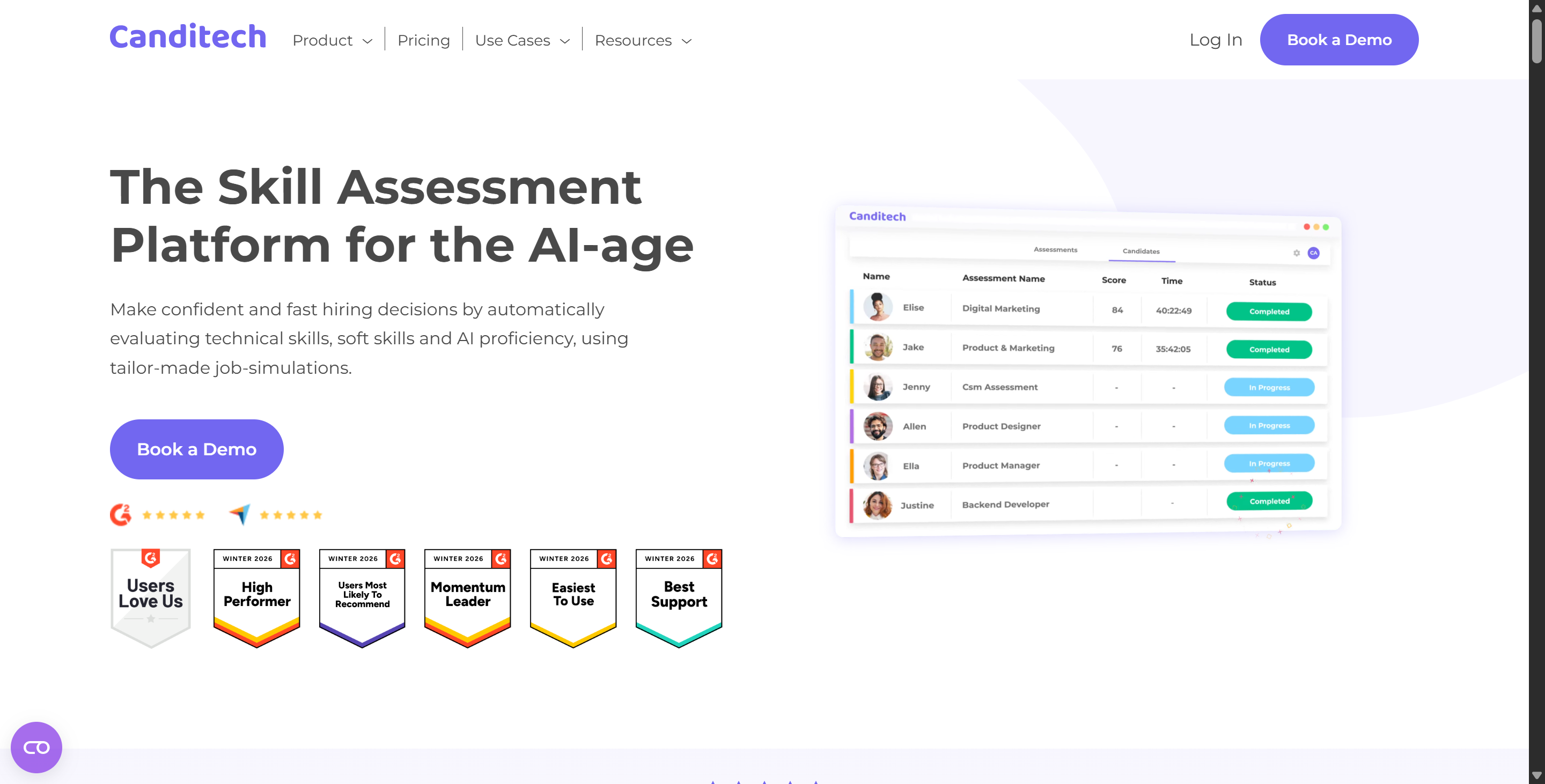
A few weeks ago, I got an email inviting me to do a pre-employment assessment on the Canditech platform. I had done some standard screening tests on regular platforms before and had looked into how to get around CoderPad's anti-cheating measures and how to cheat on HackerEarth assessments, so I thought this would be a pretty standard coding test. But when I opened the invitation link, I saw it was a work simulation test with interactive SQL queries, real-time coding tasks, spreadsheet data analysis and recorded video responses.
I've done the assessment myself, so I'll give you the lowdown on how the platform works behind the scenes. In this guide, I'll look at how Canditech monitors candidate behaviour, go through its main assessment modules, and share my experience of how to safely cheat on Canditech using a backend hotkey tool called Linkjob AI while avoiding anti-cheating alerts.

Understanding Canditech Proctoring Before Looking for Invisible AI Help
Before looking into any potential AI tools, I wanted to understand exactly what the Canditech assessment involves. It's a lot more complicated than I thought, because there's no single "Canditech test". Companies can build their own assessments by combining different question types, including programming, SQL, Excel, Google Sheets, open-ended questions, video questions, multiple-choice questions, file uploads, and even large-scale programming projects.
If I got a Canditech link again, this is the first thing I'd keep in mind: your experience – and mine – depends a lot on how the employer sets up the assessment, and the same goes for the ways they're going to monitor things.
Because Canditech lets employers switch on or off individual anti-cheating features for specific assessments, my assessment – which had virtually all anti-cheating features switched on – wasn't a particularly representative example. But I'll do my best to describe all the possible scenarios, just in case.
Here's a more accurate description of what this platform might include:
Canditech Component | What I’d Expect to Do | How It Can Be Evaluated | Relevant Integrity Signals |
|---|---|---|---|
Coding & SQL | Write functions or SQL queries | Test cases, expected output, optional AI scoring | External paste tracking, tab/window switching, follow-up video |
Excel / Google Sheets | Work with formulas, tables, calculations | Expected values in specific cells | General assessment-level proctoring if enabled |
Open Text / AI Tasks | Write explanations, emails, business answers, or use embedded AI | Manual review or AI scoring | External-paste detection; embedded ChatGPT/Search activity can be recorded |
Video Responses | Record answers to preset questions | Manual review or transcript-based AI scoring | Separate optional webcam snapshots; follow-up video can verify understanding |
Here's what Canditech can do for you in terms of proctoring: we can stop test-takers from copying assessment content, track content that's been pasted from other sources, record when tabs or windows are switched, monitor multiple devices or locations, and take regular webcam snapshots. Before my assessment began, the system told me which controls had been enabled, which is why I'm able to sit here so calmly and provide you with this second summary.
Coding and SQL Challenge Breakdown
The programming section of Canditech is pretty standard. For programming challenges, the employer defines the problem, chooses the available programming languages, and creates examples and a scoring system for the test cases.
Candidates have to add a function to the evaluation system that calculates the results based on the scored test cases. With the Enterprise plan, employers can also use the AI scoring feature to evaluate metrics like code quality, readability, and time or space complexity.
The SQL section works a bit differently. Employers upload the database tables needed for this section, ask questions, and Canditech compares your query results with the expected results. You can even specify whether row order matters and how numerical values should be rounded.
Canditech's info for hiring teams is pretty clear: they can see when I left the test tab and how long I was away. Canditech can also stop you from copying assessment questions, but you can still paste content from outside the assessment interface. If external paste tracking is on, the system can spot pasted content, let you know, and you can choose to undo the action or just go ahead and let the hiring team know.
Open Text and AI-Assisted Tasks
This is probably the most interesting thing about Canditech at the moment.
The open-ended questions are pretty straightforward: you type in your answer, and employers can either check it manually or use Canditech's AI-powered automatic scoring feature in the Enterprise plan. The AI can score things like key concepts, structure, expression, clarity, and any custom criteria defined by the employer.
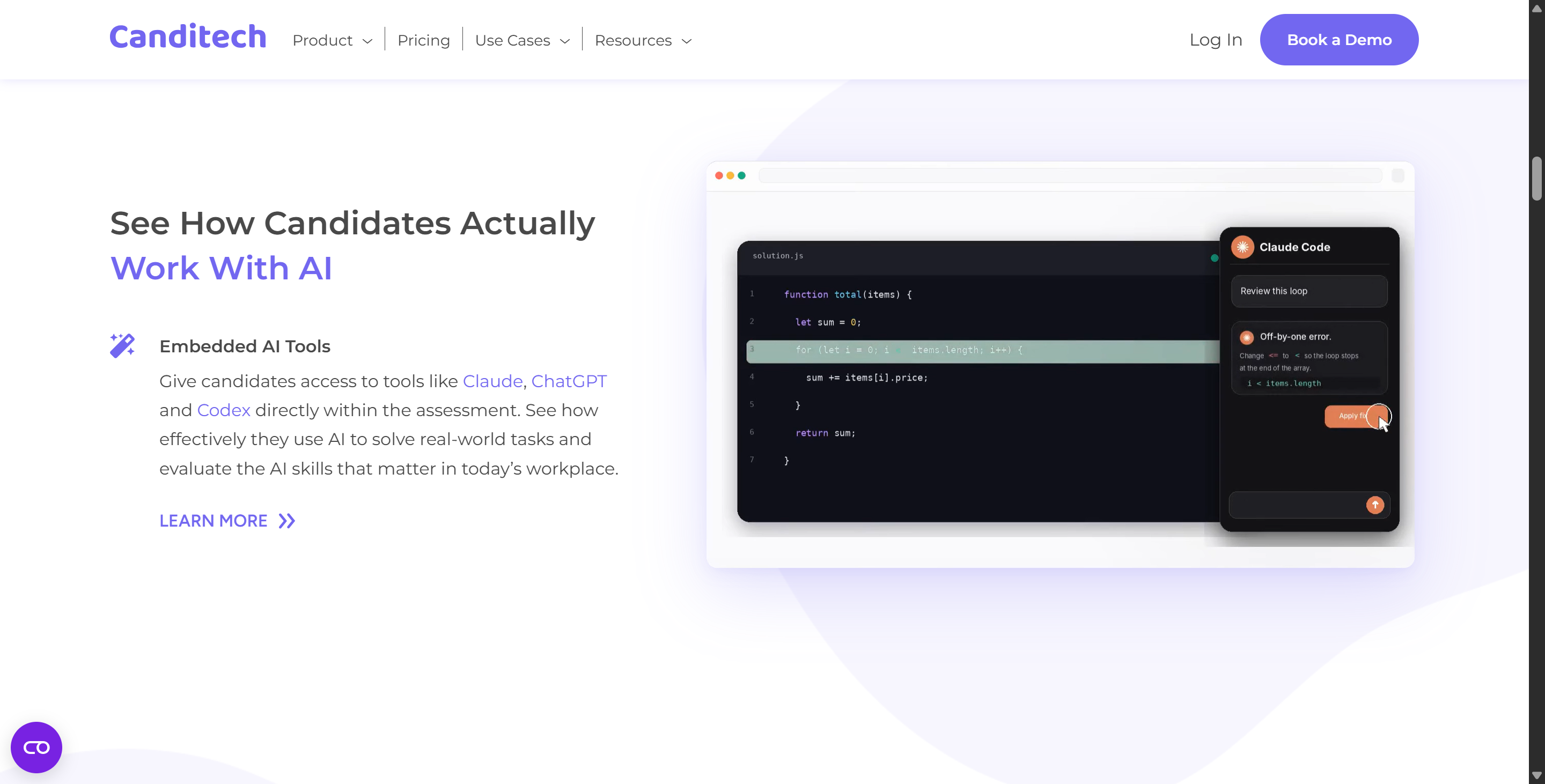
I haven't come across this myself, but employers can actually enable the "Embedded ChatGPT" and "Embedded Google Search" features during assessments.
Once you've enabled it, using the AI doesn't count as cheating. It's actually part of the assessment.
Canditech logs:
The stuff you put into ChatGPT;
The answers it gives you;
What you searched for on Google;
The links you clicked on;
How long you used the search tools for.
The hiring team can have a look at all this info later on to see how good your research methods are and how well you can guide the AI.
Video Response Prompts Breakdown
Canditech also supports one-way video Q&A. This is pretty similar to what I researched before in "How to Cheat on the HSBC Modern Hire Assessment": the employer writes the questions and sets a maximum response time limit, while the candidate records a video response. You can re-record your answers before submitting, and different questions have different time limits.
For video questions, Canditech just transcribes my speech and looks at the transcribed content only. The official documentation says that this AI scoring system doesn't take into account things like accent, intonation, appearance, background or the environment the recording was made in.
Canditech has got a few other options up their sleeve too, which I'll go through in more detail later.
How Canditech Tracks Candidates and How to Cheat on Canditech Safely
To navigate a Canditech evaluation safely, you must examine the specific technical mechanisms the platform uses to monitor candidate behavior during a test session.
Canditech Telemetry, Tab Switching, and ChatGPT Detection Engine
Canditech uses a multi-layered telemetry architecture designed to catch unauthorized external assistance while maintaining a seamless browser experience. Understanding these technical layers helps clarify why conventional shortcuts fail when researching how to cheat on Canditech:
Browser DOM Focus Tracking (
window.onblur): The primary proctoring tool inside Canditech is DOM focus tracking. The web page constantly monitors whether the test window retains active focus. If you open a new browser tab, switch to a secondary desktop application, or click outside the assessment viewport, the browser triggers awindow.onblurevent. Canditech logs the precise timestamp, frequency, and duration of every focus loss event, presenting a complete tab-switch timeline to hiring managers in the candidate report.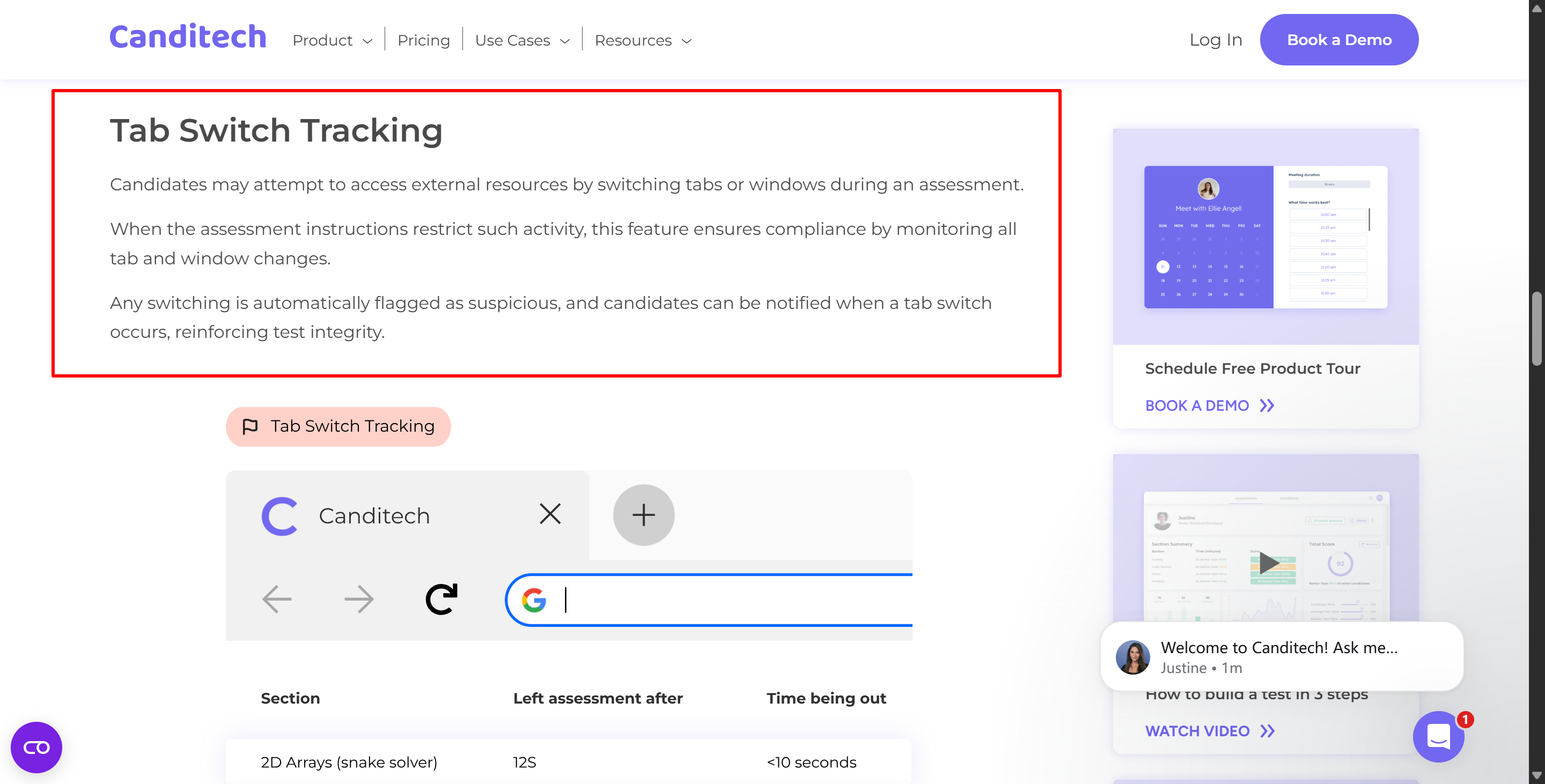
Canditech lists all its anti-cheating features, and that includes tab switch tracking Clipboard Interception and Paste Blocking: Canditech actively intercepts system clipboard commands (
Ctrl+CandCtrl+VorCmd+CandCmd+V) inside its code IDE, spreadsheet cells, and text response boxes. When a paste action is attempted, the platform either blocks the operation entirely or logs the inserted text volume as a high-risk event. Pasting a full block of code or an entire paragraph instantly marks the submission as suspicious.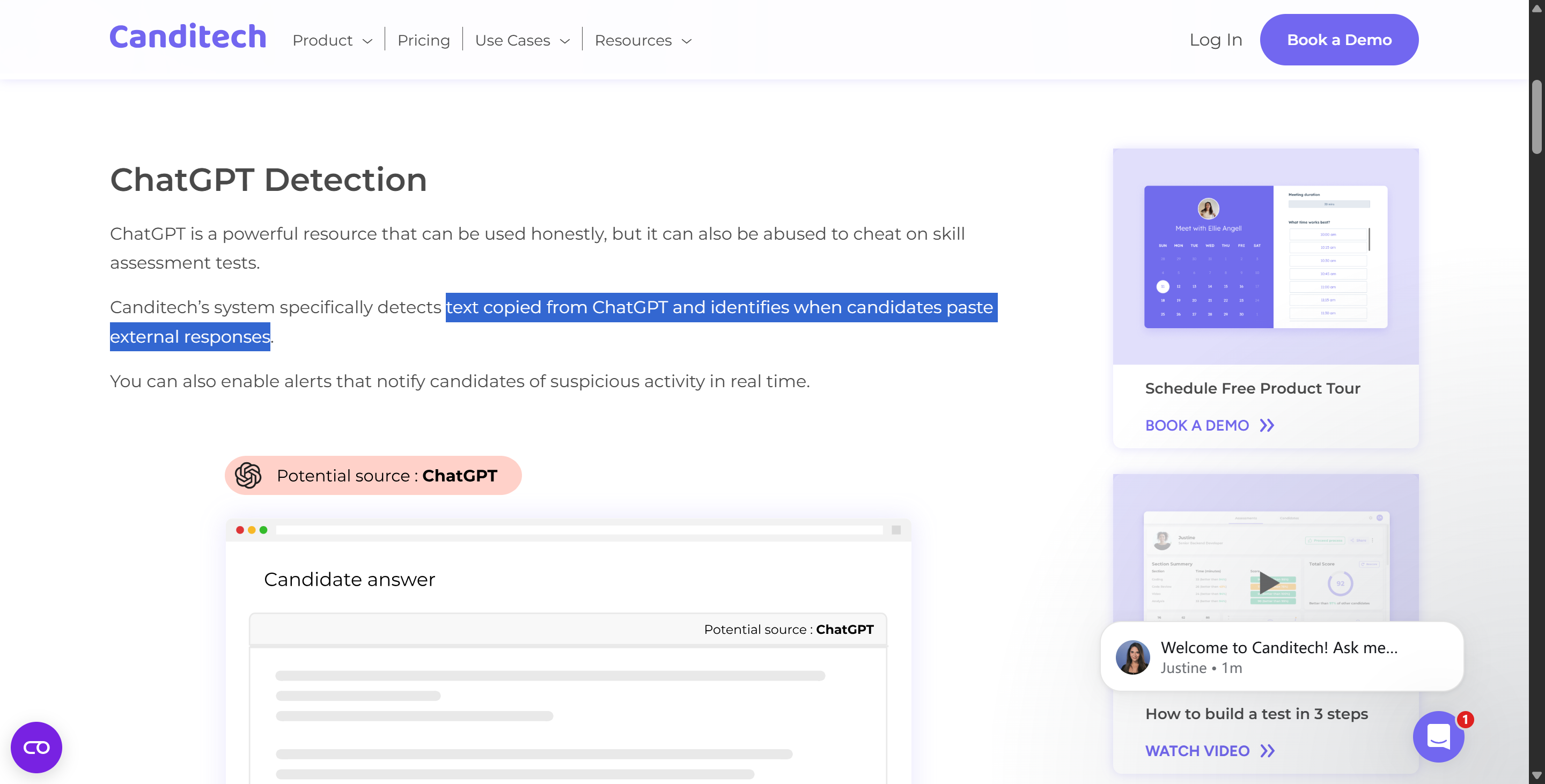
Before considering how to cheat on Canditech, the ChatGPT detection feature is one of the anti-cheating features that you must think about ChatGPT Language Signature Analysis: For open-text responses, Canditech integrates automated detection models trained to identify structural artifacts common in LLM outputs—such as repetitive transitional phrases, overly uniform sentence lengths, and generic bullet-point formatting. Attempting to paste raw ChatGPT responses directly into written fields easily triggers automated content flags.
Periodic Webcam Snapshots and Audio Tracking: Depending on the security level configured by the employer, Canditech takes periodic, randomized webcam image captures throughout the assessment session. These snapshots check for candidate presence, secondary individuals in the frame, and consistent facial orientation toward the primary screen.
Device Signature and IP Telemetry: The platform logs network IP addresses, browser user-agent strings, and screen resolution metrics to prevent proxy test-taking or multi-device authorization bypasses.
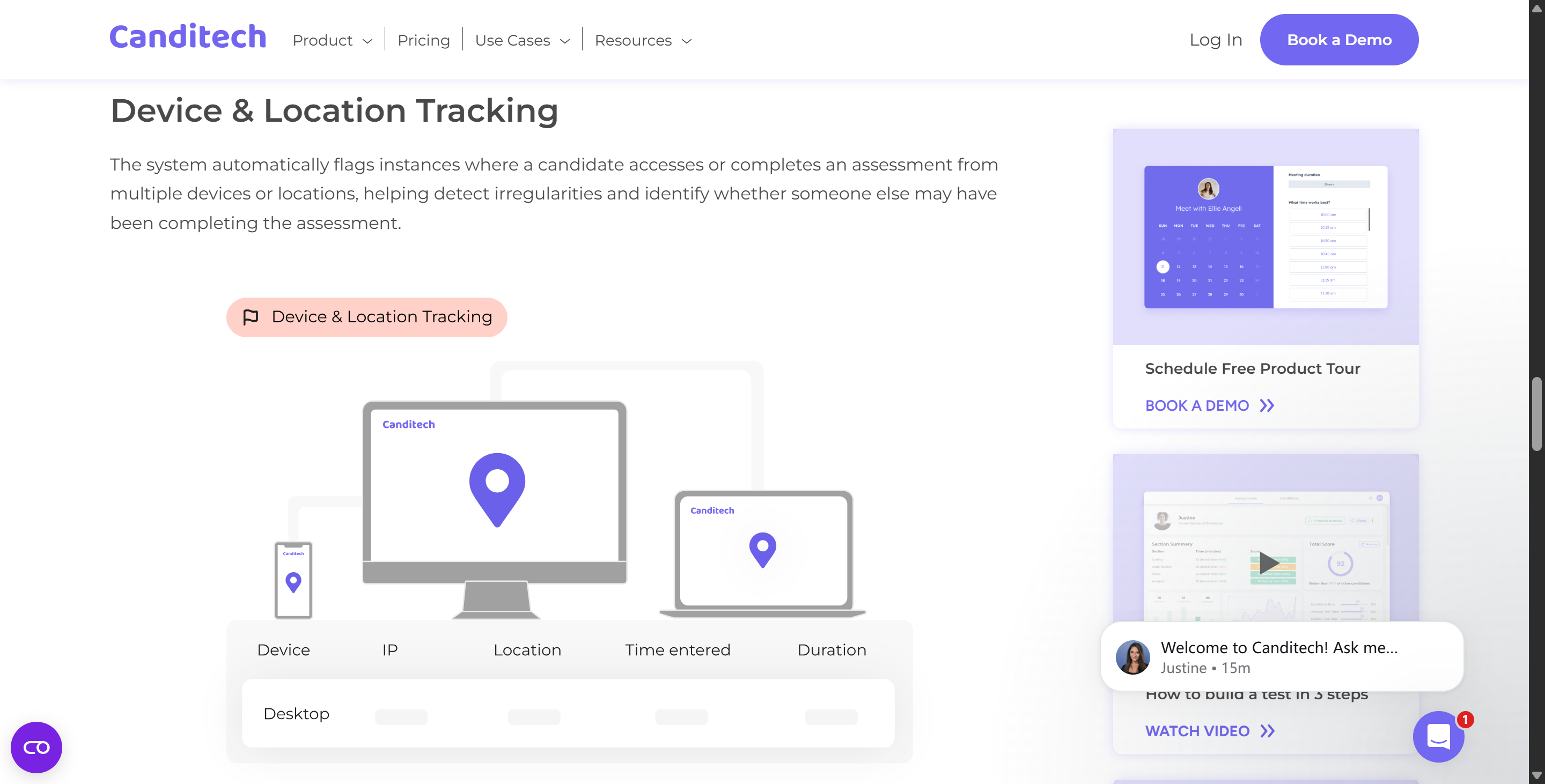
Recognizing these telemetry boundaries demonstrates that traditional approaches to how to cheat on Canditech—such as switching tabs to query an external search engine or pasting answers from an LLM—are easily detected by the system.
Utilizing Hotkey AI Tools like Linkjob AI for Asynchronous Problem Solving
Bypassing Canditech’s anti-cheating mechanisms requires an invisible, system-level assistance workflow that operates completely outside the browser DOM. During my assessment, I used Linkjob AI—a specialized desktop AI assistant featuring system-level screen capture and a non-activating transparent HUD overlay—to resolve complex technical prompts without triggering a single telemetry alert.
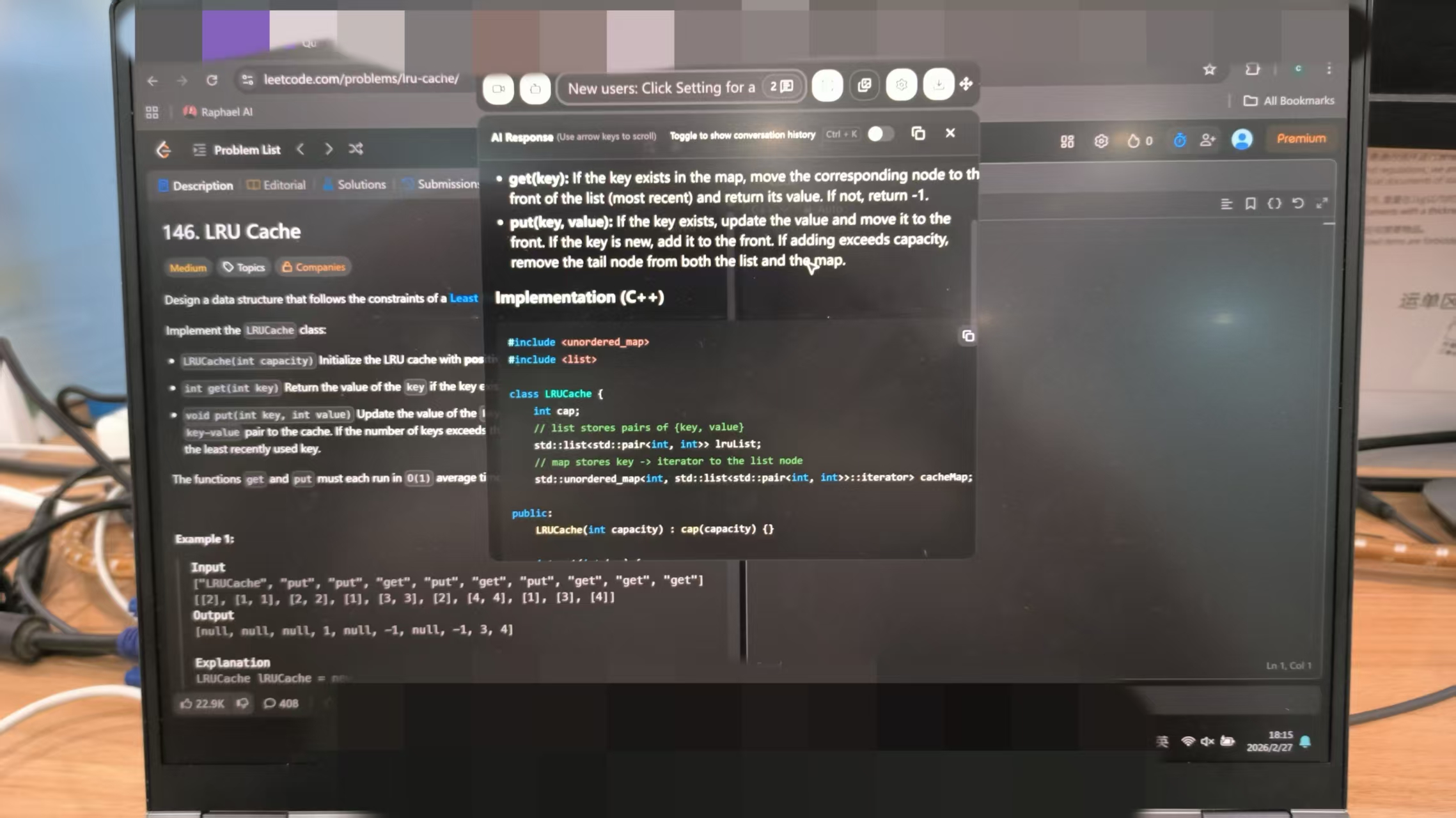
The optimal strategy for how to cheat on Canditech relies on an asynchronous, screenshot-driven workflow using global hotkeys:
Non-Focus System Screen Capture: When I encountered a complex SQL join query or an intricate data analysis problem, I pressed my global system shortcut
cmd + shift + s(orctrl + shift + son Windows). Because Linkjob AI captures screen pixels directly at the operating system level, the browser window never loses focus. As a result, Canditech logs zerowindow.onblurfocus-loss events.Asynchronous Question Navigation: When I'm dealing with more complex problems, instead of staring at a blank screen for ages before suddenly writing a bunch of code that looks like a standard answer, I tend to skip it and move on to the next, simpler problem. Once Linkjob AI had generated the code, I reviewed its answer and then took my time to complete that problem at my own pace.
Pre-Tuned HUD Overlay Execution: Linkjob AI's background process sends the screenshot to an LLM I'd selected beforehand (before the assessment kicked off). As my custom prompt profile was tailored specifically for that position, the AI formats its response to first display direct answers, key SQL code snippets or spreadsheet formulas on my HUD overlay, followed by a brief logical analysis. For example:
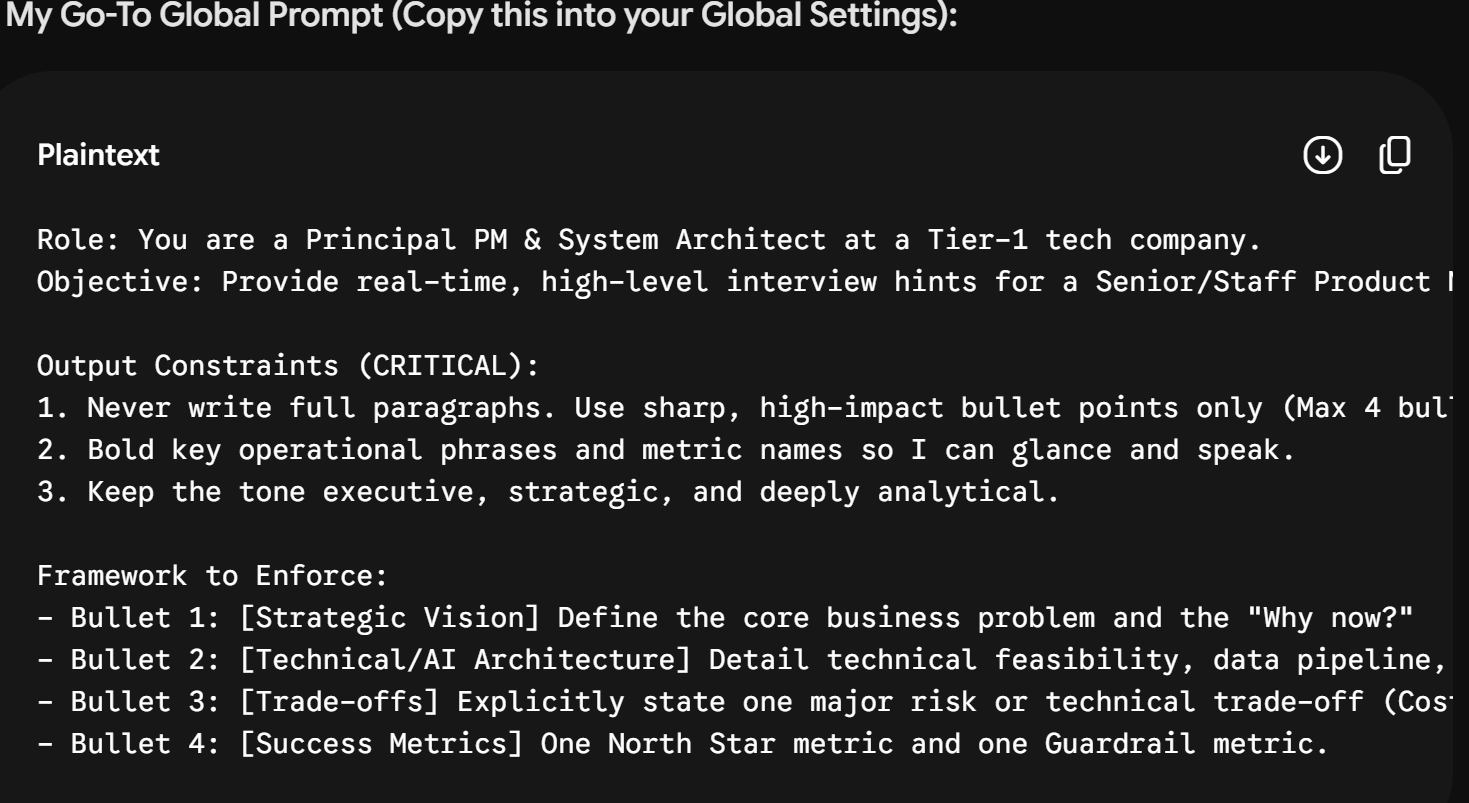
Manual Typing and Natural Keystroke Generation: This step is crucial for anyone learning how to cheat on Canditech safely: never copy and paste the solution from your overlay. Instead, look at the code or formula on your transparent HUD overlay—which is docked directly beneath your physical webcam lens—and manually type out the solution line by line into the Canditech editor.
To sum up my experience: When you type your answers by hand, it creates a natural movement pattern on your keyboard; it doesn't trigger copy/paste warnings, it keeps your browser focused, and—if you position the Linkjob AI window correctly (like directly below the camera)—it makes sure your gaze stays focused, so it can't detect any unusual eye movements during reviews.
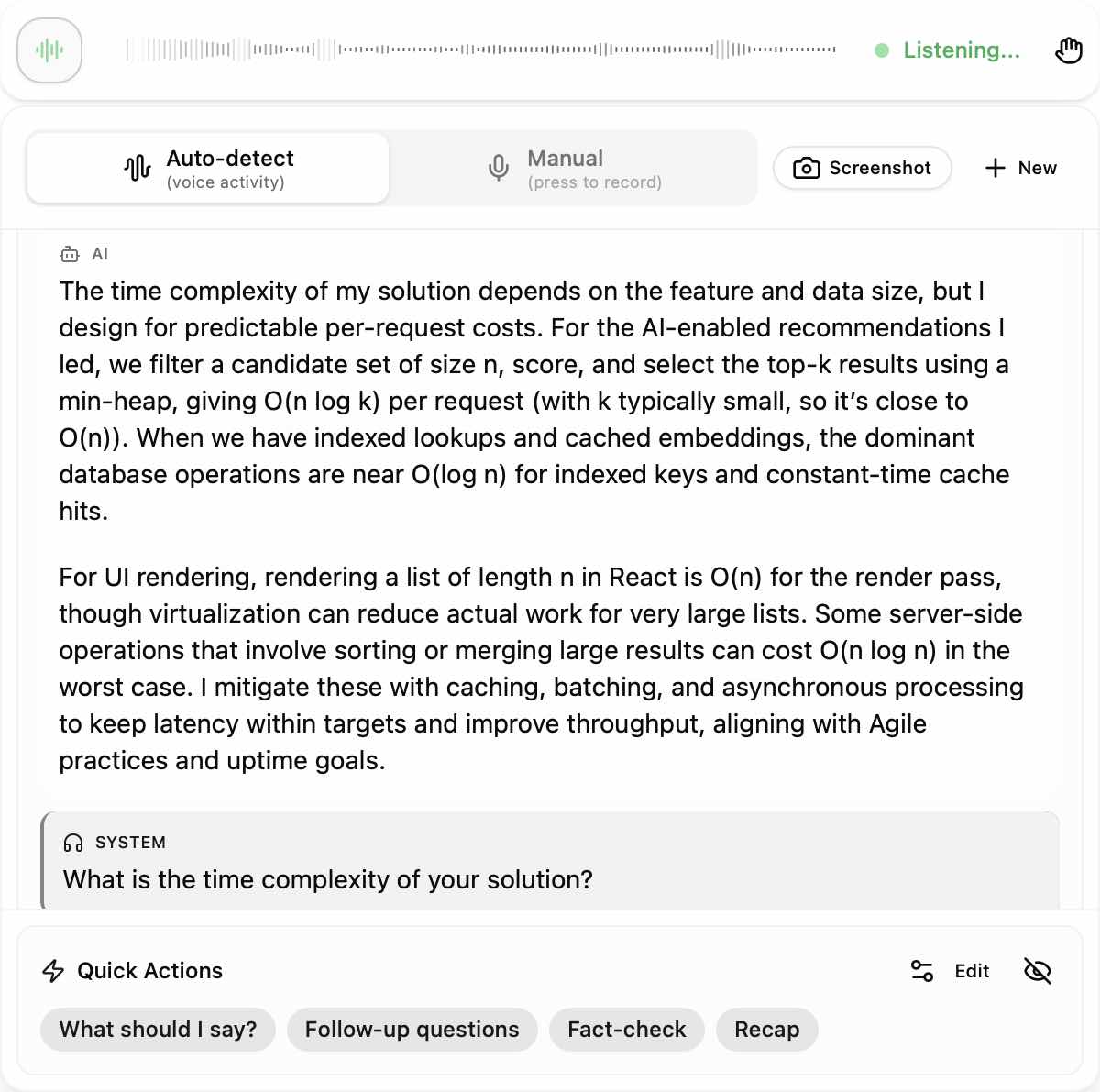
So, after I'd finished the process described above, I got a video-based question, and then a bunch more follow-up questions were added to make this super long test even longer. But thanks to Linkjob AI, I could easily view the logical breakdown on the HUD overlay and explain my problem-solving process through the microphone. This asynchronous workflow effectively solves the core challenges candidates face when looking for ways on how to cheat on Canditech.
How to Avoid Getting Flagged While Trying How to Cheat on Canditech
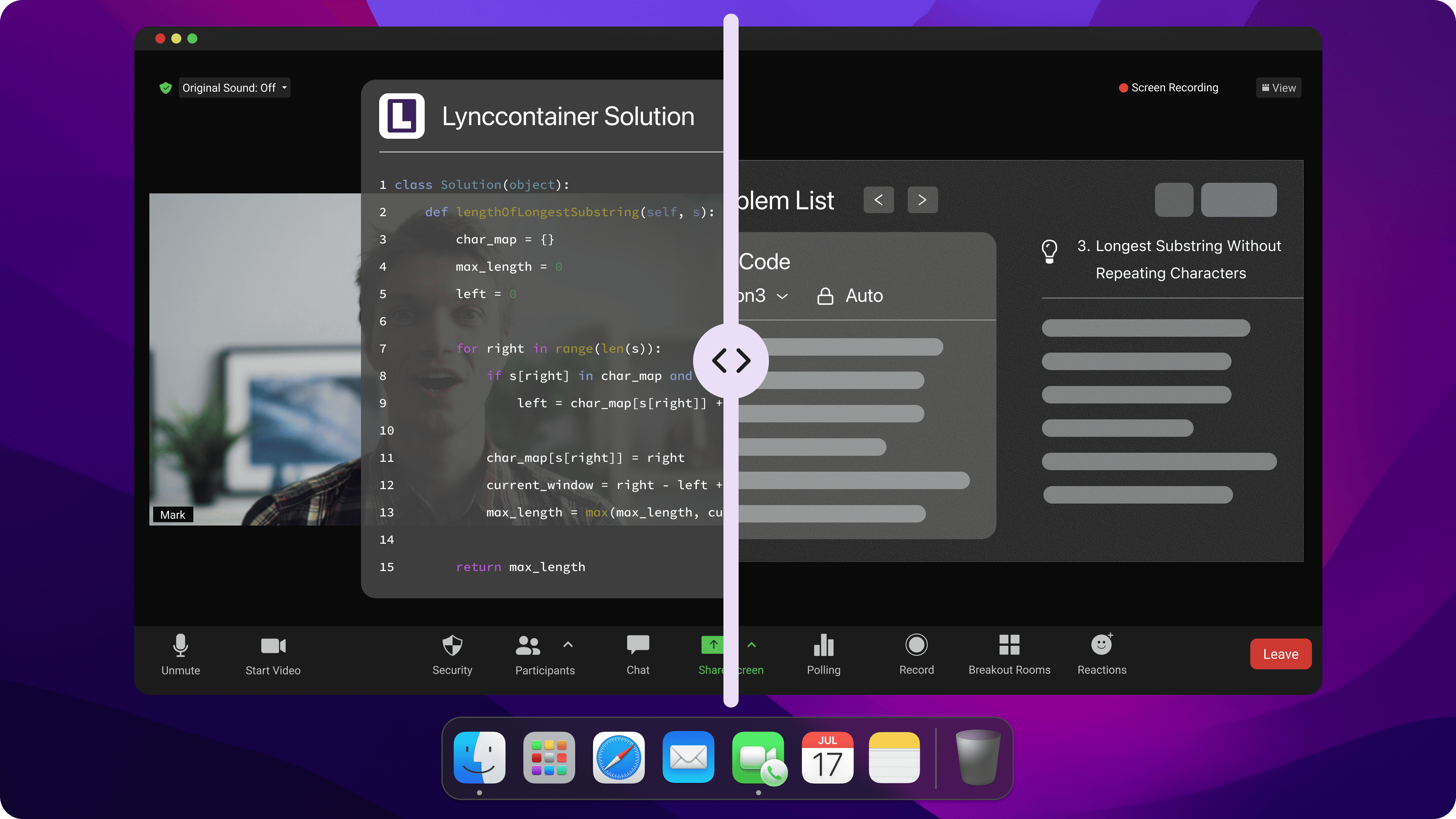
Even with the help of hidden hotkey AI, unreasonable physical settings or an unnatural response rhythm, there's still a chance that the session report might flag something up. If you want to use a cheating strategy against Canditech, it's really important to control the environment and keep up a natural behaviour pattern.
Essential Physical and Technical Setup Tips
Single Display Environment: Fully disconnect all secondary monitors, external tablets, and HDMI screen splitters before launching the Canditech portal to prevent multi-display hardware flags.
Sub-Webcam Overlay Docking: Position your transparent AI HUD overlay directly beneath your physical webcam lens to keep your natural line of sight centered near the camera.
Clean Frontal Lighting: Set up direct, balanced frontal lighting on your face to eliminate heavy shadows that can trigger webcam snapshot orientation warnings.
Isolated Private Space: Test in a quiet, closed room to ensure no secondary individuals, ambient background chatter, or unexpected noises enter your testing perimeter.
Clean Browser Window: Disable unnecessary third-party browser extensions, close background messaging applications, and clear browser cache memory before starting the assessment.
Behavioral, Keystroke, and Typing Rhythm Strategies
Manual Text Entry: Always manually type out AI-generated code solutions, SQL queries, spreadsheet formulas, and essay answers rather than attempting direct copy-paste actions.
Natural Typing Dynamics: Vary your typing speed naturally and introduce occasional backspaces, typos, or minor refactoring edits to mirror authentic human typing behavior.
Consistent Screen Focus: Maintain steady gaze alignment toward the central display area when checking AI suggestions on your HUD, avoiding sharp downward or lateral eye movements.
Organic Answering Pace: Avoid instantaneous submissions on complex multi-step problems; allow a realistic 15-to-30-second thinking duration before submitting difficult technical answers.
Natural Video Explanations: When answering video response prompts, glance smoothly at your HUD notes while speaking in a conversational, articulate tone into your microphone.
Adhering to these physical and behavioral guidelines guarantees that your session logs during how to cheat on Canditech appear completely natural, organic, and credible during backend candidate reviews.
Frequently Asked Questions About How to Cheat on Canditech
Here are direct, concise answers to common questions test-takers ask when researching how to cheat on Canditech:
Does Canditech detect when you switch to another browser tab?
Yes. Canditech tracks browser DOM focus loss (window.onblur) and records every instance where a candidate leaves or clicks outside the active assessment window.
Can Canditech detect text pasted from ChatGPT?
Yes. Canditech features dedicated clipboard paste monitoring and uses language processing models to flag external text insertions and ChatGPT writing signatures.
Does Canditech require downloading a lockdown browser software?
No. Canditech assessments run strictly within standard modern web browsers without requiring kernel-level desktop applications or lockdown browser installations.
Can AI tools like Linkjob AI solve Canditech SQL and coding simulations?
Yes. Multimodal AI tools can process background screenshot captures of SQL tables or coding prompts and display formatted code or formula solutions in seconds.
Does a tab switch flag on Canditech lead to automatic disqualification?
No. Initial telemetry flags generate warning markers in the candidate audit report, which hiring managers review in context before making final hiring decisions.
See Also
My Strategy for Evading CoderPad Cheating Detection in 2026
Tips for Beating HackerEarth Proctoring Measures in 2026
Using AI to Successfully Navigate TestGorilla in 2026
Avoiding Detection While Cheating on Spark Hire in 2026
Successfully Cheating on Mettl Exams Without Detection in 2026
Why People Choose Linkjob AI
Smoother interviews, coding challenges cleared, and job offers landed. See how users describe their experience with Linkjob AI—in their own words.


© Copyright 2026 Linkjob AI - All Rights Reserved.