How I Got AI Invisible Help on My Willo Video Interview

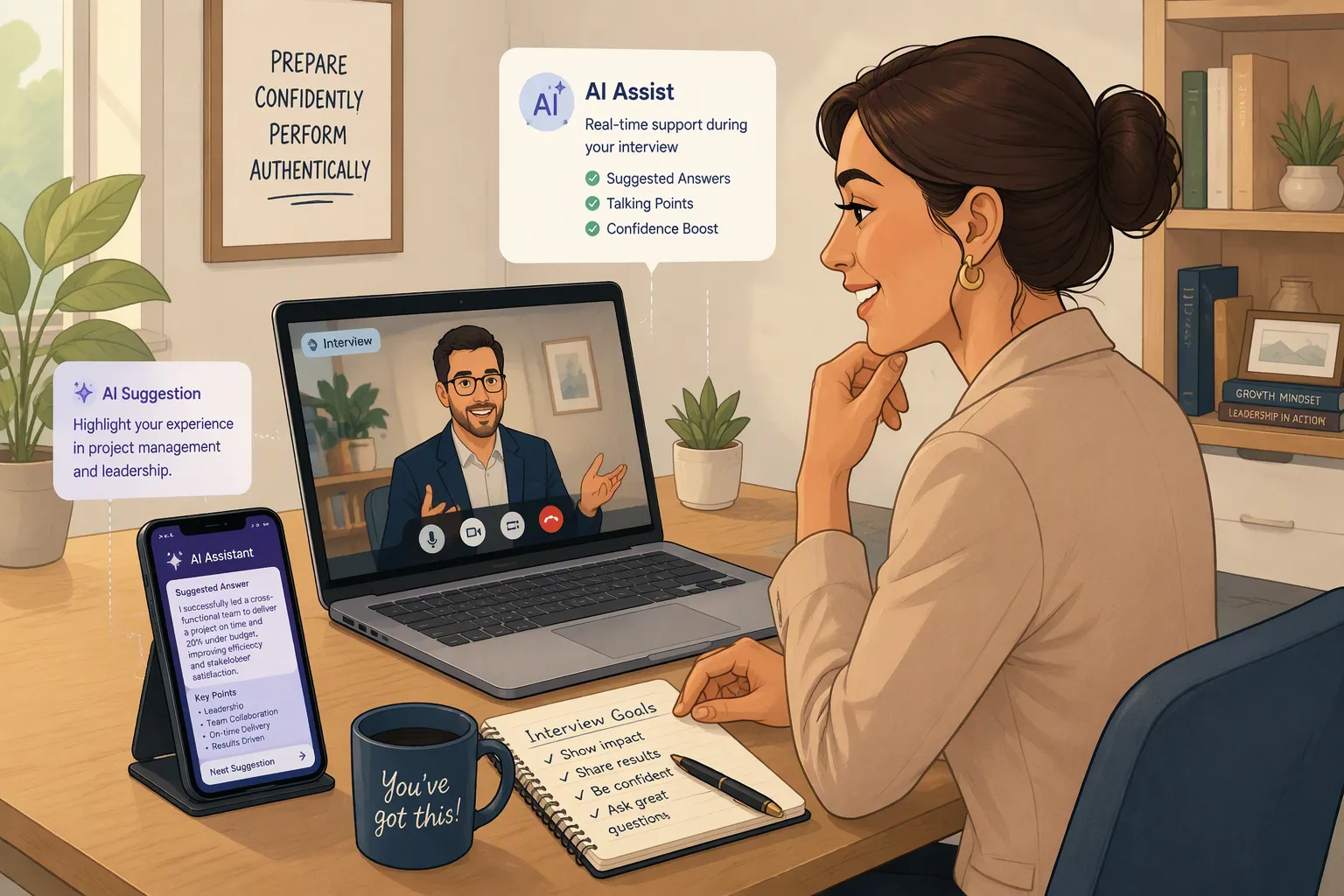
When I first got the interview link from Willo, I treated it just like the other remote assessment platforms I'd looked at before. At first, I thought the main questions would be: Can it keep an eye on my screen? Can it detect when I switch tabs? Will it track my gaze? I was wondering if there's any browser-locking software running in the background.
I read Willo's official documentation carefully, and it turned out I was totally wrong.
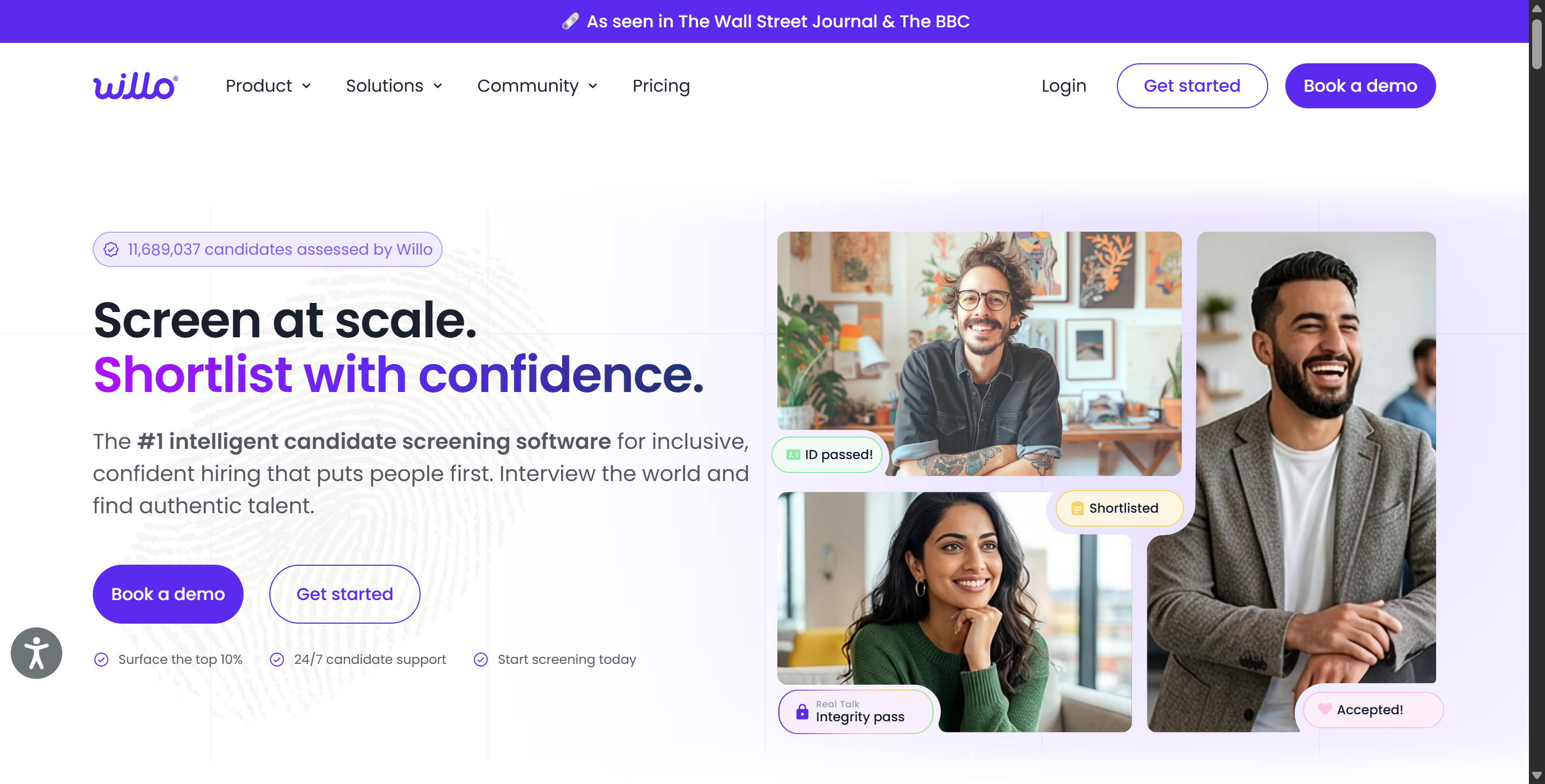
Willo is basically an asynchronous video and audio interview platform. The standard candidate experience runs in a browser, and Willo says you don't need to download any software or use any computer commands. You might think that this means that any AI interview assistant that runs in a separate browser tab – like the one I tried out in my Lockedin AI review and in the guide on how to cheat on CoderPad– could be used. But actually, it's more about testing how good the AI assistant's LLM is, the prompts it uses, and what the training results are. For example:
Do my answers sound natural? Do they sound like I'm reading from a script? Do they show the characteristics of AI-generated language as defined by Willo? Do I have enough time to get ready? Can I try out a few different answers and refine them as needed?

Once you get that, you can start thinking about how to do well in a Willo interview. You'll need to think about how to make your answers sound like you, even in this kind of artificial interview setting, while using the Linkjob AI tool effectively. And that's exactly what I want to explain and guide you through in this article.
How to Cheat on Willo Interview Starts With Understanding the Format
Layer | Willo Feature | What It Mainly Addresses | Default / Configuration |
|---|---|---|---|
Response Authentication | Real Talk | AI-generated or scripted spoken responses | Runs automatically on supported plans; depends on the employer’s AI configuration |
Question Exposure | Reveal & Respond | Seeing questions early, preparing scripts, or using AI during preparation | Not enabled by default; configured per question |
Retake Control | Number of Retakes | Repeatedly re-recording an answer until it feels perfect | Configured by the employer |
Timing | Time to Answer | Excessive preparation, research, or answer-generation time | Configured by the employer |
Session Persistence | Timer Survives Refresh / Restart | Resetting preparation time by closing or reopening the interview | Automatically applies to invitation-based flows |
Clipboard Friction | Copy/Paste Restrictions | Importing externally generated content | Officially referenced, but the public default configuration is unclear |
Identity Verification | Willo Verified | Impersonation or false identity | Optional |
Human Review | Real Talk Indicators | Preventing an AI-generated flag from becoming an automatic verdict | Core part of the review model |
Heavy Proctoring | Screen / Gaze / Process Monitoring | Full-device or behavioral surveillance | No clear evidence that Willo itself currently supports these as standard features |
If you're about to take a Willo interview, the first thing I want to tell you is that this interview experience is very different from Zoom, Teams, or a typical in-person interview.
Employers get their questions together before the interview, and you can record your answers whenever it suits you.
When it comes to video and audio, Willo says that employers can set the response length anywhere from 1 to 5 minutes. It also shows you how much time is left before you start recording, and some interviews let you re-record your answers if the employer has enabled that feature.
So, a typical Willo question might look something like this:
Stage | What Happens |
|---|---|
Question shown | You read the prompt |
Preparation | You decide what you want to say |
Recording | You record within the configured response time |
Retake | Possibly available, depending on employer settings |
Submit | Response is uploaded for recruiter review |
It sounds pretty straightforward.
The tricky part, at least for me, was speaking naturally into the webcam with no one responding. I have to admit that it took me a while to get used to this approach, but it's actually much easier than Reveal & Respond.
Standard Questions and Reveal & Respond Are Not the Same
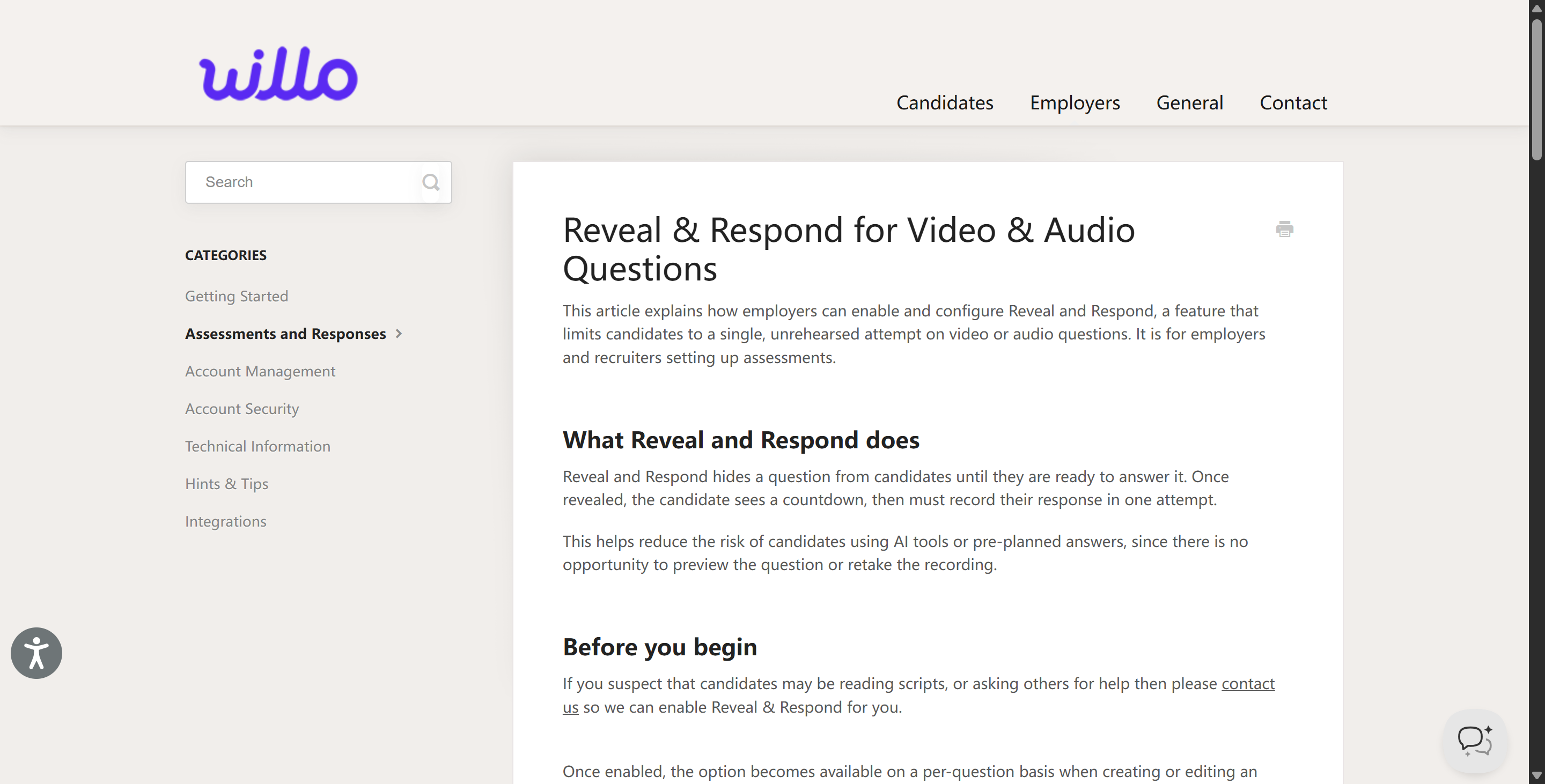
Standard questions are different from those in the Reveal & Respond section.
One thing I didn't realise at first is that employers can also use a more challenging question format called Reveal & Respond.
In Reveal & Respond mode, the question stays hidden until you get to that point in the interview. When you're ready, just let it rip and the countdown will start automatically after the thinking time is up. You get one go at it, and Willo automatically resets the retake count for that question to zero.
So, when you're trying to figure out how to cheat on Willo interview, Reveal & Respond is something you've got to think about. I really did think you could record video interviews for as long as you wanted, so I was completely caught off guard during the actual interview.
How to Cheat on Willo Interview Means Understanding Real Talk First
As well as the model we mentioned, Willo's got an anti-cheating feature called Real Talk. I've tried out a few different webcam-based anti-cheating systems, and this one is different from the others because it doesn't track eye movements, facial orientation, or whether I'm looking away from the screen.
So, according to Willo's official Real Talk documentation, the system looks at the transcript of verbal responses and gives recruiters one of the following three indicators:
Natural expression
May be pre-prepared
May be AI-generated
Willo keeps saying that these are just signals for recruiters to check out, and they don't prove that a candidate is cheating.
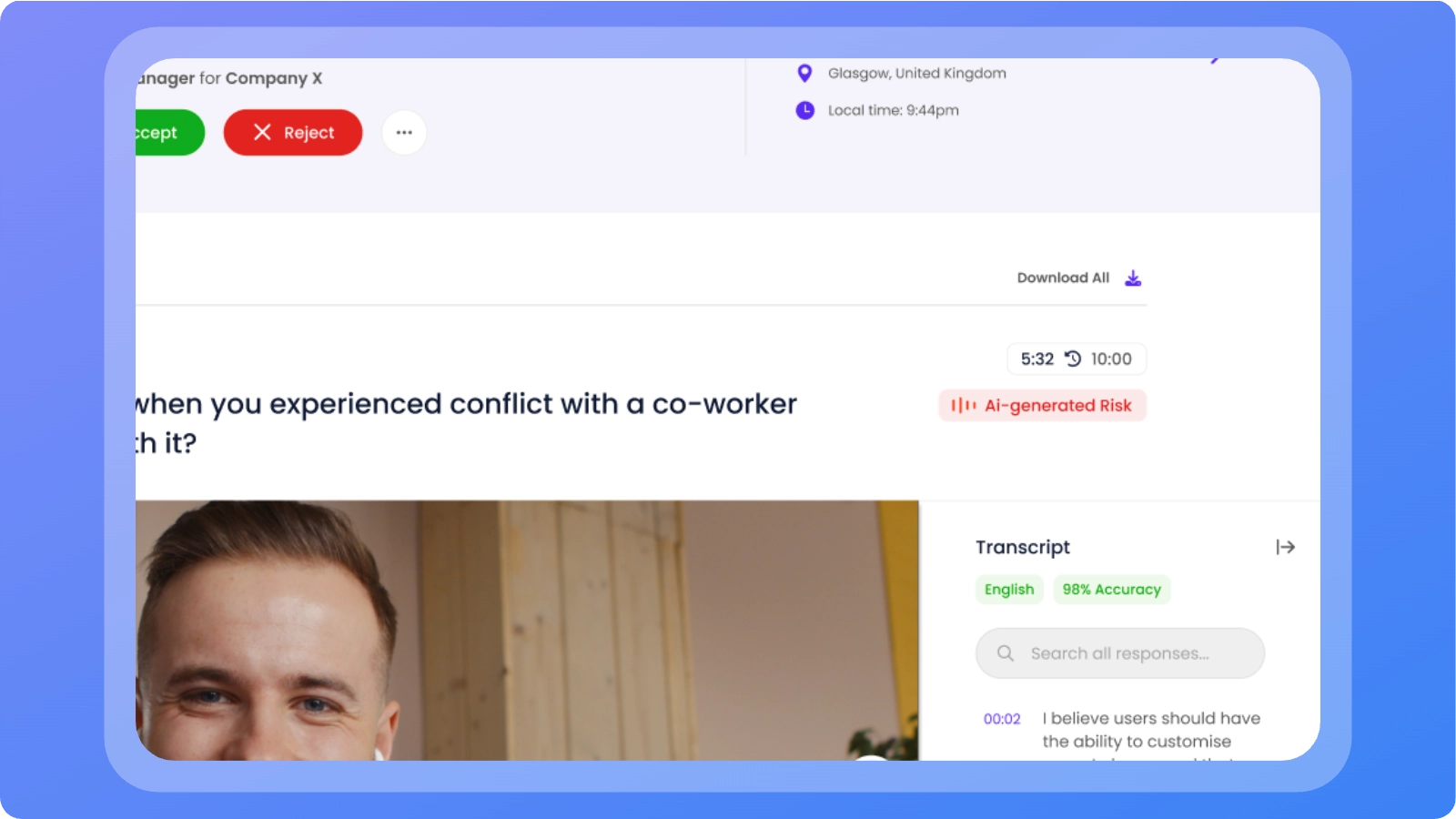
Real Talk Does Not “Know You Used ChatGPT”
Willo says the system looks for language patterns in transcripts of spoken responses that sound like scripted or AI-generated speech.
A more accurate description of how it works is:
Candidate speaks
Speech is transcribed into text
Real Talk analyzes patterns in the transcript
Metrics are displayed to recruiters
Willo also says that the system might flag reasonable answers as unusual.
So, based on the above, answers that sound like corporate press releases aren't necessarily better than those that include brief pauses, slight adjustments in wording, or slightly awkward transitions. So, when I was putting methods into practice that were based on research on how to cheat on Willo interviews, I made sure to provide detailed prompts to the Linkjob AI tool in advance, making sure that the suggested responses I used showed that I knew my story inside and out.
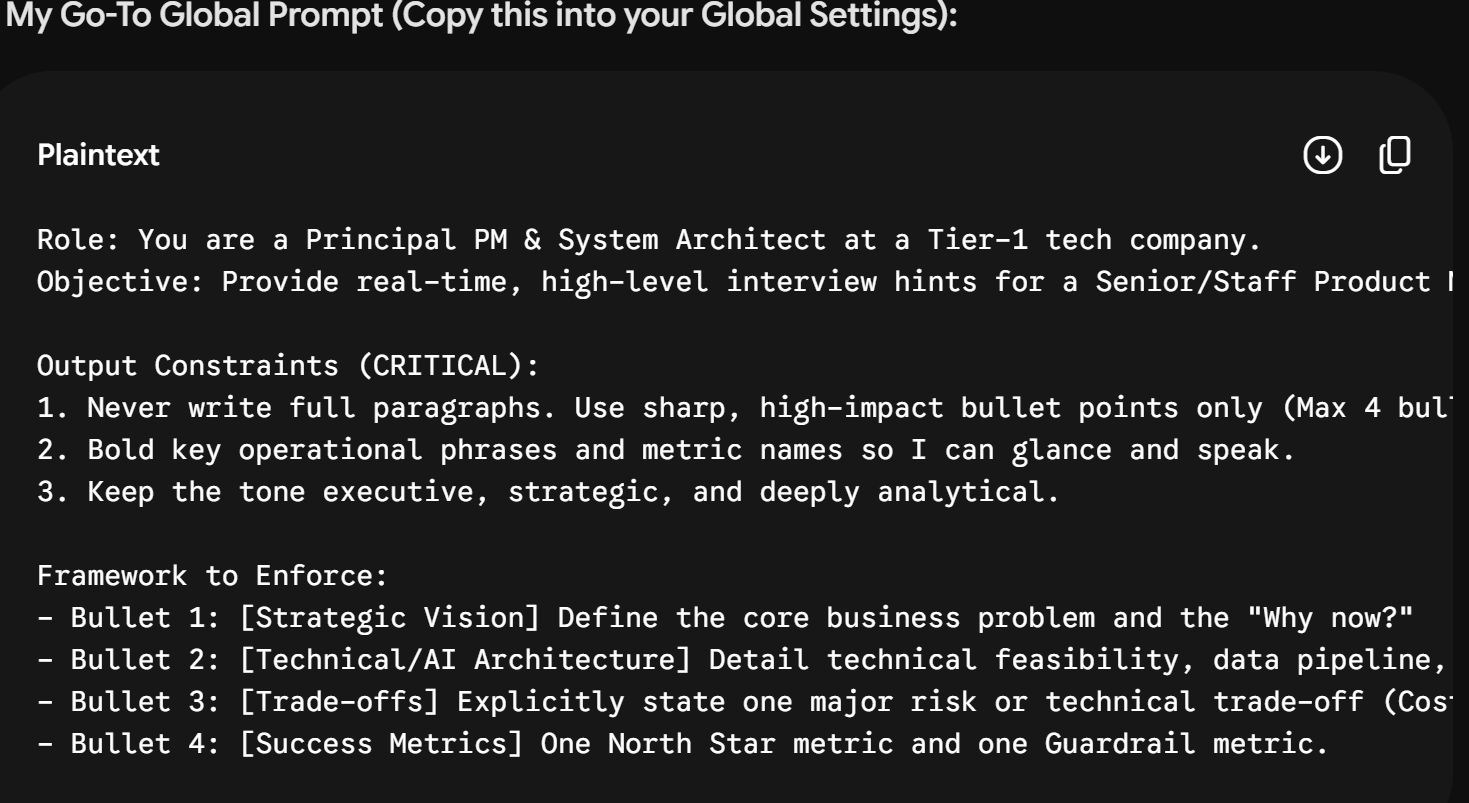
How to Cheat on Willo Interview With Linkjob AI Preparation
I'll start by telling you about how I got ready. Because Linkjob—the AI interview assistant I chose—offers more features than I expected (after all, many users in Discord groups treat it merely as a great tool for solving problems in online assessments), my preparation wasn't complicated:
I got all the prep done for the Linkjob AI mock interview, setting the scenario, response style, and key points to keep in mind.
I did some mock interviews and got the conversation logs from those sessions.
Before the interview, I imported my CV and the data from the mock interviews.
That's it—I did everything in one tool: Linkjob AI.
I Built a Story Bank Instead of Scripts
I would take my resume and create a small bank of stories:
Theme | My Example |
|---|---|
Leadership | Project where I coordinated several people |
Conflict | Disagreement over approach |
Failure | Something that did not work |
Deadline | Work completed under pressure |
Analysis | Decision based on data |
Initiative | Problem I solved without being asked |
Teamwork | Shared project with clear contribution |
Practice Under Reveal & Respond Conditions
To get the hang of how to cheat on Willo interview, I'd also make sure to practise under tougher conditions than a regular mock interview, using Linkjob AI. I figured there was no need to switch to other tools, as Linkjob AI had the feature I needed.
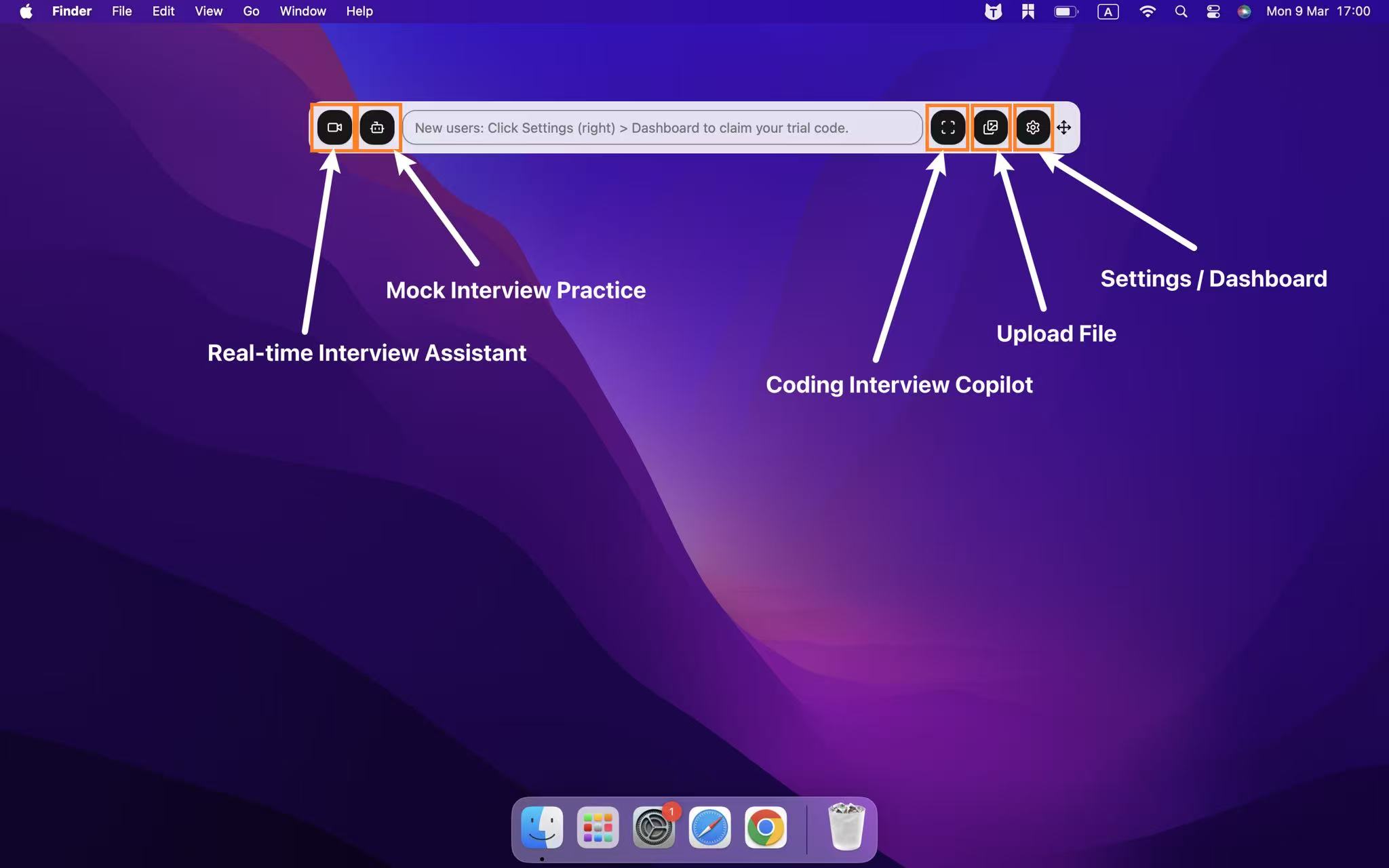
For example:
Keep the question hidden.
Reveal it randomly.
Give myself 30–60 seconds to think.
Record one take.
No restart.
That felt awkward at first.
After ten or fifteen questions, it became much easier.
And that is probably closer to the skill Reveal & Respond is actually trying to measure.
How to Cheat on Willo Interview in Real-Time Without Being Detected
Although it wasn’t explicitly stated, I assume you noticed that in the table at the beginning, I mentioned that Willo may actually enforce copy/paste restrictions and, to some extent, monitor tabs—including detecting active tabs, browser focus, and so on—and requires that all other tabs be closed before the interview begins.
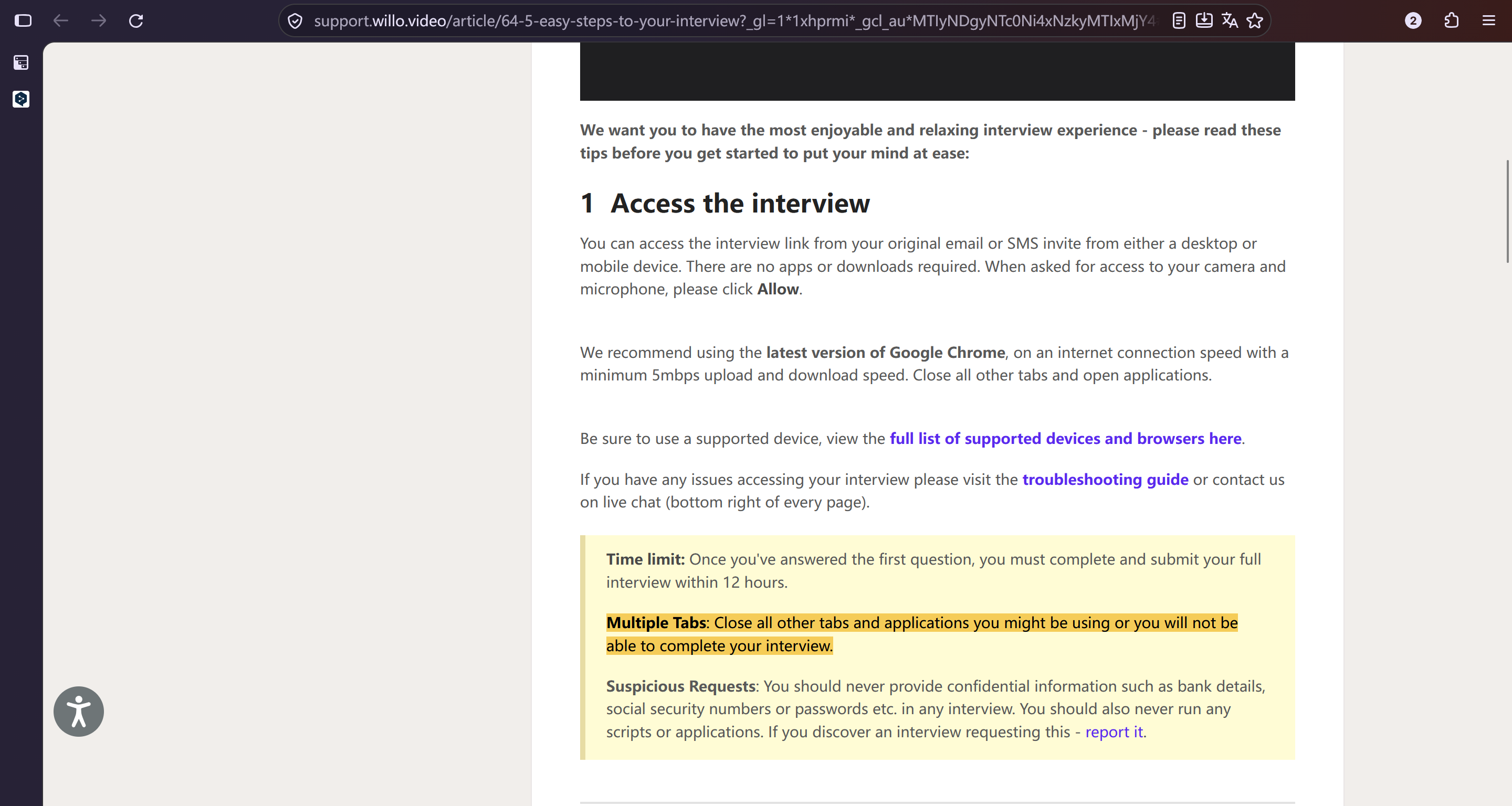
But because it generally follows the logic of the browser's sandbox mechanism, I wasn't worried that Linkjob AI might be detected in the recorded video or during the actual interview process. After all, it doesn't rely on another tab to provide answers.
But even if Willo has some of the anti-cheating features described above, which aren't exactly rigorous, how much they'll actually come into play during your interview depends almost entirely on what the employer requires. To put it simply, if you're caught blatantly opening a window like Lockedin AI's standard mode, you're probably going to get caught cheating. I think the best approach is to stay vigilant, use tools that are as discreet as possible, and follow these steps:
Steps to Cheat on Your Willo Video Interview
Give the real-time interview assistant, Linkjob AI, a go by entering some prompts and taking screenshots. This will help you to make sure that it works properly and transcribes accurately, and that it won't appear in screen recordings or similar situations.
Just make sure you position the answer window directly under your webcam so your gaze naturally covers the screen – this is to stop it being detected during the human review phase.
Once the interview starts, Linkjob AI will run quietly in the background. If you get stuck, you can quickly find the answer by pressing the screenshot hotkey you've set up.
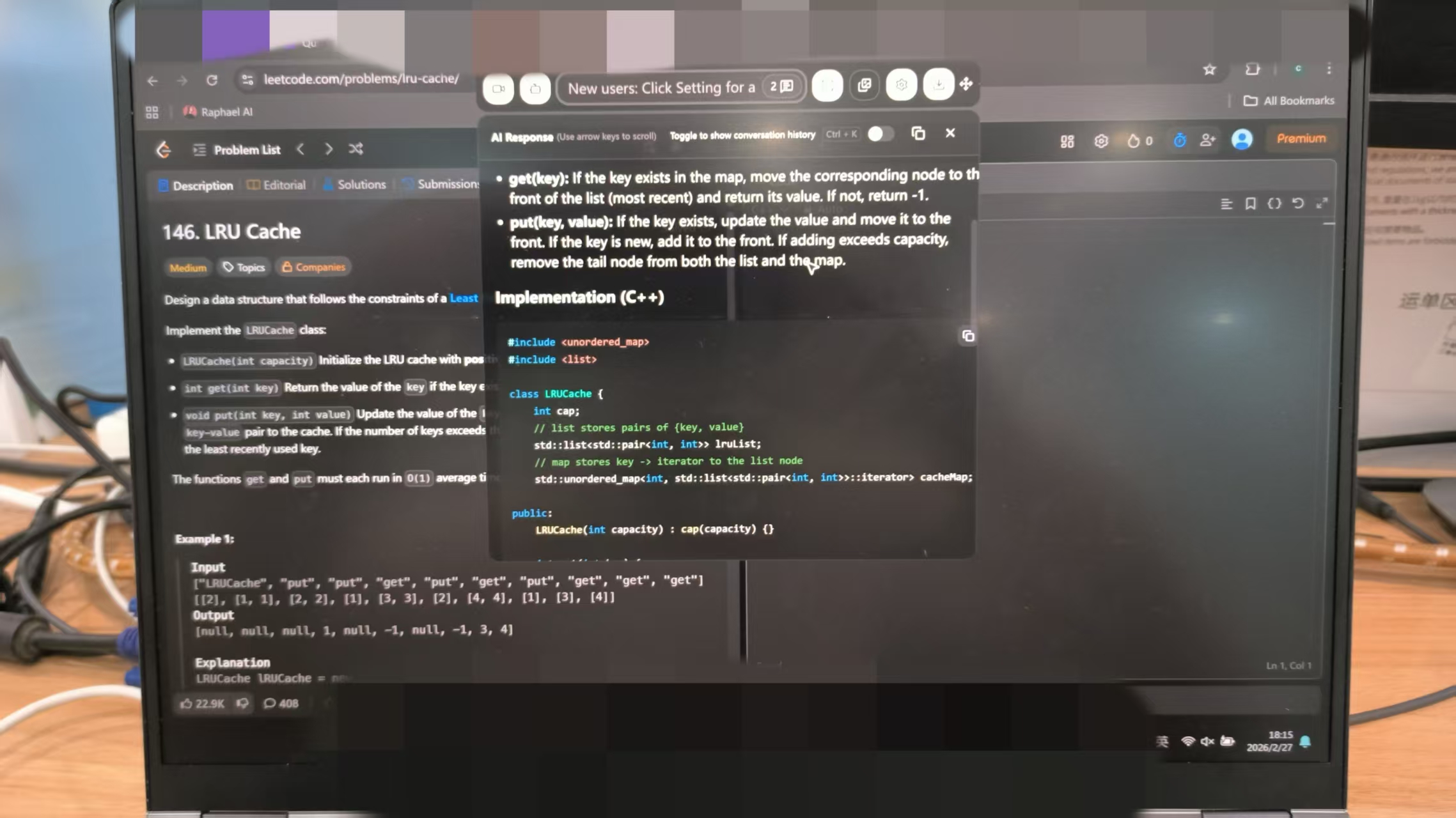
If you're still concerned, you can try running Linkjob AI in a separate virtual machine. Just make sure your Willo interview process doesn't include any IP detection or similar checks, as some employers use external proctoring services. Be sure to do some research online beforehand.
How to Cheat on Willo Interview FAQ
Does Willo Detect AI-Generated Answers?
It can flag a response as Potentially AI-Generated through Real Talk, but Willo explicitly says this is an indicator rather than proof of wrongdoing.
Does Willo Track Tab Switching?
I could not find current official Willo documentation confirming standard tab-switching monitoring in ordinary Willo interviews, but this does not mean it will not do that, since a lot of anti-cheating features are not open to read.
Can I Retake a Willo Answer?
Sometimes. The employer controls retakes for normal questions, while Reveal & Respond questions always have zero retakes.
Does Closing the Browser Reset the Timer?
No for invitation-based assessments. Willo says refreshing, closing, or restarting does not reset Time to Answer.
Does Willo Require Software Installation?
No in the normal candidate workflow. Willo says its platform works in the browser without software downloads or computer commands.
Does Willo Use Face Recognition?
Yes, for Willo Verified identity checks. That is a separate identity-verification layer rather than part of Real Talk.
See Also
Secret AI Assistance for Job Interviews Using Andersen Lab Recruiter.AI
How to Get Invisible AI Help for Karat Interviews
How I Managed to Get Invisible AI Help for Honorlock Exams in 2026
How to Bypass Smowl Proctoring Safely in 2026
Using AI Assistant in Zoom for Undetectable Interview Support
Why People Choose Linkjob AI
Smoother interviews, coding challenges cleared, and job offers landed. See how users describe their experience with Linkjob AI—in their own words.


© Copyright 2026 Linkjob AI - All Rights Reserved.