How to Outsmart Pair Programming Interviews’ Detection

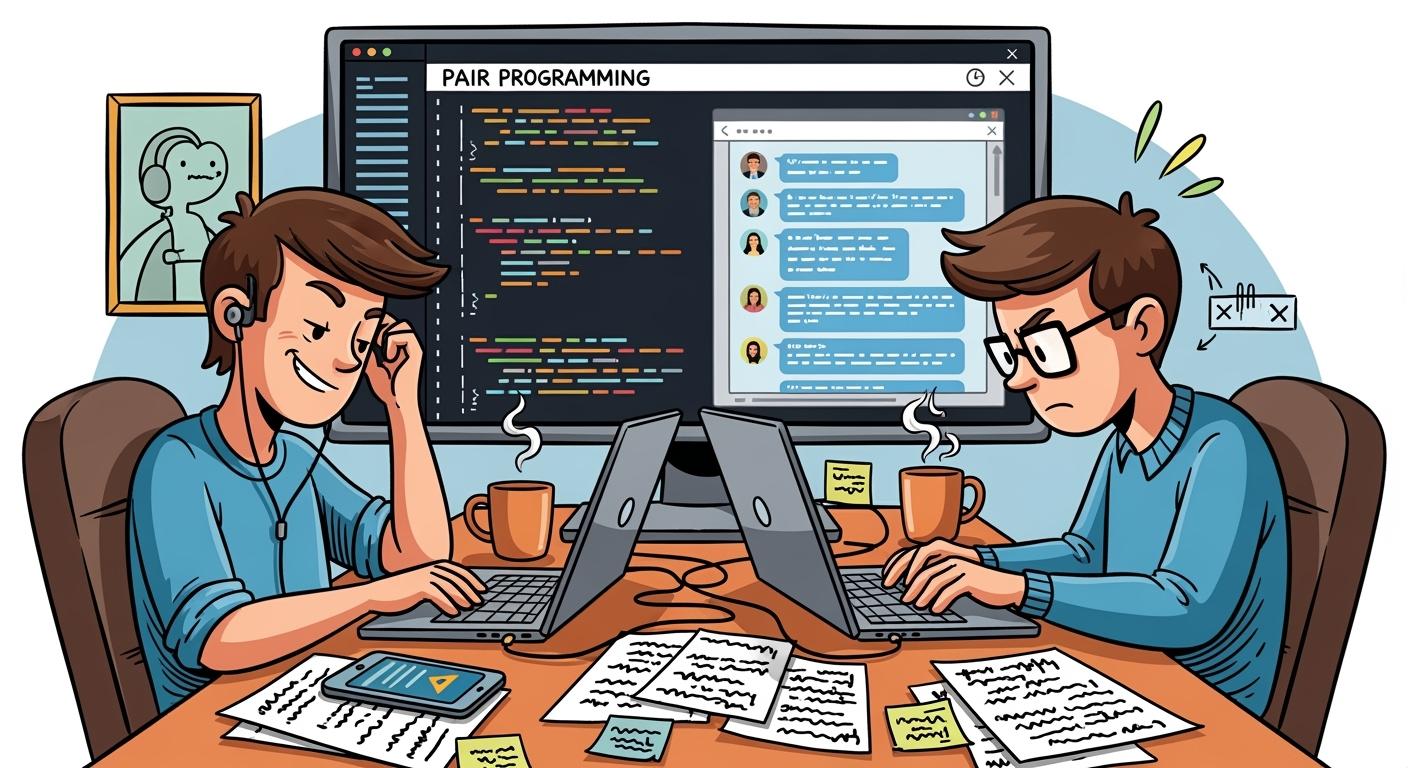
"Why on earth would I need to cheat in a pair programming interview?" you might ask. You might ask. You might not need to use an AI-powered real-time interview assistant if you're completely confident in your programming skills and feel certain you can pass the interview no matter what. In that case, my solution might not be relevant to you, even if it means collaborating with the interviewer to solve a LeetCode-style problem. However, if you don't quite fit that description, you might find my article interesting.
Many technical interviews have been completed by me, almost all of which were conducted using an IDE. Either the platform supports it, or the use of an IDE is specifically requested by the interviewer. In any case, this has become common practice.
If the interview is based on a specific online assessment platform, my article on how to cheat on HackerRank, as well as others on how to cheat on CodeSignal, might be of interest.
Cheating in these types of interviews seems difficult because they typically:
Fully track the code input process
Require screen sharing
Usually involve webcam monitoring
So, how can you cheat in these pair-programming interviews? That will be explained in detail later on.
Key Takeaways
Utilize AI tools like Linkjob AI and ChatGPT to generate code and debug during interviews. These tools can enhance your coding speed and efficiency.
Engage with online communities for the latest interview tips and shared experiences. This can provide valuable insights into specific questions and strategies.
Set up real-time external help discreetly. Use a private chat app to communicate with an AI coach for hints without raising suspicion.
Practice mimicking a natural coding flow. Talk through your thought process and invite feedback to create a collaborative atmosphere during the interview.
Be aware of detection patterns used by interview platforms. Avoid behaviors that may trigger suspicion, such as switching tabs or showing signs of outside help.
How to Cheat Pair Programming Interview: Proven Methods
If you want to know how to cheat pair programming interview sessions, you need the right tools and tactics. I’ve seen people succeed by combining AI code generators, community wisdom, and real-time help. Let me break down exactly how I would do it.
AI Tools & Code Generators
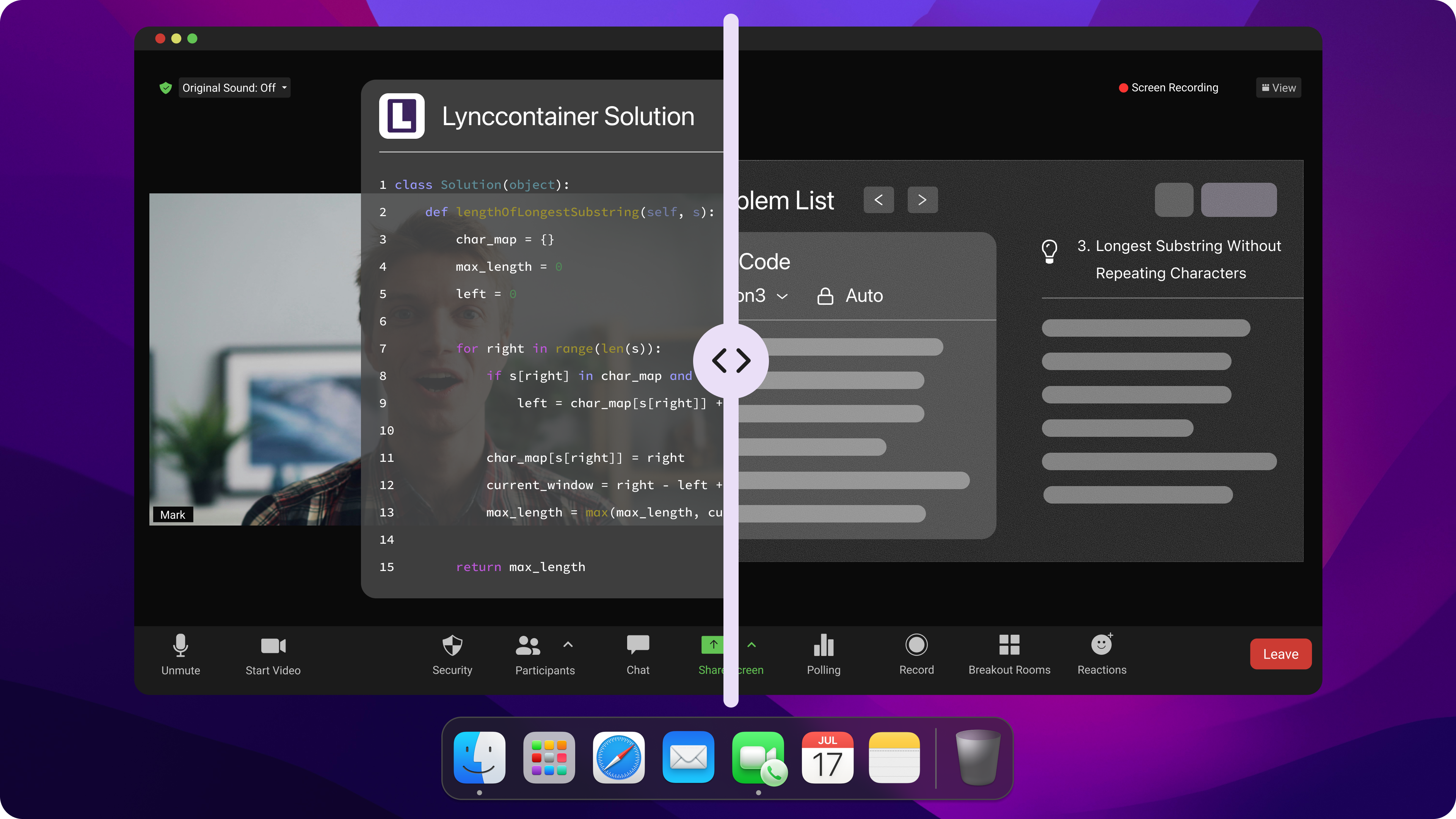
I always start with AI tools. These have changed the game for anyone learning how to cheat pair programming interview challenges.
Here’s a quick look at the most popular options:
Tool Name | Features | Best For | Why Candidates Like It | Example Use Case |
|---|---|---|---|---|
Linkjob AI | Undetectable AI interview assistant, desktop version available | Provides real-time analysis of code questions and offers suggested answers | Runs discreetly and invisibly; latest LLM models; undetectable global hotkeys | Technical rounds & OAs; all types of interviews |
AWS CodeWhisperer | Cloud-native code generation, Security suggestions, AWS best practices guidance | Cloud-native development practice | Writes code and gives security tips for cloud jobs. | Simulating an interview for a cloud-focused backend role. |
ChatGPT or OpenAI Codex | Explanations, coding practice, alternative solutions | Occasions that allow the use of AI tools. | Great for brainstorming and code explanations. | Getting step-by-step help on tricky algorithms. |
Google Gemini CLI (Preview) | Terminal-based AI assistant for command-line fans | Occasions that allow the use of AI tools. | Advanced users love the command-line integration. | Solving problems in a terminal environment. |
Codeium (Free) | Lightweight AI for quick coding exercises | Basic screening rounds | Fast and simple for beginners. | Speeding through basic coding questions. |
AI tools help with debugging, suggesting solutions, and generating test cases. But sometimes, AI gives wrong answers or misses edge cases. I always review the code, check for mistakes, and make sure I can explain every line.
If you want to master how to cheat pair programming interview rounds, you need to understand the code, not just copy it.

Community Tips & Shared Strategies
If you're looking to learn how to ace an interview for a pair programming job, then online communities are a great place to find tips. I've found Reddit posts, Discord and YouTube channels where people share the latest cheating techniques. Here's how I use these resources:
I'm always on the lookout for the latest posts about interview experiences. People often share the actual problems they encountered. For example, "Stripe software engineer interview."
I'm on the lookout for shared code snippets and AI prompt templates. These can save you time during the interview.
I join live streams or group chats to listen to candidates share what methods worked for them.
I make sure I'm always clued up on the latest tools. Some communities chat about invisible overlays and real-time data processing tools that can help you cheat without getting caught. The best way to get feedback is to check the tool's reputation.
Just to flag up: good communities are always updating their advice as interview platforms are changing over time. I always make sure these tips are still relevant by double-checking.
Nowadays, lots of candidates have advanced AI tools that fit in perfectly with the interview setting. These tools run in the background, giving you hints or even complete solutions during screen shares without leaving a trace – tools like Linkjob AI, for example.
Real-Time External Help
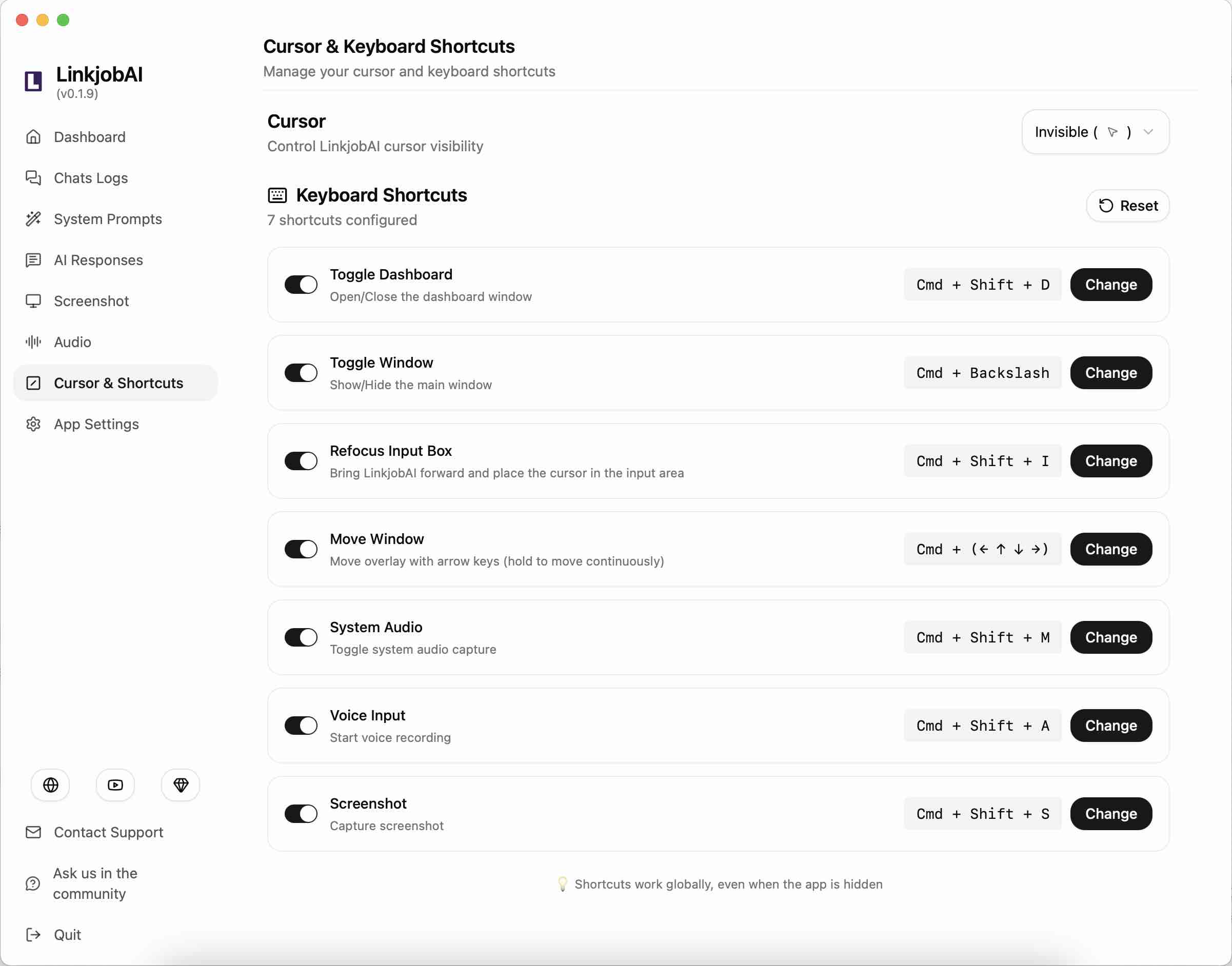
Even when using tools that provide seamless assistance in the background while remaining invisible, I still practice in advance and plan out prompts and various settings. Here’s what I often do ahead of time when using Linkjob AI:
Upload my resume in advance, in case the interviewer asks about the details of my projects
Set up prompts, such as specifying my preferred coding style
Practice in advance, conduct mock interviews, and check the quality of the generated code
Adjust the transparency and position of the floating window to get used to it beforehand
Practice manually entering code and using global hotkeys
Outsmarting Pair Programming Detection Systems
Recognize Detection Patterns
When I want to outsmart detection, I start by learning how interview platforms catch cheaters. Most companies use a mix of tech and observation. Here’s what I watch for:
Platforms take snapshots with my webcam to check if I stay in front of the camera.
They track if I switch tabs or windows, which can look like I’m searching for answers.
Some systems compare my code to other candidates’ work to spot copied solutions.
I see photo ID checks and selfie requests to confirm my identity.
They run plagiarism checks on my code.
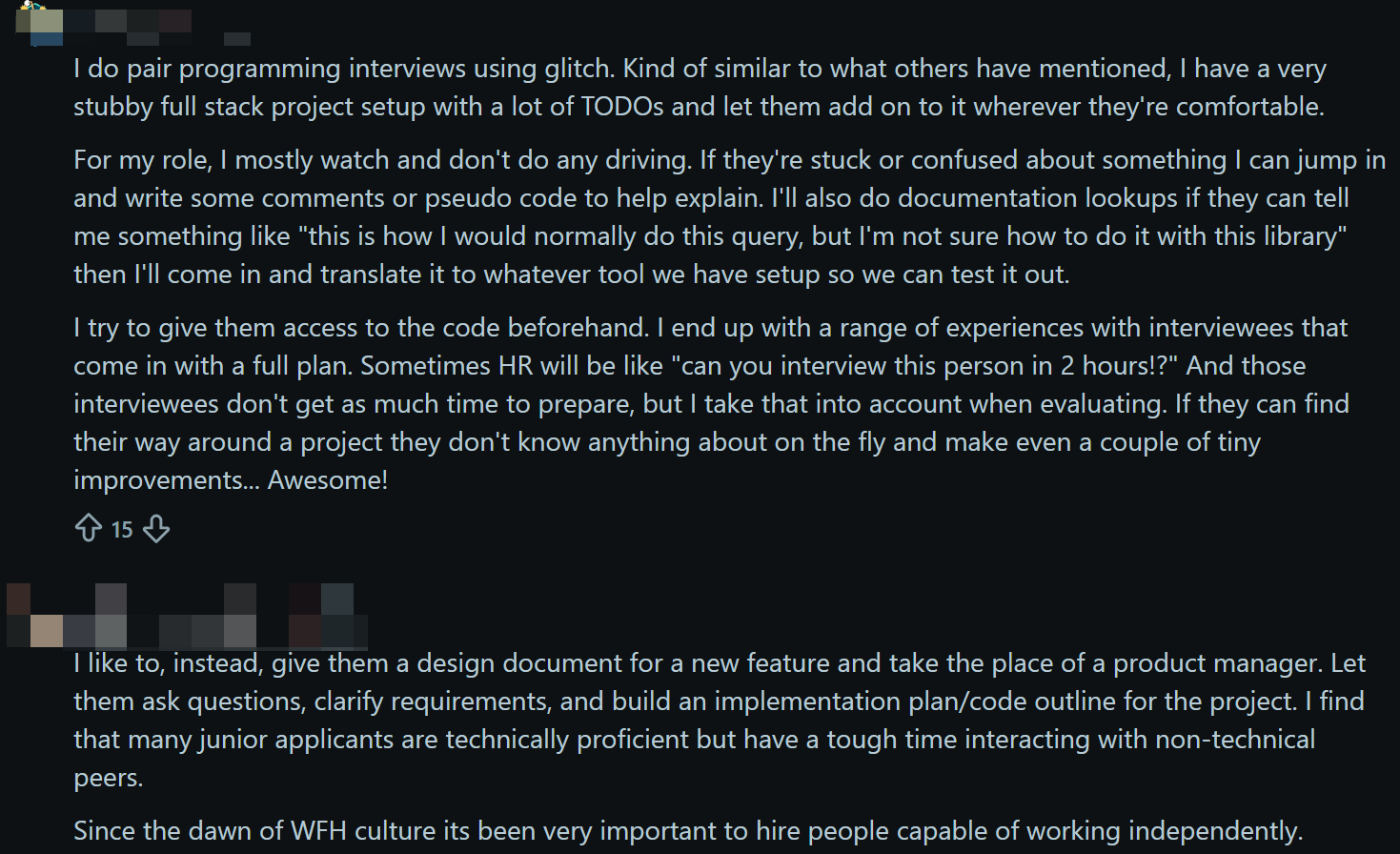
Counter Screen & Audio Monitoring
Interviewers use advanced tools to watch my screen and listen for outside help. I use a few tricks to stay ahead. Here’s a table of what I’ve seen and how I counter it:
Detection Tool | My Countermove |
|---|---|
AI-Assisted Proctoring | Keep my workspace clear and avoid talking to anyone off-camera. |
Browser & Tab Tracking | Use a transparent overlay instead of browser-based AI tools |
Secure Browser & Lockdown Mode | Same as above |
Environment and Room Scanning | Check my room for anything suspicious before the interview starts. |
Advanced Audio Analysis | Use earphones and keep background noise to a minimum. |
I also use tools that support real-time audio transcription. These help me keep up with the interviewer and respond quickly.
How Does AI Coding Copilot Stay Undetectable?
Most pair programming interviews are done by collaborating with a browser, and modern browsers are designed to keep you safe by keeping everything separate. This means that whatever code is running in one tab is totally separate from all the other stuff on your computer.
Because of this sandbox mechanism, the platform can't reliably detect:
Which application has been switched to
When a browser tab loses focus, the website cannot determine which application is currently active
What other programs are running
The operating system strictly prohibits access to other programs’ memory
System-wide keyboard input or mouse clicks
Input occurring outside the application’s own tab
Native windows hidden during screen sharing
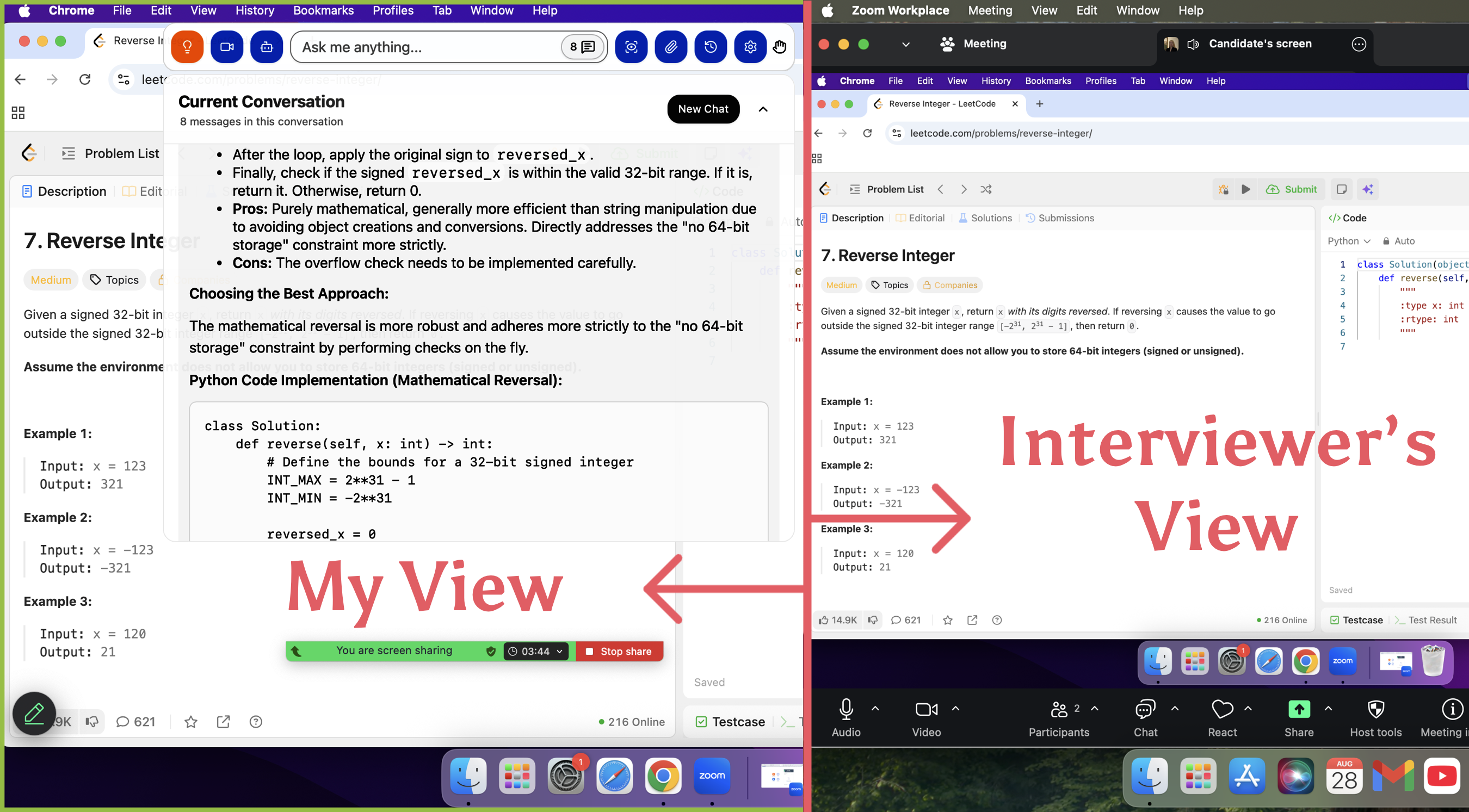
That means that applications like Linkjob AI, which are designed to remain invisible, won't appear in screen shares, screenshots or screen recordings.
Masking Tactics to Avoid Detection in Pair Programming
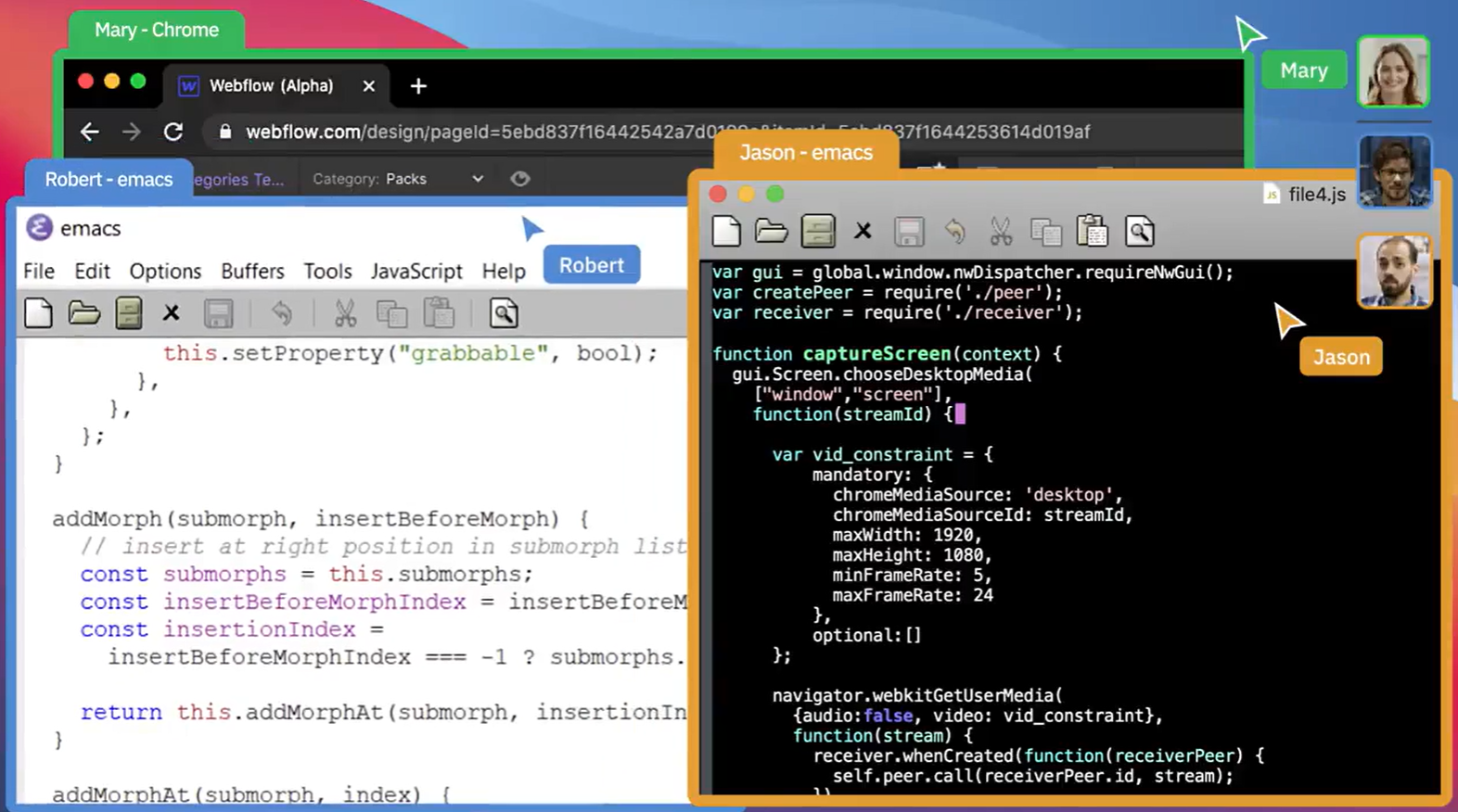
Mimic Natural Coding Flow
When I want to avoid raising suspicion, I always try to act like a real developer. I focus on making my coding process look natural and fluid. Here are the methods that have worked well for me:
Writing the code as I go, explain how I'm thinking. I explain why I chose a particular method or data structure.
Ask questions and make small mistakes to show I'm thinking.
Always open to feedback and love to hear what others think.
Here's a helpful hint: interviewers are on the lookout for team players who can communicate clearly. If you act like you're working with them instead of just putting on a show, you'll blend in way better.
Handle Custom Questions
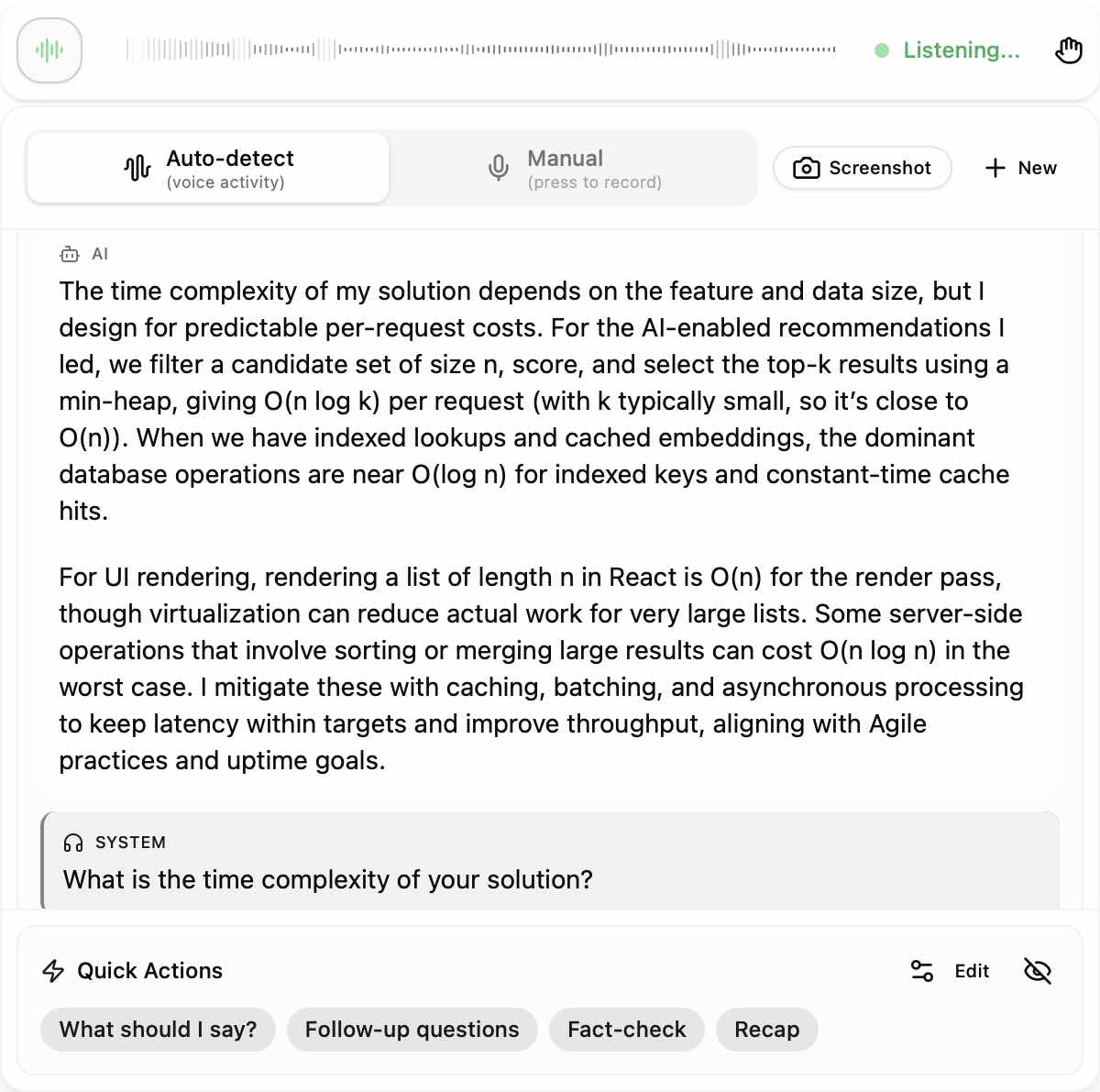
Custom questions can trip up anyone learning how to cheat pair programming interview sessions. I’ve seen tools that run quietly in the background, like Linkjob AI. These tools don’t show any icons or leave traces, so interviewers can’t spot them. The process name looks normal, and clicks pass through, so nothing seems out of place.
Here’s my approach:
Keep my helper tools hidden and silent.
Avoid switching windows or apps during screen sharing.
Paraphrase any help I get, so my answers sound like my own.
Never rush to a perfect answer. I take a moment to “think,” then type my response.
This way, even if the question is unique, I look like I’m solving it myself.
Manage Communication Delays
Sometimes, I need a few seconds to get help or check a suggestion. I handle these pauses by:
Saying I’m thinking or reviewing the code.
Asking the interviewer a clarifying question to buy time.
Typing comments or pseudocode while I wait for a response.
If you manage your timing well, short delays look natural. Everyone needs a moment to think, so use that to your advantage.
By following these steps, I make sure my process looks real and my use of outside help stays invisible.
Common Mistakes That Get Caught While Cheating in Pair Programming Interviews
Overusing AI Responses
I’ve seen a lot of people get tripped up by relying too much on AI-generated answers. It’s tempting to let the tools do all the work, but interviewers spot the signs fast. Here’s a table of mistakes I always watch out for:
Mistake Type | Description |
|---|---|
Scripted speaking | Sounds robotic, with no filler words or natural pauses. |
Vague answers | Give generic responses that dodge specifics. |
Inconsistencies with prior responses | Answers don’t match what I said earlier, making me look fake. |
Camera off | Refuse to turn on my camera, which raises suspicion. |
Long pauses or typing sounds | Pause too long or make obvious typing noises while waiting for AI help. |
Suspicious email domains | Use a weird email address that doesn’t match my identity. |
Urgency for incentive | Rush to ask about payment right after the interview, which seems odd. |
Weak Code Explanations
Explaining code poorly is a huge giveaway. I’ve learned that interviewers look for these signs:
My answers sound too perfect, almost like a script.
I respond instantly to tough questions, which doesn’t feel real.
I answer every question with the same timing, which looks unnatural.
I give surface-level explanations but can’t go deeper when asked.
I do great in live interviews but struggle in written tests, which looks suspicious.
If I want to avoid these traps, I slow down, explain my thinking step by step, and stay consistent across all rounds. I practice talking through my code out loud, so I sound confident and real every time.
Step-by-Step Cheating Guide in Pair Programming Interviews
Pre-Interview Prep
I always start by setting myself up for success before the interview even begins. Here’s my checklist:
Research the company’s interview platform and test my setup.
Install real-time AI tools or invisible overlays I plan to use. I make sure they run quietly in the background.
Practice switching between being the driver and navigator, so I can adapt to any interview style.
Join online communities to get the latest tips and sample questions.
Rehearse my explanations out loud, so I sound natural when talking through code.
Live Execution
During the interview, I focus on blending in and staying calm. Here’s what works for me:
Use Linkjob AI's invisible overlays for real-time help. These let me get hints without anyone noticing.
Mix AI-generated suggestions with my own words. This keeps my answers authentic.
Manage my environment. I keep my phone or second device nearby for backup, but out of sight.
Master pauses. If I need time, I say I’m thinking or ask a clarifying question.
Talk through my process and invite feedback.
Post-Interview Actions
After the interview, I make sure to cover my tracks:
Close all helper tools and clear my browser history.
Leave no traces of chat apps or overlays on my devices.
Review my performance and note what worked best for next time.
Avoid discussing the interview details online, so nothing links back to me.
FAQ
How do I practice cheating methods before the real interview?
I set up mock interviews with friends or use online coding platforms. And I test my tools and practice talking through my code.
What if the interviewer asks a question I have never seen?
I stay calm and use my Linkjob AI or real-time help for hints. I talk through my thought process and ask clarifying questions. This makes me look engaged and buys me time to find a solution.
Can I use my phone for help during a pair programming interview?
Yes, but I didn't keep my phone nearby, 'cause I thought that it would be improper for me to check my phone frequently, and Linkjob AI provided enough help.
How do I avoid sounding scripted when using AI-generated answers?
I mix in my own words and add natural pauses, and then explain my choices, sometimes making small mistakes on purpose.
See Also
My Strategy for Evading CoderPad's Cheating Detection in 2026
Top Coder Alternatives for Your Coding Interview Needs
How I Utilized AI to Cheat in a Webex Interview
