LockedIn AI vs Final Round AI: A Dev's 2026 Test

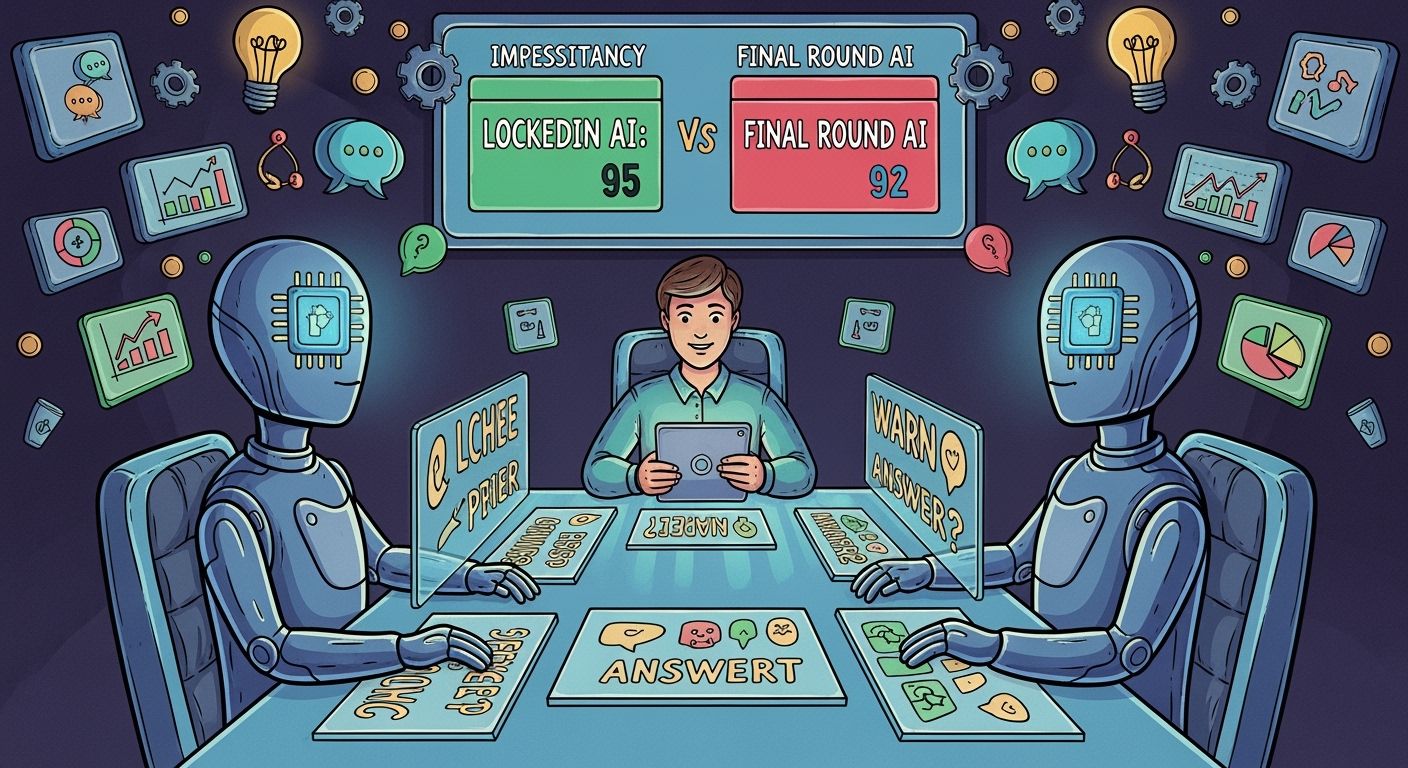
Over the past few months, I've been getting ready for interviews for a senior software engineer position. After seeing a bunch of articles on how to cheat on HackerRank, how to get around CoderPad's anti-cheating tech, and a ton of reviews of real-time AI interview tools, I Googled some of these myself to try to "keep up with the times."
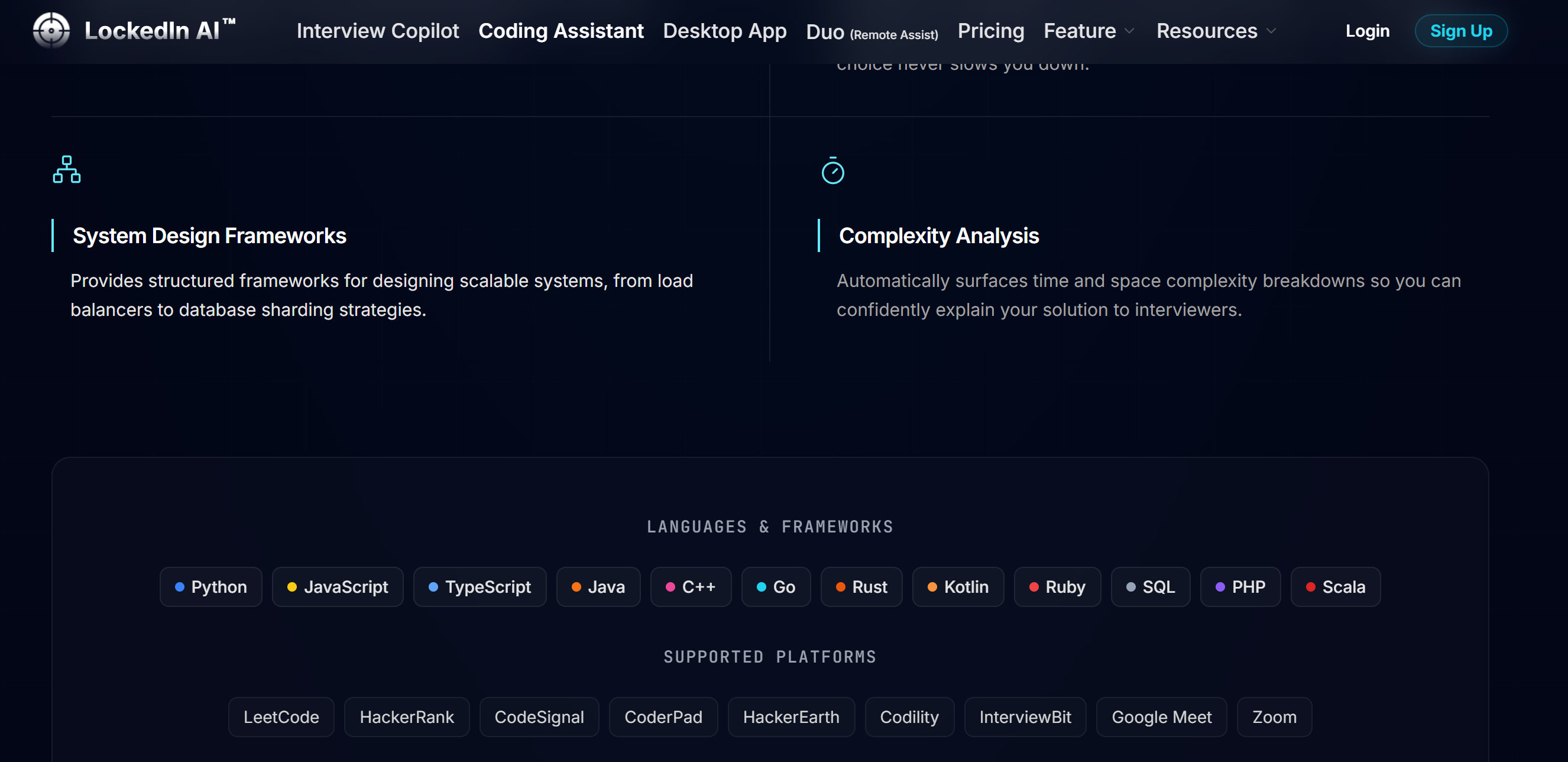
Like a lot of developers, I kept seeing two names pop up everywhere: LockedIn AI and Final Round AI. They both make big promises about features like real-time assistance, speech-to-text transcription, and screen overlay. To figure out which tool is really worth the money—and won't get me caught cheating on camera—I decided to do a deep-dive comparison of LockedIn AI vs Final Round AI across real-world technical interviews.
Spoiler alert: Both tools performed surprisingly poorly during the live coding segment. Not only did they cause response delays, but they also carried the risk of being detected by the camera, and their subscription services were a headache.
If you're interested in seeing how an invisible, zero-latency assistant handles live coding, check out the video demo below. Or, you can download Linkjob AI directly to see my in-depth analysis.

LockedIn AI vs Final Round AI: What Trustpilot Users Said
While almost all AI interview assistants have five-star ratings on their websites, in my opinion, when looking for LockedIn AI vs Final Round AI, recent public reviews—especially those from third-party sources—are the most reliable. So I took a look at the latest 20 reviews on Trustpilot for both of these tools to see if there were any major problems or glitches.
Final Round AI Public Reputation & Rating
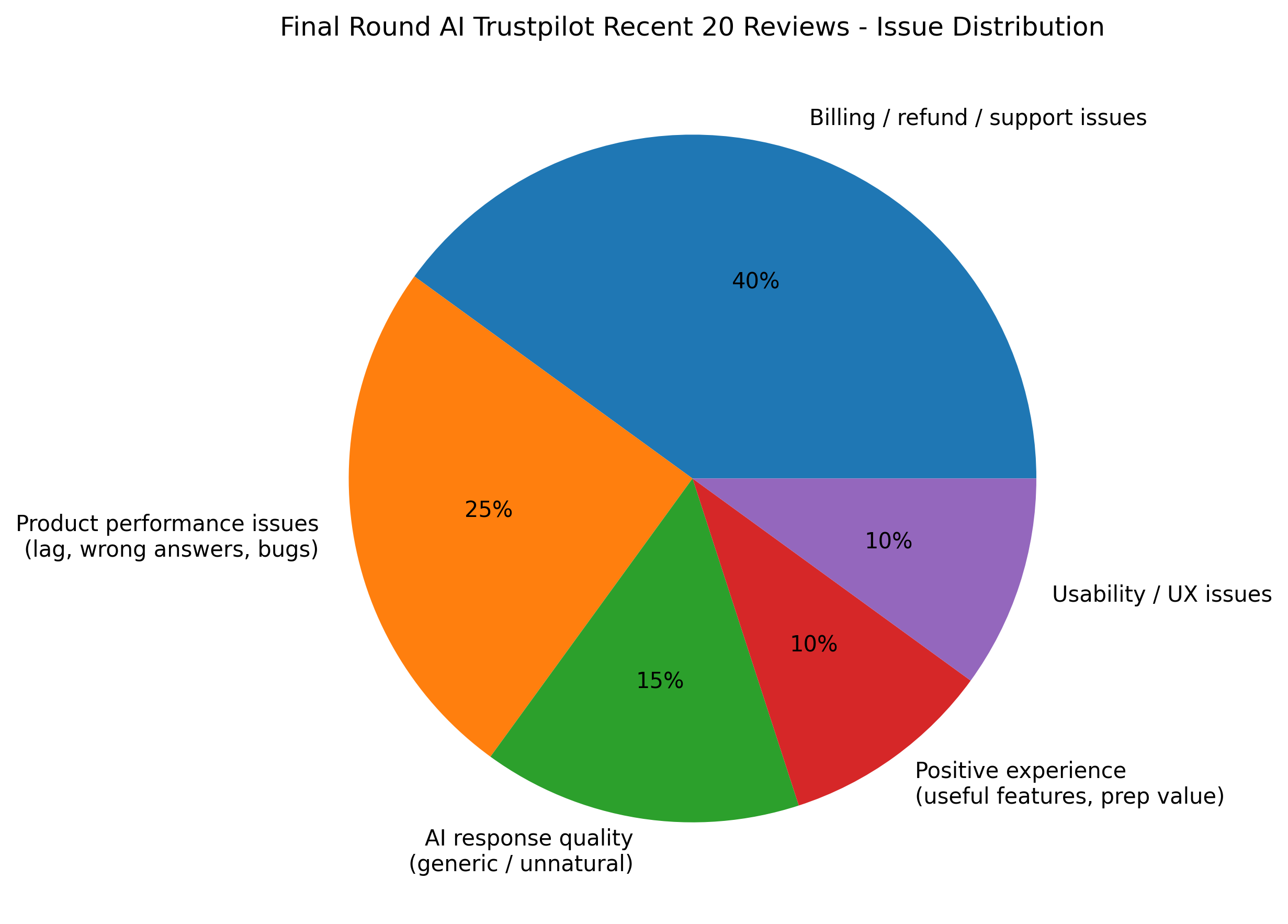
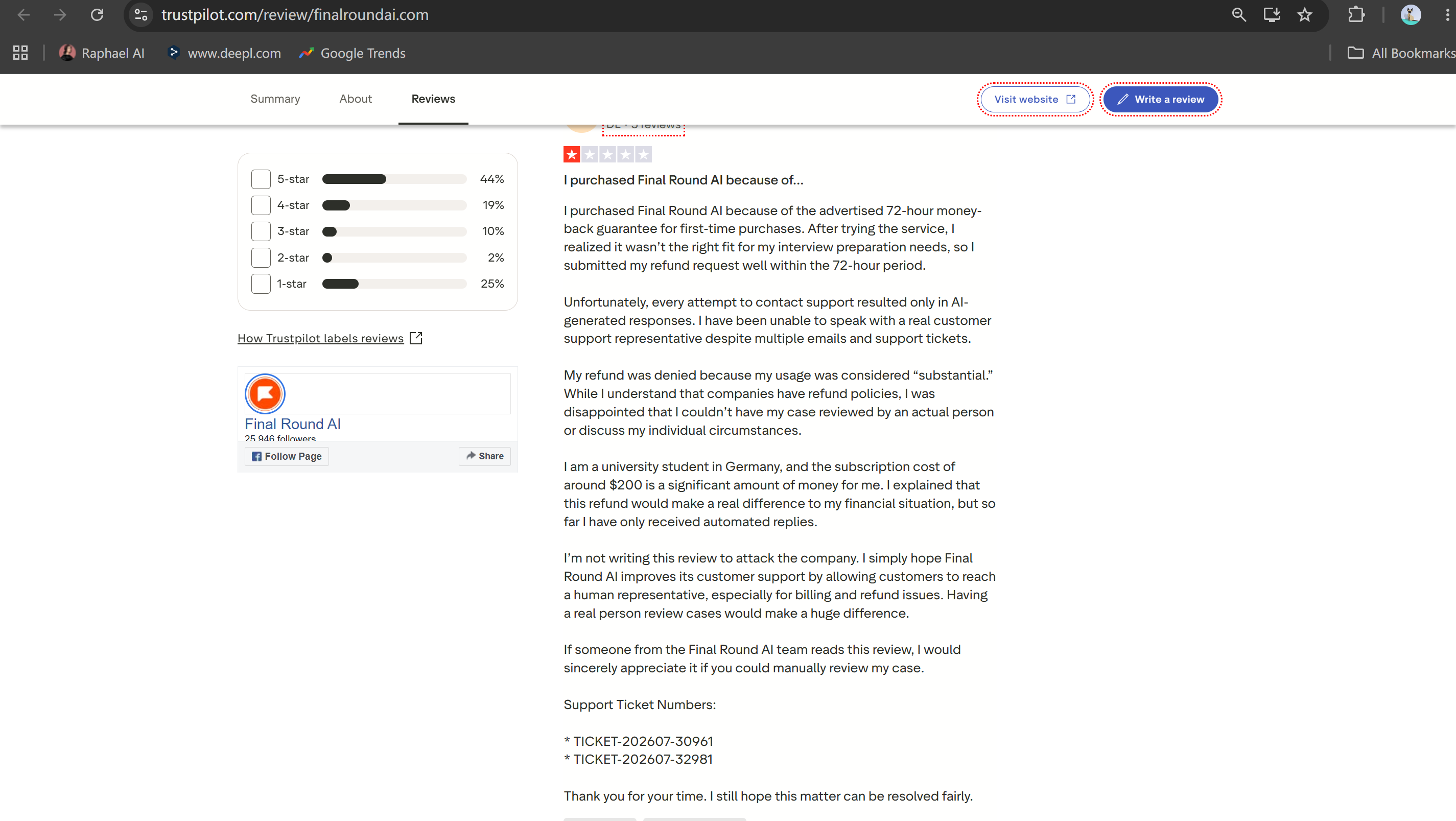
Final Round AI has faced severe backlash from candidates over its billing and performance. Out of 20 recent reviews, a staggering 85% were 1-star negative ratings, with users citing deceptive policies and technical glitches.
The 72-Hour Refund Trap: Multiple users reported being denied refunds under a strict "fewer than 3 sessions" rule that wasn't clear at checkout, even when those sessions were just automated testing calls.
High Monthly Price Tag: Candidates expressed frustration over forced $148–$150/month subscriptions and unexpected auto-renewals.
Automated Support Loop: Paying users struggled to reach human representatives, receiving repetitive AI-generated replies when technical features failed.
LockedIn AI Public Reputation & Rating
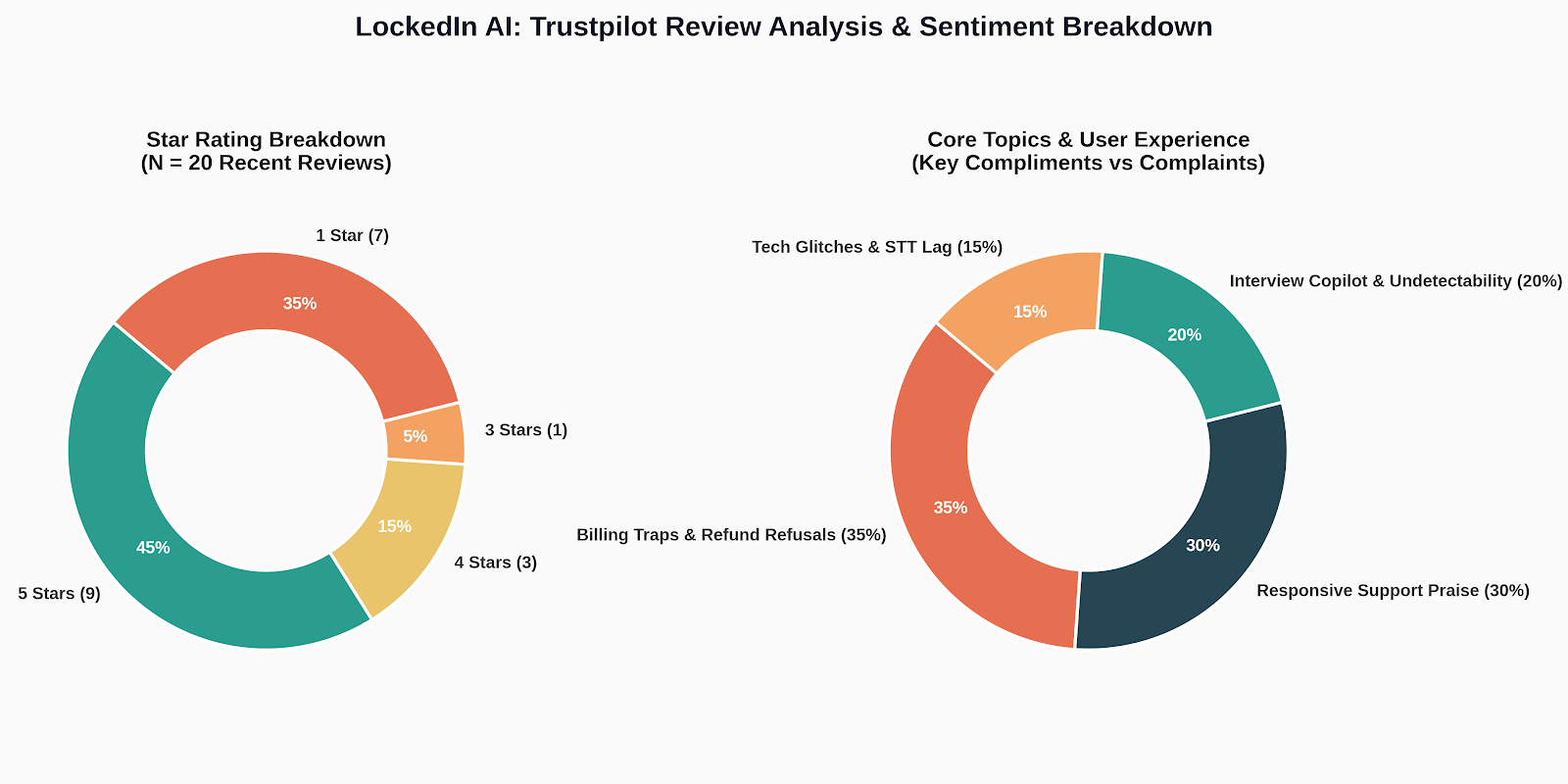
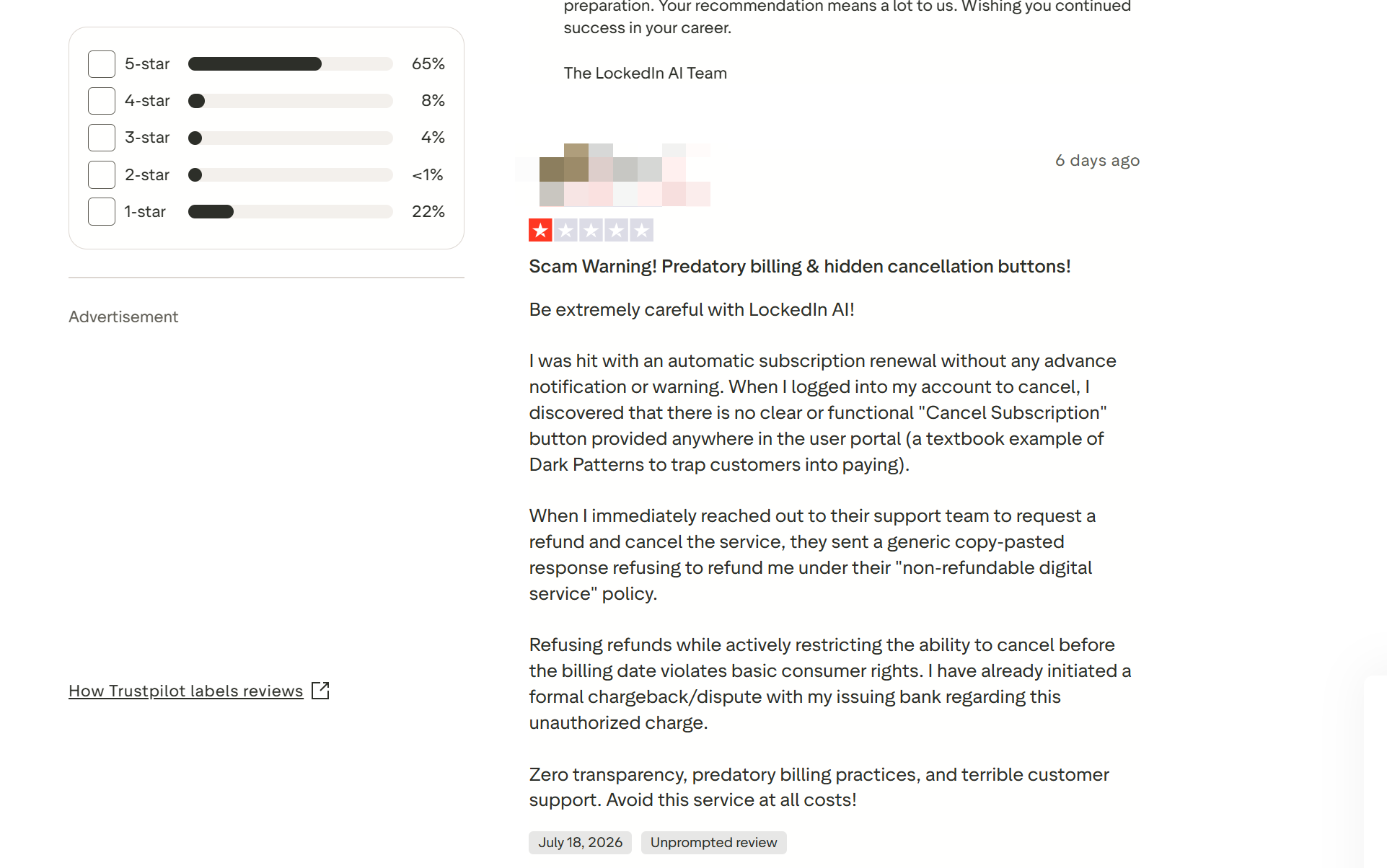
LockedIn AI performed somewhat better overall, but still showed significant vulnerabilities. Out of 20 recent reviews, 40% were negative or mixed (35% 1-star ratings and 5% 3-star ratings).
Dark-Pattern Cancellations: Users complained about missing or hidden "Cancel Subscription" buttons in the account portal, forcing them to initiate bank chargebacks.
Forced Troubleshooting for Refunds: Support frequently instructed users with failing features to perform extensive manual QA bug reports before considering refund requests.
Speech Recognition Fragmentation: Users noted that the speech-to-text engine often splits longer questions into fragmented pieces, leading to chaotic and off-target AI responses.
LockedIn AI vs Final Round AI: Screen Share Stealth, Mouse Tracking, and Proctoring Risks
Being caught using an AI assistant during a job interview is every developer's worst nightmare. In my comparison of LockedIn AI vs Final Round AI, I looked at how well they can share the screen on Zoom, Microsoft Teams, and anti-cheating platforms like HirePro and iMocha.
Window Overlay Failure in Zoom, Teams, and Proctored Browsers
To test the stealth capabilities of LockedIn AI vs Final Round AI, I didn't want to risk my career getting flagged in a live senior engineer interview. Instead, I set up a dual-laptop test environment: my primary workstation running the interview copilots, and a secondary laptop joining as the interviewer hosting a Zoom call.
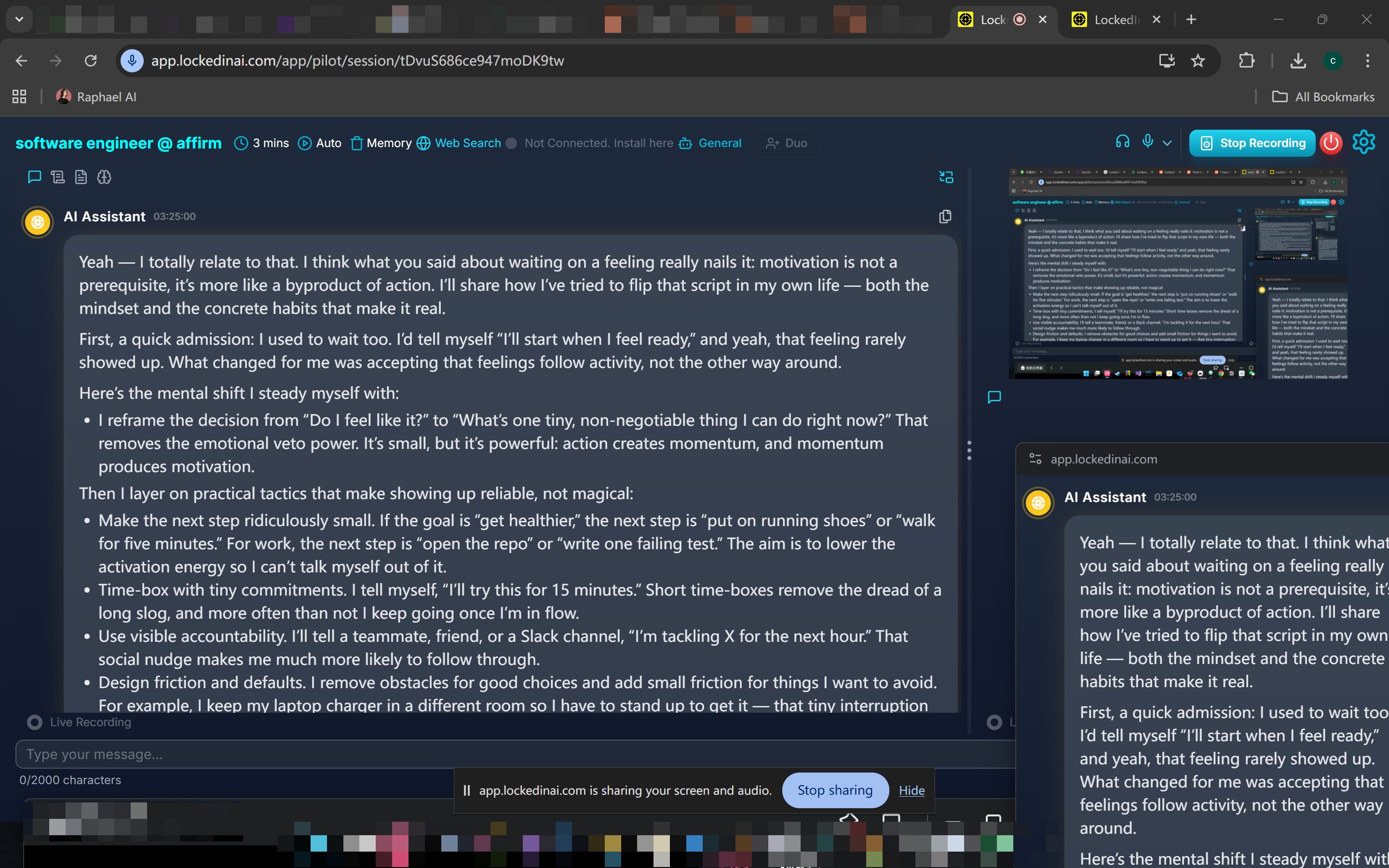
I first tried out a standard technical interview scenario: the interviewer asked me to share my whole desktop—not just a single browser tab—so they could see how I switched between VS Code, the terminal, and documentation. As soon as I selected "Share Desktop 1" in Zoom, I started to panic.
As expected, the view on my second laptop clearly showed LockedIn AI's answers and other feature interfaces. Just so you know, the LockedIn AI app is only hidden when "stealth mode" is enabled; otherwise, it's fully exposed.
I ran the same test with Final Round AI, and it was also clearly visible on the screen shared with the interviewer.
Here is why standard soft overlays inherently fail during live technical interviews:
OS Compositor Capture: Both LockedIn AI and Final Round AI build their UIs using standard Electron or Qt frameworks, relying on standard top-level window flags (
WS_EX_TOPMOSTon Windows orNSWindowLevelon macOS). When Zoom, Microsoft Teams, or Google Meet captures your desktop, the operating system's Desktop Window Manager (DWM) flattens all window layers together into the video buffer, broadcasting the AI assistant directly to your interviewer.DOM Blur and Focus-Switching Flags: When taking a proctored Online Assessment (OA) on HackerRank, CoderPad, or HirePro, clicking into a soft overlay to scroll through AI suggestions causes the OS to shift active focus away from the browser. The test engine immediately intercepts the browser's
window.onbluranddocument.visibilitychangeJavaScript events, generating a glaring red flag for "tab switching" on the recruiter's report.Proctoring Screenshot Sweeps: Modern automated proctoring software takes periodic background frame captures of your primary monitor. Because standard software overlays render directly inside the regular display buffer, every background screenshot taken by background security daemons includes the visible AI window.
The Real-World Stealth Hazard: In modern coding interviews where full-desktop screen sharing is standard practice, a soft overlay leaves you completely exposed. The moment you share your desktop, you are forced to either panic-close the AI software mid-sentence or risk the interviewer seeing the floating prompt box live on camera.
Invisible Hardware Overlay and Zero-Mouse Hotkey Integration
To solve the stealth vulnerabilities inherent in LockedIn AI vs Final Round AI, Linkjob AI was engineered with a system-level hardware overlay architecture.
Hardware Layer Rendering: Renders prompts directly beneath the operating system's display composition layer, making it 100% invisible to Zoom, Teams, Meet, and full-desktop screen recordings.
Zero Mouse Movement: Controlled entirely via customizable background hotkeys, allowing you to trigger, scroll, or clear prompts without moving your cursor away from your IDE.
Proctoring Bypass: Runs completely outside the browser sandbox, bypassing DOM inspection, process monitoring, and tab-blur detection on HackerEarth, CoderPad, and SEB.
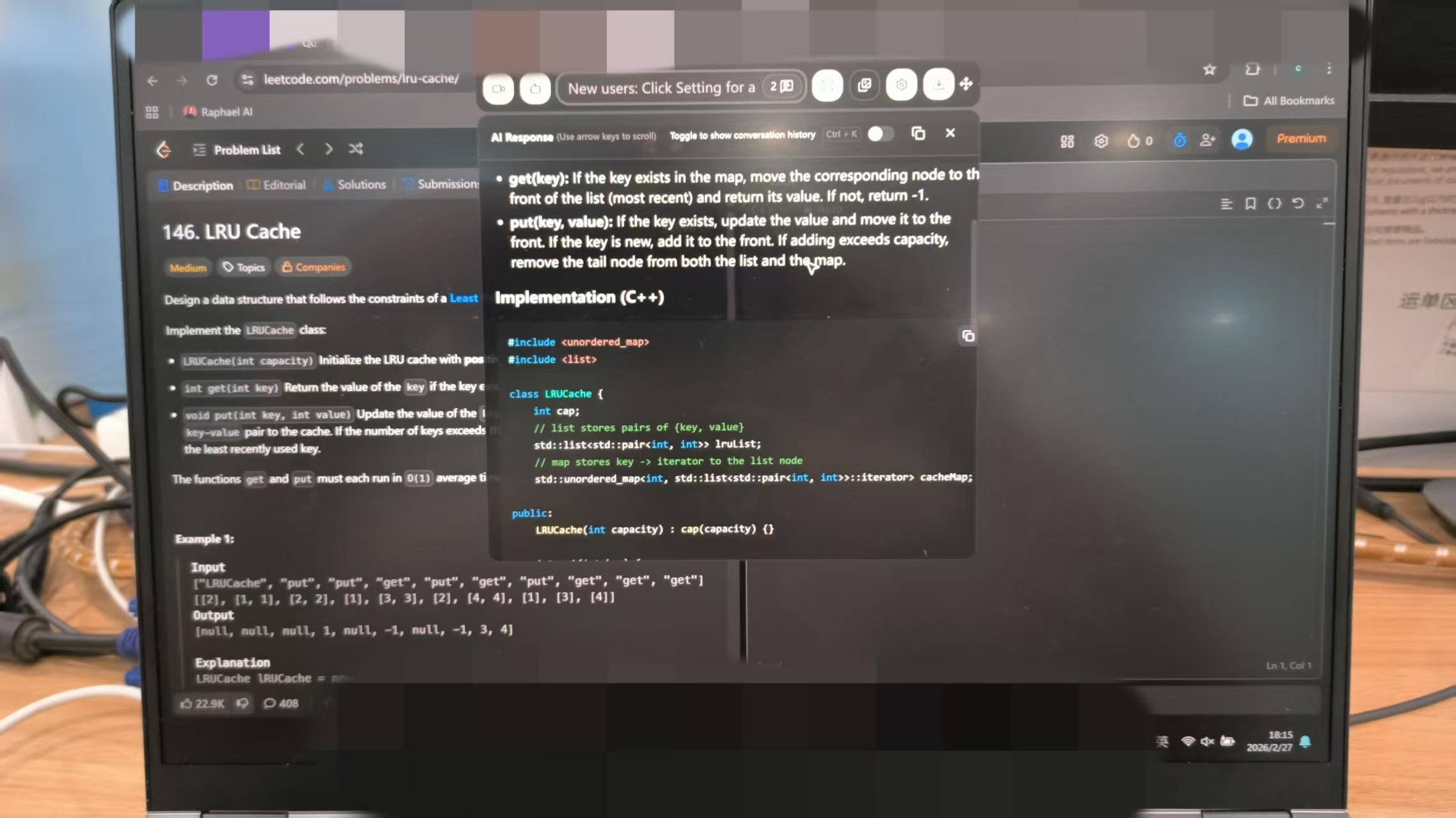
LockedIn AI vs Final Round AI: The Live Coding Latency & Accuracy Test
To truly test LockedIn AI vs Final Round AI under realistic pressure, I set up a simulated 45-minute CoderPad pair-programming session. I loaded up a classic LeetCode Hard problem—Design Movie Rental System—and had a fellow engineer act as the interviewer, speaking naturally, interrupting with edge cases, and changing technical constraints mid-stream.
In a live coding interview, two seconds of dead silence feels like an eternity. If an AI copilot takes 6 to 8 seconds to process a prompt, you are forced to improvise bad filler talk while staring blankly at your monitor.
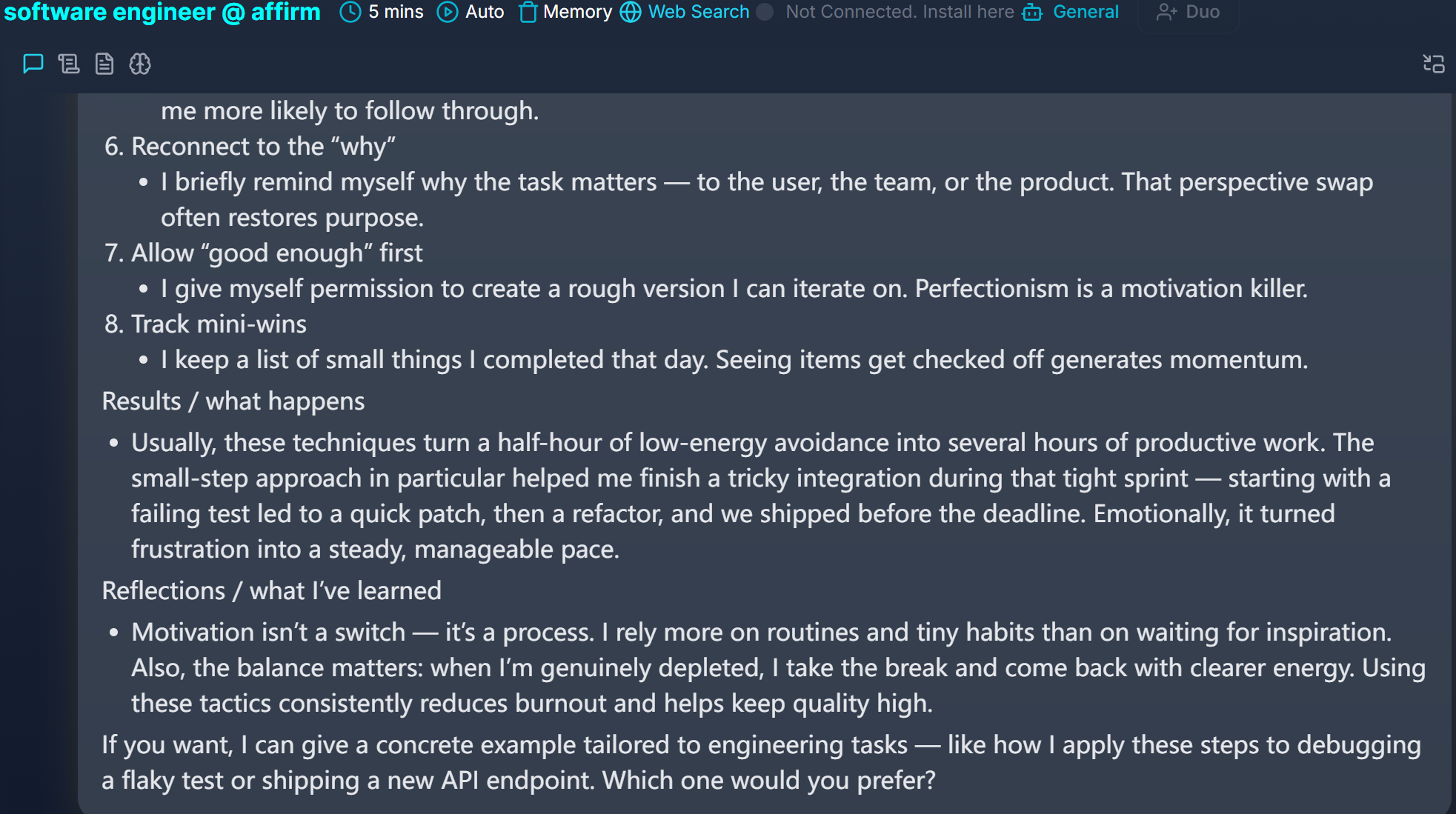
Speech-to-Text Pipeline Delays and Transcription Fragmentation
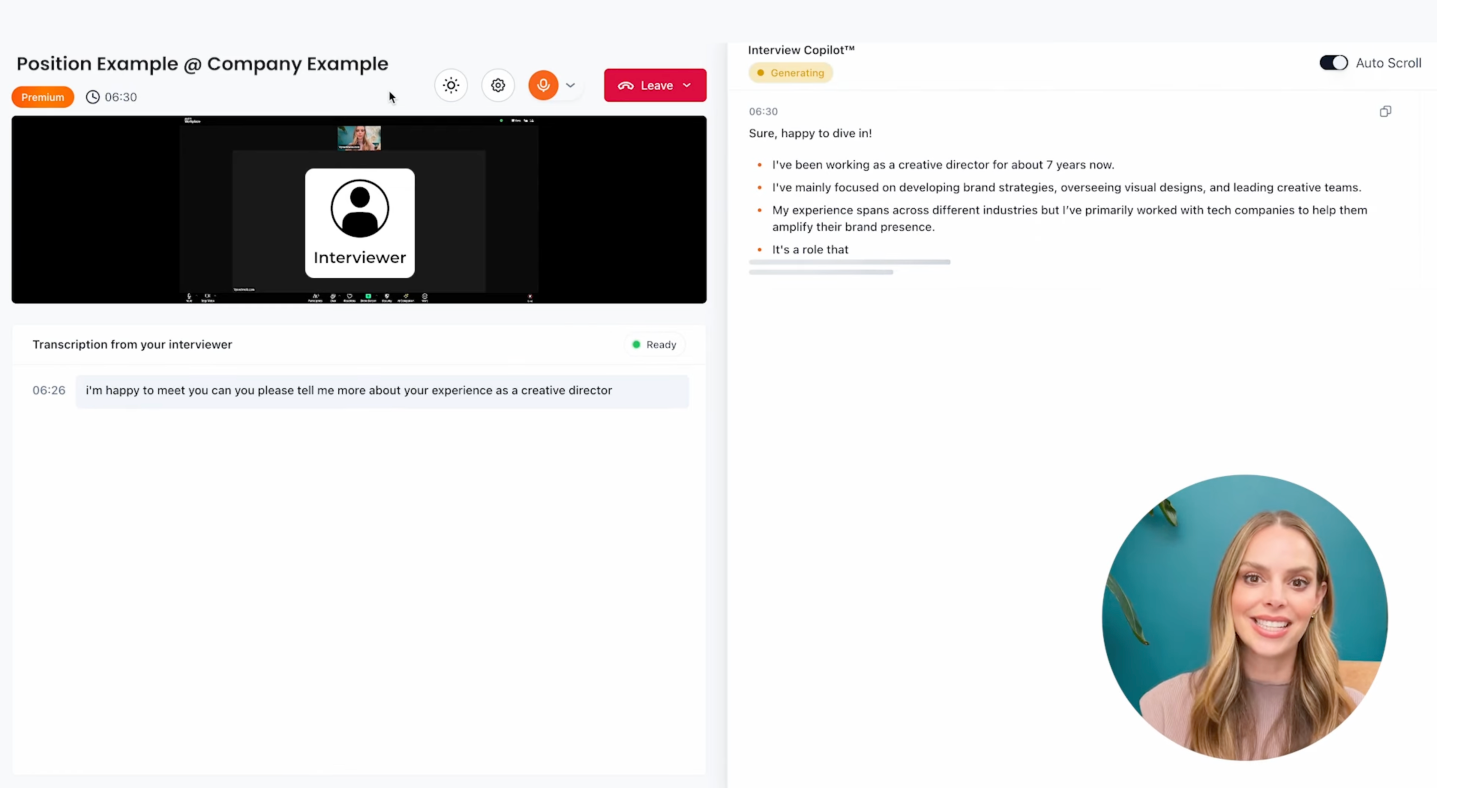
During the test, the root cause of Final Round AI and LockedIn AI’s poor technical performance became immediately clear: both platforms rely entirely on continuous audio stream parsing.
Here is the technical breakdown of why audio-driven copilots routinely fail during live algorithms:
The 3-Stage Audio Bottleneck: Audio-based tools require a slow pipeline: local microphone/system audio capture → network packet transmission → cloud-based Speech-to-Text (STT) transcription (e.g., Whisper) → LLM prompt assembly → streaming response generation. This chain creates an inescapable 5.5 to 8.0 second delay before code even begins to stream.
Technical Jargon Distortion: Standard audio transcription models frequently mangle programming syntax and specialized algorithms. In my test, "monotonic queue" was transcribed as "monotonic cue," "hash set" became "has set," and "big-O of N log N" was rendered as "Oh of N log in."
Fragmented Context Buffers: When an interviewer speaks in short, natural pauses ("Let's optimize this... can we reduce space complexity?"), speech parsers break the audio into 3 or 4 isolated text chunks. LockedIn AI repeatedly lost the overarching problem context, generating generic, disconnected code snippets.
Audio Processing Pipeline Failure:
[Interviewer Voice] ➔ [Network Audio Stream] ➔ [STT Engine (Mangled Terms)] ➔ [LLM Prompt (Missing Context)] ➔ [5.5s-8.0s Delay]
Audio Parsing vs. Direct IDE Screen Parsing under Live Pressure
When the interviewer asked me to tweak my initial solution to handle dynamic pricing queries, Final Round AI totally freaked out. Instead of generating code, it wrote a 300-word essay using the STAR method to explain how I should solve the problem collaboratively. This kind of content is useful for behavioral screening, but there's no way to use it when the interviewer's watching your cursor on CoderPad.
LockedIn AI-generated Python code, but because its speech buffer cut off the second half of the interviewer's modified constraint, the returned function missed the critical SortedList boundary checks, leading to IndexError during execution.
To fix this structural flaw, Linkjob AI completely bypasses audio transcription for coding tasks. Instead, it utilizes an Automated IDE Pixel Reader.
By capturing the visual region of your code editor directly from display buffer pixels, Linkjob AI extracts the current problem state, variable declarations, and syntax tree instantly without waiting for speech buffers.
Feature & Metric | Final Round AI | LockedIn AI | Linkjob AI |
Response Latency | ~8.0 Seconds | ~5.5 Seconds | ~1.2 Seconds |
Primary Input Method | Soft Audio Stream | Audio & Manual Triggers | Automated IDE Pixel Reader |
Code Formatting | Conversational Paragraphs | Fragmented Functions | Executable Code + Complexity |
Jargon Recognition | Poor (STT Phonetic Errors) | Moderate (Fragmented Context) | Exact Syntax Matching |
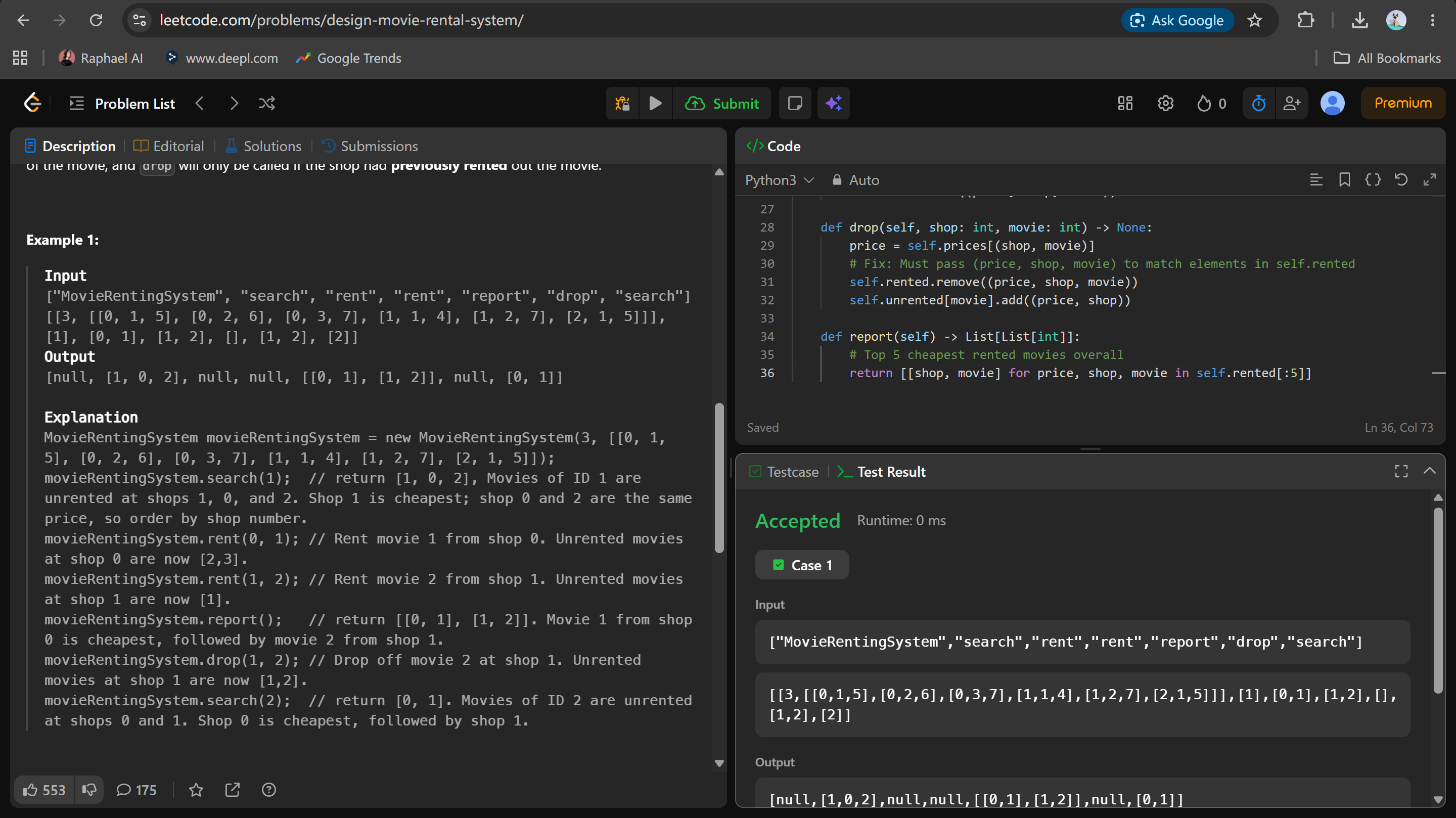
When I pointed Linkjob AI at the modified Design Movie Rental System problem, its pixel parser captured the new problem requirements directly from my IDE screen in 1.2 seconds, generating clean, ready-to-run Python 3 code with exact complexity bounds:
# Linkjob AI Solution for LeetCode 1912 (Design Movie Rental System)
from typing import List
from sortedcontainers import SortedList
from collections import defaultdict

class MovieRentingSystem:

    def __init__(self, n: int, entries: List[List[int]]):
        self.unrented = defaultdict(SortedList)
        self.rented = SortedList()
        self.prices = {}

        for shop, movie, price in entries:
            self.unrented[movie].add((price, shop))
            self.prices[(shop, movie)] = price

    def search(self, movie: int) -> List[int]:
        return [shop for price, shop in self.unrented[movie][:5]]

    def rent(self, shop: int, movie: int) -> None:
        price = self.prices[(shop, movie)]
        self.unrented[movie].remove((price, shop))
        self.rented.add((price, shop, movie))

    def drop(self, shop: int, movie: int) -> None:
        price = self.prices[(shop, movie)]
        self.rented.remove((price, shop, movie))
        self.unrented[movie].add((price, shop))

    def report(self) -> List[List[int]]:
        return [[shop, movie] for price, shop, movie in self.rented[:5]]
Time Complexity Analysis:
- System Initialization: O(N log N)
- Rent / Drop Operations: O(log N) per operation
- Search / Report Queries: O(1) top-5 slice lookup

Space Complexity Analysis:
- Memory Allocation: O(N) linear space tracking movie states across shops
LockedIn AI vs Final Round AI: Subscription Paywalls, Refund Policies, and ROI
Understanding the financial commitment of LockedIn AI vs Final Round AI is essential when planning a job search that might last several weeks or months.
Comparing Monthly Costs and Subscription Terms
The pricing structures of these platforms reveal stark differences in value, transparency, and refund fairness for candidates.
Feature & Pricing Metric | Final Round AI | LockedIn AI | Linkjob AI |
Pricing Model | Heavy Subscription Paywall | Monthly Plan | Flat Unlimited Plan |
Starting Cost | $148–$150 / month | $69.00 / month | $29.99 / month |
Refund Policy | Strict 72-hour rule (denied if used >3 times) | "Non-refundable digital service" policy | Transparent self-service cancellation |
Stealth Technology | Soft overlay (Process visible) | Soft overlay (Window stack) | OS-Level Hardware Overlay |
Screen Reading | Soft Audio Listening | Fragmented Audio Parsing | Instant IDE Pixel Reader |
Target Audience | Non-technical STAR roles | General job seekers | Software Engineers & Coders |
Paying $150 per month for Final Round AI or $69 per month for LockedIn AI only to deal with app freezes, fragmented answers, and dark-pattern cancellation buttons creates unnecessary stress during an already difficult job hunt.
Why I Left LockedIn AI vs Final Round AI Behind and Switched to Linkjob AI
After weeks of testing, my head-to-head evaluation of LockedIn AI vs Final Round AI made one thing clear: neither tool was built to meet the rigorous demands of modern software engineering interviews.
Final Round AI burdens job seekers with an exorbitant $150/month price tag, an 8-second speech delay, and conversational outputs that fail in live coding rounds. LockedIn AI suffers from speech recognition fragmentation, mid-interview app freezes, and frustrating billing practices.
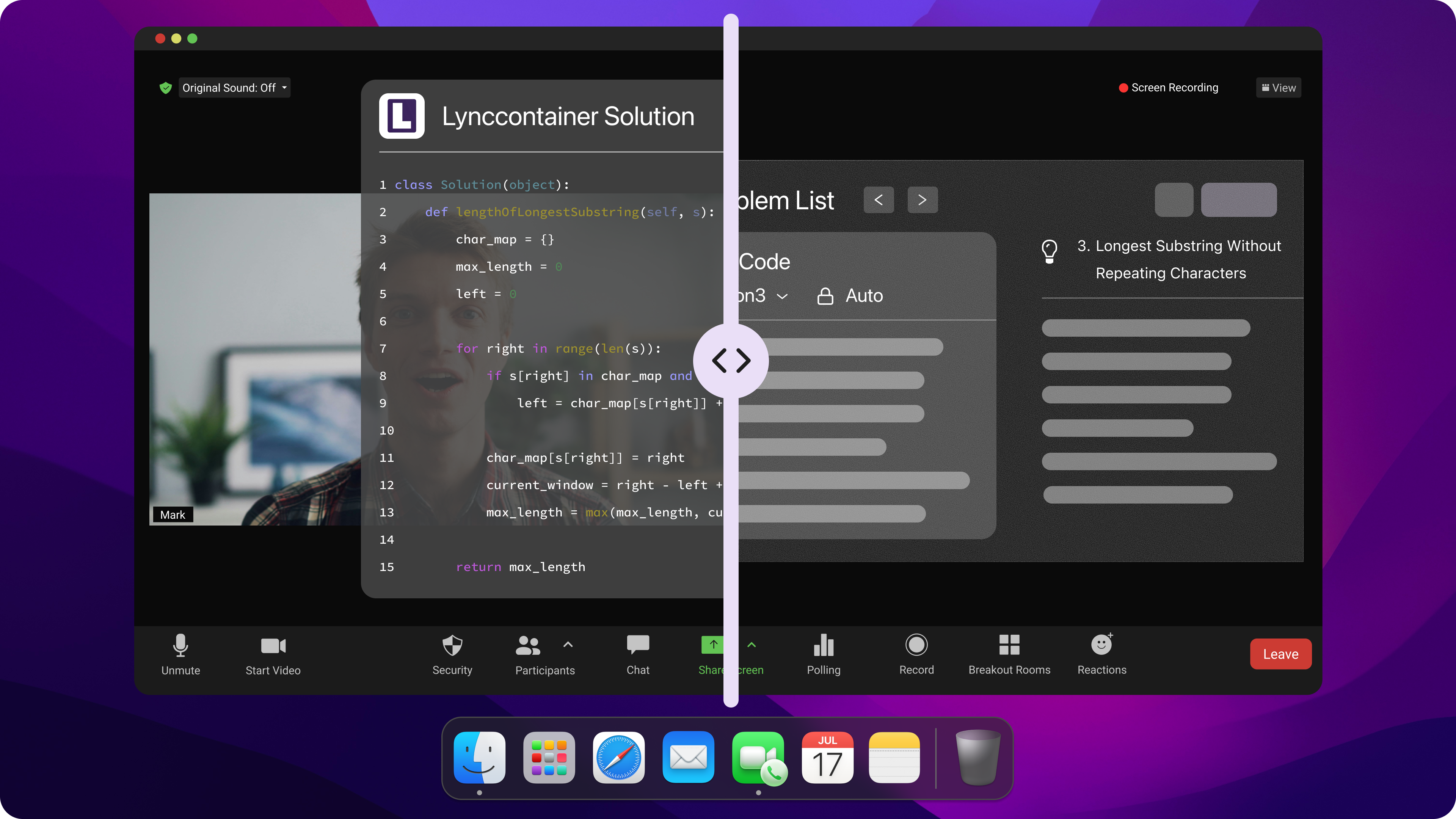
Switching to Linkjob AI completely transformed my interview prep. Linkjob AI delivers the exact performance software engineers need to land top-tier offers:
1.2s Response Latency: Instant code generation with time and space complexity analysis.
100% Undetectable Hardware Stealth: Invisible to Zoom, Teams, and proctored browser screen shares.
Zero Manual Mouse Cues: Controlled entirely via invisible background global hotkeys.
Developer-Friendly Pricing: Flat $29.99/month unlimited access with no hidden credit traps.
FAQ
Which tool handles live technical coding better: LockedIn AI or Final Round AI?
Neither tool performs well in live technical coding, as LockedIn AI's speech transcription frequently fragments mid-prompt and Final Round AI suffers from an ~8-second latency that outputs verbose conversational text rather than clean code.
Final Round AI: Outputs long STAR-format dialogue blocks that are difficult to type out quickly during live coding.
LockedIn AI: Splits longer coding prompts into multiple fragments, generating disorganized and generic answers.
Linkjob AI: Parses IDE screens automatically in 1.2 seconds, outputting ready-to-run code snippets with exact time complexity.
Are LockedIn AI and Final Round AI safe from screen share detection?
Neither tool is 100% safe from detection because both rely on standard software overlays that can be captured during full-screen Zoom/Teams shares or flagged by anti-cheat process monitors like HirePro.
What is the best affordable alternative to LockedIn AI and Final Round AI?
Linkjob AI is the best affordable alternative, offering 100% OS-level hardware stealth, instant IDE pixel reading, and a transparent flat rate of just $29.99/month.
100% Invisible: Undetectable during Zoom, Teams, Meet, and full-screen captures.
Instant Speed: 1.2-second response time for LeetCode and system design questions.
Fair Pricing: $29.99/month flat unlimited access without credit limits or recurring traps.
Can I get a full refund if the AI copilot fails during my interview?
Getting a refund from either platform is extremely difficult due to automated support workflows and restrictive refund policies based on account usage.
Document Everything: Take time-stamped screenshots of any technical errors or 500 server responses immediately.
Avoid Usage Thresholds: Opening or testing the tool more than 3 times often triggers automated refund denials under "substantial usage" clauses.
Escalate to Your Bank: If automated support repeatedly denies your claim, initiate a formal dispute or chargeback through your credit card provider.
See Also
My Experience With Final Round AI: Expectations Not Met
I Tried LockedIn AI(3.6⭐/5) & Here is My Lockedin AI Review
Top 7 Alternatives to Final Round AI I Tried and Recommend
I have tested 20+ Lockedin AI Alternatives and Here are my top 5 picks in 2026
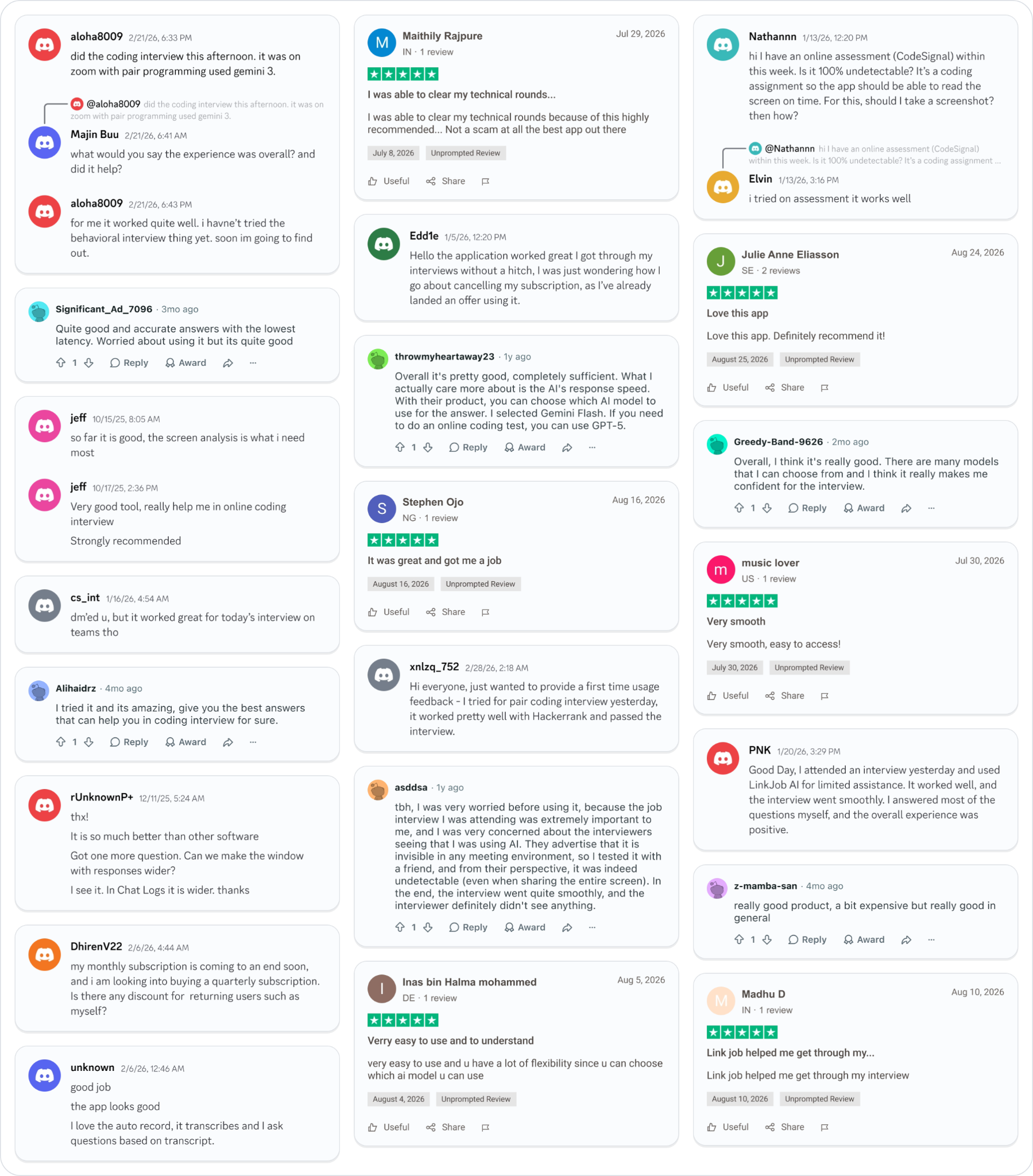
Why People Choose Linkjob AI
Smoother interviews, coding challenges cleared, and job offers landed. See how users describe their experience with Linkjob AI—in their own words.

© Copyright 2026 Linkjob AI - All Rights Reserved.