I Tested 6 Best Tech Interview AI Assistants&How They Worked


I jumped right in and tried out some different tech interview ai assistant tools. The ones that impressed me delivered realistic questions, sharp feedback, and smooth user experiences. See how to choose the best AI model for every interview type if you feel quite overwhelmed about which one to choose. And see 5 more invisible AI for interview tools, and a more detailed review of how to cheat on HackerRank if you need.
When I tested each tool, I focused on these things:
Functionality
Pricing
Ease of Use
Personalization
Customer Support
Real-time Suggestions
Response Speed
Privacy
#1 Tech Interview AI Assistant: Linkjob AI
Overview
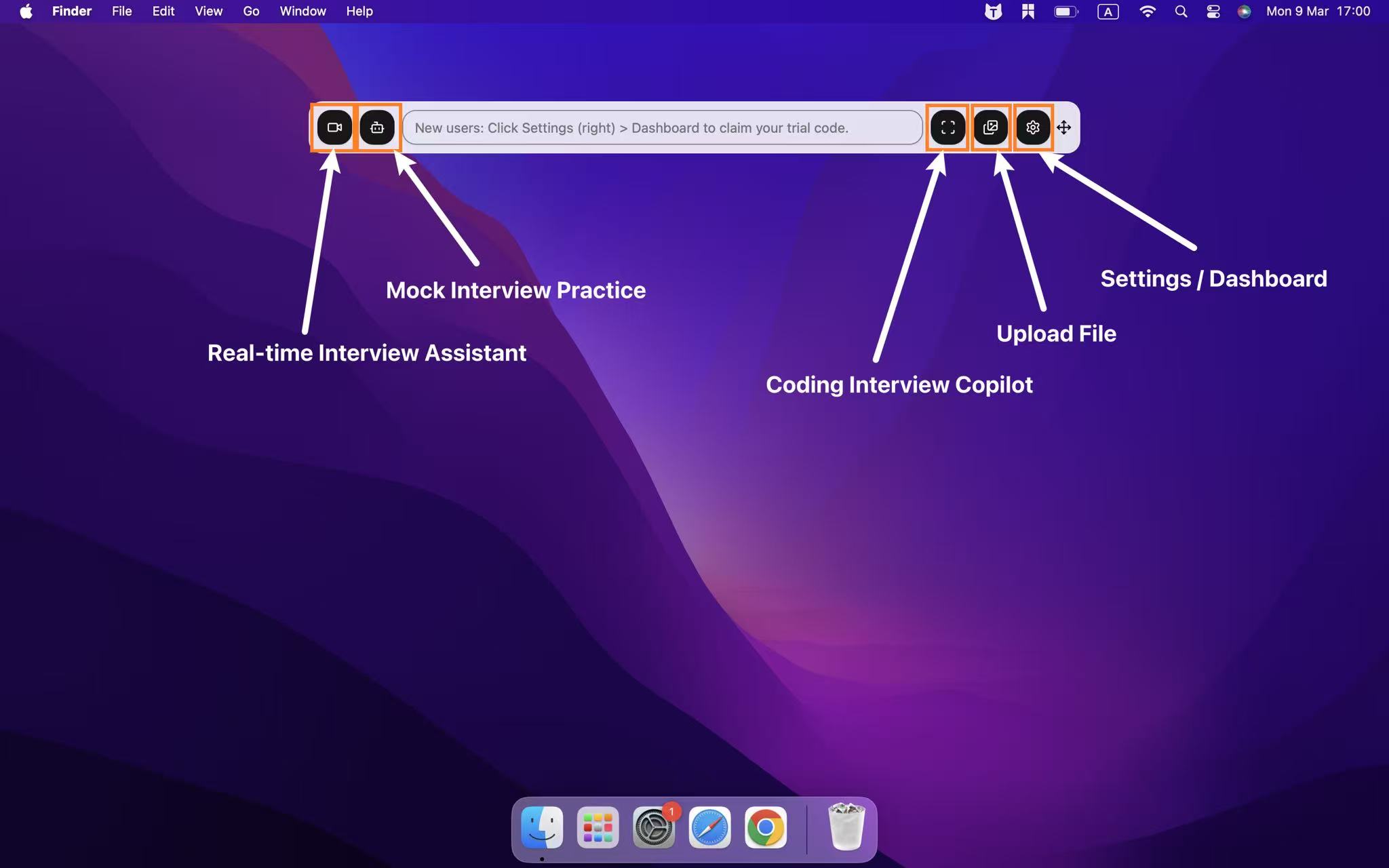
When I first tried Linkjob AI, I noticed how smooth and fast everything felt. This tech interview ai assistant stands out because it works invisibly during live interviews and coding assessments. I never felt distracted or worried about detection.
The platform supports over 80 of the newest and most advanced AI models and more than 30 languages, which makes it flexible for different users. Whether you’re prepping for a Python coding test or a finance interview, Linkjob AI adapts quickly.
Features
Here’s a quick look at what makes Linkjob AI unique:
Feature | Description |
|---|---|
Invisibility | Stays undetectable during live interviews and coding online assessments. |
Low latency | Delivers AI-generated answers in under a second for most questions. |
Multi AI model support | Works with 80+ mainstream AI models, including GPT-5.1, Claude Opus, and Grok 3. |
Multi-language support | Responds in 30+ languages, though input sensitivity may need tweaking. |
Multi programming language support | Compatible with Python, Java, JavaScript, C++, and more. |
Integration | Compatible with most of OA platforms like HackerRank, CodeSignal, and CoderPad. And works well with meeting platforms, including Zoom, Google Meet, and Lark. |
Pros
Advantage | Description |
|---|---|
Real-time assistance | Context-aware answer suggestions during live interviews. |
Personalized feedback | Tailored coaching based on resume and job description through prompting. |
I could upload my own notes and get tailored responses.
Practicing with real questions and instant feedback boosted my performance.
The AI’s structured methods for behavioral questions made tough interviews easier.
Cons
Coding answers sometimes took longer than regular questions. (works better after a few updates)
Input sensitivity for multi-language support needed some adjustment.
The interface felt a bit overwhelming at first, especially with so many options.
Verdict
Linkjob AI works for job seekers at any experience level. I recommend it for anyone who wants real-time support and personalized practice, especially in tech and finance. If you want a tech interview AI assistant that stays invisible and adapts to your needs, this one is worth a try.

2. Interview Solver For Better Focus on Tech Interviews
Overview
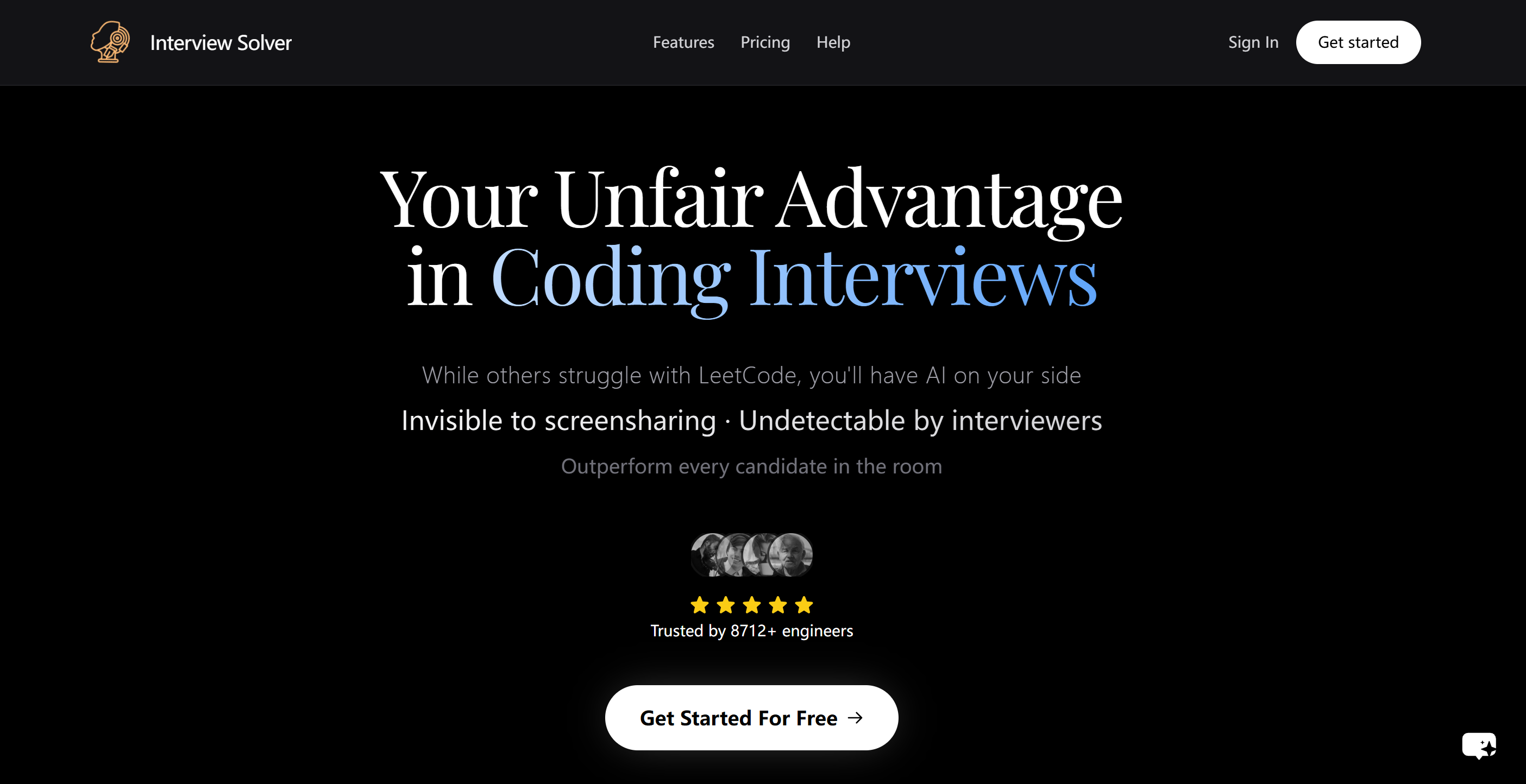
The Interview Solver website is pretty solid on the subject – they're pros at real-time programming interviews and they've got you covered for LeetCode problems and extra features like companion mode (for using another device as a second screen) and document upload (so you can use and analyse additional info during the interview).
Features
Here’s what stood out to me:
Feature | Description |
|---|---|
Interview Copilot | Gives real-time, structured responses. |
Undetectability | Remains undetectable during screen sharing. |
Voice Transcription | Transcribes both your voice and the interviewer's voice. |
Document Upload | Upload and reference documents during interviews. |
Companion Mode | Use any device as a second screen for code display and assistance from others. |
Pros
It's quick to get answers back and they seem really professional.
Global hotkeys were a really good addition, and they responded almost straight away.
It was invisible in screenshots and online meetings, which is pretty impressive.
Cons
Limitation/Issue | Description |
|---|---|
Pricing | The cost is high, and the free plan feels limited. |
Guidance | It takes time to get comfortable with all the features. |
Answers | Needs clicks or shortcuts to get answers, instead of auto-generating. |
Interface settings | The transparency cannot be adjusted, sometimes freezes, and cannot even be found after minimising. |
Compatibility | Once it wouldn't run on Mac computer. |
Verdict
Interview Solver can be tricky to spot, even in Task Manager, but it handles LeetCode problems like a pro. The thing is, it's not the most stable, to be honest. Its workflow can be a bit erratic, and it does sometimes freeze or crash.
If you do technical interviews a lot, I think it's a solid choice. The monthly subscription is reasonably priced at $39, but it does take a little time to get used to.
3. Leetcode Wizard: Best Tech Interview Assistant Using Second Device
Overview
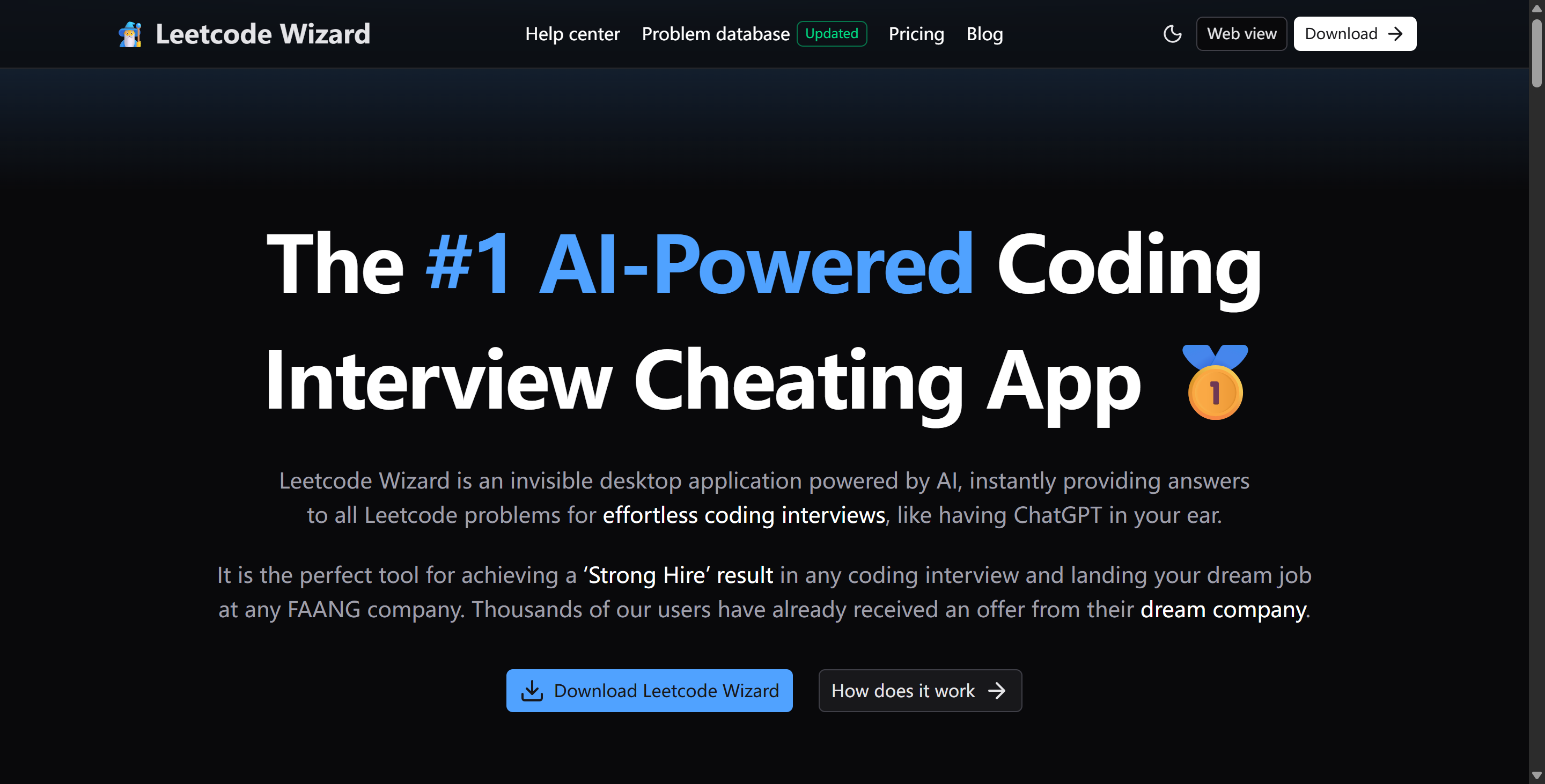
Leetcode Wizard uses custom AI models that are reportedly trained daily on real Leetcode interview questions. This special design makes it better than general-purpose language models (LLMs) like ChatGPT at certain tasks.
Features
Feature | Description |
|---|---|
Invisible Operation | Runs discreetly during screen-sharing sessions |
Undetectable hotkeys | Can be controlled by undetectable hotkeys. Never have to leave the window. |
Web view for secondary devices | Allows you to view all output on another device. |
Pros
Hotkeys made it easy to get help without breaking my focus.
The tool works on most coding platforms, so I didn’t have to switch tabs.
Many users say it’s fast and reliable during tough interviews.
Cons
If the assistant is using a smartphone, the screen is too small to see the answers properly and it can look a bit weird during the interview.
If the extra device is a tablet or computer, it has to be placed to the side. If not, the candidate will get caught checking answers.
Just so you know, you can only use Leetcode Wizard with dual devices during technical assessments to avoid detection. But some technical interview platforms (like CoderByte) spot it right away and make Leetcode Wizard useless.
Verdict
Leetcode Wizard offers a monthly subscription service priced at €49 (about $58), which seems fair and reasonable to me.
I'm sure you'll agree that this tool definitely lives up to its technical promises. It solves a whole bunch of problems – even complex ones – really quickly, and it's super accurate and easy to understand. It's like having an engineer on call 24/7, ready to give guidance whenever you need it, which makes the learning process way faster.
I think Leetcode Wizard works best on platforms that allow two devices or don't detect dual-device usage.
4. CTRLpotato: For Staying Private During Tech Interviews & OAs
Overview
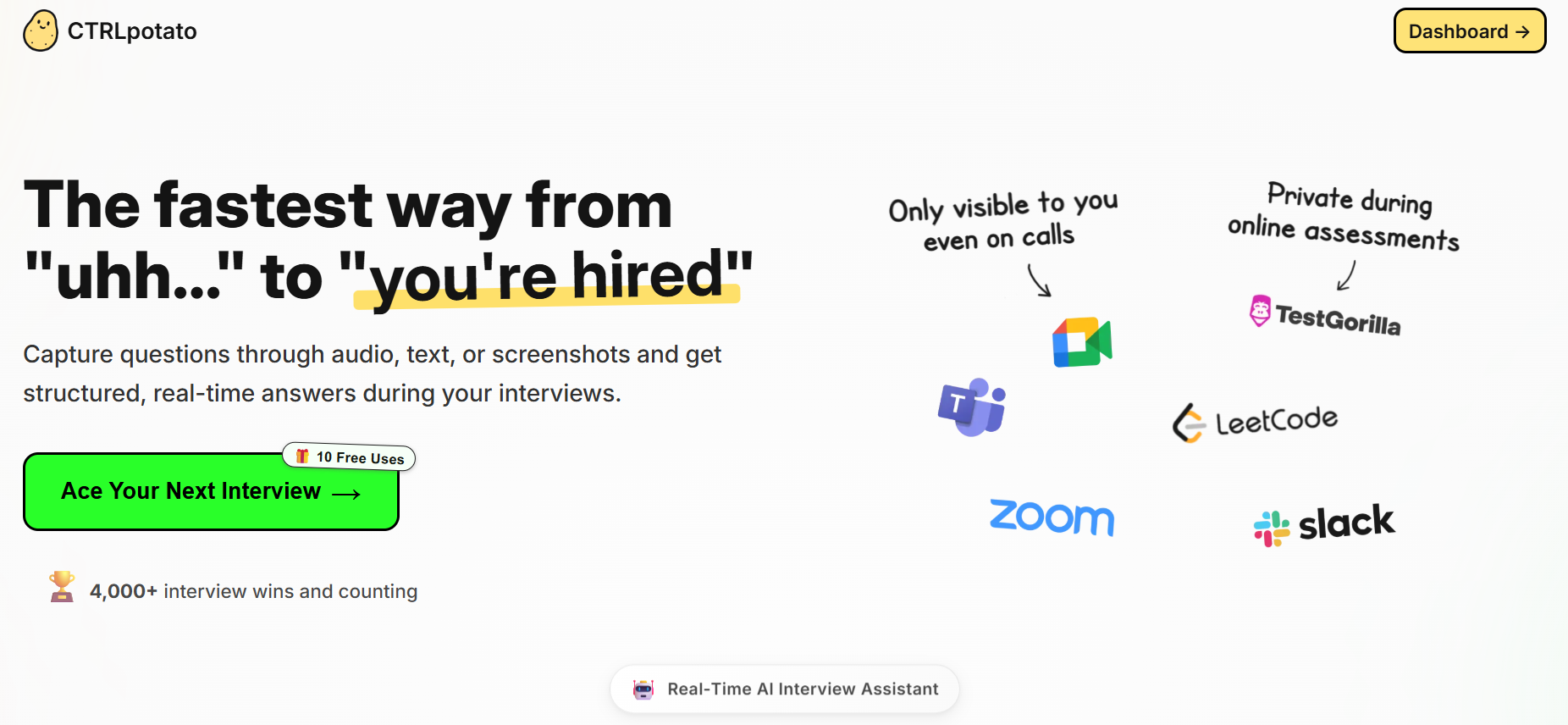
CTRLpotato is an invisible interview assistant that uses a context buffer – it's basically like a digital clipboard. You can add audio, screen captures, and text snippets. Then, at the touch of a button, you can send it all off to create one comprehensive answer which has all the info covered.
Features
Here’s a table showing the innovative features I found most useful:
Features | CTRLpotato |
|---|---|
Platform Type | Software-based (Desktop app) |
Undetectability | Uupported |
Automatic Question Recognition | Supported |
All Interview Format (behavioral, coding, etc.) | Supported |
Live Interview Copilot | Supported |
Language | 10+ |
Pros
Ease of use: It can automatically recognize and answer questions, and allows users to upload screenshots of the problem
Quality of generated answers: Utilise cutting-edge AI models (detailed later) and let me pick any programming language (Python, Java, C++), so they can generate answers quickly and effectively. I've tested it with challenging Leetcode problems, and it performed exceptionally well.
live interview capability: During the interview, CTRLpotato will display a compact, unobtrusive window that won't interfere with your screen sharing. If you want, you can also use your phone as a second screen to view responses.
Cons
Drawback/Challenge | Description |
|---|---|
Visibility during dual devices | Same as Leetcode Wizard, its dual devices mode can be spotted during live interviews. |
Lack of human touch | Responses sometimes feel generic and machine-like. |
Emotional intelligence | The tool can misinterpret intent and doesn’t always understand emotions. |
I noticed that the answers sometimes lacked warmth and didn’t connect with my background. The customization options are solid, but the responses felt templated compared to other platforms.
Verdict
CRTLpotato is a tech interview assistant that helps you prepare for and get through interviews. It lets you capture questions with just one click, record audio, highlight text and take screenshots. Just press a button and you'll get the answer you need. It gives you a little teaser, and then fills you in on the whole situation. Also, it always shows just your screen, with all the content in your workspace instead of a shared view.
It supports a second-screen view, so you can access answers from your phone or tablet. This is great for situations where you don't want to turn on your camera or connect a second device.
5. Beyz AI: Best for All-In-One Prep &I Interview Process
Overview
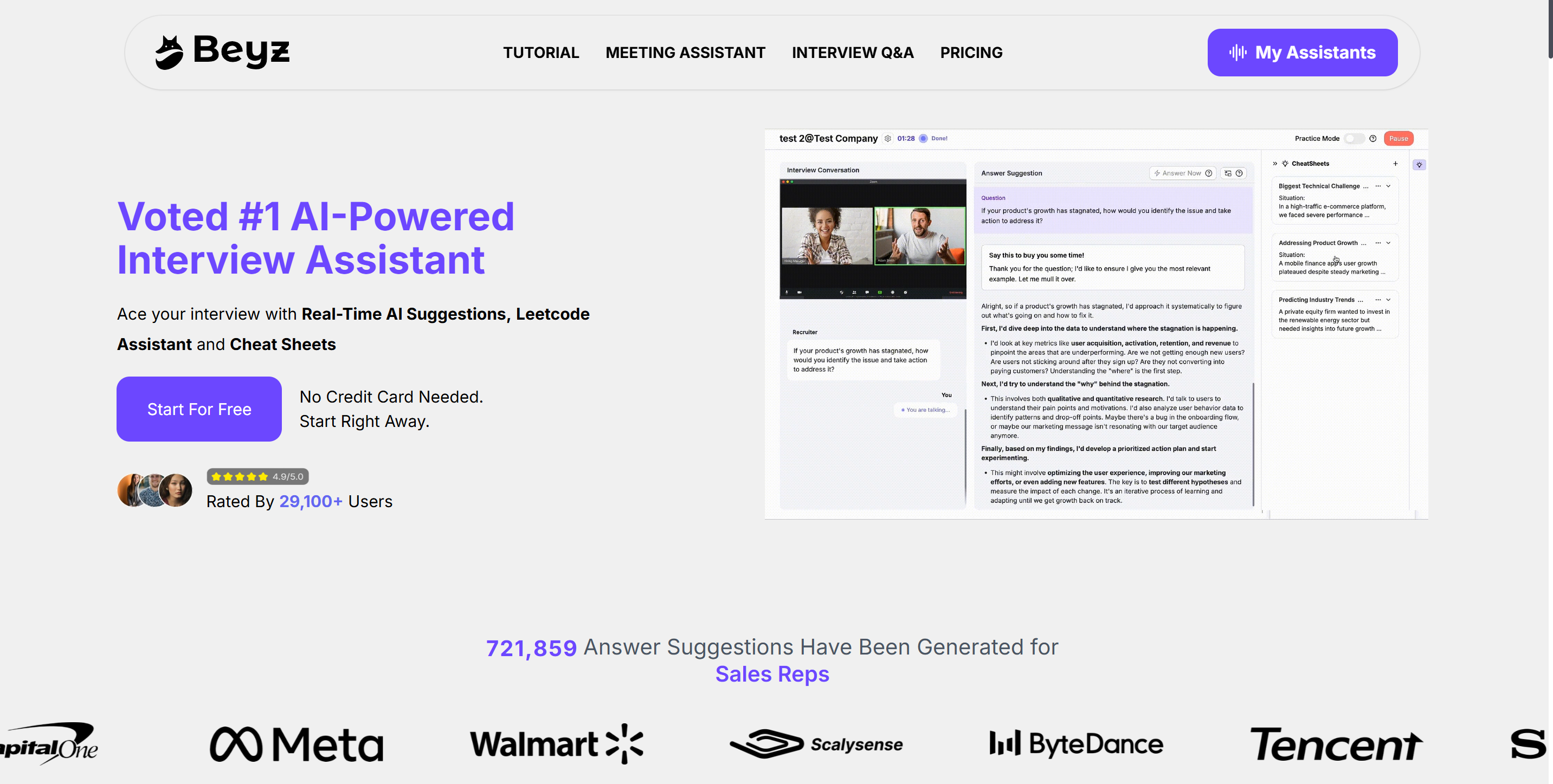
With just one keyboard shortcut, Beyz AI can instantly solve programming challenges. As an AI interview and coding assistant, it helps you solve any problem by writing code, breaking down logic, analysing time and space complexity, and designing optimal solutions.
It can also handle the whole screening process and other stages, putting all the interview rounds into one tool for central management and tracking.
Features
Here’s a table showing the main features I found during my test:
Core Functionality | Description |
|---|---|
AI Interview Assistant | real-time answering hints tailored to profile and interview context |
Coding Assistant (paid plan only) | writing code, breaking down logic |
Invisible Desktop App (paid plan only) | listens to all meetings and interviews, generates suggestions, and sends suggestions to devices |
Solo Practice | practice anytime with the same context |
Interview Cheat Sheets | pre-saved answers to copy for the future interview |
Pros
Straightforward setup and workflow
The audio transcription was both fast and highly accurate.
It looks like the responses were generated by a trained language model and were almost ready to be read aloud.
The whole thing was guided by step-by-step instructions and prompts (though the share button in the tab can be a bit tricky to locate)
Cons
Weakness | Description |
|---|---|
Accuracy issues | Sometimes the answers didn’t match the questions, which confused me. |
Response delays | I noticed lags between my questions and the AI’s replies, which made the practice feel awkward. |
Inconsistent language performance | The tool struggled with accents and technical terms |
Limitations in handling high- tier technical interviews | All its self-introduction and other answer parts felt a little too simple to fit high-level positions. |
Verdict
After testing and doing some research, we found that Beyz AI is a really practical and efficient solution. But when I actually went through a formal interview, I found that I needed to purchase a quarterly plan or an annual subscription – which are more expensive than the monthly plan – to unlock all the features.
If you're not fussed about the price, Beyz AI has a bunch of features related to how you use the model, support after you've bought it, and it can be used in different languages.
Tech Interview AI Assistant Best Picks
Best Choices For Different Needs
I know picking the right tech interview ai assistant can feel overwhelming. Here’s how I’d break it down based on what you need:
Best for Coding Interviews: Linkjob AI shines here. Linkjob AI gives you stealth and speed. Interview Coder is great for LeetCode-style practice.
Best for Behavioral Practice: CTRLpotato
Best for All-in-One Prep: Beyz AI
Best for Budget: Interview Solver
Best for High-Paying Roles: Linkjob AI gives you frameworks and support for tough interviews.
If you want a tool that adapts to your needs and stays invisible, I’d go with Linkjob AI. For deep behavioral feedback, and complete insible mode for all tech interviews.
FAQ
What is a tech interview AI assistant?
I use a tech interview AI assistant to get instant feedback, practice coding, and prep for behavioral questions. These tools help me simulate real interviews and boost my confidence.
Are these AI tools safe to use during real interviews?
I always check the platform’s privacy policy. Some tools run invisibly, like Linkjob AI, but I avoid using them if I worry about detection or compliance.
Can I use these assistants for non-technical roles?
Yes! I’ve used them for finance, consulting, and marketing interviews. Many tools offer behavioral and communication practice, not just coding help.
How do I choose the right AI assistant for my needs?
I look at my goals—coding, behavioral, or all-in-one prep. I compare features, pricing, and user reviews. I try a few tools before picking the one that fits my style.
See Also
Top 5 Real-Time AI Interview Helpers for 2025
Top Alternatives to AI Interview Assistants for Applications
Leading Chat Alternatives for AI Interview Assistance
Why People Choose Linkjob AI
Smoother interviews, coding challenges cleared, and job offers landed. See how users describe their experience with Linkjob AI—in their own words.


© Copyright 2026 Linkjob AI - All Rights Reserved.