Can Codility Detect Tab Switching? What I Found in 2026

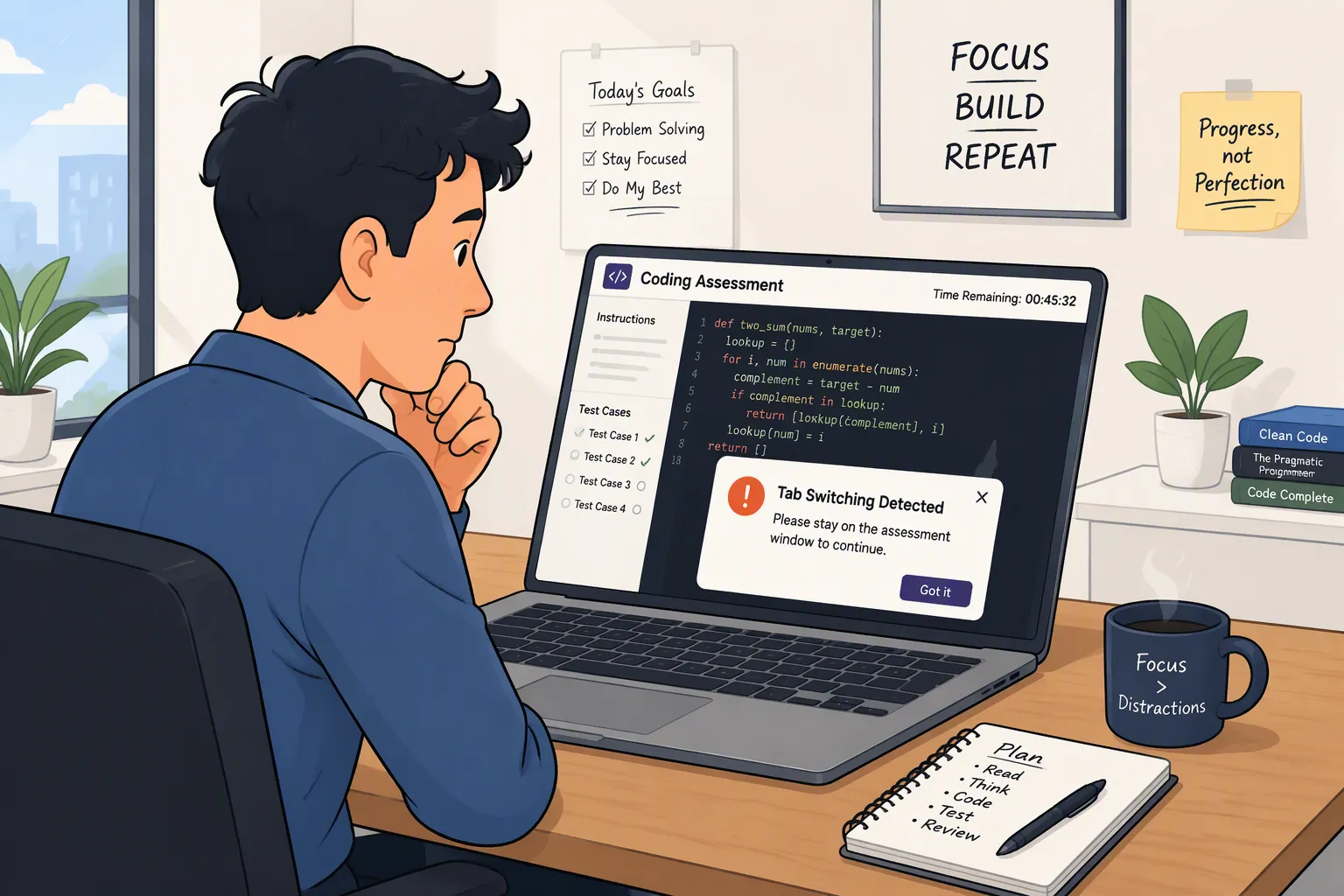
TL;DR: As for “Can Codility detect tab switching?”, the short answer is: Yes. Codility can monitor when people switch tabs and lose focus, but these events are checked on a case-by-case basis and aren't always seen as proof of cheating.
I've talked before about lots of questions about Codility, like "Does Codility detect ChatGPT?" and "Does Codility use the camera?" When I first searched 'Can Codility detect tab switching', the answer seemed obvious: either Codility knows when I leave the test tab, or it doesn't – but what I'm really interested in is whether it can pick up external tools in tab mode, or if it uses some kind of more stringent form of active tab detection.
Codility does actually treat tab switching and focus loss as signals of good behaviour. Its current integrity detection system does a number of things, like recording when a candidate leaves the assessment environment, placing the relevant events on the test timeline, and combining this with information such as how people are pasting and changes made to the code. Then, it finally gives all the evidence to the hiring team to look over.
But don't worry, if you accidentally switch tabs, it's not the end of the world. Also, depending on the employer's settings, tab switching may be just one layer of monitoring. Some tests also use things like screenshots, full-screen recordings, Device Integrity checks, identity verification, input pattern analysis, and code similarity detection.

Can Codility Detect Tab Switching? The Short Answer
Yeah, this feature's actually explained pretty thoroughly in Codility's official docs.
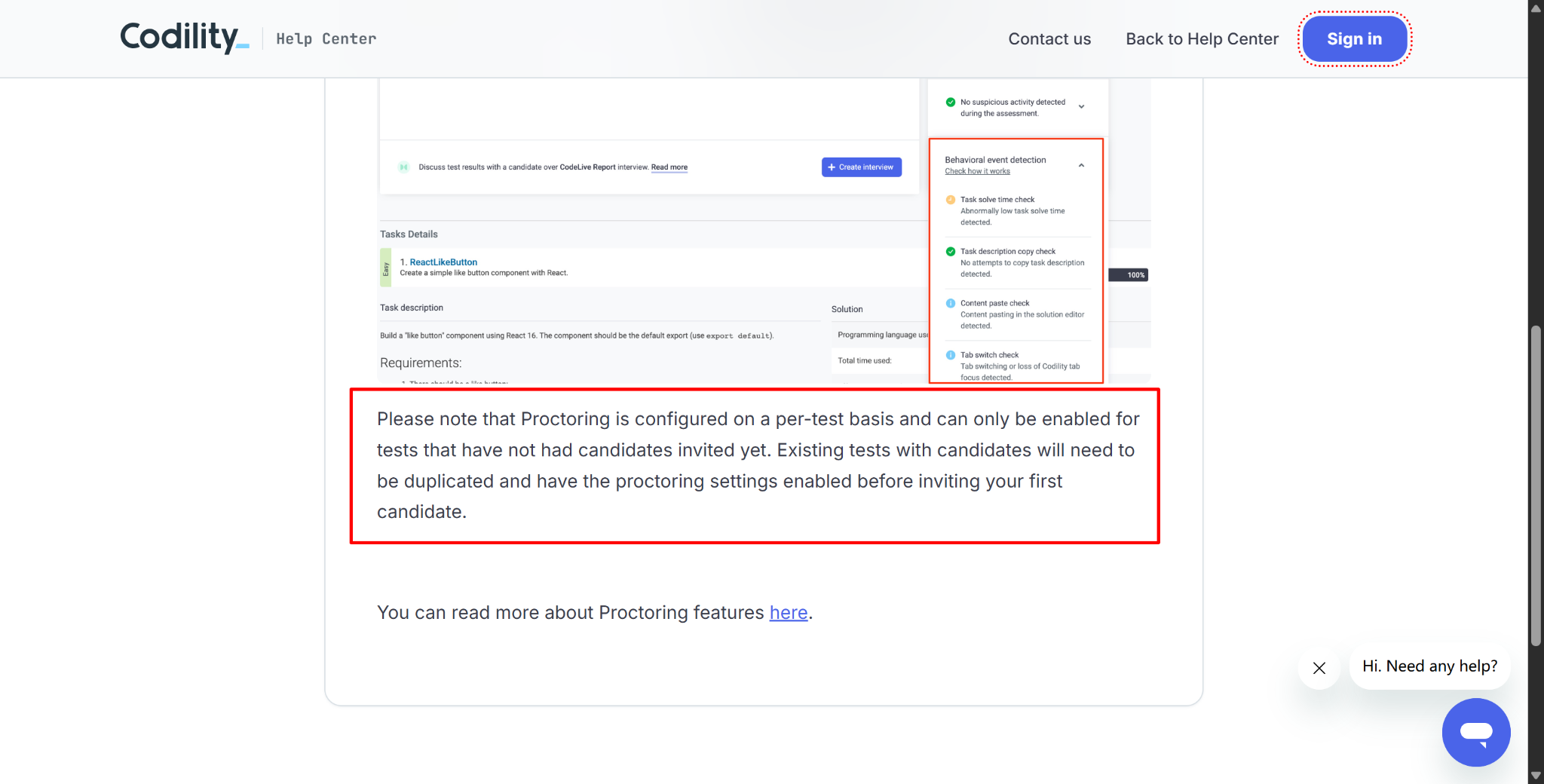
When Codility first launched its proctoring system, it included the following event categories:
Copy-Paste Tracking
Tab Switching
Time Spent on a Task
Copying a Task Description
In the official "New Feature: Proctoring" documentation, Codility explains that these categories can be enabled on a per-test basis and then appear in the Candidate Report.
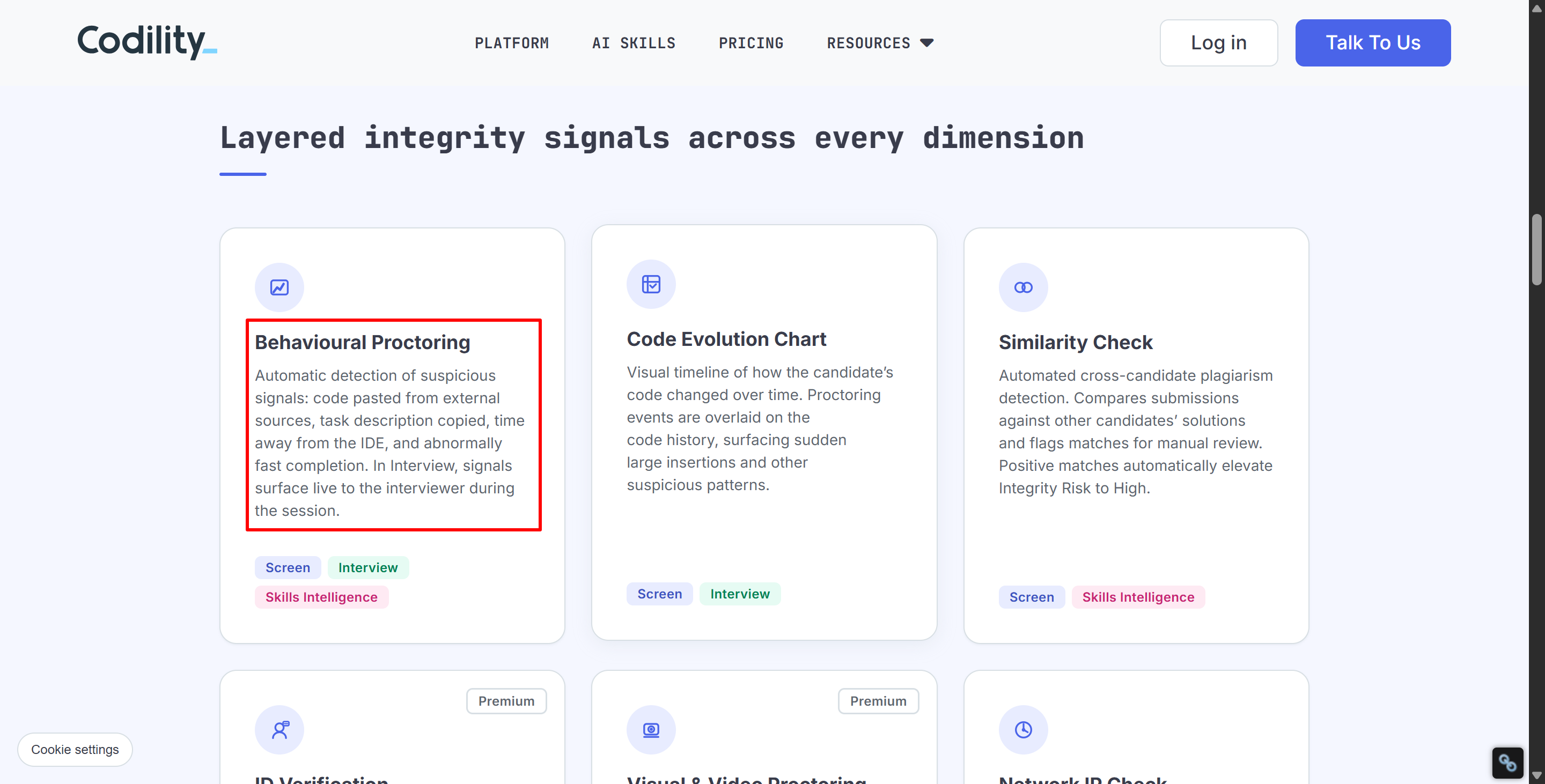
Codility's updated integrity documentation is pretty similar to the previous version. The current Codility Proctoring & Integrity page says that behavioural proctoring is the ability to detect pasted code, copied task descriptions, time spent away from the IDE, and abnormally fast answering behaviour, among other things.
The Trust Center currently provides a sample Candidate Report that states: I've left the assessment tab twice, for a total of 40 seconds.
This signal is put into the "Behavioral" category, while code similarity, identity, network and device information are put into other categories. But there's one more thing to think about, apart from the fact that it can spot when you switch tabs. What exactly does Codility log when a tab is switched?
Can Codility Detect Tab Switching or Just Focus Loss?
First, I need to clear up a few things that are easily confused.
When people talk about "switching tabs", they usually think the browser will tell Codility directly that the candidate is chatting on chat.openai.com instead.
Fortunately, though, there's no publicly documented way to figure out exactly which page a candidate has navigated to. Because of how browsers work, Codility can't tell if you're using something related to invisible AI Interview copilot, like Linkjob AI to help with your interview. This is only if the interview you're doing isn't in the Codility app. I'll talk about this again later.
Codility usually uses these ideas instead:
Tab switching;
Browser inactivity;
Focus changes;
Time spent away from the assessment environment, i.e., not working on the assessment.
The tech interview docs give a clearer explanation: a focus loss signal happens when the browser window hosting the interview is no longer active. Put simply, Codility can spot when the browser environment hosting the assessment isn't the active window.
Some websites might say they have certain measures in place to maintain browser focus, but that usually means you have to minimise the assessment page from the start and answer questions in another tab, which seems a bit far-fetched to me.
What Codility Can Reliably Record Then?
At a minimum, the Codility platform can surface events such as:
Signal | What It Means |
|---|---|
Tab switch | Candidate moved away from the assessment tab |
Focus loss | Codility's browser window was no longer active |
Time away | How long the candidate remained outside the environment |
Return to assessment | Candidate came back and continued |
Nearby code changes | What happened in the editor before or after the focus change |
Codility's Code Evolution Chart is pretty straightforward. It puts behavioural events on the same timeline as changes to the candidate's code.
So, the info most likely given to recruiters is: "The candidate left the assessment for 35 seconds and, when they came back, suddenly wrote 60 lines of fully structured code."
This gives you more context for what happened. Codility's current explanation about AI-assisted cheating detection also says that things like paste events, tab switching, loss of focus, and the sudden insertion of large amounts of code can all appear on the code evolution timeline.
Can Codility Detect Tab Switching in Every Assessment?
Tests aren't always done in the same way every time. Codility's original behavioural proctoring documentation (mentioned above) says that you can set the relevant settings for each test. This configurable design will stay in place until 2026.
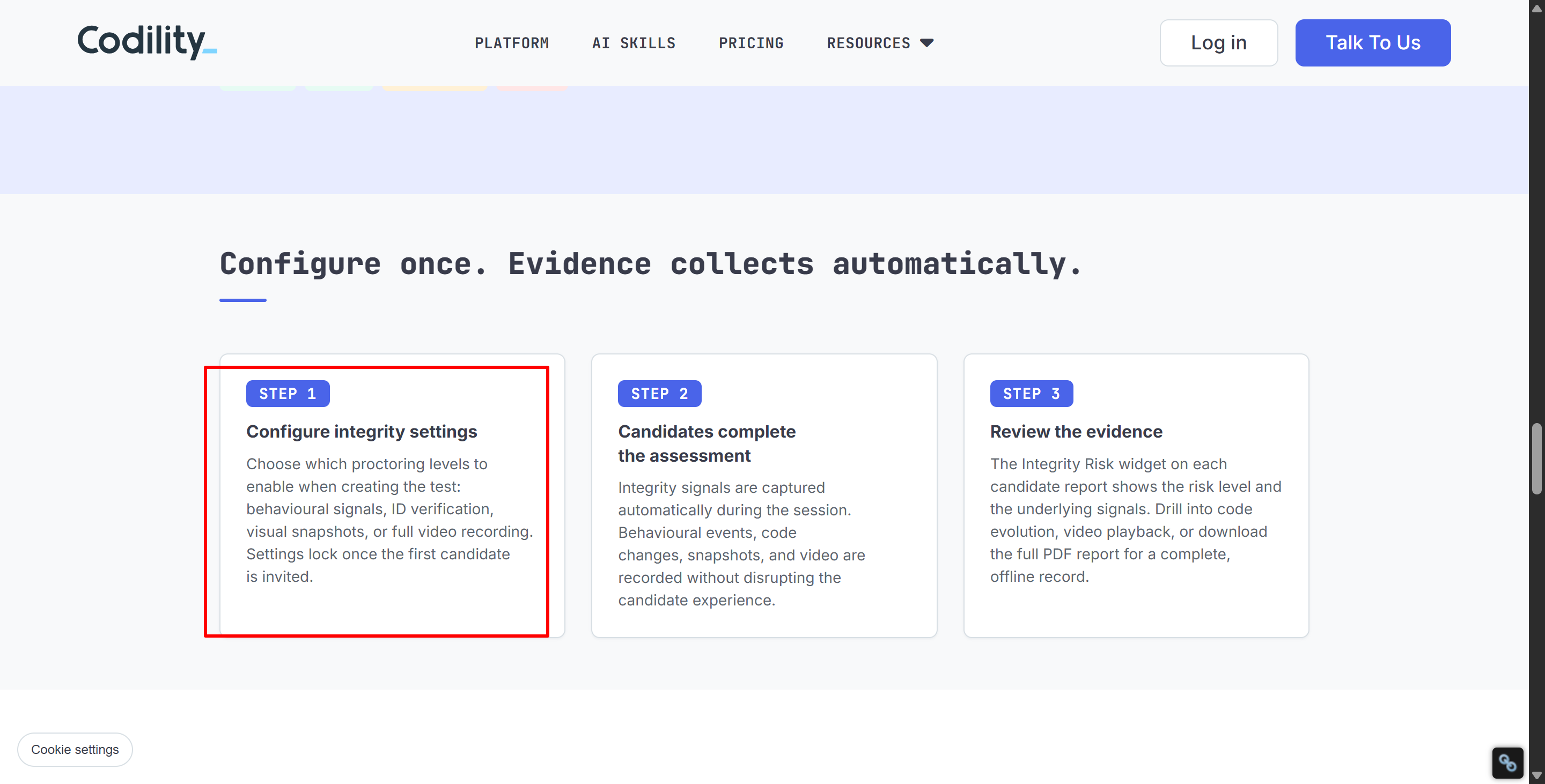
Organisations can pick from a range of integrity controls, like:
Behavioral signals;
Authentication;
Visual screenshots;
Full video recording;
Device Integrity (checking background processes and matching them against known cheating programs);
Allowing or disabling AI.
The 2026 update to the Proctoring & Integrity overview also explains that organisations select the level of proctoring they want when creating an assessment.
I can't say for sure what your next Codility test will include, but I can tell you for certain that tab and focus monitoring are part of Codility's integrity detection system. So, an AI interview assistant that works via tabs isn't invisible and isn't a good way to cheat on Codility.
Can Codility Detect Tab Switching During a Live Interview?
Yeah, the features for detecting tab focus, tab switching patterns and the number of switches aren't just limited to standalone Screen assessments.
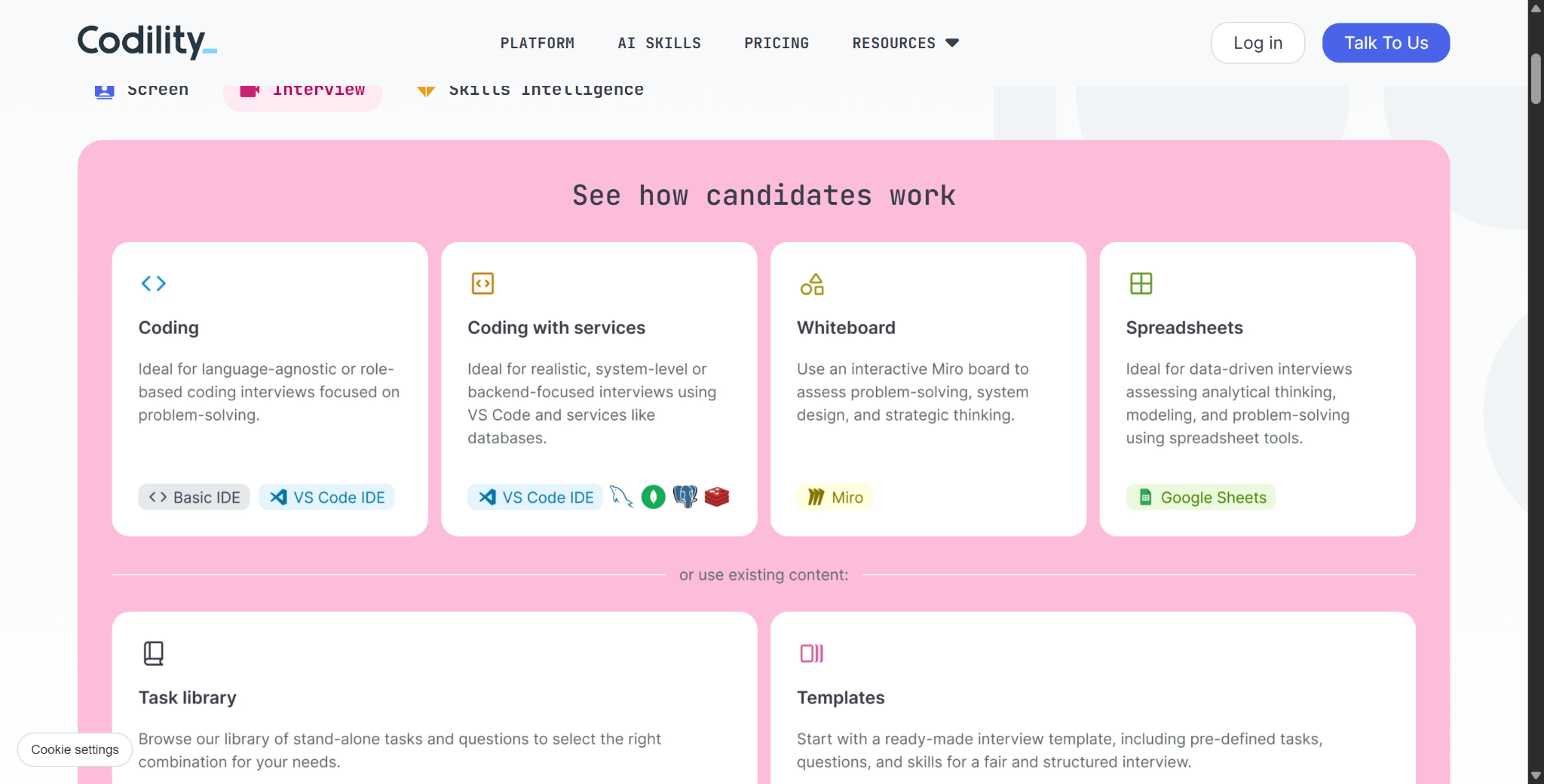
Codility's Interview product also displays focus-related signals to interviewers during live interviews. According to the latest info for the online interview editor:
“Tab switching and loss of focus are displayed to interviewers as completeness signals during the interview.” The documentation also says that interviewers can review these events or just ask candidates what happened.
In Screen tests:
The candidate changes tabs. → The event is recorded → The hiring team reviews it later.
During a live interview:
The candidate switches tabs → The interviewer may immediately see an integrity signal → The interviewer can also ask for more details right away.
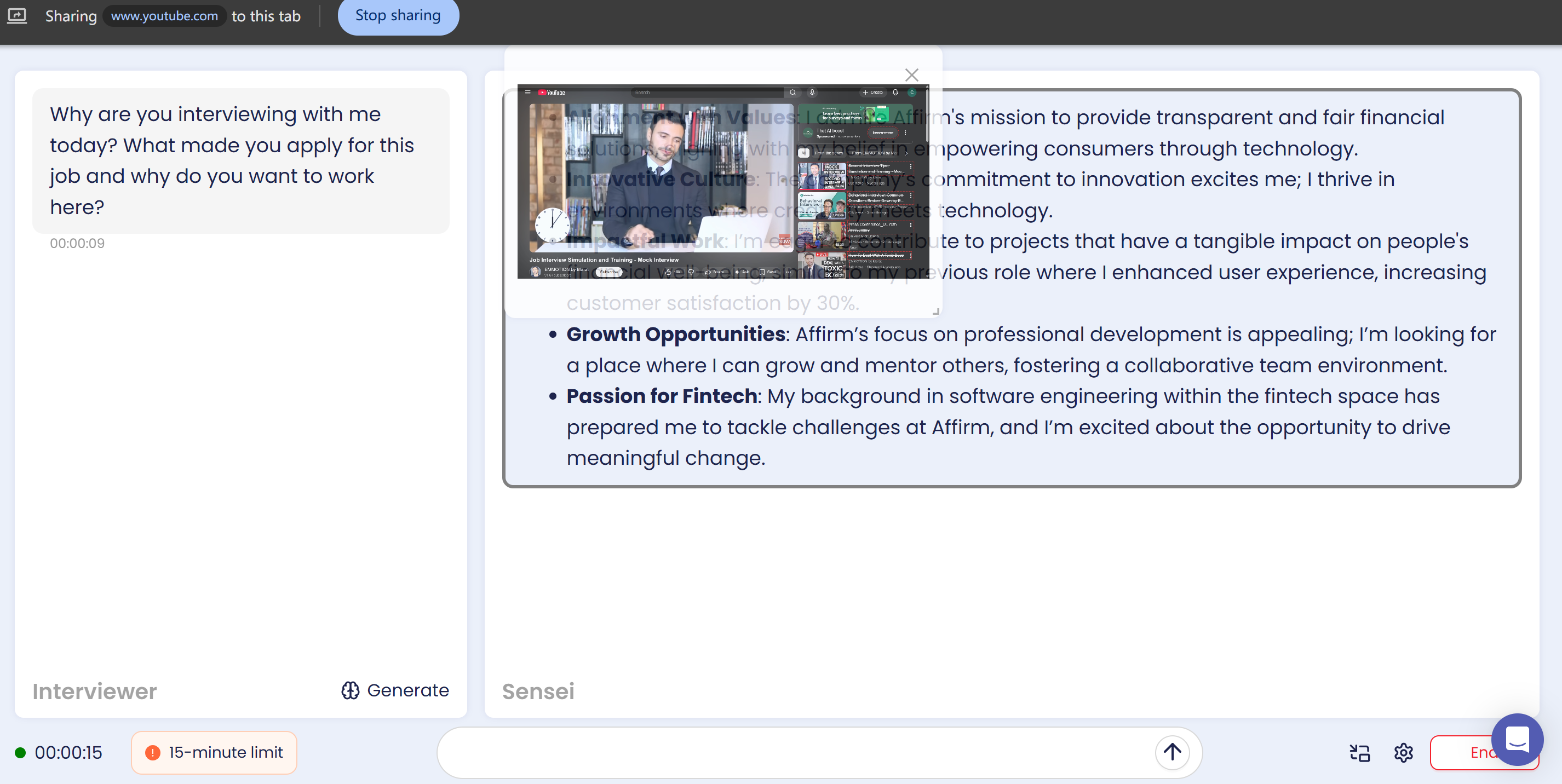
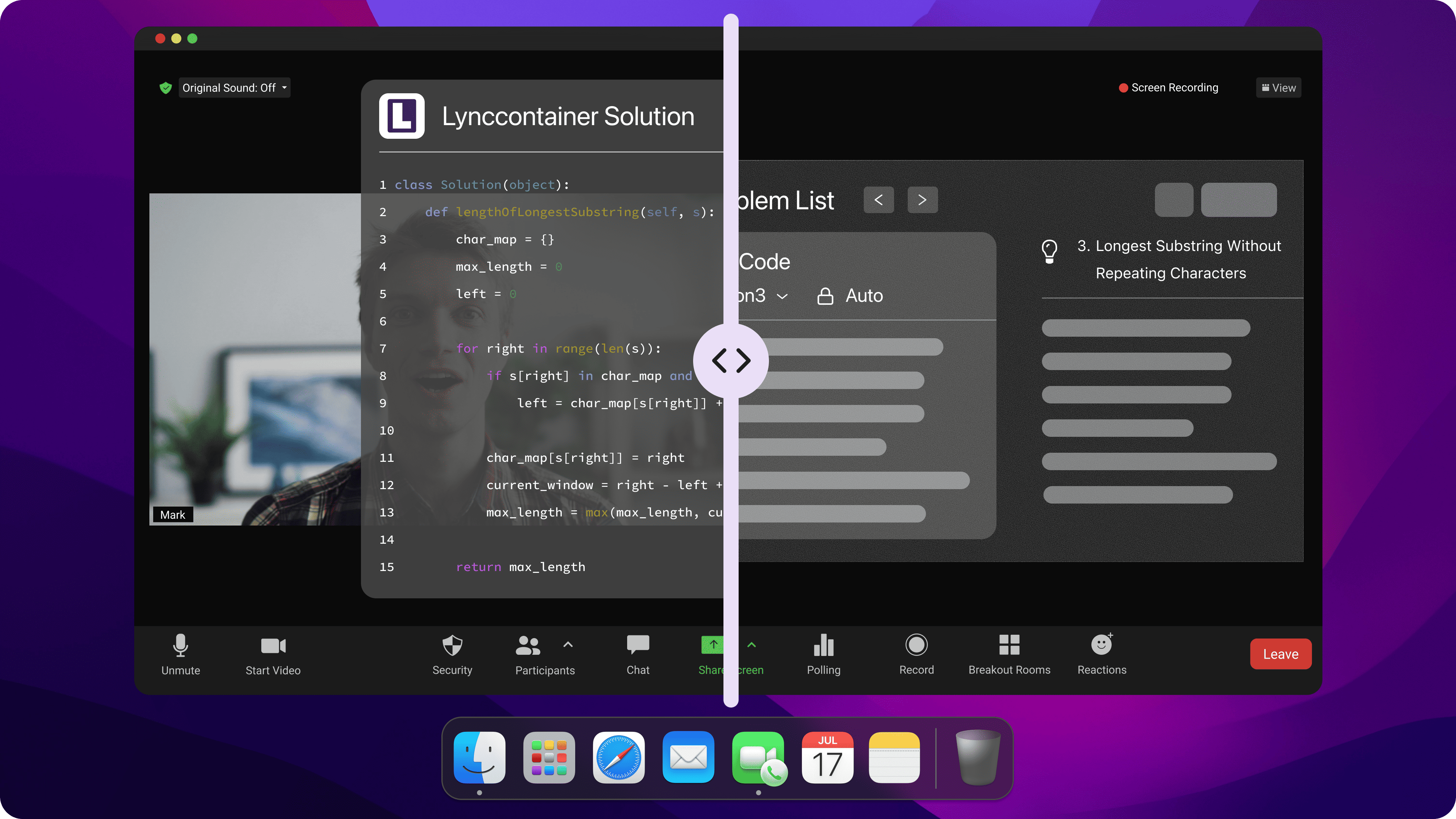
So, when you're doing a Codility interview, it's way better to use a stealth desktop AI interview assistant like Linkjob AI than to switch between tabs.
Can Codility Detect Tab Switching and Take a Screenshot?
It's possible, as long as the employer has enabled the relevant visual proctoring features. Because tab switching and screen capture are two different features in Codility, it's pretty common knowledge that Codility's current integrity system can combine behavioural monitoring with the following optional features:
Camera snapshots;
Screen captures;
Full-screen or video recording.
Its AI Proctoring for Remote Team Assessment page groups together behavioural events, like pasting and focus shifts, with optional camera or screen recording.
So, if you lost focus, it doesn't automatically mean that Codility got the external webpage you switched to. But if an organisation has enabled screen or video proctoring, reviewers might get some extra visual evidence to help them understand what was going on at the time.
Feature | What It Tells the Reviewer |
|---|---|
Tab switching | Candidate left the assessment environment |
Time away | How long the candidate was away |
Code timeline | What happened before/after the switch |
Screen snapshot | Visual capture from the monitored session |
Full recording | Broader playback of the session |
Device Integrity | Known unauthorized tools detected locally |
That is why can Codility detect tab switching should not be treated as the same question as:
“Does Codility record my entire screen?”
They are different capabilities.
Can Codility Detect Tab Switching If I Use Another App Instead of Another Tab?
Focus monitoring might still have a role, but the main question is whether the Codility assessment is still relevant in the current situation.
Codility uses ideas like "browser absence," "focus loss," and "time away." So, if you open another application, the window with Codility in it might lose focus. For example, if you open the Linkjob AI settings window while getting an answer.
But when we're talking about changes to Codility in 2026, we can't ignore the introduction of Device Integrity. As Codility explained when they announced this feature, some sneaky desktop AI tools can avoid traditional tab-switching and copy-paste detection. So, to check for these tools, Codility launched a standalone desktop app.
The Device Integrity for Screen docs also say that detection results will be shown with existing signals like paste activity and tab switching. So, while certain clicks or other actions might make you lose focus on the browser, as long as you're not prompted to download the Codility app, you can usually use tools like Linkjob AI to avoid most of Codility's detection mechanisms — as long as you're careful.
Can Codility Detect Tab Switching? How to Avoid Accidental Flags
If I were to take a Codility assessment, I would focus on avoiding unnecessary distractions.
1. Keep the assessment environment uncluttered
Before the test starts, I would:
Close unrelated browser tabs.
Turn off notifications that might distract me.
Read the assessment instructions before the timer starts.
Confirm whether external documentation is allowed.
If the employer permits it, have any permitted reference materials ready.
Avoid repeatedly minimizing windows or switching to other pages.
Test Linkjob AI in advance and ensure that during the interview, you do not open the settings page, which could cause the tab to lose focus or appear directly in screenshots and screen recordings.
2. Make The Work Easy to Explain
I also recommend focusing on the coding process itself:
Make sure you understand the code you're submitting.
Iterate and refine your code naturally as you solve the problem.
Be ready to explain any sudden, significant changes.
Don't worry if you lose focus for once.
Can Codility Detect Tab Switching FAQ
Can Codility Detect Tab Switching?
Yes. Codility officially includes tab switching and focus loss among its behavioral integrity signals.
Does Codility Know How Long I Leave the Tab?
Yes. Current candidate-report examples show both the number of times the assessment tab was left and the total time away.
Does One Tab Switch Mean I Fail Codility?
No. Codility says integrity signals support human review and do not automatically reject a candidate.
Can Codility See Which Website I Switched To?
Not necessarily. Public documentation confirms focus loss and browser absence, but does not establish that ordinary behavioral proctoring always records the exact external URL.
Can Codility Detect Switching to Another App?
It can detect that the assessment loses focus, while separate Device Integrity functionality can identify certain known unauthorized applications.
Does Codility Take Screenshots When I Switch Tabs?
Not automatically in every test. Screen snapshots and video recording are separate, configurable proctoring features.
Can Interviewers See Tab Switching Live?
Yes in Codility Interview. Tab switches and focus-loss events can be surfaced to the interviewer during the session.
Is Tab Switching Included in Codility Integrity Risk?
Yes, it can contribute to the Behavioral category, but the final risk rating considers broader evidence and remains subject to human review.
See Also
A Guide to Preparing for Capital One Data Analyst CodeSignal Questions
My Tricks for Getting Invisible AI Help on CodeSignal Proctored Tests in 2026
My Experience Acing the BCG X CodeSignal Assessment in 2026
My Strategy for Acing the Hudson River Trading CodeSignal Assessment
My Approach to Tackling Common Uber CodeSignal Questions in 2026
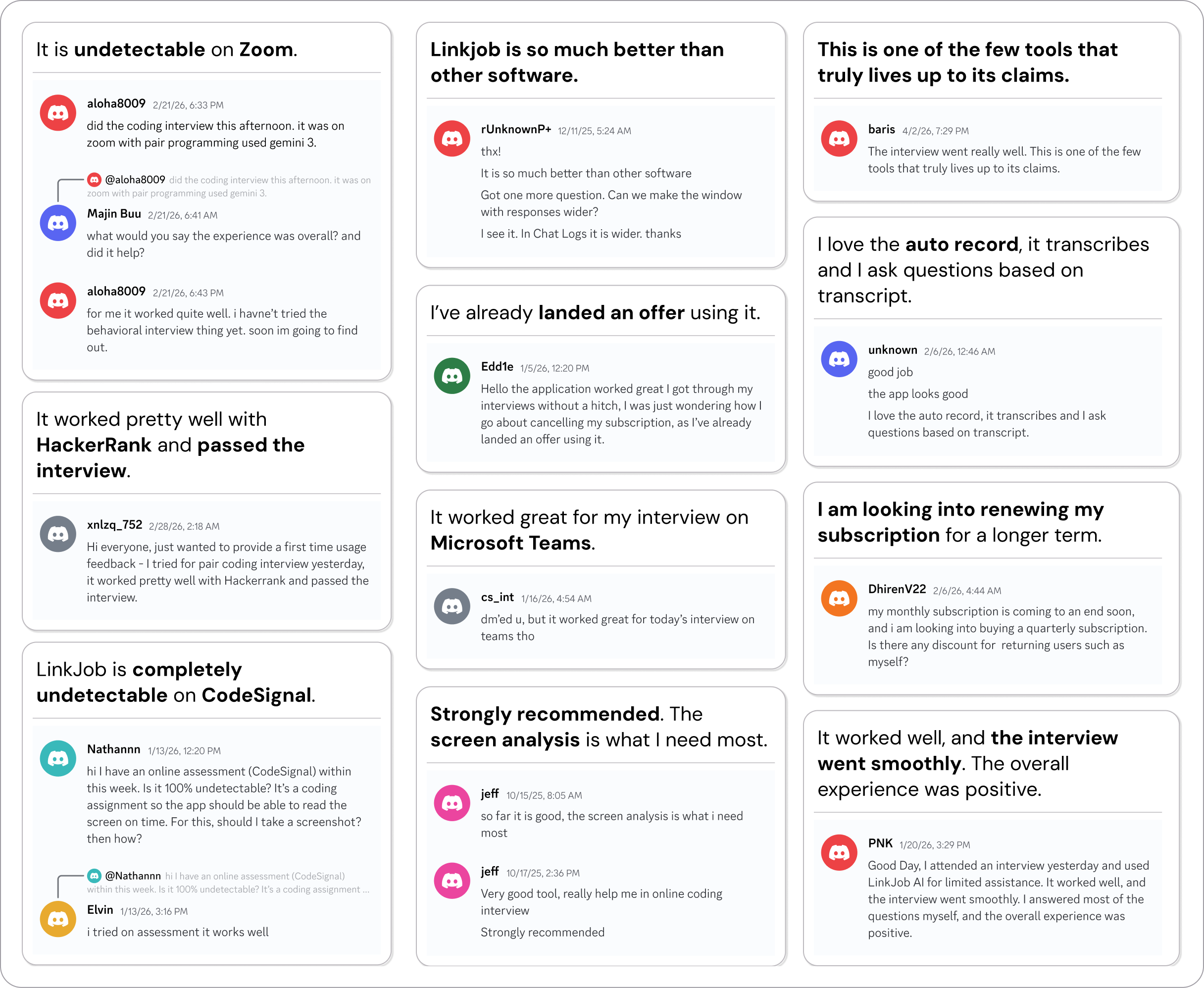
Why People Choose Linkjob AI
Smoother interviews, coding challenges cleared, and job offers landed. See how users describe their experience with Linkjob AI—in their own words.

© Copyright 2026 Linkjob AI - All Rights Reserved.