Does CoderPad Record Your Screen? What Actually Gets Saved

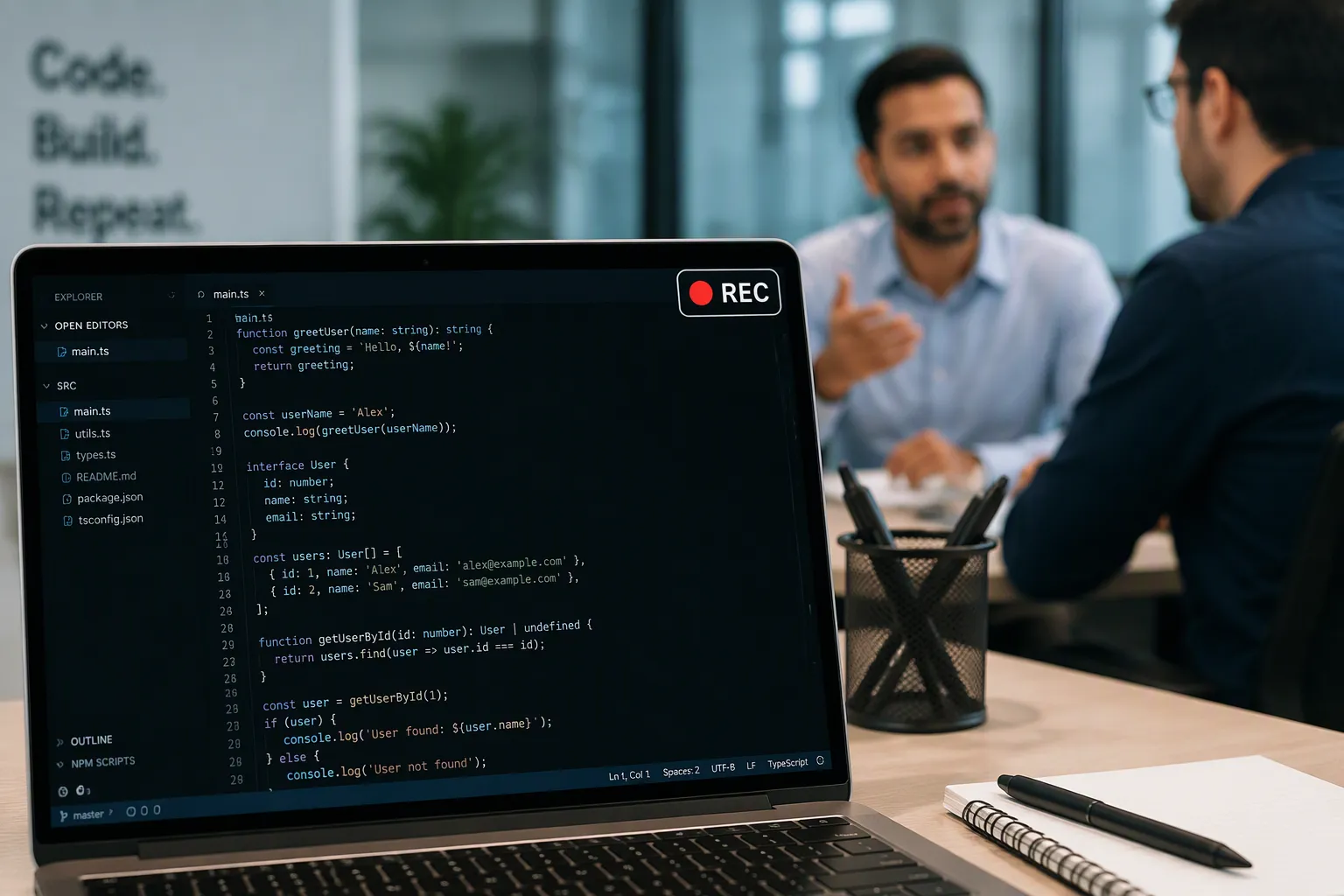
CoderPad records activity inside its coding environment, but code playback is not automatically a video of your entire desktop. Camera images, spoken answers, and anything shared through a meeting application need to be considered separately. The product and enabled features determine what gets saved.
The word recording was what confused me. I initially pictured someone replaying my whole monitor: the editor, another browser window, notifications, everything. Then I looked at the actual playback interface and realized I had bundled several different questions together.
Could they replay code I had deleted? Would working in my usual editor create a gap in the recording? Did turning on my camera also mean my voice was being stored? And could I get the recording afterward to understand what went wrong?
Those questions also appear in candidate discussions and software reviews. The useful answers were more specific than “yes, it records” or “no, your screen is private.”
What Does CoderPad Actually Record?
This is the distinction I wish the word recording made clear from the beginning:
Feature | What it records or preserves | What I would not assume |
|---|---|---|
Interview code playback | Changes and activity inside the shared pad | A video of the entire computer |
Screen code playback | Coding activity and relevant assessment events | Unrestricted access to other applications |
Screen Projects playback | More detailed interactions within the project IDE | That its scope automatically extends to the whole desktop |
Webcam proctoring | Periodic camera snapshots | Continuous audio/video recording |
AI Notetaker | An opted-in conversation transcript | A stored audio or video file |
These are separate features, not five things that necessarily happen in every session. CoderPad documents the coding, project, camera, and transcription workflows separately.
For a wider look at monitoring beyond recording, the CoderPad monitoring guide covers related mechanisms. Here, I’m focusing on what a reviewer can actually revisit afterward.
Could They See My Other Tabs or Personal Messages?
Not merely because code playback was running.
A browser screen-capture request normally asks the user to select and authorize a screen, window, or other display surface. That is different from a website retaining interactions inside its own editor.
I found a G2 reviewer who specifically appreciated being able to interview candidates without requiring them to share their screens. That is one reviewer’s workflow, not a promise that every employer will conduct the interview that way.
The question I would ask is more precise than “is this recorded?”:
“Are we using CoderPad playback only, or will I also be sharing a window or my entire desktop?”
If screen sharing is required, I would confirm the approved scope and check the preview. I would close personal documents and mute unrelated notifications before starting. That avoids exposing private material without changing the assessment’s required monitoring.
A second monitor does not answer the question by itself. What matters is which display surface is shared and whether another application is recording it.
Could the Interviewer Replay Code I Deleted?
Yes, changes made inside the editor can remain part of the history even when the final solution no longer contains them. Interview playback is designed to revisit how the code developed, with separate participant tracks and controls for moving through edits.
That changed how I thought about using the editor as scratch space. Deleting a failed approach cleans up the final answer; it does not necessarily erase the sequence that led there.
For example, I might start with a nested loop, identify repeated work, and replace it with a map. That is ordinary problem solving. I would explain the change rather than try to make the final solution look as though it appeared fully formed.
The privacy implication is more concrete: I would not put passwords, API keys, or confidential production data into the pad “just for a second” and assume deletion removes every record.
Projects Can Preserve More Than the Final Code
CoderPad’s Projects documentation goes beyond a simple editing history. It describes playback of interactions within the IDE, including navigation, clicks, mouse movements, and AI interactions. Projects also provide a VS Code-based environment with terminal and debugging capabilities.
I would therefore avoid applying the limitations of a basic Interview pad to every project assessment. “It only records a few keystrokes” is too narrow.
Video: What the Reviewer’s Playback Actually Looks Like
This demonstration is linked from CoderPad’s own Screen documentation. It makes the scope easier to understand than a vague description of “screen recording.”
CoderPad’s official code-playback example. This shows the assessment review interface, not unrestricted recording of the candidate’s desktop.
Why Could Using My Own IDE Look Suspicious?
The most revealing candidate story I found involved someone who preferred writing code in Vim.
They said they moved the assignment into their own environment, worked there, and pasted the result back. After being rejected, they wondered whether the playback had made it look as though they had disappeared and returned with an outside solution. Crucially, the poster acknowledged that they did not know the actual rejection reason.
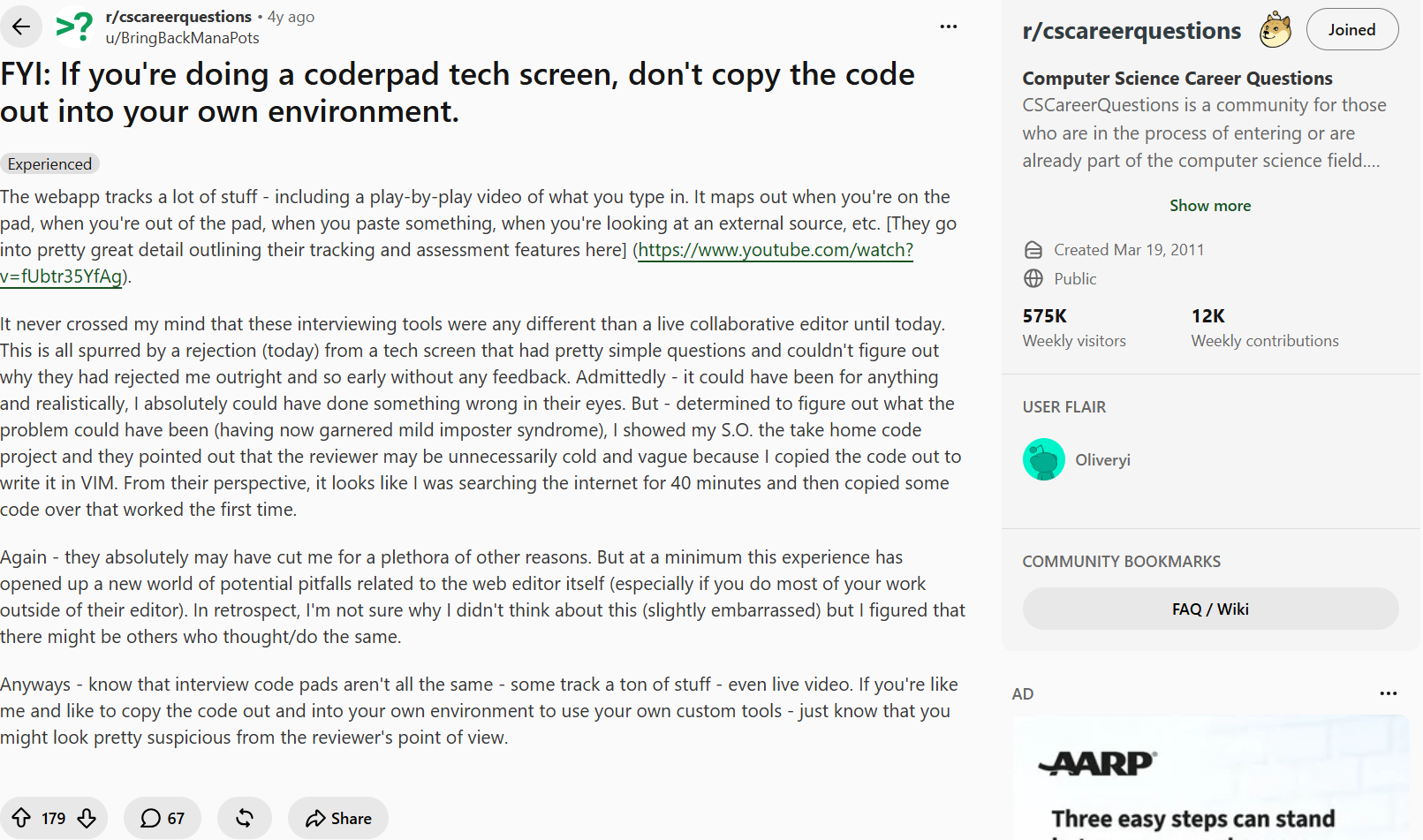
I understand the concern. The candidate remembers the work performed locally. The platform’s editor history may not contain that same work.
CoderPad explicitly acknowledges legitimate reasons for external copying and pasting, including using a familiar desktop editor. Its Screen documentation nevertheless allows employers to restrict external pastes.
Therefore, I recommend that everyone use an AI interview assistant - Linkjob AI. I found that the Linkjob AI’s Coding Interview Copilot can provide real-time and secure explanations through screen content analysis without being recorded by the CoderPad.
What If I Only Opened Documentation?
Another candidate discussion started with a very ordinary problem: the applicant was rusty on C syntax and the invitation didn’t clearly explain whether documentation was allowed.
That is not the same question as whether CoderPad can detect leaving the environment.
CoderPad’s general Screen preparation guide permits online resources for programming questions while prohibiting another person from actively solving the task. A specific employer may provide different restrictions, so I would resolve any ambiguity with the recruiter rather than assume the practice environment establishes permission.
During a live interview, a brief explanation is enough: “I know the approach; may I check the exact library signature?” During a take-home assessment, I would get the resource rules before starting.
The separate CoderPad tab-switching article explains the event tracking. The important point here is that a leave event and an unauthorized lookup are not automatically the same conclusion.
Does CoderPad Record Your Webcam as Well?
Sometimes it uses the webcam, but I would check what the camera is being used for.
CoderPad’s candidate documentation says webcam proctoring takes occasional snapshots rather than recording continuous video or audio. Audio/video response questions are a different feature and do record the response requested by that question.
One Reddit applicant asked whether their upcoming CoderPad OA required a camera because they had not received a clear answer from the recruiter. The thread did not establish the configuration or eventual outcome.
I would ask about camera requirements before the countdown starts, particularly if I need an accommodation or a private space. Turning off the webcam is not equivalent to turning off code playback.
If camera access fails, I’d check the selected device and browser permissions, then contact support. I would not assume that continuing with an inactive camera is silently accepted: CoderPad says that an inactive webcam can appear as an alert in the report.
Does CoderPad Save My Voice or the Whole Interview Video?
The answer surprised me because the transcription feature uses the language of recording.
CoderPad’s AI Notetaker documentation says participants opt in to transcription. Its FAQ specifies that the retained output is a transcript, with no audio/video stored by that feature. Participants can opt out and still join the call, or stop transcription through the available controls.
That is a narrower statement than “CoderPad never records video.” Screen video questions and a separate meeting recorder are different workflows.
I would ask what the employer means by “recorded interview”: code playback, a transcript, a saved response clip, or a recording made in the meeting software.
What If I Can’t Follow the Spoken Question?
A G2 reviewer mentioned difficulty following some audio content and wanted subtitles. I wouldn’t turn that individual experience into a claim that every CoderPad interview has unclear audio.
My first response would be to ask for the question in writing or repeat back the part I heard. For live interviews, CoderPad’s AI Notetaker can also provide closed captions when enabled.
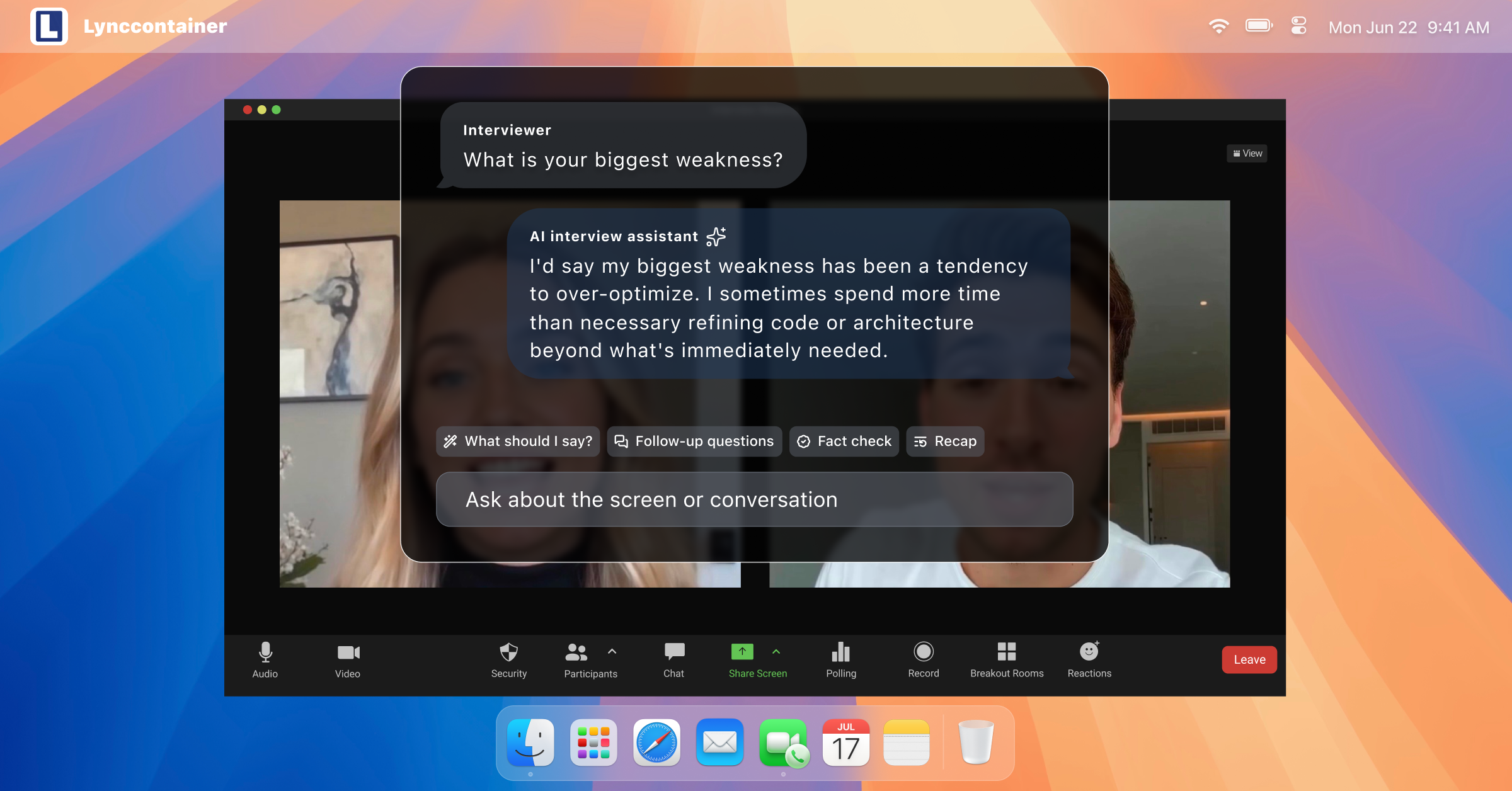
The useful difference I see with Linkjob AI’s Interview Copilot is its live conversation context: I don’t have to manually retype every spoken question into another chatbot to request an explanation.
What Changes If the Interview Also Uses Zoom or Another Meeting App?
There may be two separate systems running.
CoderPad can preserve work in the pad while a meeting application handles the call and screen share. Zoom’s documentation explains that sharing exposes the content the participant chooses to share; the meeting host does not automatically gain access to the entire computer simply because someone joined a call.
I would check both interfaces. Which window is shared? Is the meeting being recorded? Is a transcription tool also present? Stopping one feature does not necessarily stop another.
Before discussing confidential material, I’d confirm the scope with the interviewer. Afterward, I’d end the share and leave the meeting rather than assume closing the CoderPad tab also ended the separate call.
What If Lag Makes the Recording Look Like I Stopped Working?
Lag and submission delays appeared in several reviews I checked. The reviews establish that people encountered the problem—not that a particular recording was misinterpreted or that monitoring caused the delay.
The practical response is to make the interruption explicit. In a live interview, I would say, “The editor is responding, but the Run result hasn’t returned.” That is more useful than silently waiting while the interviewer assumes I am thinking.
For an independent assessment, I would note the question, approximate time, and visible error, then use the support channel. CoderPad publishes a status page separating its web and execution services, which can help distinguish a service incident from a local issue.
I would not assume a network interruption pauses the test. CoderPad’s global-timer documentation says the countdown does not pause when a candidate leaves.
What If the Editor Is Missing the Tools I Normally Use?
Candidate comments about autocomplete were inconsistent, and reviewers also mentioned debugging limitations. That doesn’t mean the features are universally absent. It means I need to check the actual environment rather than arrive expecting my local IDE.
CoderPad provides a sandbox for trying the Interview environment. I would use it to check the selected language, keyboard behavior, code execution, and available tools before the real session.
If something is missing, I’d first ask whether the interviewer can enable the relevant option. I wouldn’t immediately move everything into another editor and create an unexplained gap.
Will CoderPad Also Save AI Prompts and Answers?
For its integrated AI tools, yes: CoderPad documents that prompts and outputs are saved for playback review. Interviewers can enable or disable AI Assist for an individual pad.
I wouldn’t interpret “AI allowed” as “AI use is private.” In some interviews, discussing how I prompted, checked, and modified the answer is part of what the interviewer wants to evaluate.
For an external assistant, I would clarify permission separately. A desktop application is not automatically included in the employer’s allowed-tool list, and it cannot decide what CoderPad or a separate meeting recorder retains.
Who Can Review the Recording, and How Long Is It Kept?
I would ask about the actual data, not just “the recording.”
CoderPad’s privacy policy says the employer determines retention for candidate interview logs and text transcriptions. It separately sets a maximum 90-day retention period for images collected for cheating prevention. Those are not one universal deletion deadline.
Account configuration also matters. CoderPad documents pad-access restrictions and automatic pad deletion, so I wouldn’t assume only the person who interviewed me can ever review the material.
The questions I’d send are straightforward: who has access, what is retained, when it is deleted, and how to request a copy or deletion. CoderPad’s privacy policy describes request routes and exceptions; a request is not a guarantee that every retained record will immediately disappear.
Can I Get the Recording or Feedback Afterward?
A company having a playback feature does not mean it automatically gives candidates access.
CoderPad’s Screen preparation guide says the recruiter decides whether to share the candidate’s score. For a useful follow-up, I’d ask whether the employer can share feedback on a particular question, an execution problem, or an activity flag rather than assume the platform’s support team can supply the hiring report.
Here is the message I would use before the interview to settle most of these questions:
Hi [Name], could you confirm whether this session uses code playback, webcam snapshots, audio transcription, or a separate desktop recording? Please also confirm whether documentation, a local IDE, or AI assistance is permitted, and whom I should contact if there is a technical interruption. Thank you.
FAQ
Does no screen-sharing prompt mean nothing is recorded?
No. Code activity can be retained without requesting a video feed of the whole desktop. The missing screen-sharing prompt tells me less than the product’s actual recording configuration.
Does deleting my final answer remove the playback?
Not necessarily. The final editor contents and the recorded history of changes are different. I would not use deletion as a way to remove something sensitive already entered into the pad.
Does a suspicious-activity flag mean automatic rejection?
CoderPad explicitly warns employers that suspicious activity is not always cheating and should be investigated. The assessment rules and the employer’s interpretation still matter.
See Also
Secrets To Using Covert AI On CodeSignal Proctored Exams 2026
A Step By Step Guide To Using AI Interview Copilot
Key Lessons From Cracking The Ramp CodeSignal Assessment
Snapchat 2026 Interview Format And Actual Questions Received
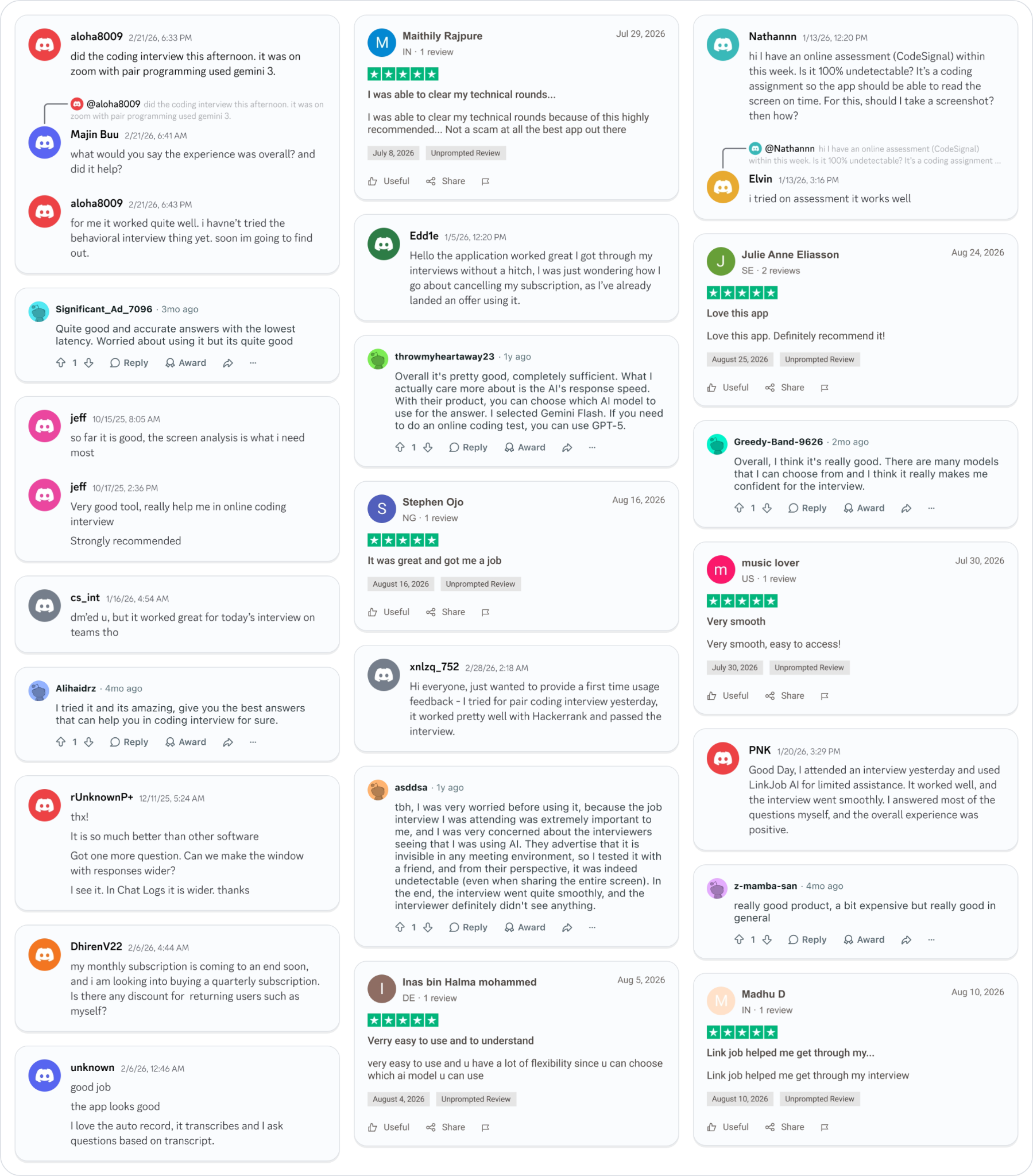
Why People Choose Linkjob AI
Smoother interviews, coding challenges cleared, and job offers landed. See how users describe their experience with Linkjob AI—in their own words.

© Copyright 2026 Linkjob AI - All Rights Reserved.