Does HireVue Record Your Screen & What It Can Detect in 2026

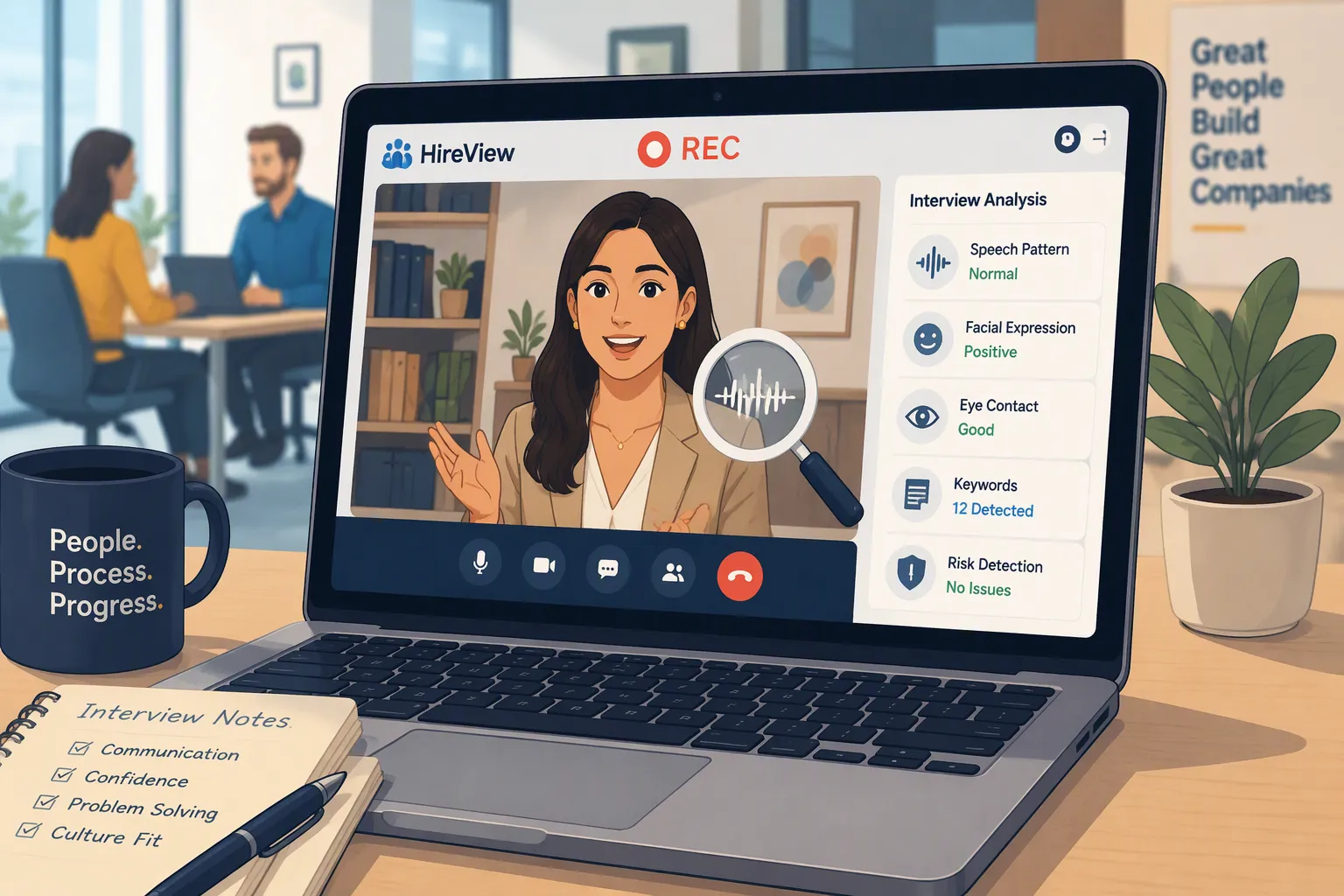
TL; DR: Unless you're working on a task that specifically says you have to record your whole screen, HireVue will NOT record your Screen, it'll only record your camera and audio.
Even though we’ve already discussed “Can HireVue tell if you switch tabs?” and a HireVue interview assistant, I’m still curious about other anti-cheating measures, so I asked another question: “Does HireVue record your screen?” And when I first searched for that, I thought the answer was obvious. HireVue records video interviews, so it must also record everything on your computer screen, right?
But the truth is: not necessarily.
After reviewing HireVue’s candidate guide, past technical assessment materials, its anti-cheating research, and the current 2026 version of its fraud detection page, I discovered that several distinctly different features are often conflated online:
recording the webcam’s activity;
capturing the candidate’s image;
tracking whether the browser loses focus;
recording actions in the code editor;
sharing the screen for specific tasks;
and actually capturing the desktop screen
For a standard HireVue OnDemand video interview, HireVue clearly records your video responses via your webcam and microphone. Its Candidate FAQ and OnDemand candidate experience explain that candidates record answers that are later reviewed by the employer.
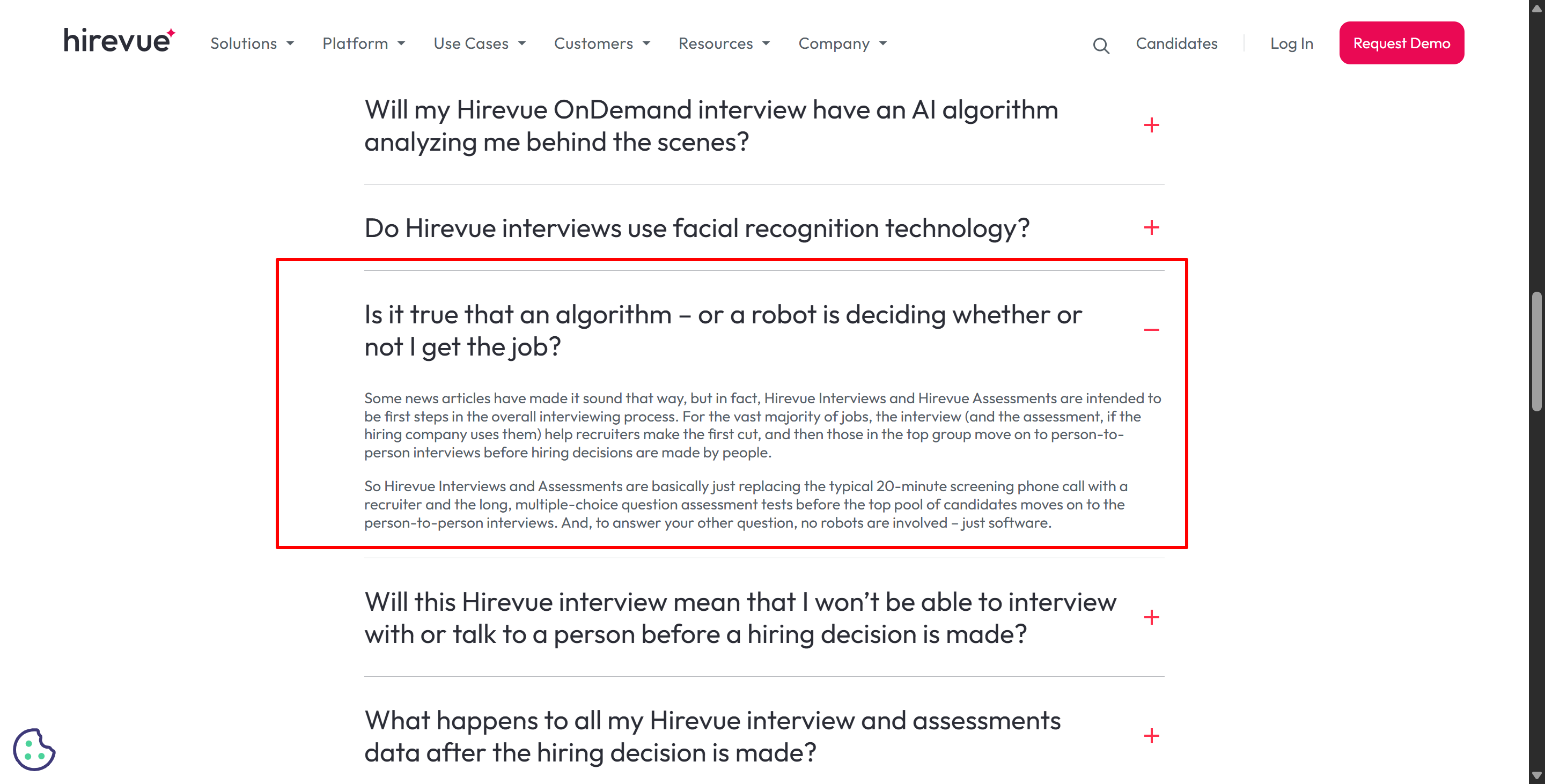
However, current public documentation does not state that every standard HireVue interview continuously records your entire computer screen.
Therefore, the short answer to the question “Does HireVue record your screen?” is:
It is not done by default in every HireVue interview. HireVue records video responses, and certain workflows may include screen sharing, browser focus monitoring, image capture, or other screen checks—but full-screen recording is not documented as a standard feature of regular OnDemand interviews.
Does HireVue Record Your Screen? What It Actually Tracks
The easiest way to keep everything straight is this table:
HireVue Capability | What It Captures / Detects | Full Desktop Recording? |
|---|---|---|
OnDemand Video Response | Webcam + microphone response | No evidence this universally records desktop |
Candidate Image Capture | Periodic candidate webcam images | No |
Browser Focus Tracking | Leaving the active browser/window | No |
Code Editor Playback | Coding process, keystrokes, editor events | No |
Screen Share Question | Candidate-shared screen for task/demo | Screen is intentionally shared |
Live Interview Screen Share | Candidate shares screen with interviewer | Screen visible during sharing |
Screen / Environment Checks | Configurable integrity signals | Public details vary by workflow |
This is the most accurate way I found to answer Does HireVue Record Your Screen without turning several unrelated HireVue features into one giant surveillance system.
Does HireVue Record Your Screen in a Normal OnDemand Interview?
I've had a look at the documentation and tried it out for myself, and I'd say that HireVue OnDemand is basically a video-based Q&A system.
So, to sum up, the HireVue candidate process is really simple.
Then you'll get an invite to an interview.
The more you practise, the better you'll get.
HireVue will display the interview questions.
Make a note of your answers.
Then the employer will review the answers.
HireVue's Candidate FAQ also highlight the following points:
Camera settings;
Microphone settings;
Lighting;
Recorded video responses;
Candidate interview data.
So, based on this info, we can make a quick conclusion. When you're doing an OnDemand interview, HireVue doesn't record your whole screen.
Does HireVue Record Your Screen or Just Your Webcam?
As I said before, there's a lot to think about for standard video interviews, like the fact that the webcam and microphone are basically the only two ways to input.
Also, there's a really important difference to do with artificial intelligence.
HireVue's current tech doc says that for AI-scored video interviews, the AI looks at the transcript of the candidate's spoken words, rather than their facial expressions, body language, appearance, background, or tone of voice.
So, this brings up three separate issues:
Question | Answer |
|---|---|
Does HireVue record my video response? | Yes |
Does HireVue's scoring AI analyze my facial expressions? | No, according to current HireVue documentation |
Does every HireVue interview continuously record my entire desktop? | Not documented as a universal feature |
Does HireVue Record Your Screen When Screen Sharing Is Required?
That's exactly where the answer, more specifically, can be "yes."
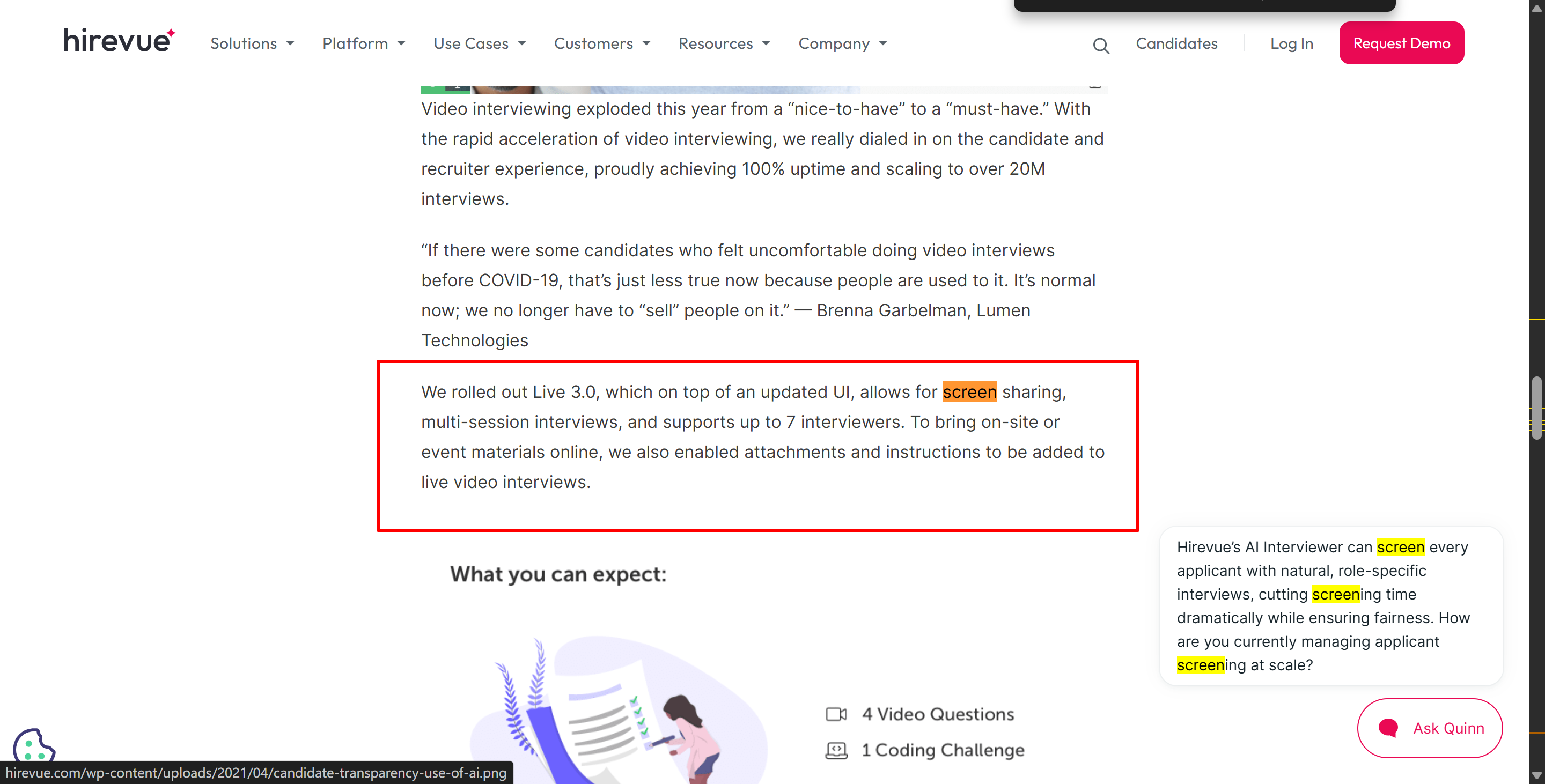
HireVue has been supporting screen-sharing workflows for years. A while back, there was a HireVue official article about how to do video interviews that talked about a way to share your screen that lets candidates show recruiters what they're doing on their computers. For example, they could be making a PowerPoint presentation or building a pivot table in Excel.
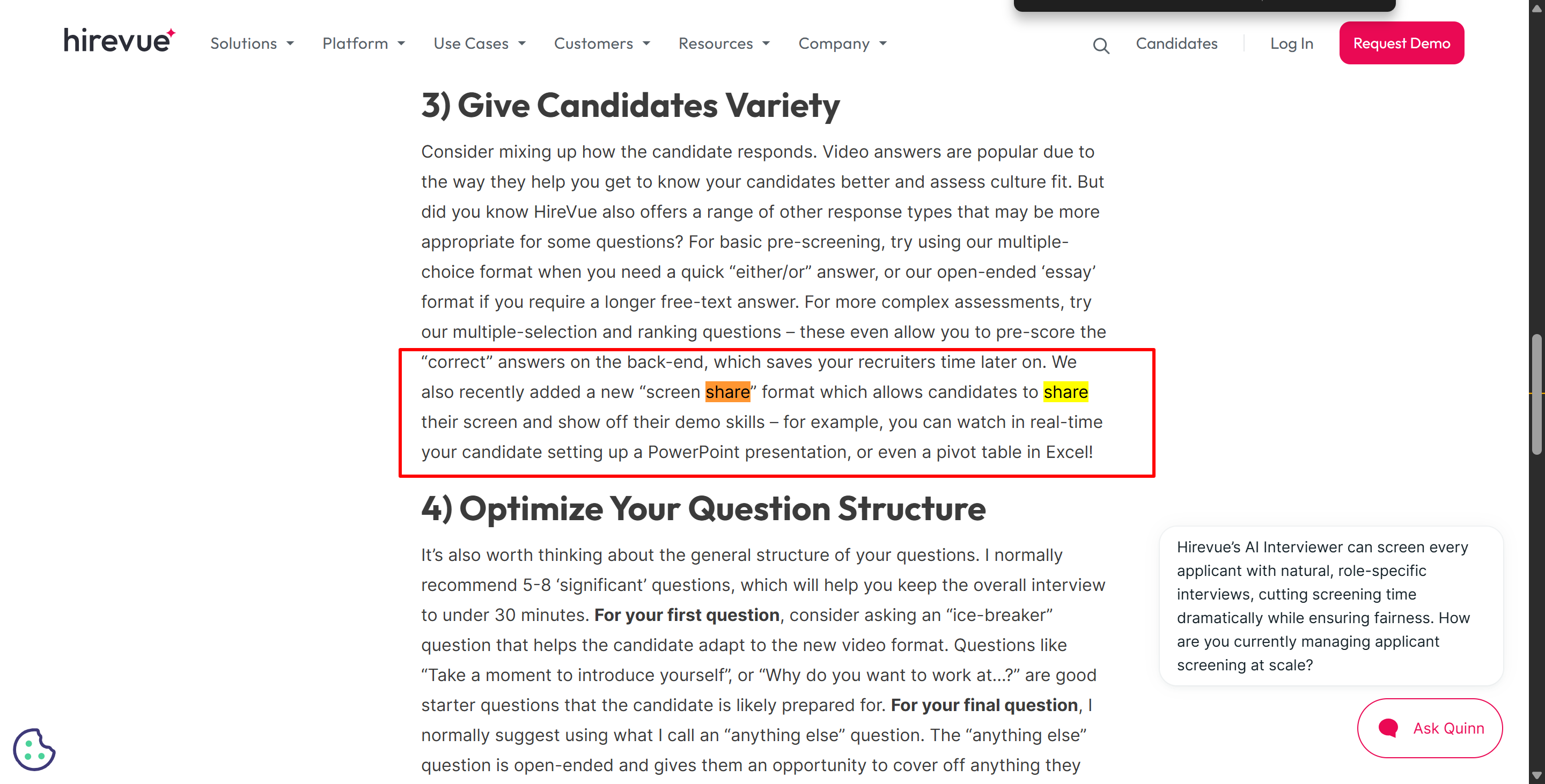
HireVue has also described live interview scenarios where candidates may be encouraged to share their screen or demonstrate a specific task. This means that HireVue has workflows in place where employers can view what's happening on a candidate's screen.
Does HireVue Record Your Screen During Coding Assessments?
Another area where terminology can be confusing is technical assessments.
HireVue's programming product has always used CodeVue, which has one feature called "code editor replay" that's pretty cool. HireVue's official tech assessment docs say that recruiters can replay the whole process of a candidate building a solution in a programming environment. The replay shows the candidate's keyboard inputs and coding progress.
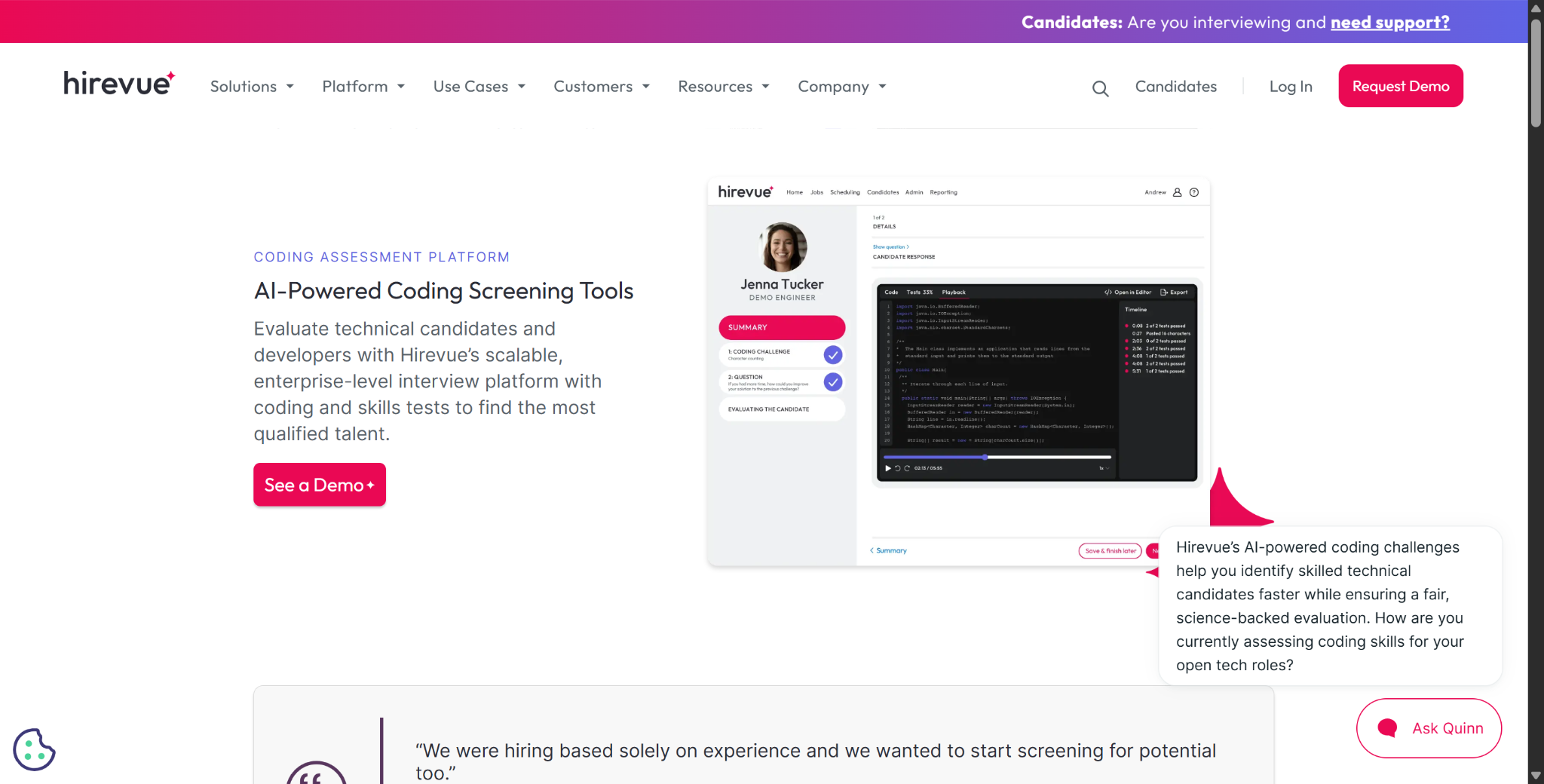
It also records specific editor events, such as:
pasting;
loss of browser focus;
inactivity;
compilation errors;
and test runs.
HireVue says that "loss of browser focus" is when a candidate moves away from the coding editor to use another browser or application. I've found that this analysis process doesn't actually rely on screen sharing or recording.
Here's how "Code Editor Replay" works:
→ Records what happens inside the coding environment
→ Reenacts the candidate’s code development process
→ Associates events such as pasting and loss of focus
→ It cannot see your entire screen, which tab you navigate to, or what applications you open (due to modern browsers’ sandboxing mechanisms)
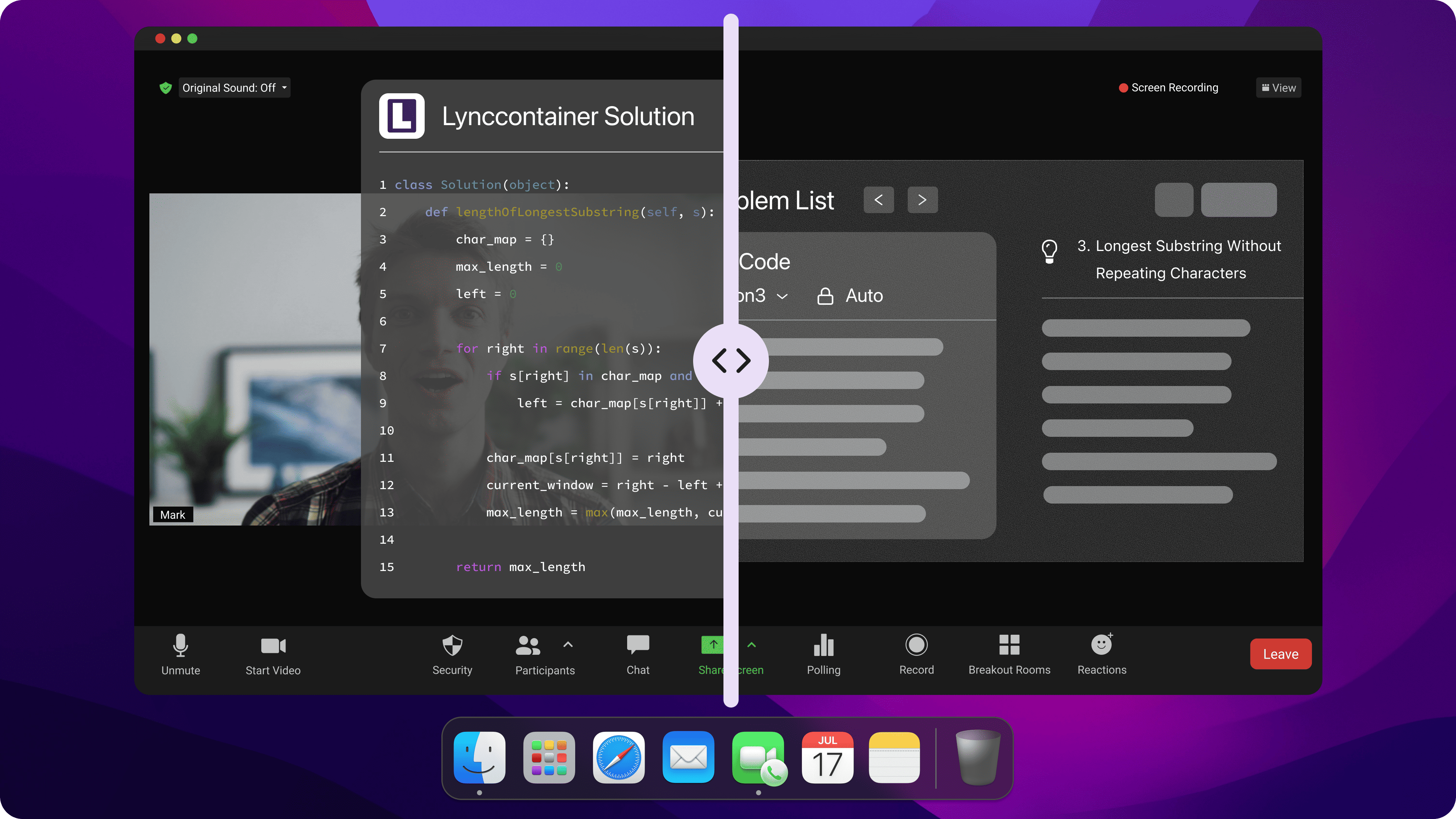
And that's where stealthy AI interview copilots, including Linkjob AI, stand out and shine. They operate outside the browser sandbox; therefore, during the HireVue recording process, no images or loss of focus would be picked up.
Does HireVue Record Your Screen When You Switch Tabs?
No, it doesn't. As I said above, HireVue's current assessment integrity system includes a "browser focus tracking" feature, but it doesn't actually see which tab you go to or what's on that tab. It doesn't even know what URL you've opened – it's just a browser focus detection thing.
Its 2026 fraud detection documentation says that HireVue can trigger auto alerts when browser focus is lost, and its SIOP LEC guidelines, which were just released, also explicitly list "browser focus tracking" as one of HireVue's current assessment integrity features.
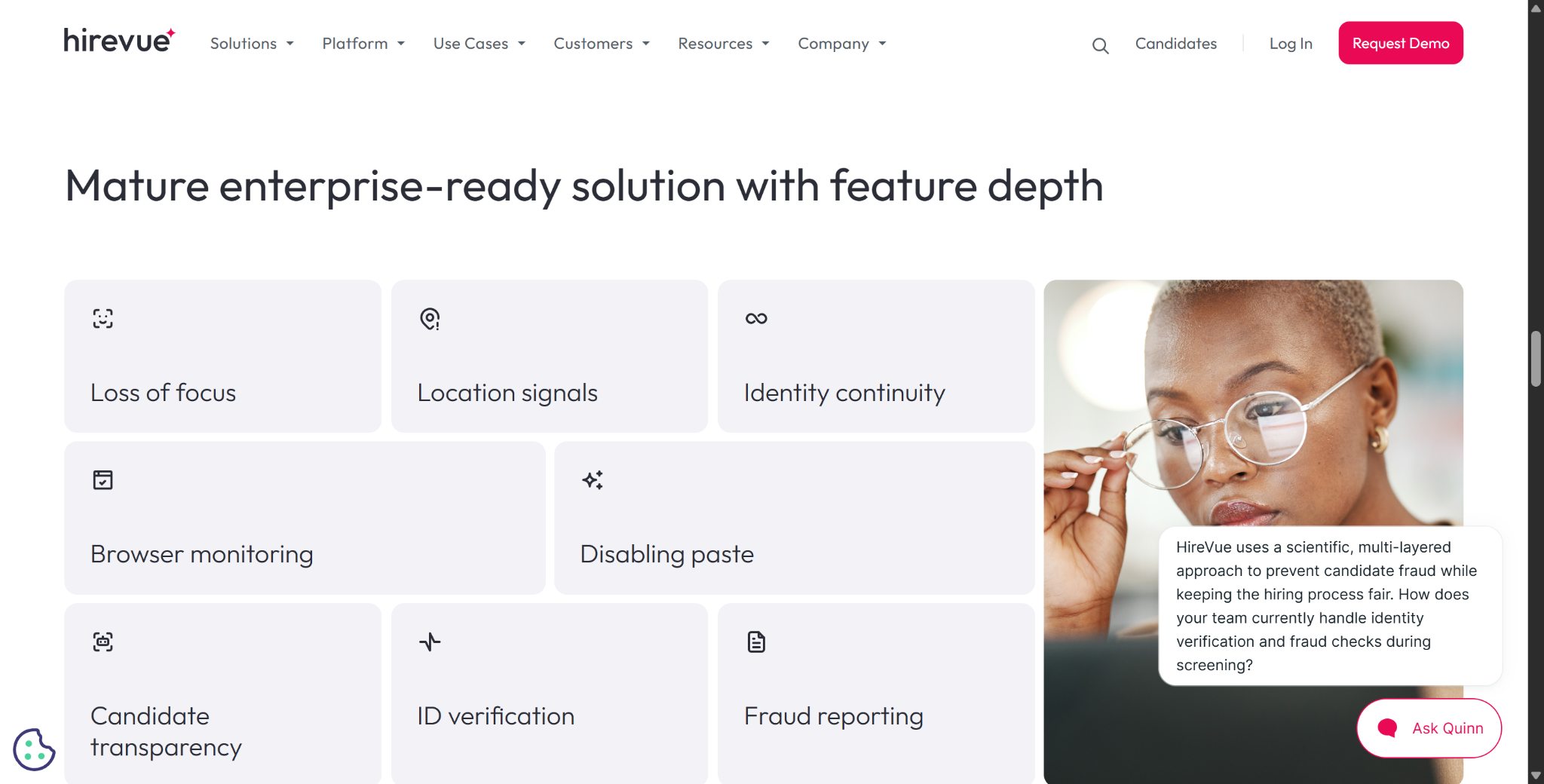
Earlier CodeVue documentation from HireVue also emphasised this from a practical standpoint: evaluators can see when browser focus is lost and then compare that to subsequent activity (such as extensive pasting).
For example:
Candidate is inactive
Browser focus is lost
The candidate returns
Pastes a large block of code
So HireVue doesn't record what you do on your screen when you switch tabs, and under no circumstances can HireVue do that. Screen recording would only happen when the interviewer tells you to open other software and runs by other apps. Your screen is probably unrestricted unless they say otherwise.
Does HireVue Record Your Screen as Part of Anti-Cheating?
I've been checking out how HireVue's products have changed over time.
Back in 2024, HireVue put out a research report on anti-cheating that talked about a bunch of features they were checking out.
These features included:
Disable copy and paste.
Issue warnings when switching tabs.
Log extra browser activity.
Take screenshots and capture candidate images.
Do a candidate photo comparison.
Since then, it looks like HireVue has put some of these ideas into practice. By 2025, HireVue had launched the "Candidate Image Capture" feature, which takes regular photos of the candidate during the interview to make sure it's always the same person.
And in 2026, HireVue's current "Cheating and Fraud" platform page says that employers can use an integrity assurance layer that integrates the following elements:
Identity;
Environment;
Behavior;
Reaction signals.
I've looked everywhere for details about screen recording, but I can't find any. So, the bottom line is that even though the system uses screen captures, facial capture and photo comparison, HireVue doesn't actually record your screen.
Does HireVue Record Your Screen Without Telling You?
No. Based on HireVue's current public positioning, integrity checks are supposed to be transparent.
The current fraud-detection page says, which I quote here: “Explain the identity, environment, audio, screen, and browser checks before the interview begins.”
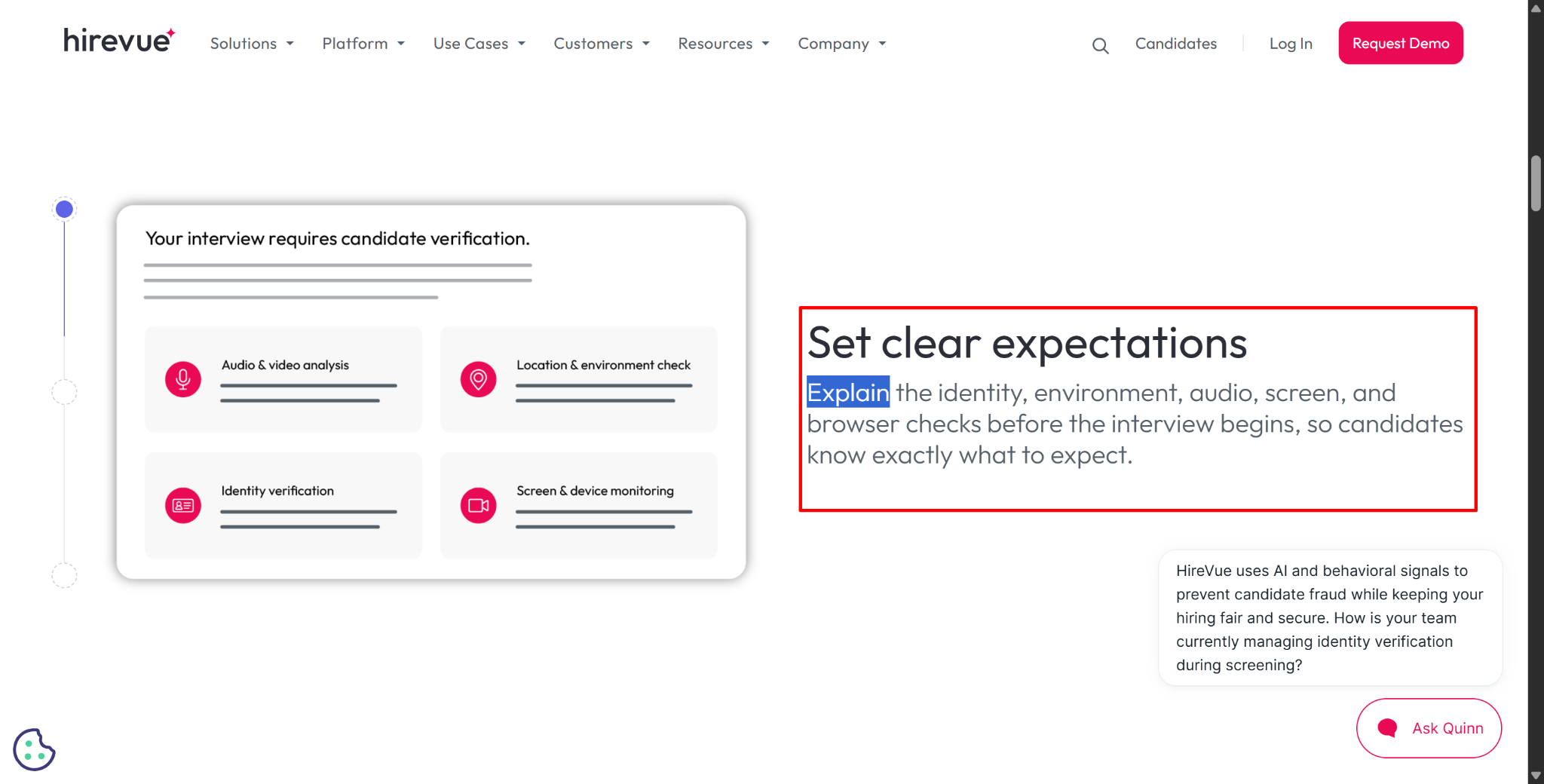
HireVue's 2026 integrity guidance also emphasizes transparency and says suspicious activity should trigger human review rather than automatic rejection.
So, if a certain HireVue workflow needs a proper screen check or screen-sharing permission, I'd expect that to be made clear as part of the candidate experience.
Does HireVue Record Your Screen FAQ
Does HireVue Record Your Screen During Every Interview?
No evidence shows universal full-screen recording in every HireVue interview; standard OnDemand interviews primarily record webcam and microphone responses.
Does HireVue Record Your Webcam?
Yes. OnDemand video interviews record the candidate's video response for employer review.
Can HireVue Detect When I Switch Tabs?
Yes. Browser Focus Tracking and older CodeVue focus-loss events can show when the assessment environment loses focus.
Does HireVue See What Website I Open After Switching Tabs?
Not necessarily. Public documentation confirms focus-loss tracking but does not say every normal interview records the exact external page.
Can HireVue Ask Me to Share My Screen?
Yes. HireVue has documented screen-sharing formats for software demonstrations and Live Interview tasks.
Does Code Editor Playback Mean HireVue Records My Desktop?
No. Code Editor Playback reconstructs activity inside the coding environment and records editor events such as paste and focus loss.
Does HireVue Use My Video to Analyze Facial Expressions?
No. Current HireVue documentation says AI-scored video interviews analyze what candidates say rather than facial expressions, body language, appearance, background, or tone of voice.
See Also
Snapchat Interview Process 2026: Format And Questions I Received
Best AI Tools For Invisible Job Interview Help: My 2026 Picks
Linkjob AI Versus Cluely: Ultimate Showdown Of Stealthy Interview Assistants
2026 Review: User Opinions On AI Mock Interview Tools
My Real 2025 Selenium Automation Testing Interview Experiences With Exact Questions And Answers
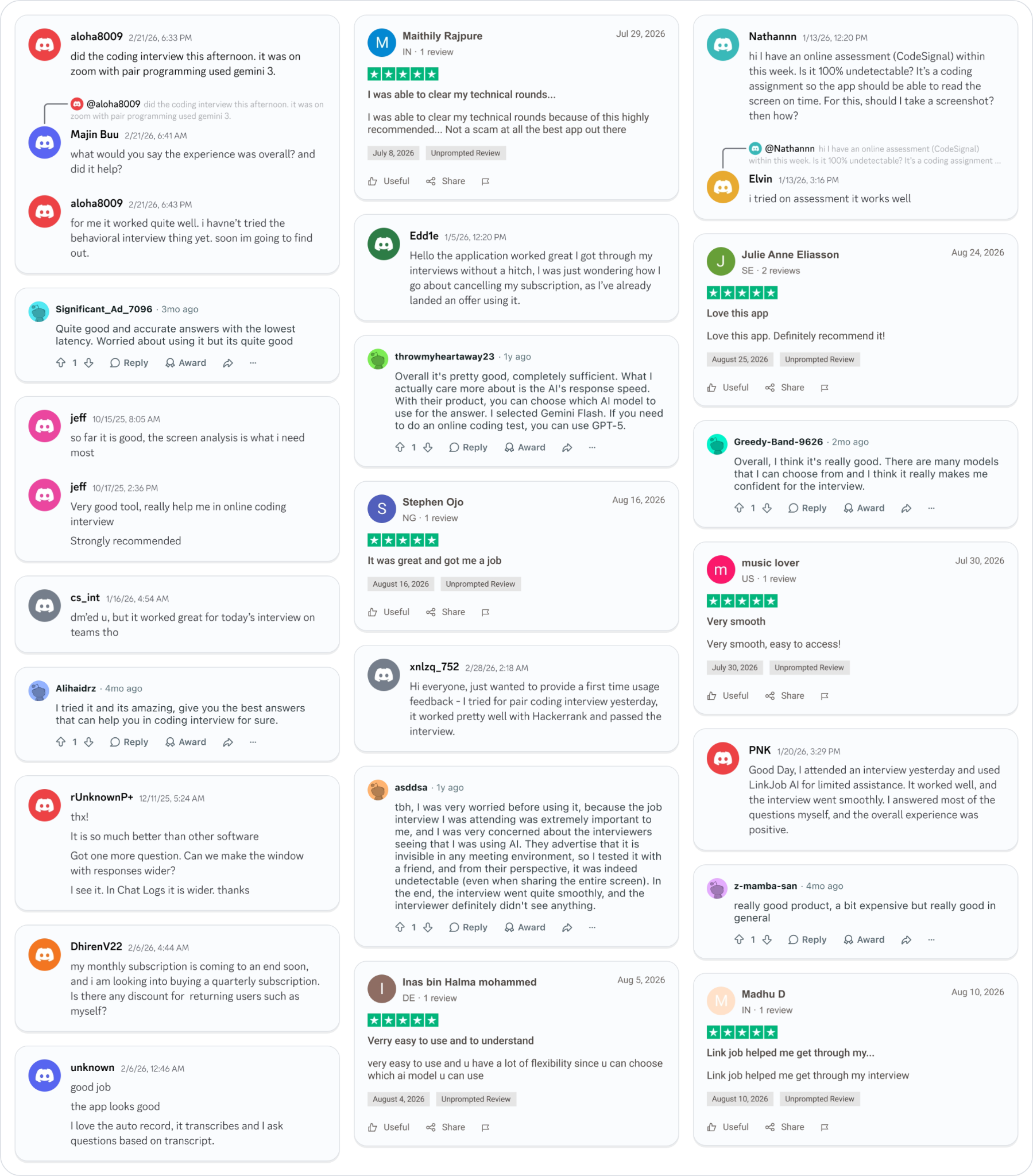
Why People Choose Linkjob AI
Smoother interviews, coding challenges cleared, and job offers landed. See how users describe their experience with Linkjob AI—in their own words.

© Copyright 2026 Linkjob AI - All Rights Reserved.