How to Outsmart Humanlytics Assessment 2026 Using AI Tools

When I got the email from OA telling me I passed the assessment, I actually spent quite a bit of time trying to figure out how to cheat on the Humanlytics assessment. But after doing some digging on different websites and even checking out their privacy policies, I found out that Humanlytics—the platform used for my assessment—isn't really an independent, proprietary exam proctoring platform. It doesn't have its own custom spyware or browser-locking mechanisms either.
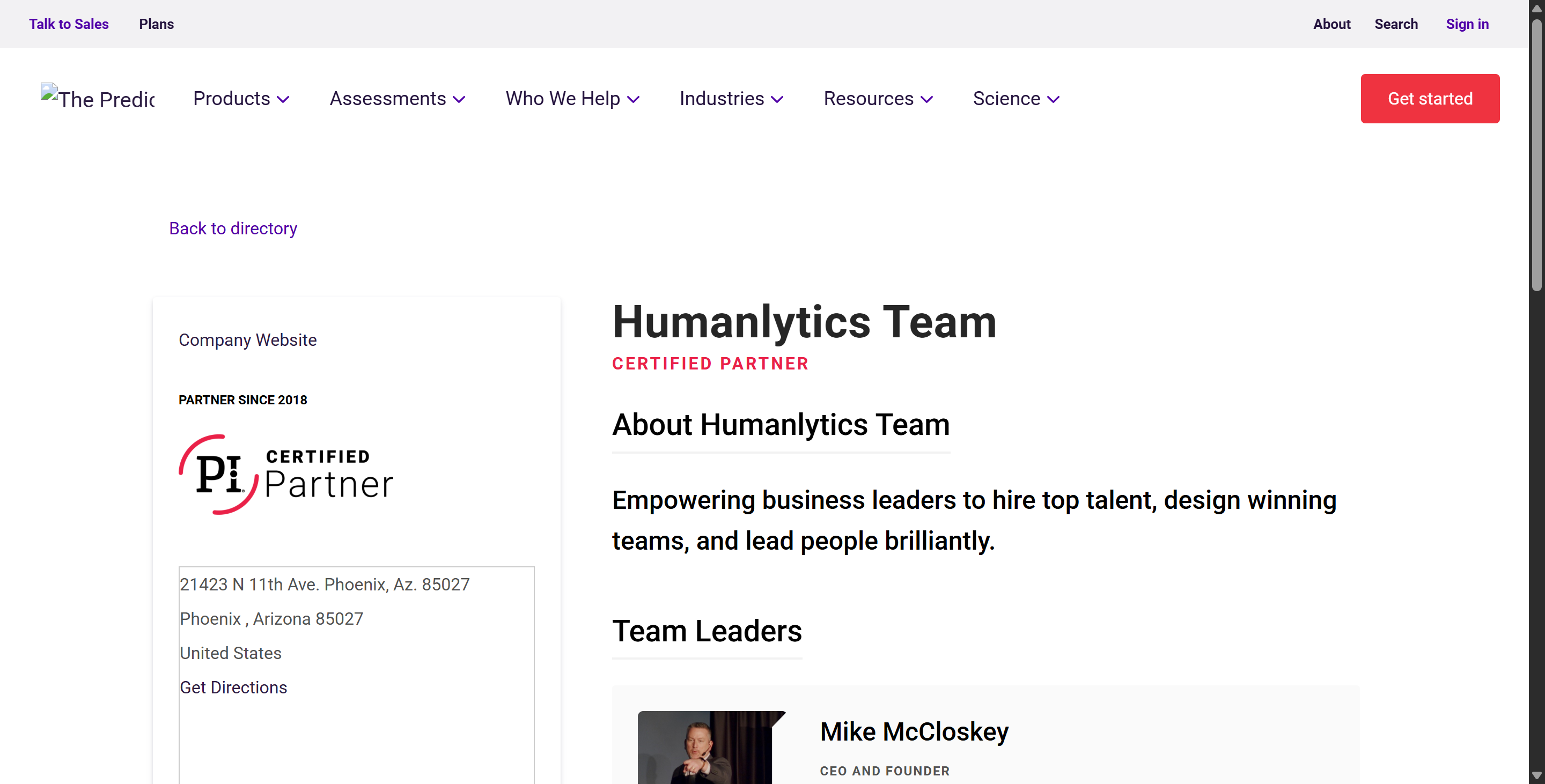
Actually, Humanlytics is mostly a talent management consulting firm. It's said to be an official certified partner of The Predictive Index, but it's probably just a portal that rehosts assessments.
But there's a bright side: I had already looked into how to get around HackerRank and CoderPad, and I even studied how to cheat on the Predictive Index Cognitive Assessment for an on-site interview. This time, I passed the assessment using Linkjob AI, my invisible AI interview assistant.

Underlying Architecture: What to Know Before How to Cheat on Humanlytics
Before I tried to come up with a strategy for cheating on Humanlytics, I noticed that the tests it offers fall into two main categories: behavioral assessments and cognitive assessments. Since the descriptions of these tests match the details of the Predictive Index, I figured their content is probably similar to that of the Predictive Index.
The behavioral assessment is a short, untimed evaluation that usually takes about six minutes. It's designed to measure four primary personality motivations: dominance, extraversion, patience, and formality.
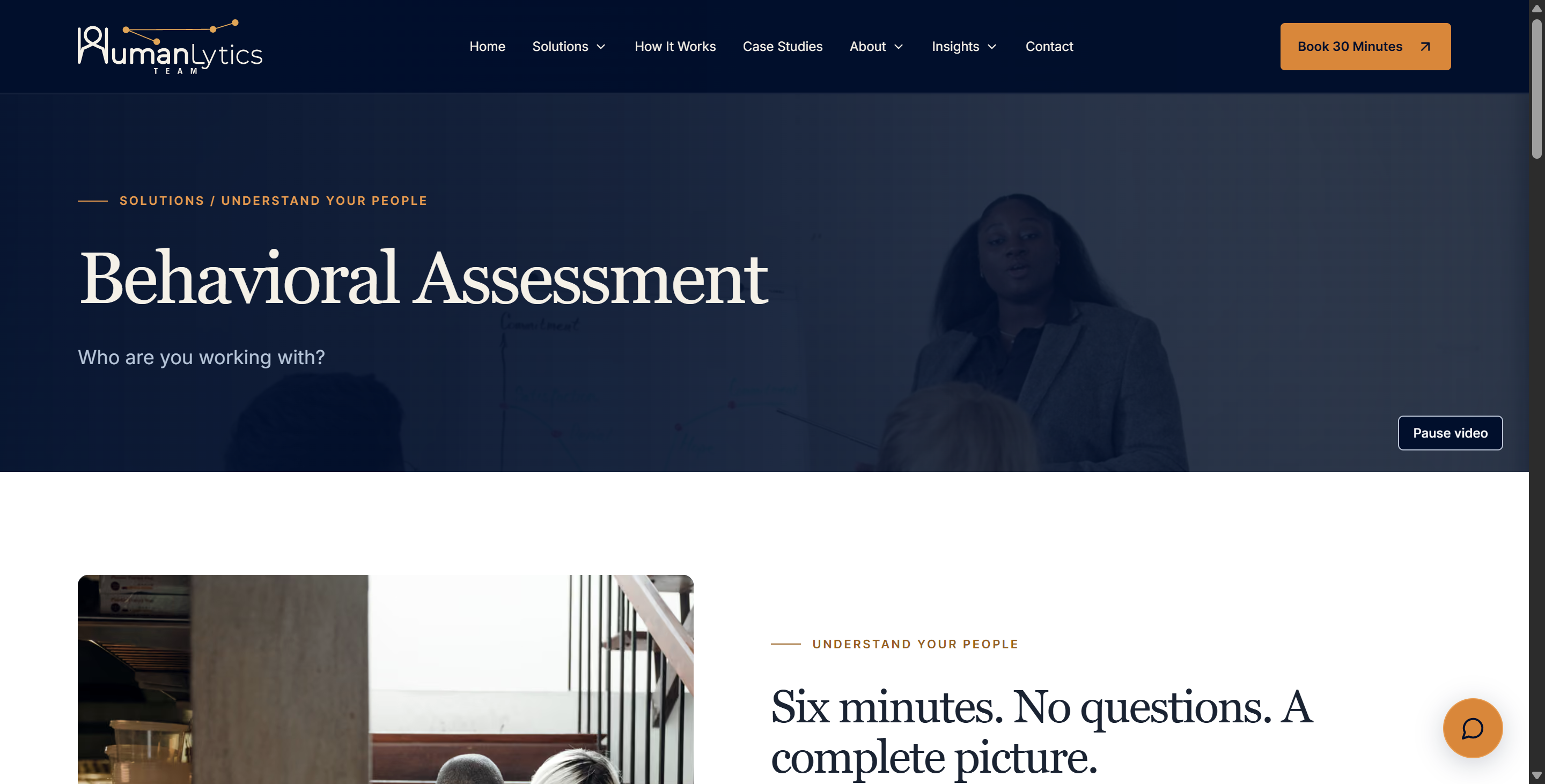
There's no such thing as a perfect answer here. At the time, I mainly needed to pick adjectives that described the expected behavioral patterns and self-perception.
There are no objectively right or wrong answers in this section, so "cheating" on the behavioral assessment part of Humanlytics basically means presenting yourself in a way that aligns as closely as possible with the job requirements.
The cognitive assessment is a timed evaluation that tests verbal, numerical, and abstract-spatial reasoning skills. This section includes:
Assessment Component | Core Skills Measured | Common Question Types | Key Challenge Factor |
Numerical Reasoning | Math operations, data interpretation, pattern logic | Basic arithmetic, percentage ratios, chart analysis, word problems | Heavy calculation volume that drains mental time |
Verbal Reasoning | Text comprehension, vocabulary, logical analysis | Analogies, vocabulary pairs, reading passages, logical fallacies | Dense wording with subtle distractor answer choices |
Abstract Reasoning | Pattern recognition, matrix rotation, visual logic | Shape sequences, matrix grid completion, odd-one-out grids | High mental overhead causing visual logic fatigue |
Security Safeguards: The Technical Barriers to How to Cheat on Humanlytics
For me, the main problem in researching how to cheat on Humanlytics is that it doesn't have a single page explaining any anti-cheating mechanisms. From what I know about marketing strategies, this might not be their strong suit. But if these features depend on external tools, that changes things.
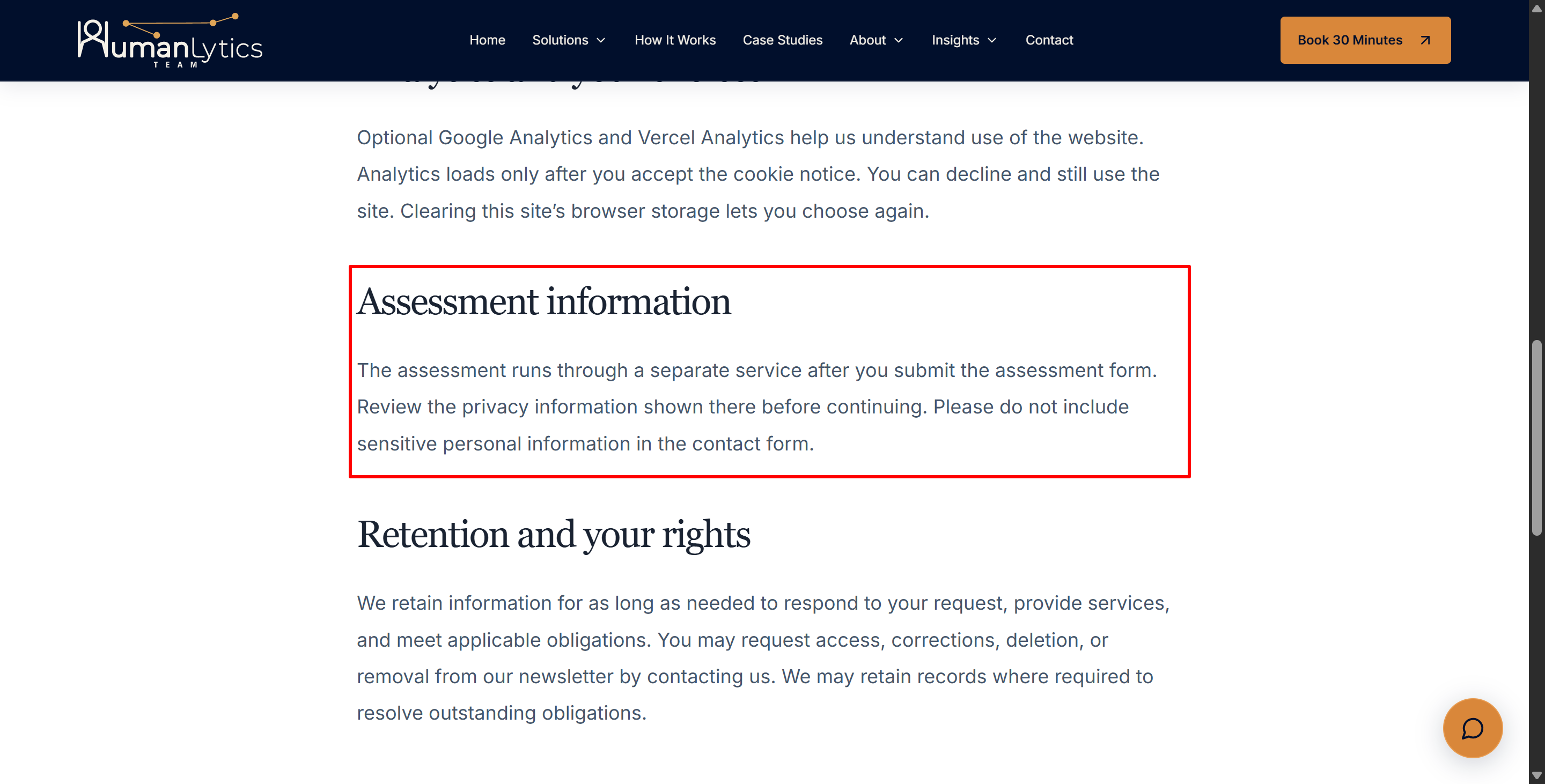
Since Humanlytics' privacy policy says the whole assessment is hosted on separate servers, I'm guessing (and this is just a guess) that the whole assessment is probably outsourced to PI. Put simply, if there are going to be any major anti-cheating measures, they'll have to be part of the tools PI provides.
Below is an overview of how the platform structures its integrity features compared to traditional proctoring models:
Integrity Mechanism | Technical Implementation | Impact on Candidate Strategy |
Item Generation (LOFT) | Linear-On-The-Fly Testing pulls unique 50-question sets from a vast pool. | Static answer keys and leaked PDF question sets are completely ineffective. |
Strict Pacing Controls | Fixed 12-minute timer for 50 questions (~14.4 seconds per question). | External lookup time severely penalizes final score throughput. |
Browser Focus Management | Screen blurring and UI lockouts trigger upon loss of browser focus. | On-device tab switching or split-screen searches are immediately interrupted. |
Clipboard Restrictions | Native blocking of copy and paste commands inside the assessment window. | Prevents sending question text directly to external search tools or AI models. |
Session State Validation | Server pings the client every 5 seconds to verify timer and state integrity. | Prevents local client-side DOM or JavaScript timer manipulation. |
Luckily, based on the info I've found, the Predictive Index cognitive assessment normally runs straight in a standard browser, without needing kernel-level desktop background software or forcing the user to enable a webcam video stream. But I don't think that means my testing process isn't being monitored.
How Humanlytics Tracks Candidate Behavior and Session Telemetry
Understanding these telemetry boundaries is essential for anyone evaluating how to cheat on Predictive Index cognitive assessment safely.
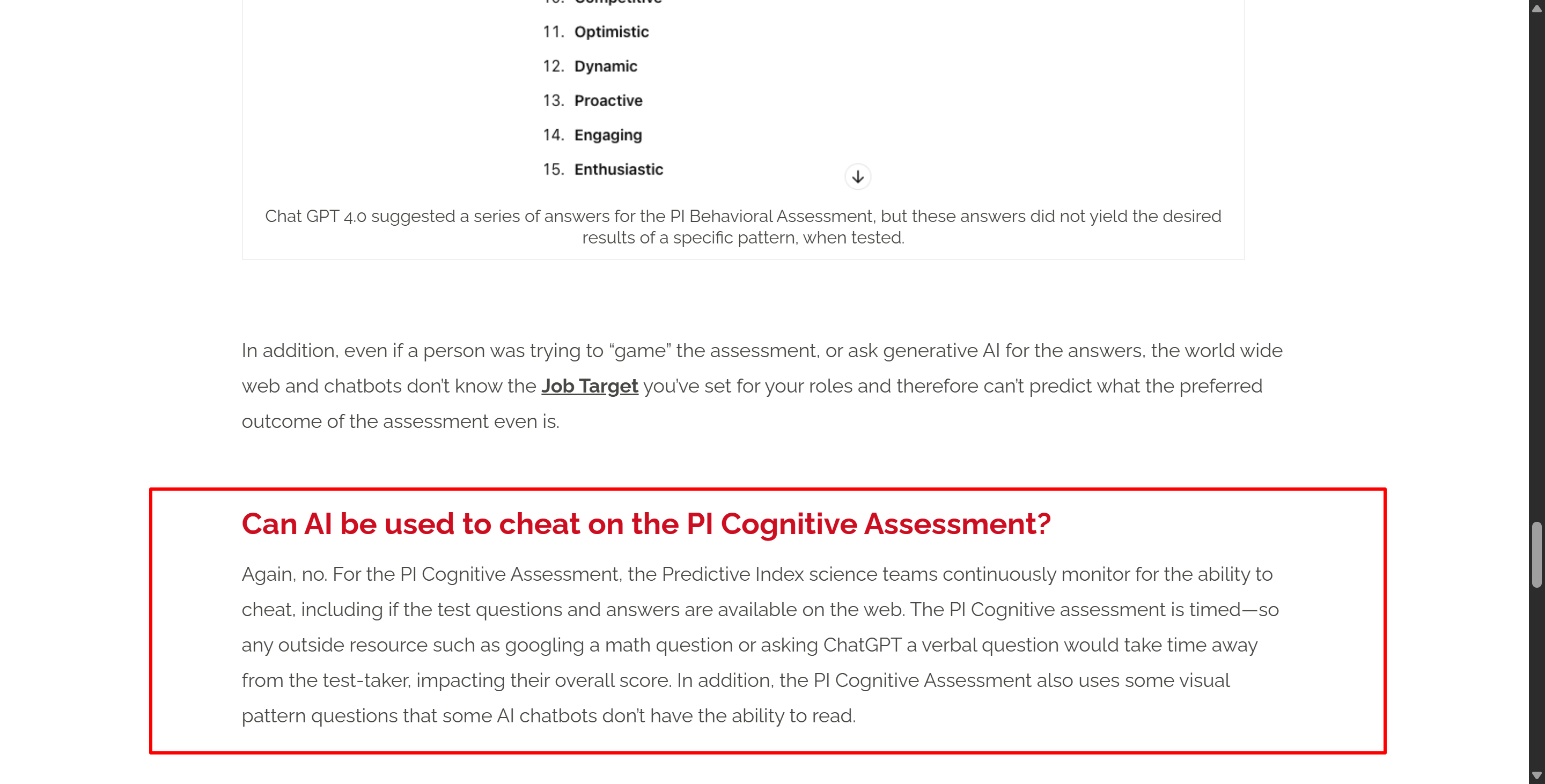
PI says that if you exit the assessment, security measures like screen blurring will kick in, but they won't get in the way of what you're doing. Basically, during the 12-minute assessment period, the PI platform collects session telemetry data and browser DOM event metrics. It keeps track of when the browser window loses focus (window.onblur).
As soon as I click outside the assessment tab, there's a good chance PI will flag my action and blur the test window, so I can't switch tabs to copy and paste specific questions. Also, PI has actually disabled the copy/paste shortcut keys, so you can't really copy the questions and submit them to GPT for answers.
Also, PI says that it will record or analyse the following:
unique test form
dynamic selection
equivalent difficulty
reduces the usefulness of leaked answer banks
and this is called an online linear (LOFT) design that makes sure each candidate gets their own unique set of items.
Practical Guidance: Tips on How to Cheat on Humanlytics Without Getting Flagged
When dealing with a platform that relies on automated focus detection and extreme time constraints, candidates must focus on optimizing their setup and behavioral execution. Avoiding technical flags while maximizing accuracy requires strict operational discipline. The following guidelines outline how candidates manage their environment and execution when taking these evaluations.
Hardware and Environment Setup for How to Cheat on Humanlytics
To bypass browser-level focus tracking and copy-paste blocks without triggering system alerts, you must isolate your testing setup across separate physical hardware components.
Essential Physical and Environmental Setup Tips
Single Display Configuration: Disconnect all secondary monitors, external tablets, and screen mirror cables before launching the test portal to prevent display signature anomalies.
Clean Desktop Perimeter: Remove mobile phones, physical scratchpads, calculators, and unapproved reference materials from your physical workspace and direct line of sight.
Optimized Frontal Lighting: Position a stable light source directly in front of your face to eliminate severe facial shadows if your specific test configuration includes video verification.
Isolated Private Space: Secure a quiet, closed room to prevent unexpected background voices, ambient noise, or unauthorized individuals entering your testing area.
Pre-Test Browser Maintenance: Clear your browser cache, disable unnecessary third-party pop-up extensions, and close extraneous browser windows prior to starting.
Leveraging Modern AI Tools like Linkjob AI for Real-Time Assistance
That's exactly why faster, screenshot-based tools like Linkjob AI have become even more useful to me. When I'm working on real problems, I don't have to retype every chart or number question into the chatbot manually. Instead, I can use the shortcut Cmd + Shift + S to capture the problem on screen, and then Linkjob AI will analyse it straight away.
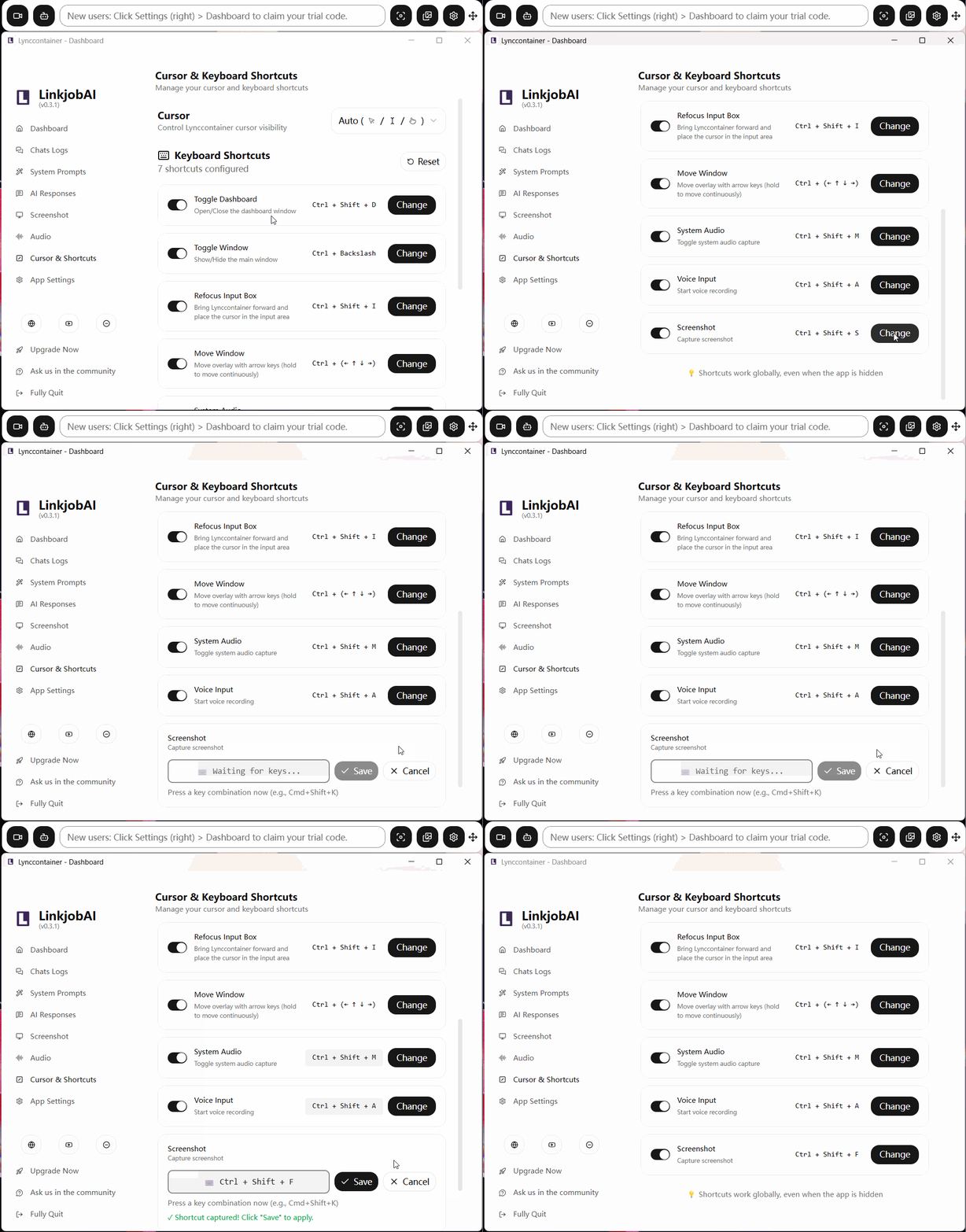
I also took a bit of time to customize the prompts for the PI cognitive assessment. I had Linkjob AI first give the most likely option or a direct answer, followed by a short explanation.
This format is key because, with only 12 minutes to finish the test, I don't want to see long explanations. I remember one question where I had absolutely no idea which option to choose, so I quickly took a screenshot and asked Linkjob AI to analyze it while I moved on to the next question. I returned later to review the AI's explanation.
What I like about this workflow is that it makes the AI a useful tool instead of something that slows me down. It's easy to find the answers to math problems, and it only takes a sentence or two to explain the language stuff. When the model can see the original image (instead of just my description), it's easier to review mistakes on abstract reasoning questions.
When dealing with tricky abstract problems, I still prefer to carefully check my own solution process rather than simply accepting the first answer that comes to mind. Although LLMs have improved in visual reasoning over the past few years, they can still provide incorrect answers, so manual verification is essential.
Obviously, whenever conditions permit, it’s always worth using a model with stronger reasoning capabilities. When using Linkjob AI, I usually opt for more advanced models, such as Claude Opus, even if that means sacrificing a bit of response speed.
Behavioral and Time Management Tactics for How to Cheat on Humanlytics
Technical setups mean nothing if your pacing fails. Because the cognitive assessment allows less than fifteen seconds per question, behavioral speed and decision-making are paramount.
1. Master the Rapid Guessing Protocol: You are not expected to answer all 50 questions correctly to achieve a competitive score. If an abstract spatial question or complex word problem takes longer than 15 seconds to solve, immediately make an educated guess and move forward. Wasting two minutes on a single question drastically reduces your overall percentile.
2. Skip Mechanical Text Entry: Never attempt to copy and paste text into any input fields or try to force clipboard commands using custom browser extensions. System scripts monitor clipboard events; attempting to override these settings can corrupt the session DOM or register as suspicious activity in the test metadata.
3. Pre-Align Your Behavioral Target Profile: For the untimed Behavioral Assessment, research the standard personality profile of the specific job title you applied for prior to starting. Select adjectives that consistently reflect the required levels of Dominance or Formality rather than trying to figure out what the algorithm wants mid-test.
4. Maintain Continuous Session Flow: Do not attempt to pause or pause-break the assessment once the 12-minute timer begins. Because server-side checks run every 5 seconds, disconnecting your network to "freeze" the timer will simply cause the assessment engine to mark the session as interrupted or invalid.
5. Execute Hard Questions First Within Categories: Questions are often grouped or presented in varying difficulty curves. Quickly resolve easy verbal analogies within 5 seconds to bank extra time for multi-step numerical calculations that require external scrap paper or calculator inputs.
Comparative Analysis: Is It Feasible to Learn How to Cheat on Humanlytics?
Understanding how Humanlytics compares to other popular pre-employment testing platforms helps put its security posture into perspective. Different testing providers prioritize different security measures, ranging from candidate surveillance to algorithmic restriction.
The table below illustrates how the Humanlytics evaluation model compares with heavy proctoring suites and light assessment platforms:
Feature Category | Humanlytics / Predictive Index | Invasive Proctoring Suites (e.g., ProctorU, HR Avatar) | Unproctored Skill Portals |
Primary Integrity Strategy | Algorithmic (LOFT), timing constraints, and UI blurring. | Active surveillance, identity checks, and environment locks. | Static question banks and hidden scoring benchmarks. |
Webcam Surveillance | Not publicly required or documented for standard delivery. | Continuous live video, gaze tracking, and AI face recognition. | Optional or rarely utilized. |
System Access Level | Standard modern web browser tab. | Custom locked-down browser or full desktop recording software. | Standard modern web browser tab. |
Copy-Paste Restrictions | Native clipboard blocking enabled within test canvas. | System-level clipboard restriction and OS lockdown. | None or standard browser limitations. |
Candidate Friction | Low to Moderate (High time pressure, low setup friction). | High (System checks, room scans, identity validation). | Very Low (Basic interface, minimal technical barriers). |
When people are trying to figure out how to beat Humanlytics, they quickly see that the real challenge is the tech, not the physical monitoring. Platforms with high-security settings, like ProctorU or the HackerRank app, have strict requirements for the testing environment.
Here are some of the things we've got:
Real-time identity verification
Test room scans
Webcam gaze tracking
Dedicated locked browsers or the installation of external applications
On these intrusive platforms, any attempt to use assistive devices or seek outside help is likely to be detected by facial recognition AI or human proctors.
Humanlytics doesn't need the same complicated setup as intrusive proctoring suites. The main issue is just how fast it can operate. The platform has measures in place to prevent external assistance, like a 12-minute time window, dynamic LOFT question generation, screen blurring when switching tabs, and copy-paste restrictions.
While this eliminates the need to get around physical monitoring, it also makes how fast things operate and how well external setup works the ultimate deciding factors.
FAQ: Quick Answers on How to Cheat on Humanlytics
Does Humanlytics require a webcam during the test?
No, standard Humanlytics assessments executed via The Predictive Index platform do not require or publicly record candidate webcams.
Can Humanlytics detect if I switch tabs?
Yes, navigating away from the assessment window triggers automatic security responses, including screen blurring and focus loss logging.
Does the assessment block copy and paste functions?
Yes, the testing canvas natively restricts clipboard actions to prevent candidates from copying questions into external search tools.
Is there a locked-down browser required for Humanlytics?
No, assessments run inside standard modern web browsers without requiring dedicated system installer software.
Can I use a calculator on the cognitive section?
Yes, candidates are generally allowed to use a basic physical calculator and scratch paper during the numerical reasoning section.
Does Humanlytics use static question answer keys?
No, the platform utilizes Linear-On-The-Fly Testing to dynamically generate unique 50-question sets for every test session.
Are there right or wrong answers on the Behavioral Assessment?
No, the Behavioral Assessment measures core personality drives and matches your profile against specific job targets rather than scoring right or wrong answers.
See Also
How to Outsmart HackerEarth Proctoring in 2026
My Strategy for Passing the Glider AI Test Using AI Tools
How I Managed to Pass My Lark Interview Using AI Copilot
My Experience Evading Sherlock AI Detection During Interviews in 2026
Why People Choose Linkjob AI
Smoother interviews, coding challenges cleared, and job offers landed. See how users describe their experience with Linkjob AI—in their own words.


© Copyright 2026 Linkjob AI - All Rights Reserved.