How to Cheat on Optiver Orderbooks OA: My Story


After submitting over sixty applications for quantitative trading and engineering positions, my inbox finally pinged with an invitation: the Optiver Online Assessment. Having previously spent time researching how to cheat on HackerRank and how to bypass CoderPad anti-cheating mechanisms, I thought I knew what to expect. However, when I opened my browser and searched for recent prep threads, I found a new Optiver assessment form.
There were not many reliable discussions, but there were some posts saying that there was one important update. The difficult mini-games that you have to play with your mouse, like Beat the Clock and Stock-Meter clicking exercises, had been completely removed. Now, there are more difficult mental maths and bundle arbitrage modules.
This is also one of the reasons why this article is being written—the Optiver OA involving the orderbooks actually differs from the SWE OA processes that are described in many posts!
Even though I’d found information suggesting that this Optiver OA internship exam would be much easier than the one I’d previously taken, I still didn’t have complete confidence in my abilities. After ascertaining the prerequisites and requisite gear, I elected to initiate Linkjob AI—a discreet desktop aide I had configured for my imminent technical interview.
Fortunately, during the OA, the copilot seamlessly and in real time handled the complex spreadsheet parameters and order book logic. I got another email soon after asking me to the next interview. I did not get any message about the proctoring alert.

My Journey: Learning How to Cheat on Optiver Orderbooks OA
The first issue is that there's not enough reliable information. When I searched for recent interviews about Optiver's order books, I found some discussions here and there from people applying for Quant Trader and Quant Research jobs. But there wasn't much useful info about official explanations of the actual exam questions.
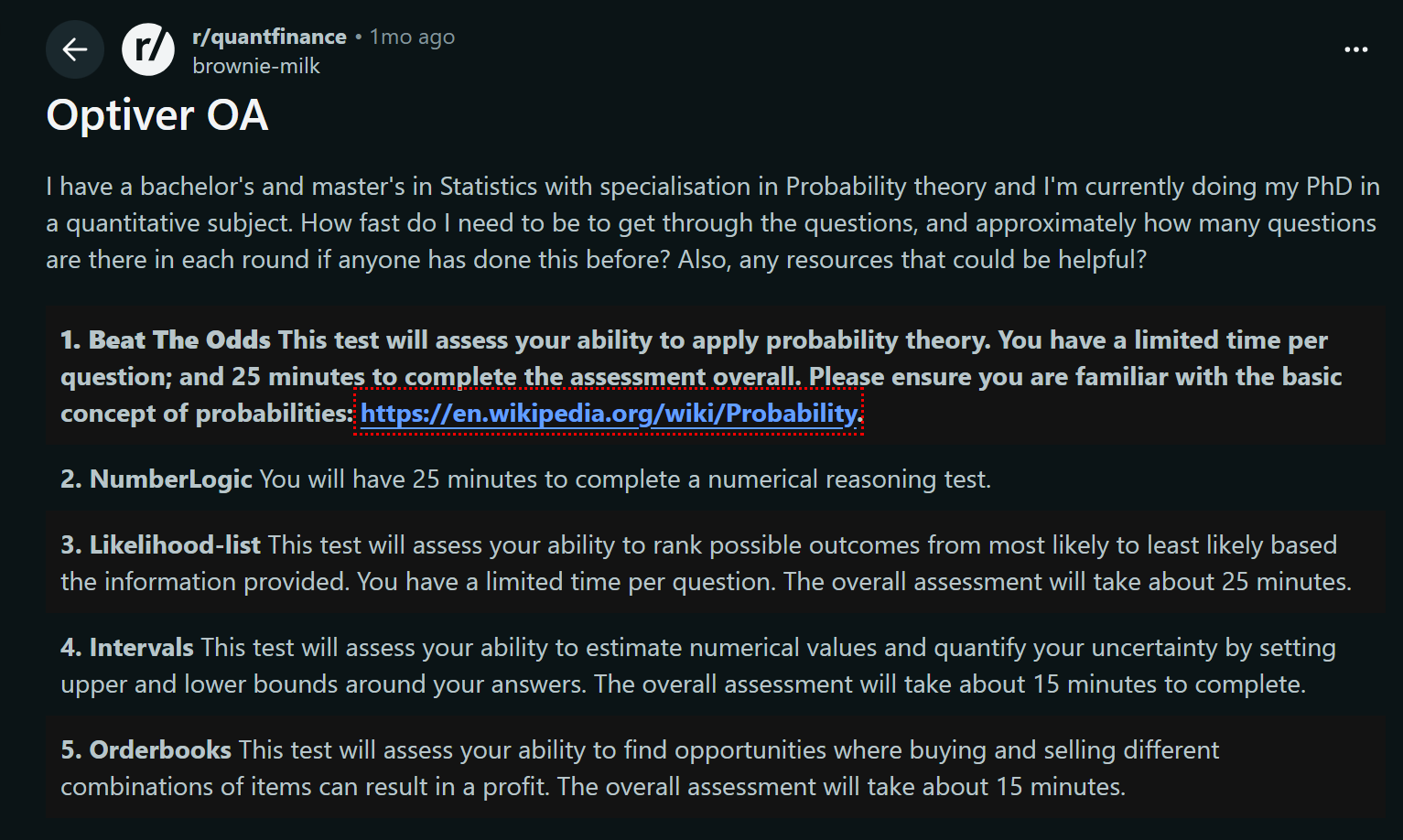
From the emails I've had, the latest assessment looks at these modules:
Beat The Odds (15 questions, with 90 seconds per question, rapid probability theory),
-e.g., sum of two dice, odds calculation, risk-reward ratio, etc.
NumberLogic (26 questions in 25 minutes, numerical sequence reasoning, got to do the calculations by hand on paper and a pencil),
Likelihood-list (15 questions, 90 seconds per question, ranking probable outcomes, don't have to do the maths),
-e.g., Based on the scores of 10 students on their first 5 tests, determine the likelihood of various events occurring on the 6th test and rank them from highest to lowest probability.
Intervals (18 questions, 60 seconds per question, confidence interval estimation under uncertainty, topics include probability, sums and percentages),
e.g., you and a colleague each roll a die. So, what I want you to do is find the probability (0-100) that your friend's roll is higher than yours.
Orderbooks (20 questions in total, and you've got 8 minutes to spot any arbitrage opportunities between buy and sell orders on the cards),
and Zap-N (a bit like a game-based section, and it's made up of 9 mini-games like number memorisation and shape switching).
This might be because there are more people applying for Optiver's 2027 Summer Internship for SWE, and because these types of questions are really tricky – especially when you think about how many there are, the time limit, and how complex the problems are. I'd rather not deal with that.
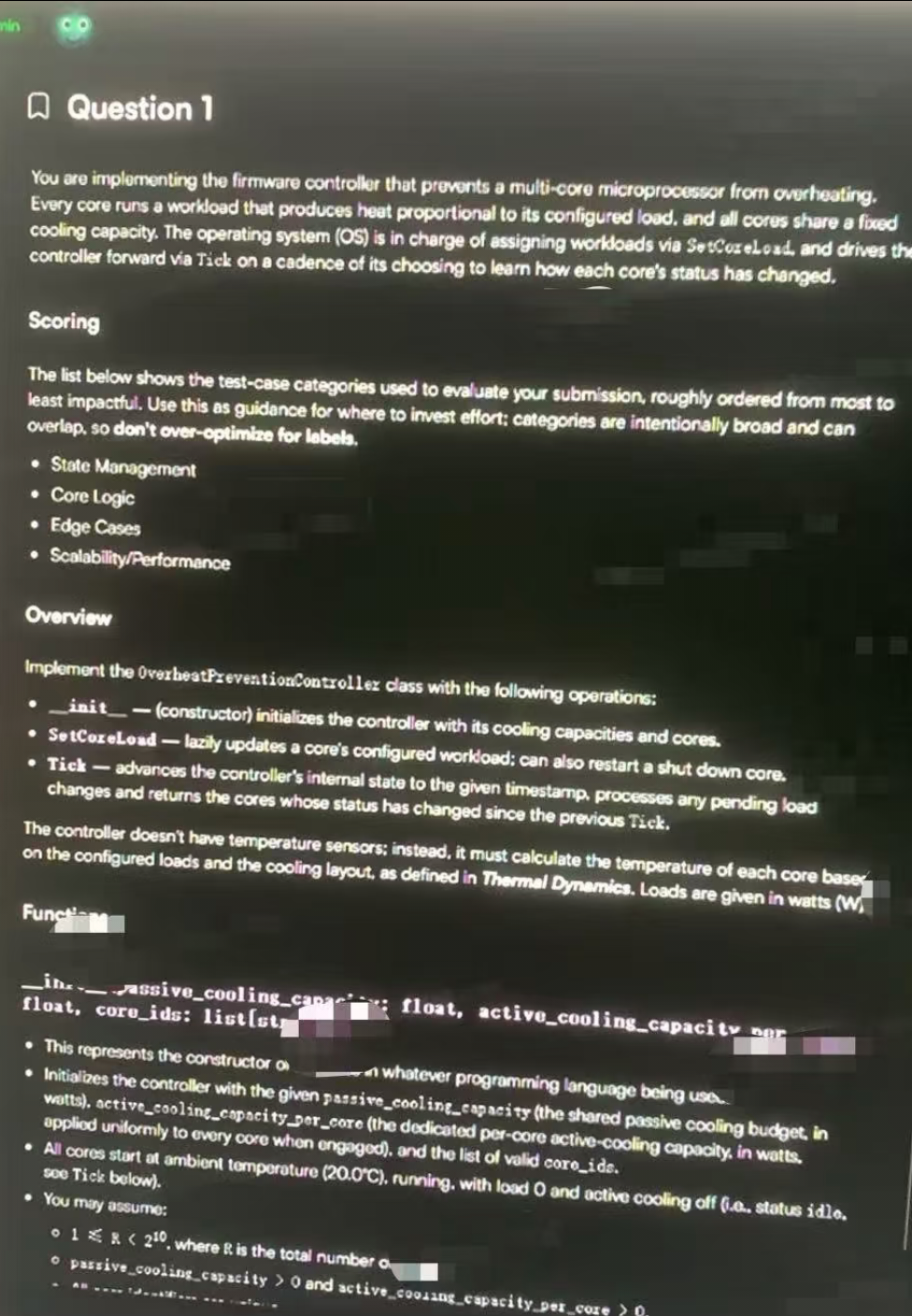
For anyone applying for the Quant Trader and Quant Researcher roles, it's more about how quickly you can reason.
I'm not going to pretend I'd be able to solve a tricky maths problem if I was asked, based on my experience with other OAs. I'd probably only have a few minutes to get it done.
understand the pricing information;
identify relationships between different assets or portfolios;
calculate whether an arbitrage opportunity exists;
and select the optimal trading strategy before the timer runs out.
That's exactly why I started searching for terms like "how to cheat on the Optiver orderbooks OA."
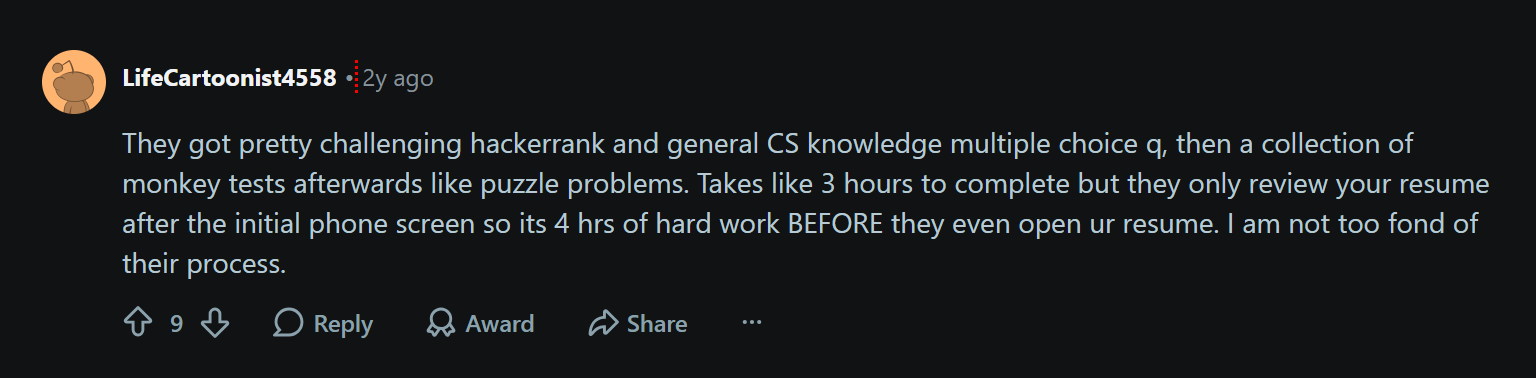
The Orderbooks Section Was the Part That Caught Me Off Guard
After DMing with someone in the know, I found out that Optiver's orderbooks OA is basically a quick-thinking exercise all about price, portfolios, and relative value.
Here's an example to help you understand:
One card offers Asset A at a lower buy price.
Another card offers a related bundle or sell opportunity at a higher implied value.
Your job is to recognize whether combining those trades leaves a positive margin.
If it does, submit the profitable trade and keep looking for additional opportunities.
As long as you take your time, the logic itself is actually quite simple. The problem is, as the person who shared this with me said, Optiver doesn't really give you much time to slow down.
When you're doing quick tests, the tricky bit is knowing which info is important before you run out of time. I've learned a lot from researching how to cheat on the Optiver Order Book OA exam, and the main thing I've realised is that the key is to speed up your identification.
If you're spending 30 seconds trying to figure out what's going on, you're not going to save much time with AI prompts or complex tool workflows.
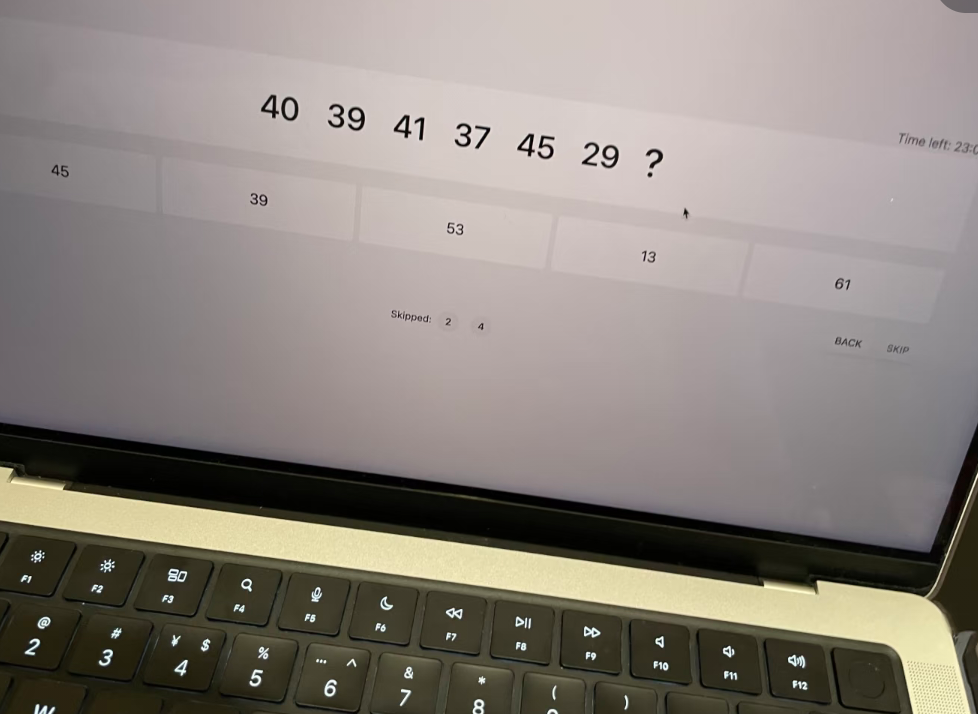
Decoding the Assessment: How to Cheat on Optiver Orderbooks OA vs. SWE Tracks
To successfully execute a strategy for how to cheat on Optiver orderbooks OA, candidates must understand how this specific quantitative assessment differs from Optiver’s software engineering screening process. Many job seekers mistake the Orderbooks OA for a typical coding test, leading them to prepare the wrong tools and strategies.
Quant OA vs. Software Engineering OA
This was another thing I initially misunderstood.
Optiver does not appear to use one identical assessment for every role.
The preparation strategy for a quantitative role can therefore be very different from the strategy for a software-engineering position.
Area | Quant / Orderbooks-Style Assessment | SWE Assessment |
|---|---|---|
Main Skill | Mental math, probability, pricing logic | Algorithms, data structures, coding |
Typical Interaction | Fast numerical / probability / trading tasks | Code editor |
Main Pressure | Rapid decision-making across short modules | Longer technical problem solving |
Preparation | Arithmetic, probability, expected value, arbitrage | LeetCode, implementation, complexity |
Biggest Risk | Falling behind the timer | Failing edge cases / incomplete code |
Don't Mess Up These Two Optiver OAs
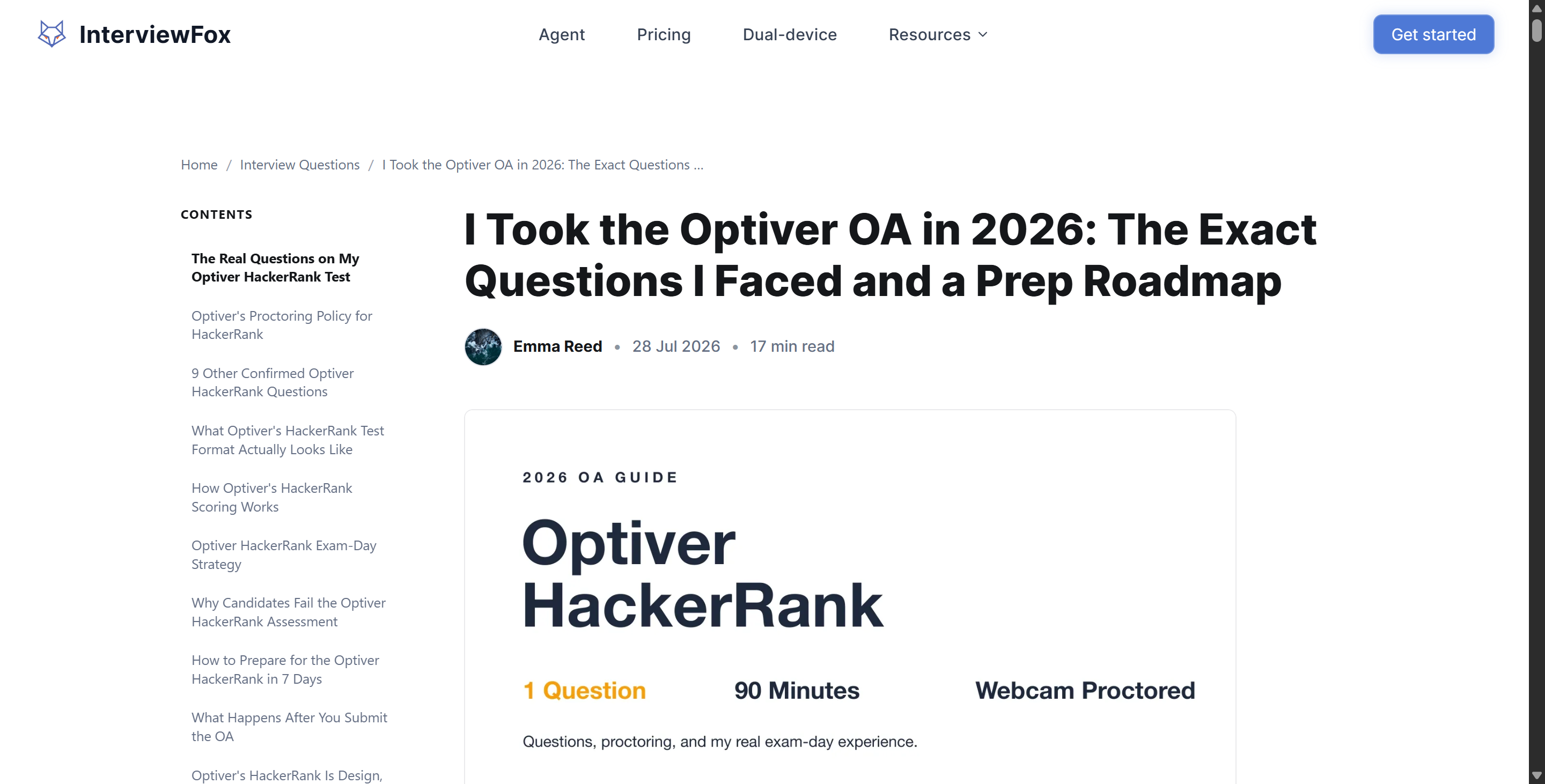
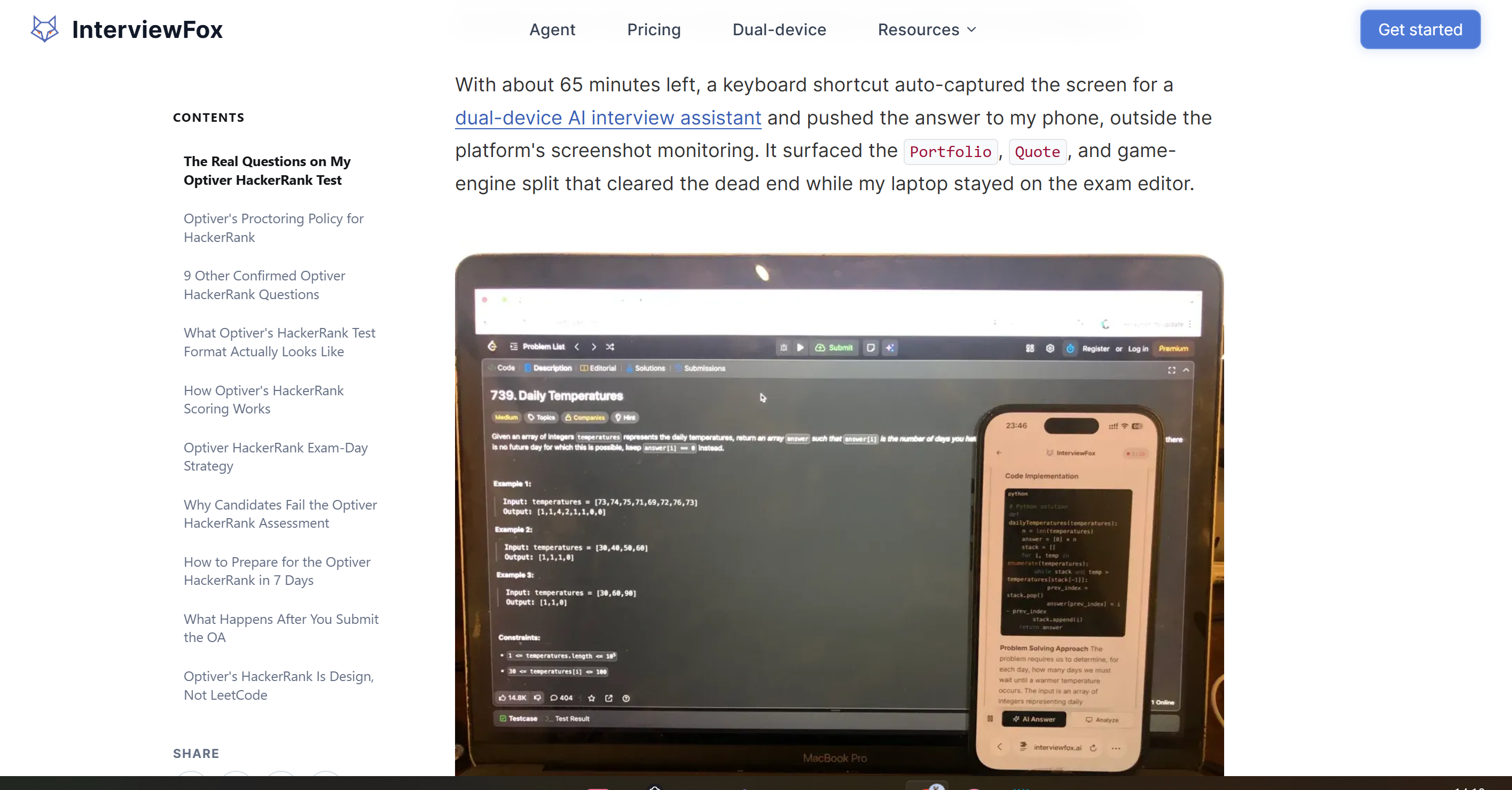
Actually, there are a few other blogs on this topic that I found. Take this post from InterviewFox, for example: it says Took the Optiver OA in 2026, but actually only provides a detailed explanation of the Optiver OA for SWE. The questions that Quant candidates face – which include the Optiver Order Book OA – are completely different.
Proctoring Mechanics: How to Cheat on Optiver Orderbooks OA With Invisible AI
The one I DMed told me that if I want to cheat on Optiver orderbooks OA, I need to understand their browser-based proctoring environment. And that's also different from the 2027 SWE summer internships: you see, they use the HackerRank desktop app, which for now cannot be bypassed unless you are really good at acting.
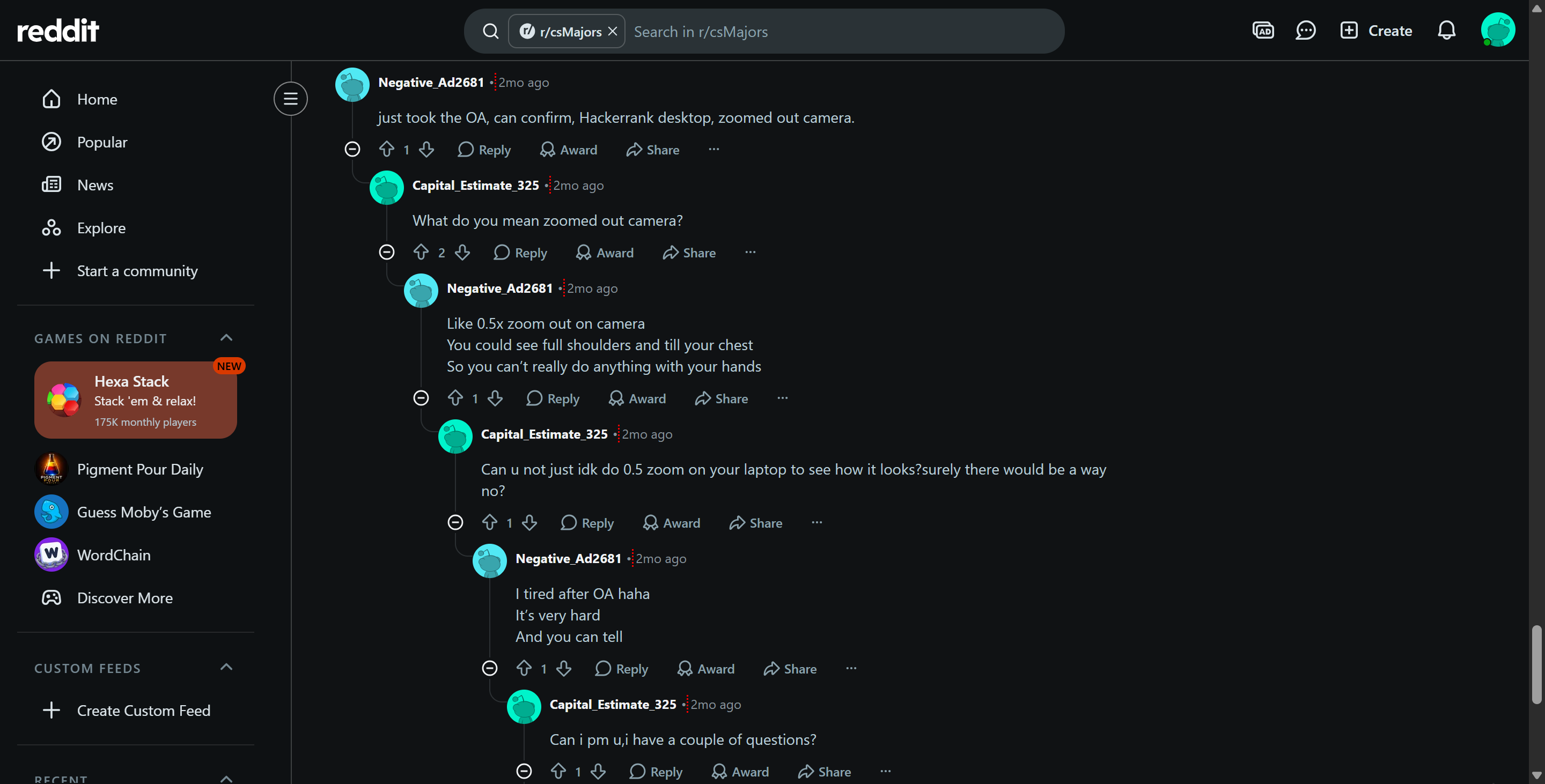
and BTW, Optiver's SWE OAs have zommed out the webcam, so that they can have a better look at from full shoulders and till your chest so you can’t really do anything with your hands. That makes cheating with an phone even harder.
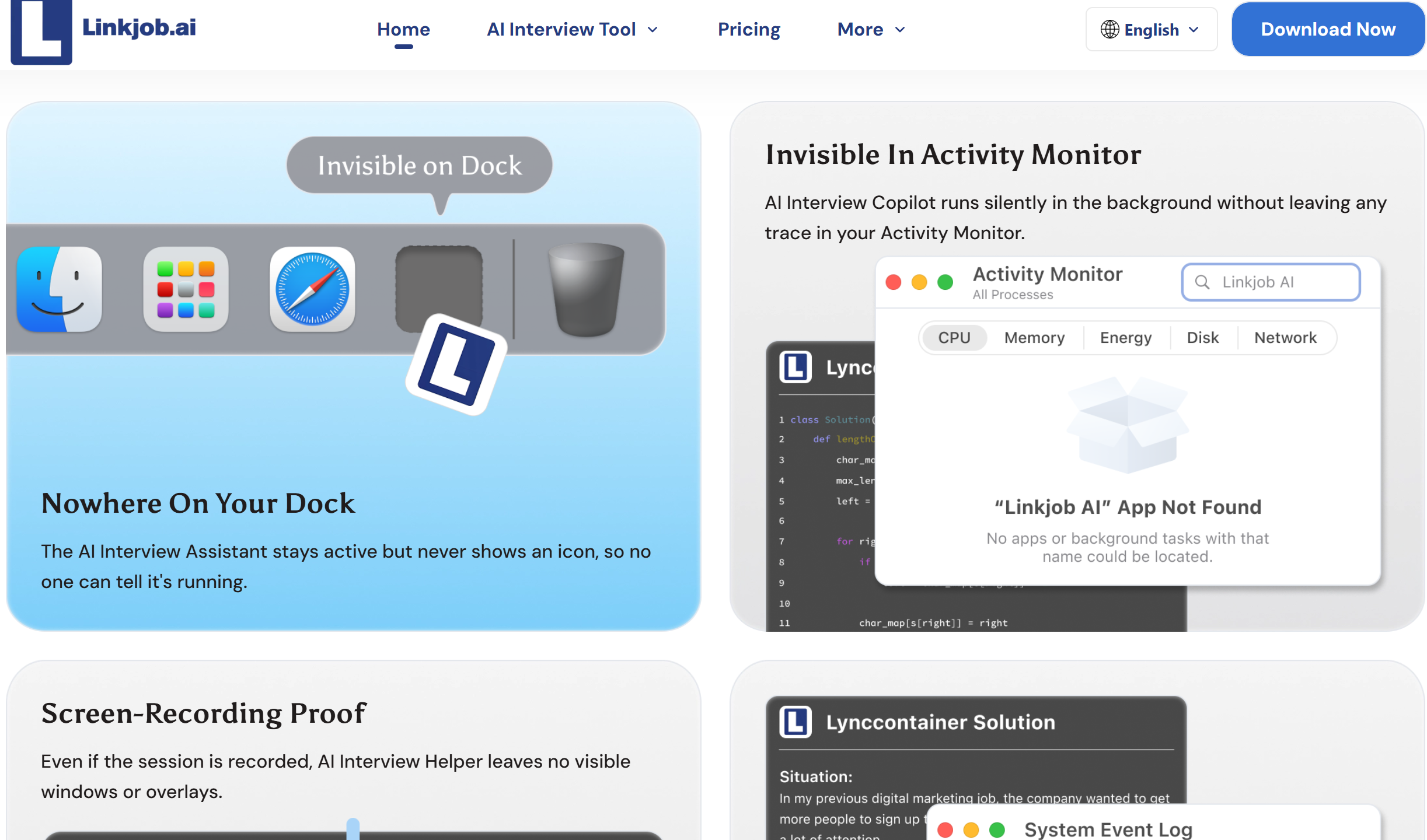
And that's exactly what I found interesting about the Optiver Orderbooks OA. Optiver's email said clearly that I didn't need to download anything, and the whole process ran in a browser, only asked for full-screen sharing, and to open my webcam. That meant a lot to me, and I knew exactly what I could do to get instant help from Linkjob AI with its floating overlay.
1. Hardware-Level Invisible Screen Capture
As I said before, by searching for "how to cheat on Optiver orderbooks OA" and combining that with rumours, I was able to compare the following ways of cheating for web-based OA systems like Optiver's:
Standard browser extensions and web-based tools either interact directly with the webpage's DOM or rely on browser extension APIs.
Advanced proctoring platforms actively check for running extension processes and monitor DOM modifications to detect unauthorised tools.
But tools like Linkjob AI run outside the browser sandbox, so they can't be detected through full-screen sharing or the camera.
And I only used Linkjob AI to organise my thoughts, rather than relying on it to solve all problems.
2. Real-Time Math & Bundle Arbitrage Engine
When I was trying to work out how to beat the Optiver Order Book OA, the hardest part was dealing with all those complicated financial charts and numerical tables as they happened. Each question in the Optiver Order Book module is only 8 minutes, and if you lose your train of thought even for a second, those 8 minutes will fly by in the blink of an eye.
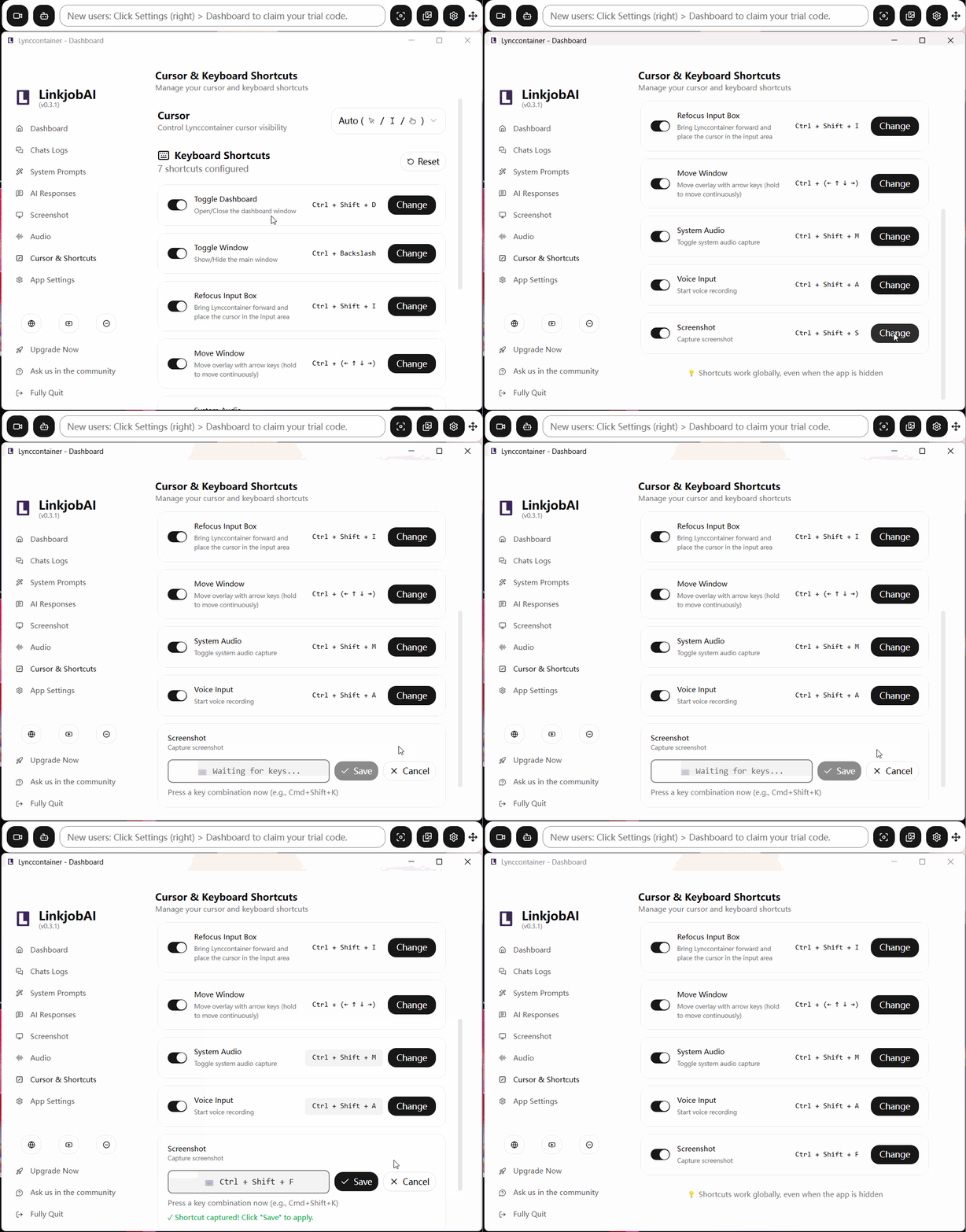
Linkjob AI features an ultra-fast vision engine fine-tuned for quantitative and financial notation. When orderbooks scenarios load, pressing a hotkey shortcut (Cmd/Ctrl + Shift + S) triggers an instant regional screen capture. The engine extracts the asset quantities, bid/ask spreads, and bundle compositions, solving the linear arbitrage matrix in under 200 milliseconds. The optimal trade execution is immediately projected onto your screen overlay.
3. Focus-Safe OS Overlay Execution
Optiver’s web portal tracks window focus events (window.onblur). If a candidate clicks outside the assessment browser tab or switches to a secondary application window, the system logs a focus-loss violation. Multiple focus-loss events flag the candidate’s attempt for manual HR review or trigger an immediate disqualification.
Linkjob AI utilizes a focus-safe window layer that floats directly above the active browser without stealing application focus. You can interact with the copilot, trigger screen captures, and view solution overlays while your mouse cursor remains locked inside the active Optiver exam window. This ensures that zero window.onblur telemetry events are sent to Optiver’s security logging servers.
4. Custom Hotkeys & Strategic Screen Positioning
When you're trying to figure out how to cheat on Optiver orderbooks OA, it's really important to control your body movements, especially when you're being filmed by a webcam. From what I've seen with other OAs, if you look away from the screen or keep glancing at stuff outside the camera's view, you'll probably trigger those behavioural anomaly alerts.
As well as keyboard shortcuts, there are lots of Linkjob AI tricks that helped me pass the OA. I just set up a prompt in advance (you might have to experiment a bit to find where to customise Linkjob AI's prompts) and put its transparent overlay directly below the webcam. From the perspective of the webcam and the AI behaviour analysis software, I probably just looked like I was fully focused on analysing the test questions on the screen.
Behavioral Safety Protocol: How to Cheat on Optiver Orderbooks OA Without Detection
You can't just rely on having the right software to pass the assessment; you've also got to stick to the physical and behavioural guidelines. As platforms like Optiver record mouse movements, click delays and webcam video streams, candidates who act in a way that looks unnatural are likely to be checked by hand. Here are some key guidelines on how to beat the Optiver orderbooks OA while avoiding triggering the backend anti-cheating system.
1. Environmental Controls & Camera Positioning
Setting up your physical environment correctly is your first line of defense when implementing a strategy for how to cheat on Optiver orderbooks oa.
Maintain a Single Monitor Configuration: Never attempt to take the Optiver assessment using dual monitors. System display APIs detect extended desktop environments, and moving your cursor across monitor boundaries generates immediate telemetry red flags. A single large monitor (27-inch or laptop screen) keeps all cursor paths confined to one display.
Position the Copilot HUD Directly Beneath the Camera Lens: Because Optiver requests a pulled-back camera view showing your upper body and arms, looking away from your screen to read hidden notes creates obvious eye-drift patterns. Placing the translucent copilot HUD directly beneath your webcam lens allows you to read solutions while maintaining direct eye alignment with the test window.
Keep Hands Fully Visible on the Desk: Since the proctoring webcam captures your upper torso and hands, avoid reaching off-camera toward mobile phones or secondary keyboards. Keep both hands resting naturally on your main keyboard and mouse at all times.
Disable Background System Notifications: Pop-ups from messaging apps, system updates, or email clients can cause accidental off-screen clicks. Disable all system notifications and close background applications before launching the test portal to prevent accidental focus-loss logs.
2. Response Telemetry & Post-Test Verification Safety
Controlling your response timing and managing post-test verification risks is the second crucial component of learning how to cheat on Optiver orderbooks oa safely.
Incorporate Natural Reading Pauses: AI copilots solve complex matrix math in milliseconds. If you select the correct bundle arbitrage answer 2 seconds after an orderbook question appears, Optiver’s backend analytics will log an abnormal latency flag. Force yourself to pause for 8 to 12 seconds per question, mimicking authentic human reading and calculation time.
Vary Response Speeds Across Tiers: Real candidates take longer on multi-asset bundle problems than on simple single-item checks. Intentionally spend slightly more time on complex orderbook tables to ensure your timing telemetry matches authentic human cognitive distribution.
Maintain Consistency on Personality & SJT Modules: When completing behavioral sections like Work Strengths or Wave profiles, do not select the maximum positive rating for every competency. Optiver uses forced-choice ipsative checking to detect fake response profiles.
Study the Underlying Solution Logic: Optiver frequently conducts supervised verification retests during subsequent interview rounds over Microsoft Teams or Zoom. Never rely on an AI copilot blindly. Read the step-by-step logic provided by Linkjob AI during the test so you can explain how each arbitrage answer was derived if questioned later by a quant interviewer.
+-----------------------------------------------------------------------------------+
|                        NATURAL TIMING DISTRIBUTION PATTERN                  |
+-----------------------------------------------------------------------------------+
|  [ Orderbook Question Displayed ]                                           |
|         |                                                                   |
|         v                                                                   |
|  [ Human Scanning & Reading Pause: 8s - 12s ]                               |
|         |                                                                   |
|         v                                                                  |
|  [ Smooth Mouse Cursor Curve Toward Target Option ]                         |
|         |                                                                   |
|         v                                                                   |
|  [ Final Selection Click: Total Elapsed Time ~15s - 18s ]                   |
+-----------------------------------------------------------------------------------+
By adhering strictly to these physical and timing protocols, you neutralize behavioral tracking mechanisms and execute a flawless plan for how to cheat on Optiver orderbooks oa.
Conclusion
Pre-employment quantitative screening tests like Optiver’s Orderbooks module are engineered as aggressive elimination filters rather than true measures of your long-term potential as a trader or engineer. Facing tight time limits and complex multi-asset grids without assistance places candidates at a severe statistical disadvantage. By understanding how to cheat on Optiver orderbooks OA using a stealth desktop copilot like Linkjob AI, you eliminate calculation errors, bypass strict proctoring systems safely, and advance directly to the interview rounds that matter most.
FAQs (About How to Cheat on Optiver Orderbooks OA)
Does Optiver use live human proctors during the Orderbooks OA?
No, Optiver uses automated, asynchronous proctoring that records your screen share, webcam feed, and interaction telemetry rather than employing live human proctors to watch you in real-time.
Can Optiver detect browser tab switching during the assessment?
Yes, the Optiver testing portal actively monitors browser focus events (window.onblur) and logs every instance where a candidate switches tabs or clicks outside the active exam window.
Is the Orderbooks OA identical to Optiver's SWE internship assessment?
No, the Orderbooks OA is designed for Quantitative Trading and Research roles and focuses on bundle arbitrage and mental math, whereas the SWE assessment centers around 90-minute algorithmic coding challenges on HackerRank.
Does Linkjob AI work when the webcam is zoomed out to show your torso?
Yes, because Linkjob AI operates as an OS-level transparent overlay directly beneath your camera lens, you can read real-time answers without making unnatural physical movements or looking away from your primary screen.
Will candidates be forced to retake the test if they score in the 99th percentile?
Yes, Optiver frequently conducts short, supervised verification retests during later interview stages over Microsoft Teams to confirm that an applicant's unproctored assessment score matches their unassisted problem-solving ability.
See Also
Secret AI Assistance for Talenscio Interviews: Avoid Detection
Outsmarting eSkill Test Monitoring: My 2026 Success Story
Evading HackerEarth Proctoring: A 2026 Guide
