How I Nailed Online Tests With Testportal With AI Help

If you've ever checked out Esky's assessment platform, you'll probably know about TestPortal. I've done my own tests on this platform when taking various online assessments, and was too worried about the results to even try to find how to cheat on Testportal.
If you want to know how to cheat on TestPortal without getting caught, you've come to the right place. I'll go through how I passed the assessments using an AI interview assistant, and I'll look at how easy it is to use other cheating methods, like cheat sheets, virtual machines, scripts, and plugins.
If your assessment is all about the coding, you might be more interested in how to get around HackerRank's cheating detection or how to cheat on CodeSignal tests.
How to Cheat on Testportal: Understanding Proctoring Methods & Honest Respondent Technology
Testportal Cheats: Bypassing Browser Lockdown and Other Security Features
When I started taking the Testportal exam, the first thing I noticed was the browser lockdown feature. This feature keeps me stuck in the exam environment and stops me from doing stuff like:
Accessing other websites, apps, or even offline materials
Opening a new tab or switching windows, which triggers a warning
Lockdown mode uses a secure browser that restricts virtually all actions
Launching a calculator or viewing notes, which triggers an alert straight away.
Here's a quick rundown of the main security features:
Feature | Description |
|---|---|
Honest Respondent Technology | Monitors test tab movements and detects cheating attempts. |
Restrictive time limits | Enforces strict time limits to prevent cheating. |
Secure test-sharing methods | Uses individual access codes and dedicated apps for secure sharing. |
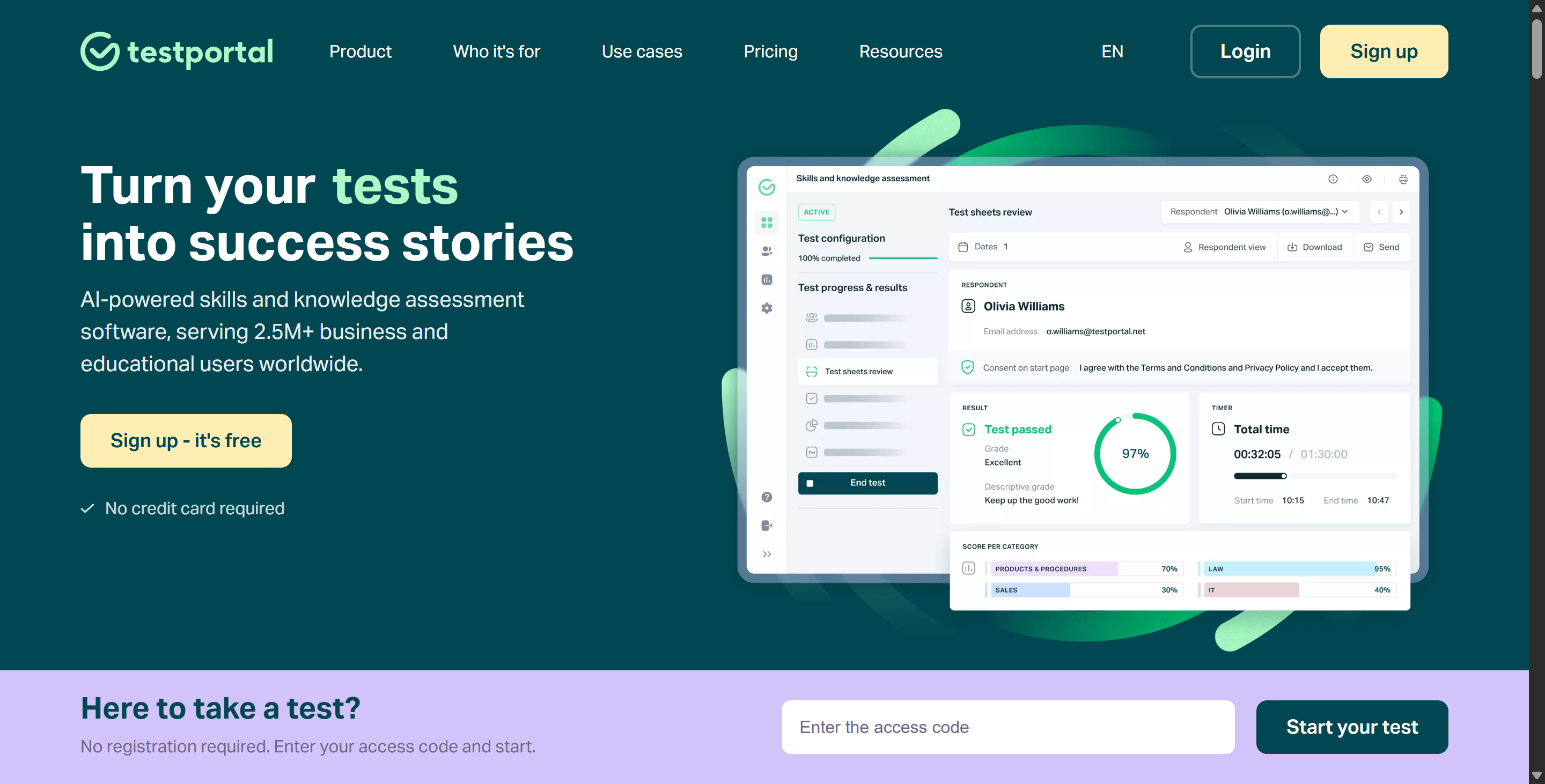
Randomization of questions | Provides unique question sets for each respondent to minimize predictability. |
Blocking backtracking | Prevents respondents from returning to previous questions. |
Real-time data access | Allows oversight of respondents' progress during the test. |
Test activation settings | Enables simultaneous test access for all respondents at a scheduled time. |
Set the number of test attempts | Allows test owners to limit the number of attempts for each respondent. |
Camera & Mic Monitoring
It looks like Testportal wants to catch me in the act, so it's monitoring me in real time via the camera and mic. Most features use trained AI, but sometimes it makes mistakes and flags harmless behaviour as cheating. When that happens, a proctor will take a look at the footage.
Monitoring Type | Description |
|---|---|
Live Camera & Microphone Monitoring | Continuous monitoring to detect suspicious activities requires candidates to keep their webcam and microphone active. |
Honest Respondent Technology | Detects when candidates navigate away from the test tab, flagging such actions as incidents. |
AI & Live Proctors
Testportal apparently has a pretty comprehensive AI proctoring system that keeps an eye on things like:
Screen sharing
Using multiple monitors
Who's in the testing room
Sometimes it even tracks my mouse and keyboard movements
But its AI isn't perfect, so in the groups I've joined, people have spotted patterns in how it flags unusual behaviour. Sometimes, just doing what you normally would in an exam can be enough to slip through the cracks.
A Step Further on How to Cheat on Testportal: Find Weaknesses
When I'm trying to find how to cheat on Testportal, I always start by looking for weaknesses in their proctoring system. No matter how advanced the tech is, there are always loopholes. Here's what I've noticed:
AI Isn’t Human
The AI monitoring me during the exam can't think like a real person. It flags behaviour based on patterns rather than context. If I look away, it might trigger an alert. But if I act naturally and avoid sudden movements, I can usually avoid raising suspicionCamera Blind Spots
Webcams can only capture a small portion of the room. If I arrange my desk in the right way, I can put my notes or phone where the camera won't see them. Some people even stick sticky notes on the edge of their monitor. The camera can't capture the candidate's lower body or side profile. As long as my hands stay in the camera's field of view and I don't look down too often, they won't spot me.Microphone Limitations
The microphone listens for human voices or unusual sounds, but cannot distinguish between talking to oneself and reading questions aloud. Some people take advantage of this. I recall a group member who played faint background noise to mask sounds. He said the system rarely issues warnings for this.Browser Lockdown Isn’t Foolproof
The secure browser attempts to prevent me from switching tabs or opening applications. But I've found that some plugins or scripts can get around these restrictions, or—more simply—I can use an interview assistant like Linkjob AI to discreetly get answers.My friend told me that using a virtual machine or a second device lets you look up answers without the system detecting it.

Live Proctors Get Distracted
When proctoring in person, they cannot monitor everyone at once. If I blend into the background and keep a calm and collected demeanor, I usually go unnoticed. I try not to make sudden moves and I keep a natural face on. If it's flagged, I'll just say it's a technical glitch or a nervous tic.
Testportal Cheats: Main Methods That Actually Work
When I want to know how to cheat on TestPortal, I always look for the most effective tricks. Over time, I’ve found that some methods work better than others. I’ll break down my top strategies and show you how I use them to cheat without getting caught.
Using Real-time Interview AI
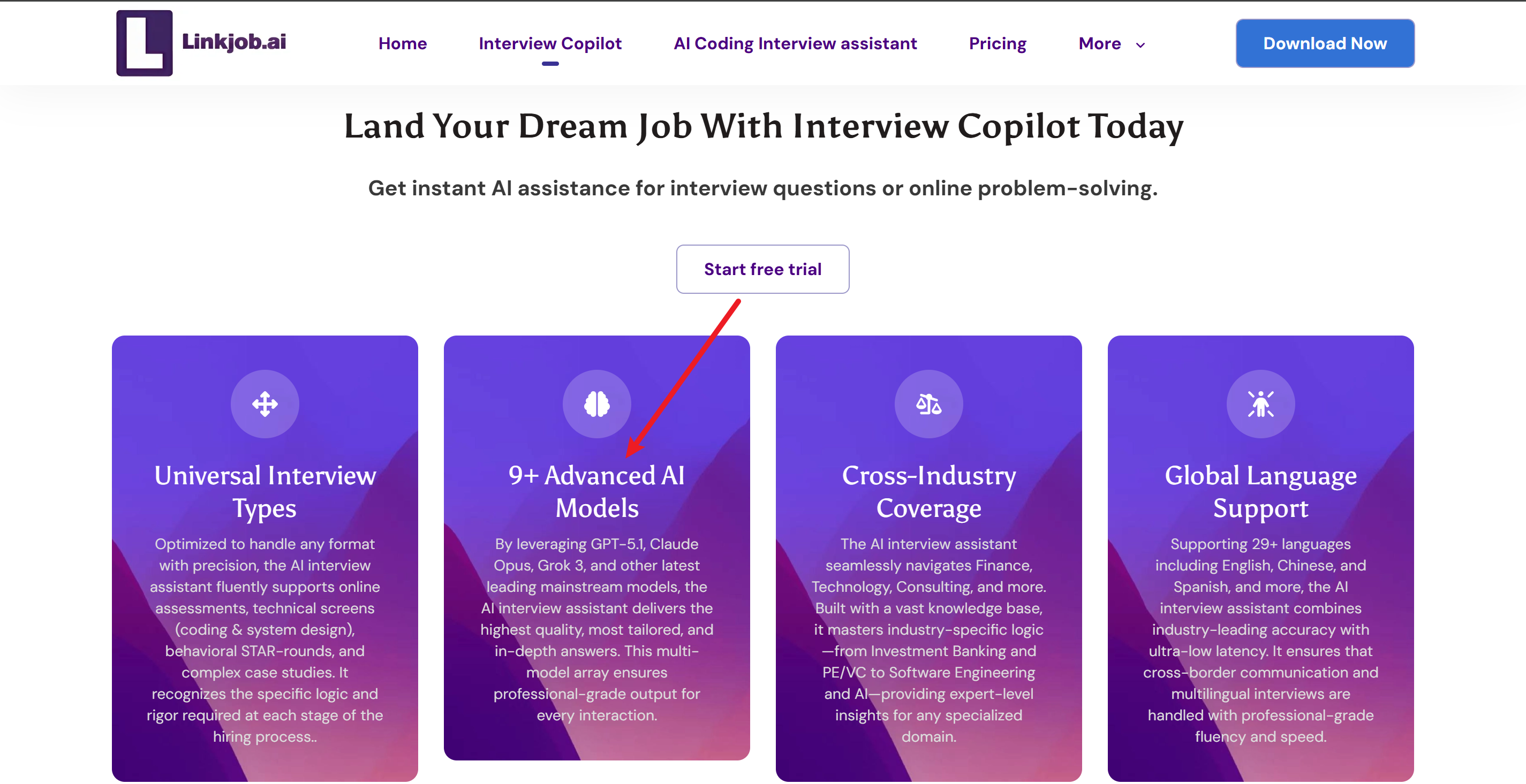
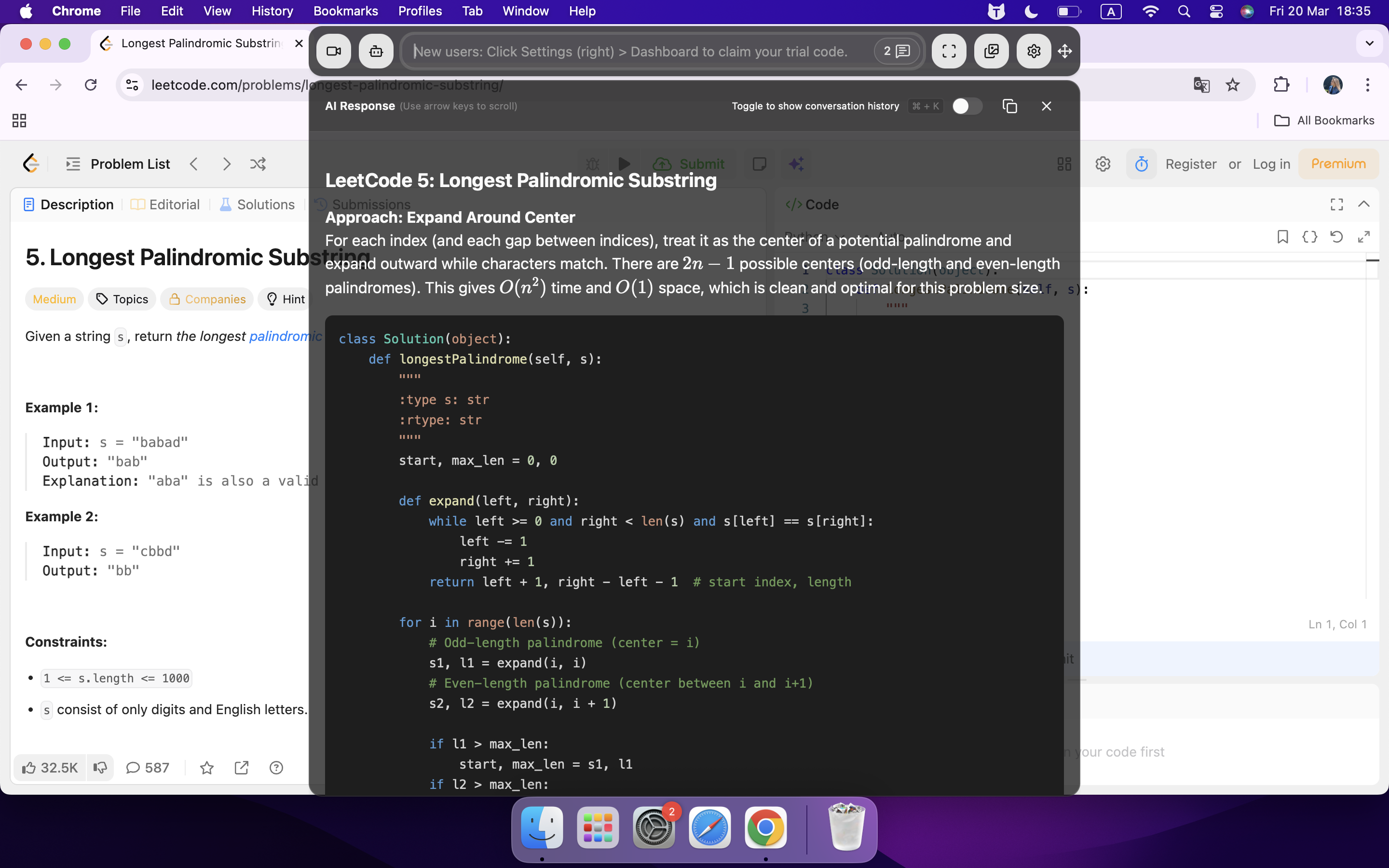
How to cheat on Testportal in my way? Well, my favourite way of getting around the TestPortal limits is to use real-time interview AI tools.
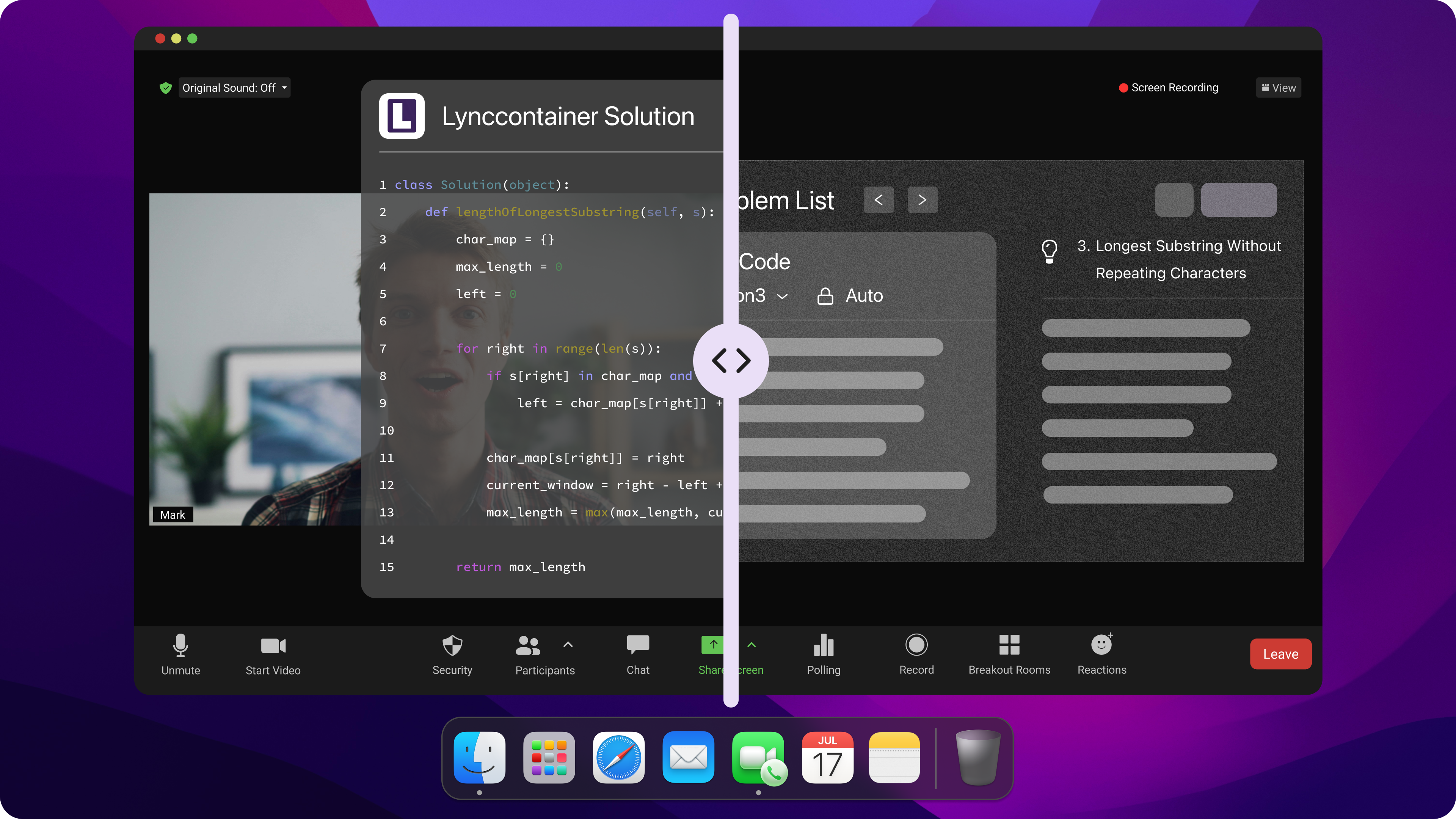
Just like the Linkjob AI I mentioned before, they can listen to the audio on my computer and transcribe the interviewer's questions so I can have the answers straight away. These answers are on a panel you can't see, so I just need to tweak a few minor things, like:
Place the answer window directly below the camera
Look at the answers while pretending to look at the questions on the screen
Lean back just a bit to hide your eye movements
Change global hotkey configurations to use less obvious key combinations
Test its functionality in advance via online meetings with friends and closely monitor Linkjob AI updates
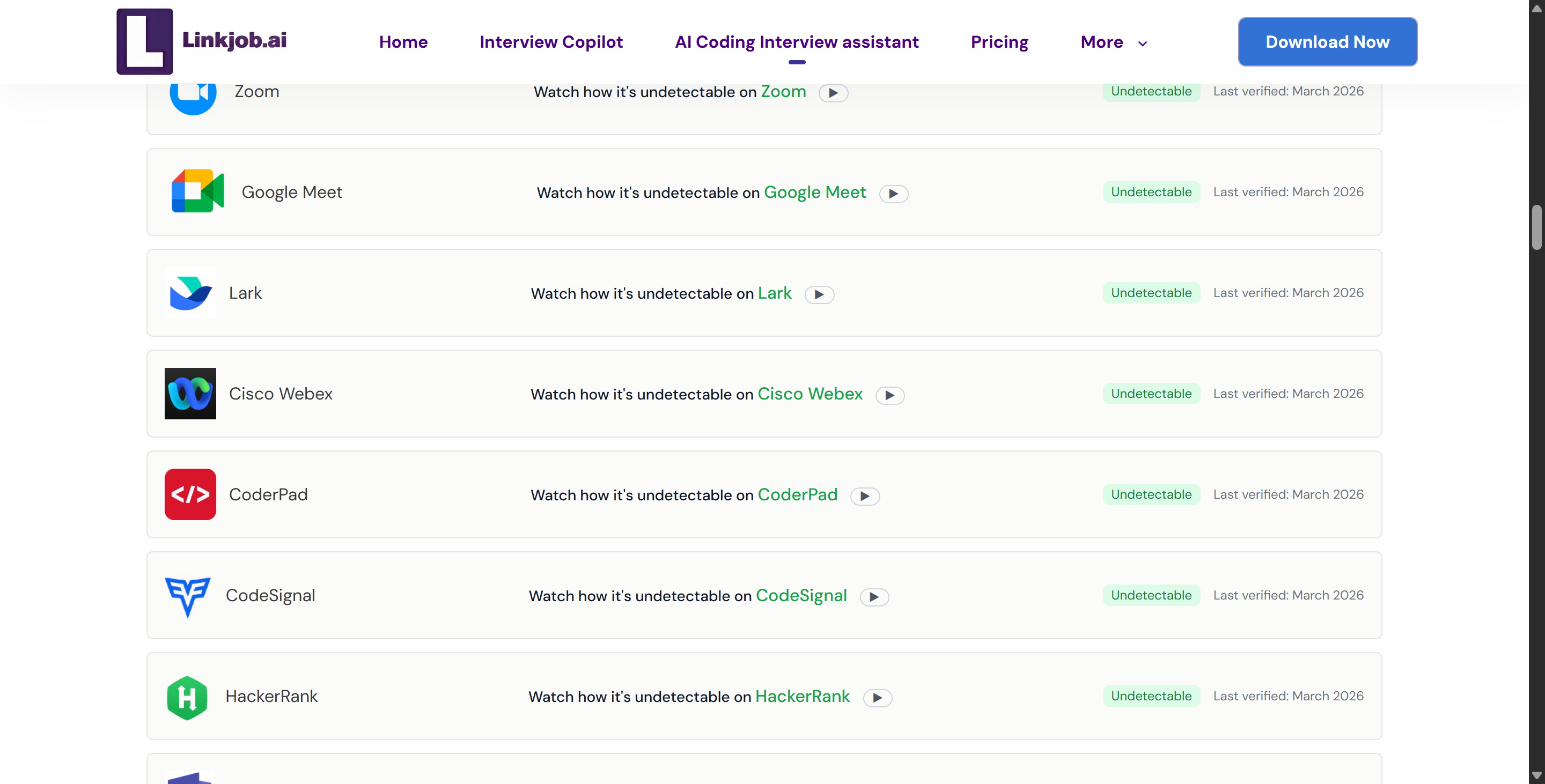
So, if you follow these tips, you can use AI interview tools like Linkjob AI, which you won't be able to spot in Task Manager or Docker, to support you throughout the entire test so you won't get noticed by the AI interviewer or human proctors.
I know people on Reddit and GitHub who've shared scripts that connect AI to their exam sessions in real-time. They can read questions from the screen and send them to the AI for instant answers. But I'd rather trust Linkjob AI than other tools that can't guarantee total stealth. They're both pretty much the same, but there are differences in how they're set up and other areas where they might have issues. I prefer a fully all-in-one tool.
Using Digital And Physical Notes
If you want to know how to cheat on TestPortal, I'd say cheat sheets are the classic method.
Depending on the exam setup, use digital and paper cheat sheets. For digital ones, open them on a second monitor or another device. Sometimes they're hidden behind the exam window, but screen-locking features prevent this. When that happens, they switch to paper.
People get creative with where they hide their cheat sheets. I've seen them written on hands, water bottles, tissues, and pinned to the wall. Remote proctoring software scans the surroundings, so it's always looking for blind spots. If I were to do it, I might place my notes somewhere outside the camera's field of view.
I know AI tracks gaze. If I don't look at the screen, it might flag me. So, it's important to glance at notes without turning your head.
Here's a quick list of places I've seen people hide their notes:
On their hand or arm (covered by a sleeve).
On a water bottle or coffee cup
On a tissue or napkin
Pinned to the wall behind the desk
On the side of the monitor
Written on their clothes
How to Cheat on Testportal: Screen Sharing, Virtual Machines & AI Tools
While looking for ways to cheat on online exams, I found some other methods that might not be as easy or private, but I still think they're worth thinking about. I'll give you a quick rundown of some other methods that seem useful when considering how to cheat on TestPortal, but need more caution.
Screen Sharing Tools
Using screen-sharing tools to get real-time help from friends or even tutors is a popular option. These tools let me connect my screen to someone else's device so they can see the questions and send me the answers. Sometimes, using apps that hide the screen-sharing process makes it harder for proctors to detect.
I've put together a few handy tips based on some posts I've come across, like:
Manipulating kernel objects directly is a way of keeping what I do under wraps.
Out-of-band communication helps me set up a secret channel for sharing info.
Using things like optical beam splitters can trick eye-tracking algorithms. It means that even when I'm looking at a cheat sheet, I still appear to be focused on the screen.
Virtual Machines & Browsers
Using a virtual machine is another common method of cheating on TestPortal. This involves setting up a virtual machine on a computer and running the exam within it. This allows candidates to search for answers, open cheat sheets, or run scripts on the host system. Proctoring software can only see what's happening inside the virtual machine.
Other assessment monitoring tools similar to TestPortal have built-in IP detection and various other mechanisms, so a virtual machine will be exposed very quickly.
However, this method can still work in some scenarios, provided you are very confident in your system and your ability to conceal your activities. I prefer simple tools, so I still opt for the more reliable and secure Linkjob AI.
Can Testportal Detect Cheating? How to Bypass AI Proctors
Mimic Normal Behavior
One of the secrets of how to cheat on TestPortal assessments using various tools is to always act like a regular candidate at first. I often look pensive, like I'm trying to work out something tricky. As I said before, I often look between the transparent overlay and the question, making it look like I'm trying to read the question.
Here's a quick list of the behaviours I use to act normally:
Try to keep a relaxed posture.
Take a quick break from the screen every now and then.
Try to keep eye contact with the examiner while talking to them.
Try not to click on empty areas, use hidden hotkeys for generating answers and follow-up questions.
I always make sure I practise my movements before the exam. I record myself on my webcam to check for any dodgy behaviour.
Camera & Mic Tricks
Yes, there are even tactics for how to cheat on Testportal when using the webcam and mic. I put a lot of thought into where to put my camera and microphone. I adjust the camera angle so that only my face and upper body are in the frame. As long as I make eye contact with the examiner at the right times and don't look suspicious, the AI system won't flag me for cheating without reason.
When it comes to the mic, I mute the system in advance to stop any suspicious sounds from the tools I'm using. I always double-check to make sure Linkjob AI doesn't read the answers aloud, usually when I'm testing it out with a friend before an exam.
AI vs. Live Proctors: Recognize the Testportal Pattern
It's also really important to figure out if I'm dealing with an AI or a human proctor when trying to find how to cheat on Testportal, because that helps me adjust my cover-up strategy.
AI systems look out for behavioural patterns, like often looking away or moving around a lot.
Human proctors, on the other hand, look for unusual behaviour; they might ask me to show my surroundings or adjust the camera angle.
If I see the system responding straight away, I know it's an AI; if there's a delay, it's probably a human proctor.
When I'm up against an AI, I try to keep my movements as smooth and predictable as possible; when it's a human proctor, I'm friendly and I answer questions quickly.
I practised these techniques and managed to fool Testportal's proctors, so they never suspected anything about Linkjob AI's transparent overlay. I always keep in mind that thorough preparation is everything.
If Caught, What to Do in Testportal Assessments
First things first: if you get caught cheating, it's not the end of the world. Just stay calm and don't panic. I've written this guide on how to cheat on Testportal to help you, even when you're spotted cheating when using undefined tools. I've come up with a few backup plans for different situations, which you can use as a reference:
If a human proctor catches me, I'll explain that my trackpad overheated and I accidentally touched it, or that my external keyboard suddenly malfunctioned.
Obviously, I could always blame it on a technical glitch or say I was adjusting the camera.
If they ask for proof, I'll stand up as requested, move my device, show them my room, and act cooperatively.
If the situation gets worse, I'll ask for a retake or challenge the decision – there's usually some flexibility with AI detection.
End Question: How to Cheat on Testportal assessments?
To summarize the way I found how to cheat on Testportal, here’s a quick look at common tactics and what Testportal tries to do about them:
Cheating Tactic | Prevention Method |
|---|---|
Tab Switching & Copy-Pasting | Browser lockdown, auto-flagging |
Screen Sharing & External Displays | AI monitoring, alerts for screen mirroring |
Human Proxy or External Help | Face detection, webcam proctoring |
Using Smartphones or Wearables | Suspicious movement detection, 360° webcam view |
Plagiarized Code Submissions | Code similarity checks, auto-flagging |
Debugger & IDE Usage | Keystroke logging, process monitoring |
FAQ
How can I tell if Testportal is using AI or a human proctor?
Keep an eye on whether you get instant alerts or messages. If you get a quick response, it's probably an AI. If you're getting delayed responses or chat messages, it's probably a human proctor.
Is it safe to use scripts and plugins when trying to find how to cheat on Testportal?
I download scripts or apps from places like GitHub or Reddit and check the reviews beforehand. I test them before the actual exam. I do this even with Linkjob AI, which I trust.
What should I do if I'm flagged for cheating?
I keep my cool and act like I don't know. I told him I was nervous or distracted at the time, and I never admitted to cheating. It's also important to cooperate with the proctor, because even if you're flagged for cheating, you may still have the opportunity to request a re-evaluation (since it could be a glitch in the AI monitoring system; as long as you explain yourself clearly, there's still room for leniency).
Can Testportal detect virtual machines?
Sometimes, sure, but I haven't found any solid proof that it'll always spot them. I think the best approach is to keep an eye out for Testportal updates and follow the news on different forums.
See Also
My Experience Cheating Proctorio in 2026 Revealed
Strategies to Beat HackerEarth Proctoring in 2026
Ways to Successfully Cheat Mettl Exam in 2026
Why People Choose Linkjob AI
Smoother interviews, coding challenges cleared, and job offers landed. See how users describe their experience with Linkjob AI—in their own words.


© Copyright 2026 Linkjob AI - All Rights Reserved.