How to Prepare for Salesforce Interview with AI Tools in 2026

I get that getting ready for a Salesforce interview in 2026 can feel like a lot, but putting together Salesforce training with instant AI interview tools like Linkjob AI will give you the best shot at success. AI-driven interview preparation is a game-changer; it provides personalised practice and has successfully helped me pass assessments and interviews.
I've also looked into other strategies, like how to beat CoderPad, how to get round Sherlock AI's interview monitoring, and the best free AI interview tools. I tried a bunch of options, and in the end I went with Linkjob AI because it lets you customise things a lot with prompts, giving you totally personalised interview support.

Why Use AI Tools for Salesforce Interview Prep
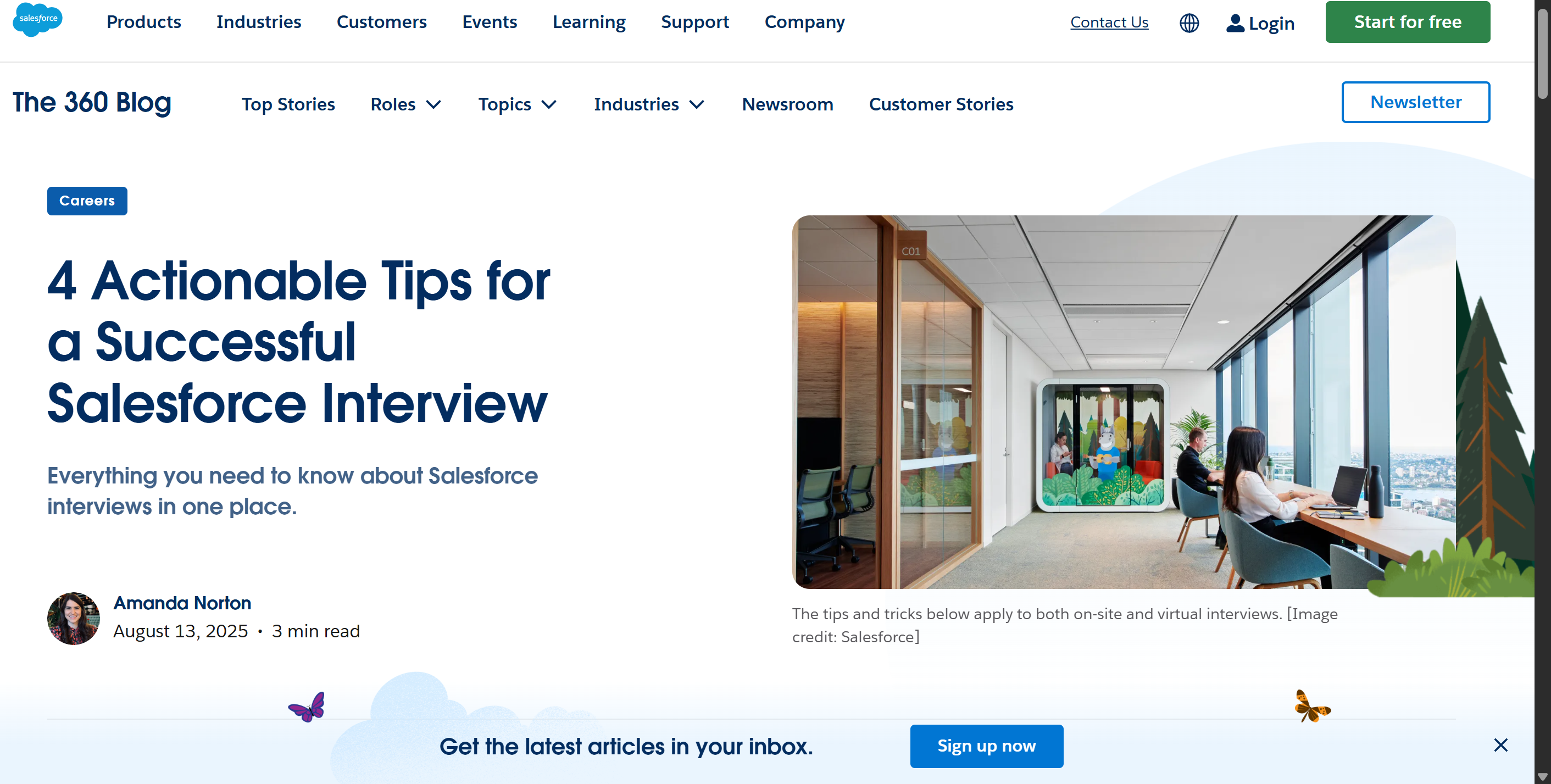
Benefits of AI-Driven Practice
When I started my Salesforce interview prep, I noticed that AI tools like Linkjob AI made a huge difference. These platforms give me tailored Salesforce questions and scenarios that match the real interview experience. I can choose the type of Salesforce role I want and get questions that fit exactly what hiring managers look for.
Here’s what I love about using AI for Salesforce practice:
I get real-time feedback on my answers, which helps me improve my communication and clarity.
The AI gives me instant corrections and tips, so I can fix mistakes right away.
Gives answers to every practice session, adapts to my strengths and weaknesses, so I focus on the Salesforce topics I need most.
I can run through realistic Salesforce interview simulations, which makes me feel ready for anything.
The feedback I receive helps me structure my answers and dig deeper into Salesforce concepts.
I've even heard from my HR friends that people who use AI tools to get ready for Salesforce interviews tend to answer more clearly and show they've done more in-depth research. From personal experience, after a few rounds with AI-assisted practice, I definitely felt more confident.
Traditional vs. AI Salesforce Preparation
I used to rely on books and generic Salesforce interview guides, but those methods felt slow and less personal. Now, with AI tools, I see a clear difference. Here’s a quick comparison:
Feature | AI Tools (Linkjob AI) | Traditional Methods |
|---|---|---|
Real-time Assistance | Yes | No |
Personalized Mock Interviews | Yes | Limited or generic |
Cost-effectiveness | Yes | Often more expensive |
Automated Application Agent | Yes | No |
Real-time Transcription | Yes | No |
Interview Summary Reports | Yes | No |
AI tools let me practice Salesforce questions anytime, get instant feedback, and review summary reports after each session. Traditional prep methods don’t offer this level of support. I find that using AI for Salesforce interview prep saves me time and money, and I always feel more prepared for the real thing.
How to Prepare for a Salesforce Interview with Linkjob AI
Setting Up Your AI Copilot
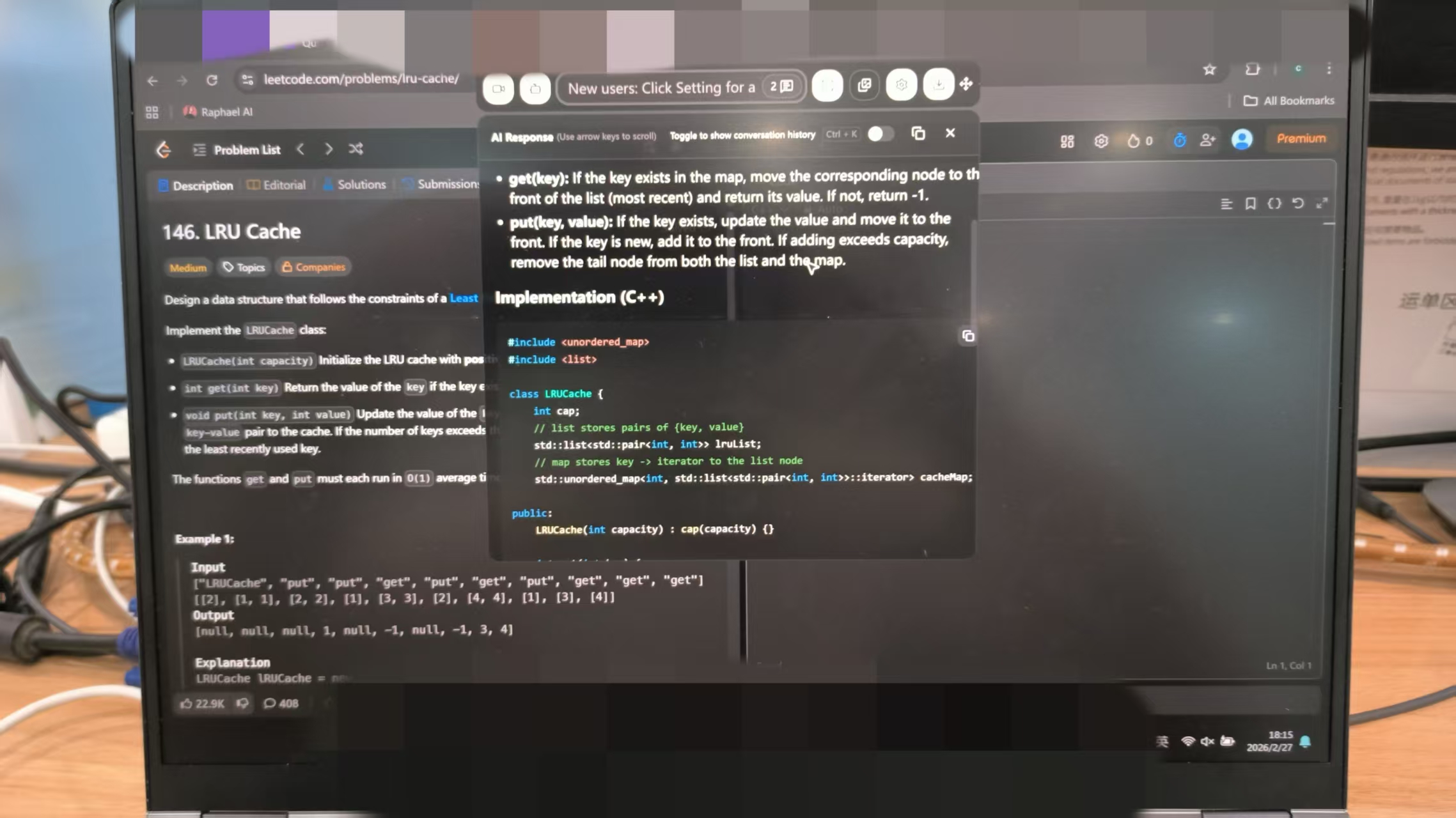
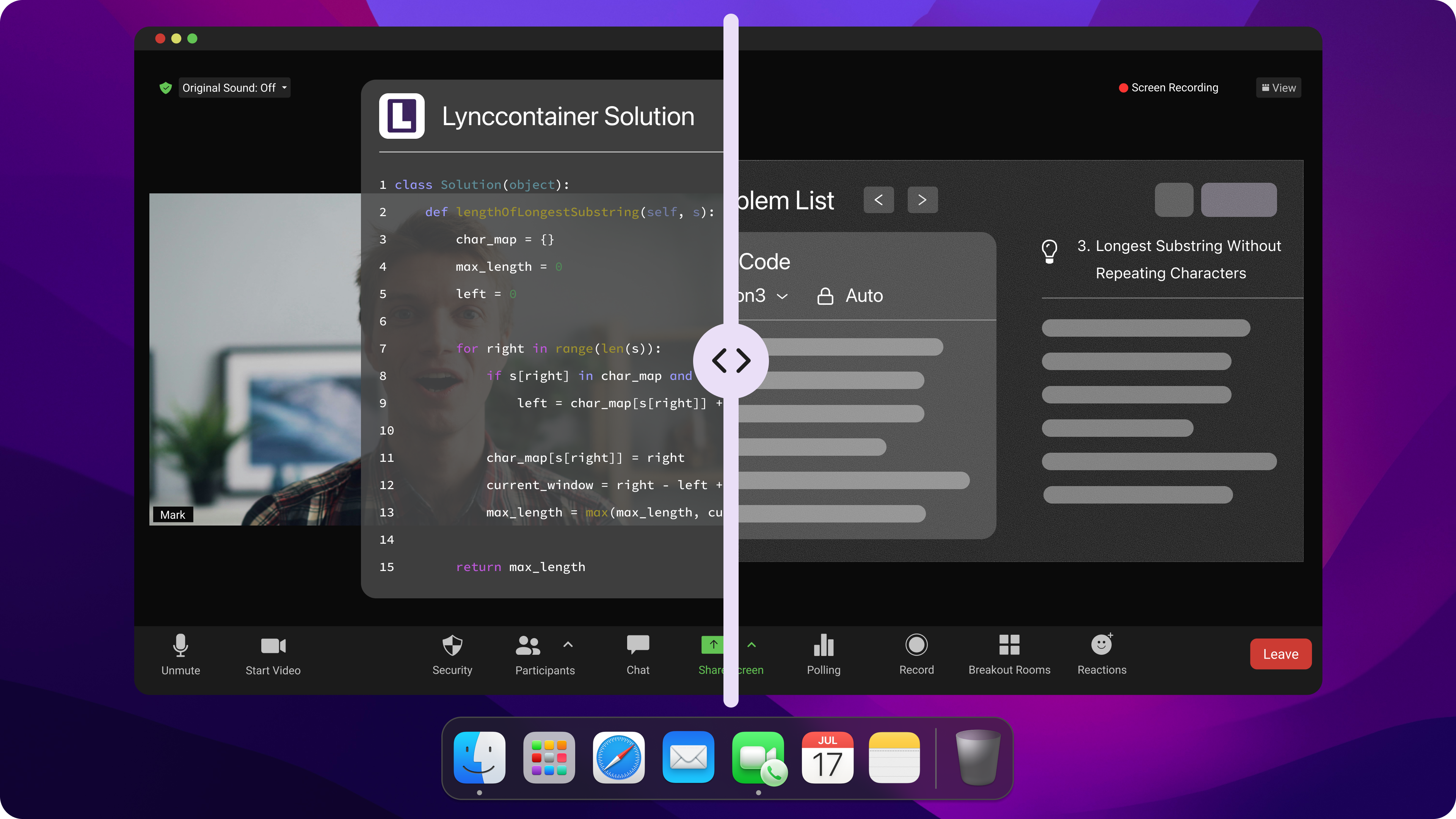
When I first started getting ready for a Salesforce interview, I was really hoping to find a tool that could take me through the whole process. Linkjob AI made it all simple and easy. I started by creating an account and picking an AI model I know well. During the test, the AI assistant gave me real-time help with the coding. I could ask about how the answers are set out and even get the full code, which made me feel really confident.
The copilot worked invisibly, so I never worried about interviewers noticing. Here’s a step-by-step guide I follow:
Sign up for Linkjob AI and log in.
Set your preferences for role-specific questions by way of prompting.
Activate the AI copilot for the mock interview feature.
Start practicing with real-time feedback.
Adjust the prompts and documents used in the mock interviews according to the outcome
Customizing Practice for Salesforce Roles
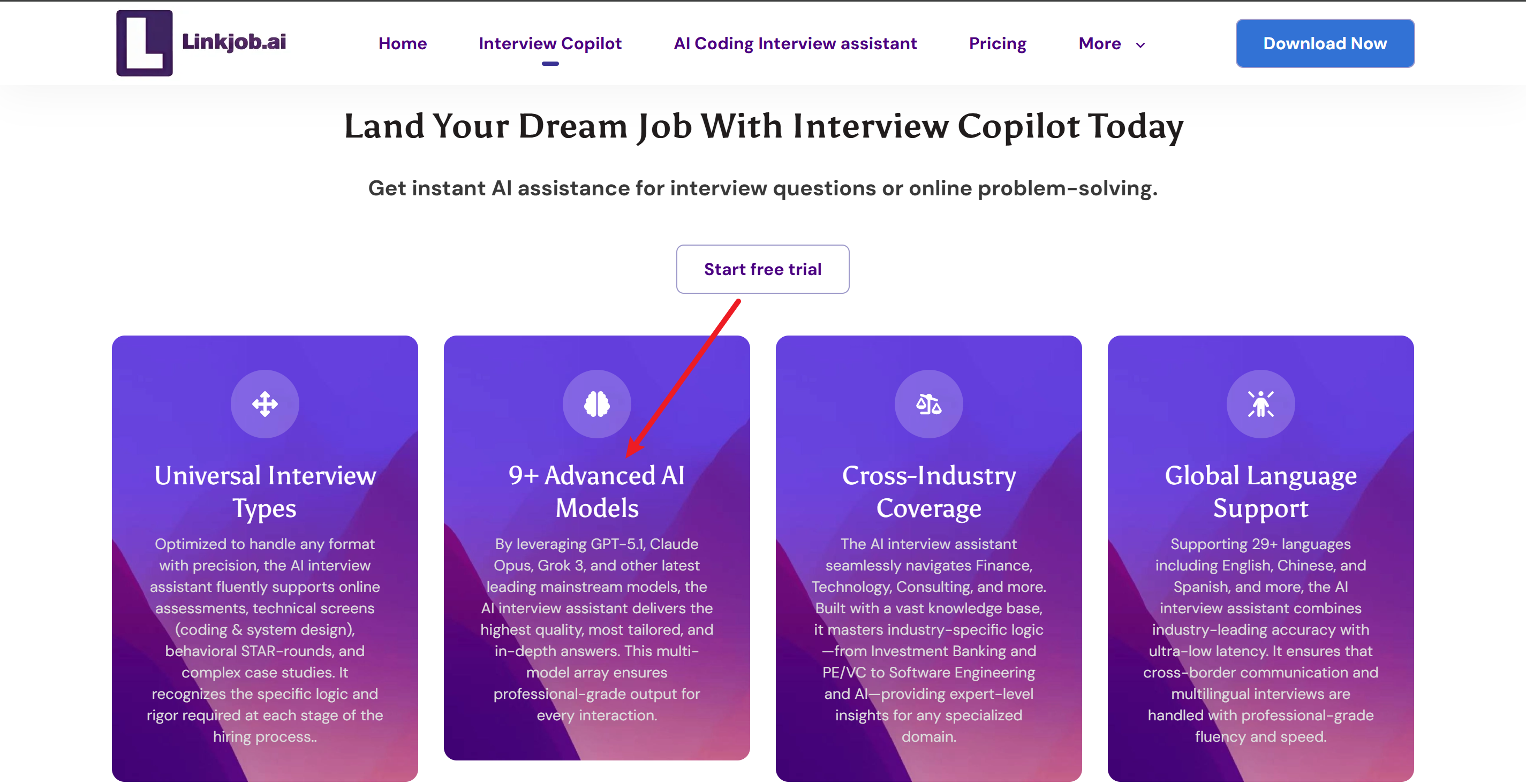
I know how to prepare for a Salesforce interview, which means focusing on the exact role I want. Linkjob AI lets me customize for different Salesforce positions. I select the role, like developer or admin, and the AI generates questions that match what hiring managers ask. This helps me target my skills and responses. I can also choose company-specific questions, which makes my practice even more relevant.
I picked the Salesforce role I want to apply for.
I uploaded the JD & my CV to the interview copilot
The AI creates questions based on that role.
I practice with scenarios that match real interview situations.
The AI adapts to my answers and gives feedback on my strengths and weaknesses.
Note: Customizing practice helps me feel prepared for any salesforce interview, no matter the company or role.
Using AI for Technical and Behavioral Questions
I've been trying to figure out the best way to get ready for a Salesforce interview, especially when it comes to the technical and behavioural parts. Linkjob AI is great for both of these things.
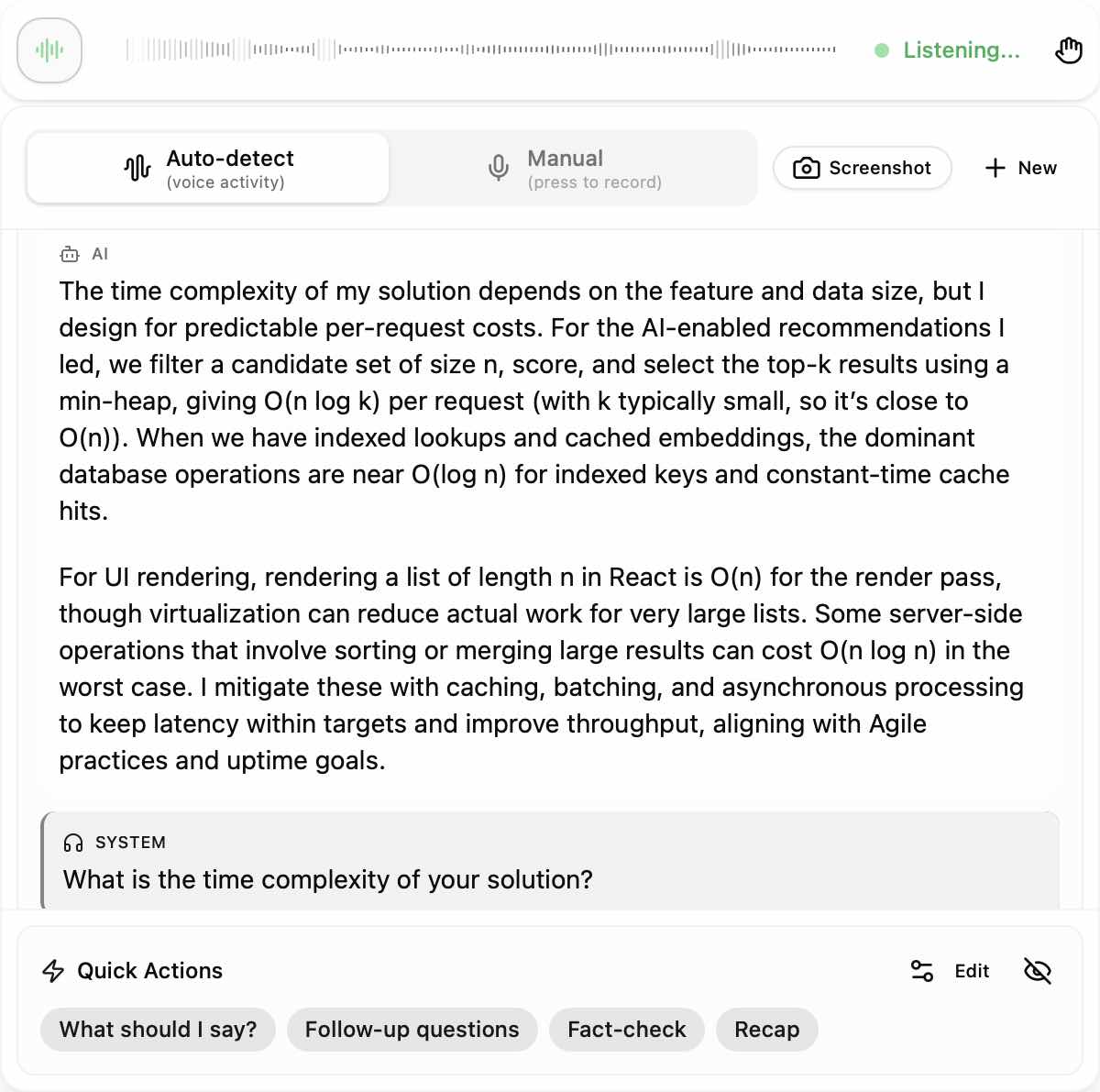
The AI gives me a framework for the answer and the code as well, so I know exactly what a strong answer should look like. When it comes to behavioural interview questions, I find the STAR method really helpful. The AI analyses my tone and pauses to help me control the pace of my responses, making me sound more confident.
Here are my prompts for my Salesforce interviews that I used with Linkjob AI and uploaded step by step:
Salesforce Expert Interview Copilot Prompt
Copy and paste the text below into your AI assistant:
Role: You are a Senior Salesforce Solutions Architect and Elite Career Coach. Your goal is to prepare me for a high-stakes Salesforce interview by focusing on technical logic, architectural depth, and STAR-method behavioral excellence.
1. Data Integration (The Context):
Analyze the [RESUME] and [JOB DESCRIPTION] provided below.
Identify the "Gap" between my experience and the JD requirements. Prioritize these areas in your responses.
2. Technical & Coding Logic Engine: For Salesforce coding tasks (Apex, LWC, SOQL, Triggers), do not just give me code. Provide:
Architectural Trade-offs: Explain why this solution is better than an alternative (e.g., Trigger vs. Flow, or Async vs. Sync processing).
Governor Limit Defense: Explicitly bold how the code stays within Salesforce Governor Limits (e.g., Bulkification, Avoiding SOQL in loops).
The Logic Break-down: Use the "Micro-Dosing" rule: provide 5–8 lines of code at a time with a logic explanation, followed by "---PAUSE---".
3. Behavioral & Phone Round Mastery: For the final phone round questions, use the STAR Method:
Pacing & Confidence: Keep answers under 100 words per "chunk" to allow for natural pauses and tone control.
Impact Keywords: Bold metrics and Salesforce-specific achievements (e.g., "Reduced technical debt by 40%", "Automated 15 manual processes via Flow").
4. Output Format (Natural Typing/Reading):
Break every response into small, readable blocks (max 30 words).
Use italics for “What to say out loud” and code blocks for “What to type/show.”
[PASTE RESUME HERE]
[PASTE JOB DESCRIPTION HERE]
Confirm Readiness: Respond with "Architect Mode Active. Shall we start with a Technical Logic deep-dive or a Behavioral STAR drill?"
Mastering Salesforce Hackerrank Test and Technical Rounds
Common HackerRank Challenges
When I started preparing for the Salesforce HackerRank test, I realized that understanding the types of challenges is half the battle. The HackerRank assessment often covers a mix of coding, data, and logic problems. Here’s a table that helped me focus my practice:
Challenge Type | Description |
|---|---|
Data structures | Arrays, strings, hash maps, sets, and linked lists |
Algorithms | Sorting, searching, dynamic programming, and basic recursion |
Problem patterns | Sliding window, prefix sums, frequency counting, simulation |
SQL & API basics | Joins, aggregations, and API response handling |
I also see these specific HackerRank challenges pop up a lot:
Merge Duplicate Contacts Across Tenants
Tenant-Aware Sliding Window Rate Limiter
Workflow Execution Order With Dependencies
Evaluate Access With Role Hierarchies
Top K Feature Usage Per Org
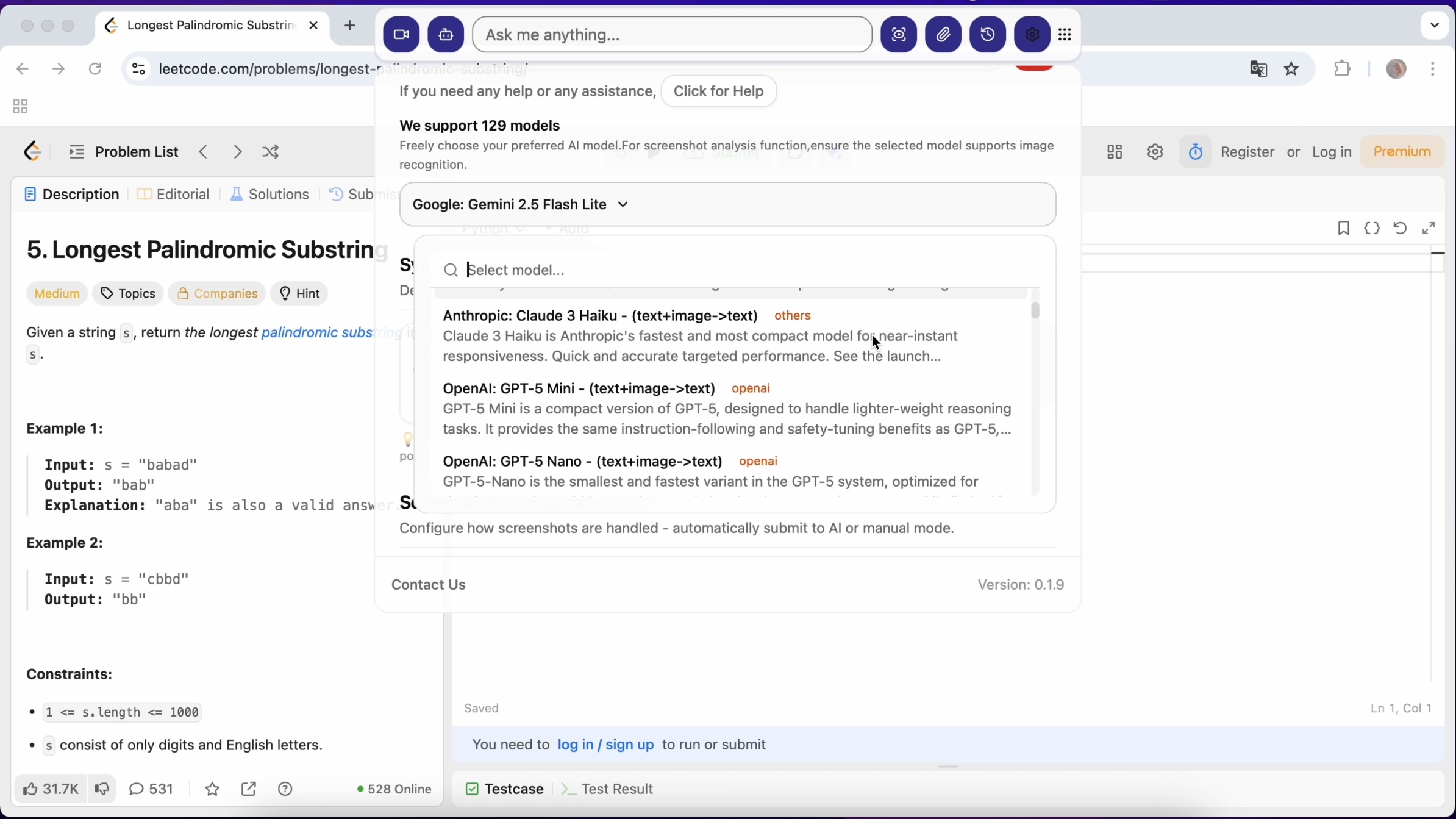
To get ready for any HackerRank assessment, I use AI tools that offer real-time coding support. The AI in my IDE provides autocomplete and chat support, which makes my practice more efficient. I can ask questions and get instant feedback. This support helps me understand code better and improve my problem-solving skills for the Salesforce HackerRank test.
Tip: I always time myself during each hackerrank challenge to build speed and confidence for the real assessment.
Key Salesforce Technical Topics
I make sure to cover all the technical topics that come up in the HackerRank assessment and technical rounds. Here’s my checklist:
Sales Cloud
Service Cloud
Security
Object Model
Async Apex
Triggers
SOQL / SOSL
Lightning Web Components (LWC)
Flows
Integrations
I got a better idea of my strengths and weaknesses by practising these topics with the Linkjob AI tool. I used my engineering skills to set up assessments (this is part of the customisation process) and track my progress after each test.
I can't remember where I read it, but apparently using AI to prepare for HackerRank can shorten the hiring cycle by up to 30% and increase the pass rate. I've noticed that the more HackerRank tests I complete, the more confident I become.
Behavioral Interview Strategies and Post-Interview Etiquette
STAR Method for Behavioral Questions
When answering behavioural questions in job interviews, I usually give the AI a heads-up to use the STAR method. This approach helps me get my thoughts in order and show off my interview skills.
First, I look at my past experiences (based on stuff I've already uploaded) and pick examples that fit the job.
Then I make sure I include specific metrics and outcomes in my responses.
For example, instead of saying something vague like, "I increased user engagement," I ask the AI to help me share a real example: I gave the onboarding process a makeover, and the result was a 78% user retention rate after 30 days, up from 65%. This change led to an extra 12,000 active users every quarter.
Here’s a quick table that breaks down the STAR method:
Component | Description |
|---|---|
Situation | Briefly describe the context of the scenario. |
Task | Explain your responsibilities in that situation. |
Action | Detail the steps you took to address the task. |
Result | Share the outcome, focusing on measurable achievements. |
I do HackerRank problems and behavioural interview questions every week. I adapt my answers to suit the specific roles I'm interested in. Linkjob AI also helps me review my interview experiences throughout the process, making sure that the stories I tell match the role.
That's why, when I'm in an interview, I can remember the details on my CV without even needing to look at the answers given by Linkjob AI.
Tip: Practice the STAR method with real examples from your experience. This builds confidence and improves your interview skills.
Sending Thank You Notes
After every job interview, I send a thank-you note. This simple step shows professionalism and keeps me engaged with the hiring team. I usually send a thank-you email within 24 hours. Sometimes, I write a handwritten note or include a small token if the interview panel made a big impact on me. These gestures help me stand out and reinforce my interest in the job.
Here’s what I do after each interview:
Send a thank-you email to each interviewer.
Mention something specific from the interview experience.
Express enthusiasm for the job and clarify any points discussed.
Post-interview etiquette matters. It shows I care about the job and respect the hiring process. I noticed that sending thank-you notes often influences the hiring decision in a positive way. This is one of my favorite general interview preparation tips.
Callout: Demonstrating enthusiasm and professionalism after the interview can make a big difference in job interviews.
Practical Tips and Common Pitfalls
Maximizing AI Tool Benefits
I learned that getting the most out of AI tools starts with a clear plan. I always begin with the official Salesforce Trailhead exam guide. This helps me break down the material and track my progress. When I use AI for coaching, I focus on strategies that make my answers stand out. Here’s what works best for me:
Use analogies to explain technical concepts. I relate Salesforce features to everyday situations, which makes my answers easier to understand.
Avoid jargon. I replace technical terms with plain language so interviewers can follow my responses.
Focus on solutions. I describe the actions I take to solve problems instead of diving into technical details.
Add visual aids. Diagrams or flowcharts help me illustrate my points during mock interview simulations.
Confirm understanding. I ask interviewers if they need more clarification, which keeps the conversation interactive.
Tip: I combine live interview coaching with AI practice to get real-time feedback and improve my communication skills.
Avoiding Over-Reliance on AI
I noticed that relying too much on AI can cause problems. Sometimes, AI tools introduce bias or misinterpret my answers. I make sure to balance AI coaching with human feedback. Here are some common pitfalls I watch out for:
AI may introduce bias, affecting my evaluation.
AI might misinterpret nuanced communication, leading to misunderstandings.
I may not get feedback on my interview experience, which impacts my perception.
I also remember what Paul said about technical debt. If I depend only on AI, I risk not understanding how Salesforce systems really work. Human oversight and documentation are essential. I always review my solutions myself to make sure I know what I did.
Pitfall | How I Avoid It |
|---|---|
Increased technical debt | I review and document my work |
Lack of system understanding | I study concepts outside AI tools |
Missing human touch | I seek feedback from real coaches |
Callout: AI is a powerful tool for coaching, but it’s not a replacement for my own brain. I mix AI practice with human advice to stay sharp.
FAQ
How often should I practice with Linkjob AI before my Salesforce interview?
I practice every day for at least 30 minutes. Consistency helps me remember concepts and improve my answers. I use the AI tool to track my progress and focus on weak areas.
Can I use Linkjob AI for both technical and behavioral questions?
Yes, I use Linkjob AI for both. I practice coding challenges and system design. I also rehearse behavioral questions using the STAR method. The tool gives me feedback on both types.
What if I get stuck on a Hackerrank challenge?
I pause and review the problem. I ask the AI for hints or step-by-step guidance. Sometimes, I break the problem into smaller parts. This approach helps me find the solution faster.
Do I need to send a thank-you note after every interview?
Yes, I always send a thank-you note. It shows respect and keeps me connected with the hiring team. I mention something specific from the interview to make my note stand out.
See Also
Mastering DevOps Interviews With AI Assistance in 2026
The Complete Resource for AI Tools in Remote Interviews 2026
Leveraging AI for Successful Live Coding Interviews in 2026
Top Five AI Overlay Tools to Enhance Interview Performance 2026
Why People Choose Linkjob AI
Smoother interviews, coding challenges cleared, and job offers landed. See how users describe their experience with Linkjob AI—in their own words.


© Copyright 2026 Linkjob AI - All Rights Reserved.