How to Use AI Tools to Ace 2026 Sova Assessment Safely

Just a few weeks ago, I was pretty much always taking assessments based on brand-new software or proctoring tools. That's just how tricky it is to find the right job in 2026. So I first heard about the Sova assessment via email when I was applying somewhere, then I went on their website to look up some info, and I was like, "Oh, I'm gonna have to use a few tricks to pass that test."
I'd done some research on how to bypass CoderPad's cheat detection and use HireVue interview assistant, so it's clear that choosing the right, real invisible AI Interview helper was one of the reasons I got through the first round of assessments. That's why I'm sharing my experience here – specifically, how I used an invisible AI interview tool to bypass Sova's various detection and countermeasures.

How Sova Prevents & Detects Cheating With AI Feature
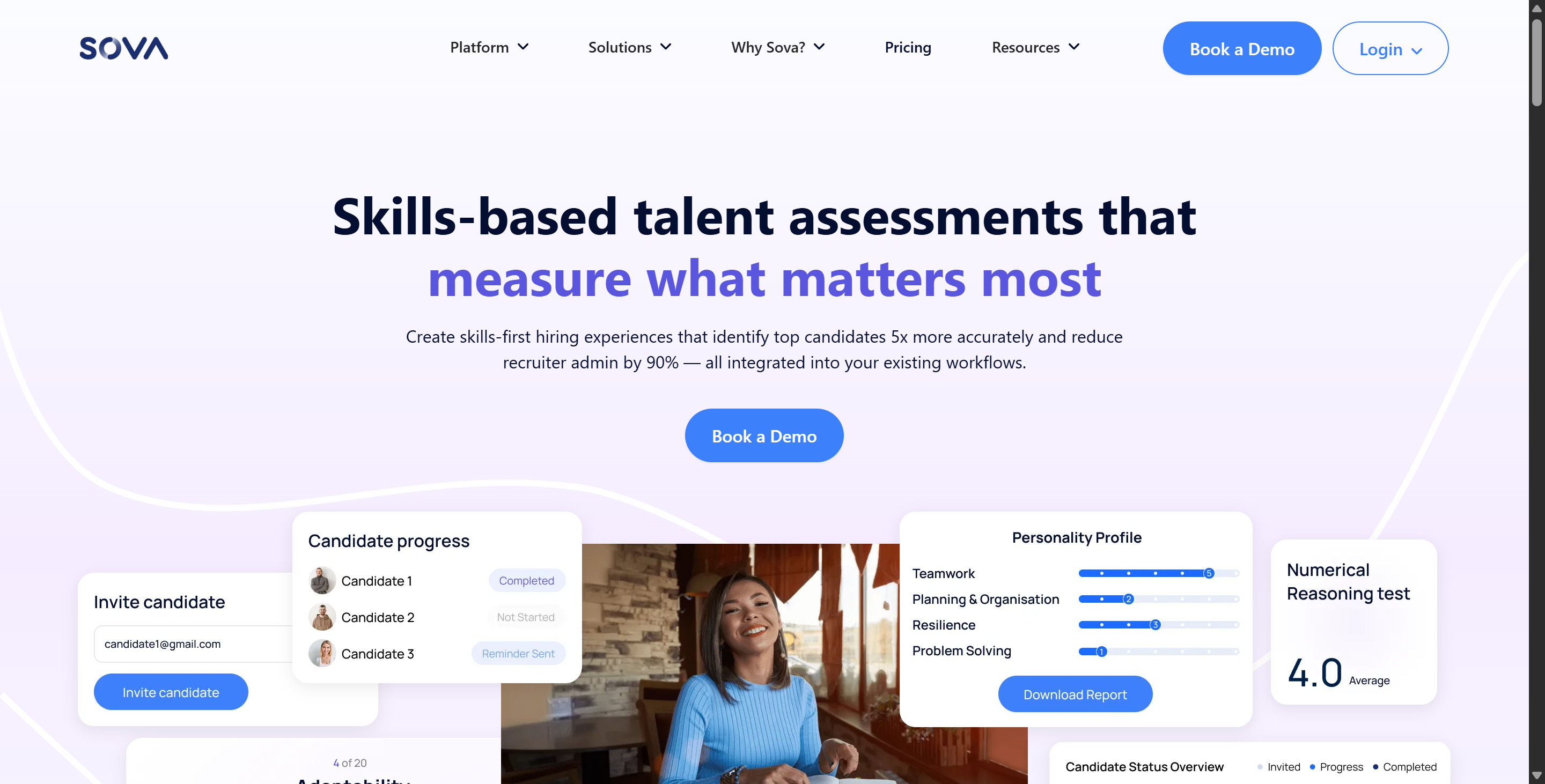
Before you try to cheat, it's always a good idea to know your enemy. Some platforms don't use any anti-cheating tech at all, so interviewers often ask candidates to turn on their webcams and share their full screen to reduce the likelihood of cheating.
But for platforms like SOVA, which use AI to stop cheating, interviewers can get a full audit report without even needing to open Teams or other software first. Here's a quick summary of Sova's anti-cheating features and how I understand them, based on my research and experience.
1. Assessment Design (Prevention Through Design)
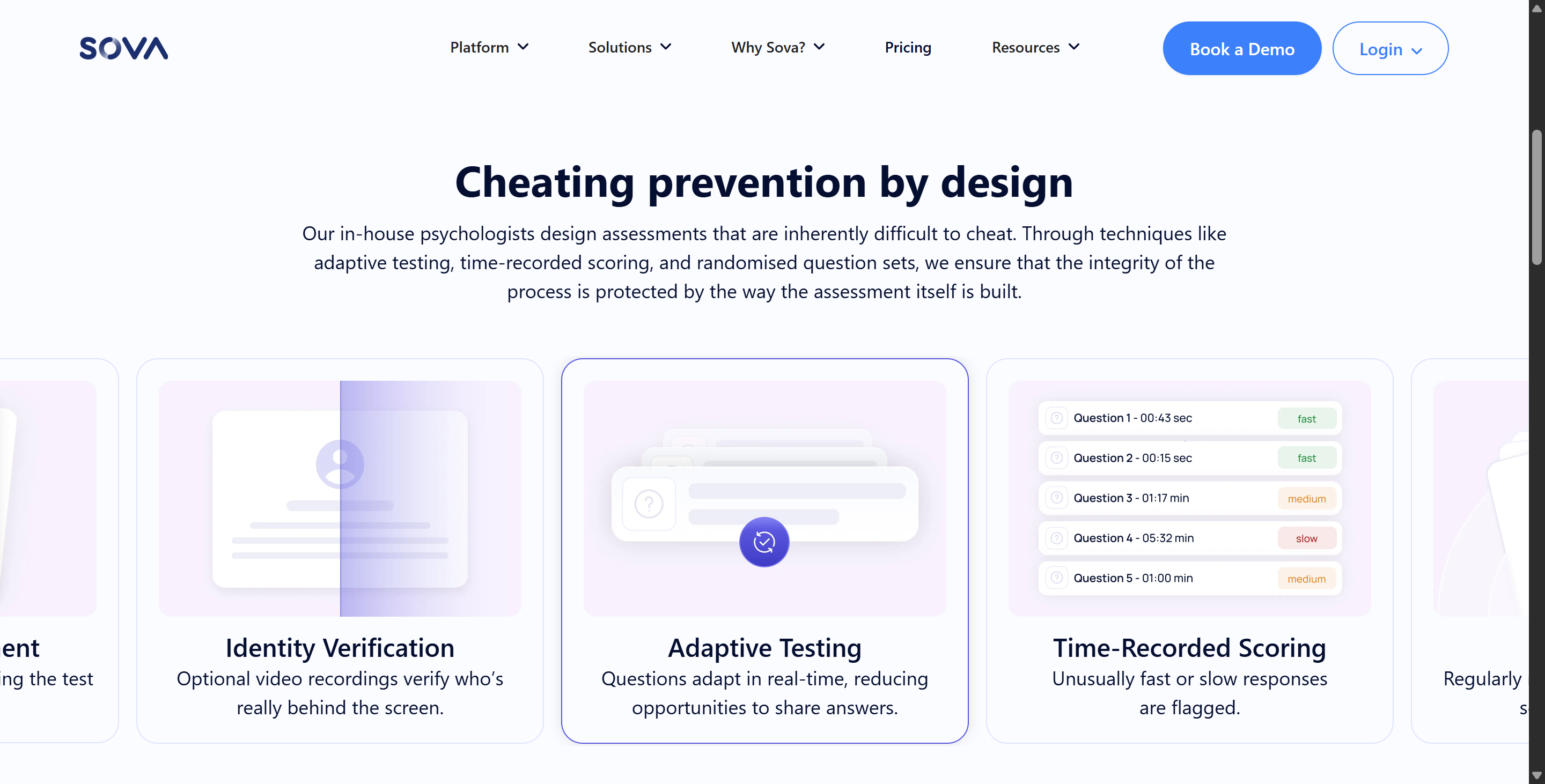
Adaptive Testing: The difficulty of the test questions is adjusted in real time based on how the candidate is doing. Because the order and complexity of the questions changes for each candidate, it's tricky to share answers or "leak" assessment content.
Randomised Question Bank: The platform uses a huge, constantly updated question bank and randomly mixes up the options to make sure that every candidate's exam experience is different.
Timed Exams: Exams are strictly timed, so there's not much time to look at outside materials.
2. AI-Driven Behavioural Analysis
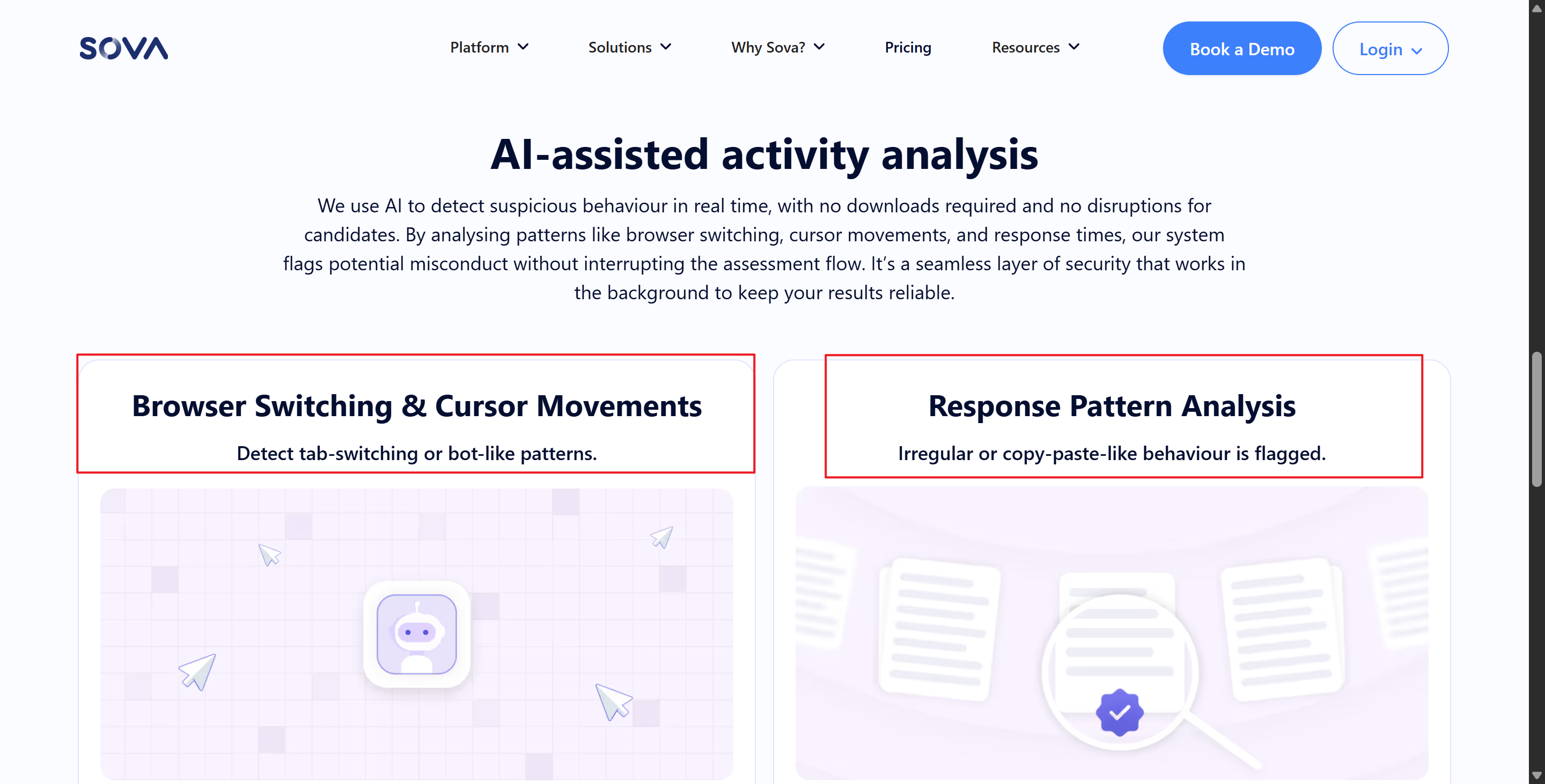
Sova's own Integrity Guard tech keeps an eye on what candidates are up to in the background, and it doesn't require users to lock their computers or install any intrusive software.
Browser and Tab Navigation: The system keeps track of how you switch between tabs and navigate through your browser. If a candidate leaves the assessment window, the system will record and flag this.
Cursor and Interaction Tracking: Sova looks at how robots behave, like if they move the mouse in weird ways or click in ways that suggest it's not a person doing it.
Response Pattern Analysis: The platform keeps an eye on how quickly candidates respond. If they're really fast or really slow, it might mean they know the test content or are using AI tools. We'll flag these for review.
IP Address and Device Consistency: The system keeps an eye on changes in IP addresses or device switches, which helps to spot if candidates are using VPNs or virtual machines to remotely host their computers for use by proxy test-takers or agencies.
3. Verification and Review
Sova gives recruiters a simple way to spot potential problems:
Behavioural Logs: Recruiters get a detailed report about the anomalies. This gives you data-driven guidance to help work out if a candidate has cheated.
Contextual Interpretation: Sova says that warning signs should be looked at in the context of the situation. For example, if you need to use a calculator while doing a digital test, switching tabs is fine. But if you're getting warning signs like a quick response followed by exiting in full-screen mode, that's a higher risk.
Identity Verification: It's not compulsory, but the platform does offer webcam monitoring and video recording features to make sure that the person taking the test is who they say they are.
Best AI Tools for Cheating in A Sova Assessment
Standalone desktop AI assistants (like Linkjob AI)
Traditional browser extensions or web-based sidebars are easily picked up by Sova because Integrity Guard logs when tabs or windows are switched and when focus is lost. If a candidate clicks off the test interface to invoke the AI, the system immediately triggers an alert.
How it works:
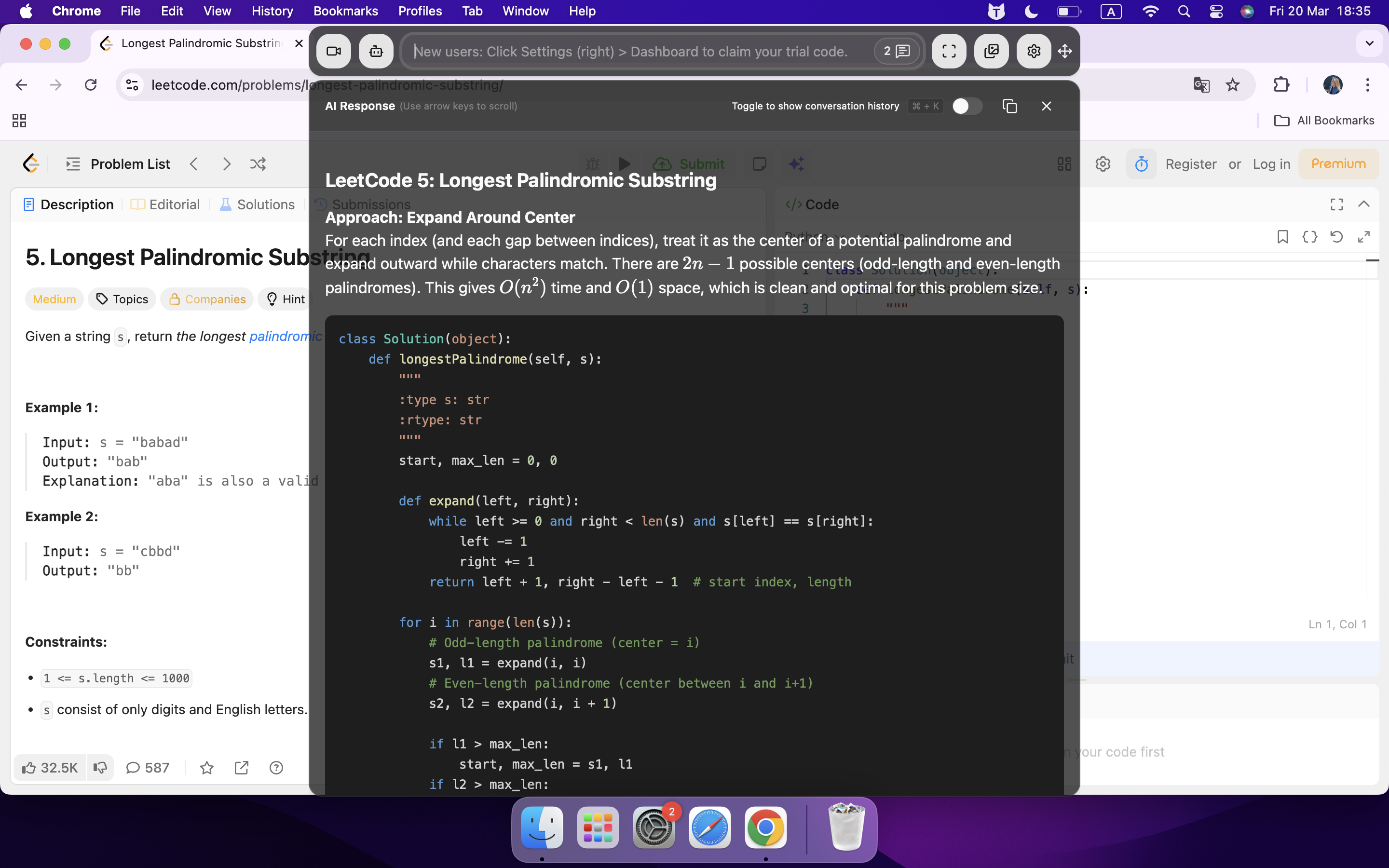
Tools like Linkjob AI run as native, standalone desktop software rather than browser extensions. They don't trigger standard events like JavaScript loss of focus or tab switching that web systems monitor because they run outside the browser, and also, the sandbox mechanism of the browser.
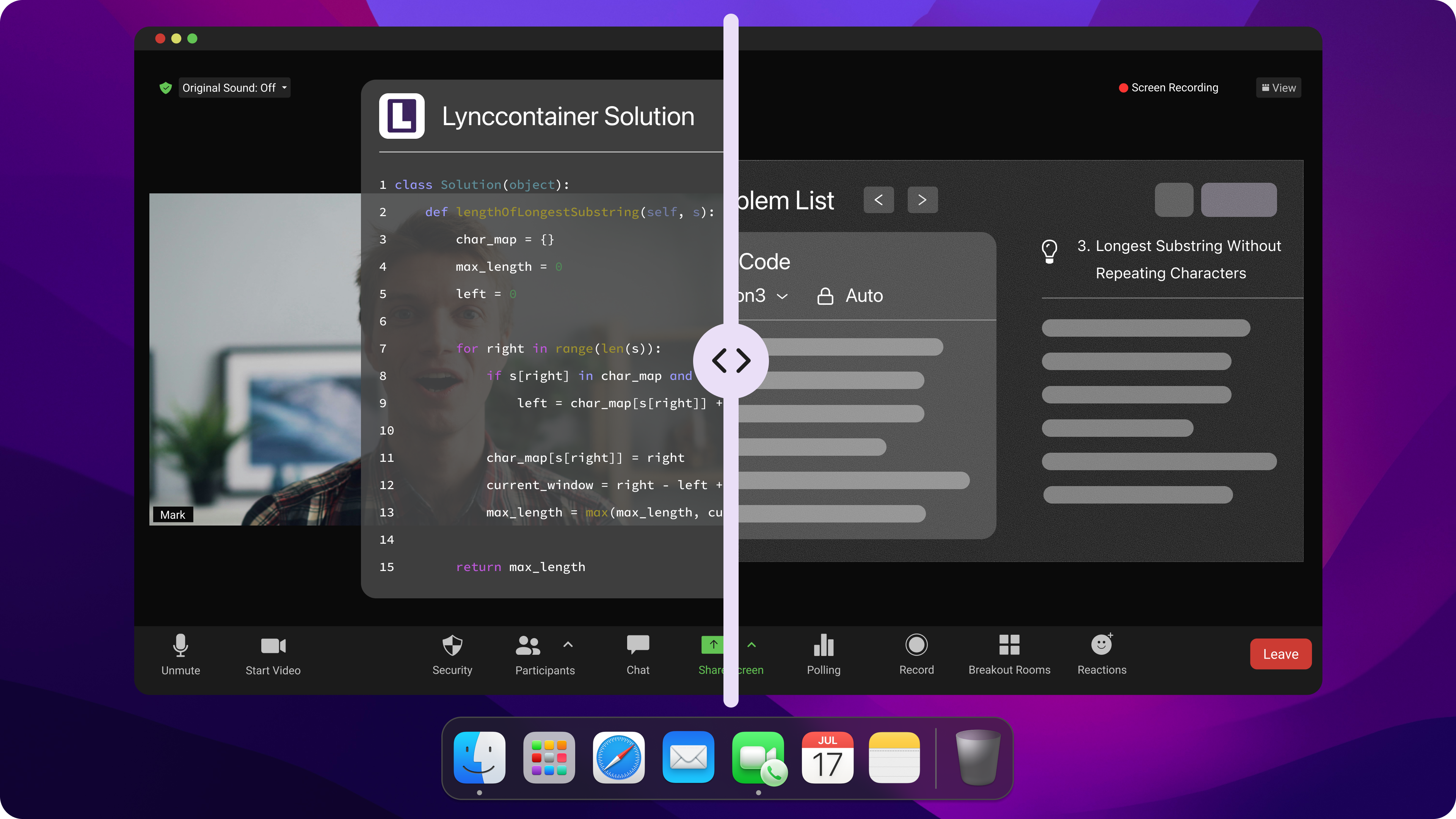
Potential Issues: Sova tackles this issue by looking at how people respond and using a time-based scoring system. If I just read the answer from another app and type it in really slowly or super quick, or if I just select it really fast, the system will give a warning based on how fast my response is, even if it doesn't detect a tab switch.
Physical and Hardware-Level Workarounds (Hardware-Based Overlays)
I know that when software-based detection methods are really strict, people often check out how extra hardware or capture cards impact proctoring systems. I haven't tried it myself, but I've heard that some people have gone to great lengths to implement it.
This could be because they don't trust external software, or because they're naturally cautious.
How it works:
You'll need a hardware KVM switch or HDMI capture card (like an Elgato) to mirror the screen to another laptop, which is where an assistant or a standalone large language model (LLM) will read the exam questions.
There's no software on the exam device and no background processes running, so Sova can't track it.
Countermeasures: If the recruiter lets you record video or audio, Sova can get around that. But if the candidate's eyes often wander off the screen to check the second monitor, or if their typing seems all over the place, the camera, snapshots or continuous tracking features will send an alert.
VPNs and Proxy Switching Tools for Home
Sova's Integrity Guard keeps an eye on IP addresses to make sure test-takers don't hand off exam tasks to proxy test-takers in the middle of the exam. But because IP addresses can change for other reasons, this might not make the interviewer think twice.

How It Works:
Premium residential VPNs (like StarVPN or Mysterium Network) assign IP addresses that appear to be standard home internet connections (e.g. AT&T, Comcast) rather than commercial data centres (e.g. NordVPN, ExpressVPN).
This means that remote users can connect to the local network via a tunnel without triggering standard data centre IP blacklists.
Some ways to deal with the situation: If the IP address changes during the assessment (even if both IPs are residential), Sova will log a device/IP switch flag on the recruiter's dashboard, making the change visible in the audit log.
How to Cheat on Sova 2026: Safe Setup and Preparation
Creating a Distraction-Free Environment
When I'm getting ready for an assessment, I always start by organising my study space. I did my SOVA assessment by turning off my phone, closing all the tabs I didn't need and telling everyone at home that I needed some quiet time.
A tidy desk and a comfy chair help me focus, so I put only the stuff I needed for the test in front of me – no snacks, no distractions, just my laptop and a notebook. I also checked with the recruiter just to be on the safe side.
I realised that creating a distraction-free environment is about more than just comfort. It actually helps me get a feel for a real test setting. When I tried it out with Linkjob AI under timed conditions and without any interruptions, I saw my scores improve. I stayed sharp, and I was better able to tackle challenging questions. It really made me feel like I was taking the real exam, which gave me a boost of confidence and performance.
Tip: Before you start, read every instruction carefully. I always double-check the guidelines so I don’t miss anything important. This habit saves me from silly mistakes and helps me use my time wisely.
Integrating AI Tools with Sova
I know many people want to cheat sova 2026, but I focus on using AI tools as smart helpers. I want to make sure I use them safely and don’t break any rules. Here’s how I approach it:
Step | Description |
|---|---|
1 | I made sure the AI tool I use is transparent and lets me stay in control. This keeps me in line with the latest rules, like the EU AI Act. |
2 | I avoided any black box AI systems that don’t explain their answers. If I can’t see how it works, I don’t trust it. |
3 | I picked tools that have clear, documented methods. This way, I know the results are fair and I can explain my choices if needed. |
4 | I looked for tools that connect smoothly with Sova, so I don’t waste time copying answers or switching screens, which is not allowed in the assessments. |
When setting up AI tools, I always keep privacy and security in mind. I'd hate for my data to end up somewhere it shouldn't. Here are a few things I always keep in mind:
Before I use any tool, I check its privacy settings, including gathering basic info from demos and trial versions.
I make a point of checking that the tool complies with various security standards. I normally do this by taking a look at the tool's privacy policy and other documentation.
I keep an eye on the latest regulatory developments. This helps me to avoid the risks of using unregulated AI or automated systems.
Using AI Tools During the Sova Assessment
Real-Time Tips
When I sit down for the Sova Assessment, I always want to make sure I use AI tools in a way that feels safe and smart. I keep these real-time strategies in mind:
I took the exam on my main device and tried not to switch tabs or share pages too much. I know that, unlike Sensei AI, Linkjob AI doesn't require switching tabs to get answers, but I'm still going to do so for my own reasons, so I know I have to be careful.
I knew that Sova sometimes blocks copy-and-paste, so I practiced typing the answers from Linkjob AI based on screenshots and combining them with my own thoughts, rather than relying on keyboard shortcuts.
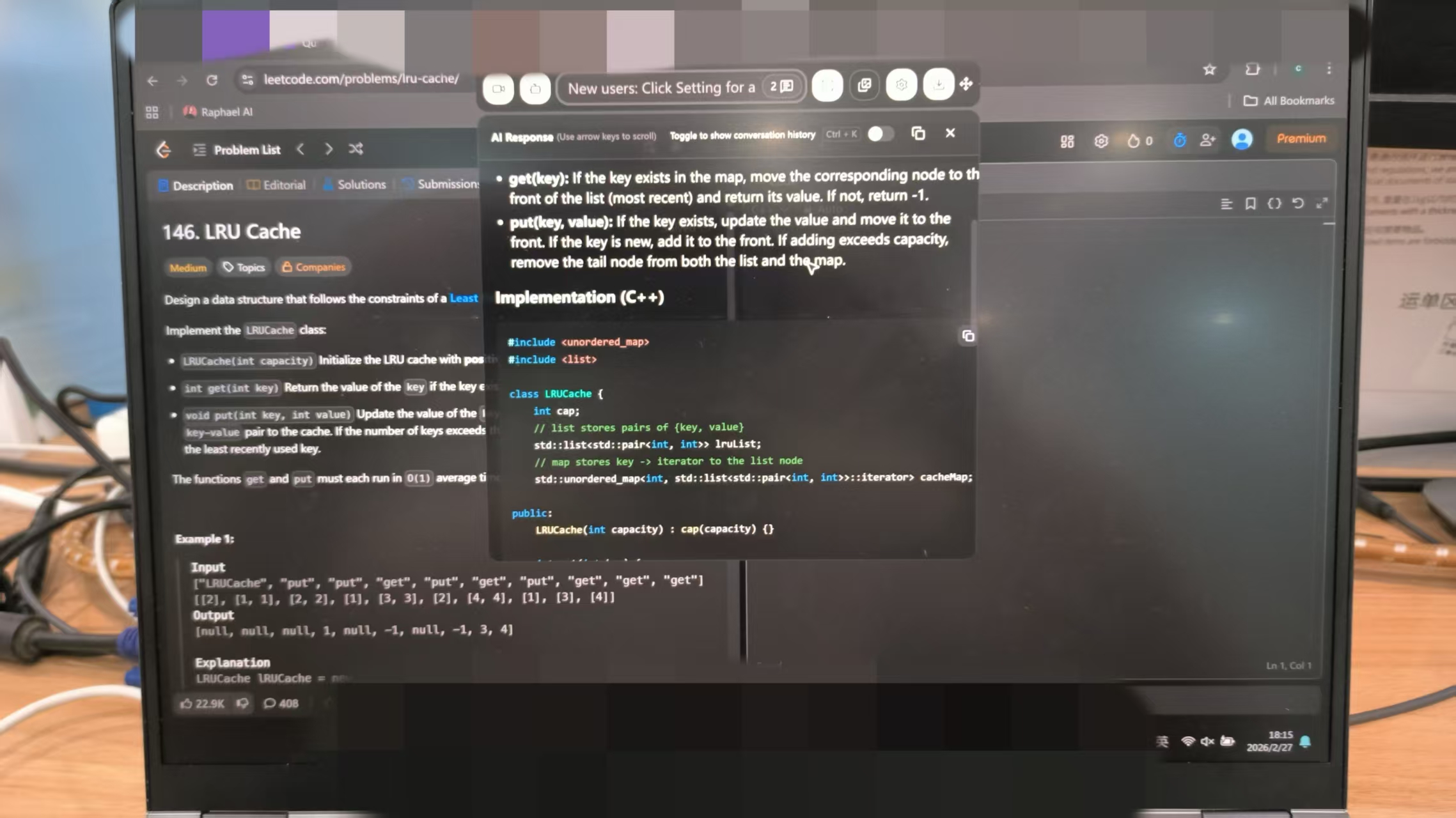
I kept my webcam on and my eyes on the screen, and I positioned the Linkjob AI answer window directly below the webcam to make my eye movements look natural. Sova can do video checks, so I didn't want to appear distracted or suspicious.
I didn't use a second device. I thought about using another phone or tablet to cheat on the Sova assessment, but I knew Sova is designed to detect that sort of thing, and it would also distract me from the questions and my performance.
Managing Time and Responses
When you take the Sova assessment, time seems to fly by. I set a timer for each section to avoid spending too much time on any single question. I read the instructions for each question carefully, then I use Linkjob AI to brainstorm or check my logic (I've even developed a custom prompt for this specifically with Claude). I never copy and paste answers, I use these suggestions to write my own responses.
Here’s how I manage my time and answers:
I broke the test into small chunks and tackled one at a time.
I kept my answers clear and to the point.
I left a few minutes at the end to review everything.
If I hit a question that feels unfamiliar, I stay calm. I use the AI tool to get a quick outline or hint, then finish the answer in my own words. This approach keeps me in control and helps me avoid mistakes.
Note: Using AI tools during the test can boost my confidence, but I always remember that practice and honesty matter most.
Avoiding Detection and Risks While Cheating on SOVA
Reducing Detection Risk
I always want to keep my test attempt safe and fair. Here’s what I do to lower my risk:
I checked that the platform has ISO 27001 certification. This means my data stays safe and follows privacy rules.
I looked for signs that the company monitors for bias. Fairness matters to me, so I want to see that they check for it.
I made sure there is human oversight. I know that real people should review the results, not just a computer.
I kept a record of my answers and decisions. This helps if I ever need to explain my choices.
Tip: I always test my device and internet before the assessment. I also practice with the tools I plan to use, so nothing surprises me on test day.
Legal and Ethical Points
I think about the bigger picture when I use AI tools. Here are some things I keep in mind:
AI can make hiring more fair and efficient.
Sometimes, algorithms can show bias. I stay alert to this risk.
I believed in strong rules and clear guidelines for using AI.
I wanted to know how the AI works. Transparency matters to me.
I trusted both technology and human judgment. They should work together.
I never rely only on AI to cheat on sova assessment in 2026. I used these tools to learn and improve, not to break the rules. This way, I protected my reputation and gave myself the best chance for success.
Maximizing Your SOVA Assessment Score with AI
Practice and Preparation
I always start my Sova prep with a solid routine. I find that practicing with AI tools helps me get comfortable with the test format and question types. I like to use a mix of practice tests and review sessions. Here’s a table that shows the routines I follow:
Practice Routine | Description |
|---|---|
Take a practice test | I answer common Sova questions to get used to the format. |
Review my answers | I check my responses to see where I went wrong and learn the right logic. |
Find a quiet space | I set up in a calm spot so I can focus better. |
Complete tasks in one sitting | I finish all tasks at once for a real test feel. |
Read instructions thoroughly | I read every guideline so I don’t miss anything important. |
Stay calm and confident | I use breathing exercises to keep my nerves in check. |
I notice that when I stick to this routine, my confidence grows. I make fewer mistakes and feel ready for anything the test throws at me.
Interpreting AI Suggestions
When I use AI tools, I don’t just copy the answers. I treat the suggestions as hints. I read the AI’s response, then ask myself, “Does this make sense?” If something feels off, I trust my gut and adjust the answer. I like to use the AI to brainstorm ideas or check my logic. This way, I stay in control and learn more from each session.
Tip: I always compare the AI’s suggestions with my own thinking. If I spot a pattern in my mistakes, I focus on that area during my next practice.
Handling Unexpected Questions
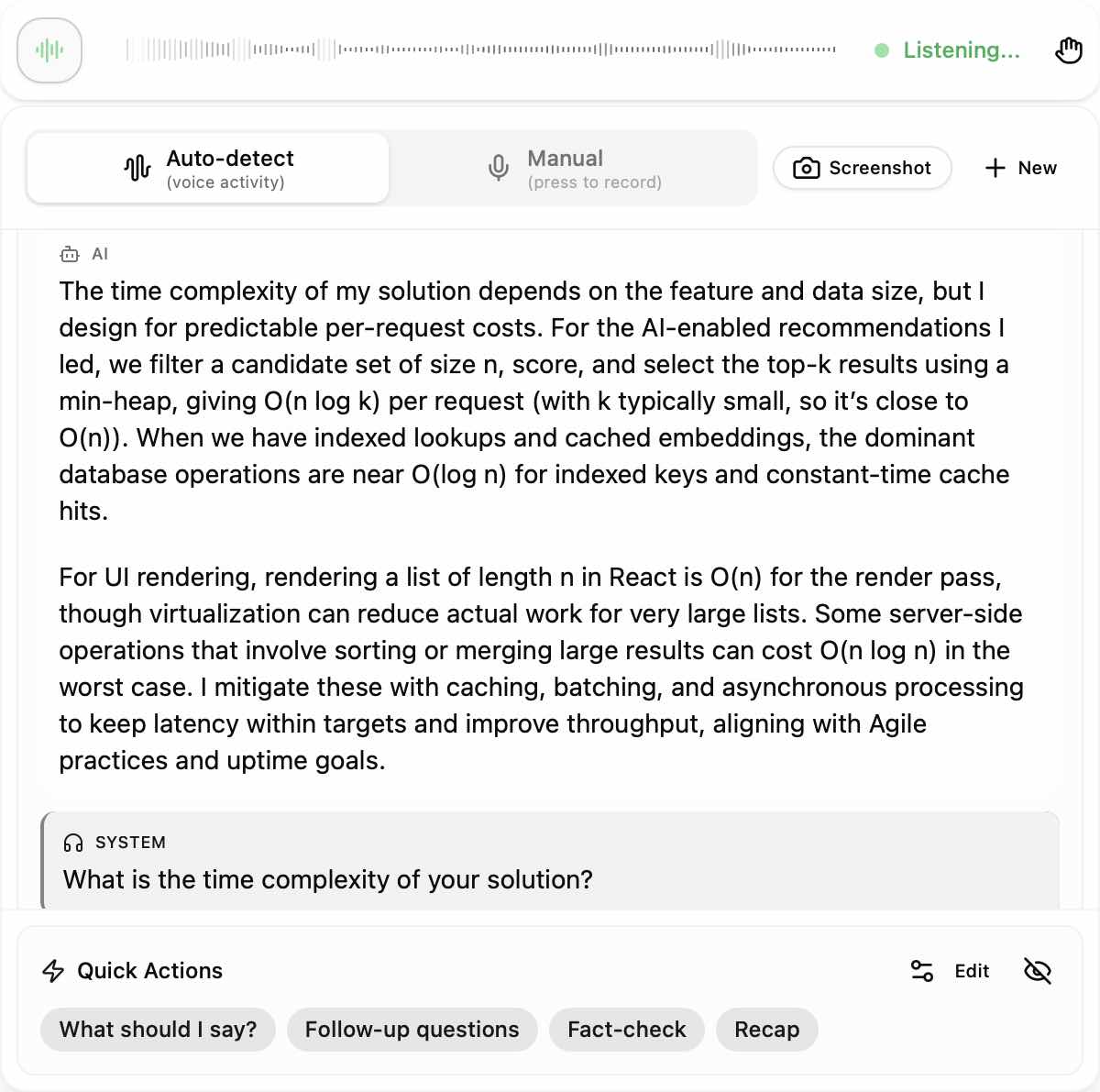
Sometimes, I see a question that surprises me. I don’t panic. I pause, plan my answer in my head, and then speak or write with confidence. If I run into a technical issue, I stay calm and reach out to support right away. I also test my device and internet before the assessment to avoid last-minute problems. During interviews, I sometimes use real-time AI assistants to get quick suggestions, but I always make sure my answers sound like me.
FAQ
How do I choose the best AI tool for Sova prep?
I looked for tools that give clear feedback and adapt to my strengths. I checked reviews and tried free demos, and then I chose a tool that offers mock interview features and live interview help.
Can I use AI tools during the actual Sova Assessment?
I used AI tools, including Linkjob AI, as guides rather than for only answers. I pre-prompted the tool so that I could focus more on suiting myself to the role I applied for and also the assessment itself.
What should I do if the AI tool gives a wrong answer?
I double-checked the suggestion and made the judgment according to my understanding of the question. If it felt off, I would trust my own logic.
How can I avoid getting flagged by Sova’s security?
I stayed on only one device and kept my webcam on, rather than using multiple devices in one assessment to avoid any unusual eye movements. I read instructions carefully.
See Also
Leveraging AI Tools to Succeed in Glider AI Test 2026
Utilizing AI Technology for Live Coding Interviews in 2026
Top 5 AI Overlay Solutions for Interview Success in 2026
Why People Choose Linkjob AI
Smoother interviews, coding challenges cleared, and job offers landed. See how users describe their experience with Linkjob AI—in their own words.


© Copyright 2026 Linkjob AI - All Rights Reserved.