How To Unlock Secret Ways to Pass Talogy Assessment in 2026

A few days ago, I took a Talogy assessment. It was just a standard behavioural online test for a specific position. After passing that assessment using Linkjob AI, I went on to a behavioural interview. I was curious about the purpose of the Talogy assessment and how it prevents candidates from cheating.
I've often researched how to get around HackerRank's proctoring and how to cheat on CoderSignal assessments, so I initially thought this would be similar to what I already knew. But Talogy doesn't reveal much info, so I had to do some in-depth research to figure it out. So, this article is for candidates who know they're about to take a Talogy assessment. It'll cover how I investigated and explained Talogy's proctoring mechanism, how I used Linkjob AI to bypass proctoring during my Talogy assessment, and some details you should know.
How Talogy Assessment Proctoring Actually Works
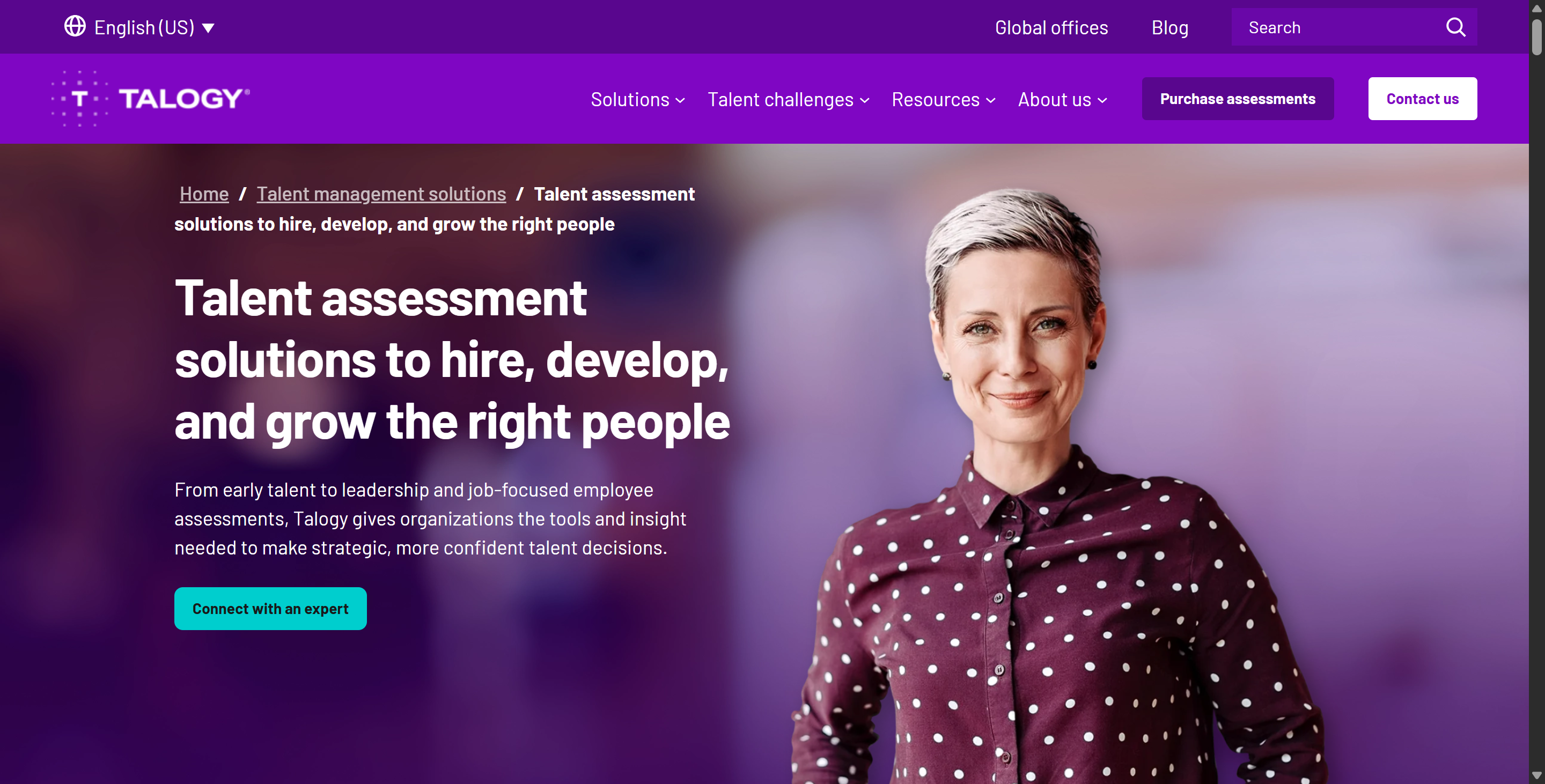
One thing that confused me at first was that the term "Talogy assessment" can actually refer to many different products.
Talogy does online assessments, like personality and cognitive ability tests, and situational judgement tests, too. They've got a remote proctoring thing called Bridge2, which I've never used and which is hard to find on their official website. It's got much stricter oversight.
A good way to understand the difference between the two is:
Standard Talogy Online Assessment | Talogy Bridge2 Remote Proctoring | |
|---|---|---|
Typical purpose | Recruitment screening | Higher-security testing/examinations |
Example organization | Mondelez International | U.S. Customs and Border Protection |
Assessment content | Personality, cognitive ability, SJT | Computer-adaptive examinations |
Human proctor watching live | Not stated as part of the Mondelez setup | Yes, remote examiner |
Webcam | Not universally required | Explicitly monitored |
Microphone | Not universally required | Explicitly monitored |
Desktop monitoring | Not a universal Talogy assessment feature | Explicitly accessible to examiner |
Copy/paste restrictions | Used in many Talogy solutions | May be combined with stronger controls |
Main integrity strategy | Assessment design + deterrence + monitoring of results | Identity + webcam + microphone + desktop + remote supervision |
Background-process scanning | No general Talogy claim | Talogy's public Bridge2 material does not clearly specify it |
Example 1: Mondelez Uses Talogy for a Standard Online Hiring Assessment
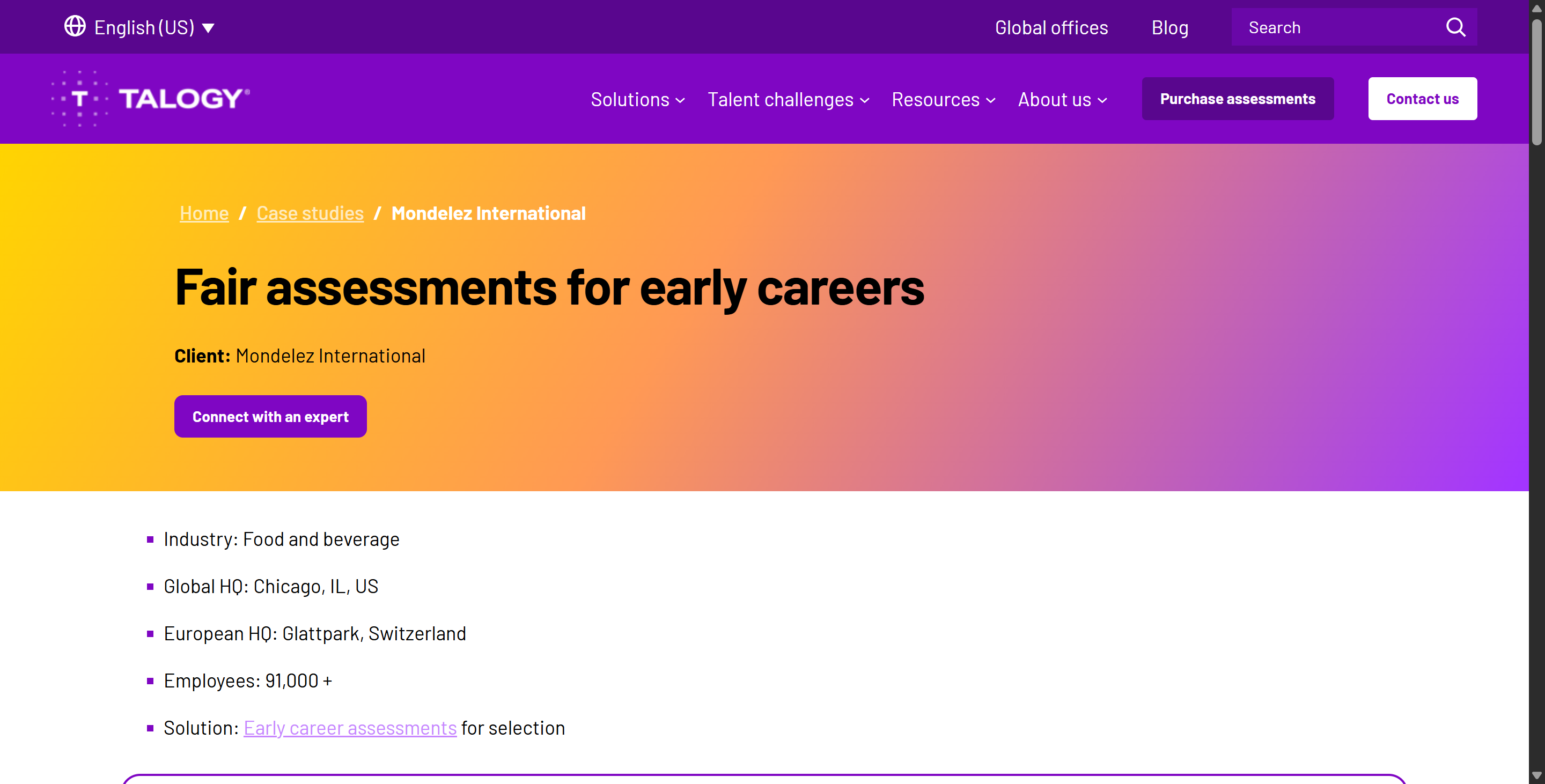
A good real-world example of the more conventional Talogy experience is Mondelez International.
For its early-career hiring process, Mondelez worked with Talogy to create an online assessment that combines:
Factors for personality;
Logiks for cognitive ability;
Situational Judgment Tests (SJTs).
If you pass the first screening, you'll then be invited to a video interview and other assessment stages. According to the official documentation, Bridge2 isn't included in the subsequent assessments, so this process is more like the standard Talogy assessment.
In these types of assessments, Talogy's published anti-cheating strategy relies primarily on the assessment design itself, with virtually no explicit physical proctoring mechanisms in place. That's also why I passed the assessment easily by using an invisible AI interview assistant like Linkjob AI.

The main integrity layers are more like this Talogy Unproctored Integrity Model: Assessment Design → Candidate Instructions → Technical Friction → Statistical Monitoring → Verification
AI-Resistant Assessment Design: Uses interactive cognitive tasks, forced-choice personality items, and complex SJTs that measure how candidates process information (trace data) rather than relying on easily searchable final answers.
Copy-Paste Restrictions: Disables clipboard functionality across many assessment interfaces to create friction against external AI querying.
Honesty Contracts & Instructions: Explicitly defines allowed resources and requires candidates to sign anti-assistance agreements before testing.
Item Variation & Randomization: Rotates test items and generates alternate test forms to neutralize leaked question banks.
Population-Level Statistical Auditing: Monitors macro-level score distributions over time to identify unusual performance trends and systemic cheating anomalies.
Key Distinction: Standard recruitment screenings (e.g., Mondelez) rely on structural test design and statistical deterrence rather than invasive software—meaning no webcam, microphone, desktop recording, or live proctoring by default.
One thing to bear in mind is that Talogy itself says that traditional cognitive tests and simple, forced-choice situational judgment tests (SJTs) are more likely to be influenced by generative AI, whereas interactive assessments that test working memory, multitasking, or information processing are less likely to be affected by this. Talogy uses this as the reason for having less strict anti-cheating requirements and instead relying more on soft, design-based anti-cheating measures.
So, standard Talogy assessments use a bunch of different defensive measures that overlap:
Make the question format difficult to outsource.
Randomize or vary test content.
Disable easy copying in some solutions.
Tell candidates that outside assistance is prohibited.
Check whether score distributions change abnormally over time.
Verify skills again later if necessary.
I can't say for sure whether this strategy is effective or not, though, as the data I've got comes from official surveys only. The data sources and analysis results aren't totally transparent, and it's hard to know how up-to-date the information is. I just know that this makes it easier for me to use Linkjob AI to solve tricky problems, and I have fewer doubts about it.
Example 2: U.S. Customs and Border Protection Uses Talogy Bridge2
At the other end of the spectrum is U.S. Customs and Border Protection (CBP).
Talogy says it developed the Online Applicant Competency Assessment (COACA) program with CBP for Border Patrol Agent and CBP Officer selection.
Unlike the Mondelez example, this program explicitly uses:
Talogy's Computer Adaptive Test Engine
Bridge2, Talogy's Remote Proctoring solution,
and the assessment process is administered through Talogy's True Talent platform. This is a fundamentally different security model.
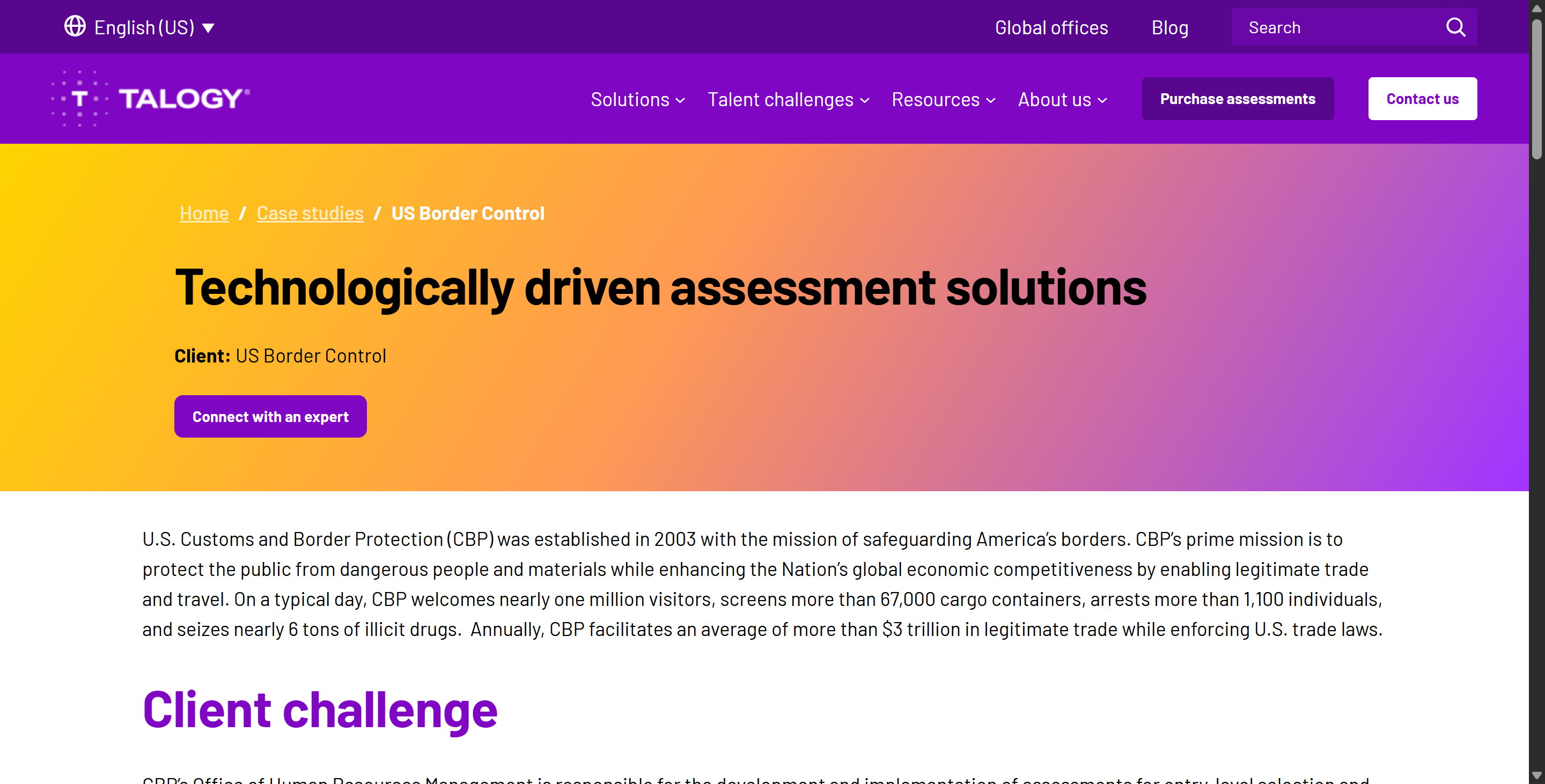
What Bridge2 Remote Proctoring Clearly Adds
Talogy's privacy policy explicitly states that candidates using its remote-proctoring service take examinations while being monitored through:
their webcam;
their microphone;
their computer desktop.
A remote examiner can access those feeds and use them for identity verification, examination administration, fraud prevention, security, and integrity.
So in a Bridge2 deployment, the monitoring picture becomes:
Candidate identity
      ↓
Webcam ──────────┐
Microphone ──────┼──→ Remote Examiner
Computer desktop ┘
      ↓
Exam integrity / incident review
What “Computer Desktop” Means—and What It Does Not Prove
Talogy's Privacy Policy says that remote proctors can access candidates' computer desktops, but I reckon Bridge2 lets proctors view activity on candidates' desktops during remote proctoring sessions. To put it simply, Talogy's current public info doesn't clearly say that every Bridge2 session will:
scan all running processes;
read the candidate’s personal files;
enumerate installed applications;
detect all browser extensions;
install kernel-level monitoring drivers;
grant proctors unrestricted remote control privileges.
All of these operations might need you to download more apps, or even do assessments or interviews in person, which is where Linkjob AI doesn't really shine. It's better for getting ready and practising. I'm also unsure what the practical experience is like for other companies or organisations that have implemented this level of proctoring – such interviews and assessments are too far removed from my own profession, so I haven't had much opportunity to encounter them.
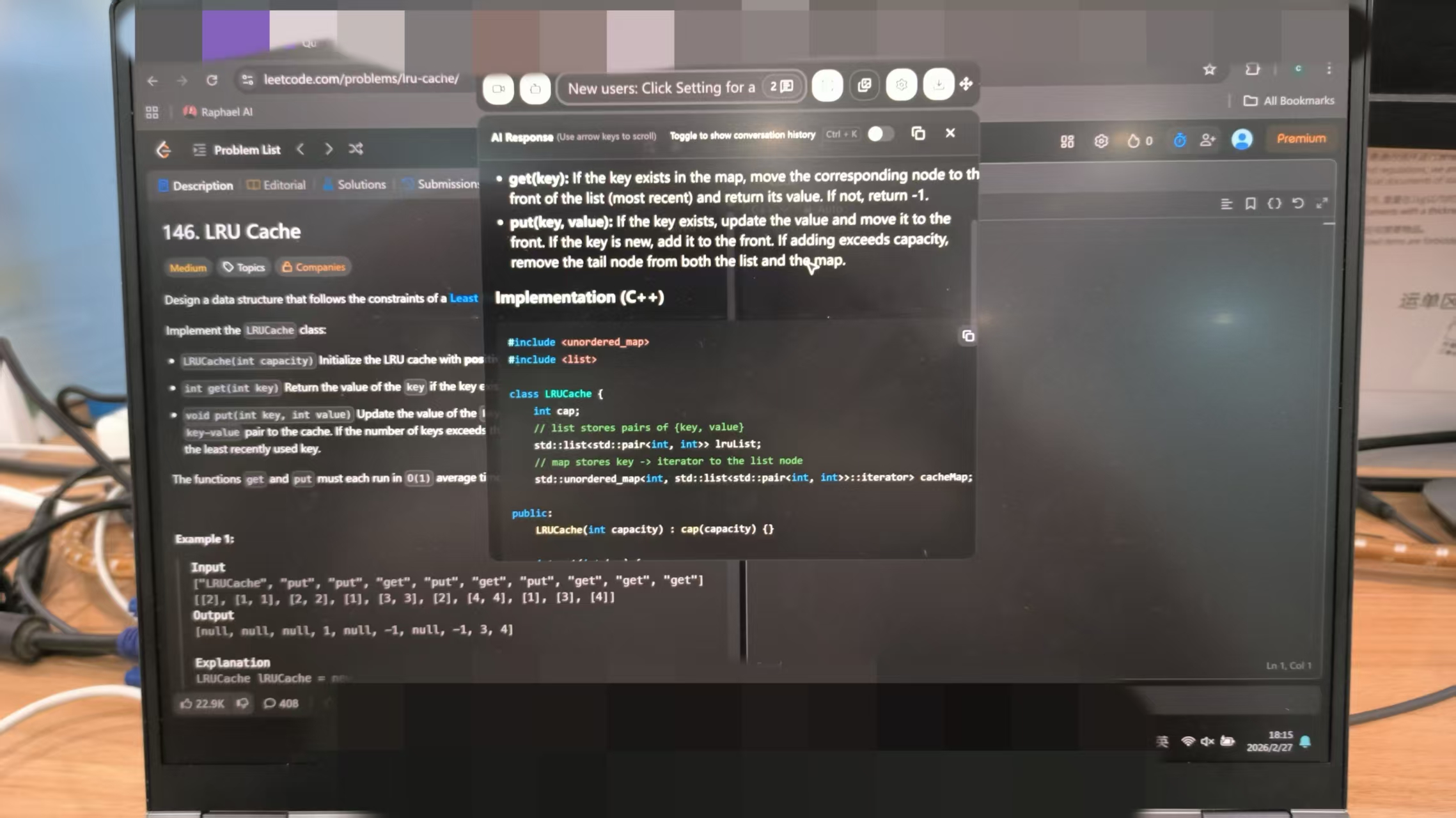
Standard Talogy vs. Bridge2: Which Talogy Assessment You Can Cheat on
Here is the way I would summarize the two environments.
Standard Talogy Online Assessment
This version focuses more on the validity of the assessment itself and rarely uses mandatory proctoring tools or features. In other words, while internal integration is possible, it does not provide existing proctoring services.
Here are some related tools:
Here are some tips for creating AI-resistant assessment formats:
Make sure you mix things up with randomised questions and different question types.
Disable copy-and-paste in lots of the solutions out there.
Set up integrity agreements.
Keep an eye on the scores.
Arrange for follow-up retests or verification when needed.
Talogy is being used by companies like Mondelez International to do early-career assessments. This is also the best scenario for using Linkjob AI. As long as the transparent window is positioned correctly and you've practised your usual typing methods and rhythms in advance, there's a good chance you won't be detected.
Bridge2 Remote Proctoring
It focuses on more traditional ways of doing things, like controlling the computer directly, which means installing intrusive software, or just specifying the machine and location for the assessment.
This environment also gives you the following:
ID verification
Webcam monitoring
Microphone monitoring
Desktop monitoring
Remote proctors
It's a more controlled, high-security exam process.
US Customs and Border Protection is the best example of this type of Talogy deployment that the public can see. In this case, Linkjob AI is often used to get ready for an assessment or to practise for a mock interview, so you can prepare and practise for it.
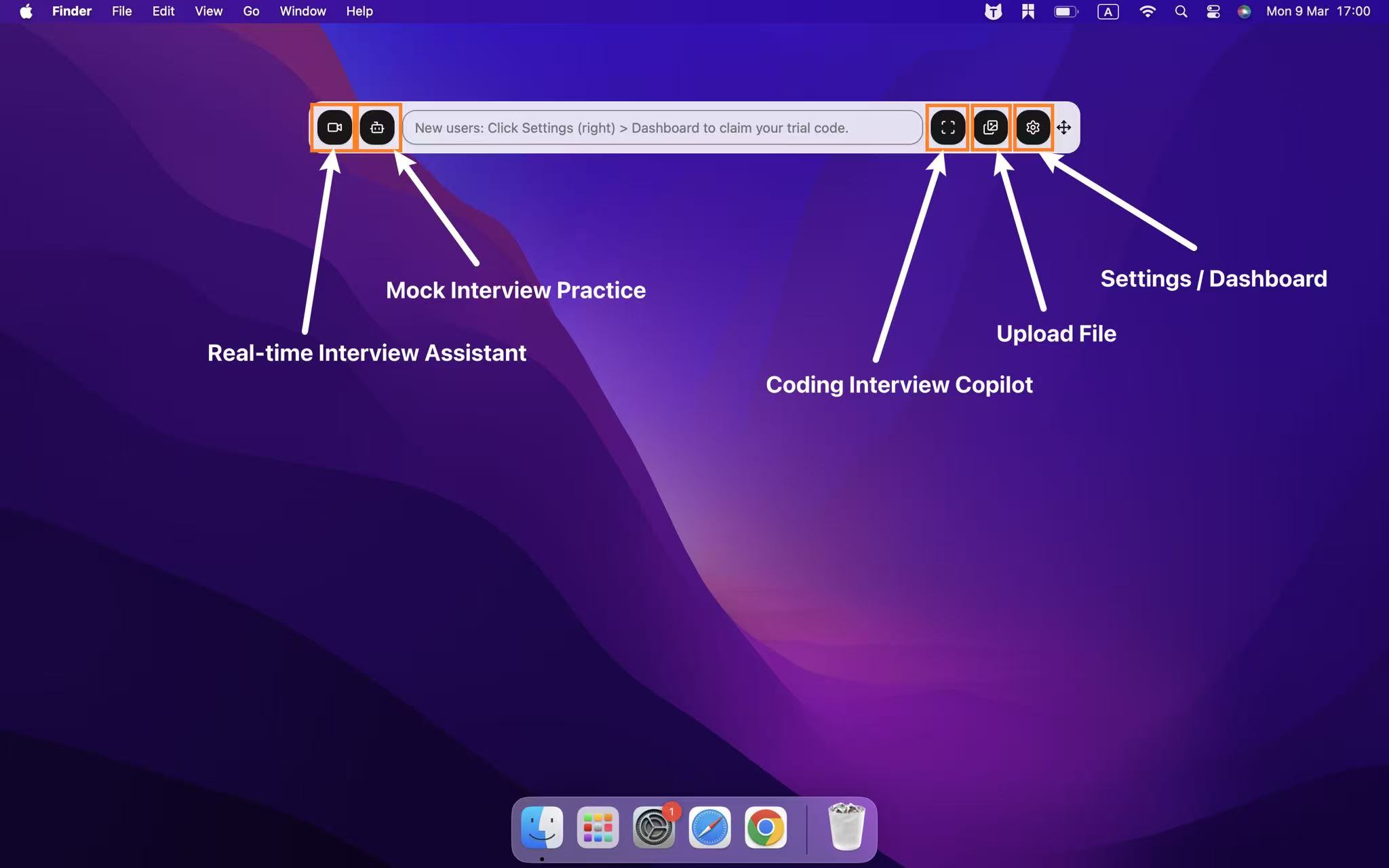
The Monitoring Stack I Would Use to Explain Talogy
If I had to summarize Talogy's assessment-integrity system in one chart, I would use this:
Security Layer | Standard Online Talogy | Bridge2 |
|---|---|---|
Assessment design resistant to simple AI assistance | ✅ | ✅ |
Alternate forms / item randomization | Possible / recommended | Possible |
Copy-paste restrictions | ✅ In many solutions | Possible |
Honesty contract / explicit rules | ✅ | ✅ |
Statistical score monitoring | ✅ | ✅ |
Later skill verification / retesting | Possible | Possible |
Candidate identity verification | Depends on program | Yes / core remote-proctoring purpose |
Webcam monitoring | Not universal | Yes |
Microphone monitoring | Not universal | Yes |
Desktop monitoring | Not universal | Yes |
Remote human examiner | No in ordinary unproctored testing | Yes |
Full process/app scanning | Not publicly established | Not clearly documented by Talogy |
Talogy Assessment Cheat: How Linkjob AI Bypasses Standard Talogy and Bridge2 Proctoring
To get round Talogy's defences, you've got to adapt your approach based on the security level selected by the employer. So, whether you're taking a screening test for a job without someone else watching or a proctored assessment through Bridge2, the usual cheating methods, like using ChatGPT in another window or trying to copy text, will be spotted straight away by focus logs, clipboard monitoring, or on-site proctors.
To get around these controls, you'll need to use tools like Linkjob AI and follow an approach that's not too intrusive. You can quickly capture potential verbal questions during the assessment by using a global hotkey to take a screenshot, for example. Also, it can be useful to set up a Linkjob AI prompt in advance, especially if you find it hard to remember specific details from your CV.
Bypassing Standard Talogy Assessments
Standard Talogy tests rely heavily on non-copyable text, interactive item design, and DOM focus tracking (window.onblur).
OS-Level Screen Capture: When an interactive cognitive puzzle, logic grid, or SJT appears, trigger a screen capture using system global hotkeys (
Cmd + Shift + SorCtrl + Shift + S). Because screen capture occurs directly at the operating system level, the Talogy browser sandbox never loses window focus, generating zerowindow.onblurfocus-loss logs.HUD Overlay Analysis: Linkjob AI processes the captured visual prompt in the background and displays the optimal response, behavioral score path, or logical option on a transparent, non-activating HUD overlay.
Manual Selection: Read the answer from your HUD overlay and manually click the corresponding option or answer inside the Talogy interface. Because you interact with the page directly using standard mouse inputs, disabled copy-paste mechanisms are completely bypassed.
Behavioral, Typing, and Setup Tips for Navigating How to Cheat on Talogy
To ensure your assessment session passes both automated telemetry scans and human proctor audits without raising suspicion, you must maintain strict control over your physical testing space and behavioral execution.
Essential Physical and Technical Setup Rules
Sub-Webcam Overlay Docking: Always dock your transparent AI HUD directly below your webcam lens to maintain a natural, centered line of sight throughout the assessment.
Single Primary Monitor Setup: Disconnect all external monitors, iPads, and HDMI splitters prior to launching the test session to prevent multi-display hardware flags during proctor checks.
Isolated Audio Environment: Test in a quiet, soundproof room to prevent background chatter or ambient noise from triggering Bridge2 microphone anomaly flags.
Consistent Ambient Lighting: Position balanced frontal lighting toward your face to eliminate heavy contrast shadows that could trigger webcam orientation or facial absence warnings.
Clean Desktop Environment: Close all background applications, messaging apps, and browser extensions before launching the Talogy assessment portal.
Key Behavioral and Tactical Tips
Natural Cognitive Deliberation: On complex pattern recognition, working memory, or logic items, wait 10 to 20 seconds before selecting an answer to simulate genuine human cognitive processing.
Manual Input Only: Never attempt to paste content into open-ended text fields; manually type out all written answers character by character.
Controlled Gaze Alignment: Keep your eyes focused near the center of the display where the overlay and test questions reside, avoiding sharp downward or lateral eye movements.
Simulated Trial-and-Error: On interactive logic or spatial reasoning tasks, move your cursor naturally across options before making a final selection to mirror authentic decision-making.
Composed Facial Expression: During Bridge2 live proctoring, maintain a calm, relaxed facial expression when reading suggestions from your HUD overlay.
FAQ About Talogy Assessment Cheat
Can standard Talogy online assessments detect browser tab switching?
Yes. Standard Talogy tracks browser DOM focus loss (window.onblur) and logs instances where a candidate leaves or clicks outside the active assessment tab.
Does Talogy Bridge2 use live human proctors?
Yes. Talogy Bridge2 incorporates live remote examiners who monitor candidate webcams, audio feeds, and desktop screens in real time.
Can Talogy detect copy-pasting during tests?
Yes. Many Talogy test modules explicitly disable or log clipboard copy-paste actions within the assessment interface.
Does Linkjob AI trigger focus loss during Talogy assessments?
No. Linkjob AI captures screen pixels via OS-level global hotkeys, leaving the browser window continuously in active focus.
Does standard Talogy install lockdown browser software on your computer?
No. Standard Talogy assessments run directly within standard modern web browsers without requiring kernel-level lockdown software installations.
See Also
My Strategy for Success in the 2026 Alva Labs Test
Leveraging AI Tools for Discreet Assistance in Talview Interviews
How I Got Invisible AI Help for Codility and Avoided Getting Caught in 2026
Safely Utilizing AI Tools for the 2026 TestDome Interview
Strategies to Navigate Synap Assessment's Anti-Cheat Protocols
Why People Choose Linkjob AI
Smoother interviews, coding challenges cleared, and job offers landed. See how users describe their experience with Linkjob AI—in their own words.


© Copyright 2026 Linkjob AI - All Rights Reserved.