How I Picked The Right Interview Hammer Alternative For 2026


I remember that when I used to prepare for interviews, I'd always have to sift through endless lists of questions or sign up for expensive coaching sessions. Things have changed quite a bit. These days, I use all kinds of AI-powered real-time interview assistants that help me answer technical and behavioral questions, and at first, every feature seems perfect. As I said in my review of Interview Hammer, it doesn't measure up in a few areas:
Reviews are all over the place, making it tough to figure out the tool's true quality.
The feature often freezes, and there are at least five days a month when it's totally useless.
The customer support team's after-sales service is basically nonexistent, but the marketing team goes all out promoting the product on Reddit.
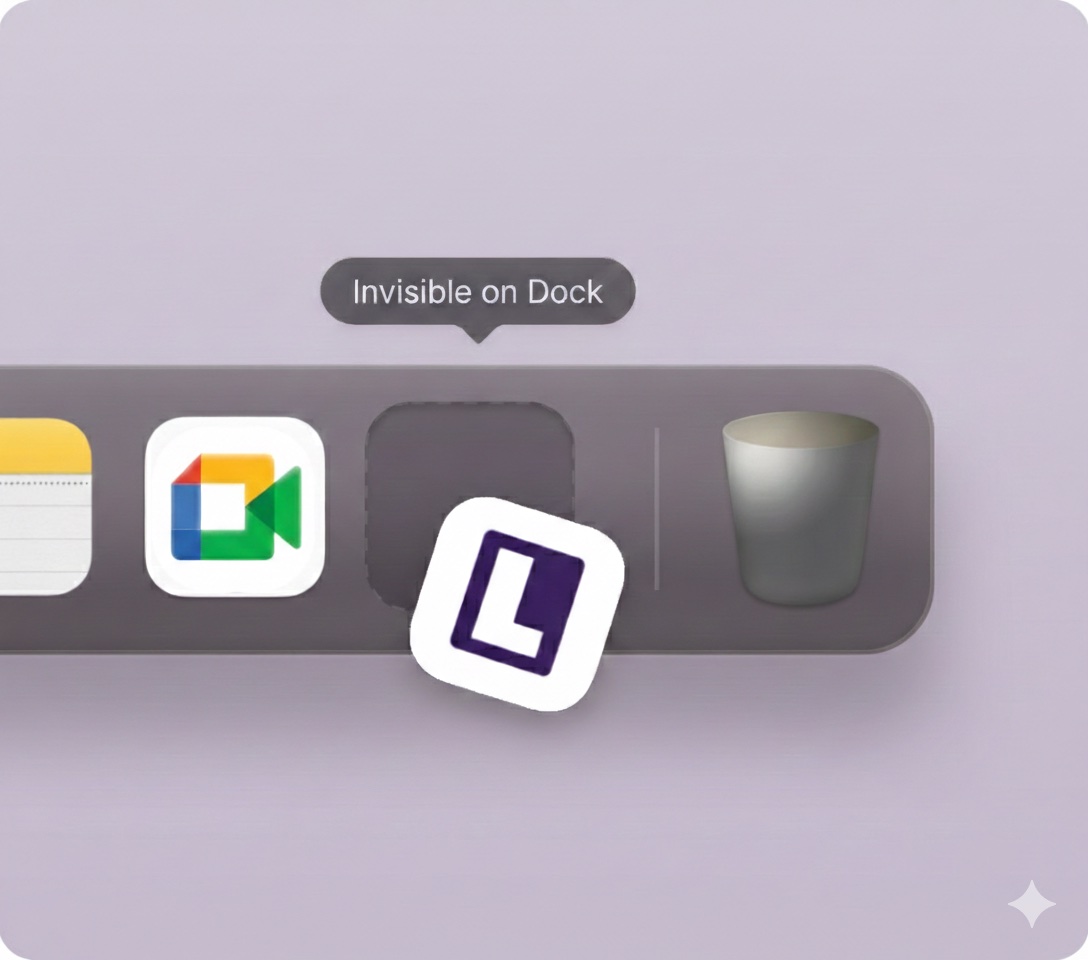
It needs two devices to access real-time answers, which isn't ideal for job seekers like me who want to use interview assistance without anyone knowing.
So, after checking out a bunch of articles (like Best Free AI Interview Assistants, Beyz AI Alternatives, and Best AI Models for Interview Assistance), I put together a list of the best Interview Hammer alternatives and ultimately went with the one that works best for me: Linkjob AI, and wrote another passage about the Interview Hammer review. This article will walk you through the whole process of how I found this best alternative to Interview Hammer.

Identify My Interview Needs
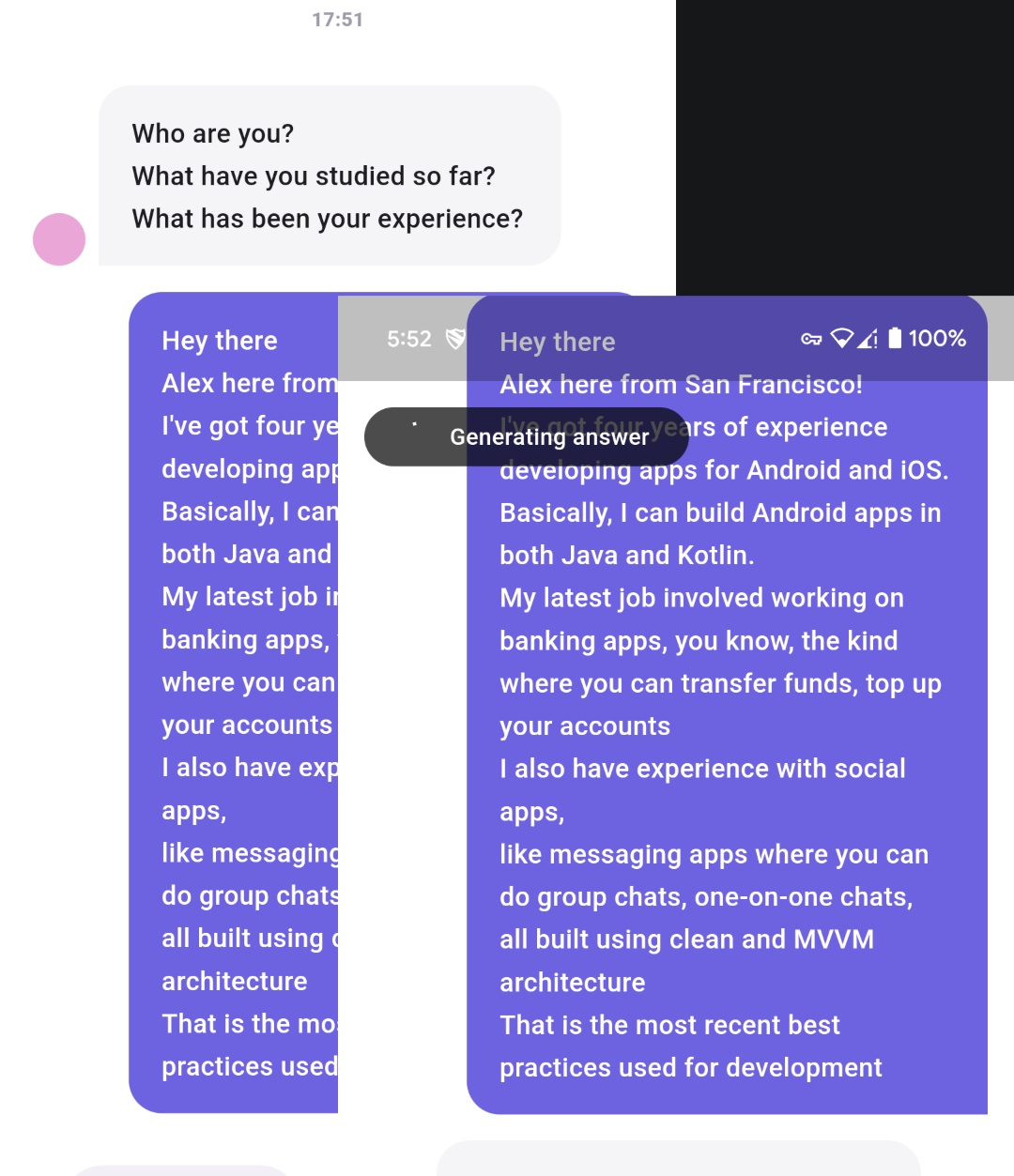
I decided to clear up what I was looking for in an interview preparation platform before comparing different tools. Once I had a good handle on my goals, choosing the right alternative to Interview Hammer was a breeze. Here's how I see it:
Job Type I Applied For
In short, if you're looking for an AI interview assistant (no matter how advanced it is) to help you with interviews, you need to really understand the job you're applying for and how your resume fits with the job description.
Take a close look at the job description and the required skills.
Look into the company's strategy and recent developments.
Make sure you have some in-depth questions ready for the interviewer.
Pick tools that let you add job description details and upload your resume to personalize the interview.
Industry Features I Wished
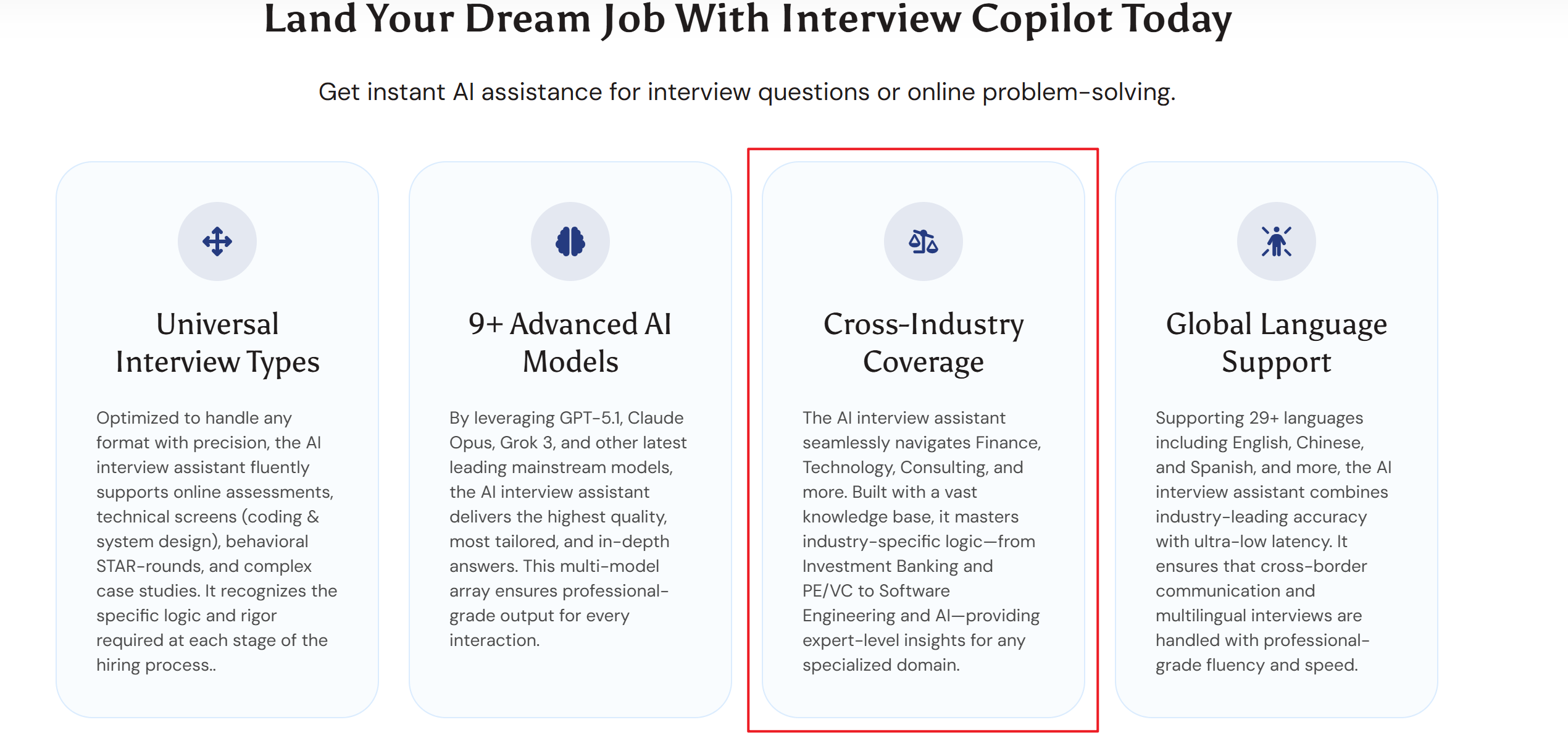
Every industry has its unique style and expectations, and it's essential to understand these to succeed. In the past, I might've zeroed in on a certain field and picked tools tailored to that specific area. But nowadays, the job market doesn't really give me that option. So, I'm preparing myself for roles across different fields (while, of course, paying close attention to compensation and mandatory requirements):
Healthcare: Get to grips with biological concepts, relevant regulations, and recent case studies in healthcare. This is also an essential skill for anyone entering the field who isn't a medical professional.
Finance: You'll learn core banking skills and understand industry trends, and you'll do your best to project the profile companies prefer (different companies have different preferences for candidates—you can find this out by checking Reddit).
Technology: Stay in the know about the latest tech and industry trends, and be ready to answer questions about what's new.
Technical vs. Non-Technical
I always match my prep to the type of role. Here’s a quick look at how I approach different interview types:
Role Type | Preparation Focus | Example Skills Needed |
|---|---|---|
Technical Roles | Problem-solving, system design, and debugging tasks | Debugging prompts, system design |
Business Roles | Strategy, product sense, behavioral questions | Prioritization, product thinking |
Creative Roles | Storytelling, portfolio explanations | Portfolio walkthrough practice |
Sales Roles | Conversational flow, objection handling, and pitching | Objection handling, pitch rehearsals |
When I know what I need, I can pick the Interview Hammer alternative that best fits my goals.
Best Interview Hammer Alternatives For 2026
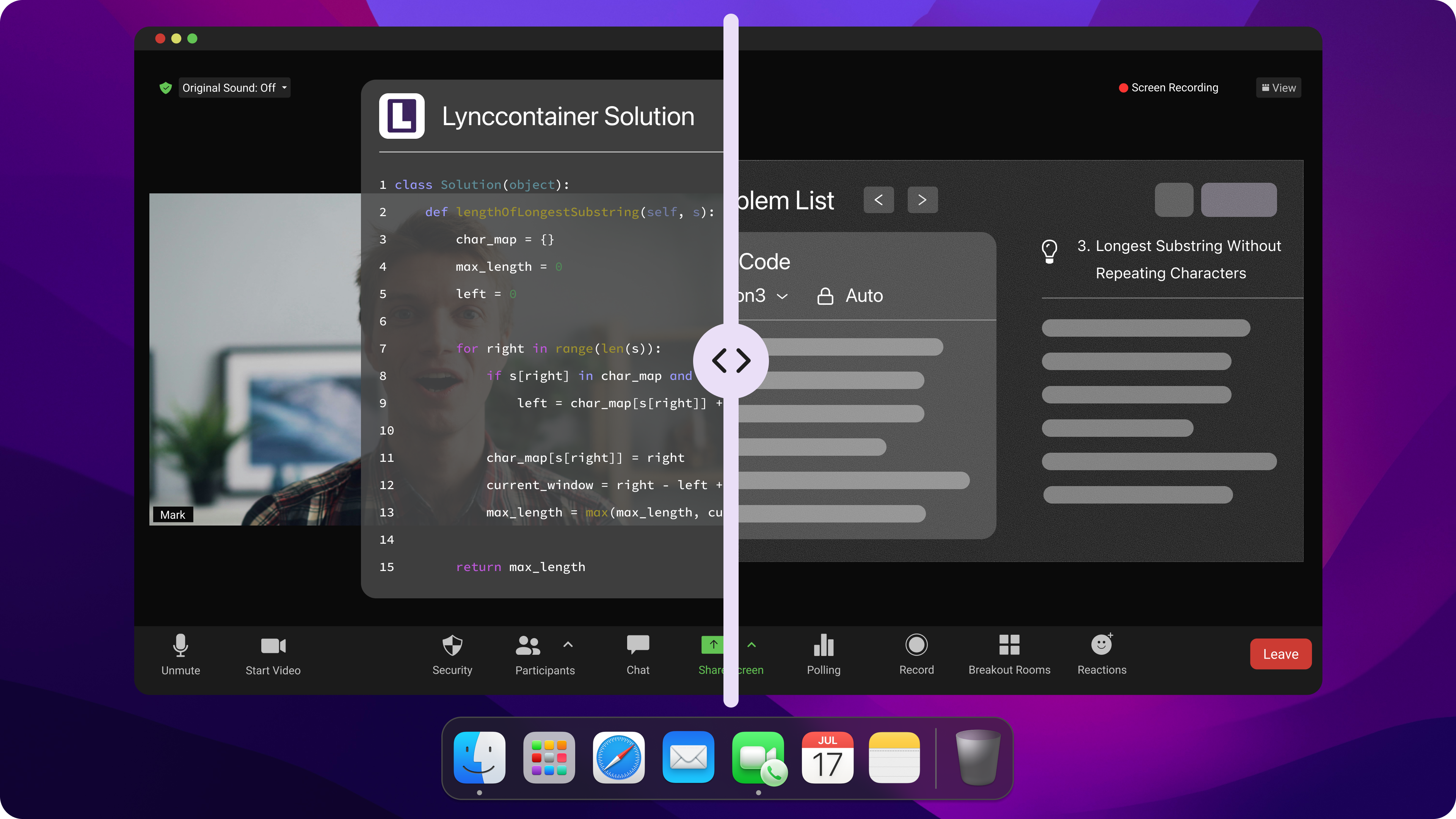
When I started looking for an alternative to Interview Hammer, I found there were just too many options to choose from. Each tool has its pros and cons. I'd like to share what I've learned about the best options for 2026 so you can pick the one that best suits your needs. Here's the list. You can jump to the section you need:
Beyz AI
LockedIn AI & Sensei AI
AIApply
Cluely, Finalround AI, and Linkjob AI (best Options)
Beyz AI: Need Real Consideration Before Purchasing
Beyz AI is popular among job seekers because it's easy to set up, the interface is user-friendly, and the real-time transcription is fast. The mock interview feature helps users build confidence before the actual interview.
But when I was dealing with more complex interview scenarios, I ran into some limitations. The responses were usually clear and concise, but sometimes they felt a bit too formulaic for senior or highly technical roles. I've outlined my observations below:
Beyz AI Pros
It's a breeze to get started — setup takes less than 5 minutes.
The interface is easy to use and a good fit for beginners.
Real-time speech transcription is fast and highly accurate.
It's got mock interview and behavioral interview practice features.
It's great for uploading your resume and getting personalized responses.
It's got a Coding Assistant, which is included in some of the paid plans.
It supports multilingual scenarios.
Beyz AI Cons
Answers to questions for senior-level positions tend to be too general and lack depth.
They have a hard time with complex technical questions.
Performance in bilingual scenarios can be a bit all over the place, and there's a chance you might see some language mixing.
Some users have reported delays, lag, or blank screen issues.
The monthly plan doesn't have a lot of features, and many of the main functions require a higher-tier subscription.
The company hasn't said which large language model they're using.
Answers sometimes lack the professionalism needed for technical interviews and interviews for senior positions.
LockedIn AI & Sensei AI: Maybe Better For Prep Rather Than Real-Time Interview Hammer Alternative
LockedIn AI and Sensei AI are both AI tools that make interview preparation smarter by using artificial intelligence technology to help with the prep. But, since they're both web-based AI interview assistants, they can be detected by the active tabs check feature and exposed when you try to go full screen. So, I really don't recommend using them during actual interviews. Here's a quick summary:
LockedIn AI: Real-time feedback, coding help, resume analysis, interview transcripts, video streaming, 42+ languages.
Sensei AI: Live guidance, AI story builder, personalized responses, integrates with Zoom/Google Meet, 30+ languages.
I recommend these tools if you want an interview hammer alternative that adapts to your needs and gives you instant feedback.
AIApply & Real-Time Feedback
AIApply gives me a unique way to practice interviews. The platform feels like a real interview. I get personalized feedback on my answers, body language, and stress management. The AI points out where I need to improve and suggests coaching tips. This focused practice helps me communicate better and feel more confident. I notice a big difference in my performance after using AIApply.
If you want an interview hammer alternative that offers real-time feedback and custom coaching, AIApply is a strong choice.
Best Interview Hammer Alternatives Comparison: Cluely, Finalround AI, and Linkjob AI
I tried Cluely, Finalround AI, and Linkjob AI to see how they compare. Each tool has its own focus and features.
Feature | Cluely | Final round AI | Linkjob AI |
|---|---|---|---|
Primary Function | Meeting assistant with a real-time interview tool | Interview preparation tool | AI interview assistant for tech and finance sectors |
User Experience | Confusing messaging on undetectability | Adjustable verbosity and output format | Fast response times, low latency |
Real-time Interview Support | Yes, but with limitations (sometimes crushes) | NO | Yes, with tone assessment |
AI Mock Interviews | Limited | No | Engages in real-time conversation |
Coding Interview Capability | Limited | Not so advanced | Advanced coding interview features |
Supported Platforms | Major meeting platforms | Major meeting platforms | All meeting platforms, and most of the OA platforms, including Codesignal & Hackerrank |
Language Support | 12 languages | N/A | 29+ languages |
Cluely is great for meetings and basic interview support, but in my testing, it was sometimes detected (i.e., it appeared on the screen-sharing view). Final Round AI, on the other hand, focuses on mock interviews and performance tracking. Linkjob AI is great for technical and finance interviews, especially because of its coding features and fast response times.
After testing out a bunch of apps, I decided to go with Linkjob AI as an alternative to Interview Hammer. It's pretty affordable, the customer support is quick, and it's got a bunch of features.
Key Features To Compare Best Interview Hammer Alternatives
When I compare tools for interview prep, I always look at a few key features. These make a big difference in how well a platform works for me. Here’s what I check before picking any interview hammer alternative.
Question Database
A strong question database helps me practice for all kinds of interviews. I want a tool that covers both technical and behavioral questions. Some platforms offer role-specific tracks, so I can focus on the skills that matter most for my job search. I also like it when the database updates with new trends and interview styles.
AI Capabilities
AI features can turn a basic tool into a smart coach. I look for platforms that offer natural conversation flow, real-time feedback, and adaptive difficulty. These features help me practice like it’s a real interview. Here’s a quick look at some top AI capabilities:
AI Capability | What It Does |
|---|---|
Real-time insights | Gives instant feedback on my answers |
Adaptive difficulty | Adjusts questions based on my performance |
Multi-device compatibility | Let me practice on my phone or laptop |
Scoring and analytics | Tracks my progress over time |
Customization
I want to tailor my prep to my needs. Some tools let me personalize mock interviews, build resumes, or generate cover letters. Others offer deep personalization with features like an AI Interview Copilot™ or coding support. I always check if the tool supports the type of interview I expect.
User Experience
A smooth user experience keeps me coming back. I read reviews to see what other users think. For example, InterviewMan gets a 4.8 rating from over 250 users, while Interview Hammer sits at 4.1. I pay attention to how easy it is to use the platform and how helpful the support team is.
Integration
Integration matters if I use other job search tools. Some platforms connect with Zoom, Google Meet, or even applicant tracking systems. Willo, for example, offers broad integration through Zapier and an open API. HireVue connects deeply with major ATS platforms.
Tip: I always make a checklist of these features before I choose my interview hammer alternative. This helps me find the best fit for my goals.
How To Choose The Right Interview Hammer Alternative
Shortlist Tools
I always start by making a shortlist. I look at my interview needs and pick three to five tools that match my goals. I check which platforms offer the features I want, like coding support or real-time feedback. I also consider my budget and the types of roles I am targeting. This step saves me time and keeps me focused.
Test With Free Trials
I never skip free trials. These let me try out each tool without spending money. Here’s what I notice when I use free trials:
I can practice interview scenarios anytime, which helps me fit prep into my schedule.
The tools give instant feedback on my answers, so I see where I need to improve.
Free versions let me test the platform’s effectiveness before I commit to a paid plan.
I practice as much as I want, which builds my confidence.
The AI checks my responses for clarity and tone, giving me detailed feedback.
I repeat practice sessions to get ready for tough interviews.
Tip: Use free trials to compare how each tool feels. Pick the one that makes you feel most prepared.
Evaluate Support
Good support makes a big difference. I check if the tool offers live chat, email help, or a knowledge base. Fast and helpful support means I can solve problems quickly. I also look for active communities or forums where users share tips.
User Feedback
I always read user reviews before I decide. Feedback from other job seekers helps me spot strengths and weaknesses. I look for comments about product updates, bug fixes, and customer satisfaction. Here’s what user feedback can do:
Benefit | Description |
|---|---|
Improved Product Features | Tools update features based on what users need. |
Bug Detection | Users help spot bugs before they become big issues. |
Measure Customer Satisfaction | Reviews show how happy people are with the tool and how it compares to others. |
Note: User feedback often reveals things I might miss during a trial. I trust real experiences from people like me.
By following these steps, I always find the interview hammer alternative that fits my style and helps me succeed.
Common Mistakes To Avoid
When I started looking for the right interview hammer alternative, I made a few mistakes. I want to help you avoid the same problems. Here are the most common pitfalls I see.
Overlooking Features
Sometimes, I get excited about a new tool and forget to check all its features. I end up missing out on important things like real-time feedback or coding support. I always remind myself to look at the full feature list. If I skip this step, I might pick a tool that does not fit my needs. I suggest making a checklist of must-have features before you decide.
Tip: Write down your top three needs. Compare each tool against your list. This helps you stay focused.
Ignoring Feedback
I used to ignore user reviews. I thought my experience would be different. That was a mistake. When I skip feedback, I miss out on learning about hidden flaws or bugs. I have seen people choose tools that look great but have big problems. Ignoring feedback can lead to:
Missing flaws in the interview process
Making poor hiring decisions
Struggling to attract qualified candidates because of bad interview methods
Now, I always read what other users say. Their stories help me spot red flags early.
Focusing Only On Price
I love saving money, but I learned that the cheapest tool is not always the best. Some low-cost options lack key features or good support. I try to balance price with value. I look for tools that give me the most useful features for my budget. Sometimes, paying a little more saves me time and stress later.
Neglecting Integration
I once picked a tool that did not work with my favorite video platform. It slowed down my prep and made things harder. Now, I always check if a tool integrates with Zoom, Google Meet, or my coding platforms. Good integration makes my workflow smoother and saves me headaches.
Remember: The right tool should fit into your routine, not make things harder.
FAQ
How do I know which interview tool is best for my job search?
First, I made a list of the essential features, and then I matched those features with the tools I'd looked into. I tried the free trials of all the tools on the list. This was so I could figure out which platform was best for my interviewing style and if its features met my needs.
Can I use more than one interview prep tool?
I did this when using certain biased tools, but I stopped after switching to Linkjob AI. It helps me solve technical problems and lets me tailor the answers to practical applications by specifying prompts in advance, so I didn't renew my subscriptions to other tools (like Leetcode Wizard).
What if I have a tight budget?
I'll check out free trials and basic plans. A lot of tools have enough features to help you practice without having to pay. I'll also keep an eye out for discounts on different software programs and subscribe to the one that has the features I need when I need them.
Do these tools work for remote interviews?
Most tools support remote interviews—they're even designed for that. I made sure they're compatible with video conferencing platforms like Zoom or Google Meet. If a tool works on a bunch of different devices, I've also tested it on both a laptop and a smartphone to ensure it works right on any device.
See Also
Interview Hammer Review: Instant AI Interview Copilot Tested
My Verdict: Is Linkjob AI the Best InterviewMan Alternative?
Best Shadecoder Alternative & Why I Choose It
Why I Prefer Linkjob AI Over InterviewBee Alternatives
I Tested 6 Best Tech Interview AI Assistants&How They Worked
Why People Choose Linkjob AI
Smoother interviews, coding challenges cleared, and job offers landed. See how users describe their experience with Linkjob AI—in their own words.


© Copyright 2026 Linkjob AI - All Rights Reserved.